
PRIX STUDIO / STRATEGY, DESIGN & TECHNOLOGY
Personal Website and Portfolio Templates
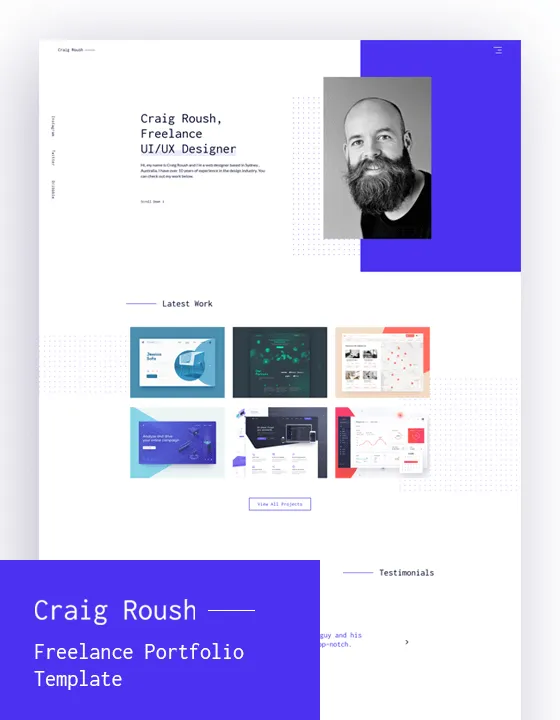
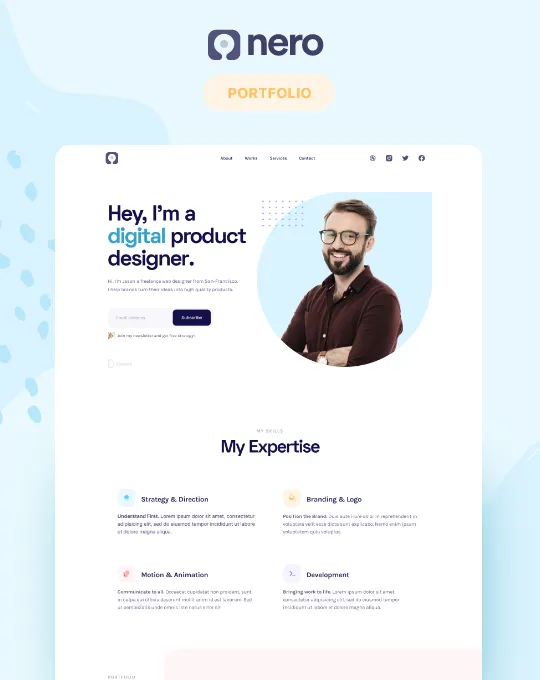
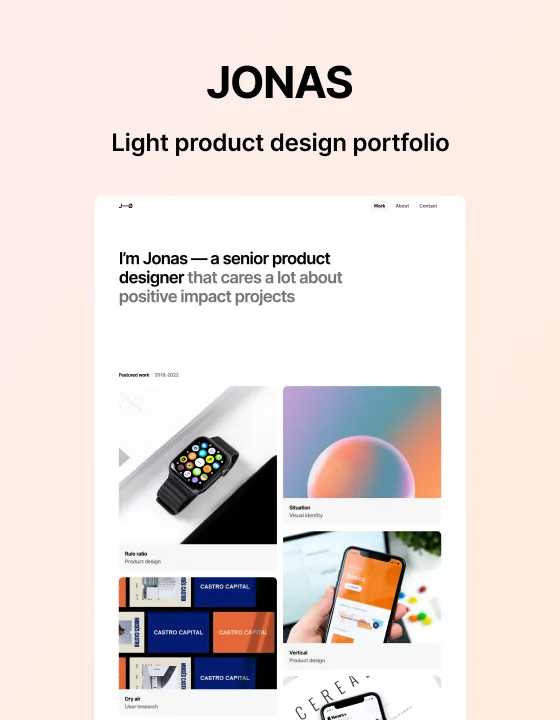
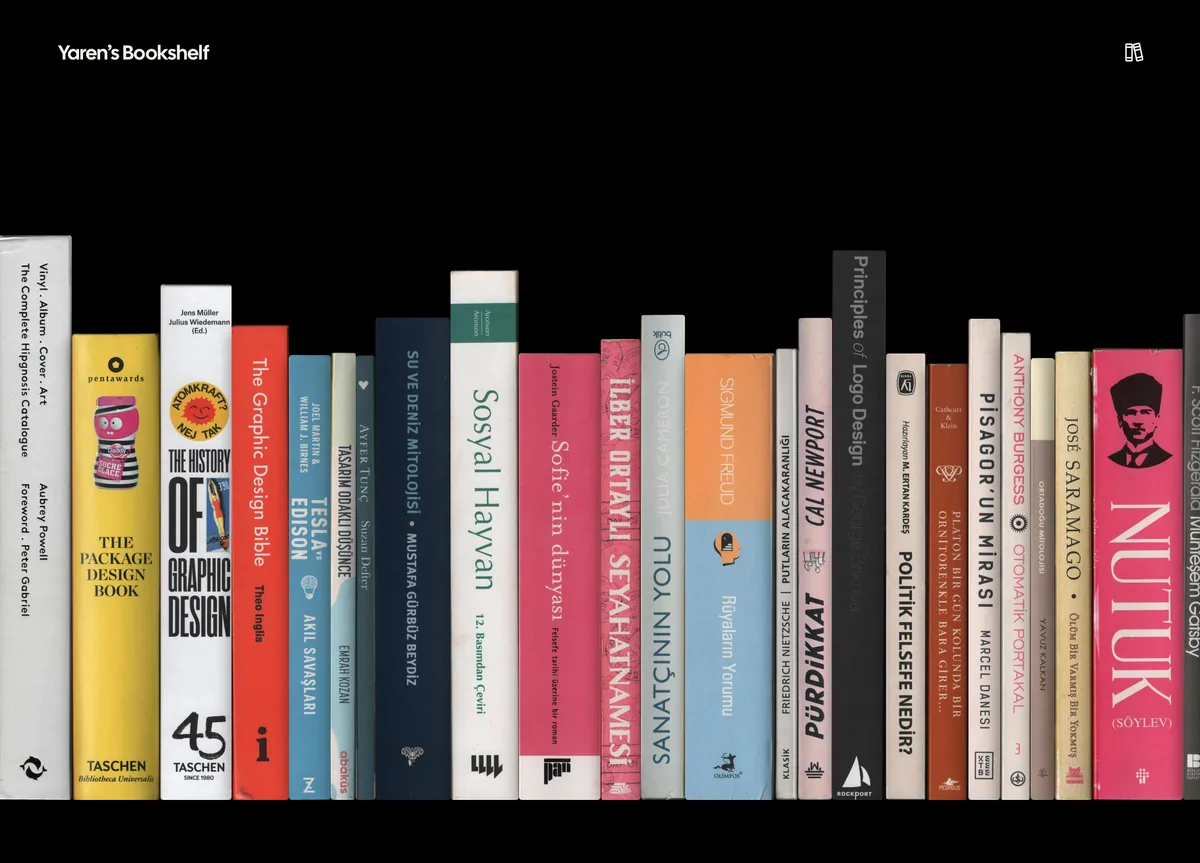
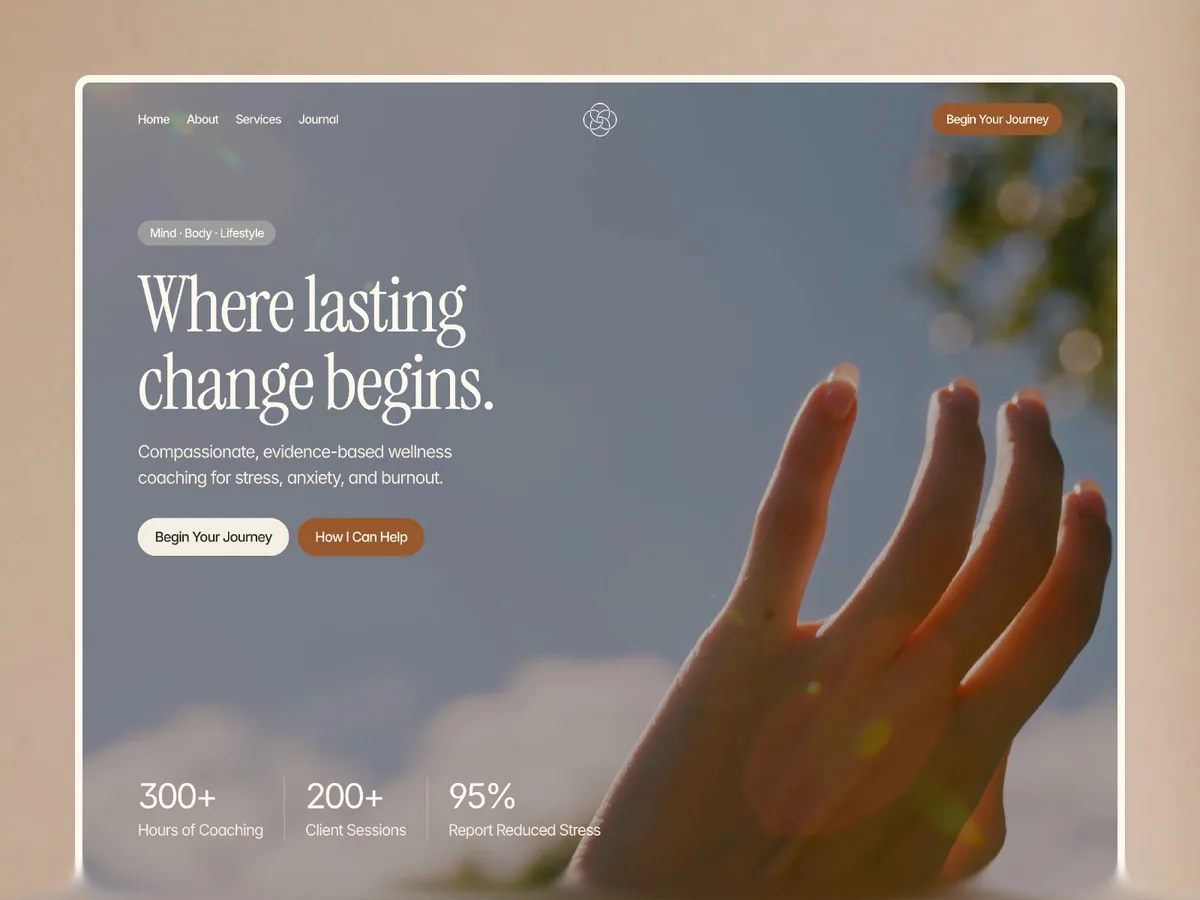
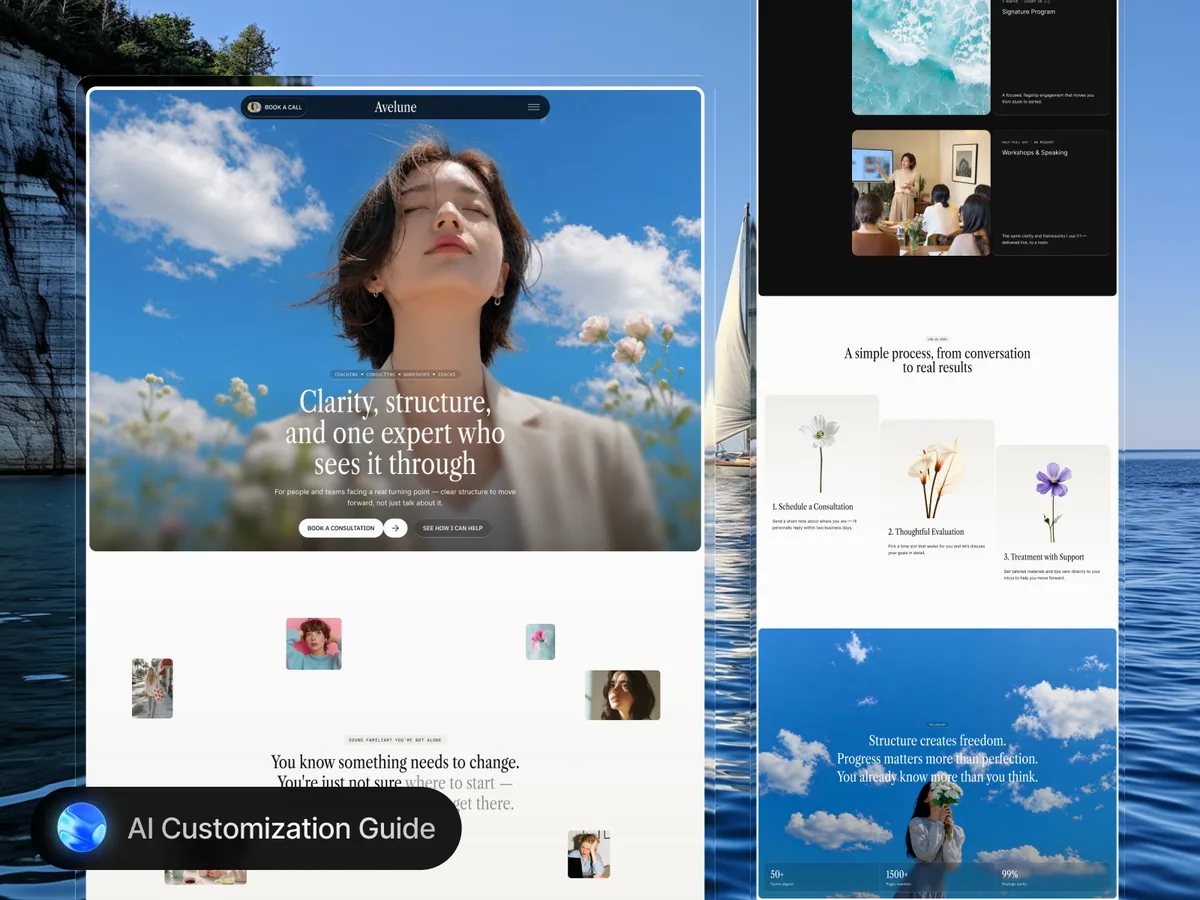
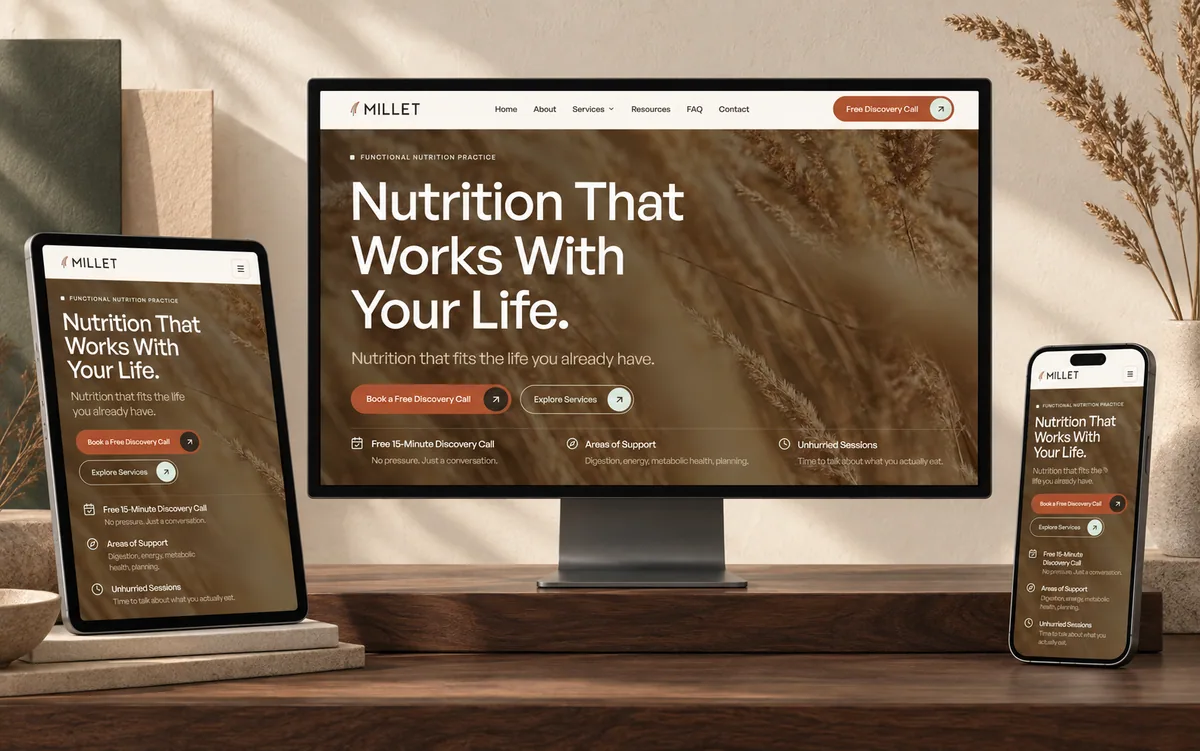
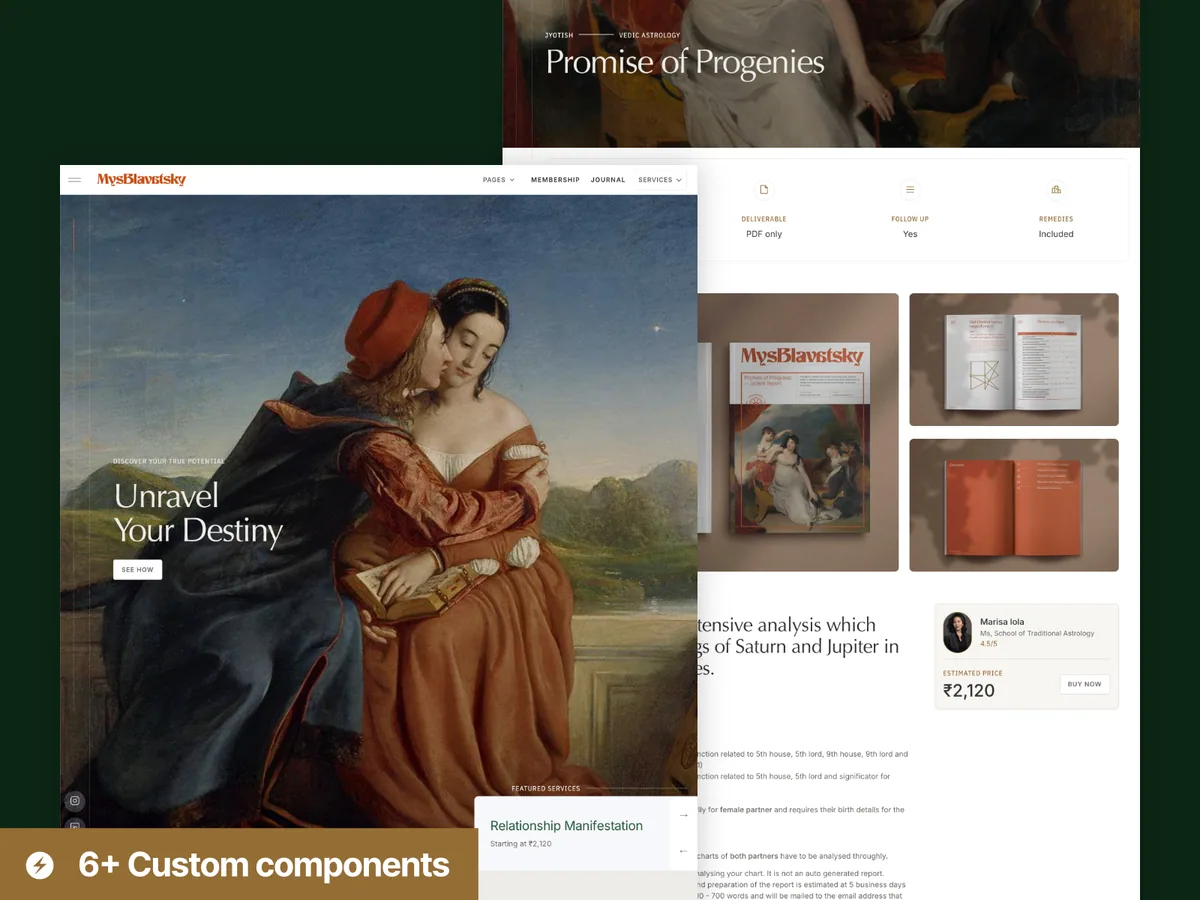
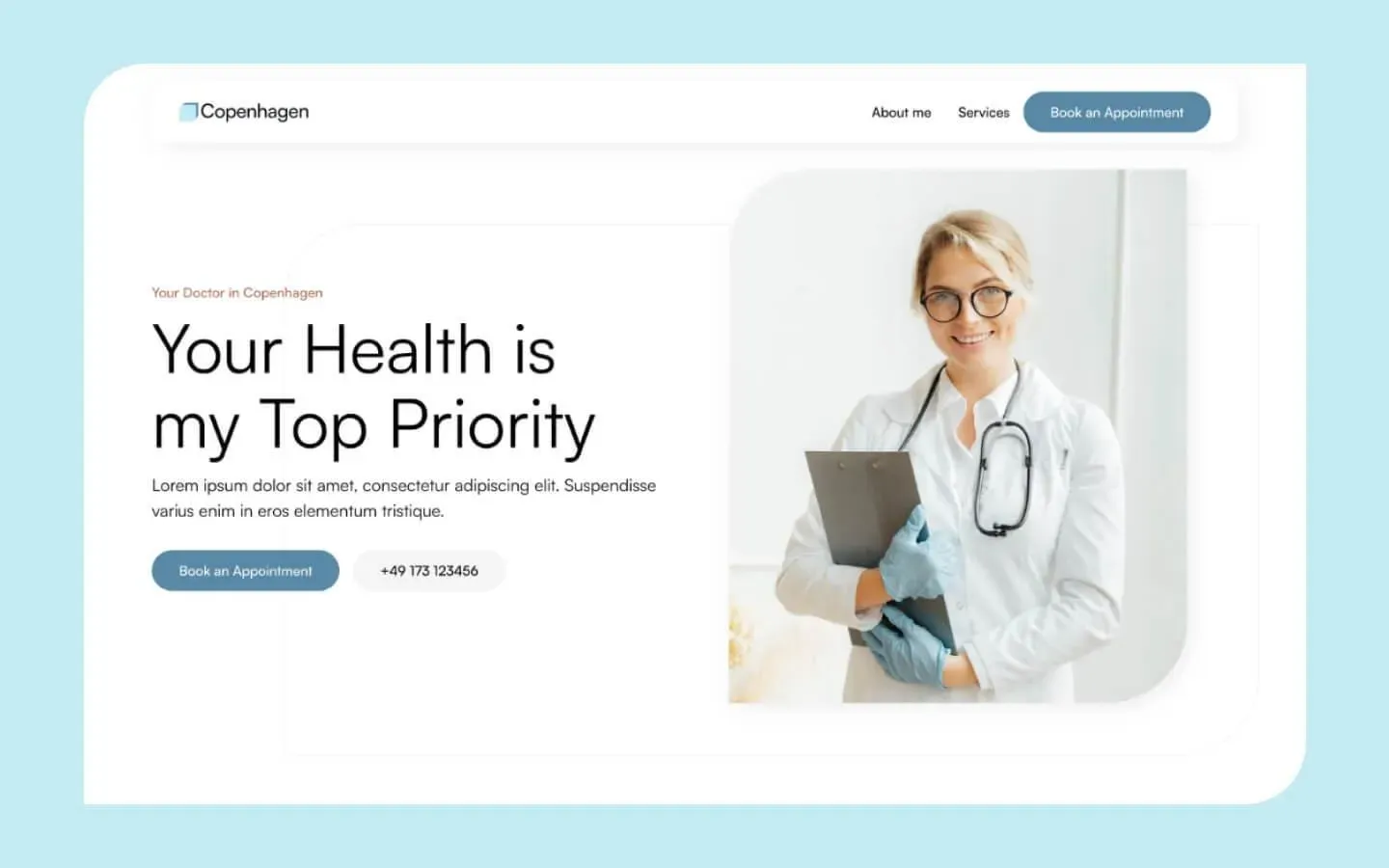
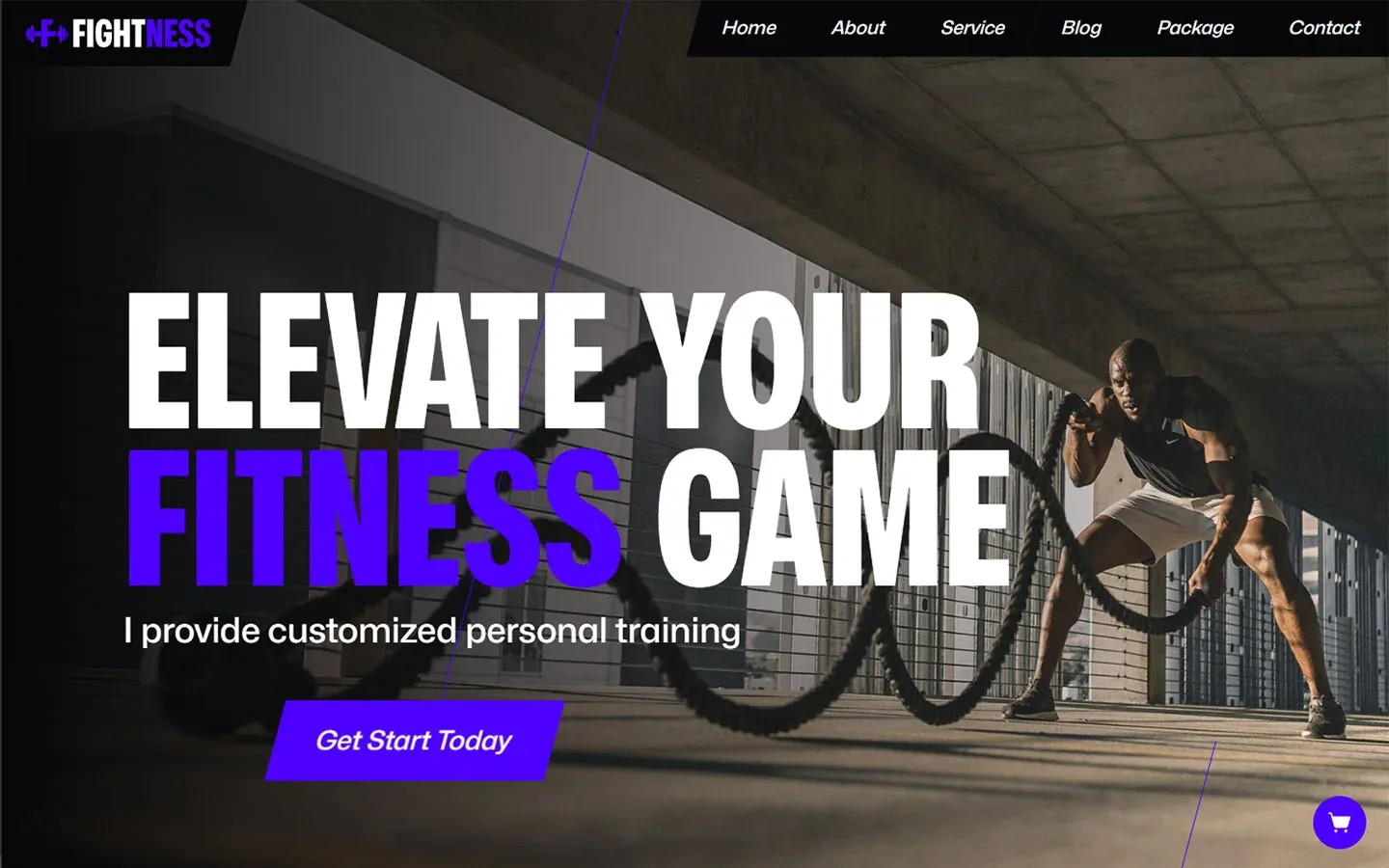
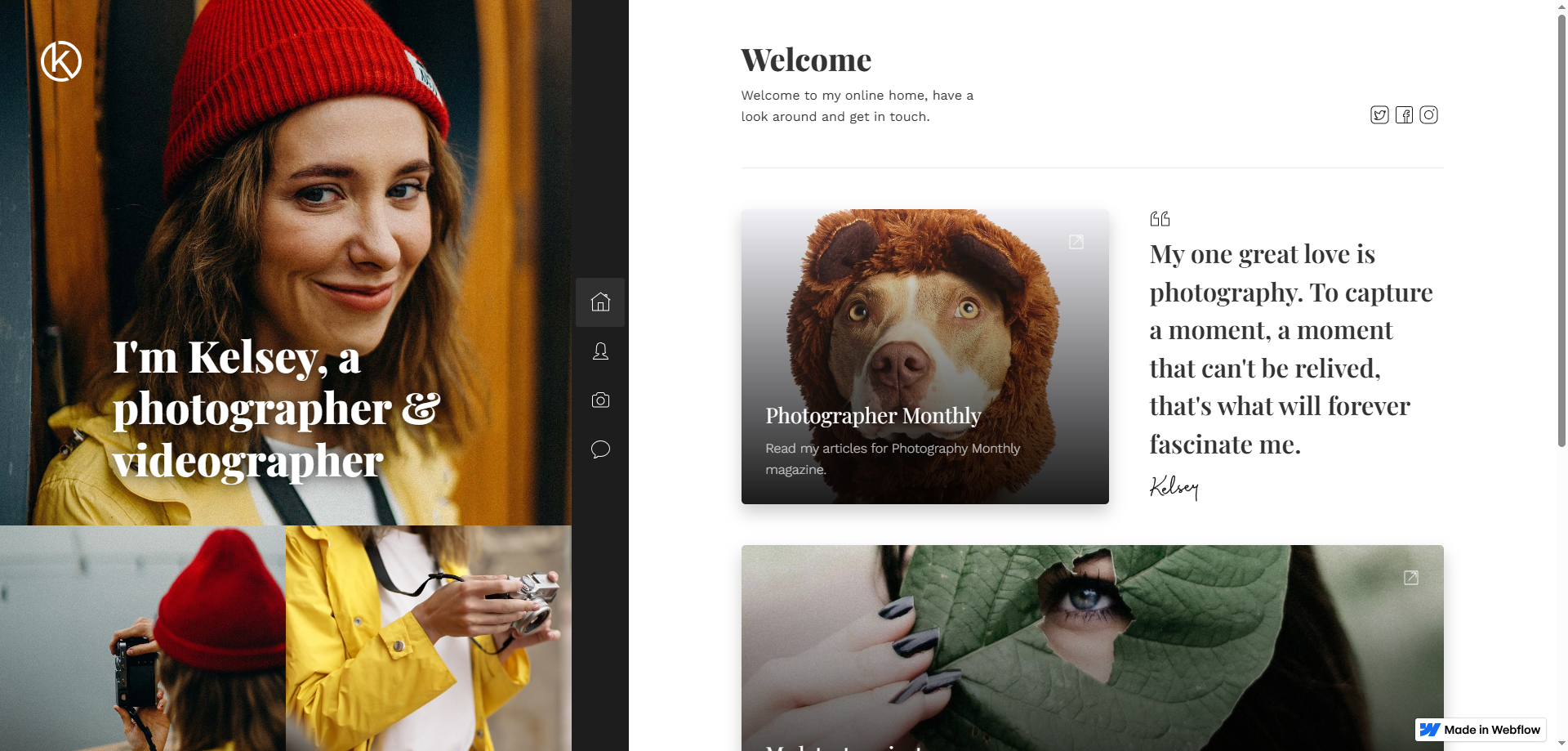
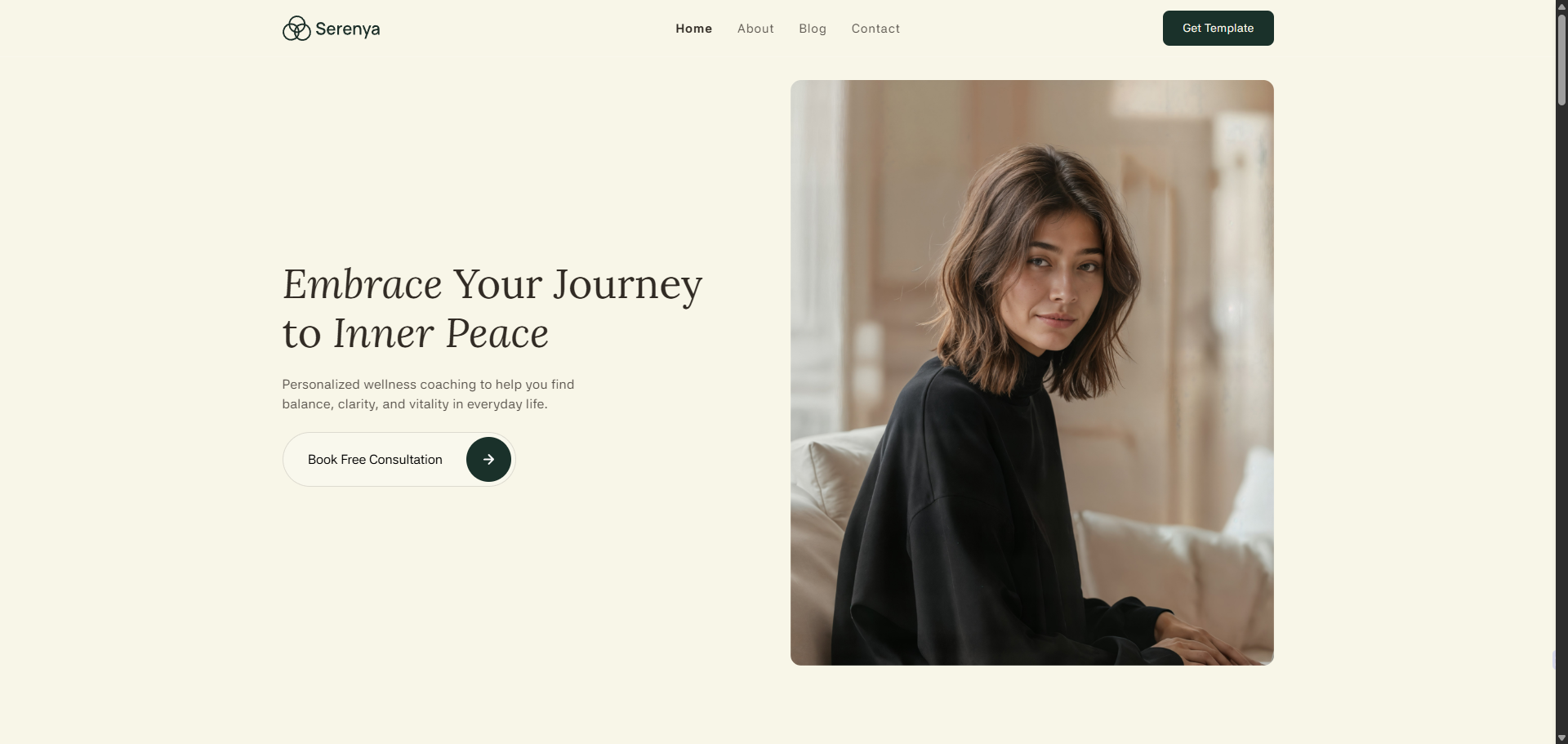
A personal website template organises your biography, work and contact path into a starting design. A designer, developer, photographer and consultant do not need identical arrangements. Use this selection to assess whether the layout accommodates the work you want to explain, rather than choosing only colours and motion. Preview cards show provider designs; your project content, permission to publish it and the relevant template licence remain separate requirements to confirm before implementation.
Explore theme design references
Provider licences and current terms apply. Previews are design captures; live transactions are disabled. Review website setup.

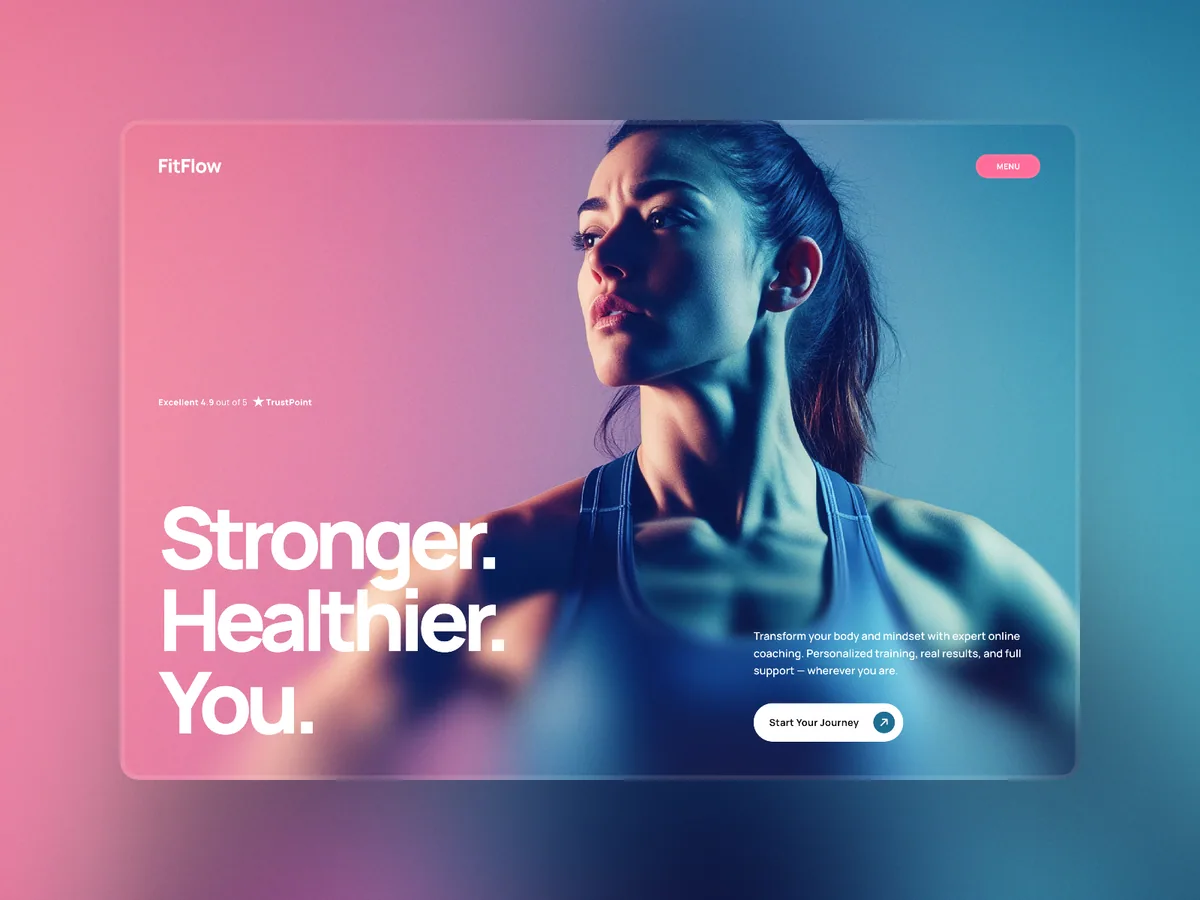
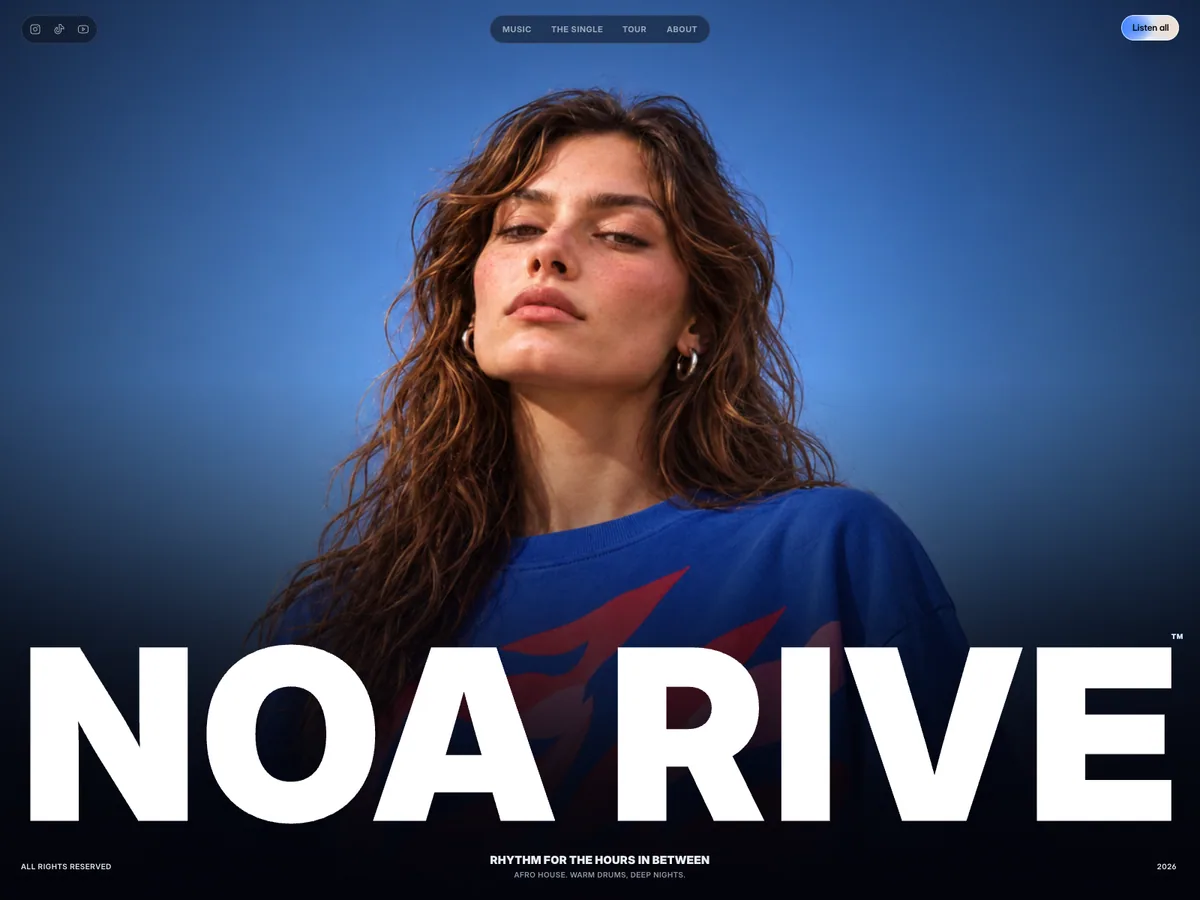
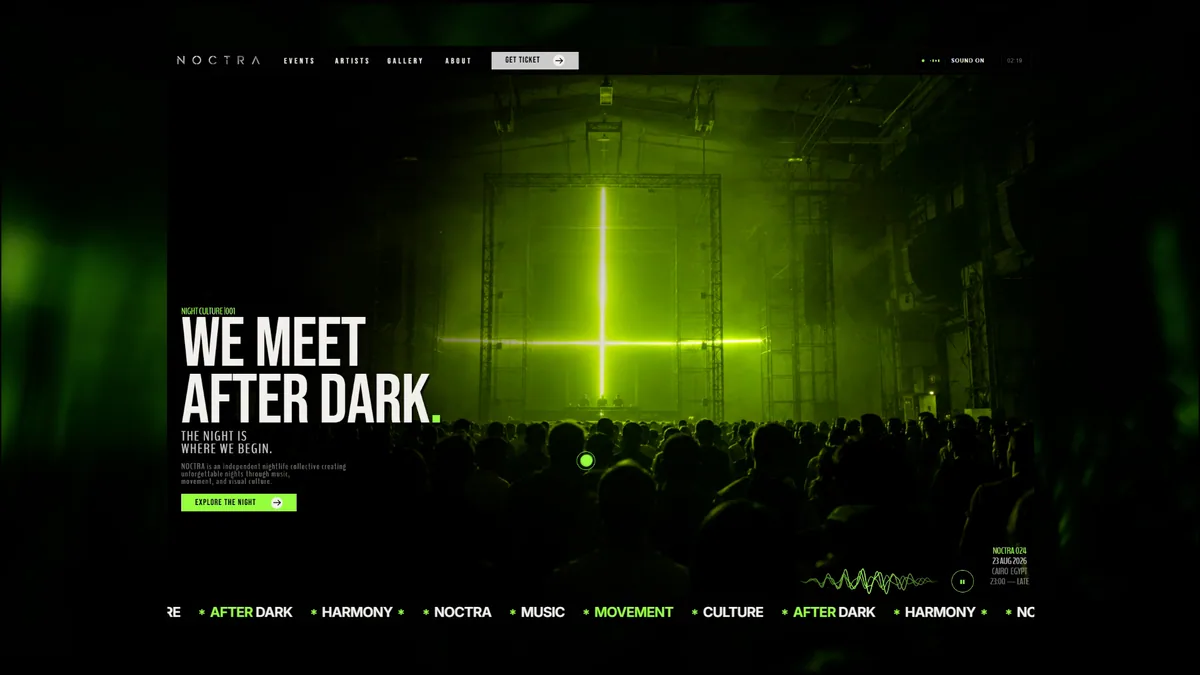
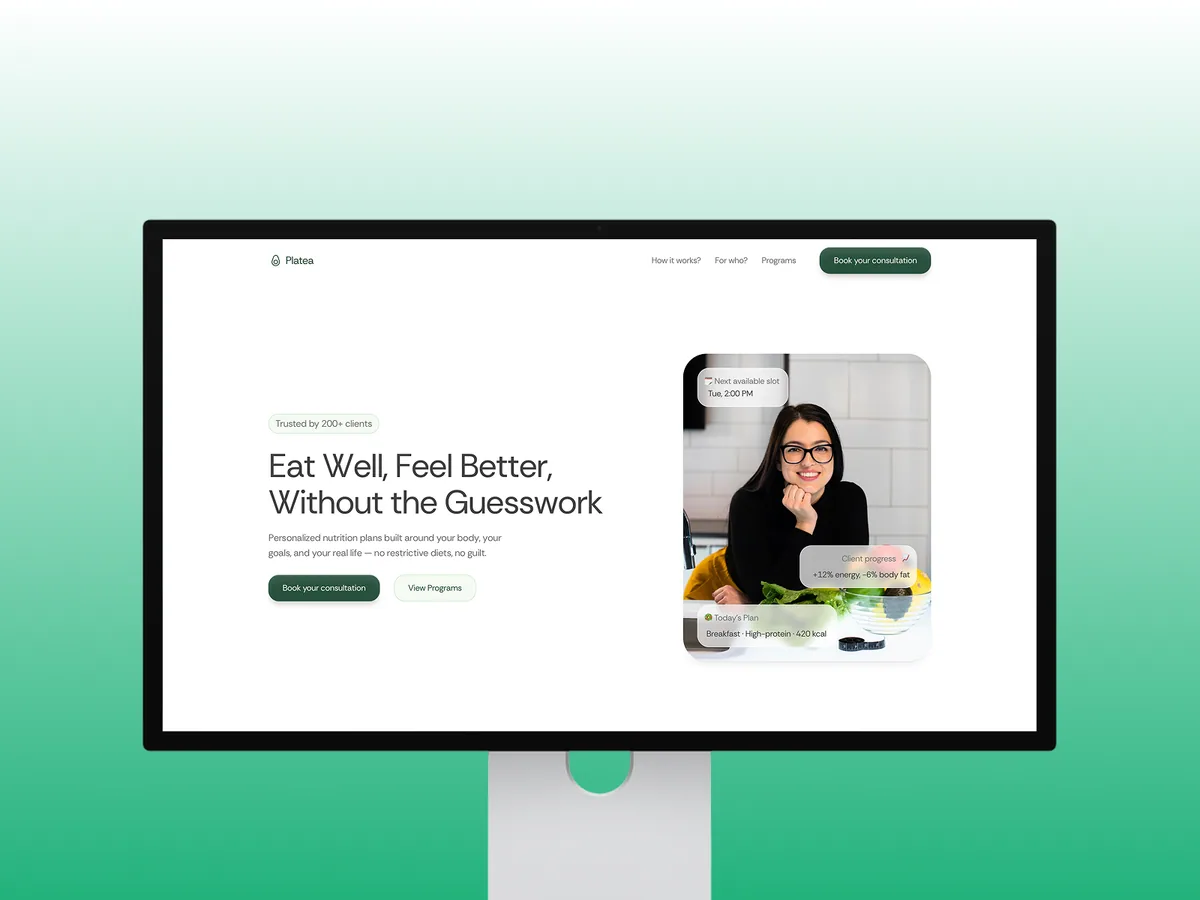









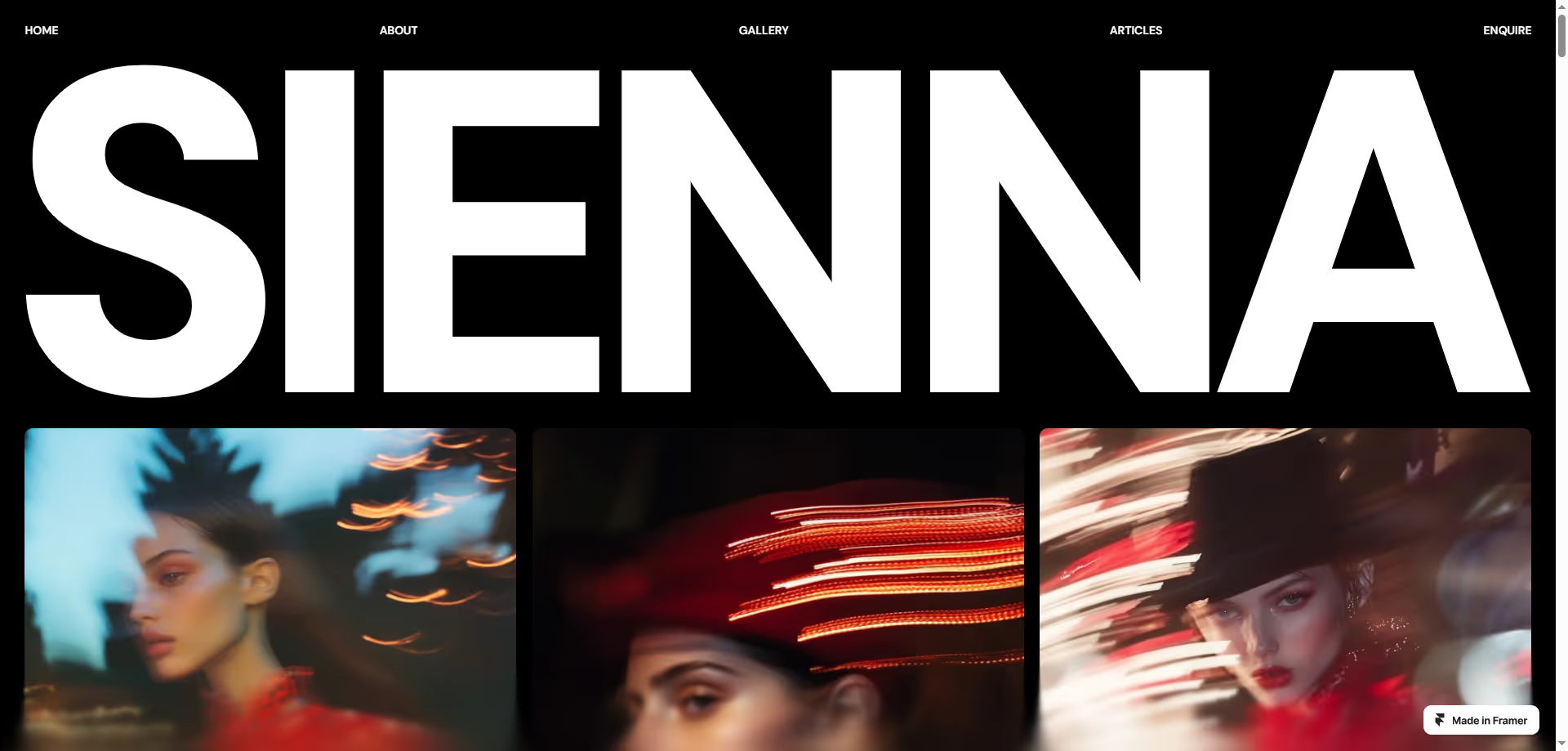


No designs match these filters. Try another category or reset the selection.
01
What should the first screen of a personal template explain?
The website theme catalogue provides the broader selection context. For a personal site, ask whether a visitor can understand who you are, what you do and which work to inspect. A large name can create an impression, but an abstract slogan that hides your specialty can slow a potential conversation. A job-search site may emphasise experience and role, a service site may foreground scope, and an artistic portfolio may prioritise selected work. Judge the opening against that specific purpose.
The first screen does not need your complete life story. A main message, credible evidence and a suitable next action can establish a useful starting point. Compare the space for biography, work and introduction with your real copy. A two-word demo heading can become four lines when your own explanation is inserted. Typography and spacing need to tolerate that change. If the intended reader is outside your profession, check whether the language explains your contribution without requiring specialist knowledge or familiarity with the project already shown.
02
How should project cards and case details work?
A ready-made personal website develops the project material into implementation scope. During template selection, inspect both the work list and the individual project layout. A visual grid introduces work; a detail page explains the problem, your role, process and delivery. In team projects, avoid presenting the entire result as your individual contribution. A title and a concise role description help a visitor interpret a screenshot instead of guessing whether it represents research, visual design, development or another type of work.
Decide whether you will publish a few substantial projects or many shorter examples. A photographer may need series navigation, a developer may explain functionality and responsibility, and a consultant may prioritise scope and problem definition. Those differences make profession labels an incomplete selection method. A layout from another category might provide suitable detail areas. Separate work that cannot be published. If you anonymise an example, explain its nature accurately. Having an image of a project does not automatically establish permission to publish the client's material or confidential information.
Work card
Title, role and a short explanation help visitors choose the project relevant to their question.
Detail structure
Areas for problem, contribution and delivery turn a collection of images into assessable work.
Approved material
Publication rights and the boundaries of your contribution belong in the content decision, not after the layout is selected.
FROM READING TO A NEXT STEP
Adapt the selected design to your project
Share the design and your content needs. We can separate licensing from implementation and define a delivery plan.
03
How should images, video and animation be balanced?
The general theme guide covers selection basics, while media density deserves special attention in a portfolio. Large images can explain work but should not obscure text or navigation. Inspect cropping, initial loading and the arrangement on a phone. Long videos can use visitor-controlled playback rather than automatic starts. If motion delays finding a project or reading its context, consider that cost alongside its visual effect. Movement is a presentation choice, not evidence of a stronger professional contribution.
Do not assume demo photography represents your work or that it can be reused. Testing your own images produces a more realistic decision about aspect ratios and quality. Captions and alternative text should explain the relevant material; repeating your profession in filenames alone is insufficient. Check reduced-motion preference and keyboard navigation as well. This collection does not certify every template's accessibility. Keep observed design behaviour separate from implementation checks still required, so a polished preview is not mistaken for a verified production experience with your actual content.
04
Should the personal site be one page or include project pages?
The ready-made site guide separates a design choice from delivery needs. A focused introduction with one principal action can work on a single page. Detailed projects, recurring writing or distinct services may need their own addresses. Choose between excessive fragmentation and one unwieldy page according to the visitor's reading path. Content quantity alone is not the best criterion. Ask what someone needs to inspect before contacting you and which material deserves enough space to explain the work accurately.
Review the editing workflow too. Can you add another project while preserving the arrangement? Who changes dates, client names or image order? Limited content management can make ordinary updates depend on implementation help. In a bilingual portfolio, project summaries and contact explanations need both languages as well. Prepare versions that express the same contribution naturally, rather than forcing identical word lengths into each layout. Template selection should support how you expect to maintain the portfolio, not only how the initial demonstration looks on launch day.
Choose publishable work
Identify the projects and contributions you are authorised and ready to explain.
Compare the structure
Test the first screen, work list and detail layout with a representative project.
Plan ordinary updates
Discuss how the next project and its language versions will be added before the design becomes fixed.
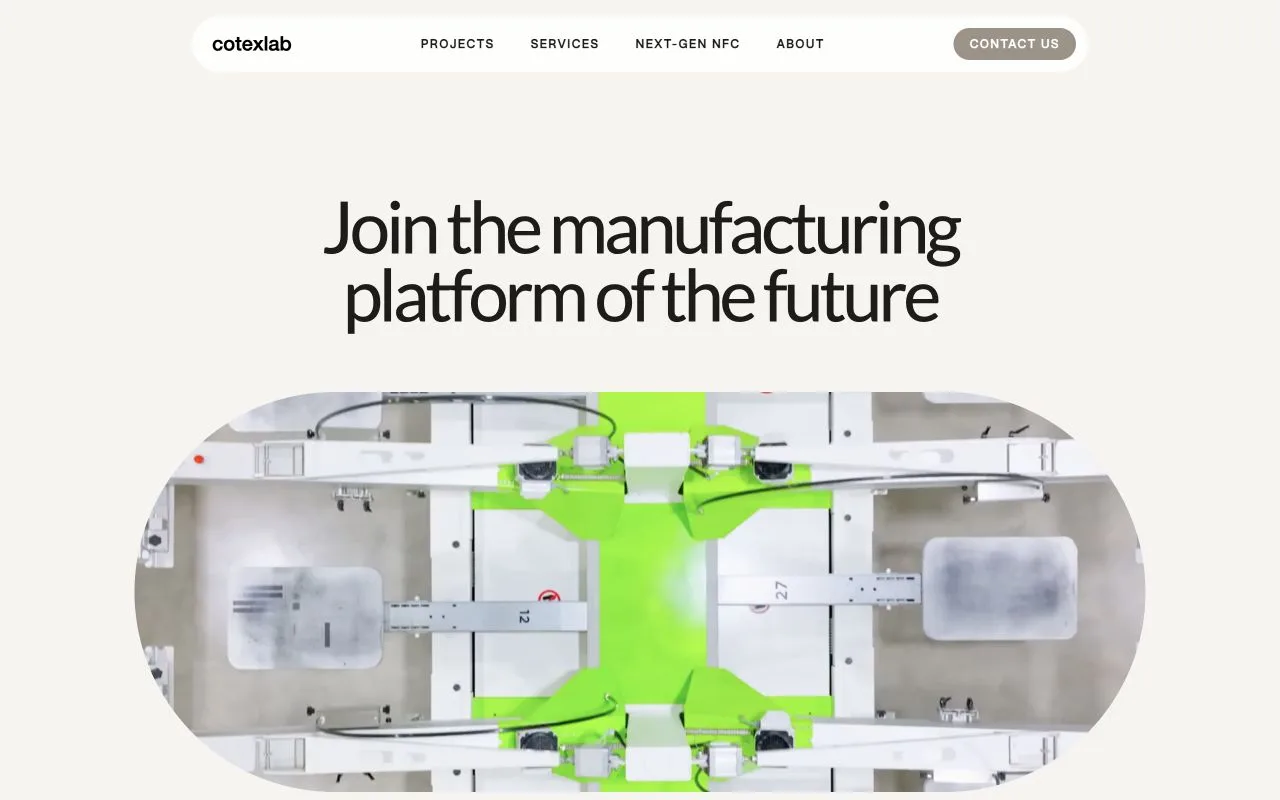
05
What should be confirmed after shortlisting a personal template?
Ready-made personal setup is the next stage when implementation help is needed. Identify the provider, required platform account and permitted uses. A free-looking product may still need hosting, a domain or another subscription. Demo fonts, photographs and videos may have separate conditions. Rules for multiple projects or client sites can differ from personal use. The preview does not replace those terms; current source documentation on the purchase date is the relevant basis for deciding whether the intended use is covered.
Bring the shortlisted design, selected work and intended reader to an implementation discussion. Biography and project information can first be mapped to the available areas. If a particular interaction is important, establish whether it exists in the product and what adaptation involves. Prix Studio can plan a structure around your material instead of simply copying an appearance. A useful starting design makes your contribution understandable and remains maintainable; the demonstration with the greatest amount of motion is not automatically the one that best serves those requirements.
BEFORE YOU DECIDE
Frequently asked questions
Is a personal site the same as a portfolio?
A personal site can focus on biography, services or writing, while a portfolio foregrounds work. They can coexist. Choose the template according to what the visitor needs to understand and what action you want to invite, rather than relying solely on a category label.
Can I begin with only a few projects?
A few clearly explained works can be more useful than many unexplained images. State your actual contribution and the context. Label personal experiments accurately when they are not client commissions; do not present demonstration projects as delivered customer work or imply permission you do not have.
Can I reuse the demonstration images?
That depends on provider conditions and each asset's licence. The design purchase may not include all demo photography. Prepare your own project images or material with confirmed rights. Appearing in a preview does not establish permission to republish an image on your site.
Does animation make a portfolio more professional?
Motion can help when it clarifies the work and preserves visitor control. It can also weaken the purpose when it delays reading or obstructs navigation. Check small-screen use and reduced-motion behaviour instead of treating an animated effect as evidence of professional quality.
Does this collection include setup?
This page supports template selection and design evaluation. Licensing and implementation are separate scopes. The personal setup guide explains content preparation, application and handover; a preview card should not be interpreted as a completed-project quotation or a promise of immediate publication.
LET’S DEFINE THE SCOPE
Adapt the selected design to your project
Share the design and your content needs. We can separate licensing from implementation and define a delivery plan.
Discuss the design