
PRIX STUDIO / STRATEGY, DESIGN & TECHNOLOGY
Ready-Made Personal Website and Portfolio Setup
A ready-made personal website service turns a chosen design into a usable site with your biography, work and contact needs. This page focuses on content preparation and delivery, rather than choosing the prettiest template. A job-search site, consultancy introduction and creative portfolio can require different scopes. Start from the previews if helpful, then plan licensing, approved material and implementation separately. The finished result should express your actual contribution and remain manageable after the initial publication.
Choose a starting design for setup
Select a design to discuss adaptation. Licensing, content, setup and testing are separate delivery items. Review theme selection.

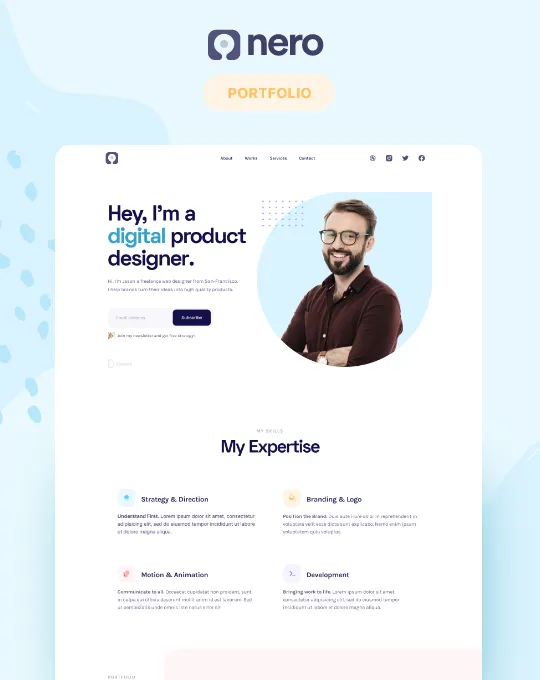
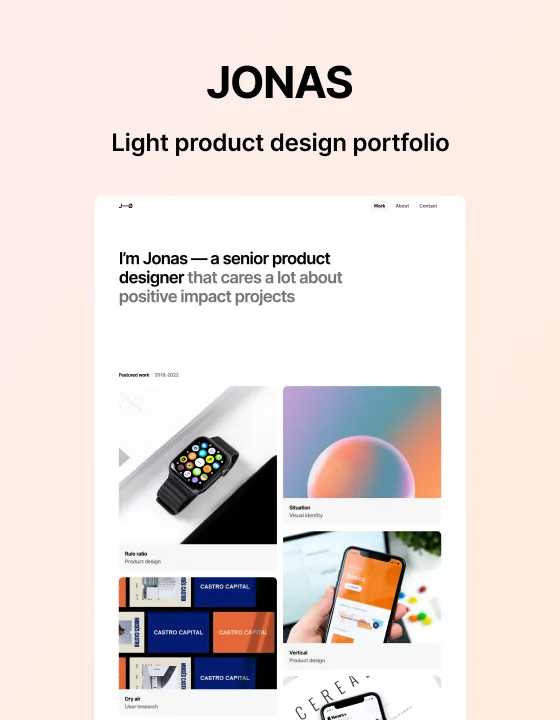
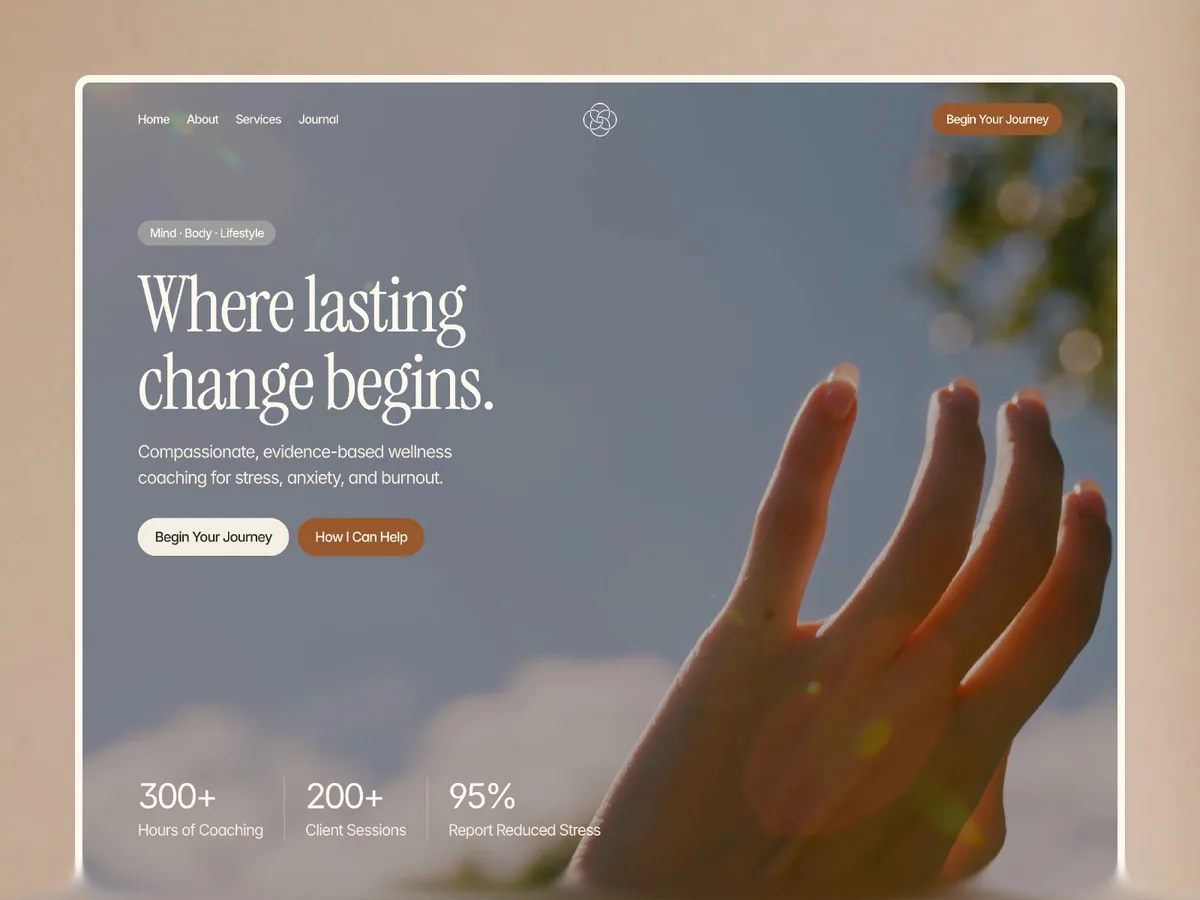
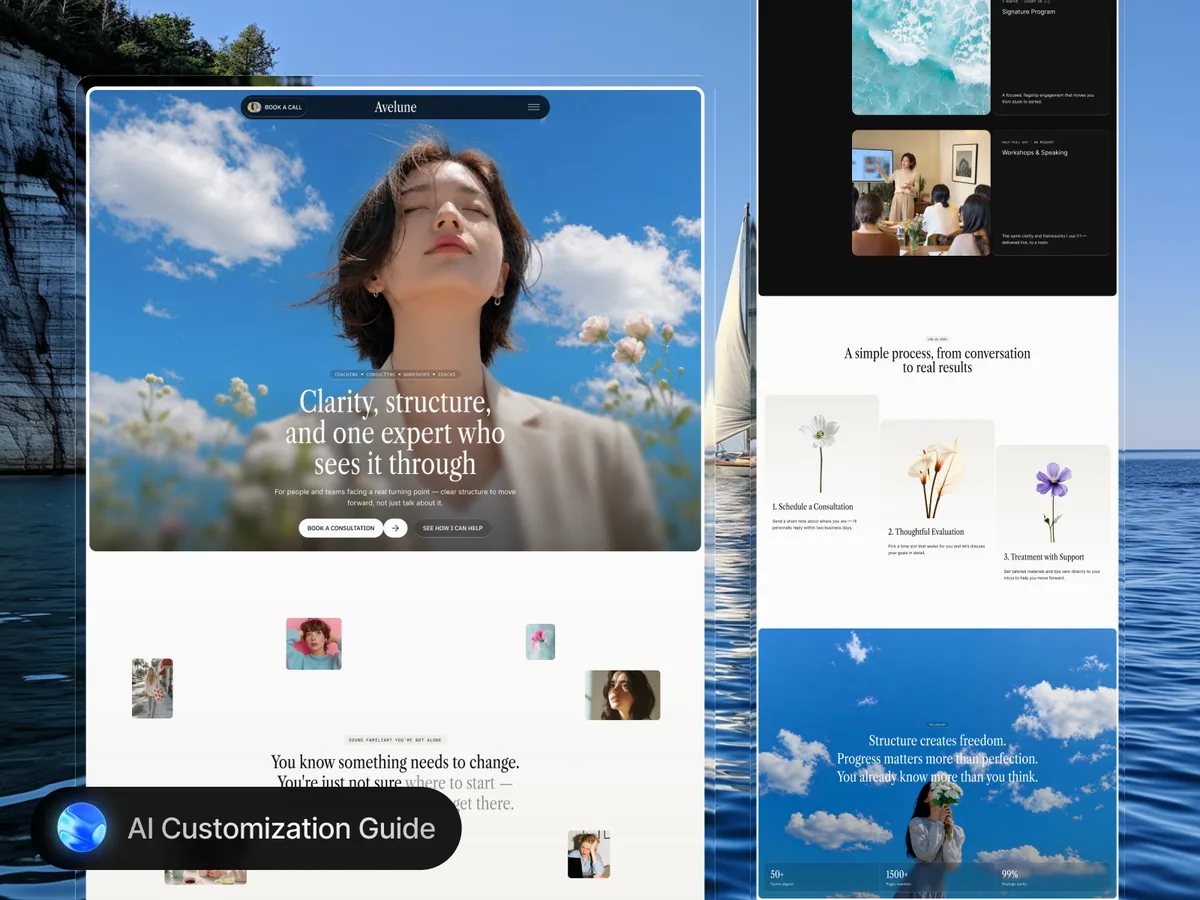
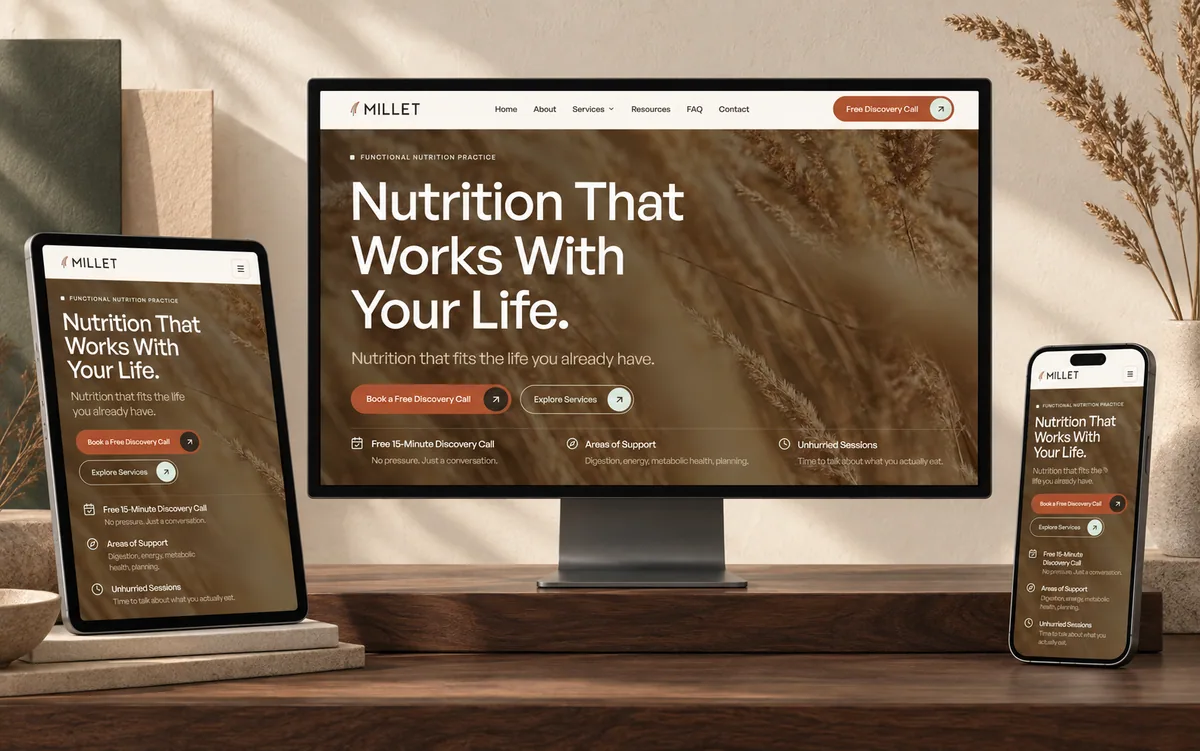
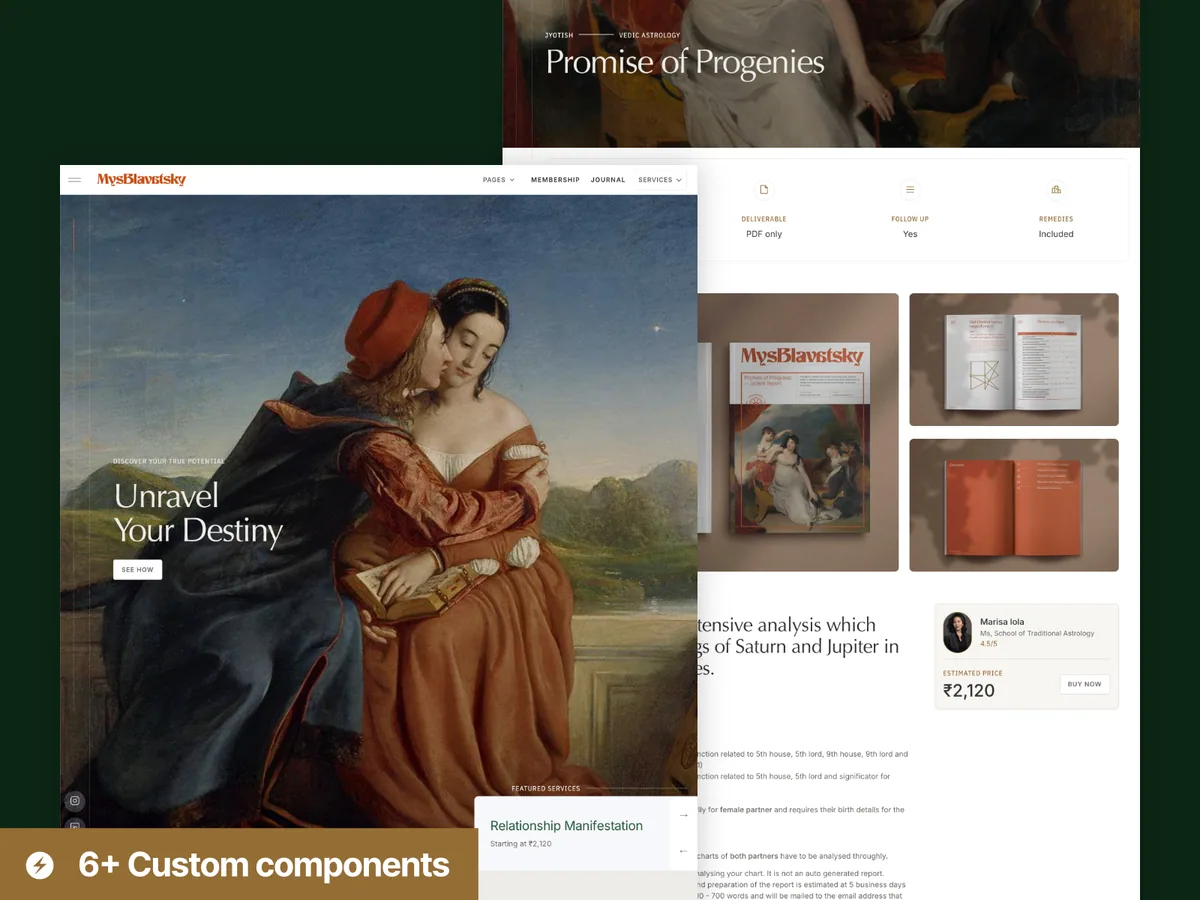
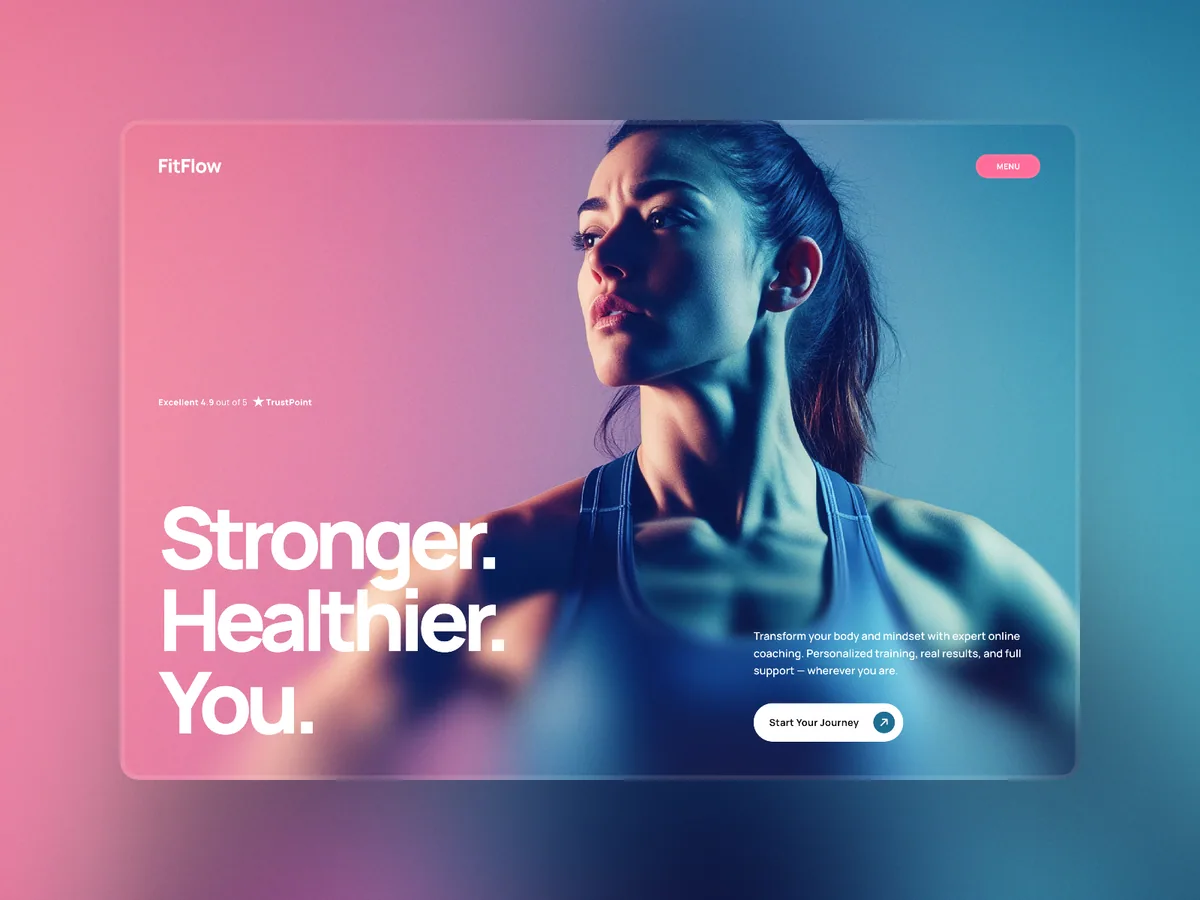
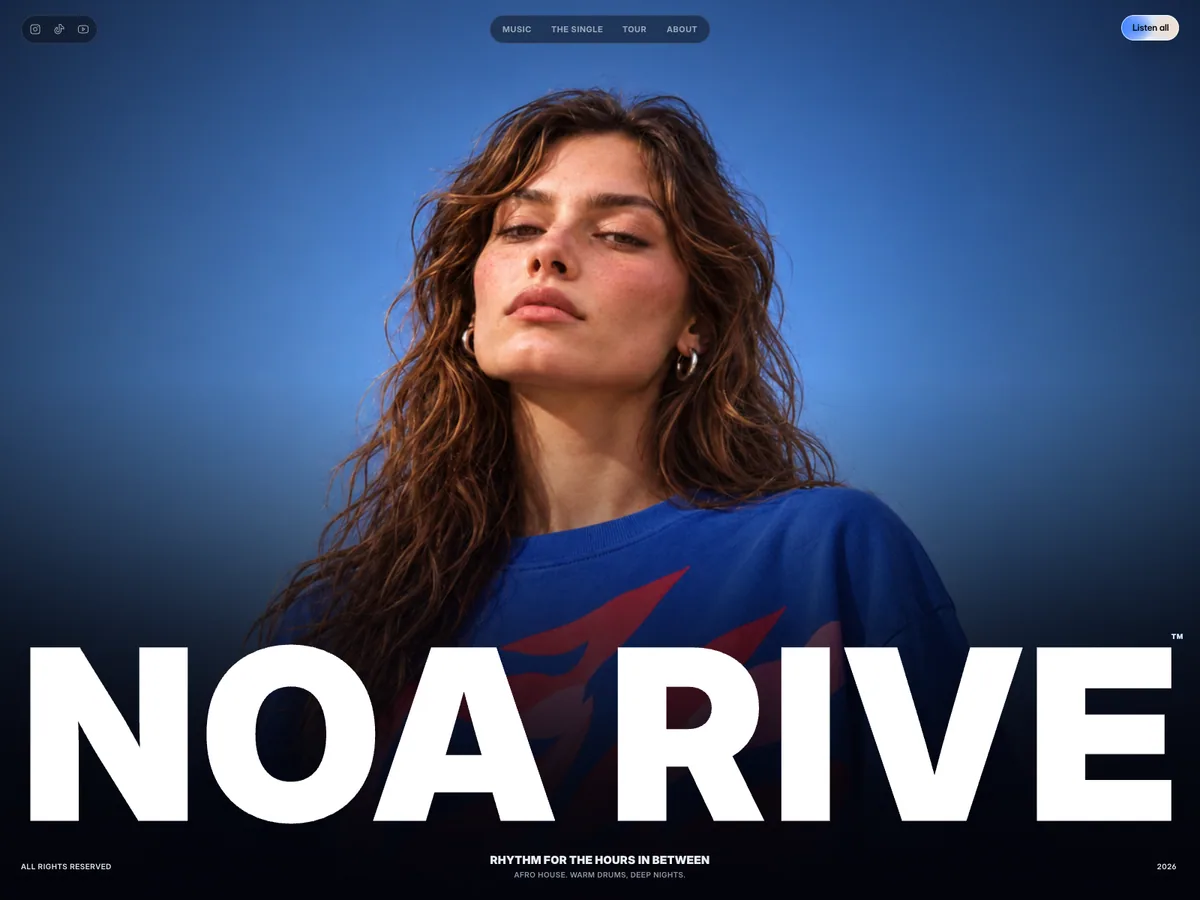
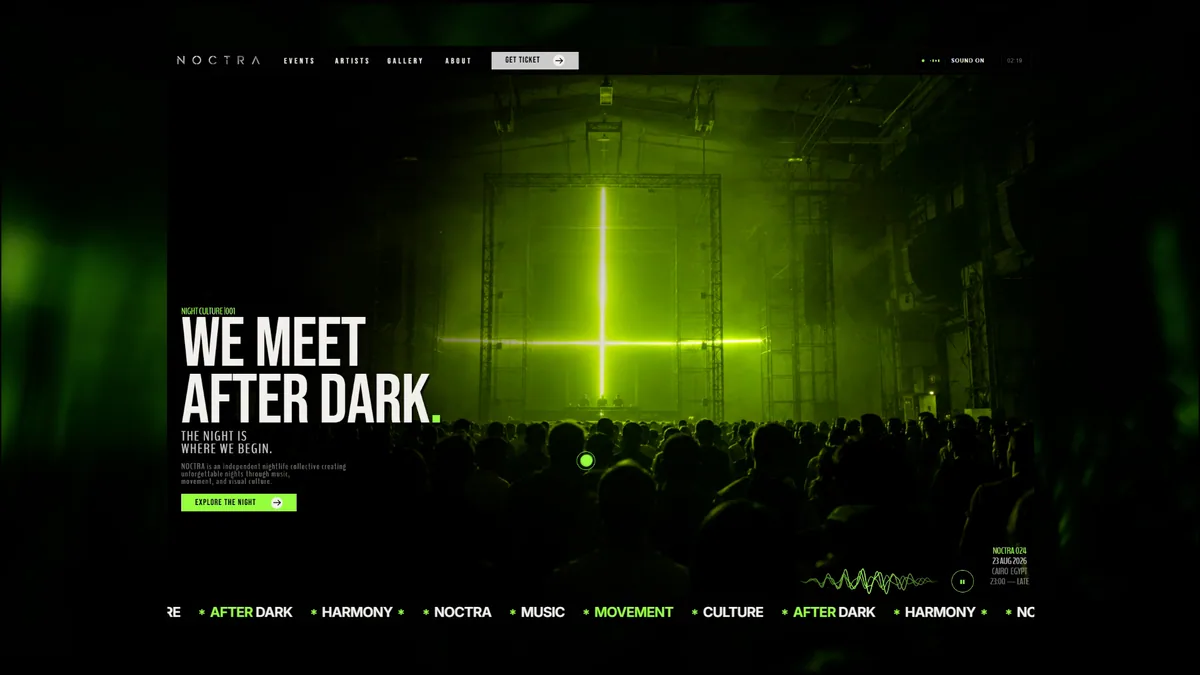
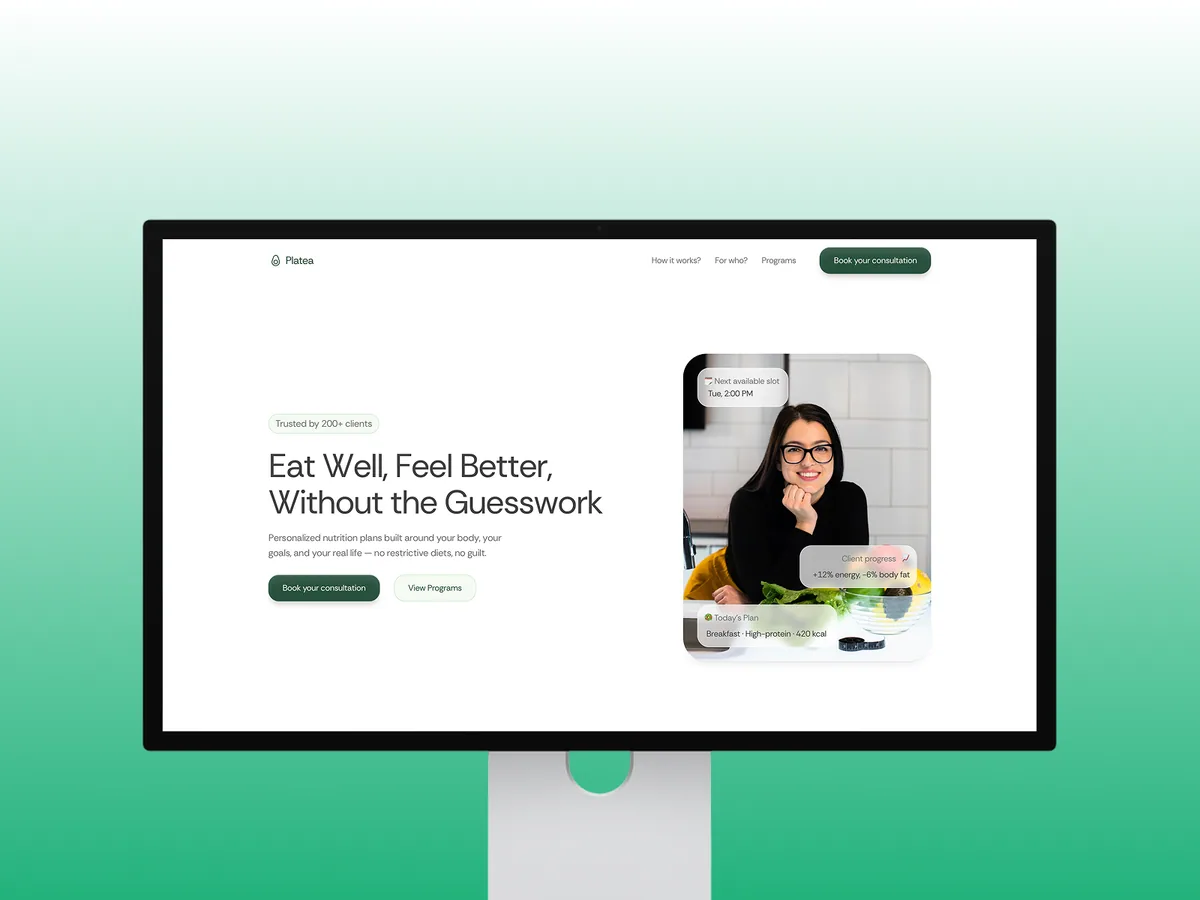


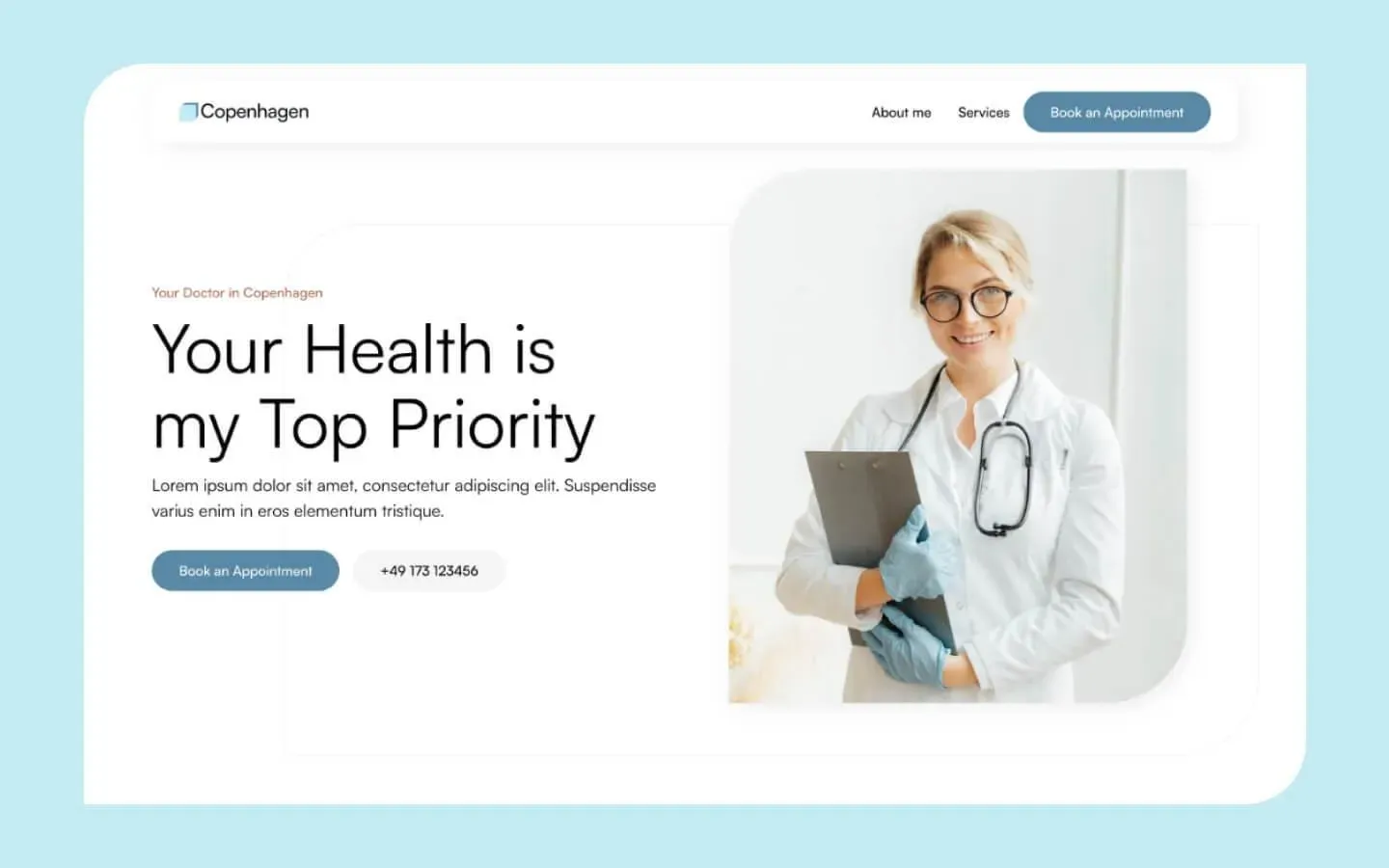


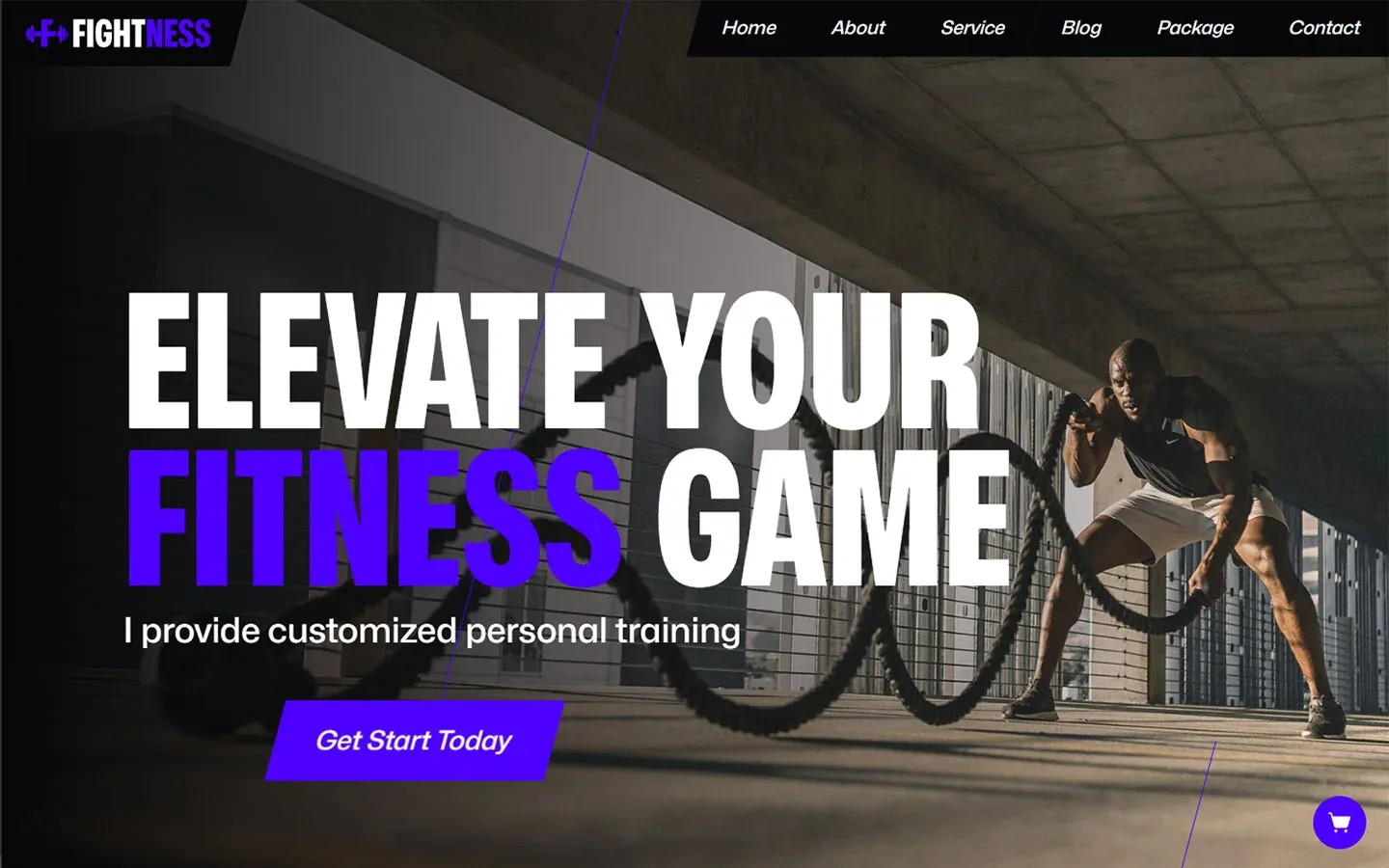


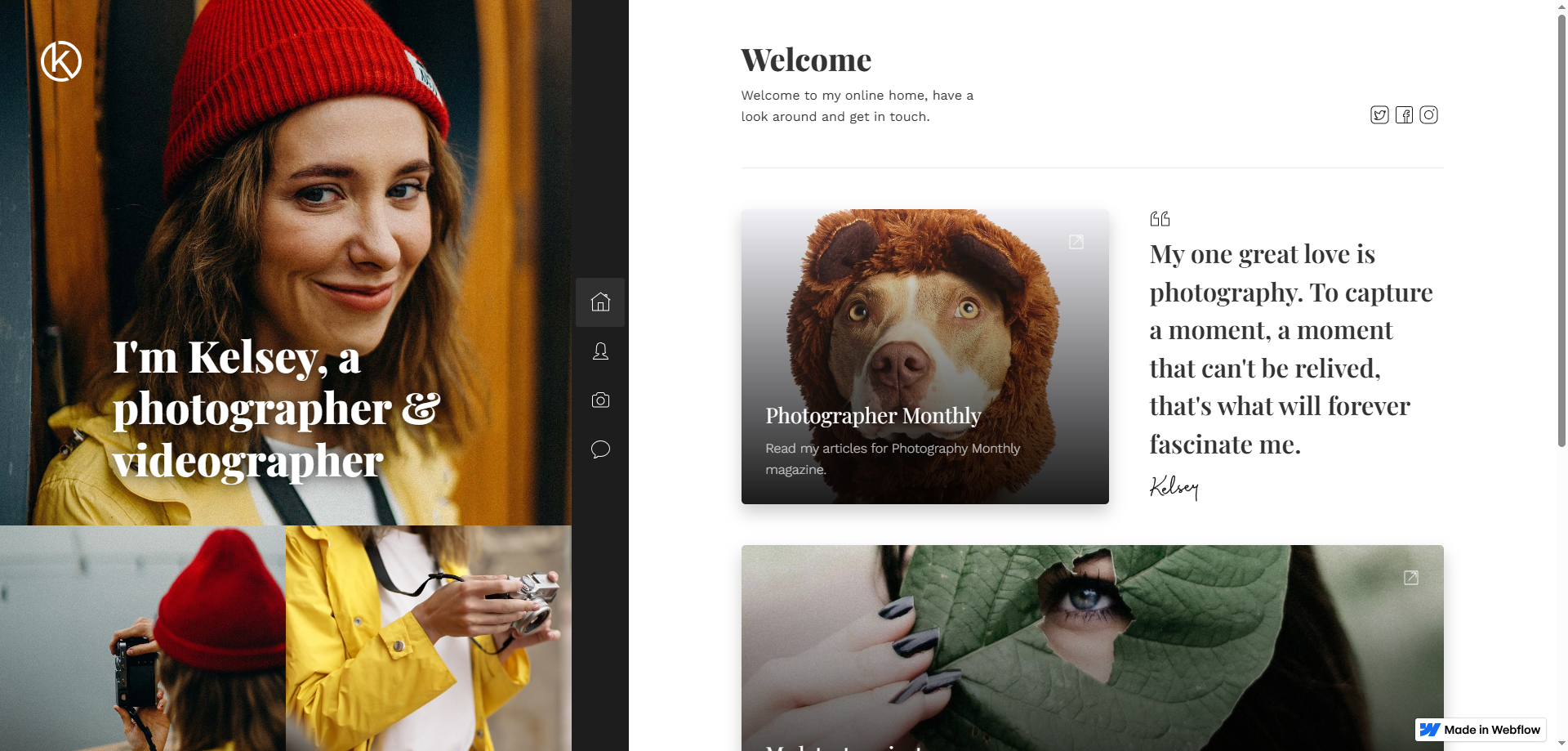


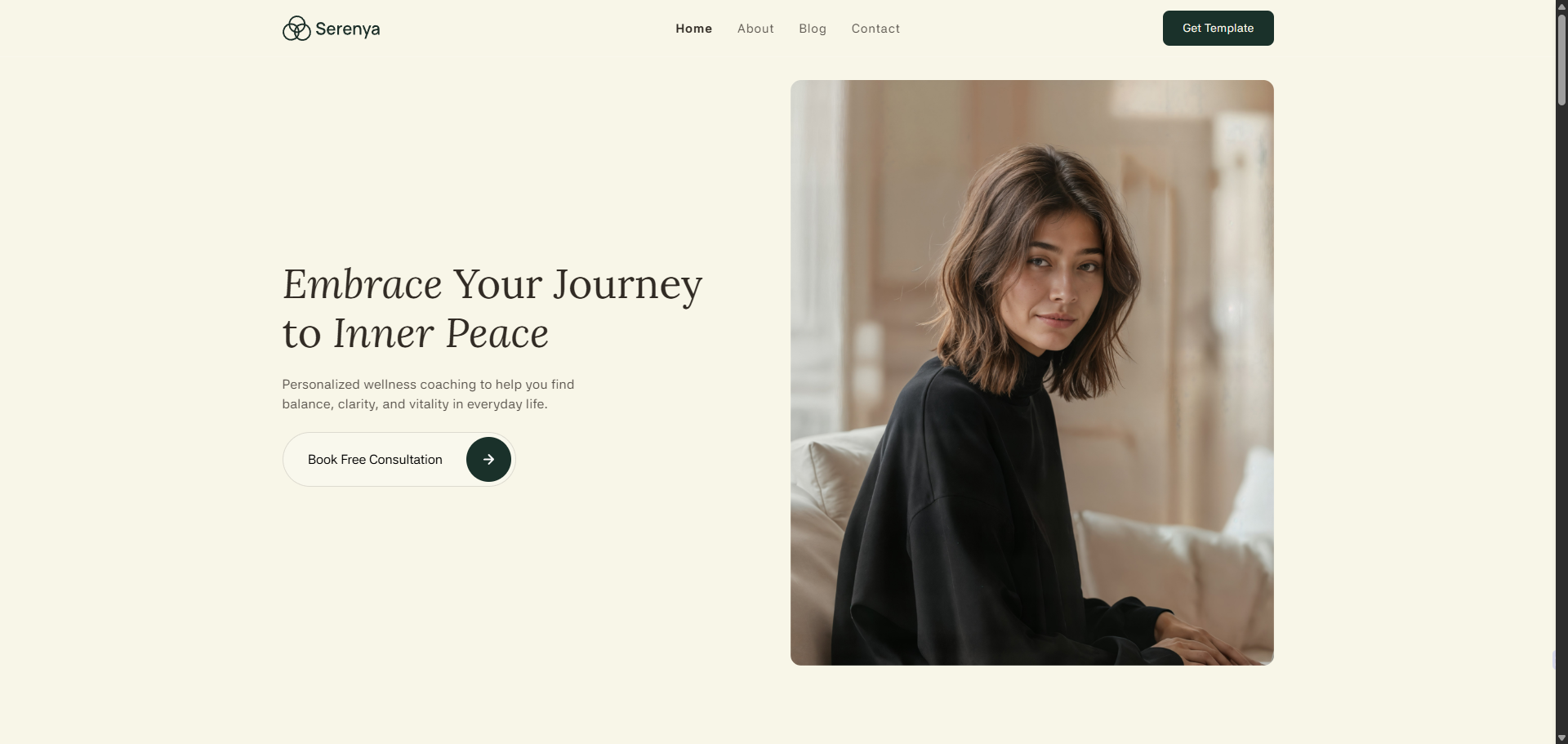



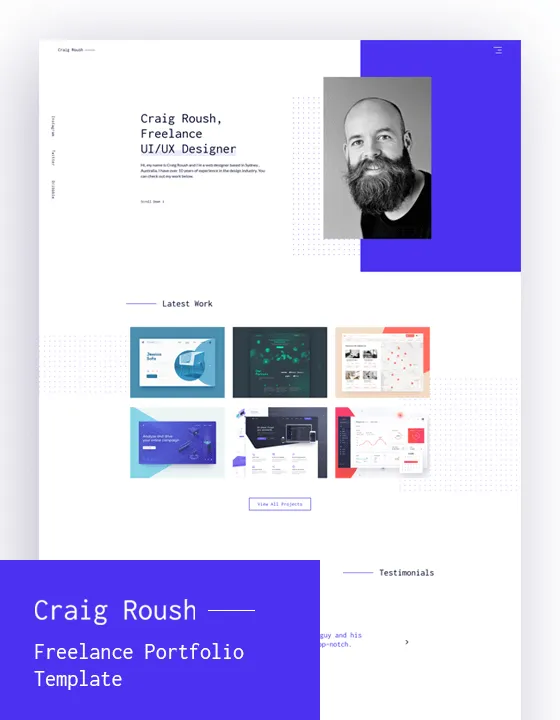
No designs match these filters. Try another category or reset the selection.
01
How should you prepare a personal website brief?
Personal website templates support the separate design-selection stage. A setup brief needs the intended reader, the contribution you want to explain and the contact action to invite. Make a broad aim such as introduce me more specific. Will an employer assess your experience, a customer understand your services or a publisher inspect your work? The same biography need not appear in the same order for all audiences. The site's structure should make that priority visible instead of simply filling the demo's available areas.
Create a shared starting file with your name, specialty, approved contact details and publishable materials. If two languages are needed, describe their readers and markets. A short introduction and a longer biography can support different reading needs. Mention recurring writing or future projects in the initial scope. This helps build a structure that remains current, rather than one that only looks attractive on launch day. Avoid adding unnecessary screens when a specialised function is not required; a focused scope makes content approval and handover easier to assess.
02
How should biography and project content be supplied?
The theme catalogue provides layout references, but implementation uses your own work. Prepare a short file for each project containing context, your role, actual contribution and publishable material. In a team assignment, explain the boundaries of your involvement. Do not use a client name or screenshot without the necessary permission. Keep anonymised examples accurately described as well. A demonstration photo from a template must not remain in the published portfolio as if it represented a genuine project you delivered.
Share clear filenames and available source quality. Web-sized versions can be prepared during implementation, but the team needs to inspect the material first. Dates, roles and client details are approved by the site owner. A numerical outcome requires evidence and permission; unmeasured success figures are not added for effect. Instead of filling one page with every CV detail, prioritise material that helps the intended visitor make a decision. The goal is understandable contribution, not a larger image count or an unsupported impression of experience.
Profile information
Fill biography, expertise and contact areas with current approved facts rather than demonstration text.
Project material
Review context, real role and publication permission for each piece of work before choosing what appears.
Media files
Supply source images and video references with usage rights. Demo materials are not substitutes for actual evidence.
FROM READING TO A NEXT STEP
Adapt the selected design to your project
Share the design and your content needs. We can separate licensing from implementation and define a delivery plan.
03
How is the design adapted to your personal presentation?
The ready-made website guide explains the boundary between ordinary adaptation and additional development. Typography, colour and content order are arranged around the intended reader. A work list may be more suitable than a large opening image, or a concise role statement more useful than an exhaustive biography. The same changes are not equally straightforward in every product. Map editable areas and additional implementation requirements to the proposal instead of assuming that all differences are routine settings included with the licence.
A conversation request, email link or contact form can provide one clear primary action. Appointment or payment features require a separate review of provider accounts, fees and data flow. In two languages, project explanations and contact expectations matter alongside navigation. Images can be shared where appropriate, while headings and alternative text should match the page language. The design should make the person understandable while preserving visitor control. Motion is included when it supports that purpose, rather than used as a reason to delay access to important information.
04
What should be checked before personal-site handover?
The personal template guide helps identify layout requirements that must be tested with actual content. Review phone layouts, long project titles, navigation and the contact path in implementation. A form needs understandable fields and a clear submission response. A button working in a preview does not prove that a genuine message reached the owner. Define the evidence required for technical and operational acceptance beforehand. Where a real communication test is needed, use an agreed private test plan rather than creating unnecessary public enquiries.
Prepare titles, descriptions, image alternatives and social cards in the correct content language. A bilingual site needs distinct addresses and reciprocal language indicators. Keep test-page visibility separate from public-page visibility. These tasks describe a coherent publication, not a first-position guarantee. The handover record should identify tested screens, external dependencies and the owner of remaining actions. Support the statement that the site is complete with concrete checks rather than leaving the recipient to discover which accounts, permissions or functions still require further work after launch.
Place approved content
Populate the selected arrangement with actual personal details and authorised project material.
Review the experience
Inspect mobile reading, project navigation and the intended contact action in the implemented site.
Complete ownership
Explain domain and platform access together with the method for ordinary content updates.

05
How can you maintain the site and add future work?
Ready-made site planning includes responsibility after launch. Adding a project, editing a biography and removing an obsolete contact detail are ordinary personal-site tasks. Explain where those changes happen. Keep a record of the accounts needed for platform, domain and licence renewals. Discuss ongoing support separately where required, including what is included and how additional requests are assessed. Initial implementation does not automatically cover every future redesign or specialised feature, even when the site began with a ready-made structure.
Sharing a selected design and a couple of real project files with Prix Studio can make the scope easier to discuss. A publishable core can be prepared first, with writing, appointments or other functions considered later. Record what those later stages exclude from the initial handover. The design choice should fit your habit of maintaining work as well as the launch presentation. Delivery aims at a site that explains contributions accurately, has a clear contact step and has ownership you understand, rather than an online business card that becomes difficult to update.
BEFORE YOU DECIDE
Frequently asked questions
Which files are needed for a personal website?
Prepare current biography, expertise, contact information and material for the work being published. Share branding or portraits with confirmed rights where relevant. File details depend on the platform and design; the delivery plan should clearly assign content preparation and approval responsibilities before implementation begins.
Must project results be presented as numbers?
No. Explaining the problem, actual role and work can be sufficient. Numerical outcomes require evidence and publication permission. Do not add unmeasured growth, customer counts or success percentages simply to make the portfolio appear stronger than the underlying work supports.
Can the site have two languages?
It can be planned within the agreed scope. Biography, projects, contact explanations and metadata need both versions. Translation should read naturally and preserve the actual contribution. Language addresses and reciprocal alternatives belong in publication checks rather than being left as navigation-only changes.
Can appointments or payments be added?
Review the selected platform and required providers first. A visible demonstration button does not establish a configured function. Accounts, fees, data handling and test responsibility should be separate scope items, clarified before implementation instead of assumed to be included with a layout.
Can I add projects after delivery?
Choose the platform and content model for that need. Handover should demonstrate ordinary updates. A new function or substantially different arrangement can require further work. Support arrangements and editing access are distinct, so understand the responsibilities of each rather than assuming one automatically provides the other.
LET’S DEFINE THE SCOPE
Adapt the selected design to your project
Share the design and your content needs. We can separate licensing from implementation and define a delivery plan.
Discuss the design