E-commerce
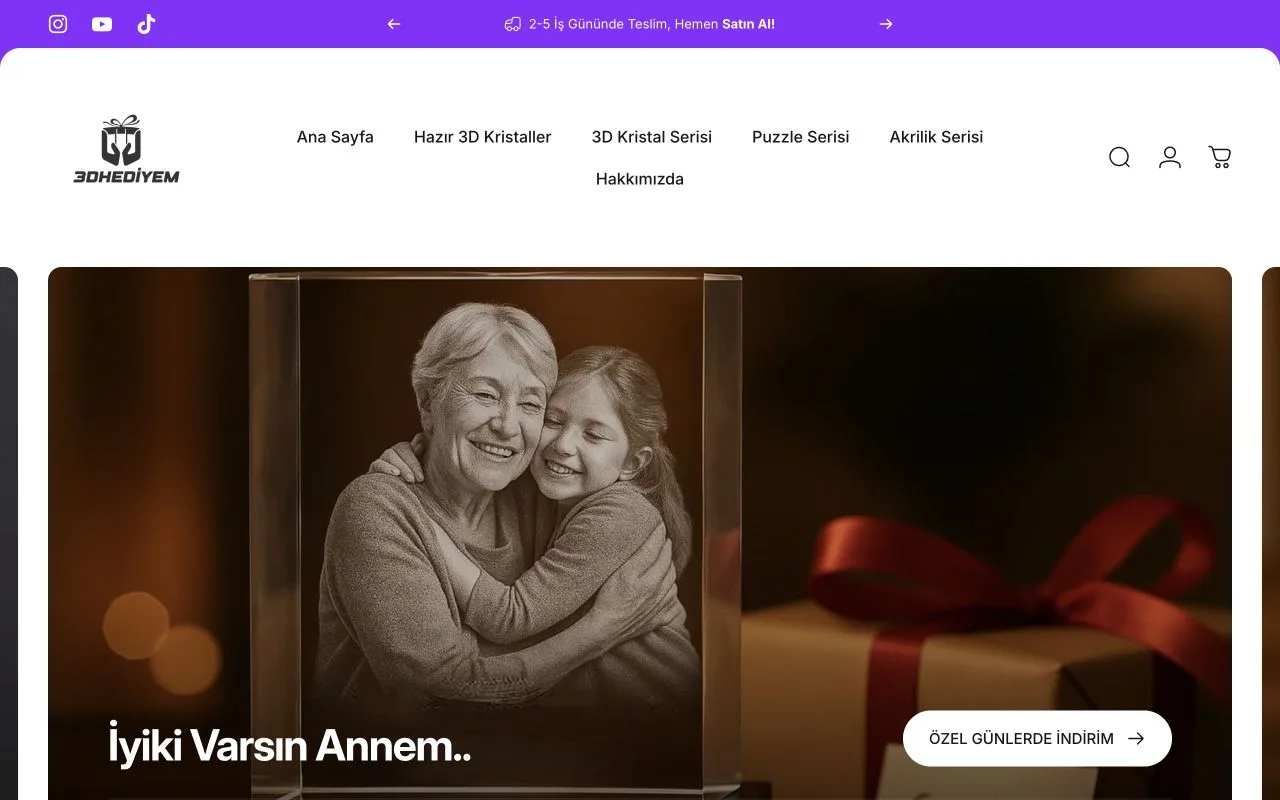
3D Hediyem
A website design reference from our reviewed portfolio.
PRIX STUDIO / Webflow
Your design, ready for the web.
Turn approved Figma designs into a responsive, editable Webflow website. We translate the visual system into reusable components while accounting for real content, CMS requirements, interactions and mobile use.
01 / Webflow
We review the design system, page templates and representative content together. Typography, spacing and component behavior become implementation rules. Missing design decisions are identified before development so they can be resolved deliberately rather than guessed during the build.
Map the Figma variables for colour, typography and spacing to their Webflow equivalents in the Webflow development plan. If the design includes approved modes, record which values change and where each mode applies. Preview a representative component in each in-scope mode and viewport width. Send uncertain mappings back for approval.
02 / Webflow
Scope includes page implementation, reusable components, CMS fields and agreed animations. Form validation, image dimensions and baseline SEO fields are listed as deliverables. Copywriting or redesign is scoped separately when the existing files do not cover those needs.
03 / Webflow
If only desktop screens exist, we agree mobile layouts before implementation. Long headings, empty collections, validation errors and expanded menus are included in the review. Components need to remain usable when content changes, not just match one static screenshot.
04 / Webflow
The preview is checked against the designs at representative viewport sizes. We review component consistency, text overflow, links, form states, keyboard focus and reduced-motion behavior. Feedback is tracked by page and component so revisions remain clear and testable.
Agree the goal, required access and what a successful delivery should include.
Document scope, responsibilities, acceptance checks and external costs.
Review work in clear stages and resolve feedback against the agreed scope.
Check the delivery, hand over access and agree any ongoing support.
05 / Webflow
Useful inputs include Figma access, font licenses, images and final copy. Pricing reflects unique templates, CMS models and interactions. We agree how later design changes affect scope and timing, and define the documentation and access required for handover.
Define your project scope ↗CLIENT EXPERIENCES
Hear how our collaboration felt from a client who worked with our website team.
 Watch video (TR)
I needed a special website, so I wanted a team beside me that was at least as enthusiastic as I was. Prix Studio achieved that. The design fit perfectly, and their way of working and speed suited me. Their command of the technical and technological side was excellent.Translated from the published Turkish testimonial.
These are individual client experiences; project scope and results vary.
All client stories (TR)BEFORE WE START
Yes, with the missing responsive decisions included in scope. That involves additional design work beyond implementing the screens already supplied.
We map repeated structures and content behavior to an appropriate component model. Each Figma group does not necessarily need its own Webflow component.
LET’S DEFINE THE SCOPE
Share your current website or workflow, your goals and the people involved. We will use that context to discuss scope, dependencies and the next step.
Discuss your project ↗Essential cookies keep the site working. Analytics and advertising cookies are your choice. Privacy
Essential cookies are always on.
Your browser has disabled optional tracking.