


Define the symptom: impressions, clicks or conversions
Define the symptom before changing the account. Zero impressions, clicks without conversions and missing reporting are different problems. The conversion tracking guide helps identify the measurement distinction. Record account, campaign and ad-group references, dates and the state observed. A wrong filter or reporting scope can resemble a delivery failure. Summarize the symptom in one sentence, then inspect the corresponding layer. This avoids changing creative or spend before establishing whether the issue belongs to access, campaign status, the destination or outcome reporting. Clear evidence makes the investigation more useful to the agency, developer or platform support team that will handle the next action.
Check account readiness and access
Review account eligibility and access before campaign settings. The getting-started guide for Turkey explains the difference between billed-entity country and target markets. Country availability does not prove that verification is complete. Confirm the account being inspected, required role and actual statuses displayed in its interface. If a review or policy message appears, evaluate that message within its scope; an agency cannot override platform decisions. Account creation, ad approval and campaign delivery should not be reported as one state. Keep the visible message, review time and next responsible action in the record, separating external support dependencies from changes the implementation team can make.
FROM READING TO A NEXT STEP
Turn the guide into a practical delivery scope.
Share your current website, priority goal and account or store status. We can assess readiness, deliverables and responsibilities together.
Review campaign status, dates and spend limits
Inspect campaign activity, schedules and actual budget settings together. The budget guide separates platform constraints from the business test scope. A paused item, incorrect schedule or budget condition belongs in delivery review, but increasing spend is not a universal solution to zero impressions. Changing multiple settings without recording the original state weakens interpretation. Document the observed setting and its business purpose first. If a change is appropriate, identify its layer, reason and approver. Recheck using the same dates and campaign scope so the new state can be compared with the original symptom rather than a different reporting view that makes the issue appear resolved.
Inspect ad and product eligibility messages
Ad status and creative requirements are separate from campaign activity. The copy and imagery guide reviews format, accuracy and destination alignment before publishing. Use the actual error or review message when fields or files fail requirements. Acceptance of another ad does not establish that this draft meets the same conditions. Check final assets, commercial approval, destination and format. Correct the supported requirement without producing copy that changes the offer merely to remove an error. When previewing and saving to an account are separate actions, record which completed. A visible draft should not be taken as evidence that the ad is live or receiving impressions.
Explore our website work.
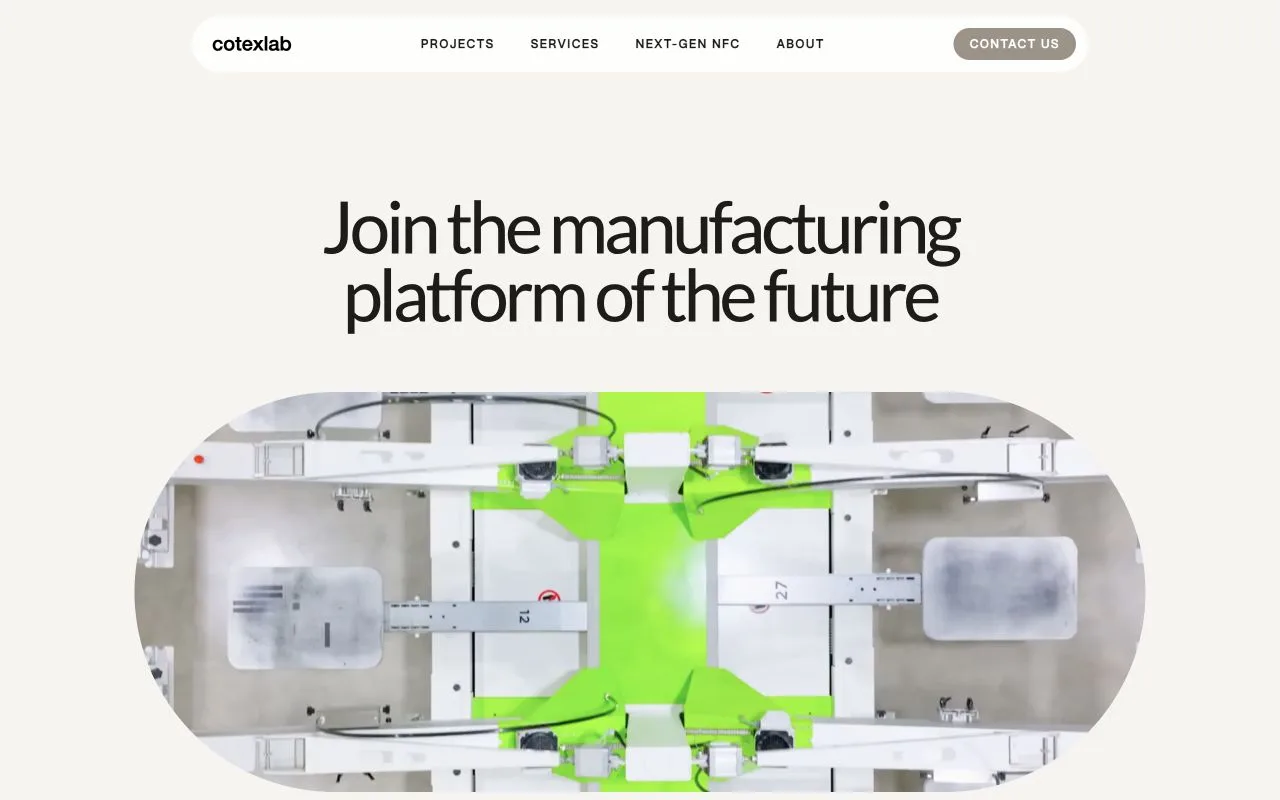
Selected website projects showing product presentation, navigation and contact journeys.

Check destination access for OpenAI crawlers
A destination that appears available can still fail in the user journey. Campaign management assesses the ad, page and form together. Confirm that the URL reaches the intended product or service, avoids unnecessary redirects and presents essential content on mobile. Language switching should not open an unrelated page. A failed form means clicks do not become the intended business outcome. Compare access and loading behavior with current platform requirements. If a crawler-access issue is reported, consult the official guide rather than apply a broad permission change to the infrastructure. Each finding should identify destination, observed behavior and the team responsible for addressing it.
Diagnose clicks without reported conversions
When clicks occur without conversions, inspect measurement and offer fit as well as delivery. Technical measurement setup distinguishes successful outcomes, incorrect triggers and duplicate events. Compare accepted forms or valid orders with transmitted signals. Check source labels, dates and event definitions across reports. Enquiries outside the service scope may indicate unclear messaging or destination boundaries rather than a broken event. Technical defects and commercial mismatch need different remedies. Record the evidence, then route the issue to its responsible layer. A spending change should not become a default fix independent of this review, especially while measurement or the business outcome remains uncertain.
Prepare an evidence-based support request
A correction log makes the investigation repeatable. The Ads Manager plugin guide separates analysis from approved account changes. Record time, symptom, current state, proposal, approver and recheck result. Preserve the original finding and add the evidence supporting the correction. If multiple issues must change together, identify their separate layers. Review or external-access dependencies need a visible next action as well. A report that says more than simply not working enables the appropriate agency or developer to address the right problem. Use the completed record when requesting a scoped account or measurement review, so the next discussion begins with observed facts rather than guesswork.
Investigation and correction record
| Layer | Observed evidence | Next check |
|---|---|---|
| Account | Correct account, actual access, review message and selected dates. | The authorized owner resolves the platform requirement or missing permission. |
| Campaign | Activity, schedule, budget and observed ad-group state. | Recheck an approved change using the same scope and reporting dates. |
| Destination | Correct product or service URL, mobile content and form behavior. | Route wrong language, redirects or failed journeys to the responsible team. |
| Measurement | Business record, transmitted event, definition and differences between sources. | Repeat the same successful and unsuccessful scenarios after correction. |
BEFORE YOU DECIDE
Frequently asked questions
Will increasing the budget make the ad serve immediately?
A budget increase does not resolve account, review, schedule or destination constraints. Start with the visible status and readiness checks.
Is not seeing my own ad proof of a delivery failure?
No. A personal ChatGPT session is not a reliable campaign-delivery test. Use account status and reporting evidence.
Should I delete and recreate the ad?
Record the issue and recent changes first. Recreating an ad with the same constraint can make diagnosis harder.
Do clicks without conversions always mean a Pixel issue?
No. Check real outcomes, the user journey, event definitions, measurement and reporting delay separately.
CLIENT EXPERIENCES
Hear from our clients.
Published experiences from earlier advertising and website projects, with English translations of the original Turkish comments.
 Watch video (TR)
Mr İsmail, I was very happy with your attention and care. The detailed reports you provided were satisfying. I hope we will continue working together.Translated from the published Turkish testimonial.
 Watch video (TR)
Your approach to us was both professional and friendly. Every step from the beginning was transparent and honest. Instead of taking important information such as passwords, you asked us to join a remote session and carried out the installations in front of us. We intend to keep working with you.Translated from the published Turkish testimonial.
These are individual client experiences; project scope and results vary.
All client stories (TR)LET’S DEFINE THE SCOPE
Turn the guide into a practical delivery scope.
Share your current website, priority goal and account or store status. We can assess readiness, deliverables and responsibilities together.
Scope an account and tracking review