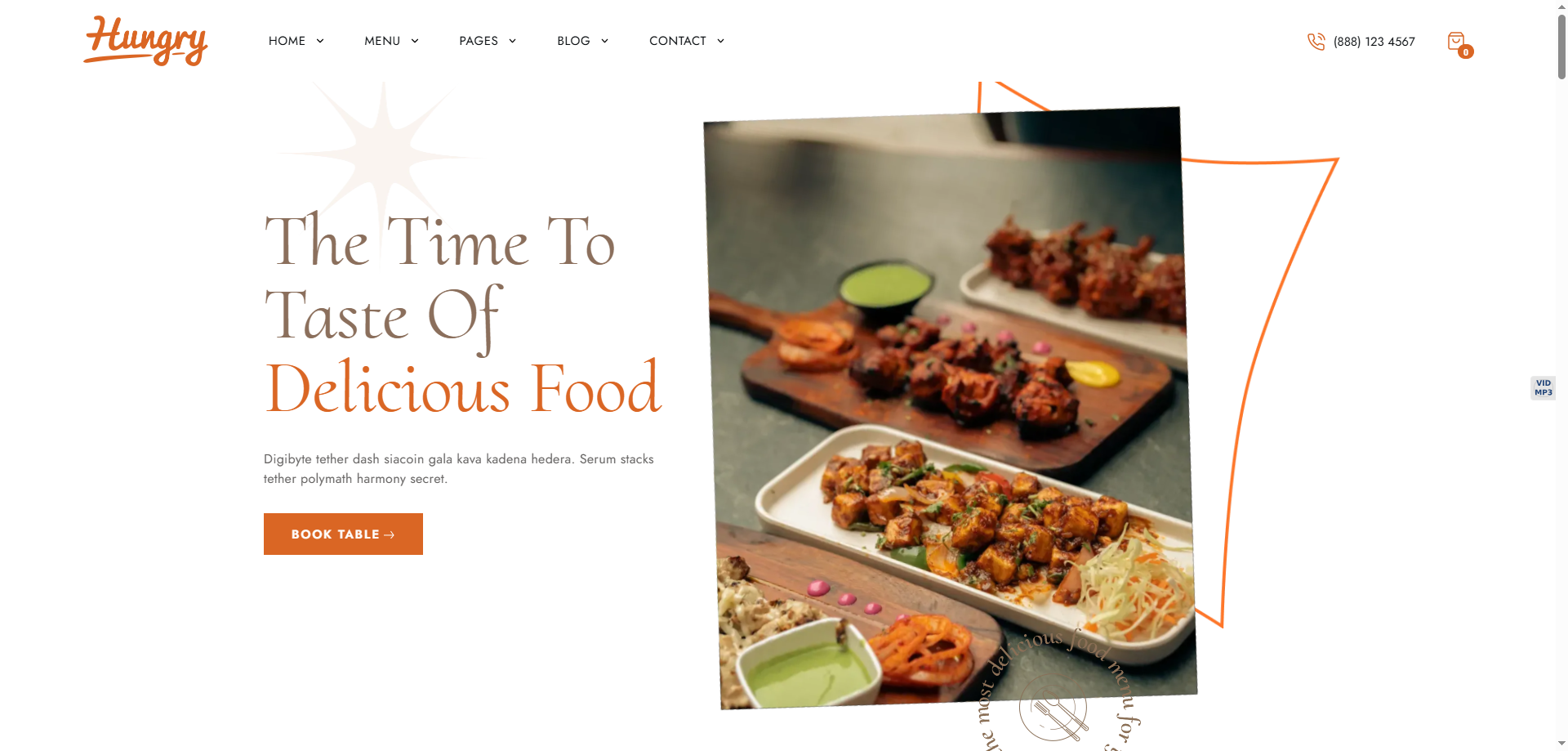
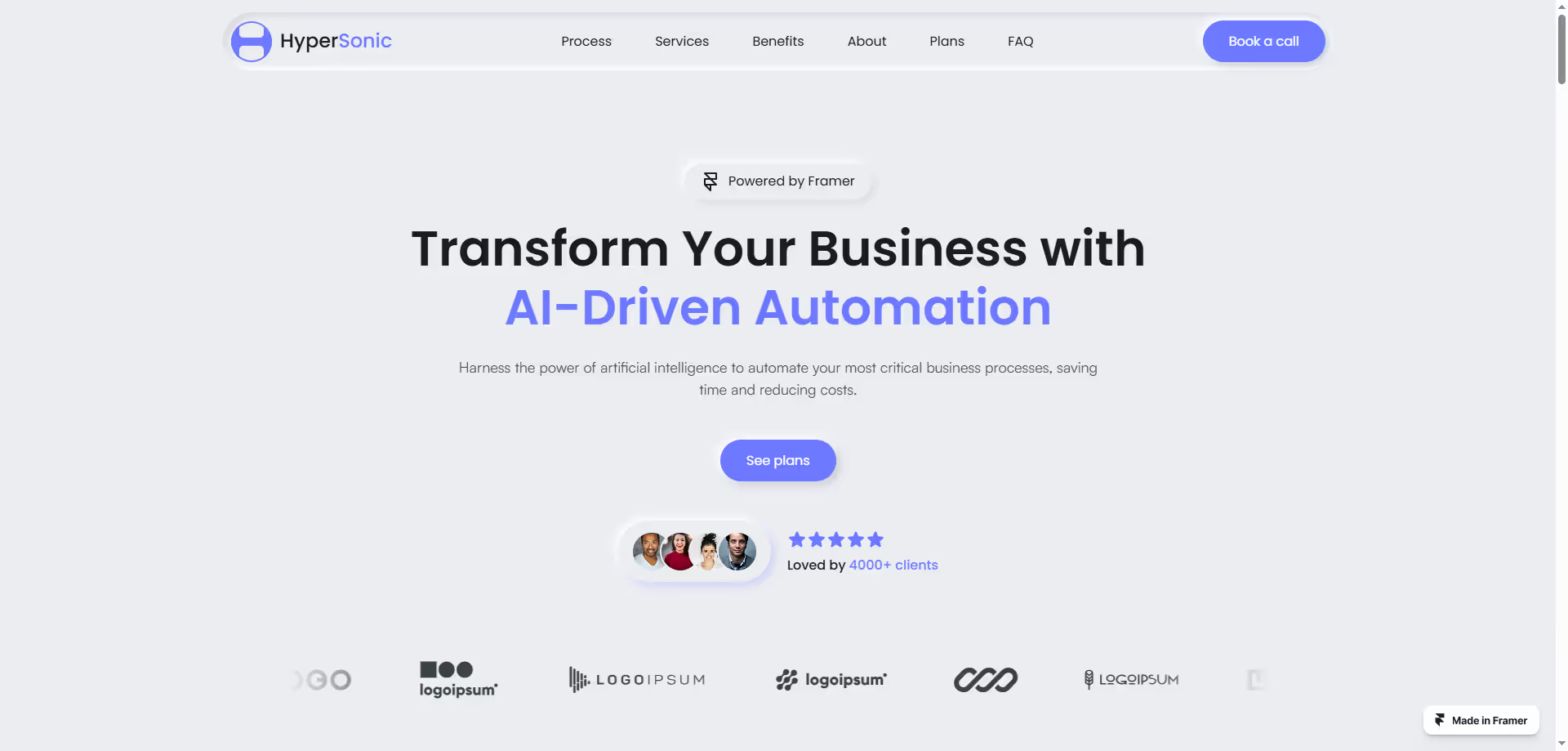
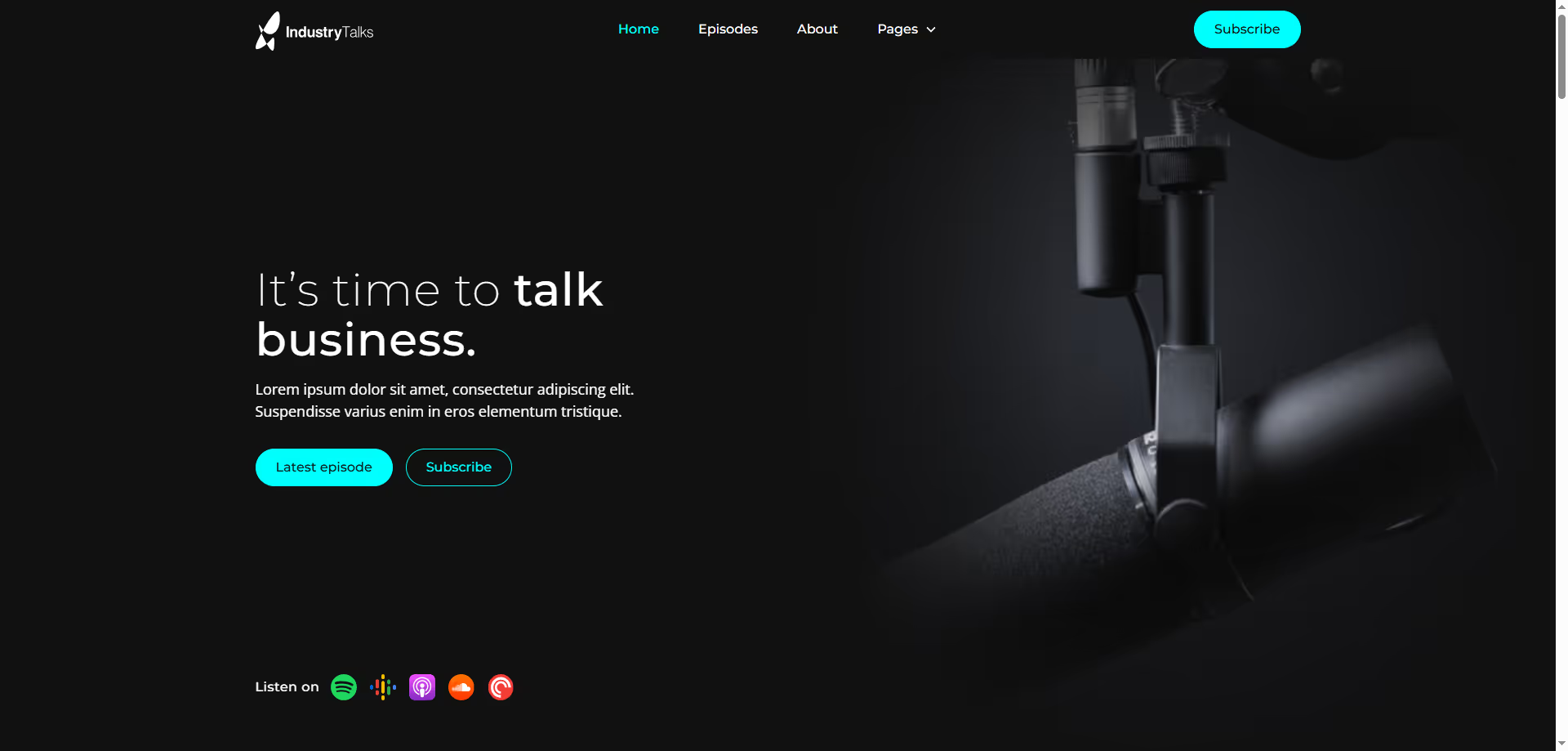
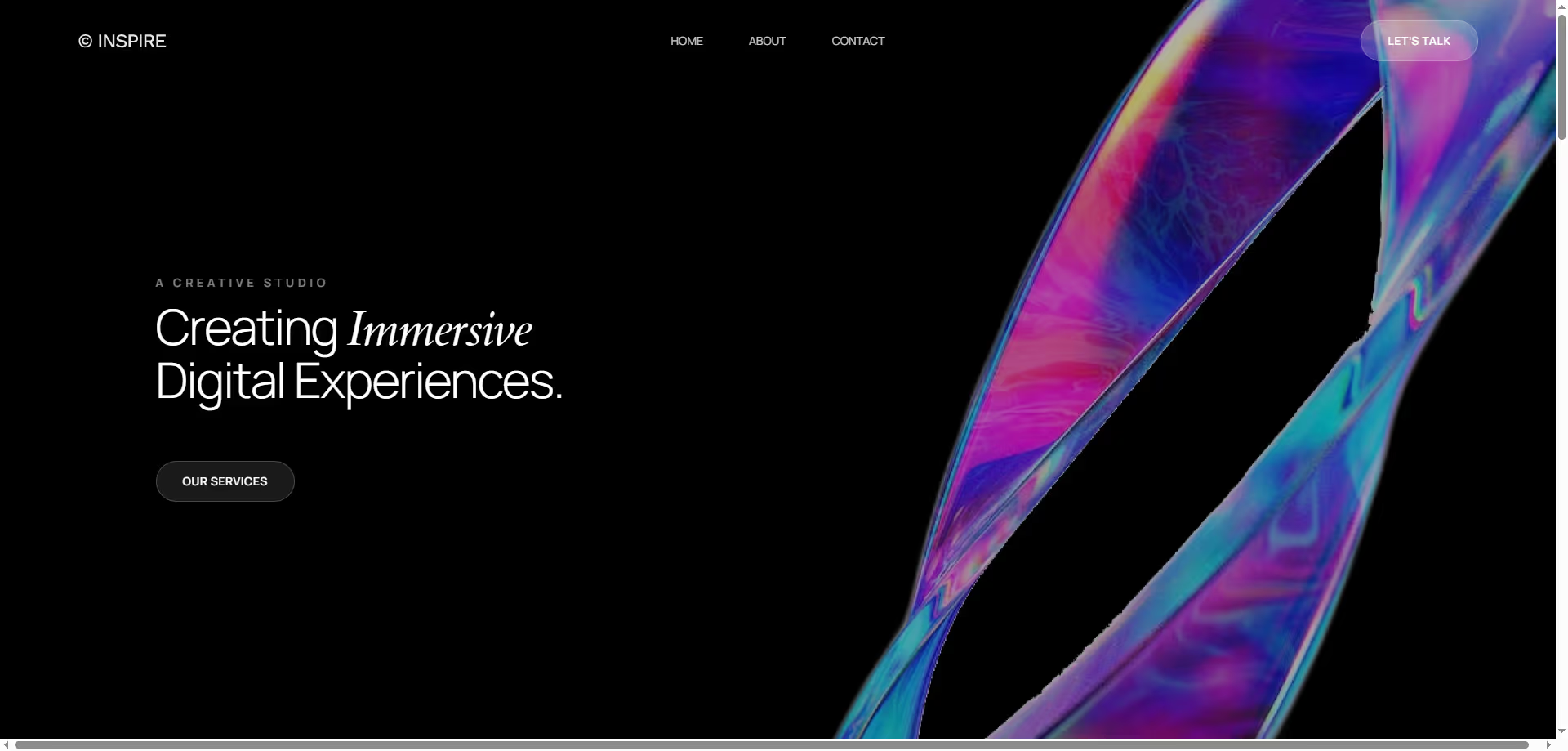
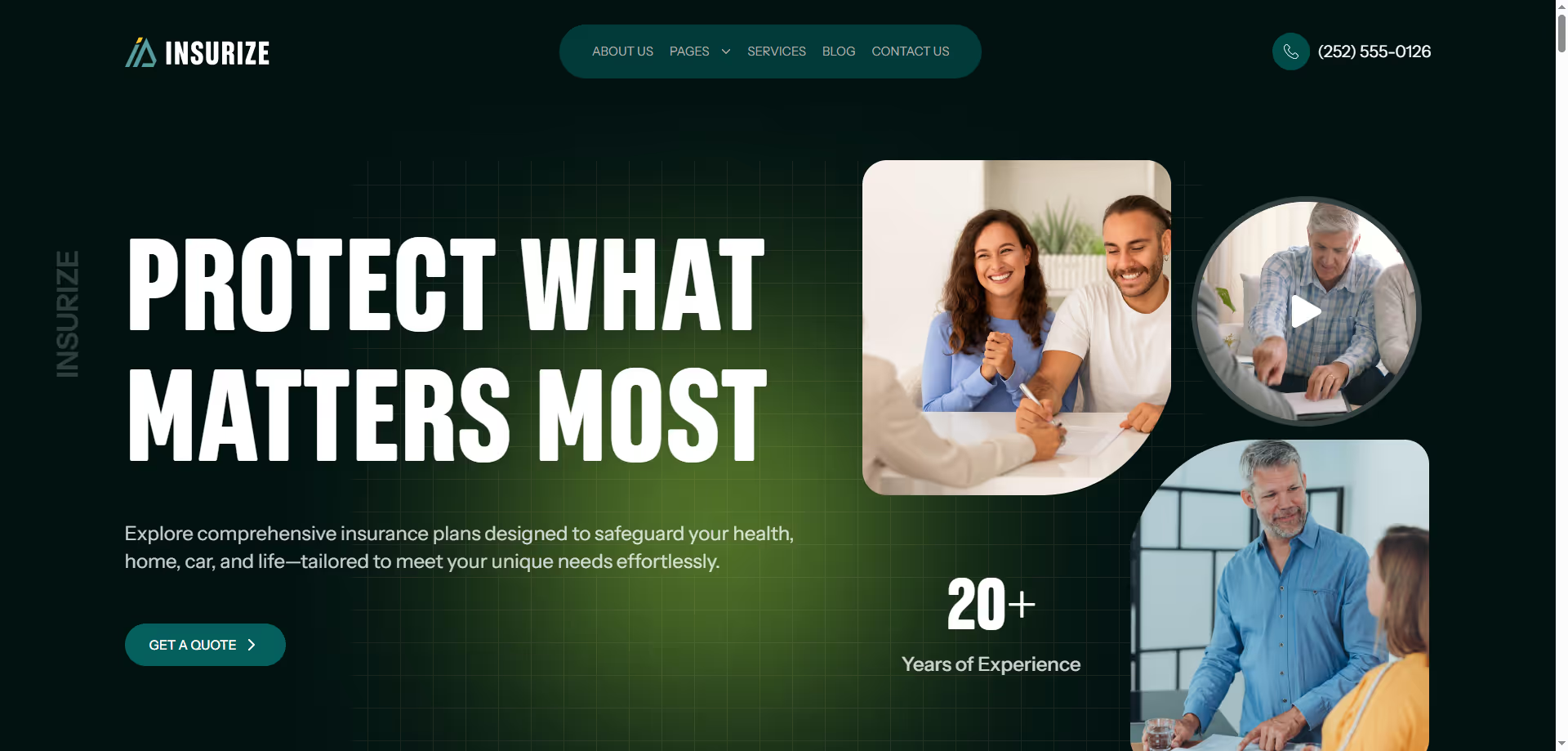
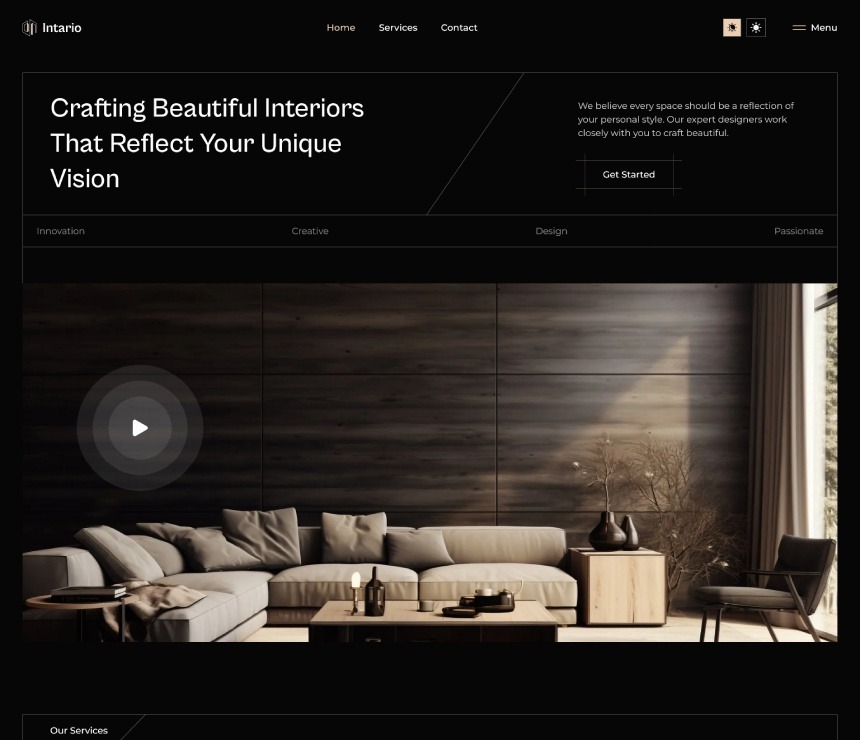
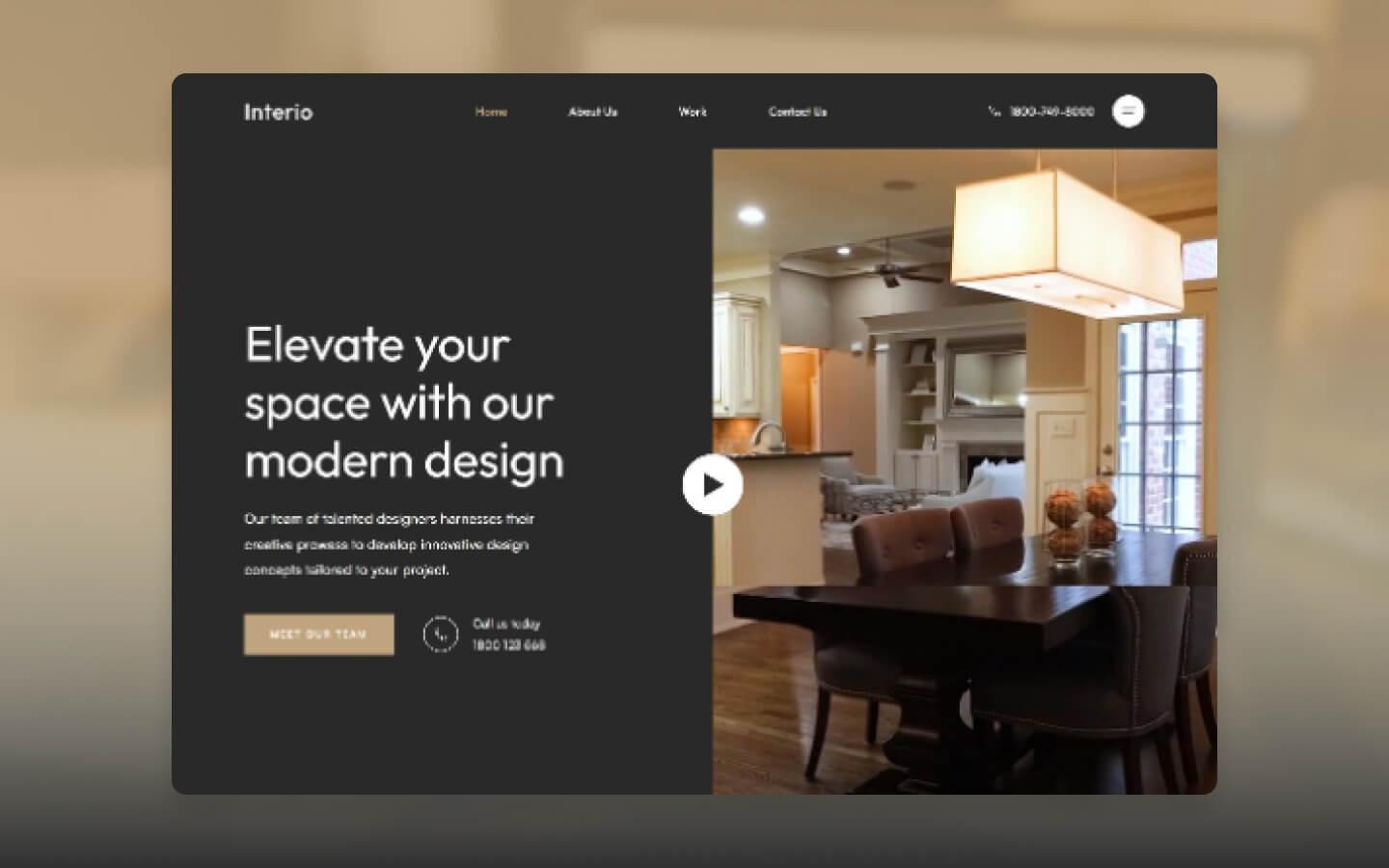
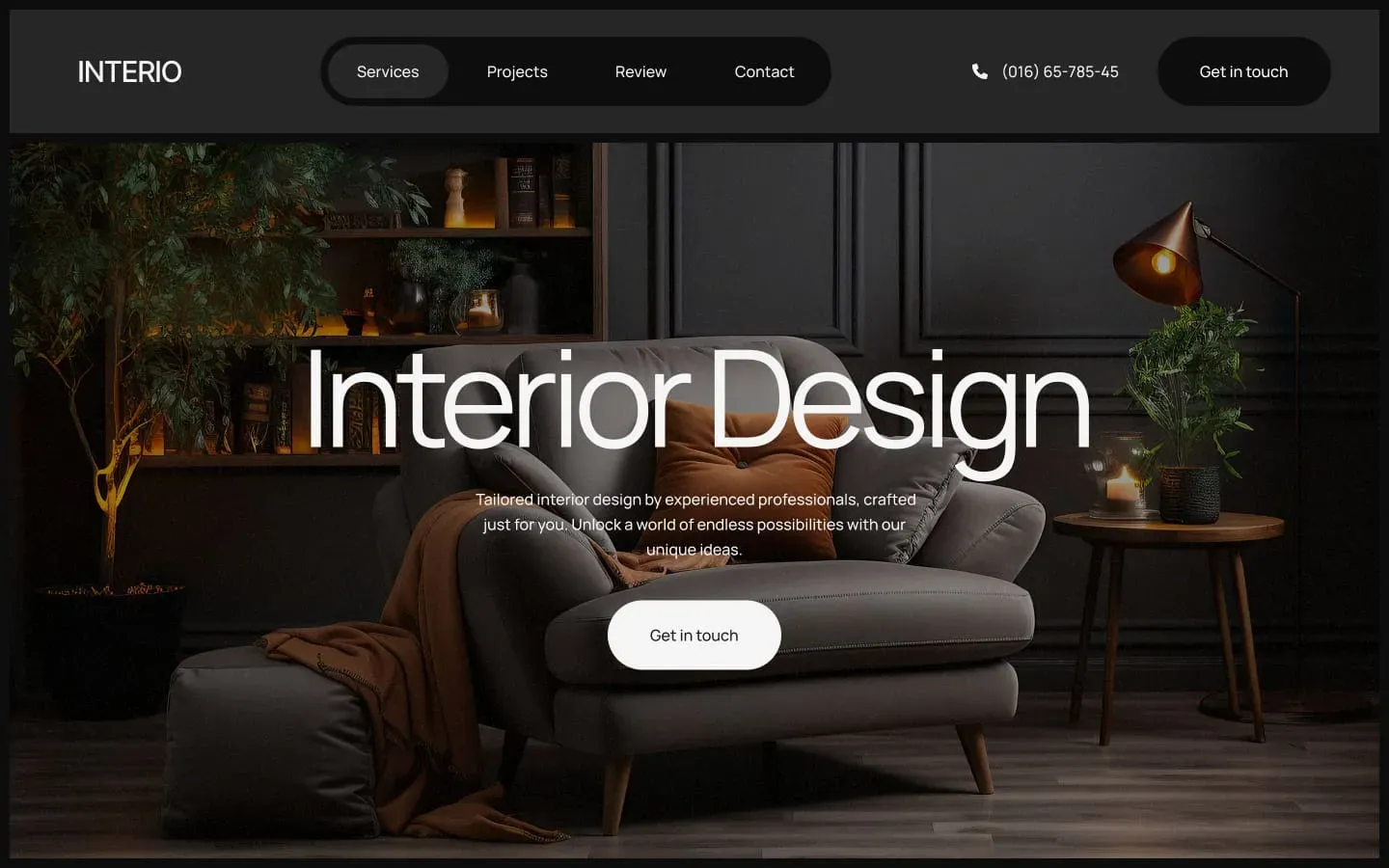
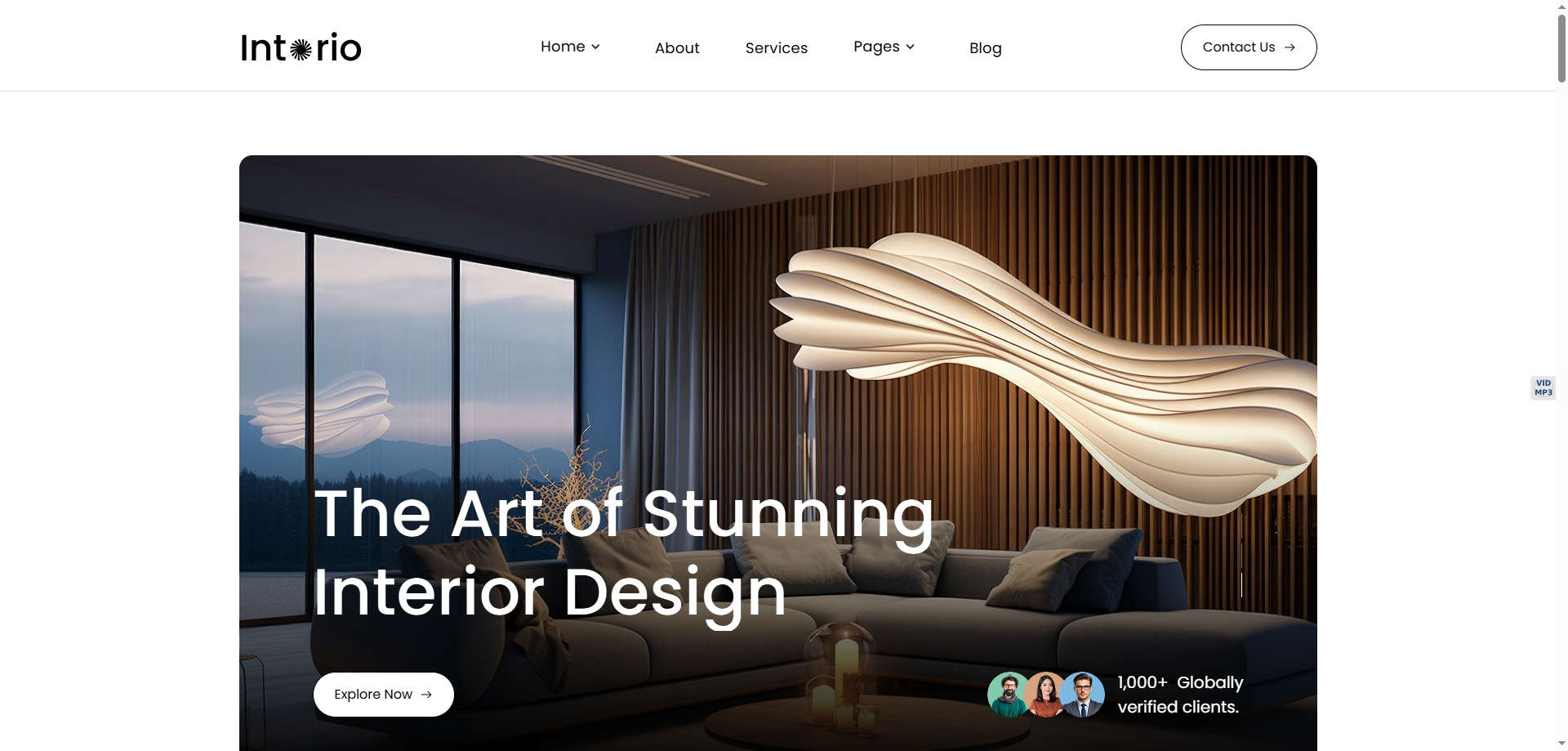
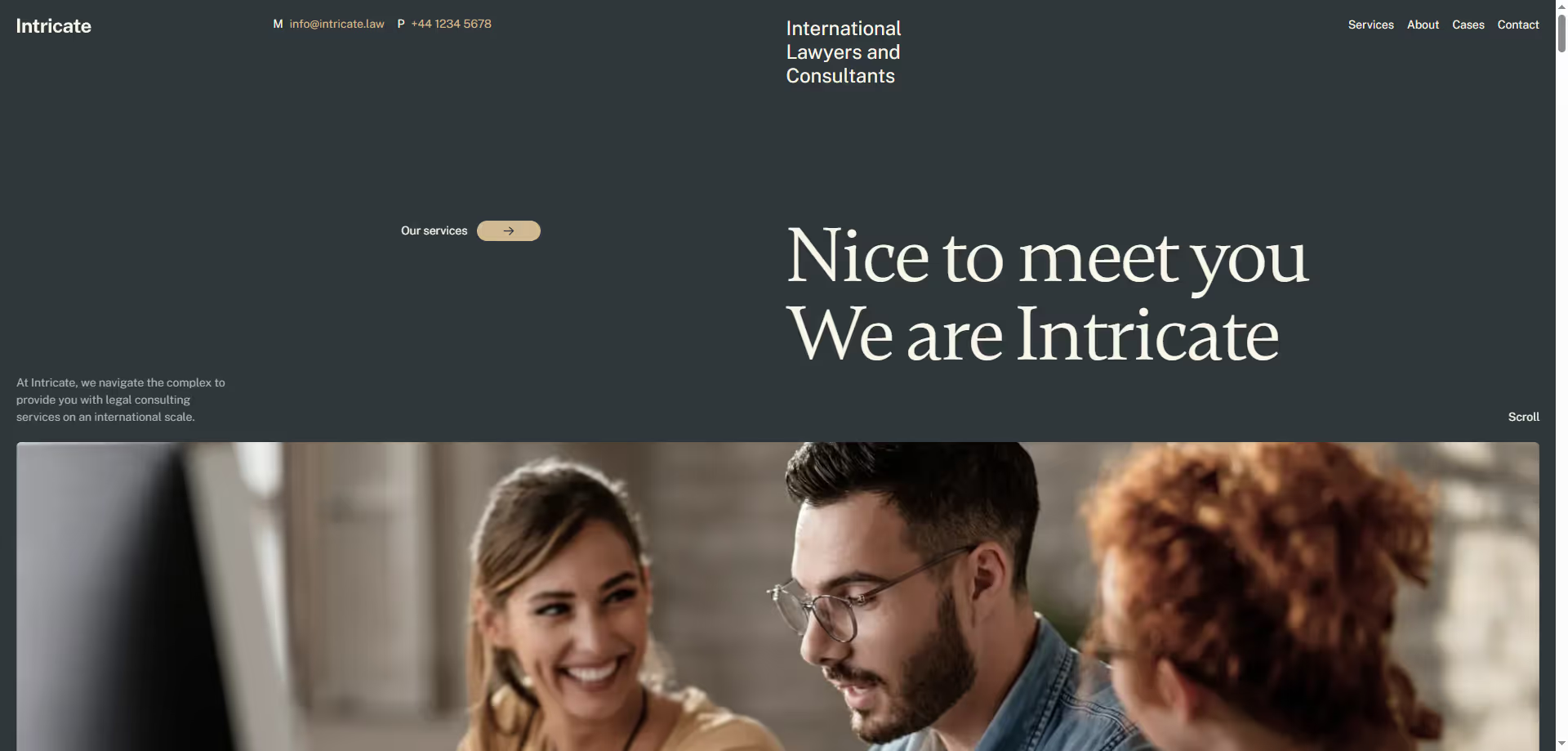
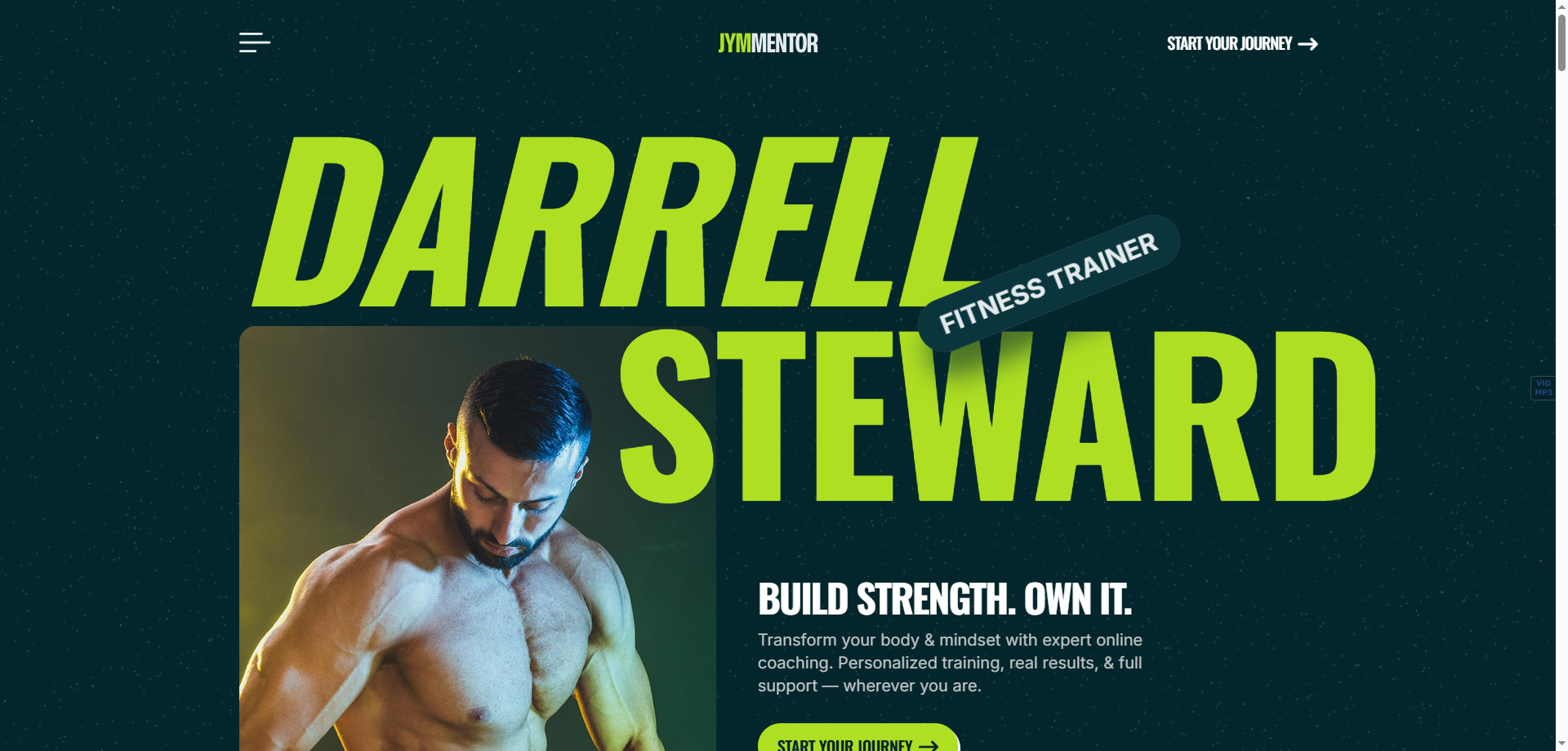
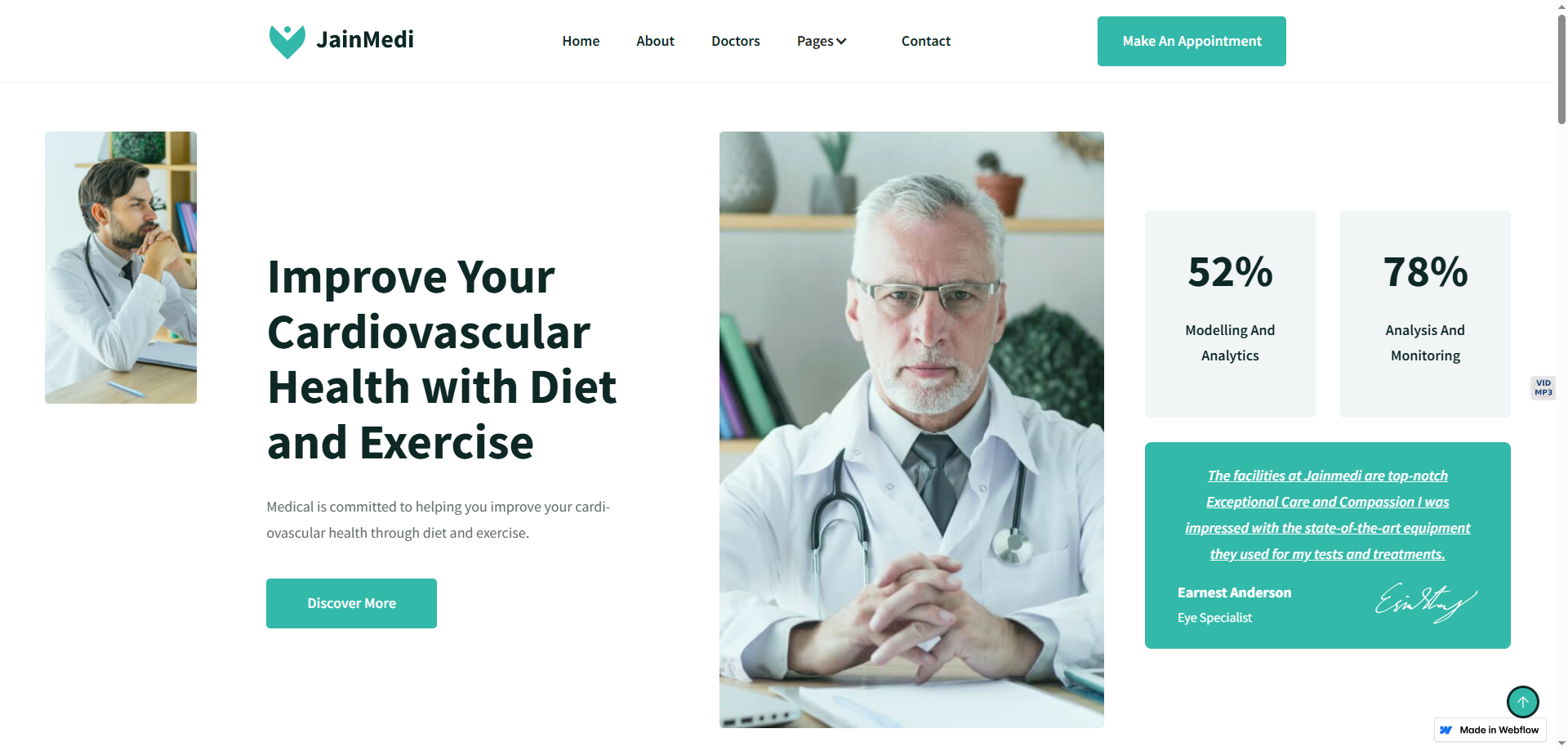
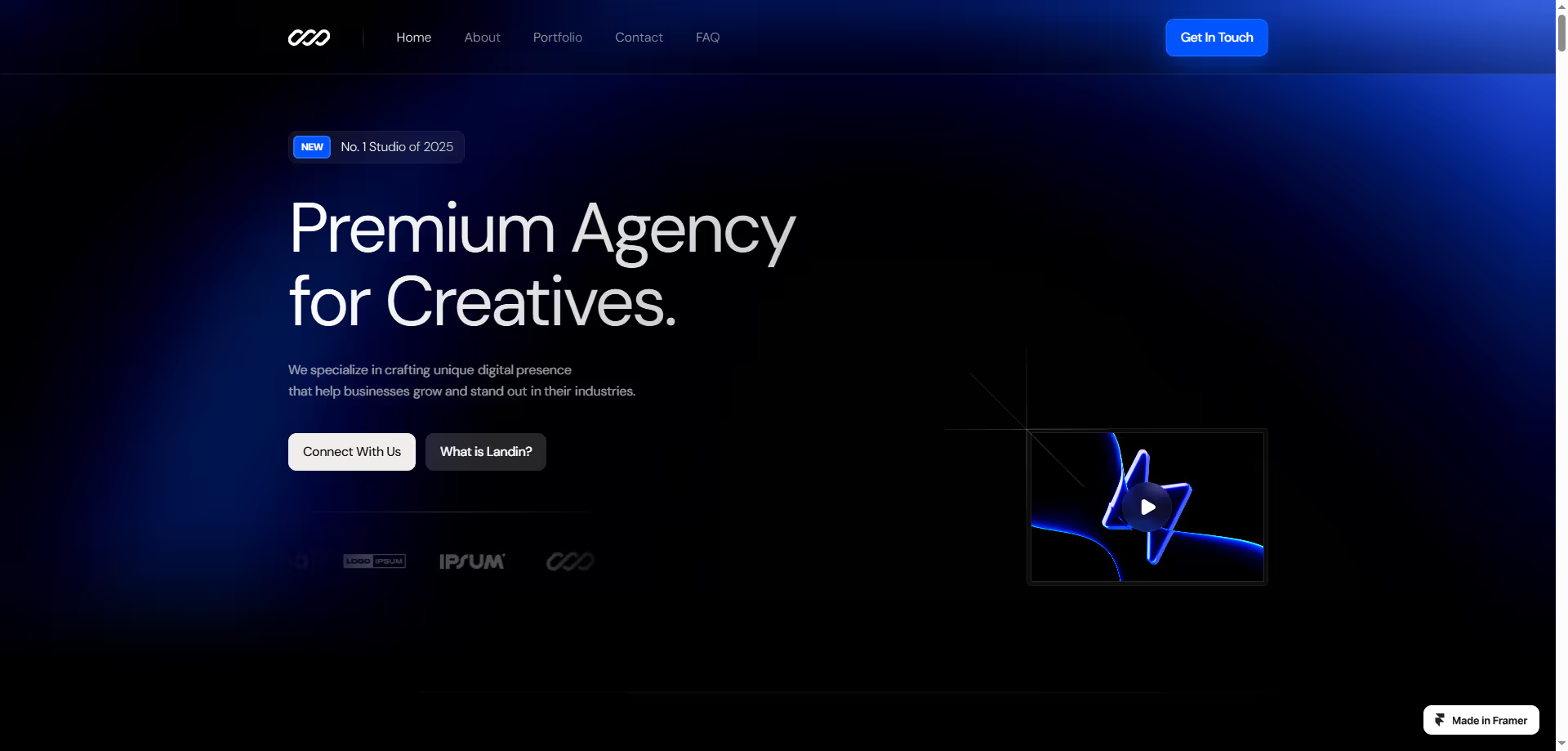
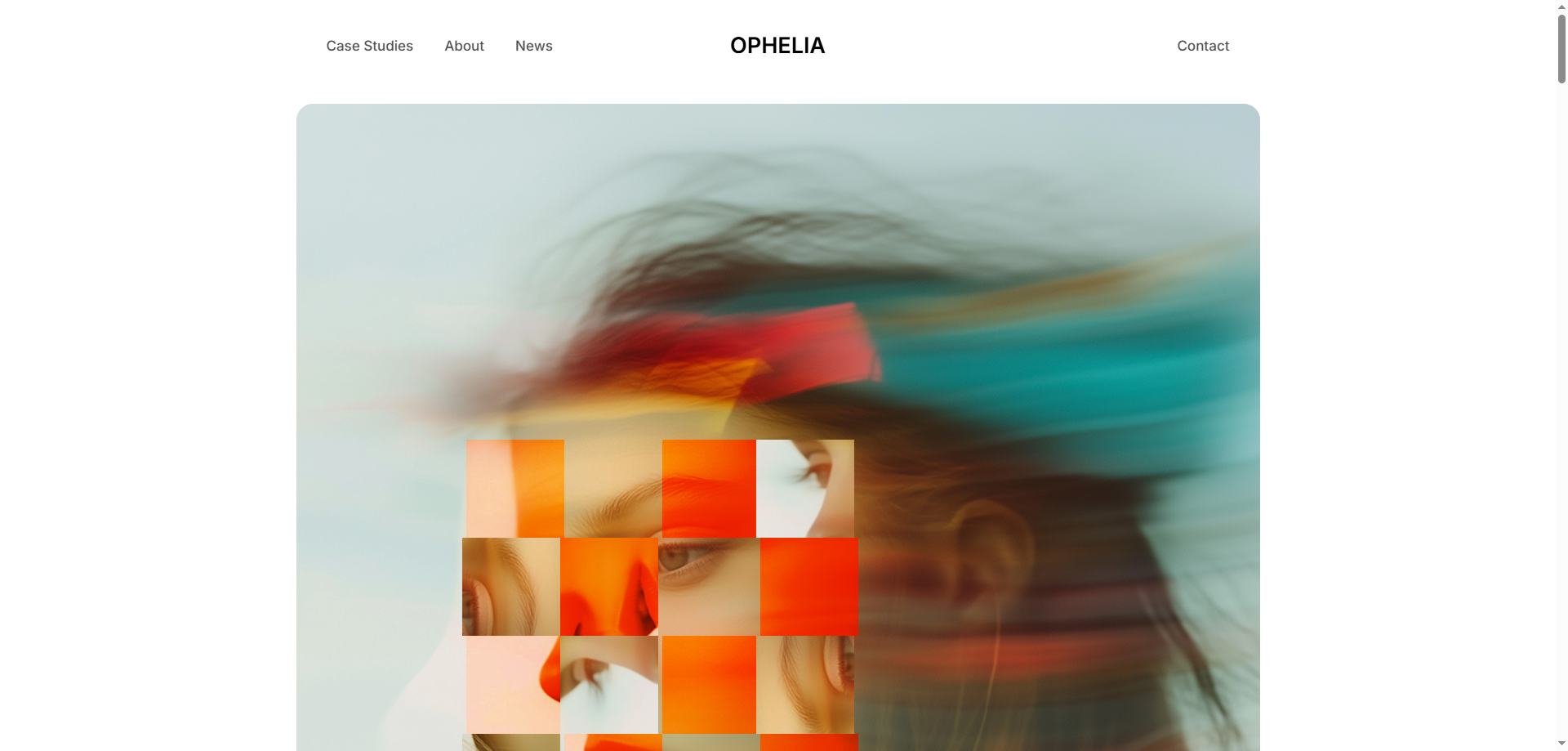
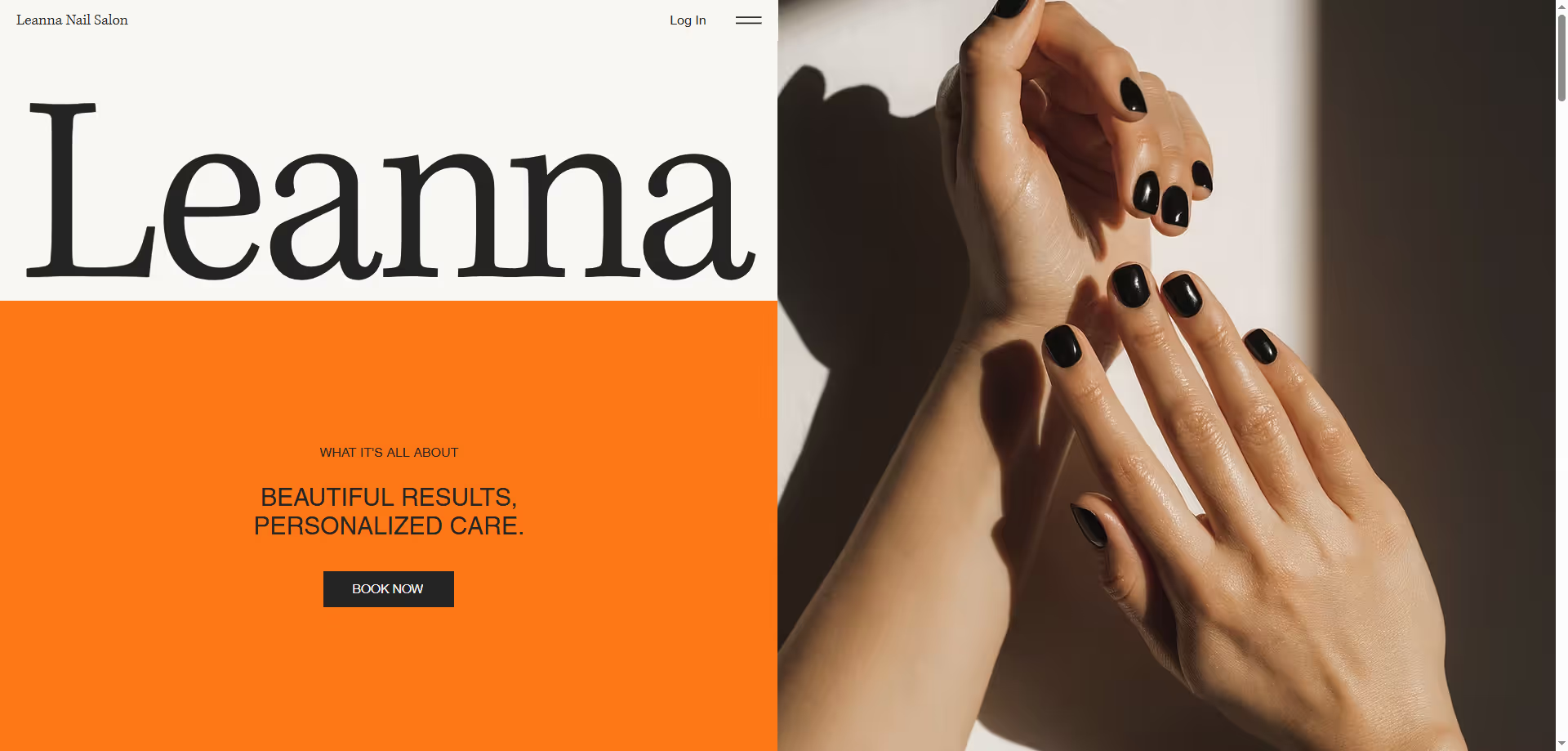
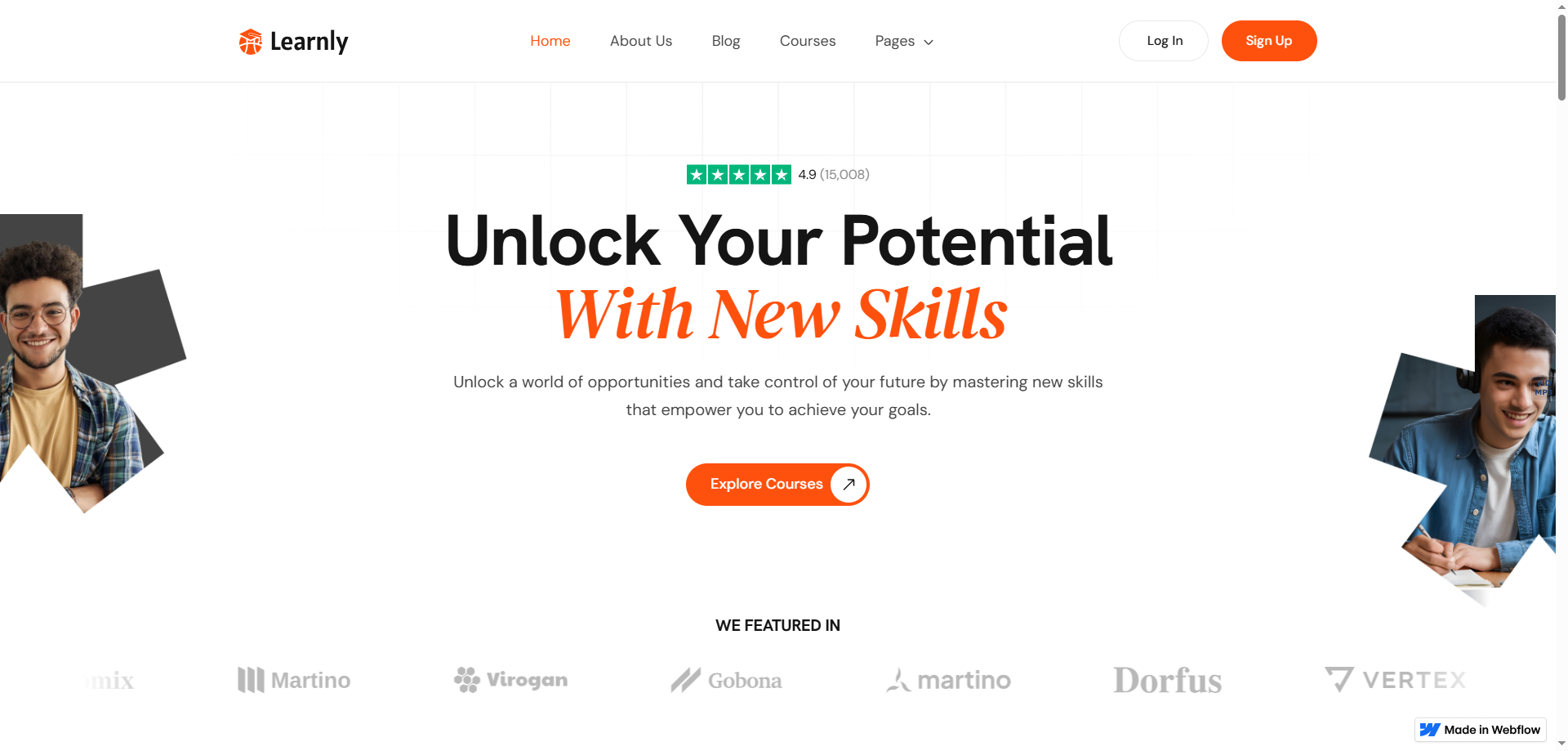
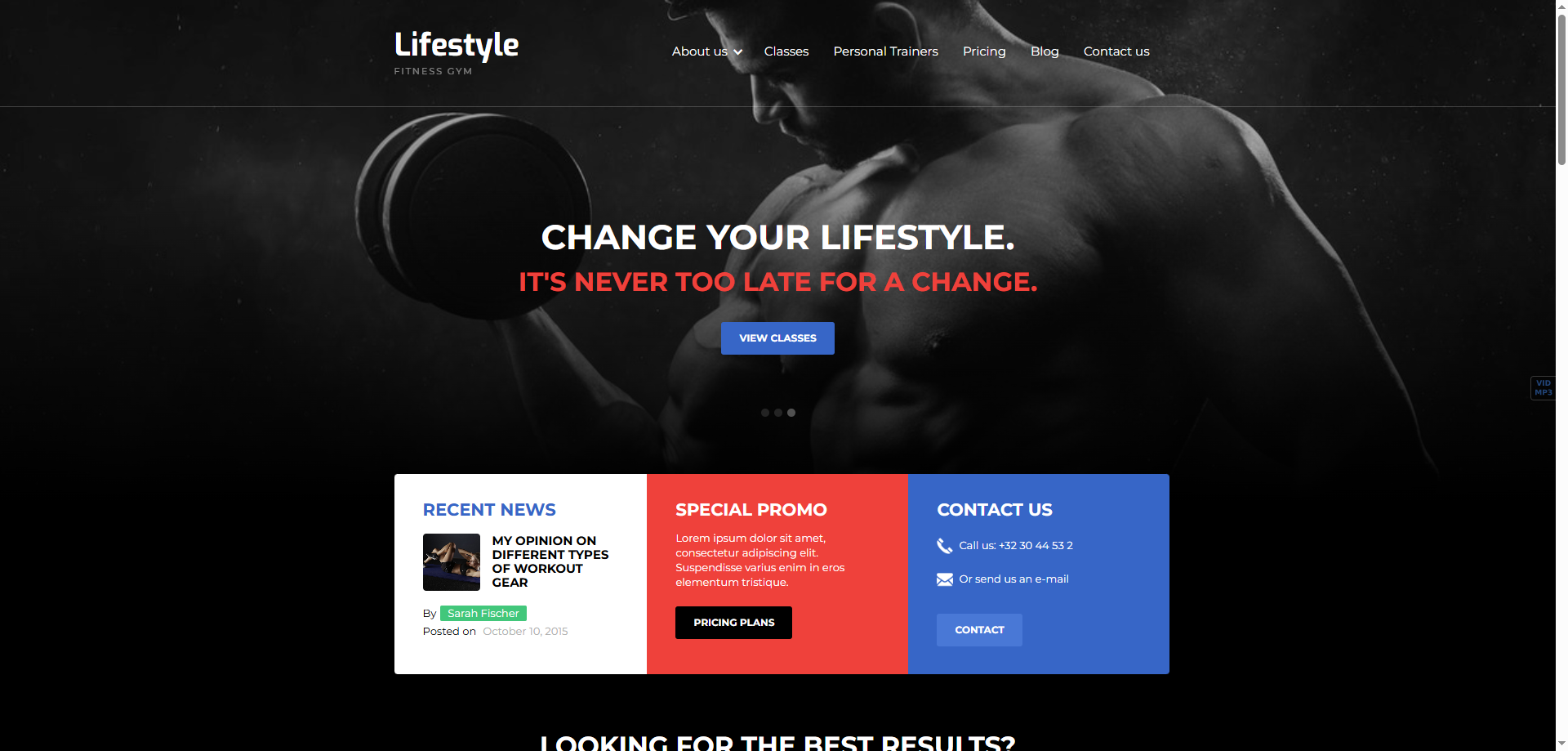
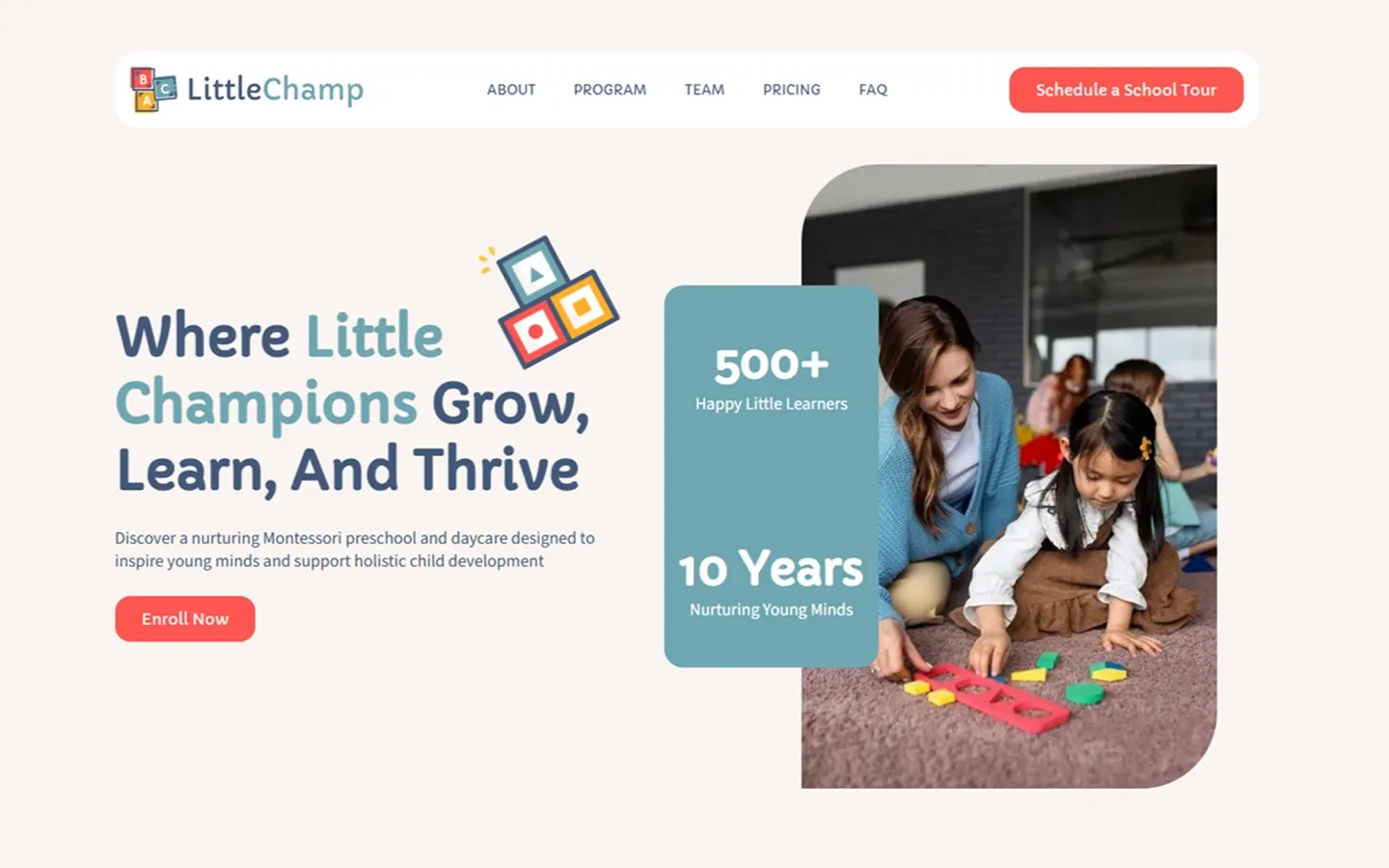
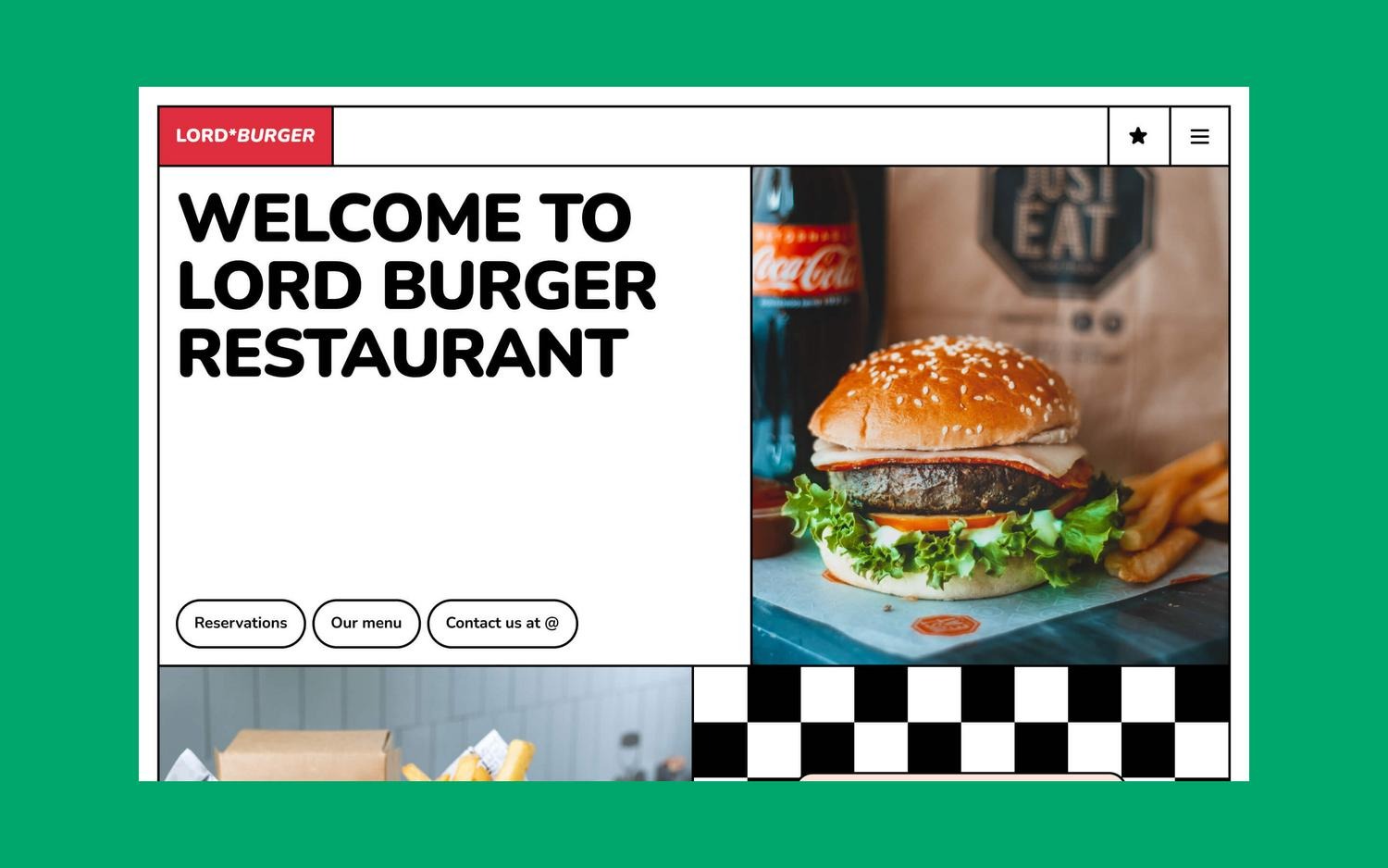
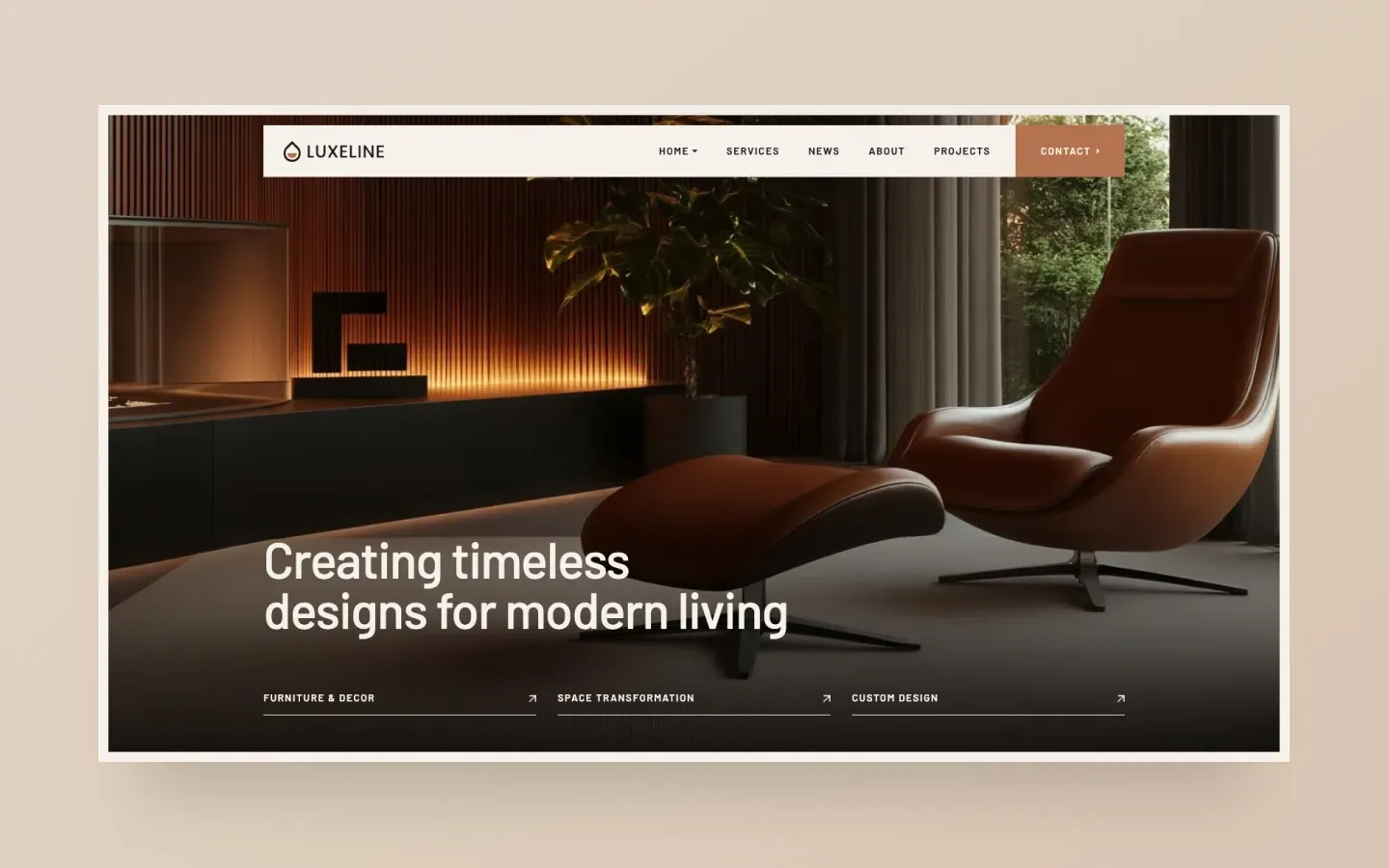
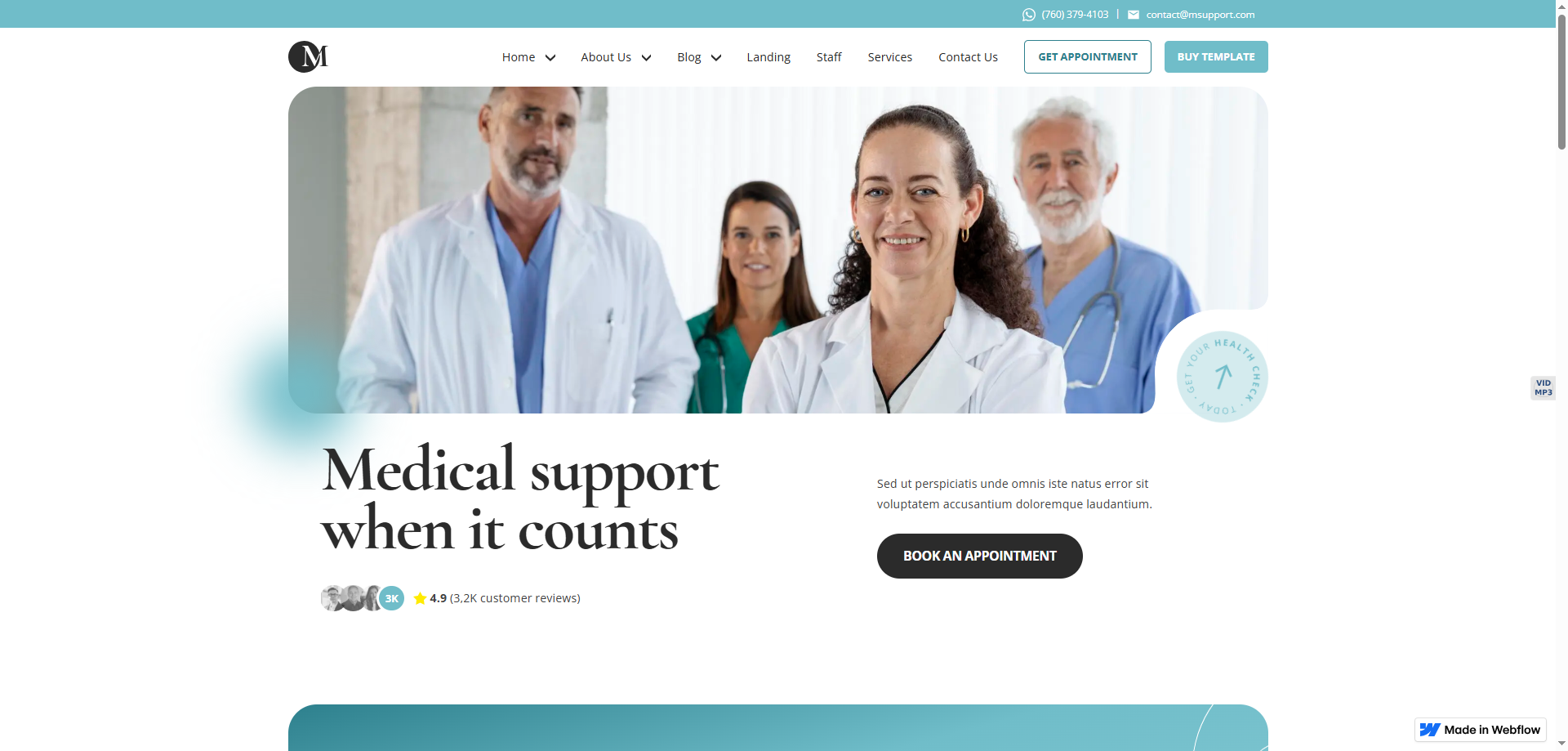
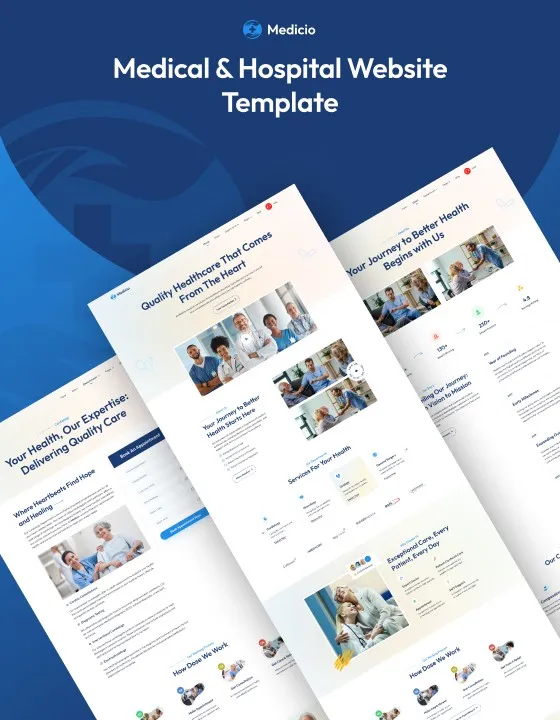
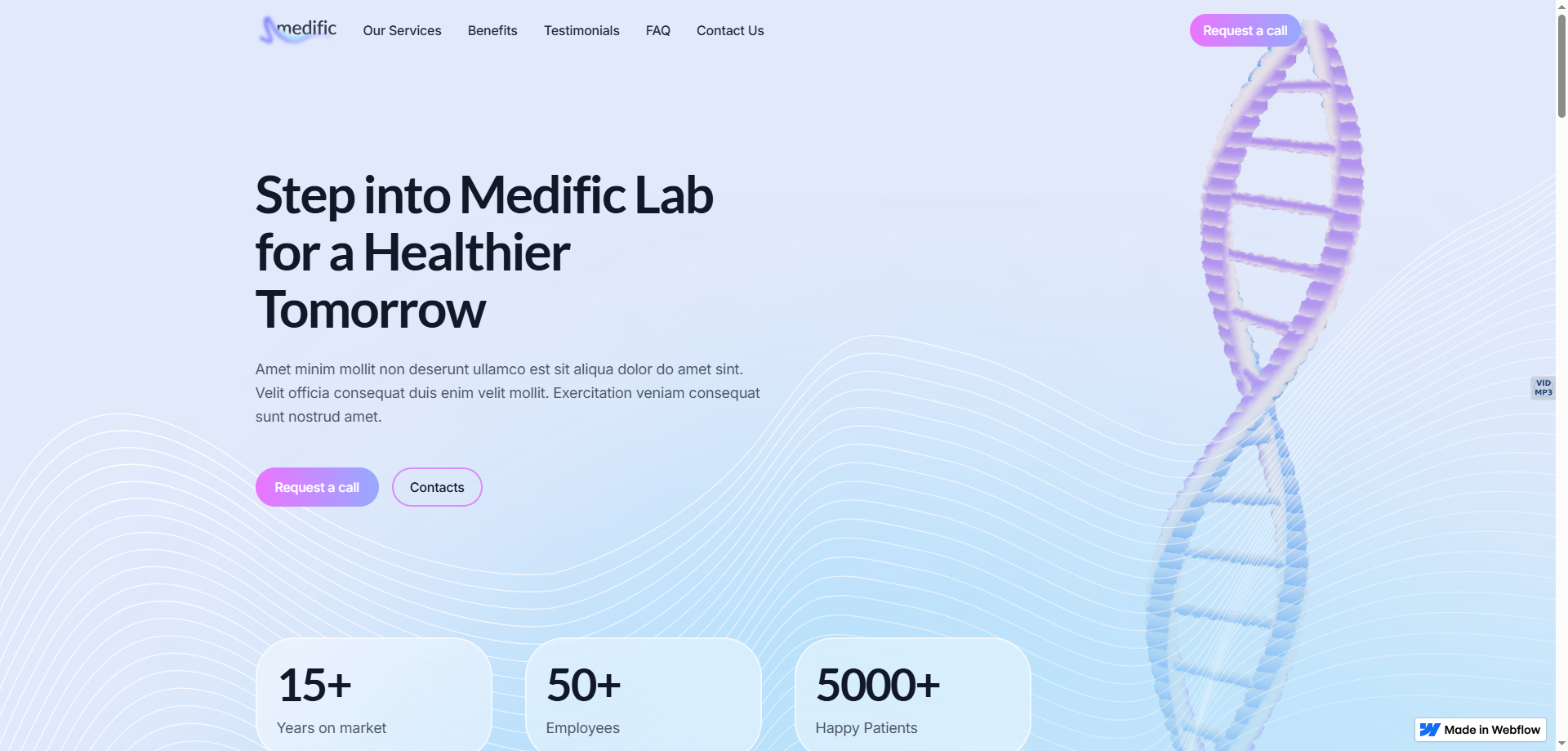
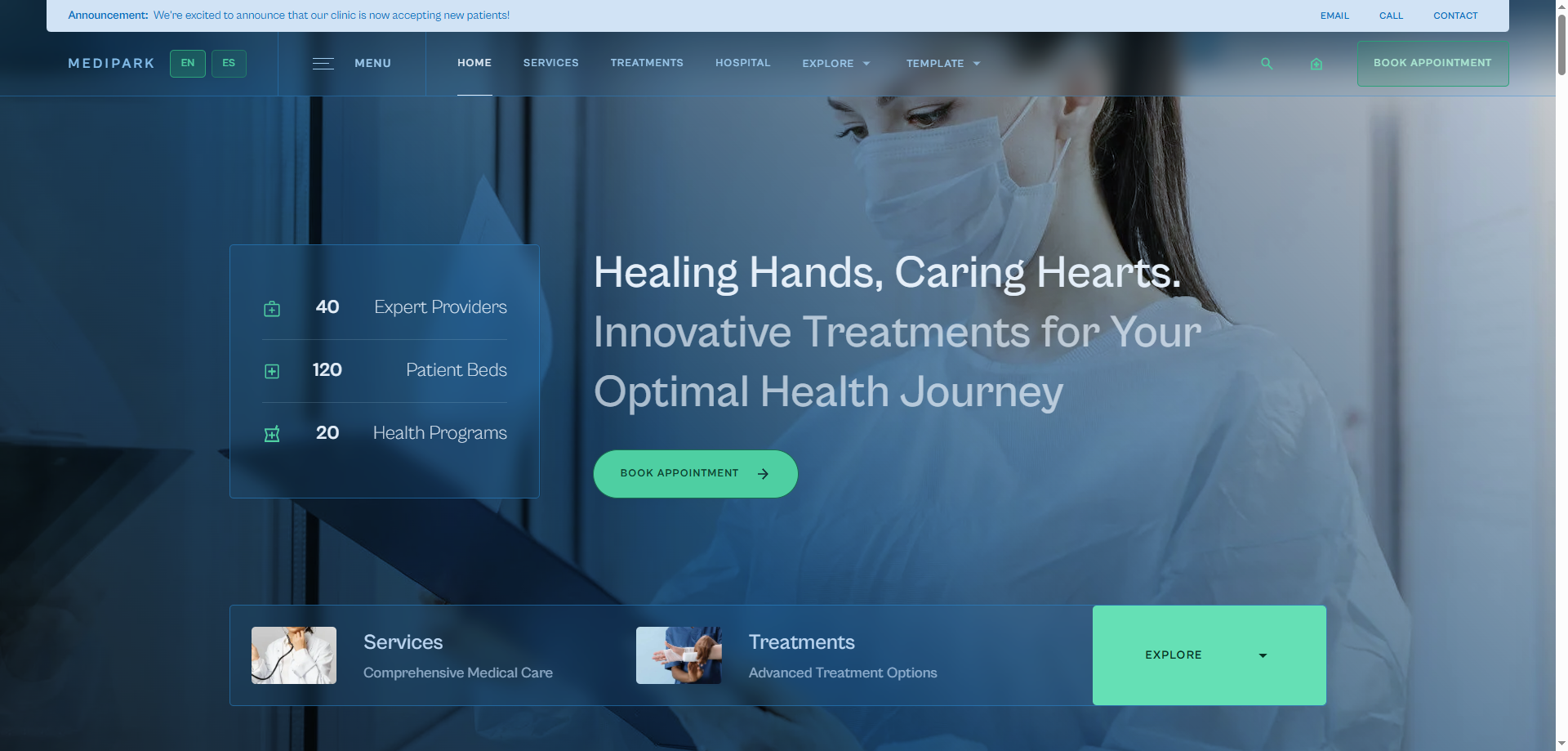
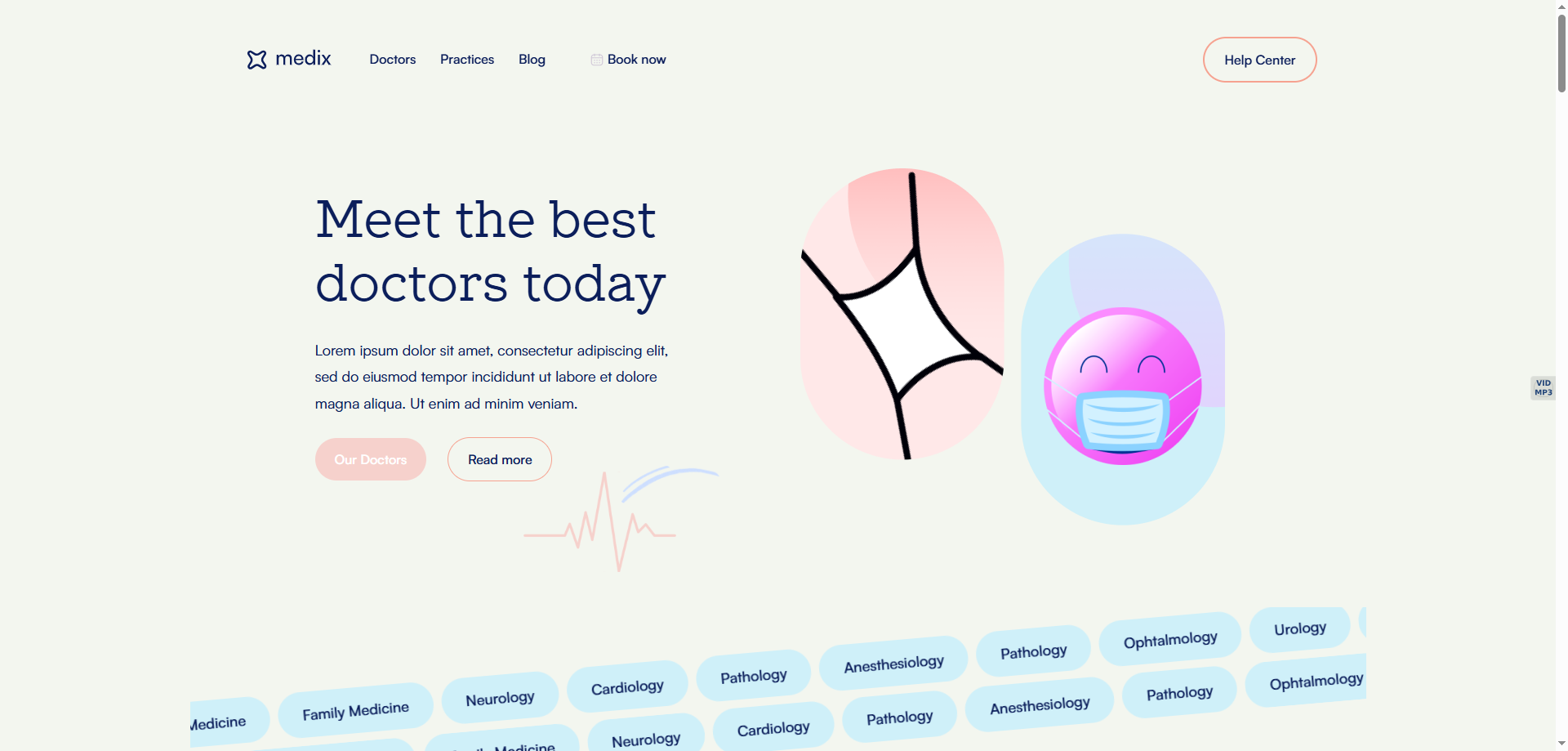
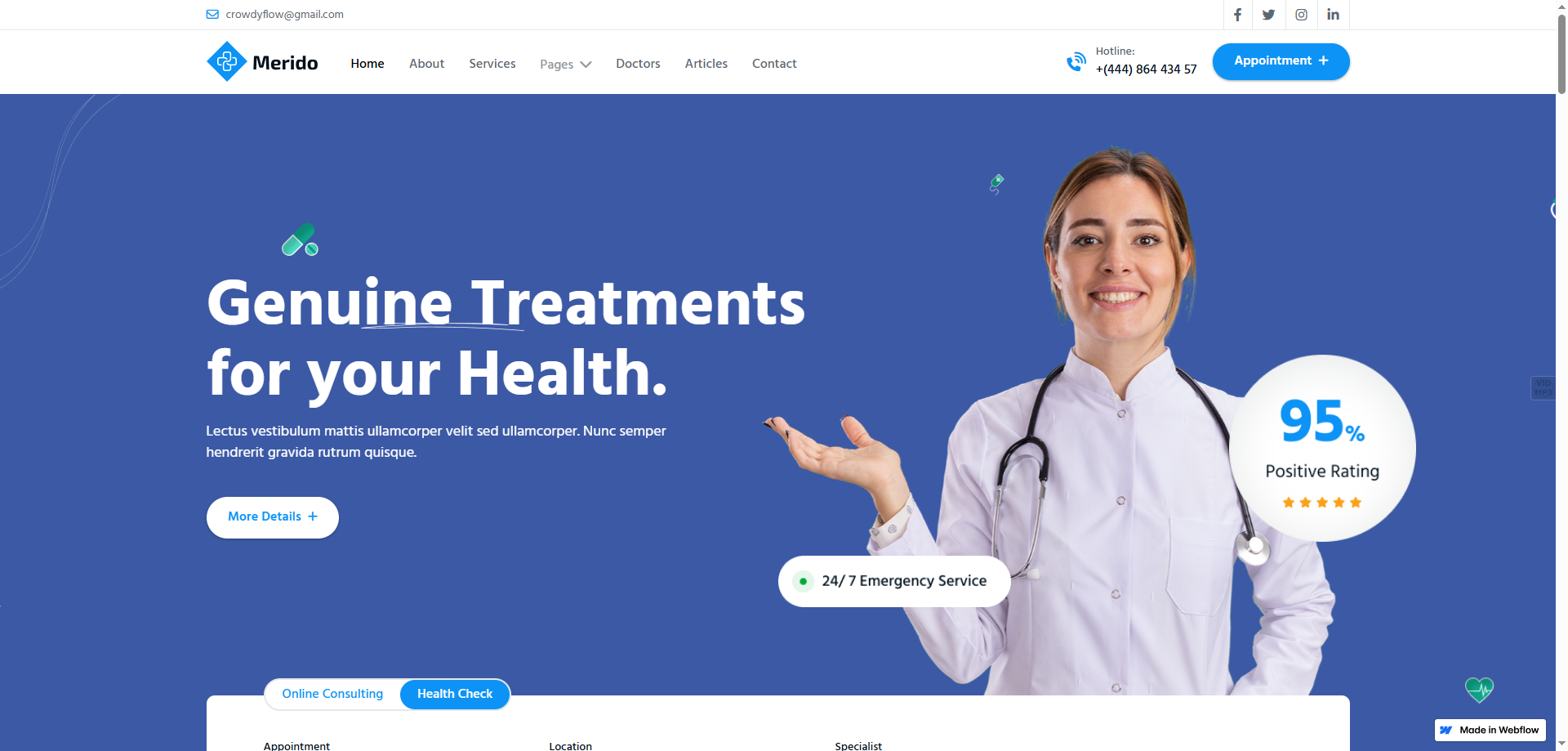
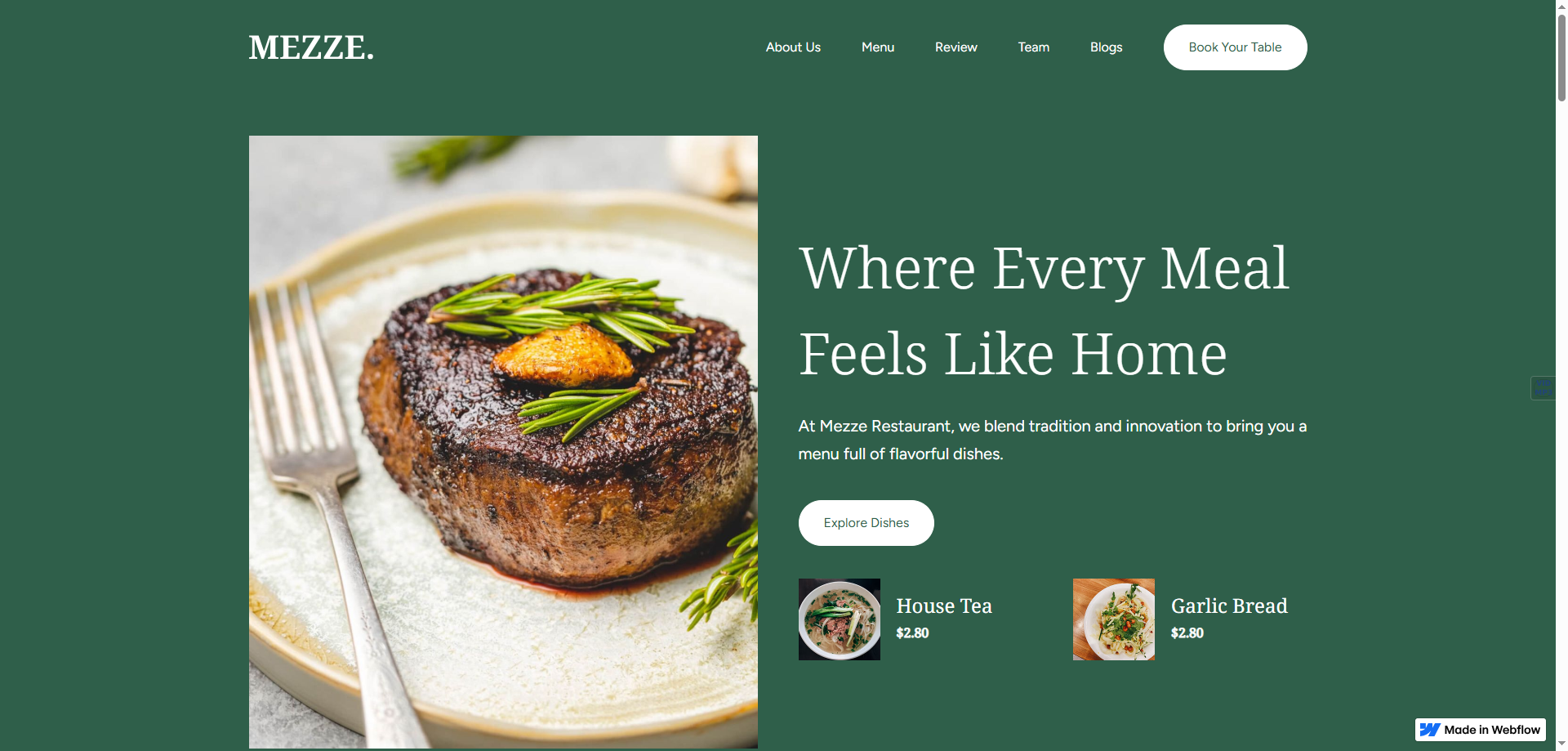
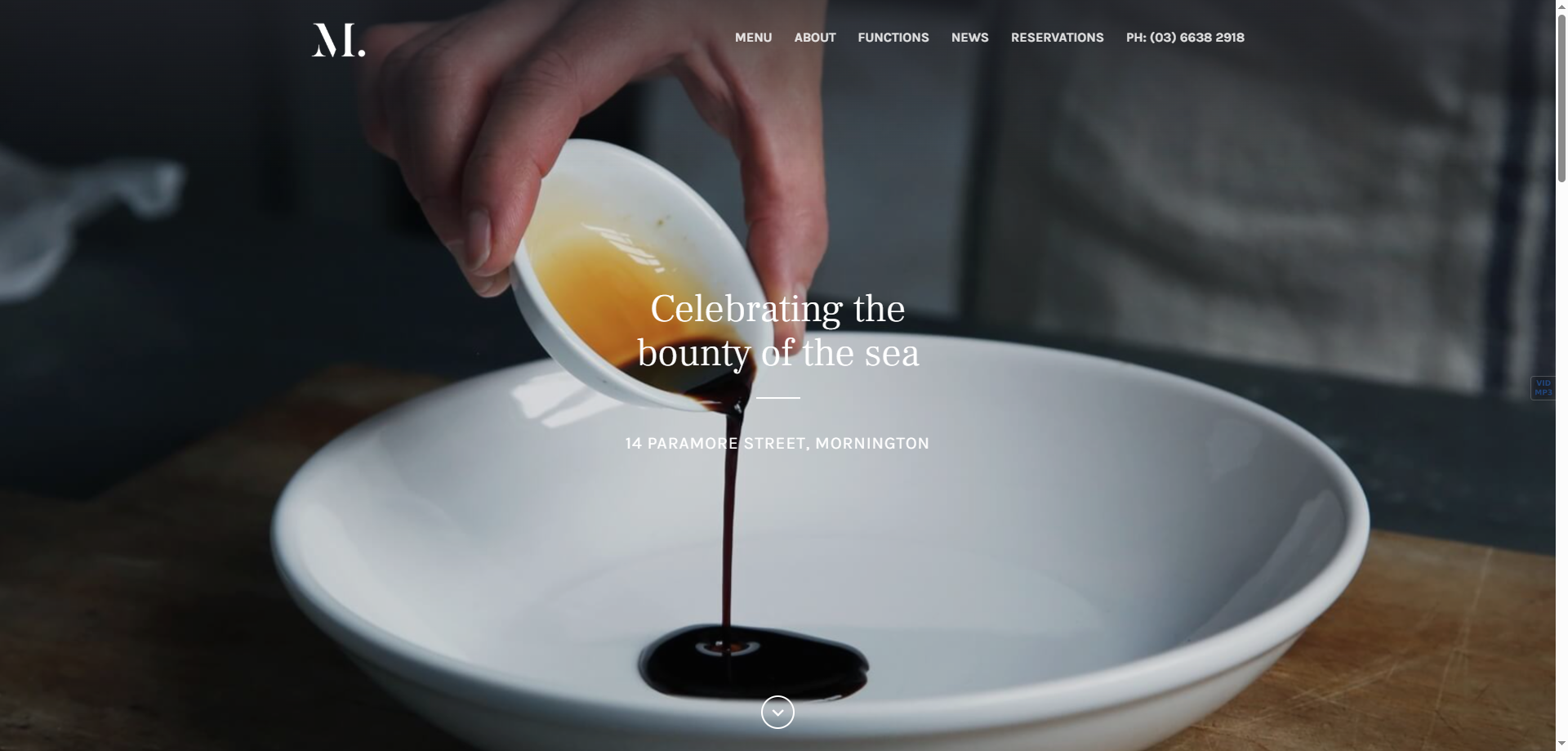
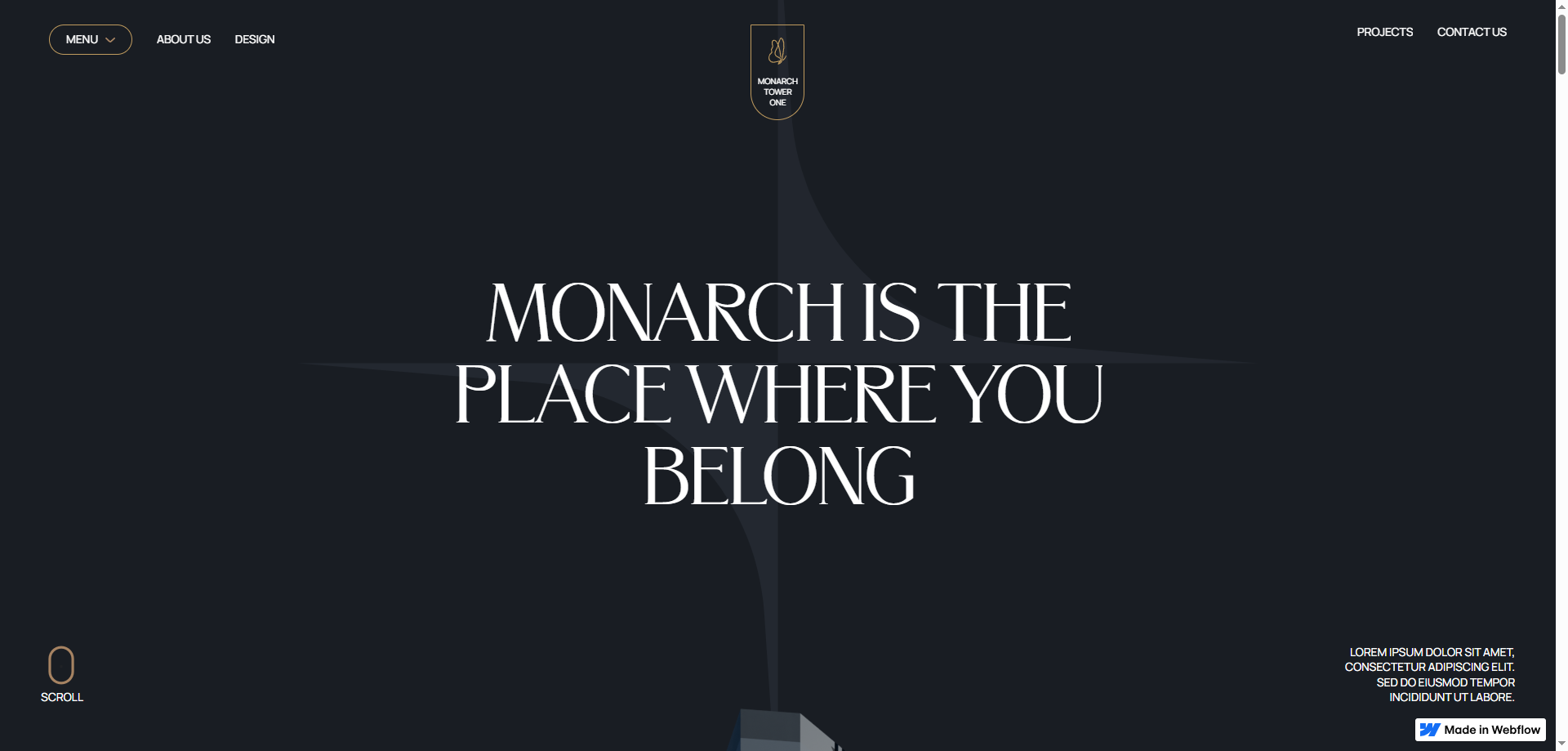
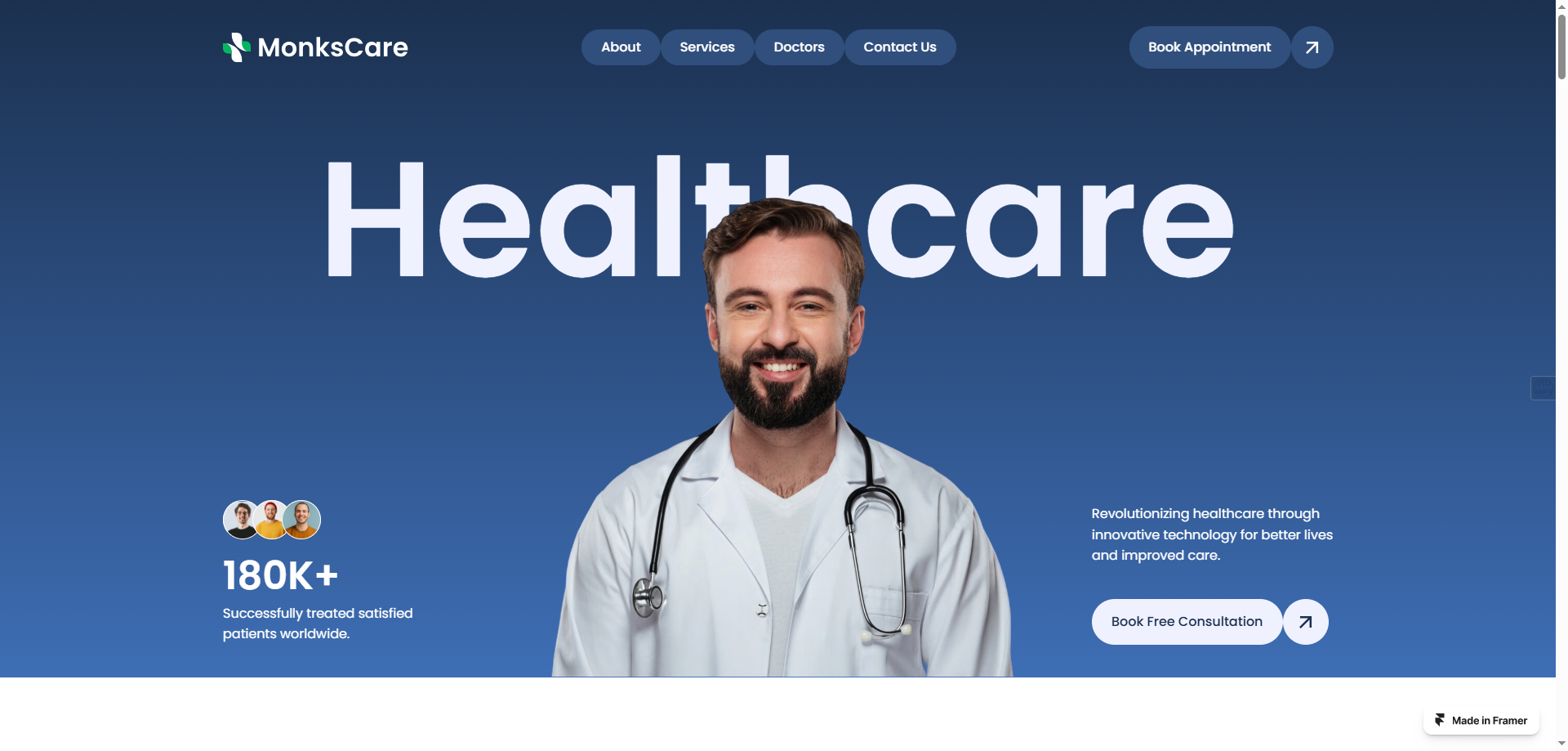
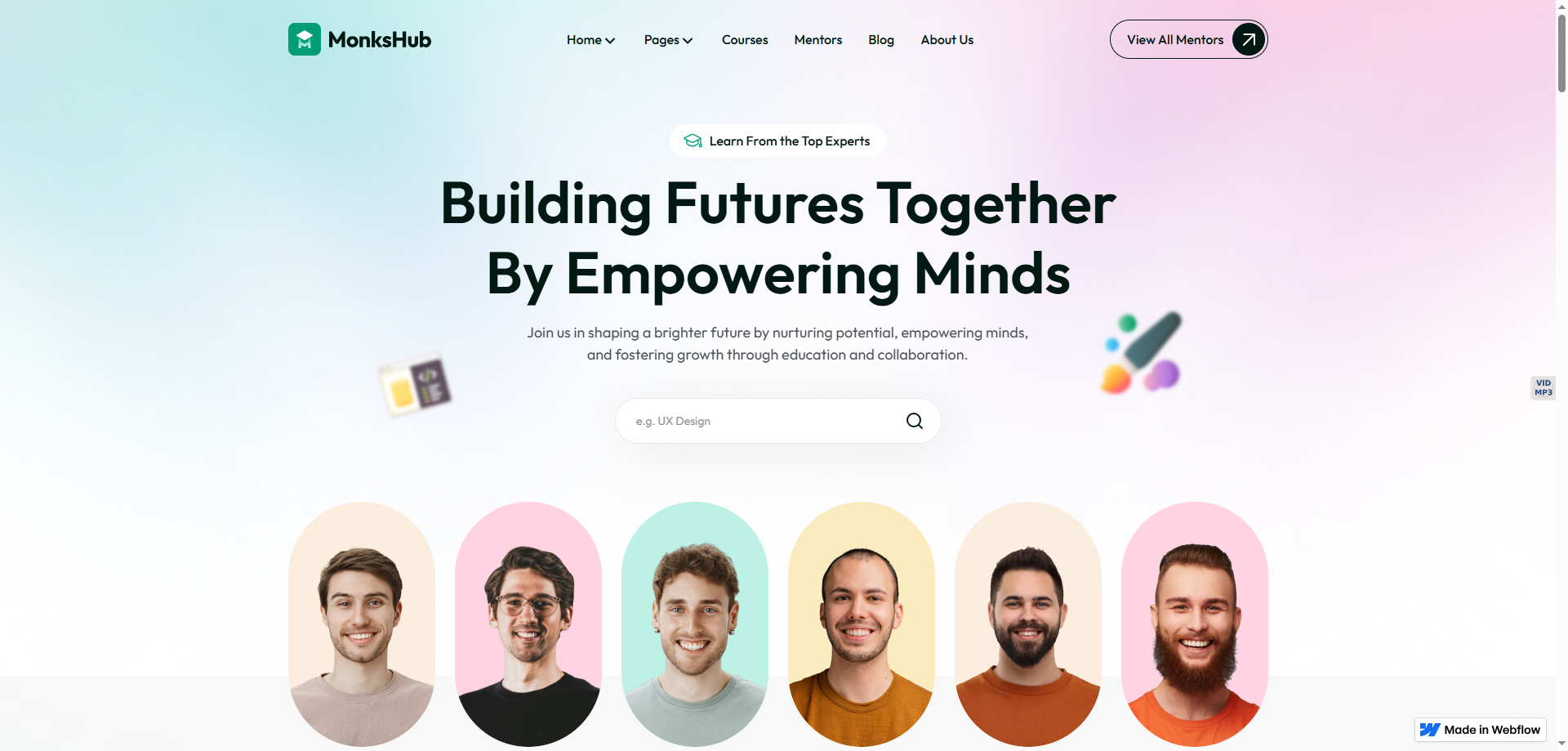
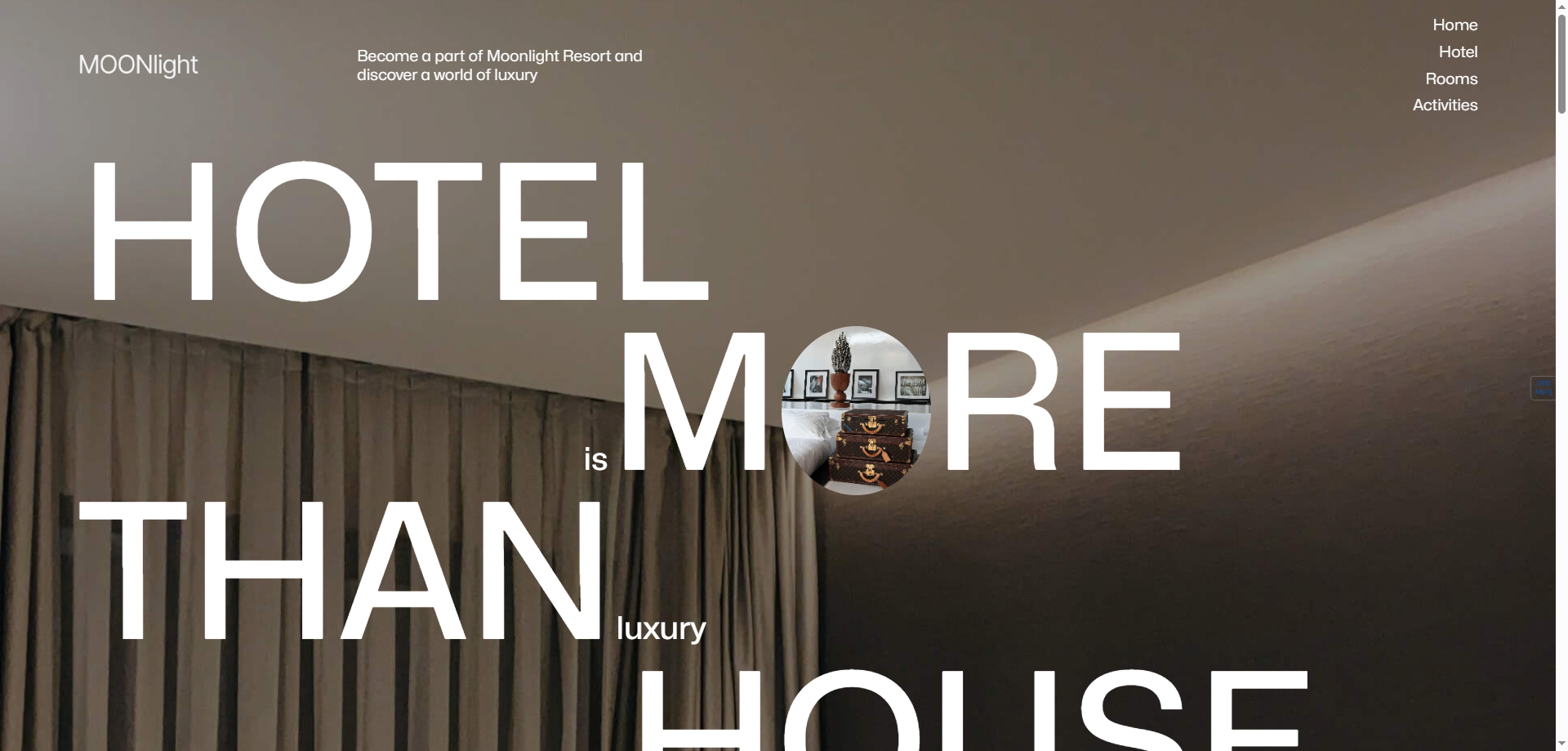
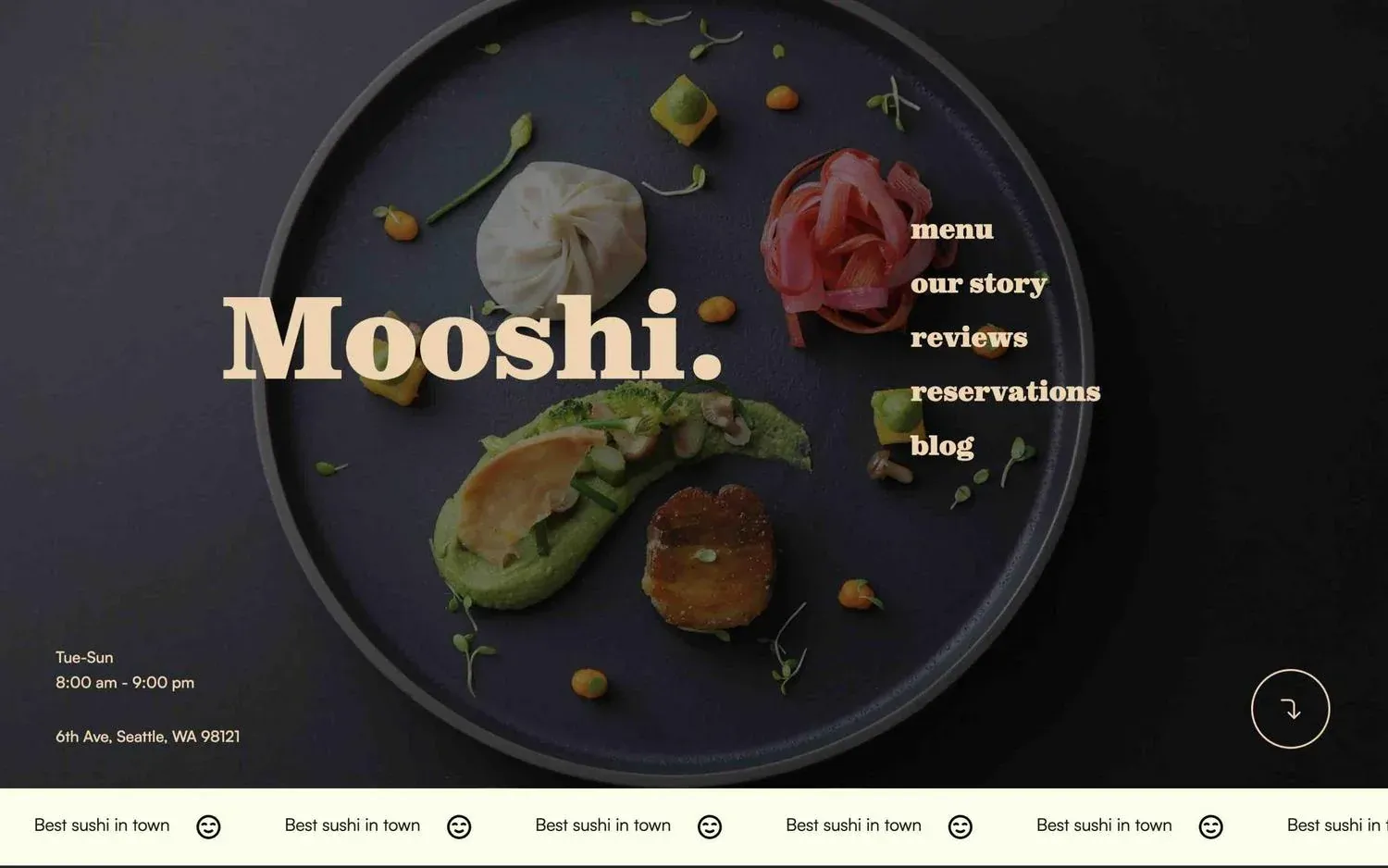
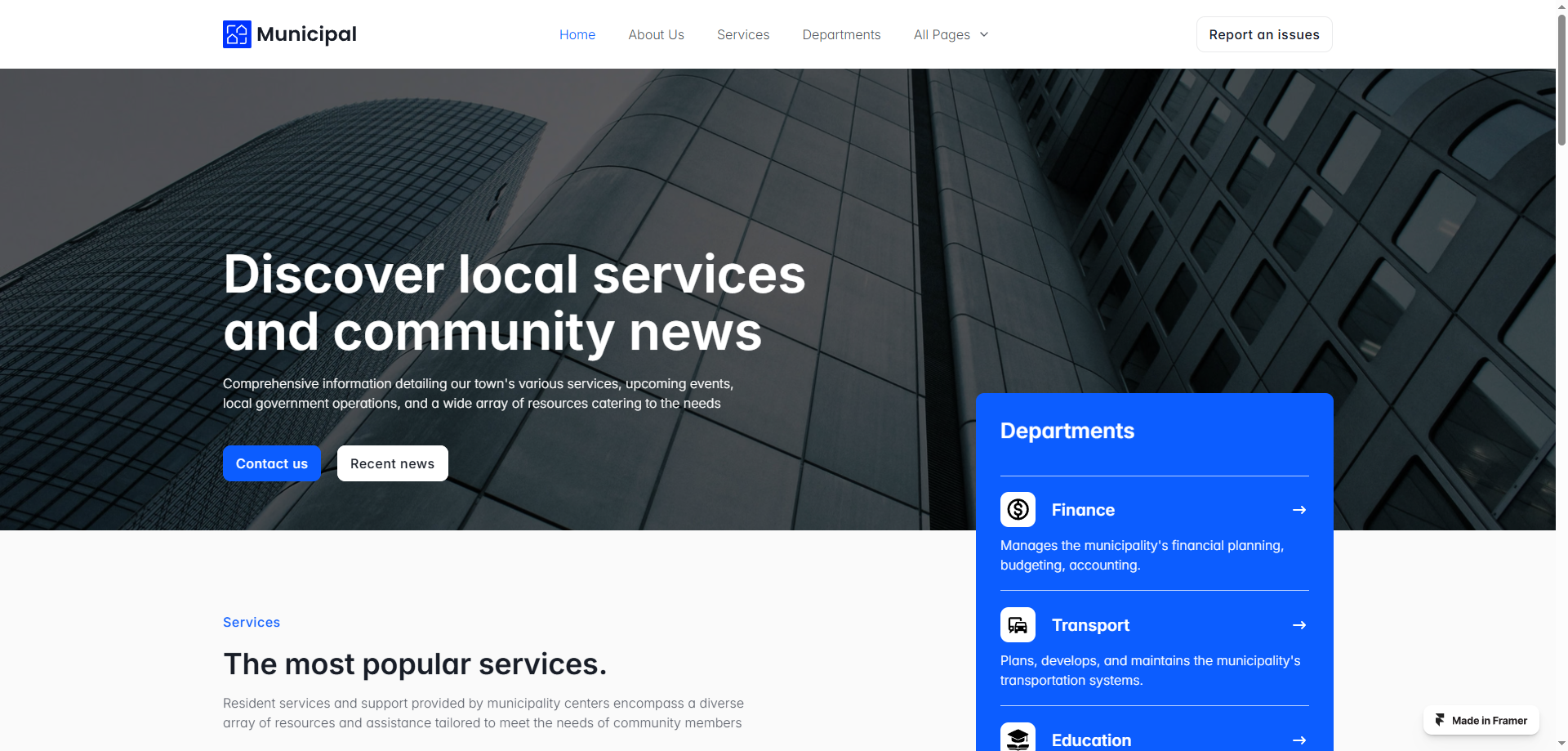
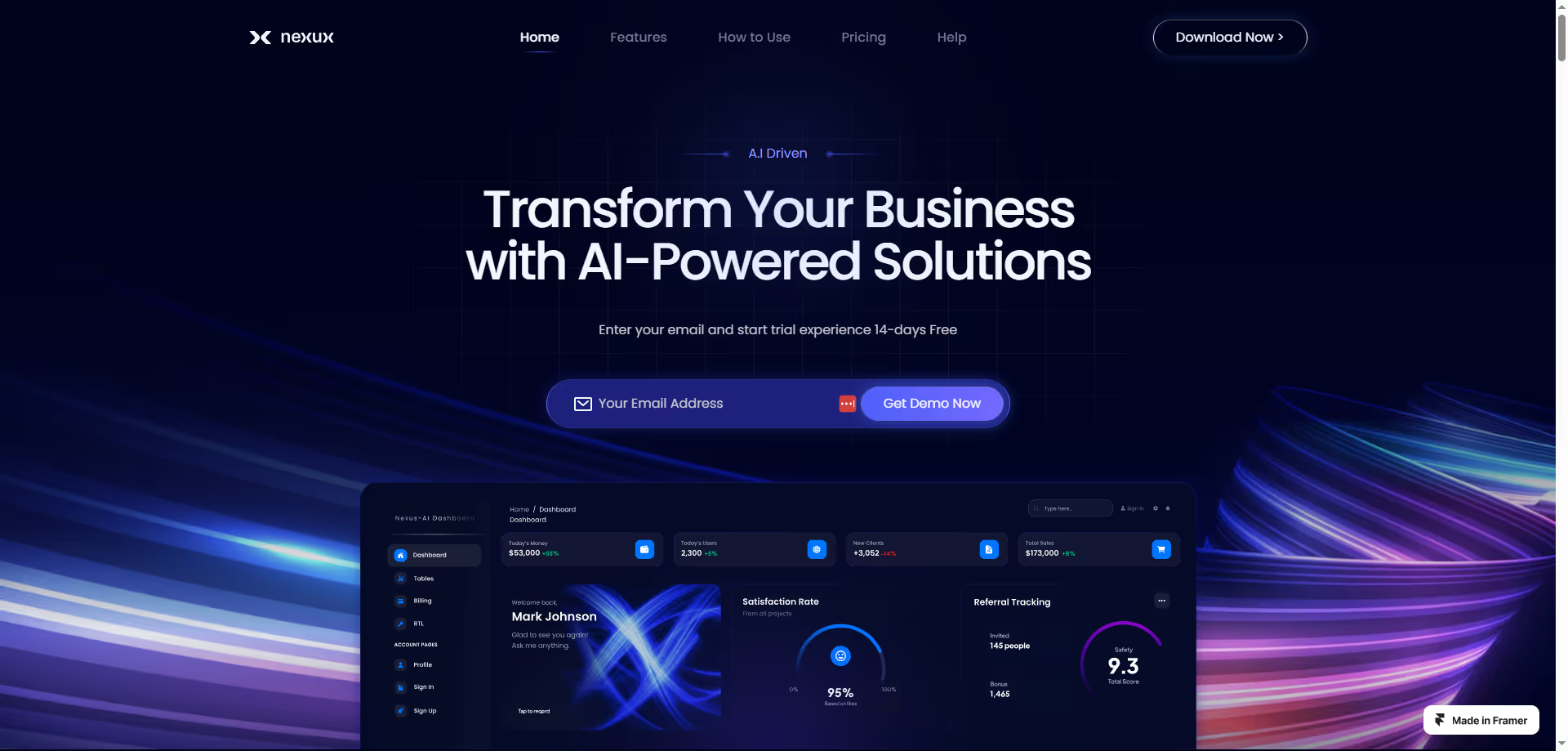
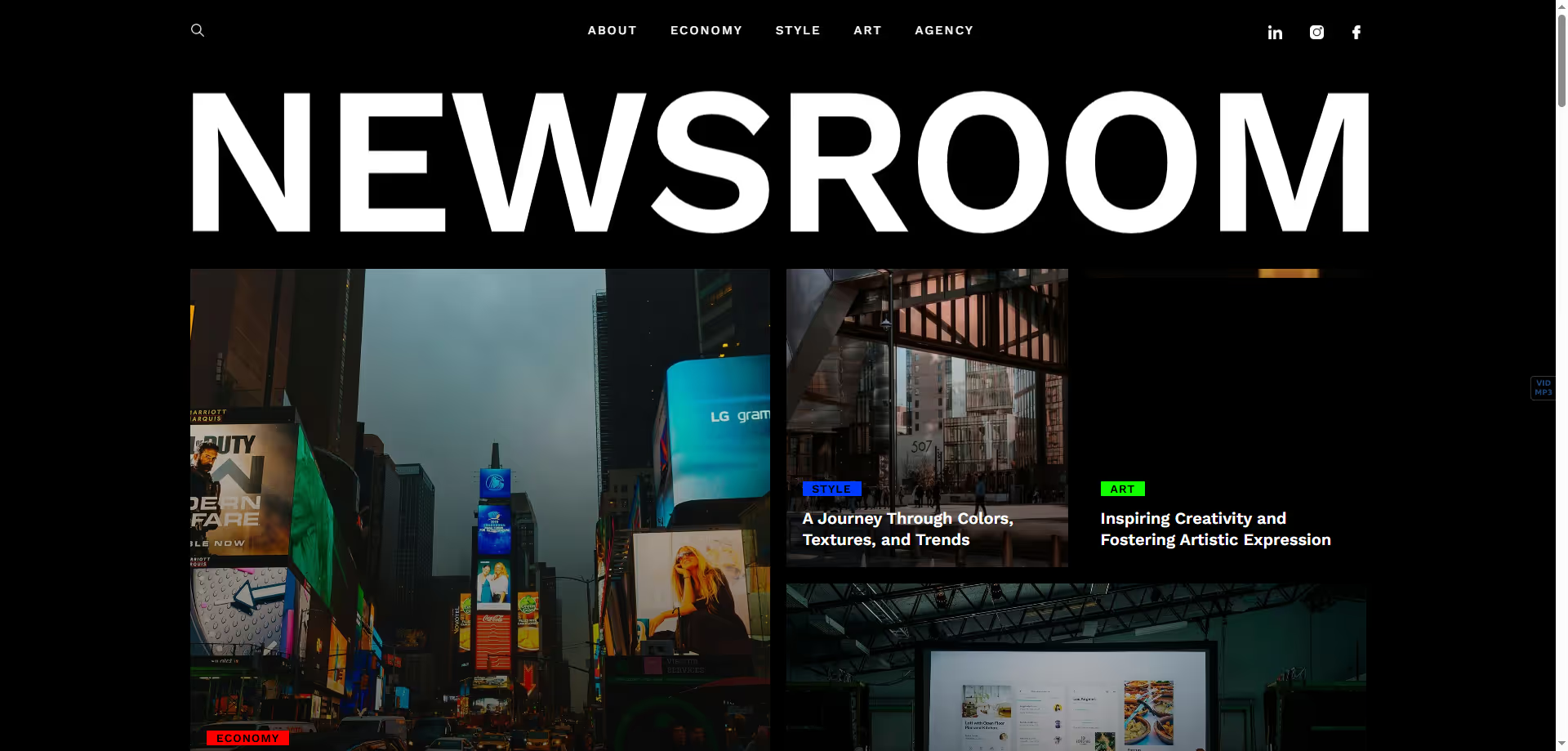
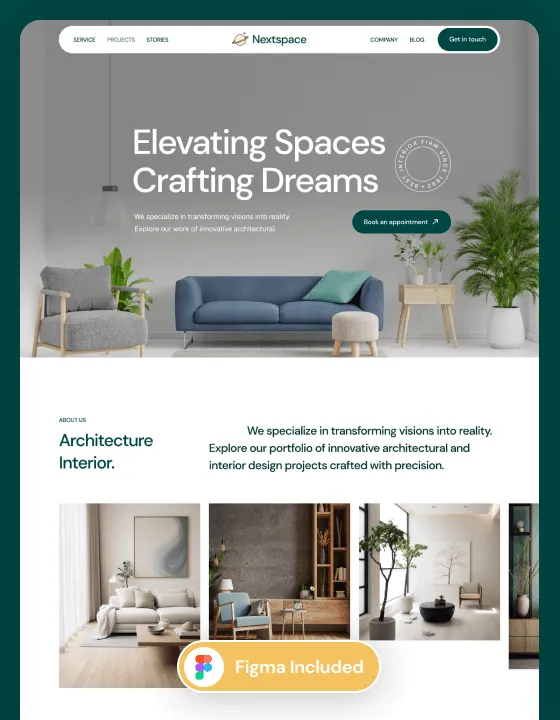
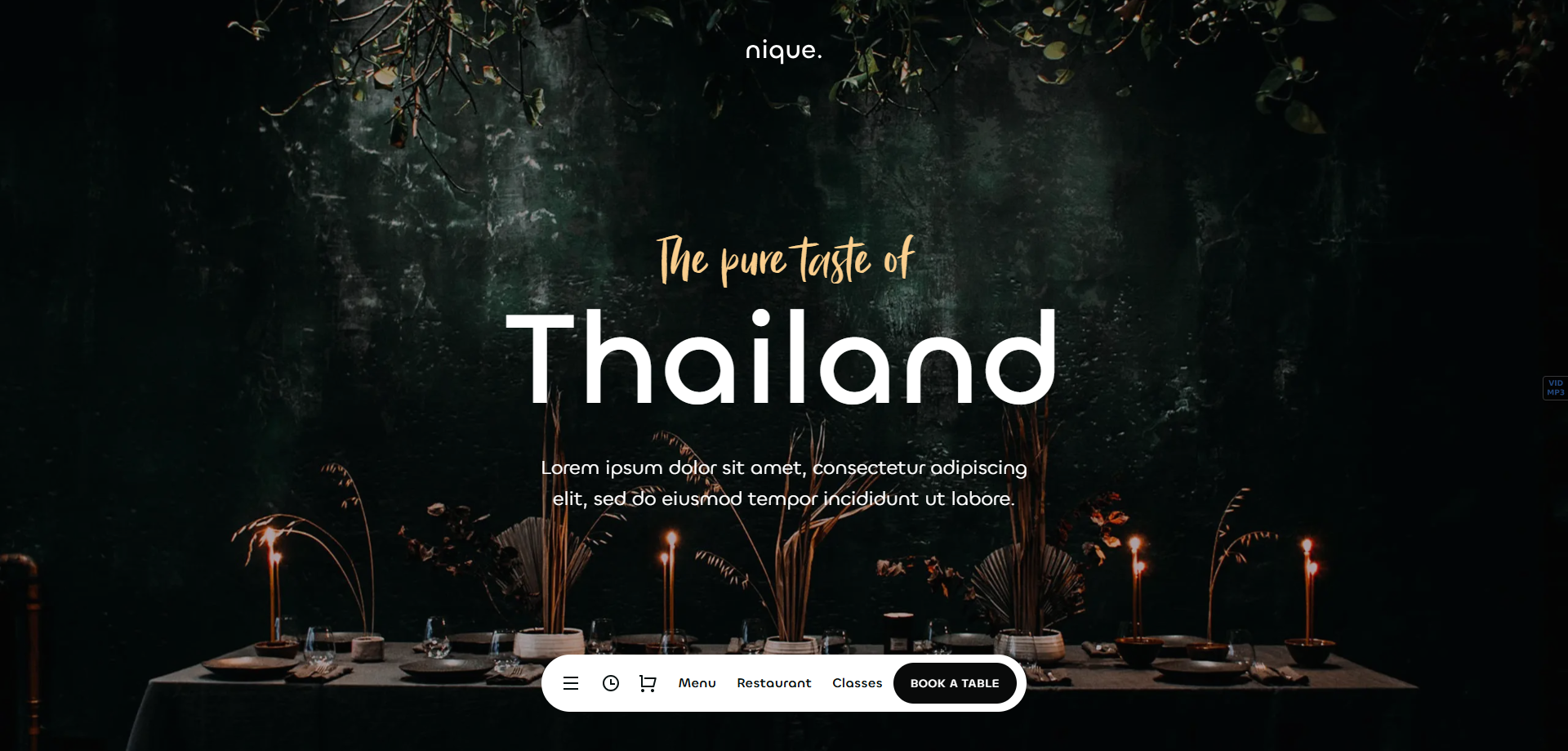
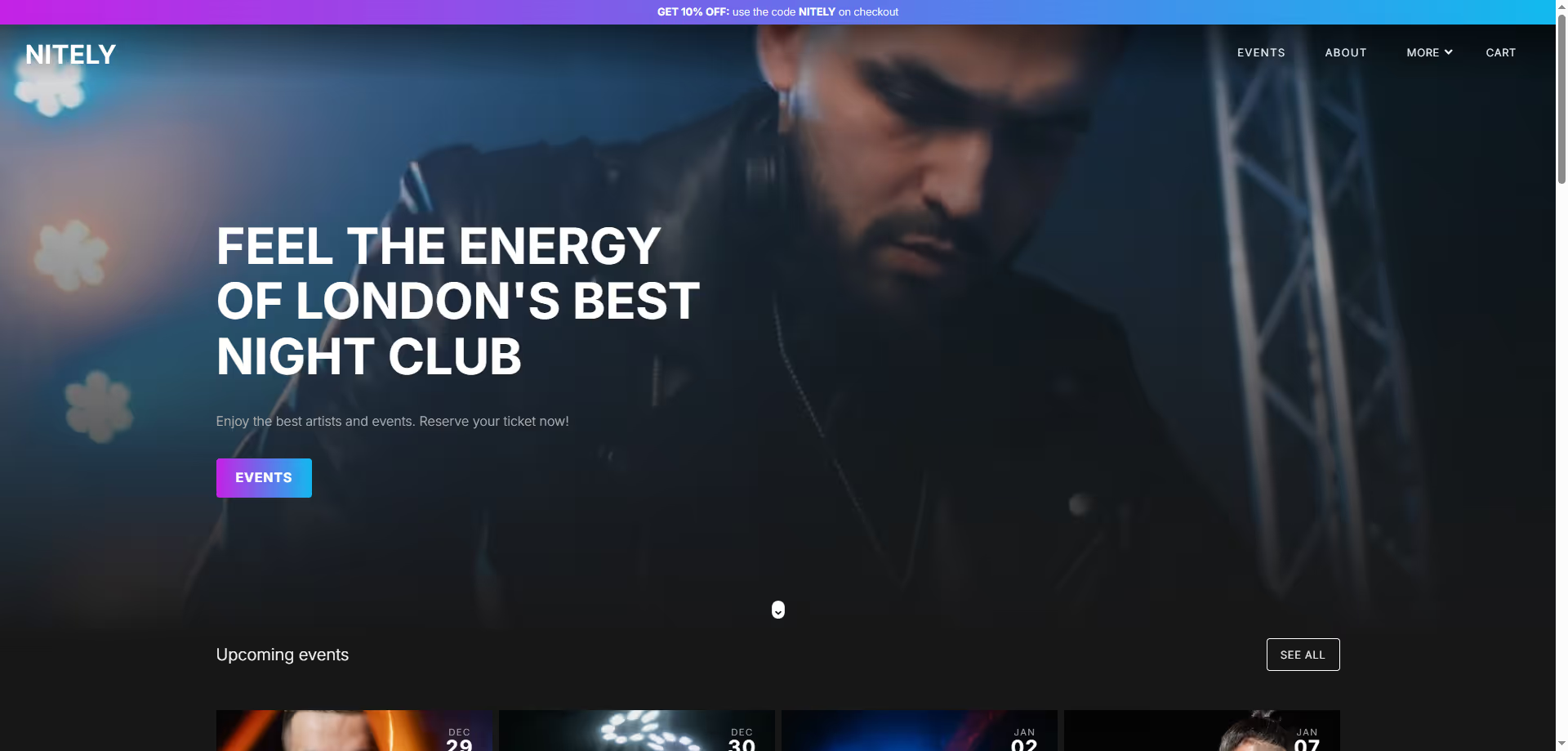
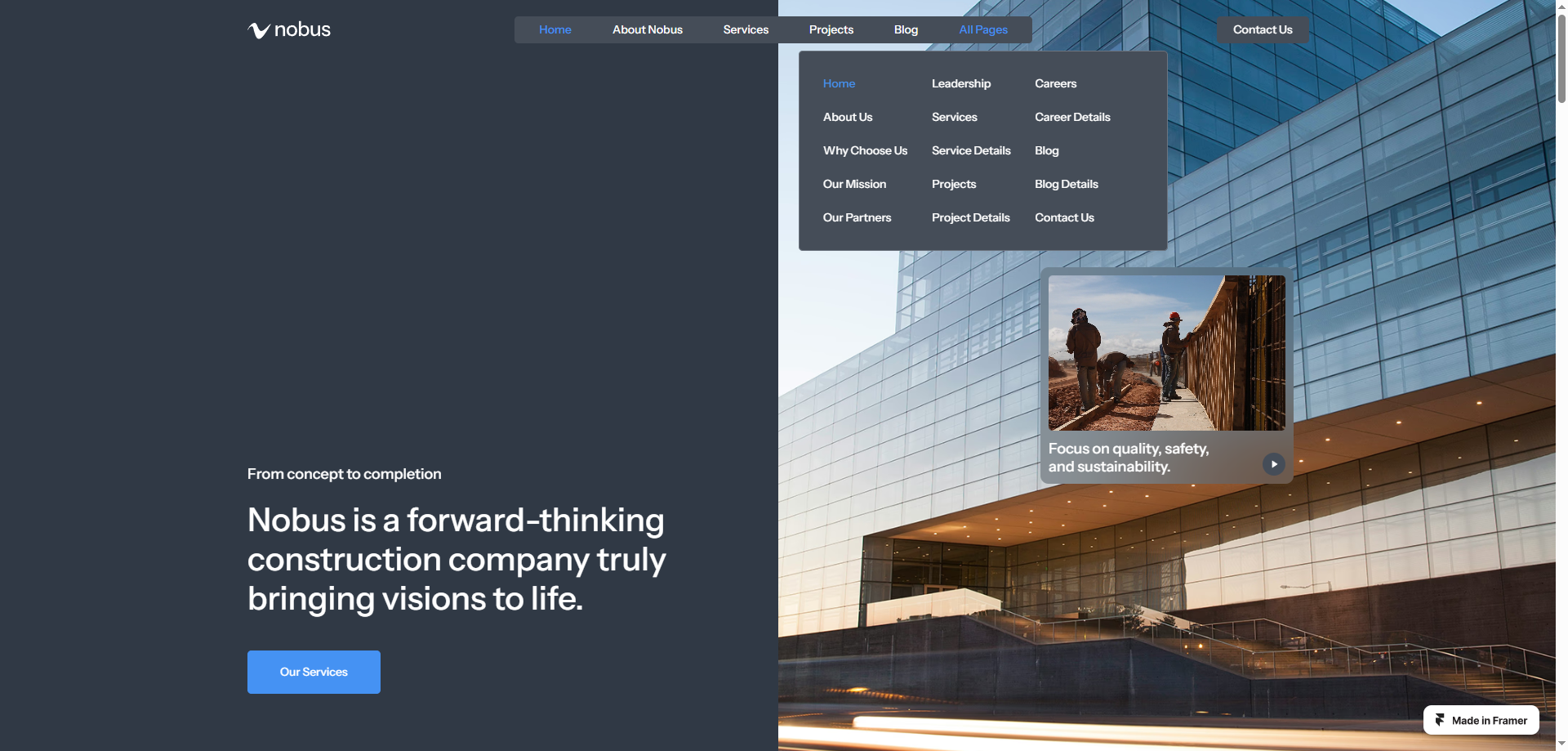
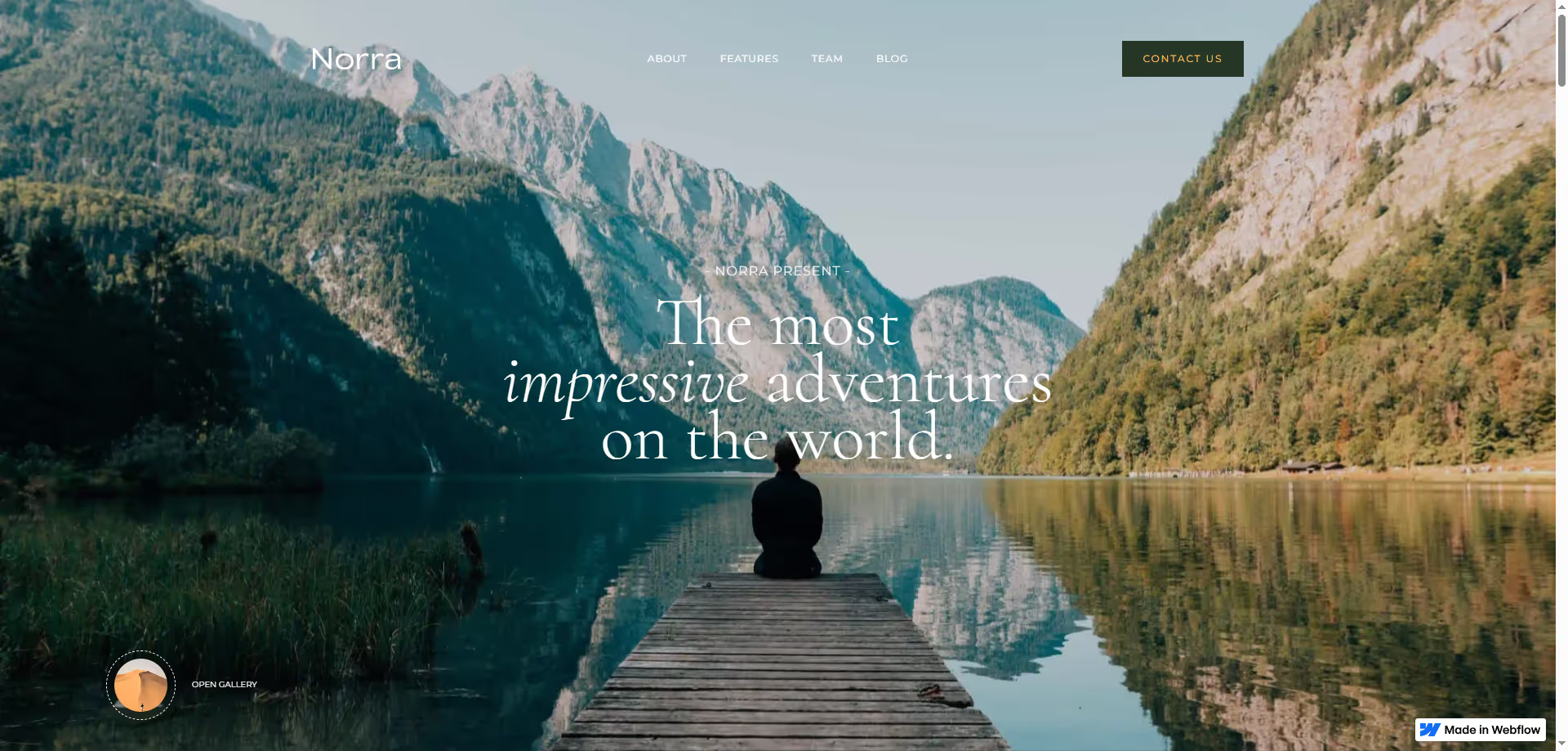
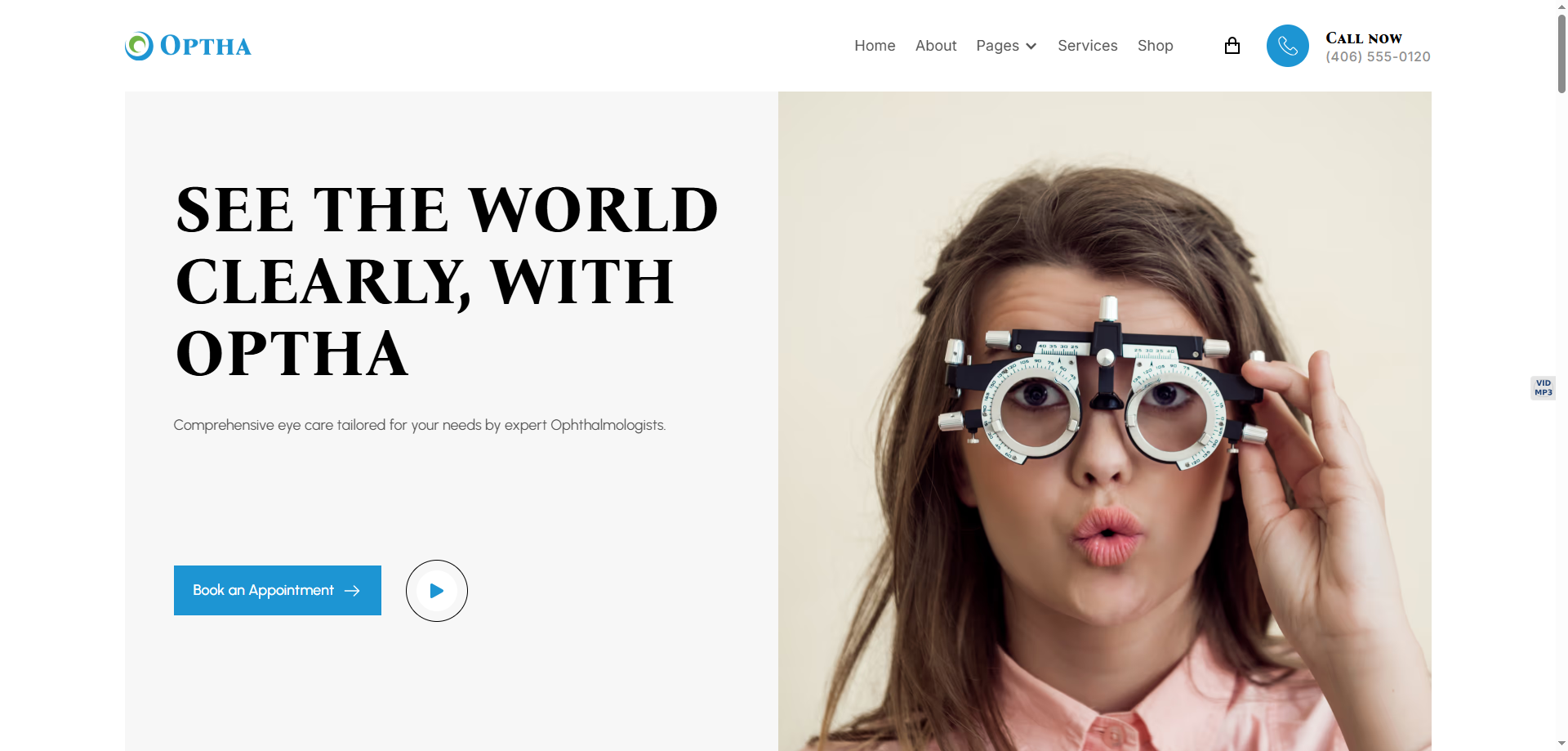
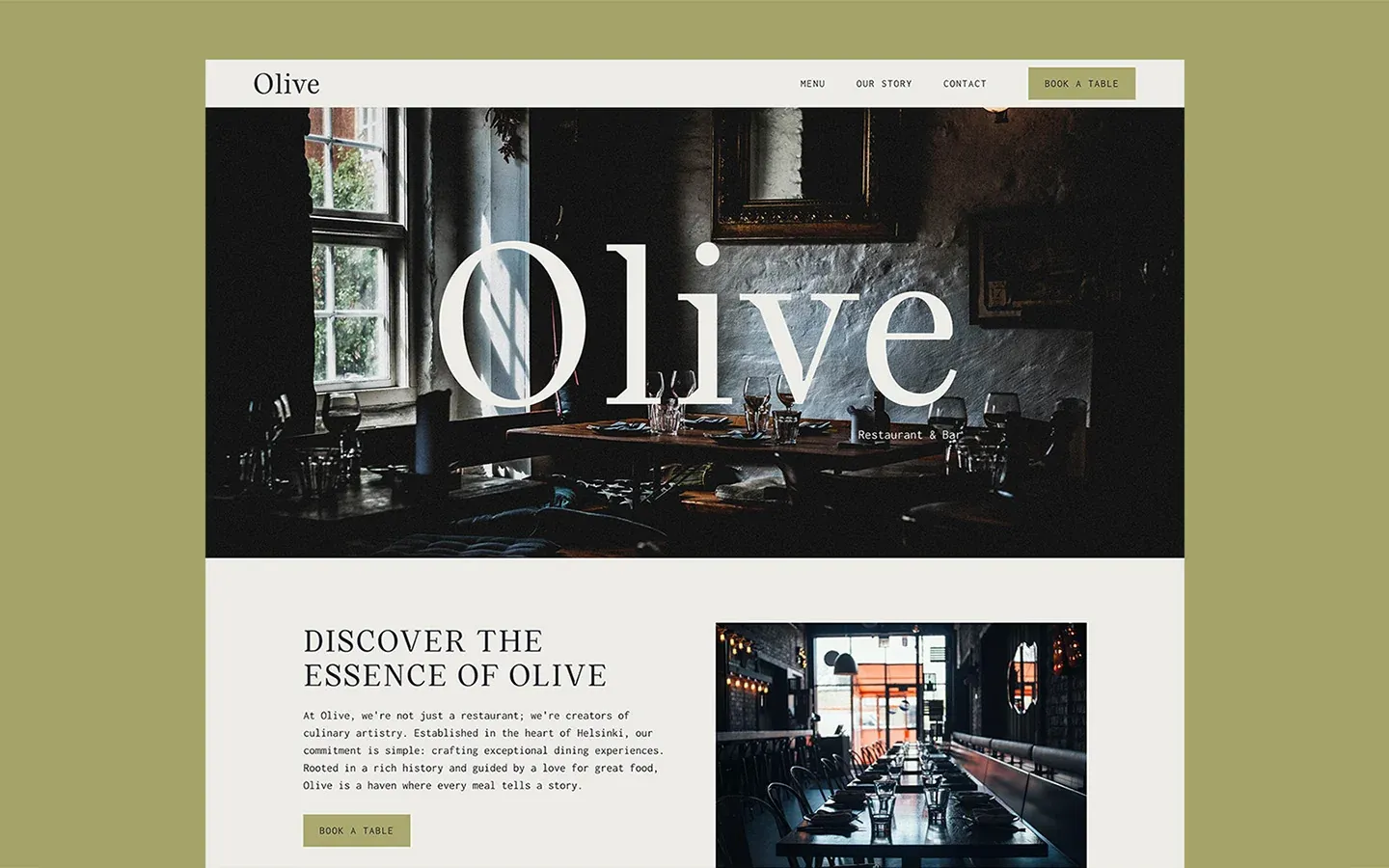
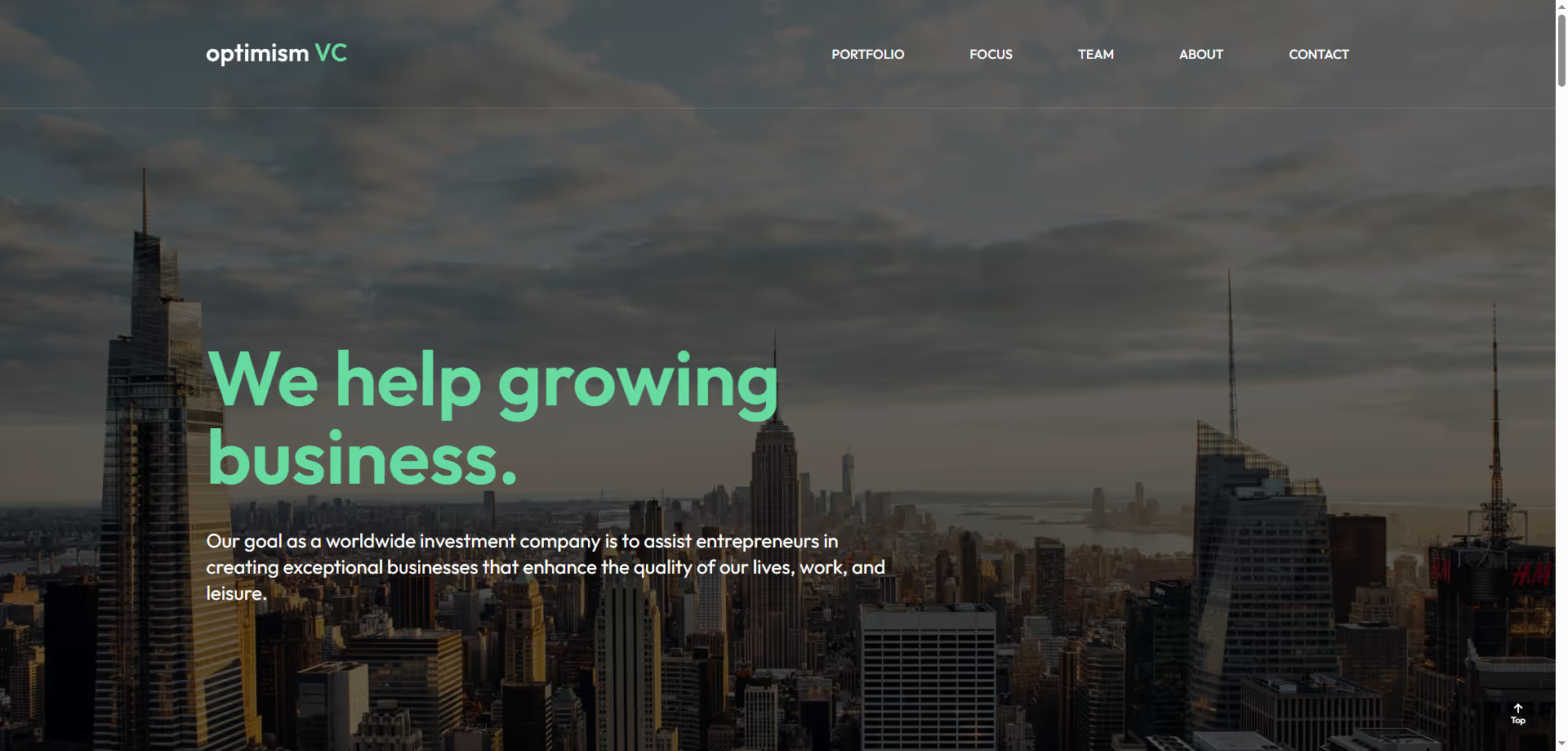
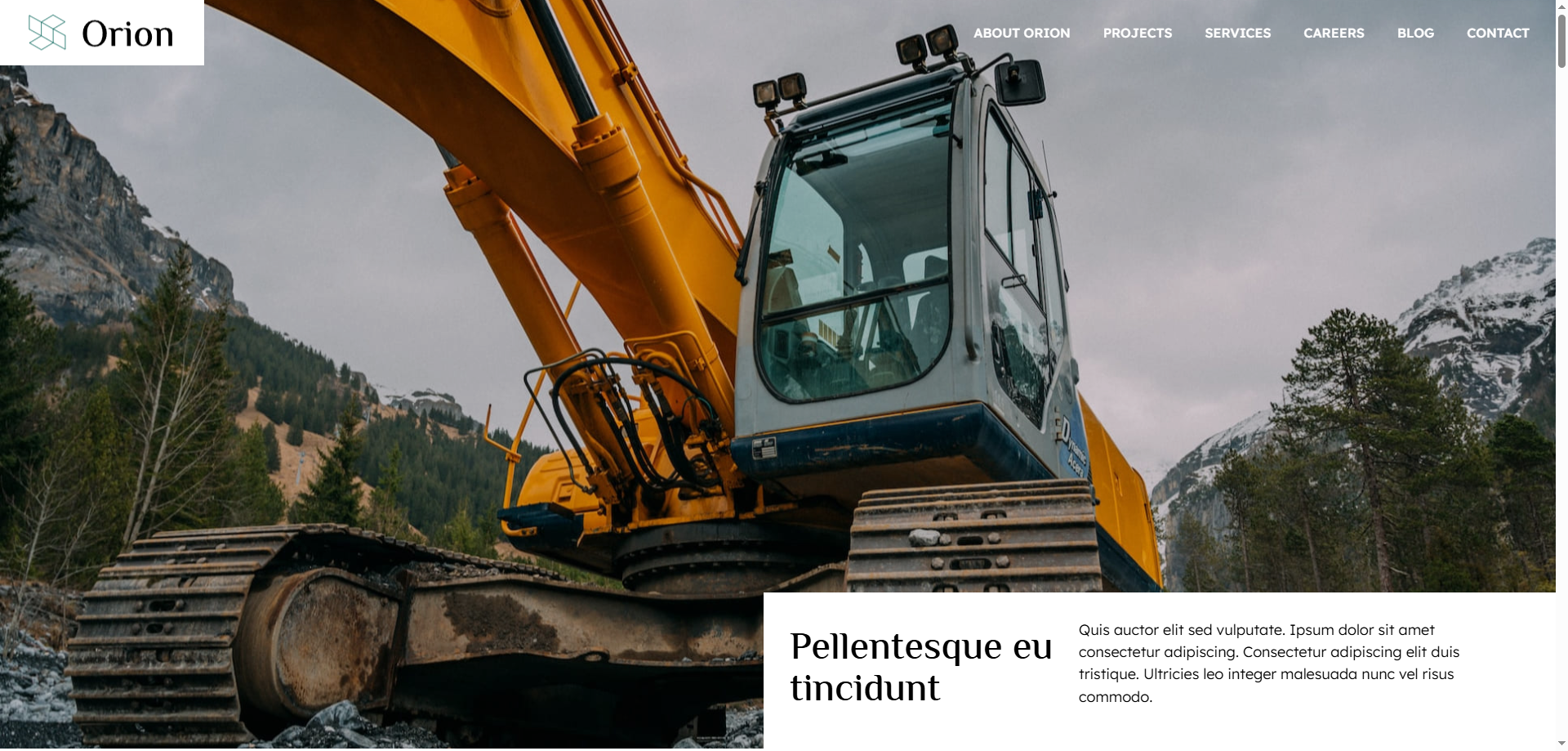
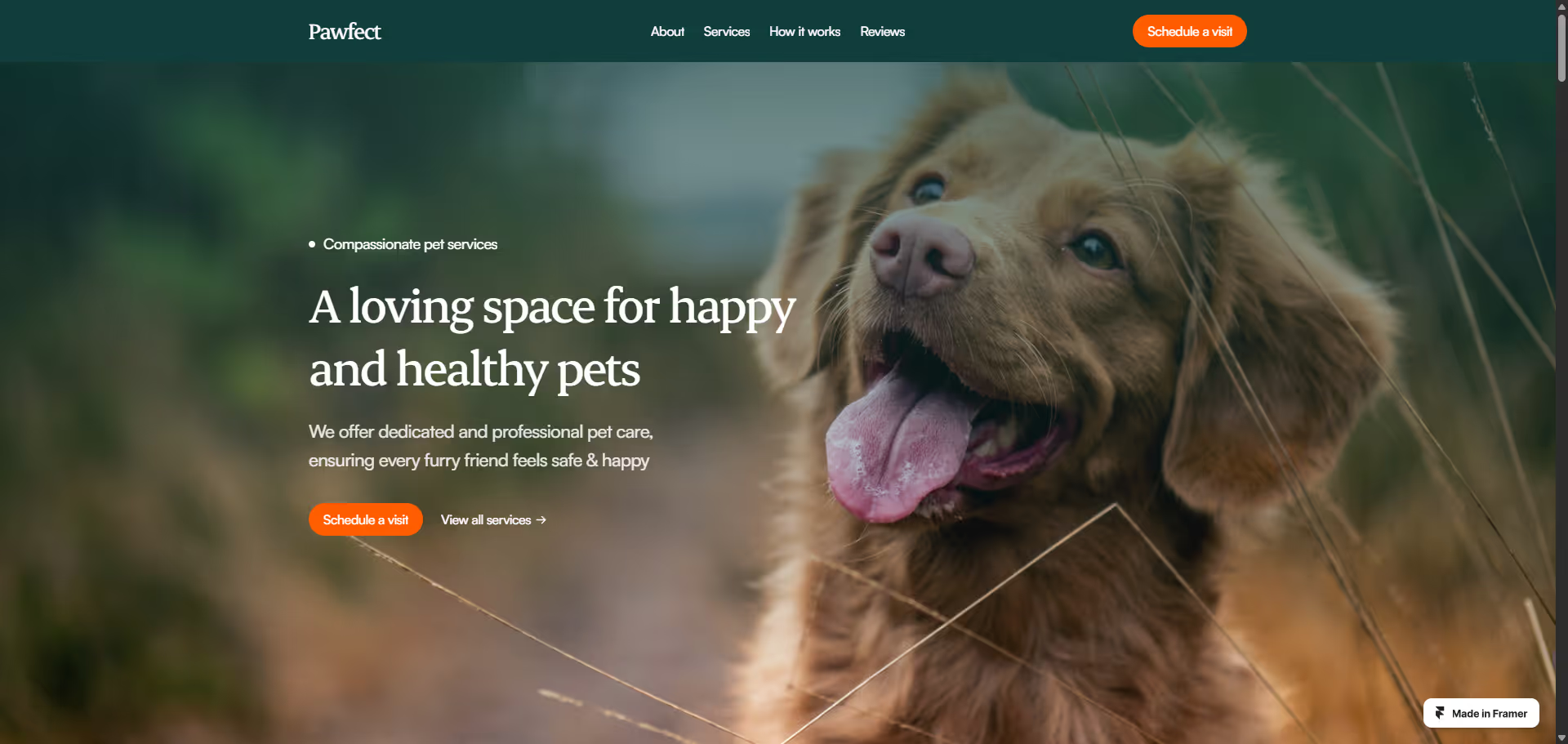
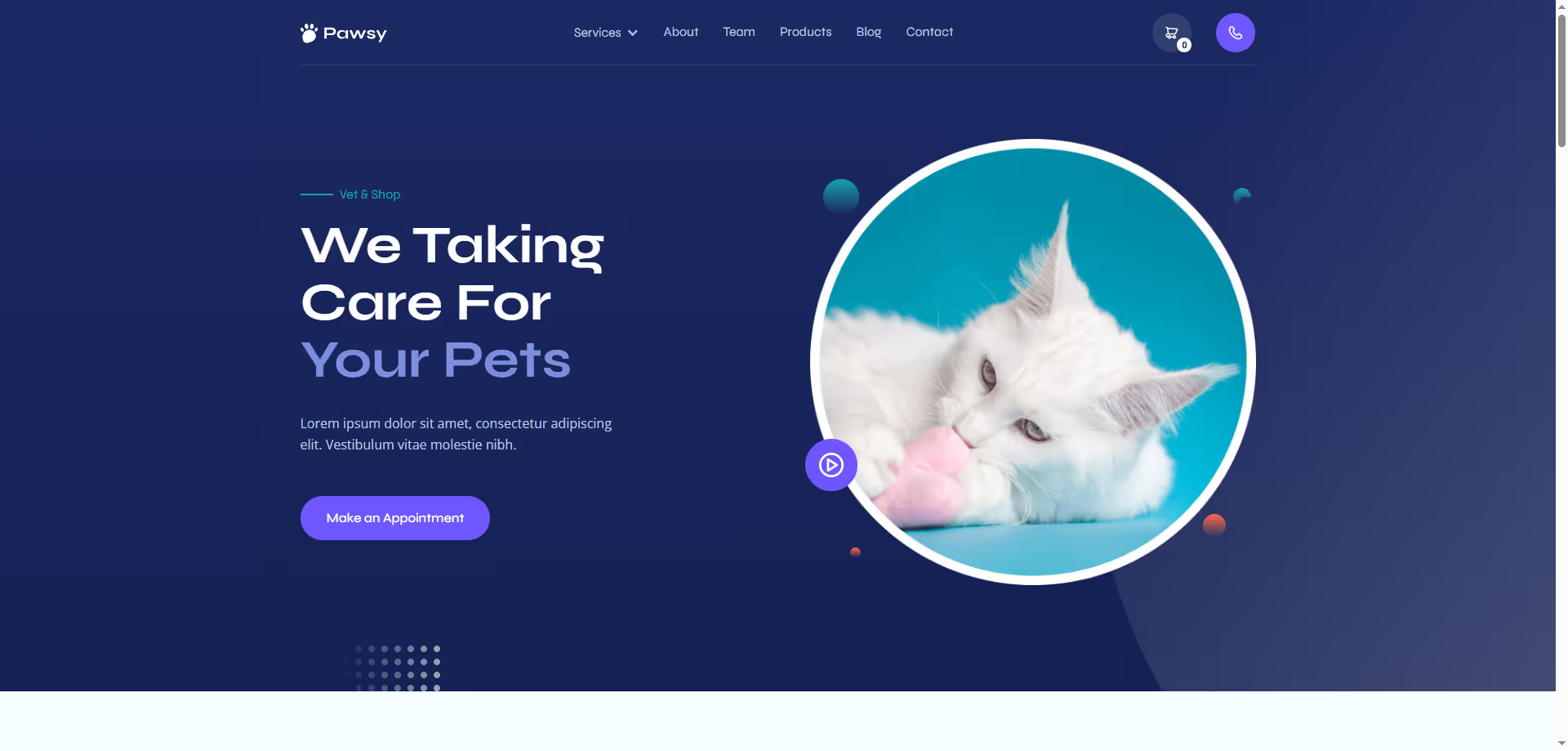
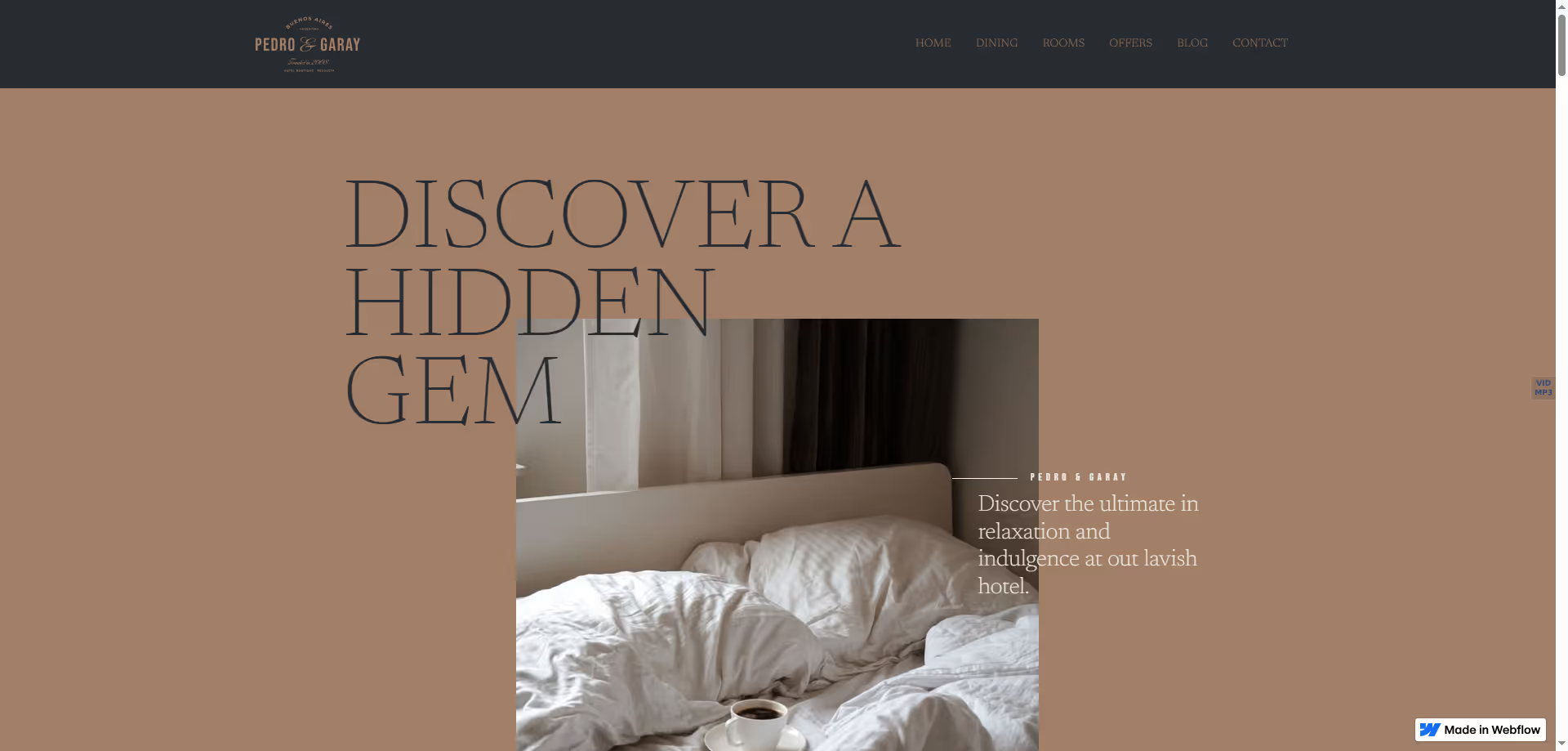
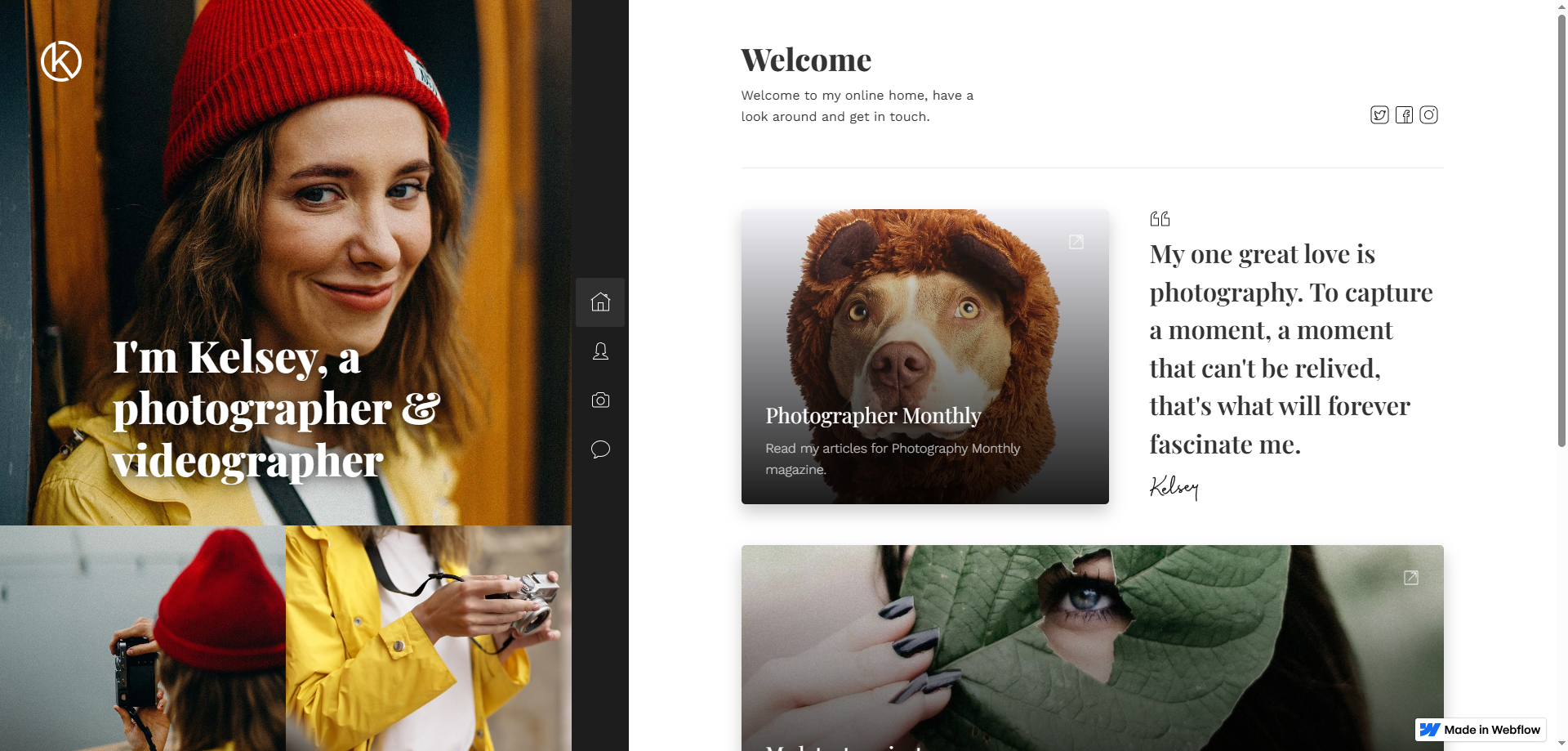
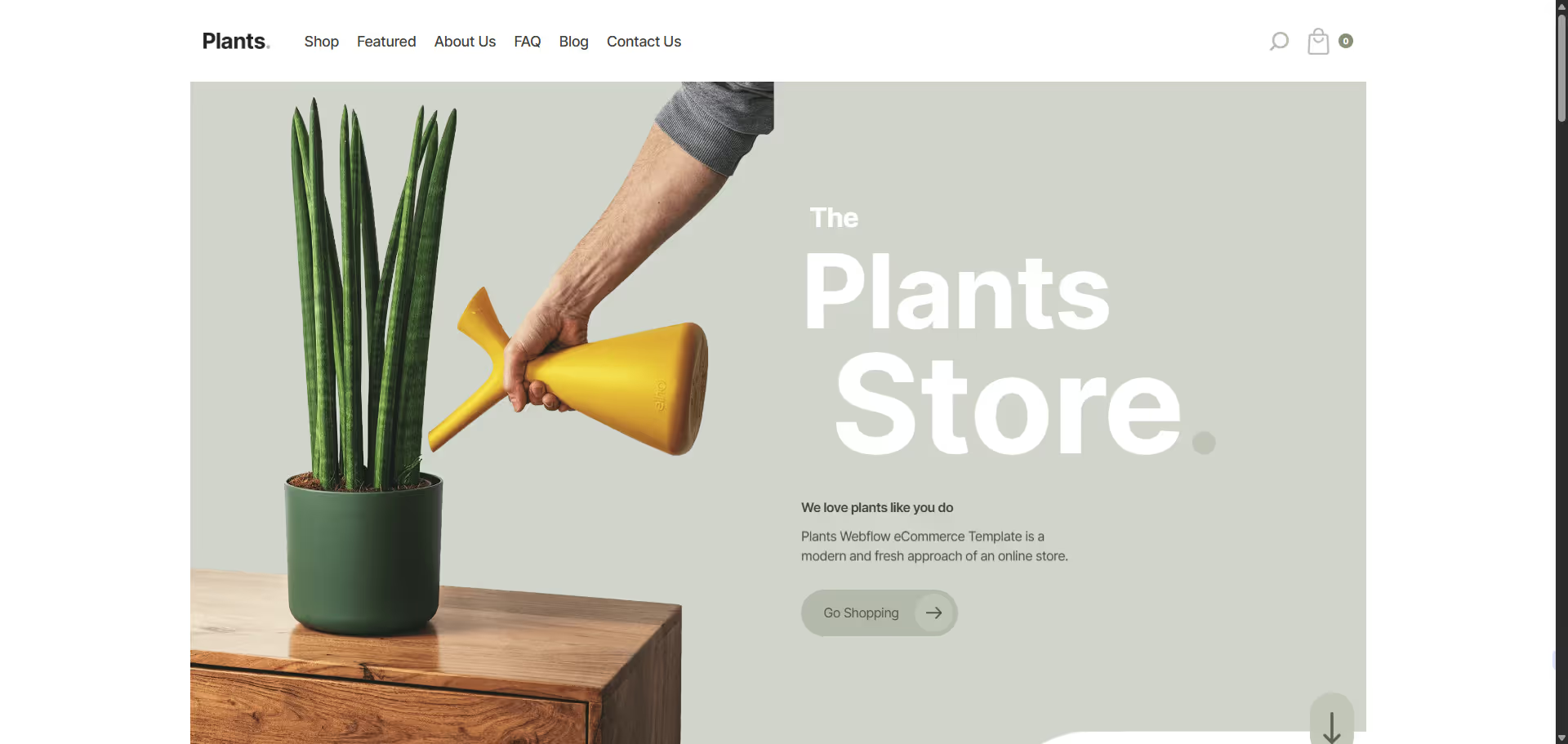
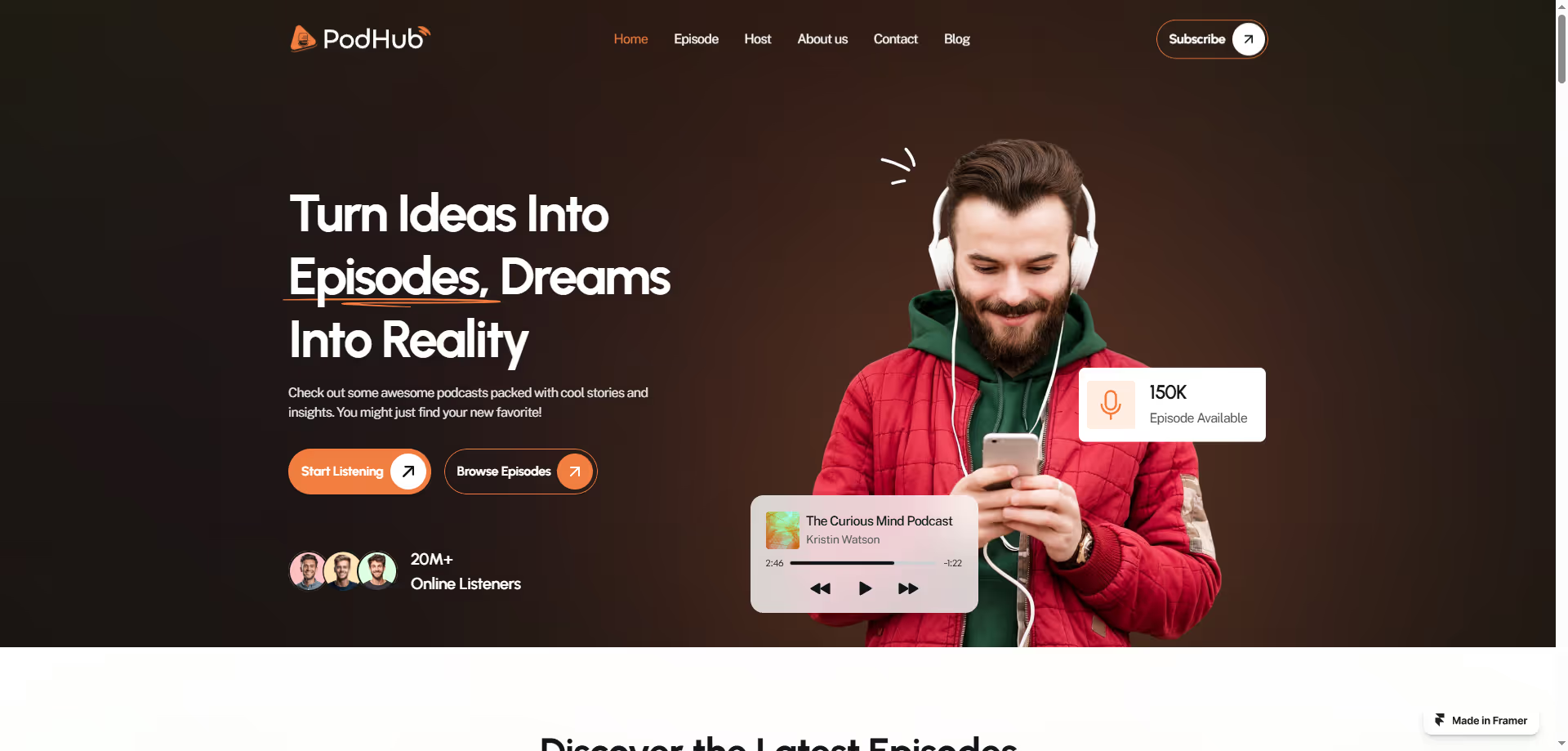
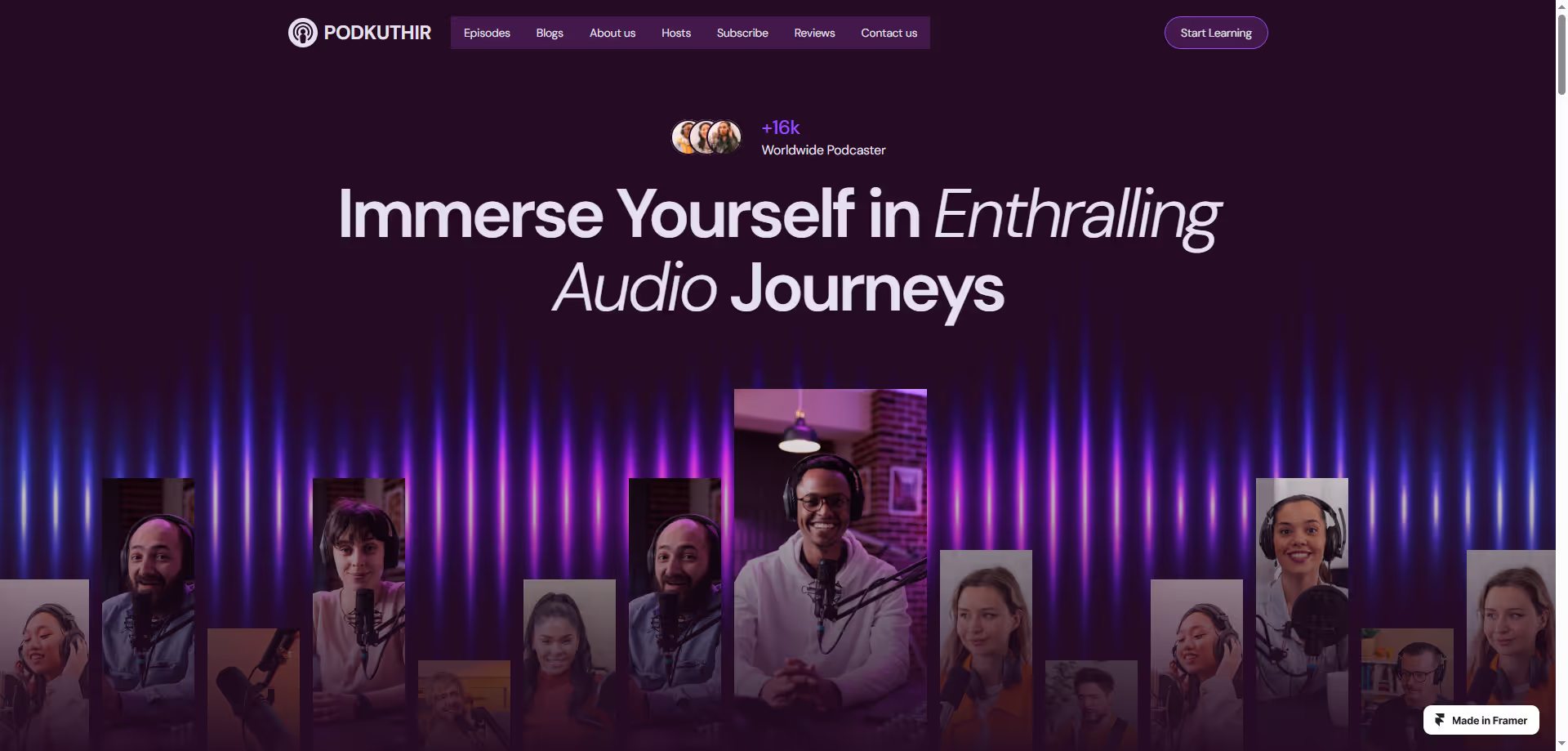
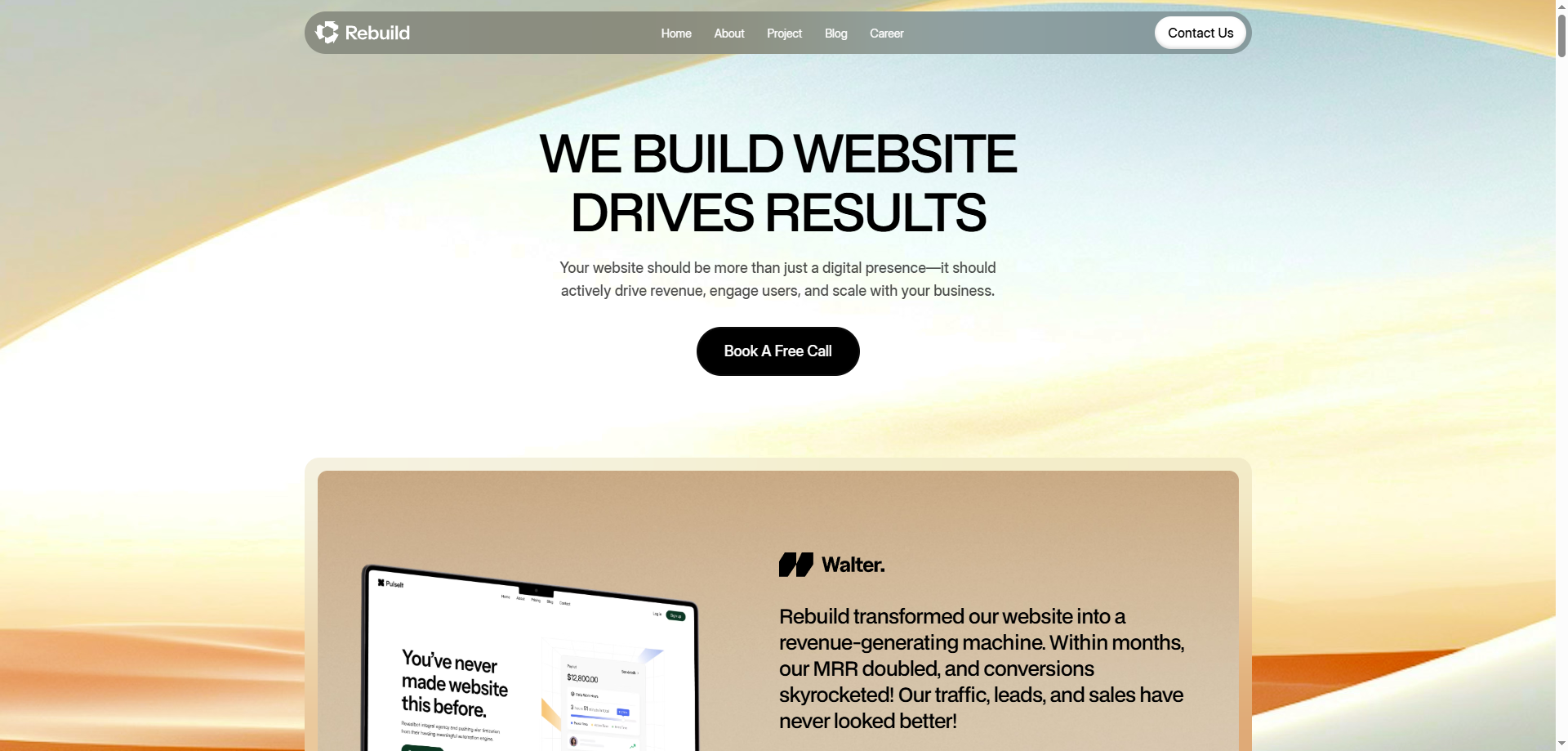
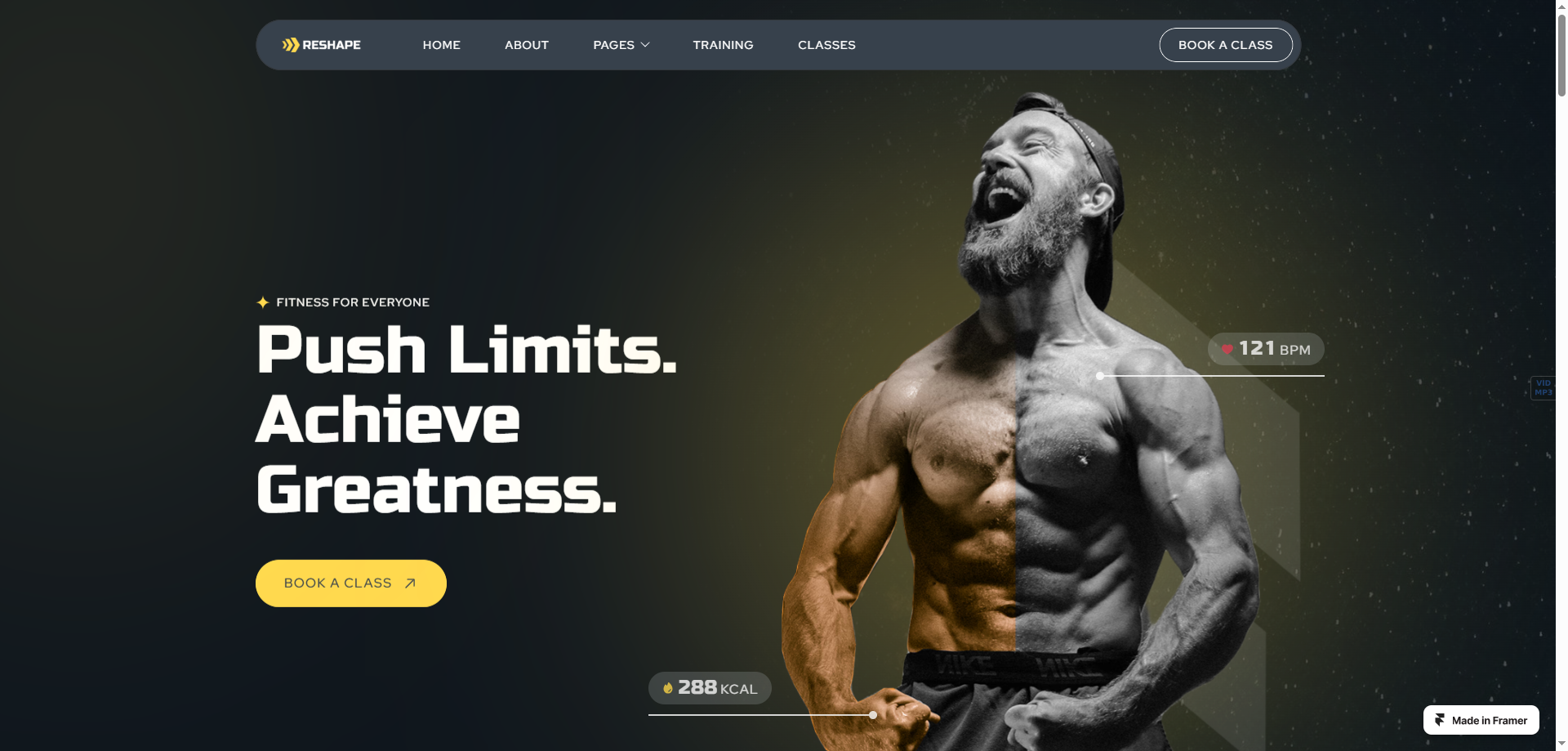
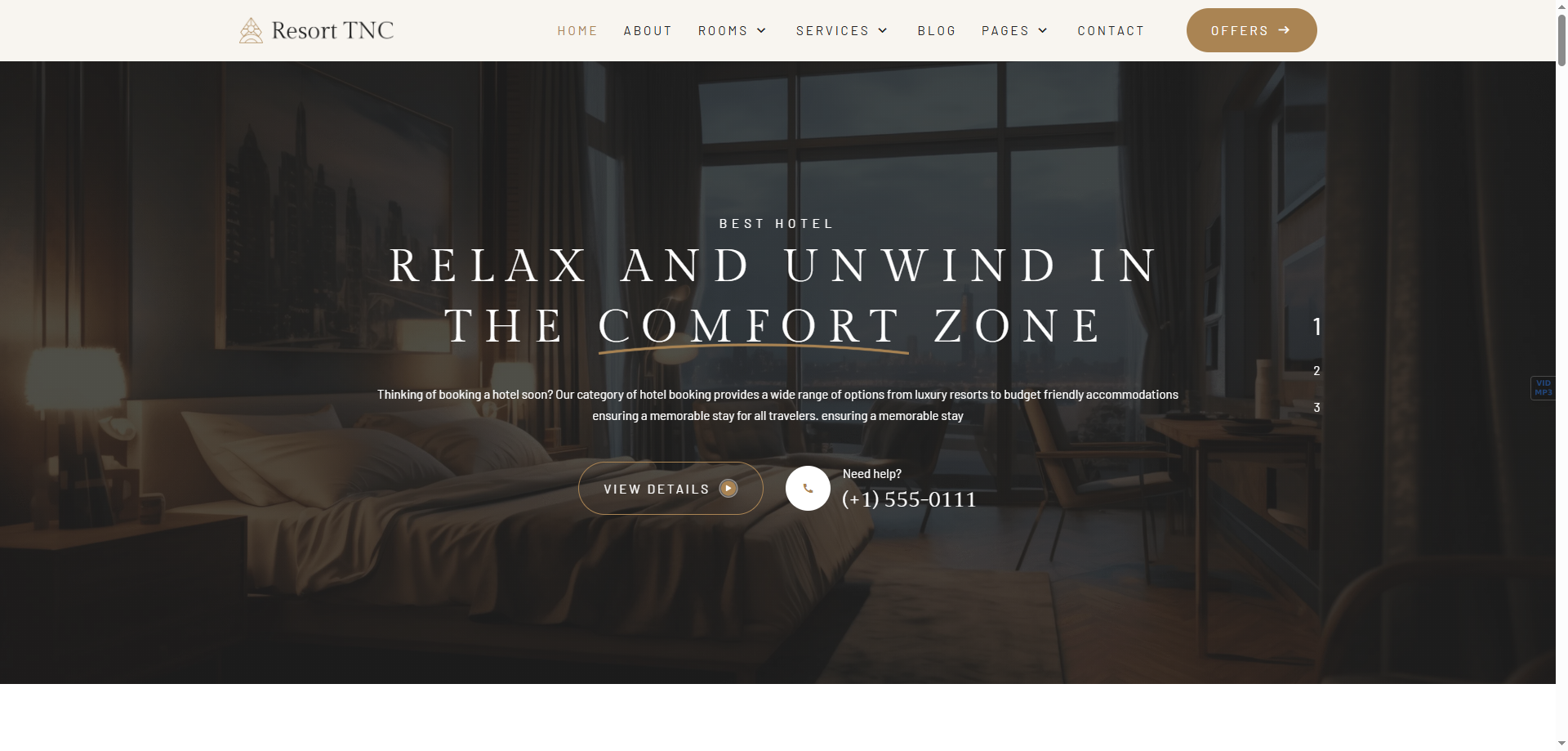
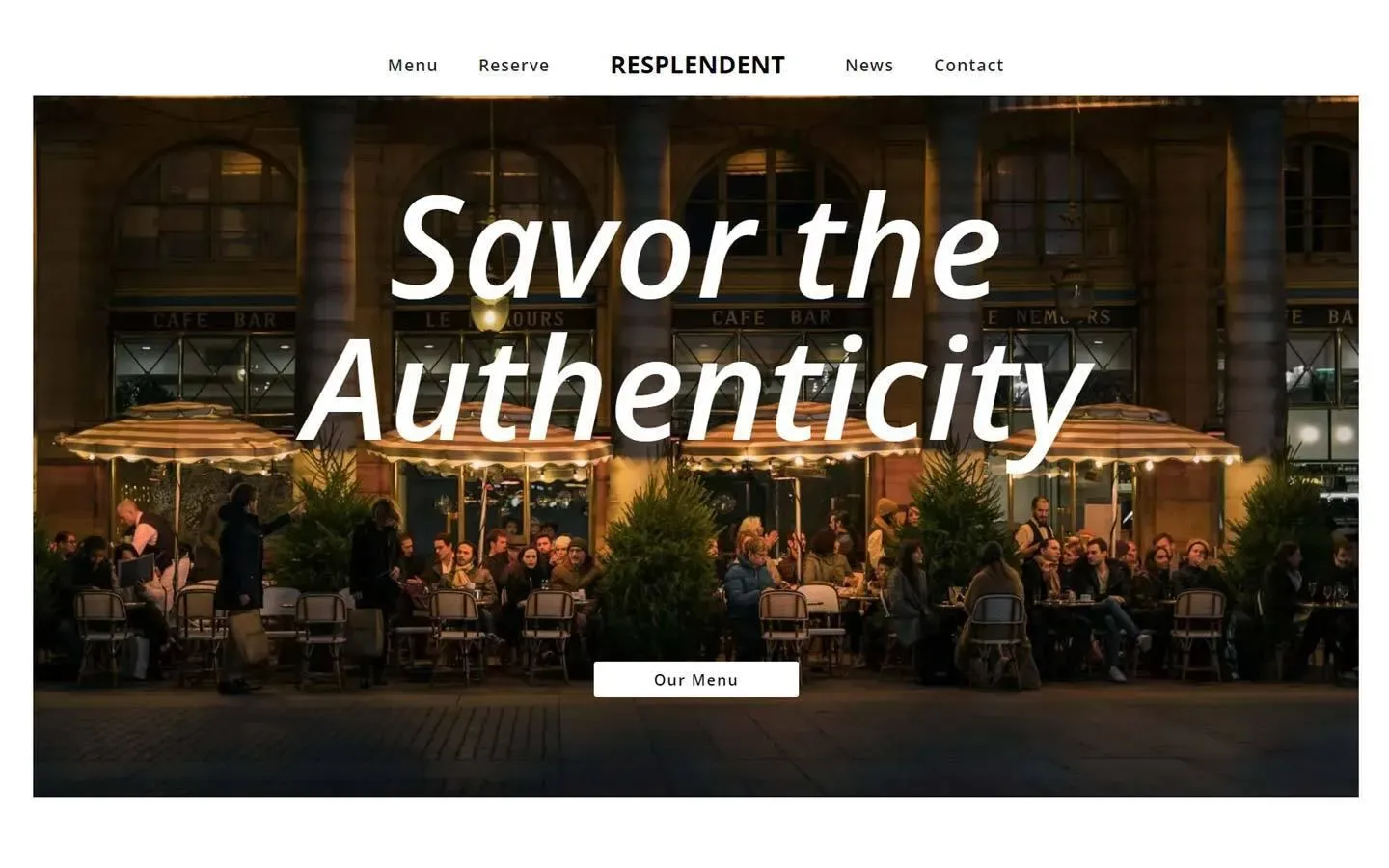
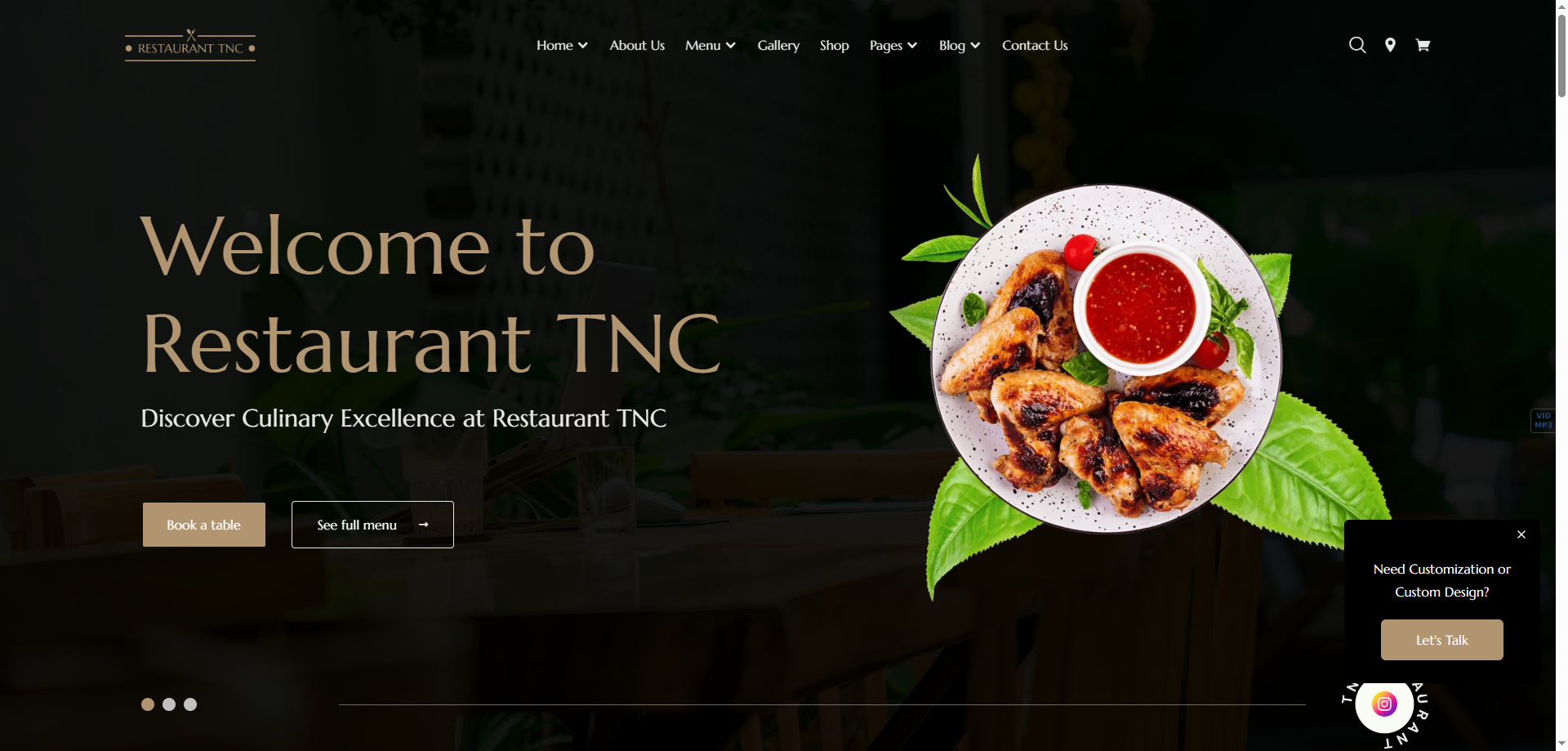
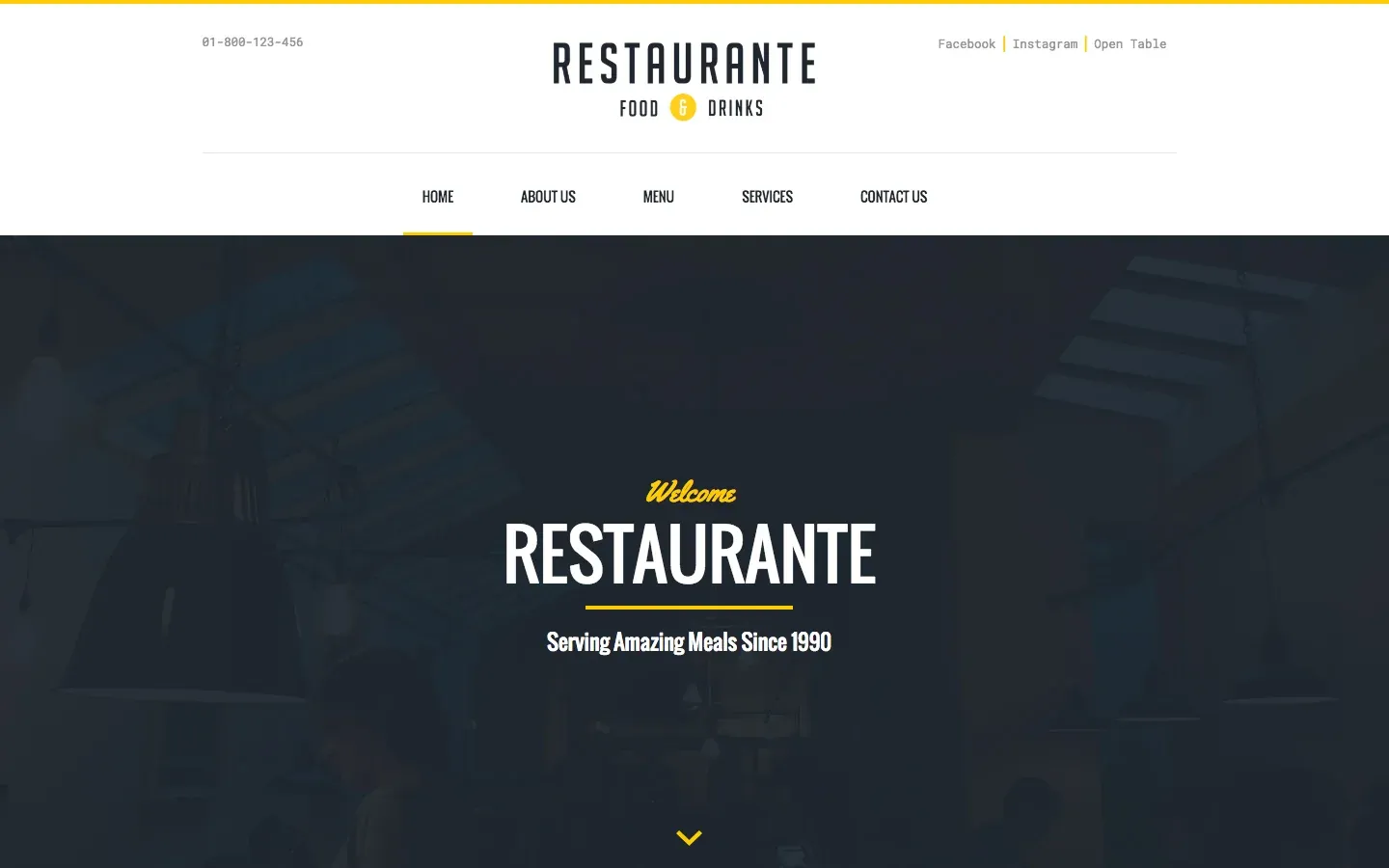
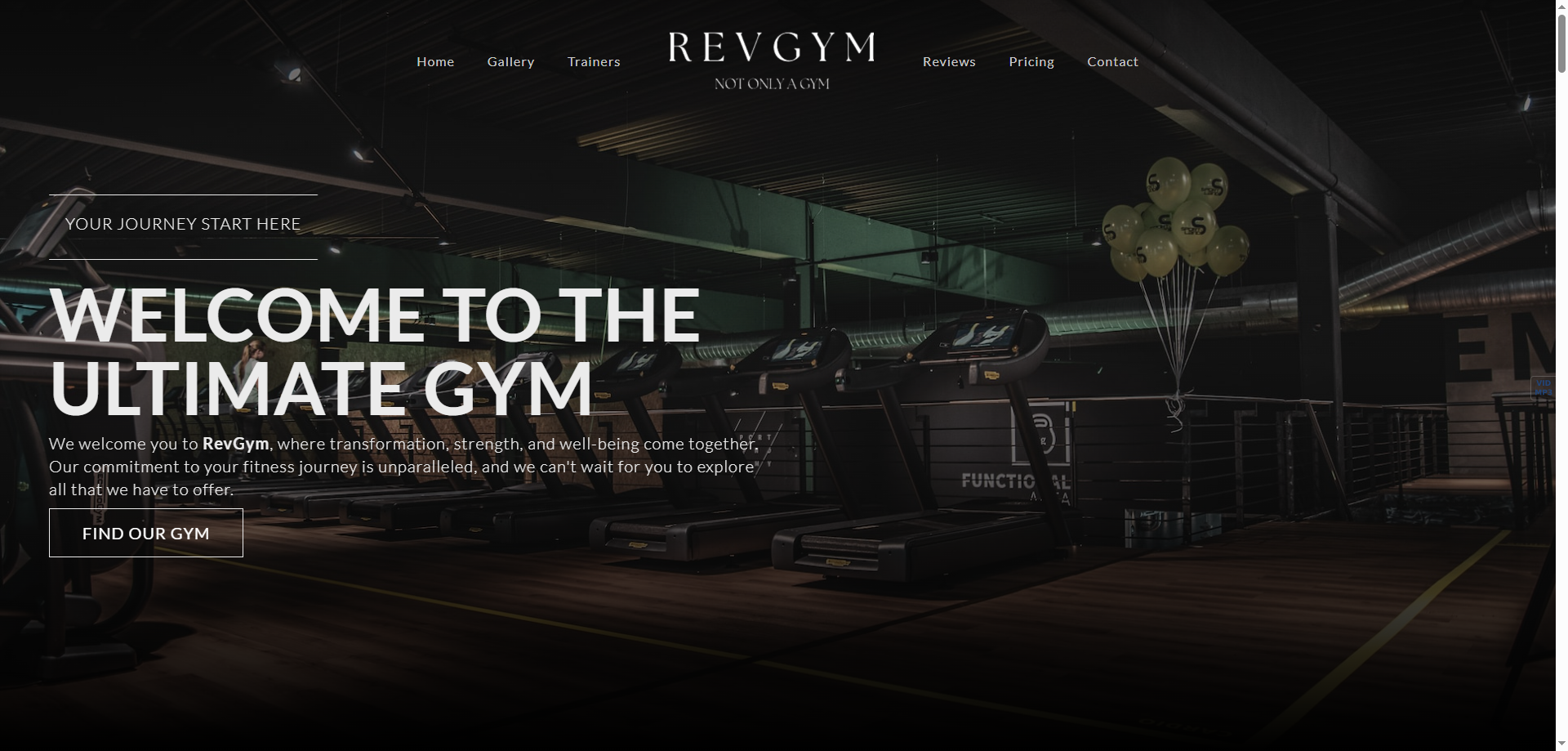
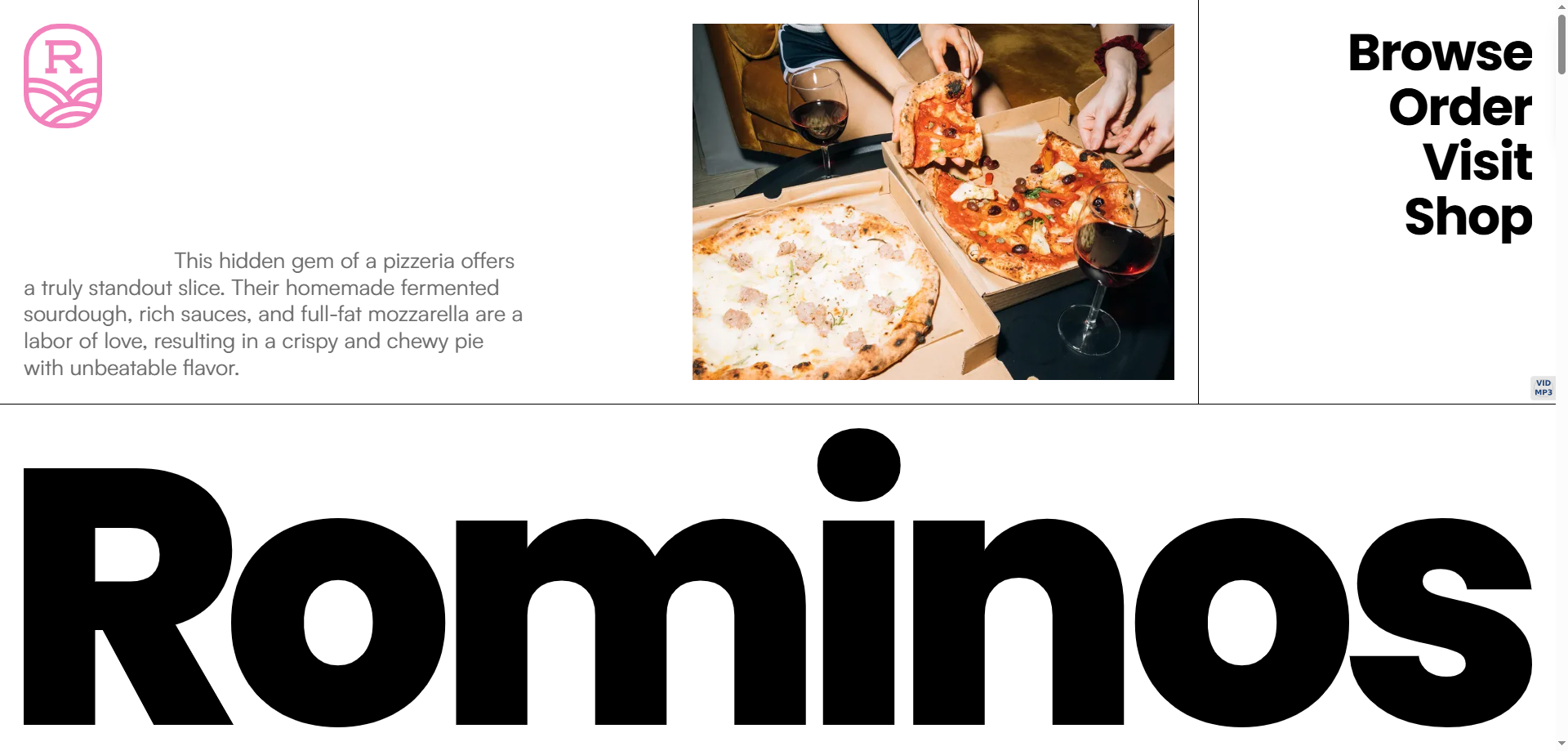
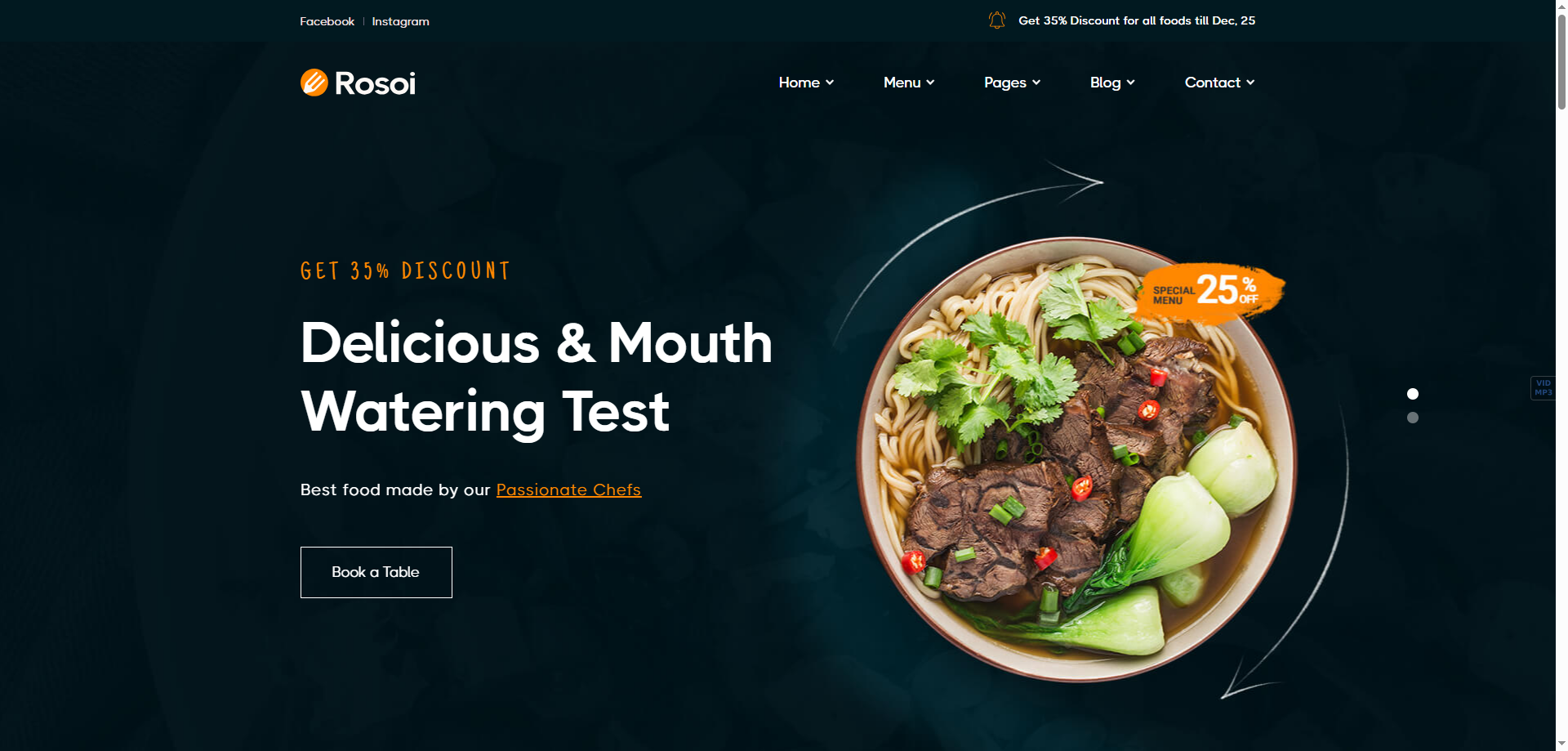
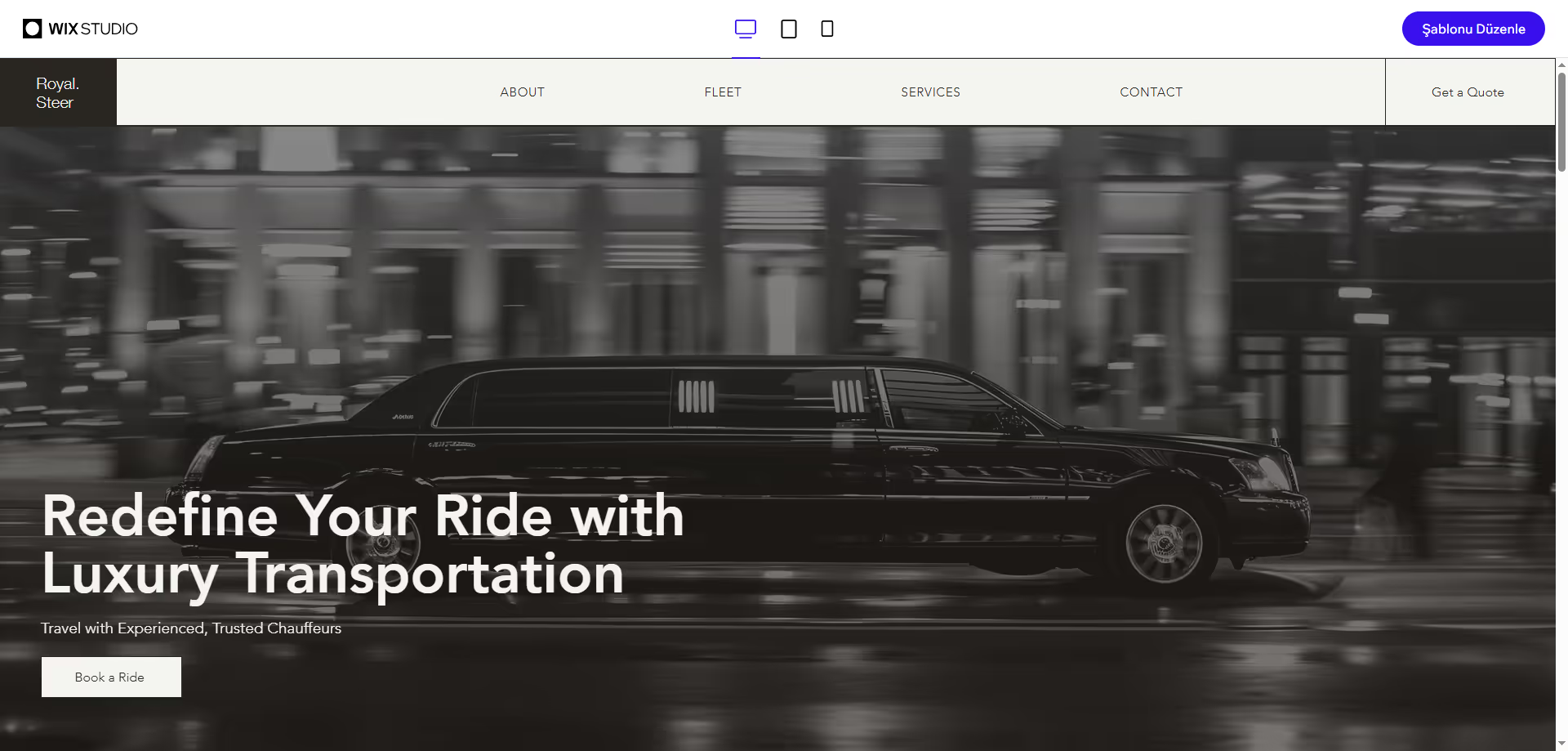
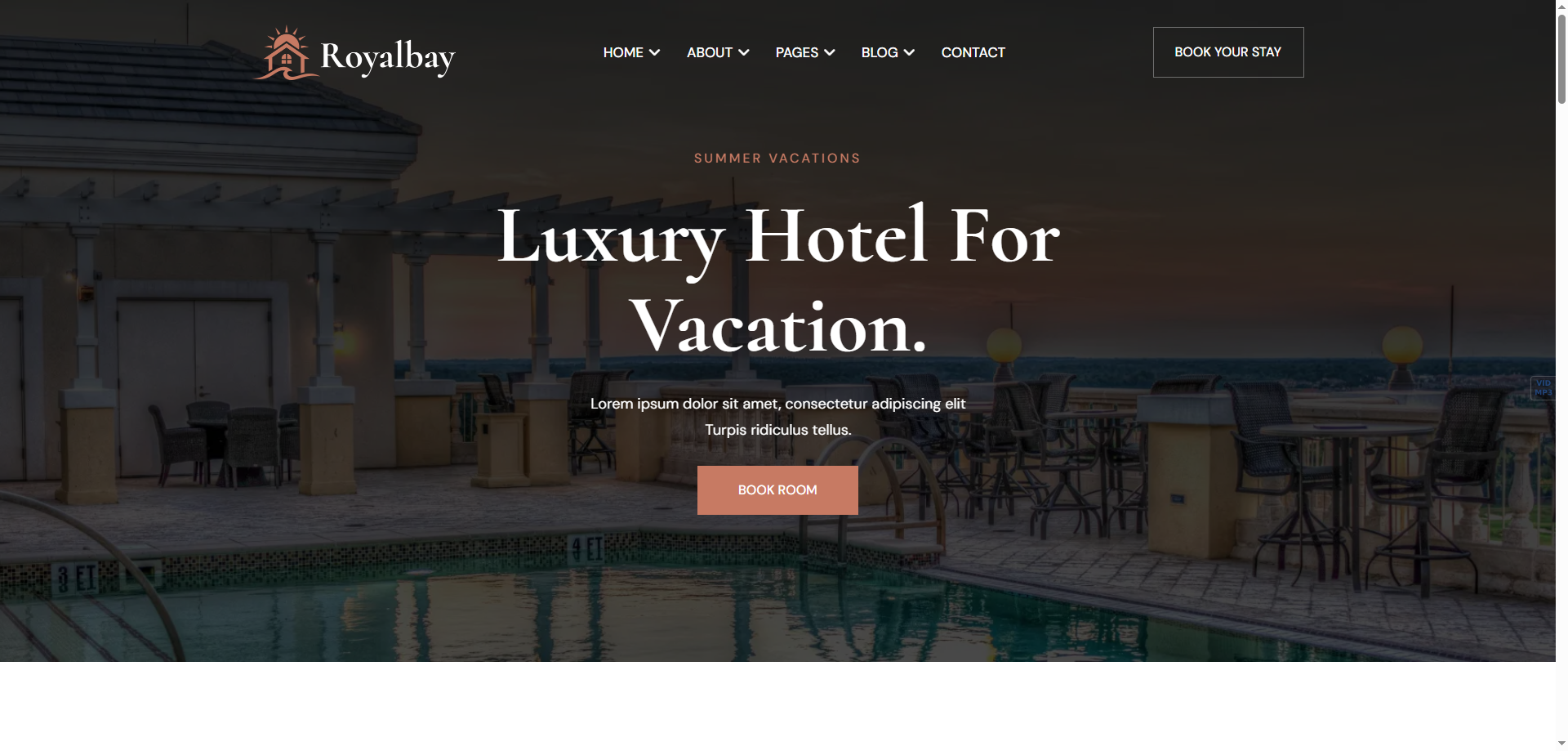
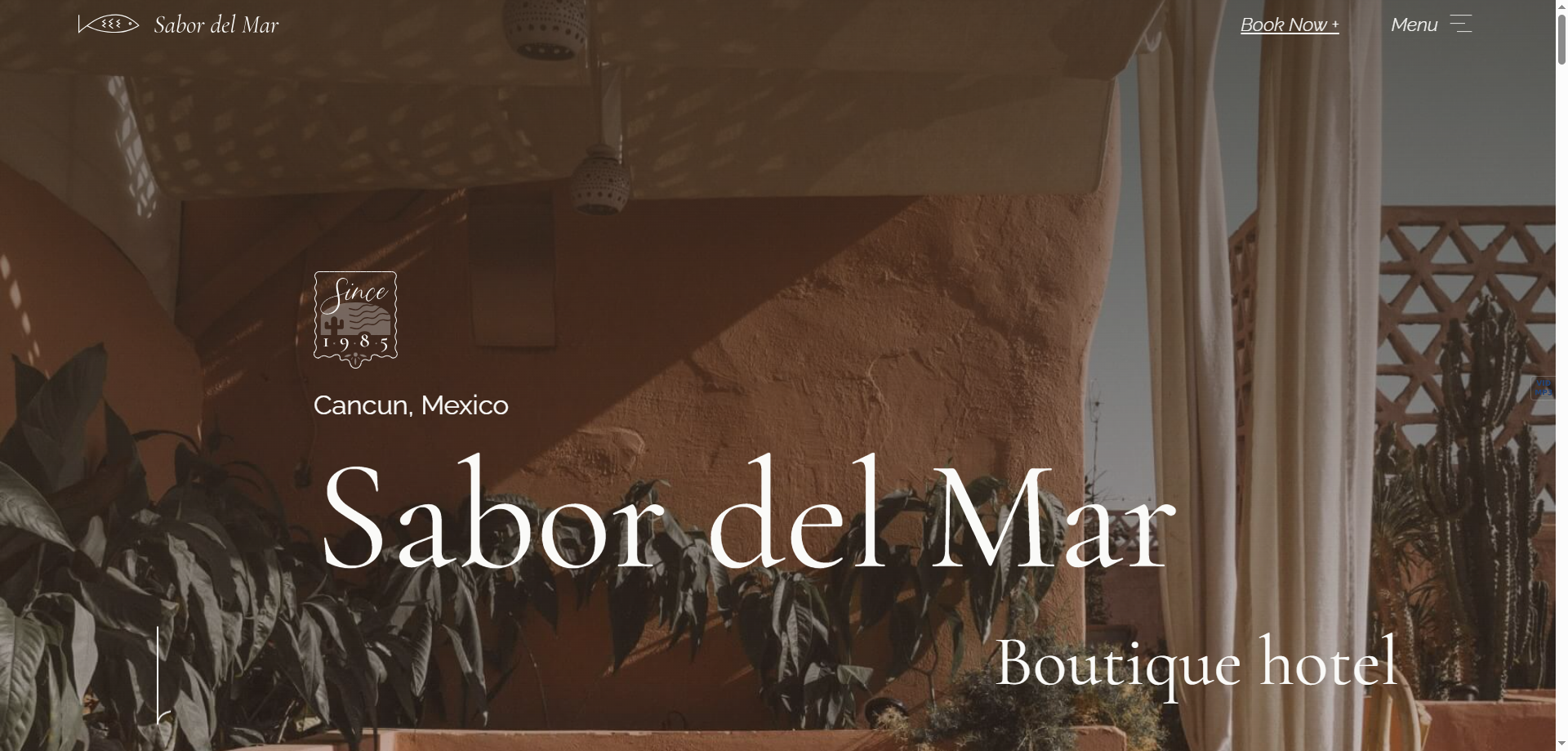
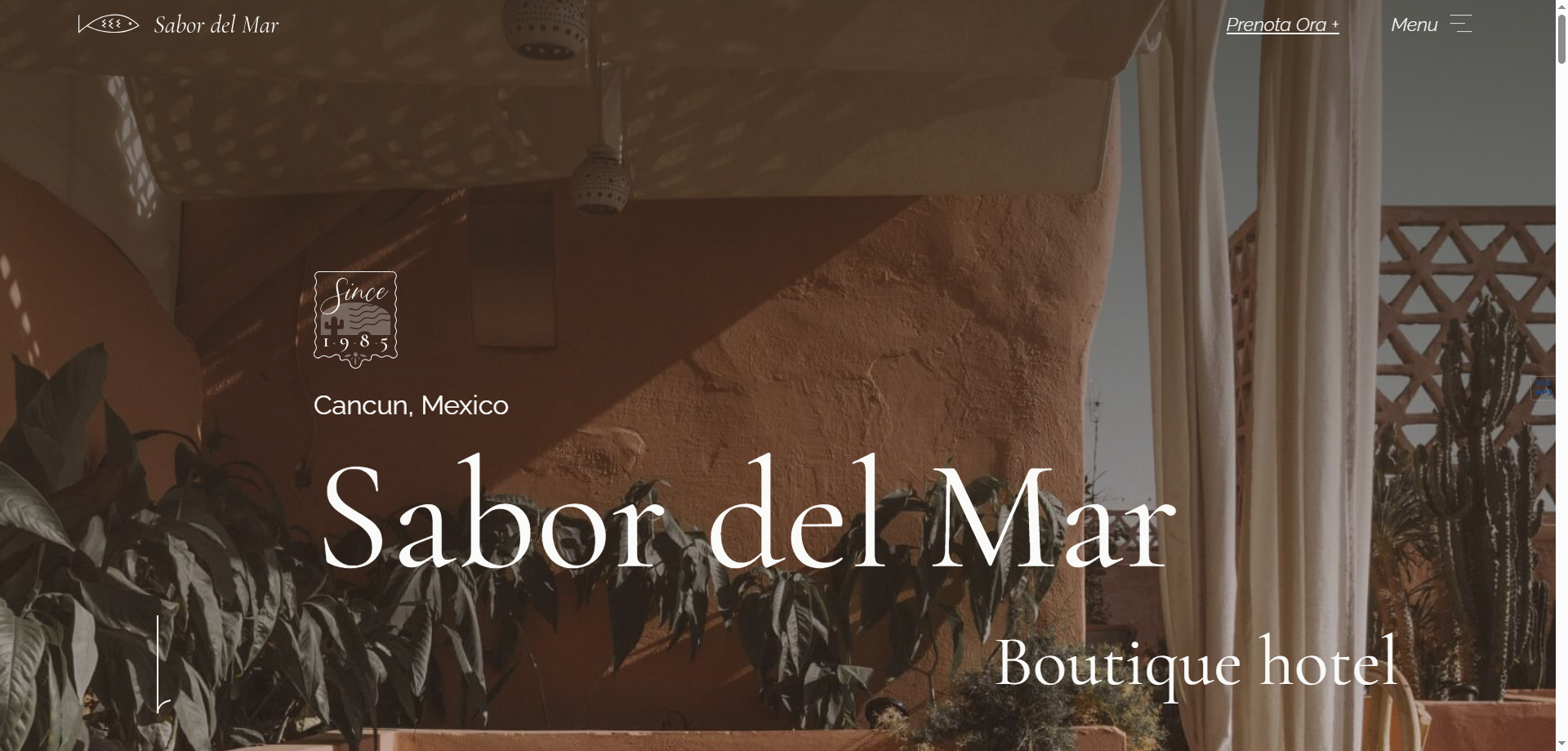
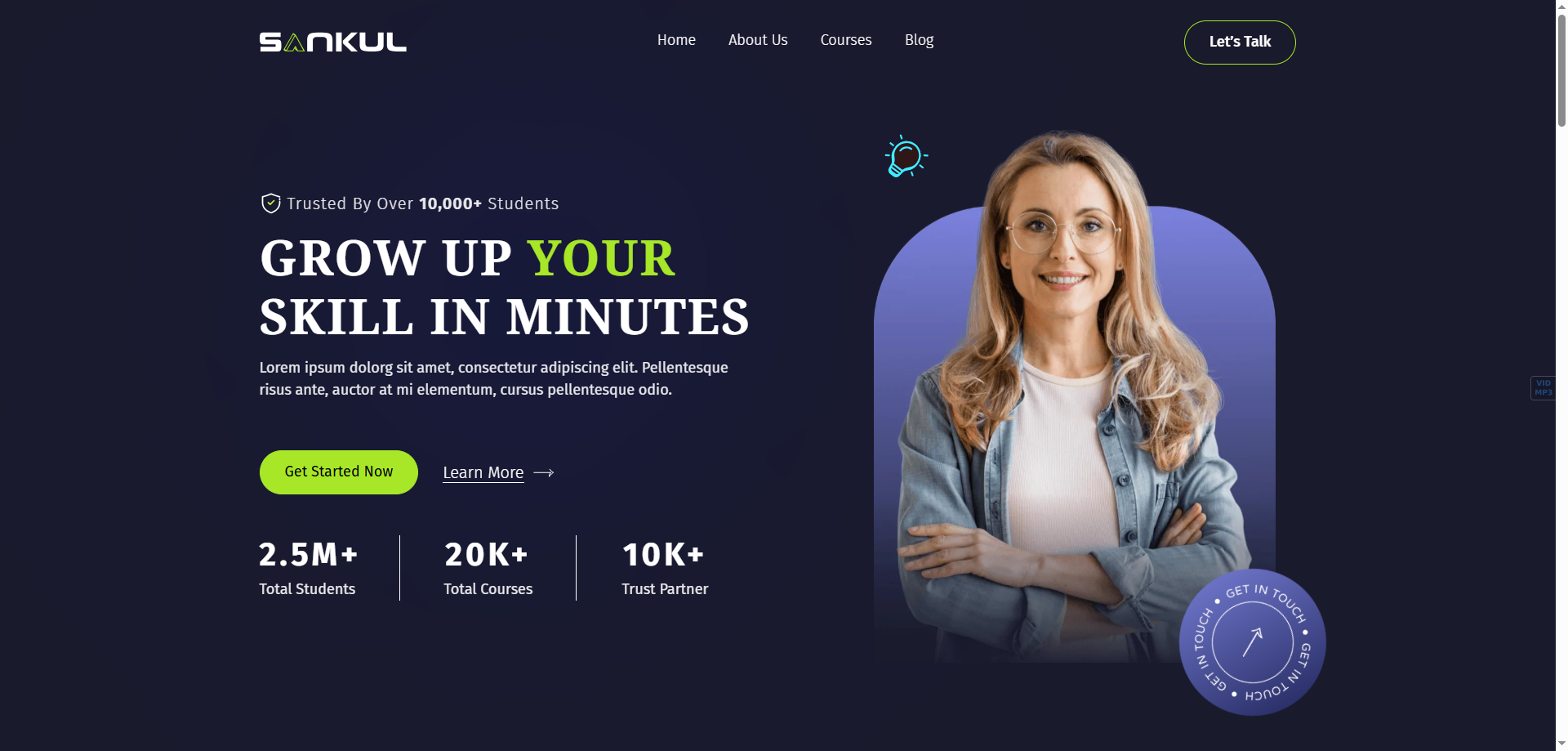
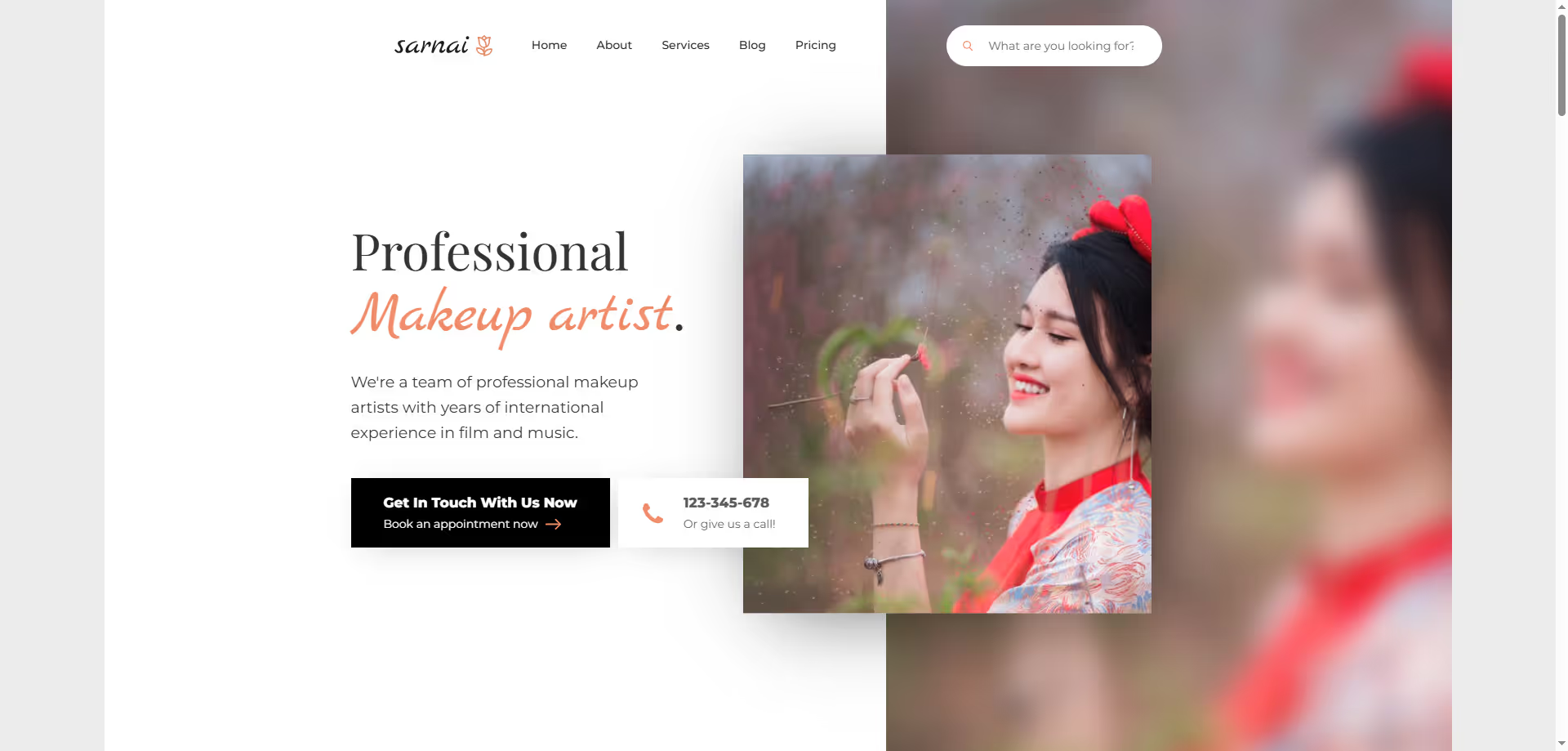
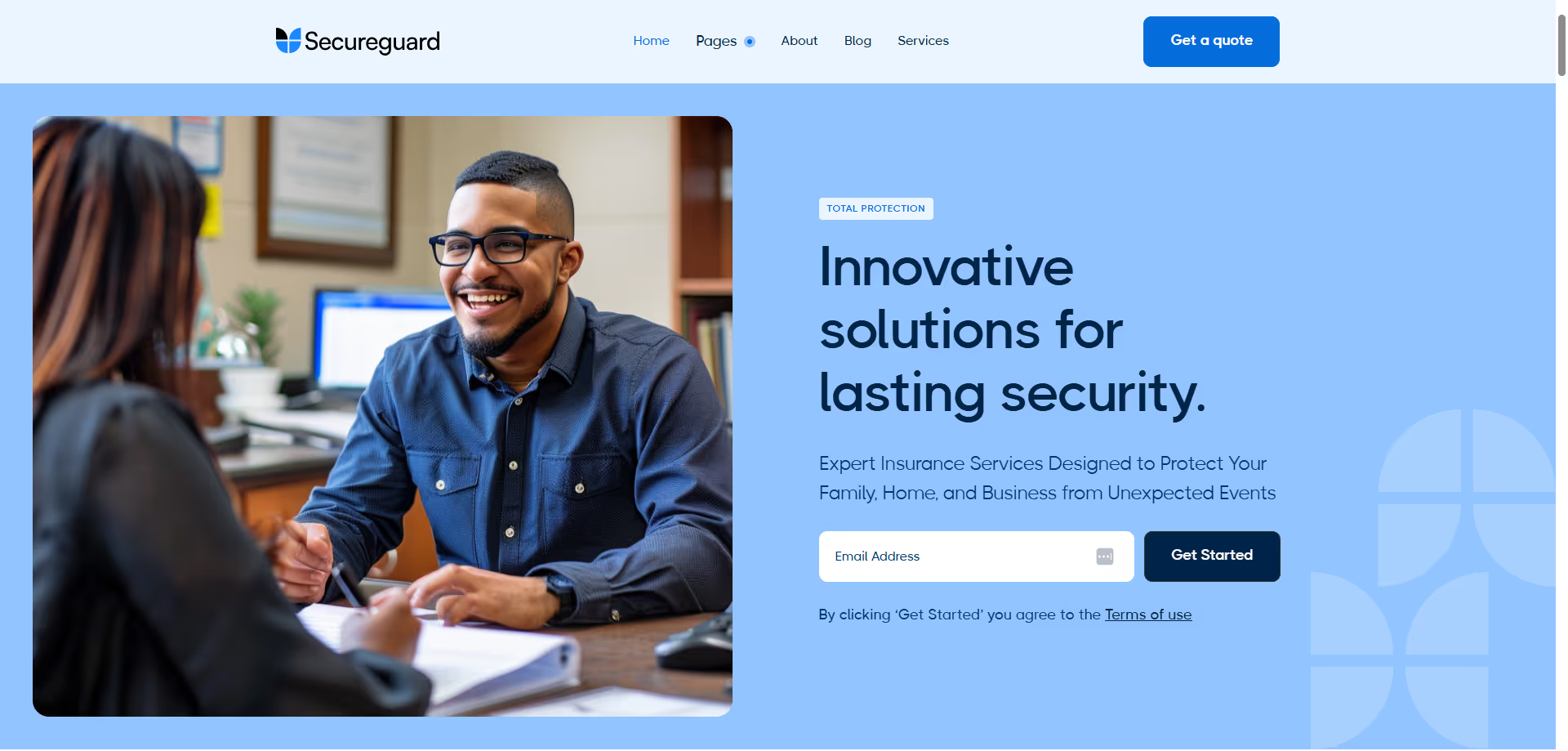
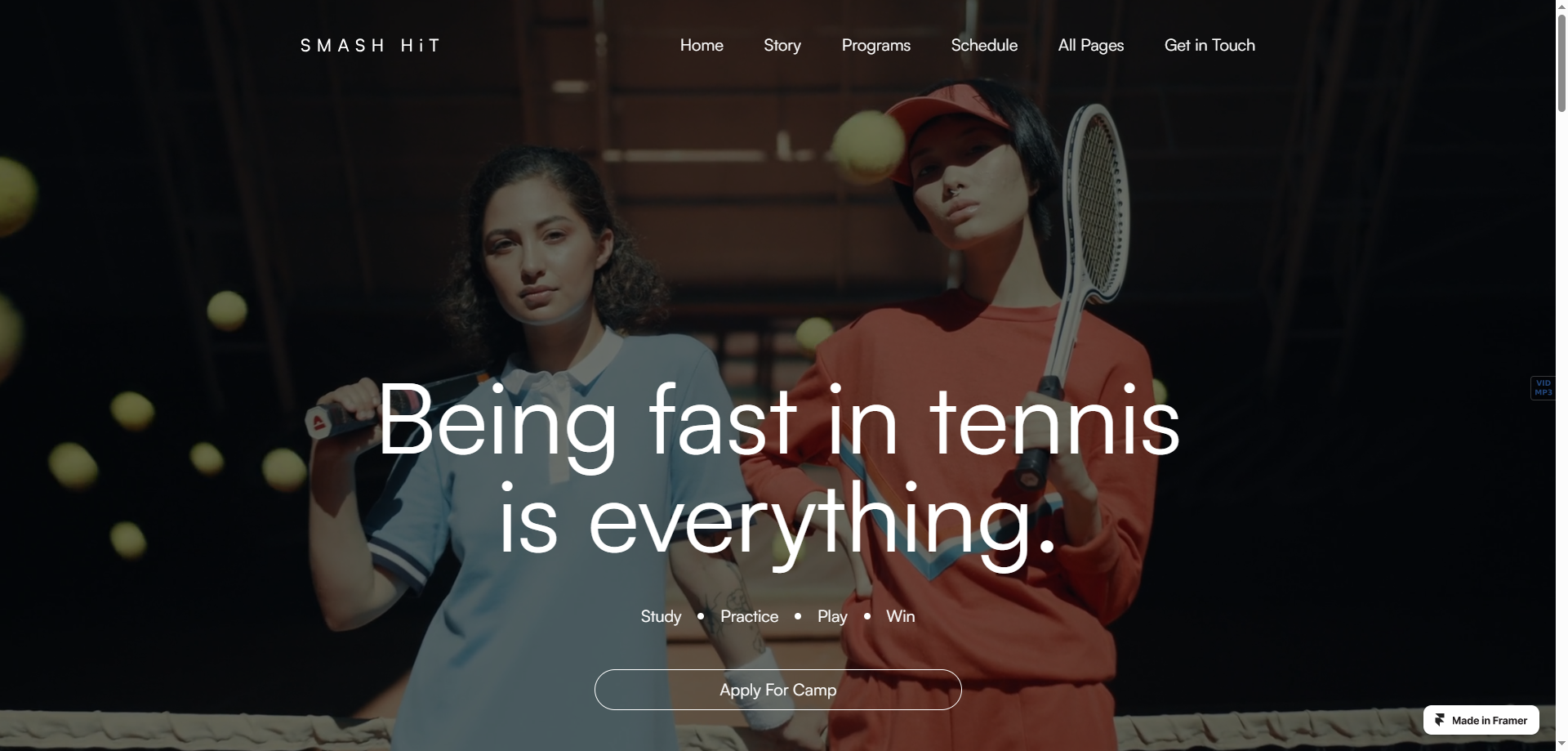
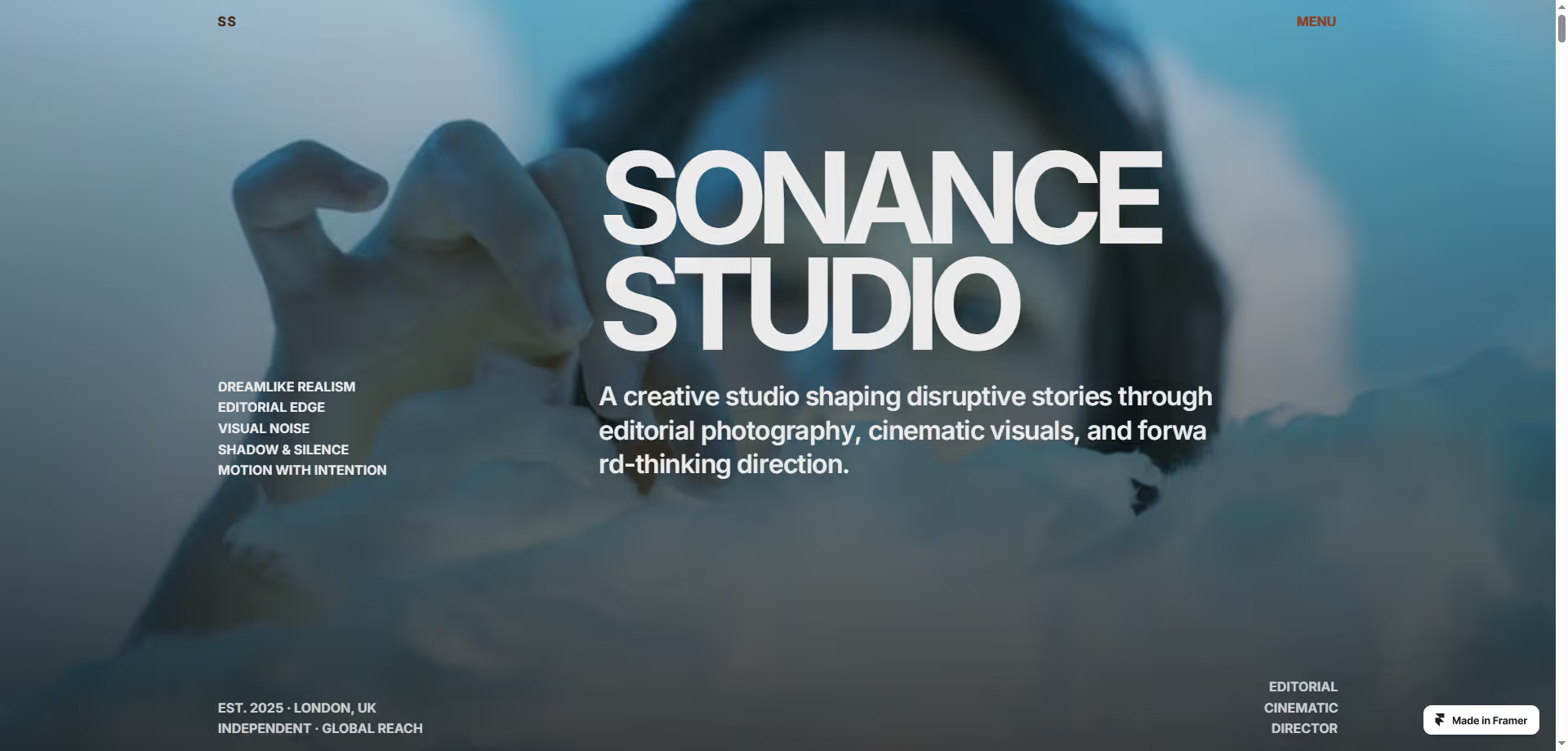
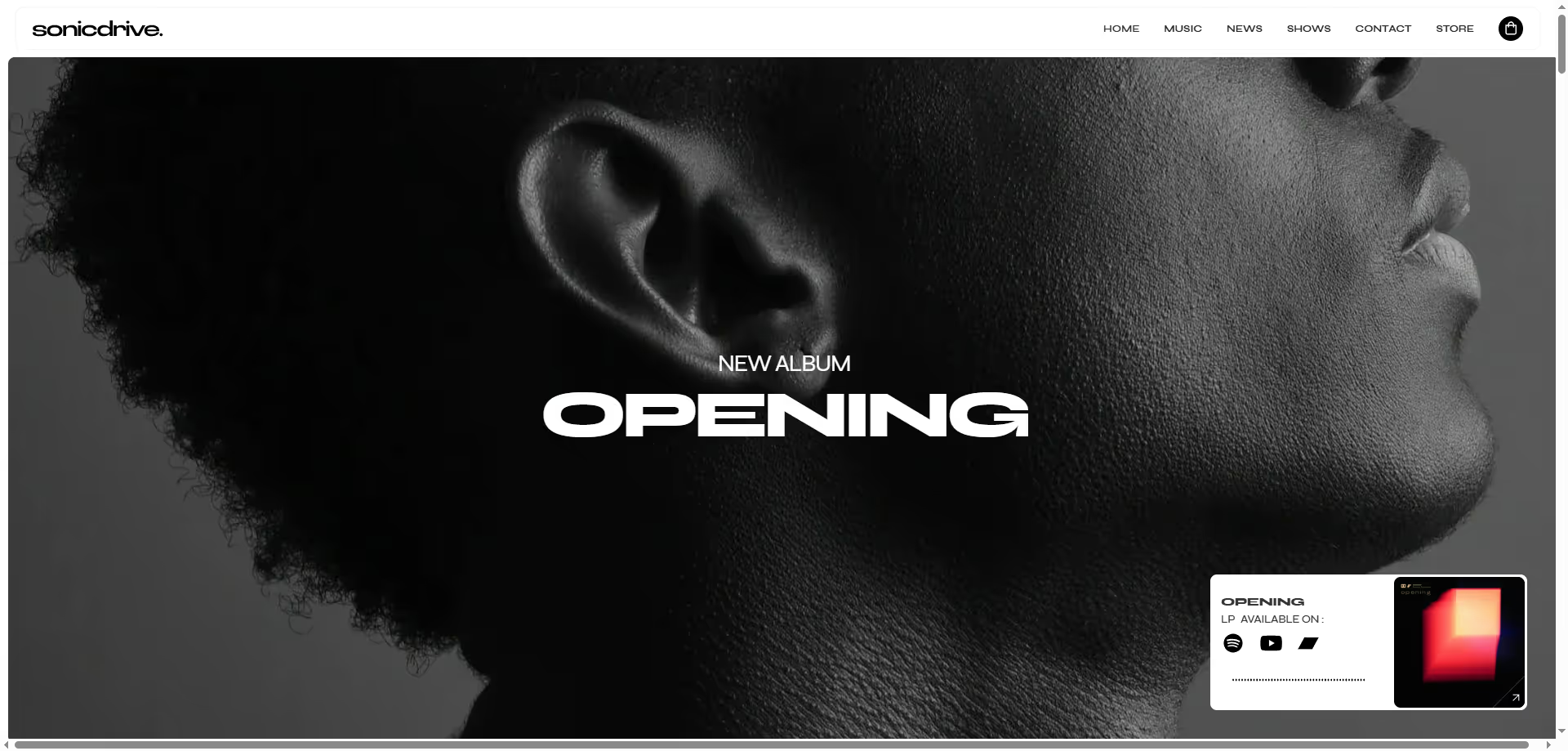
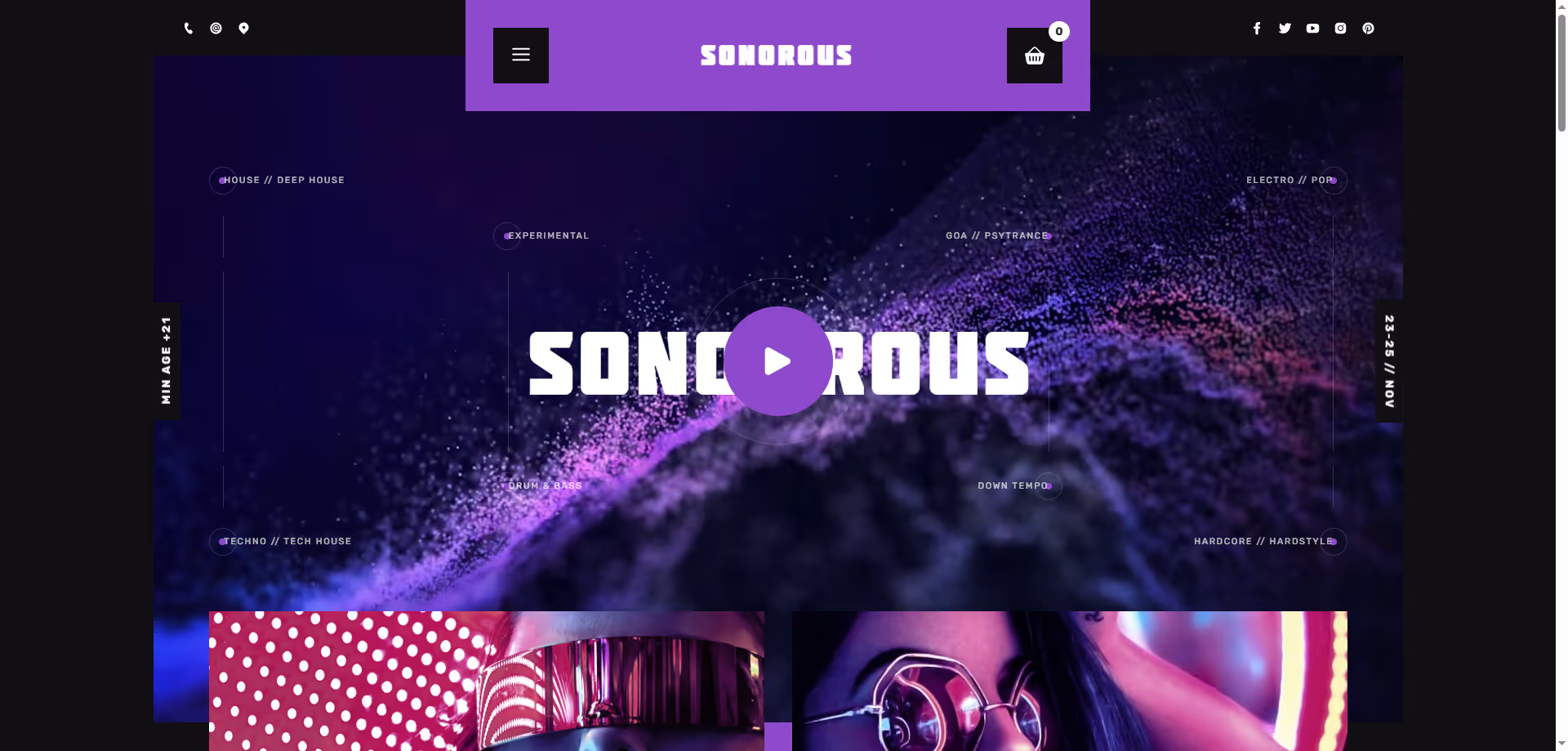
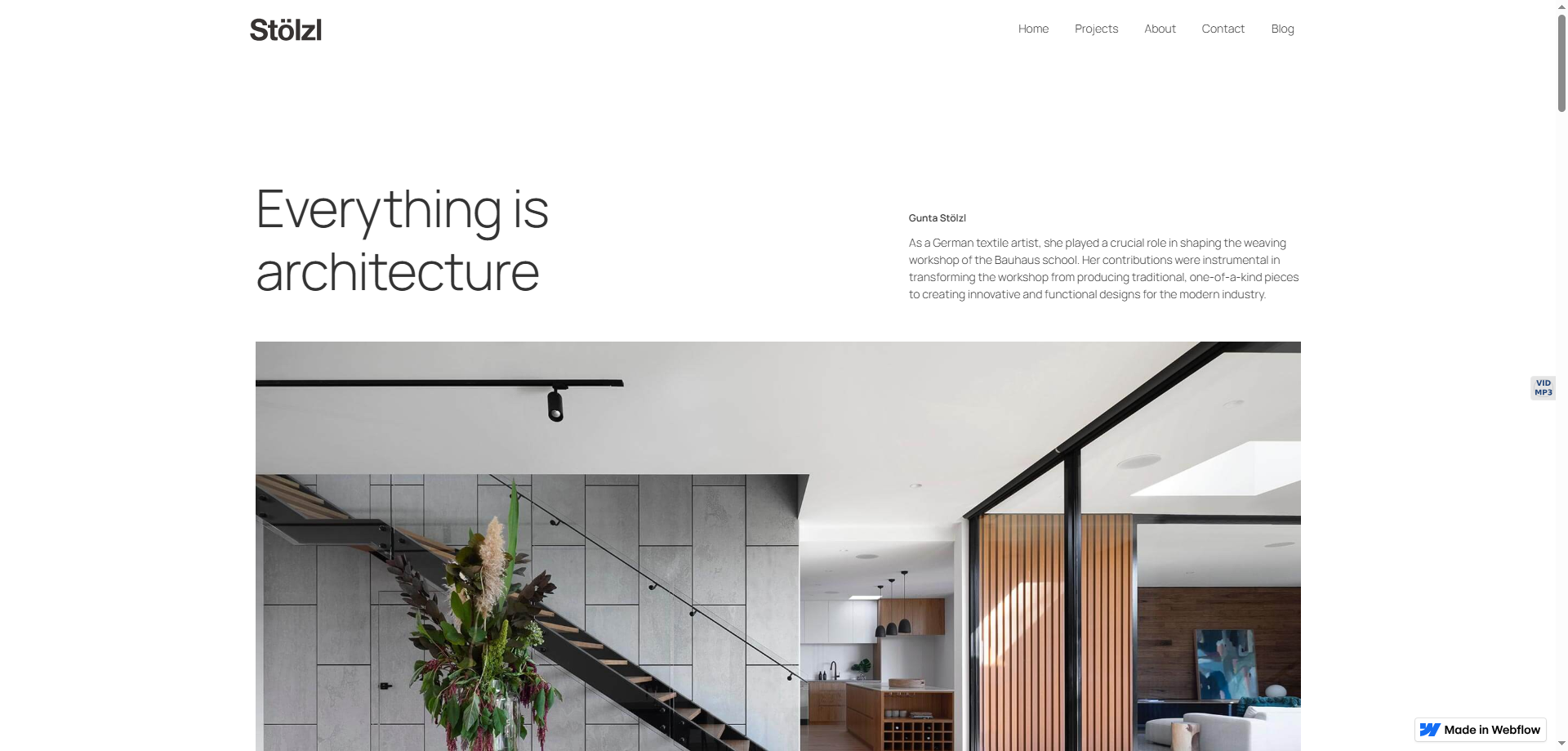
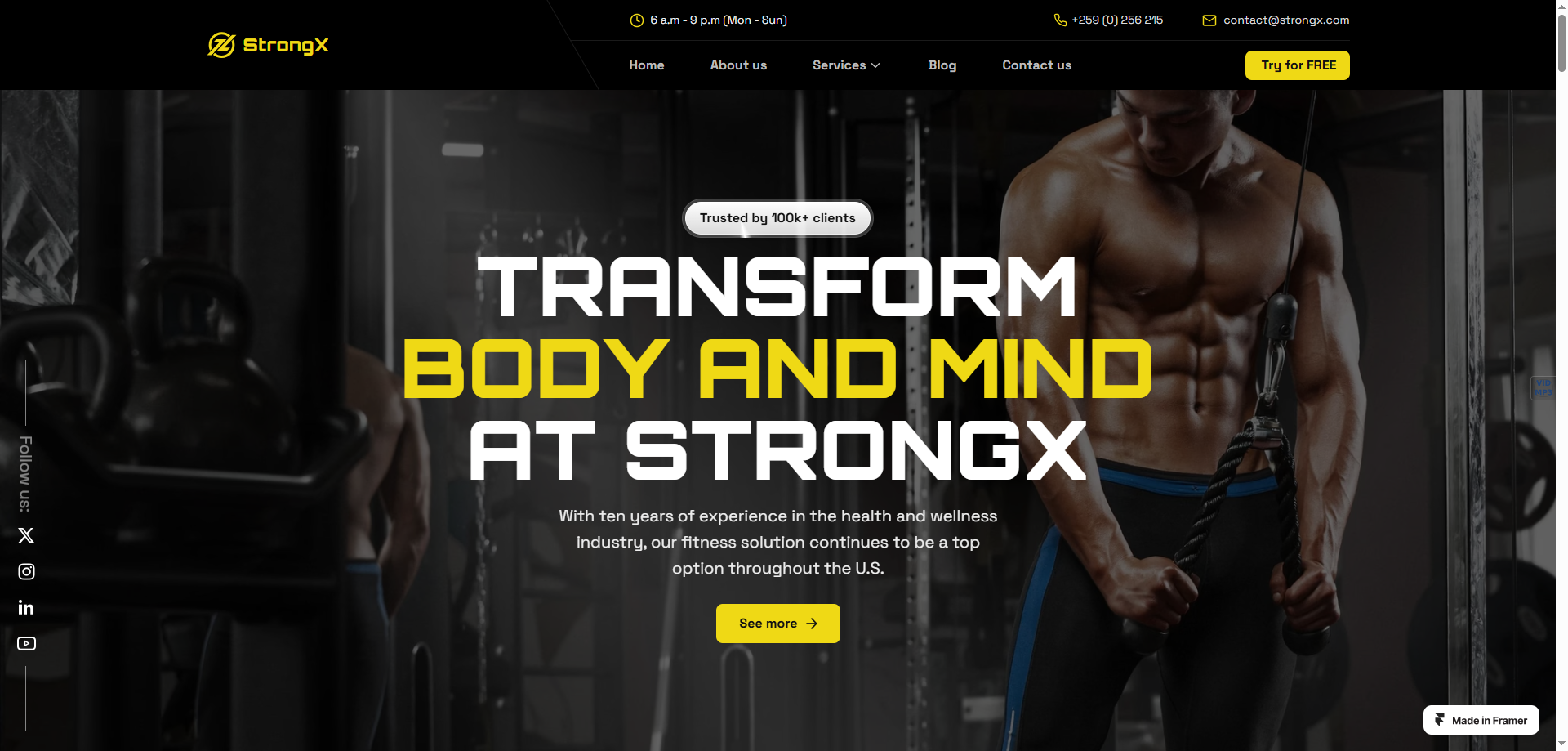
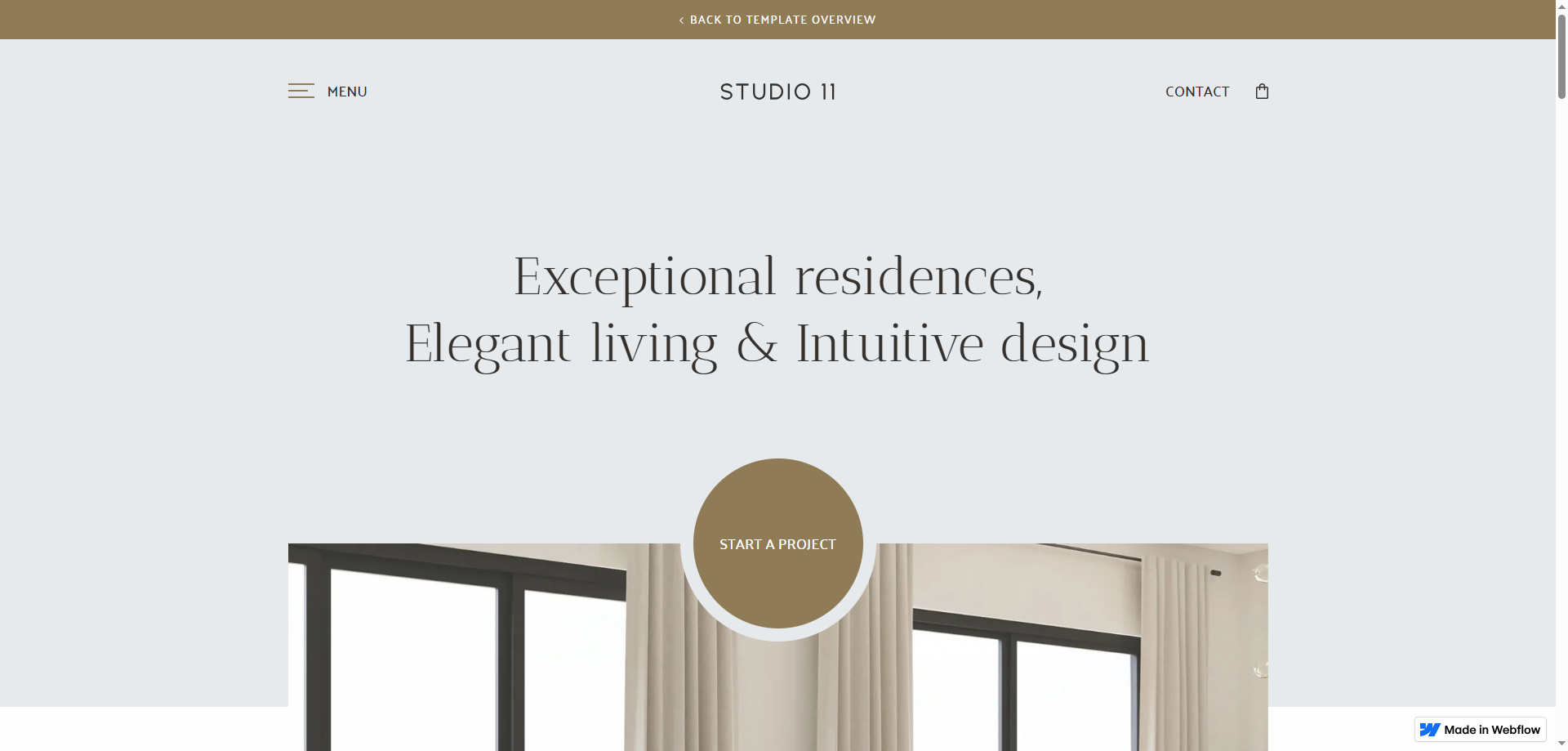
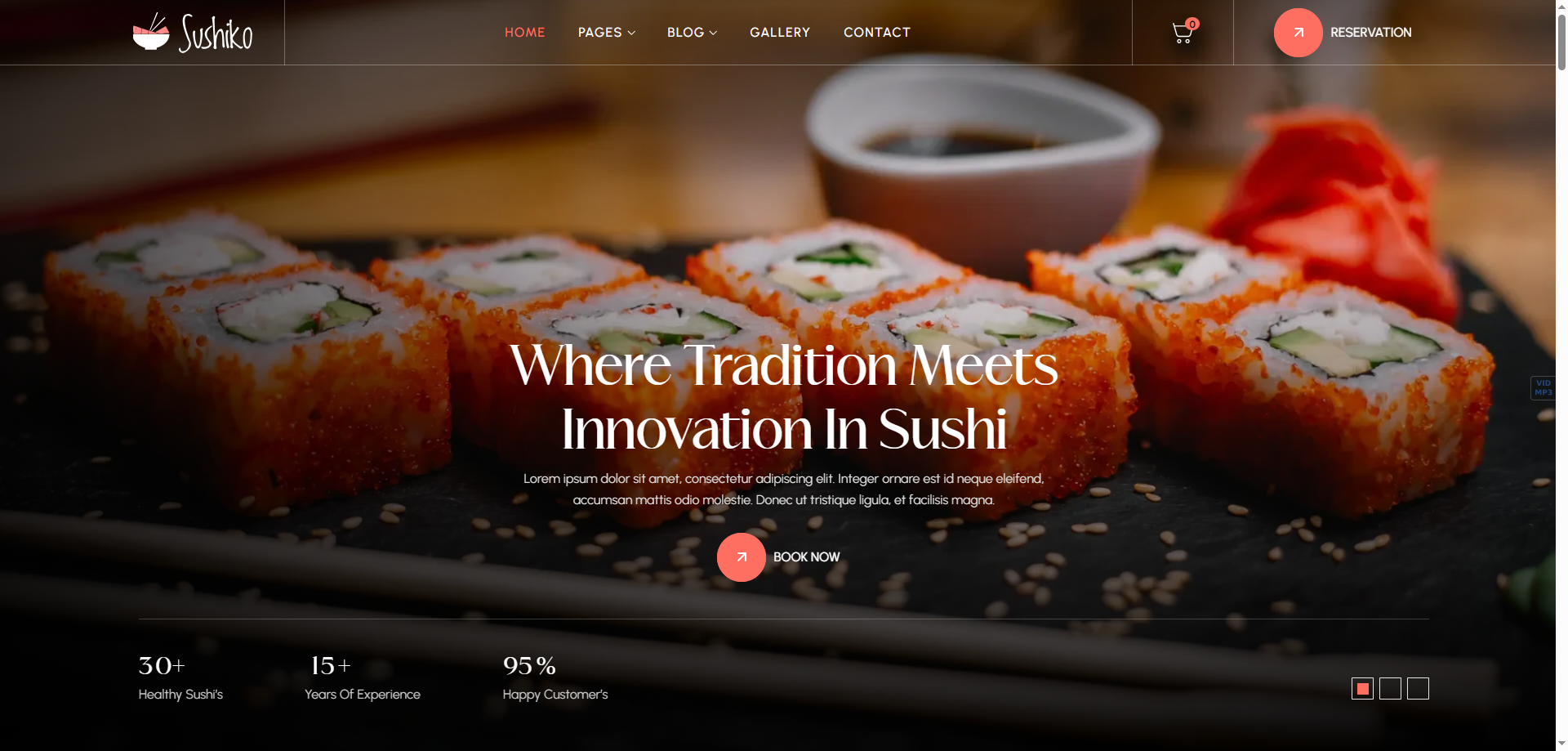
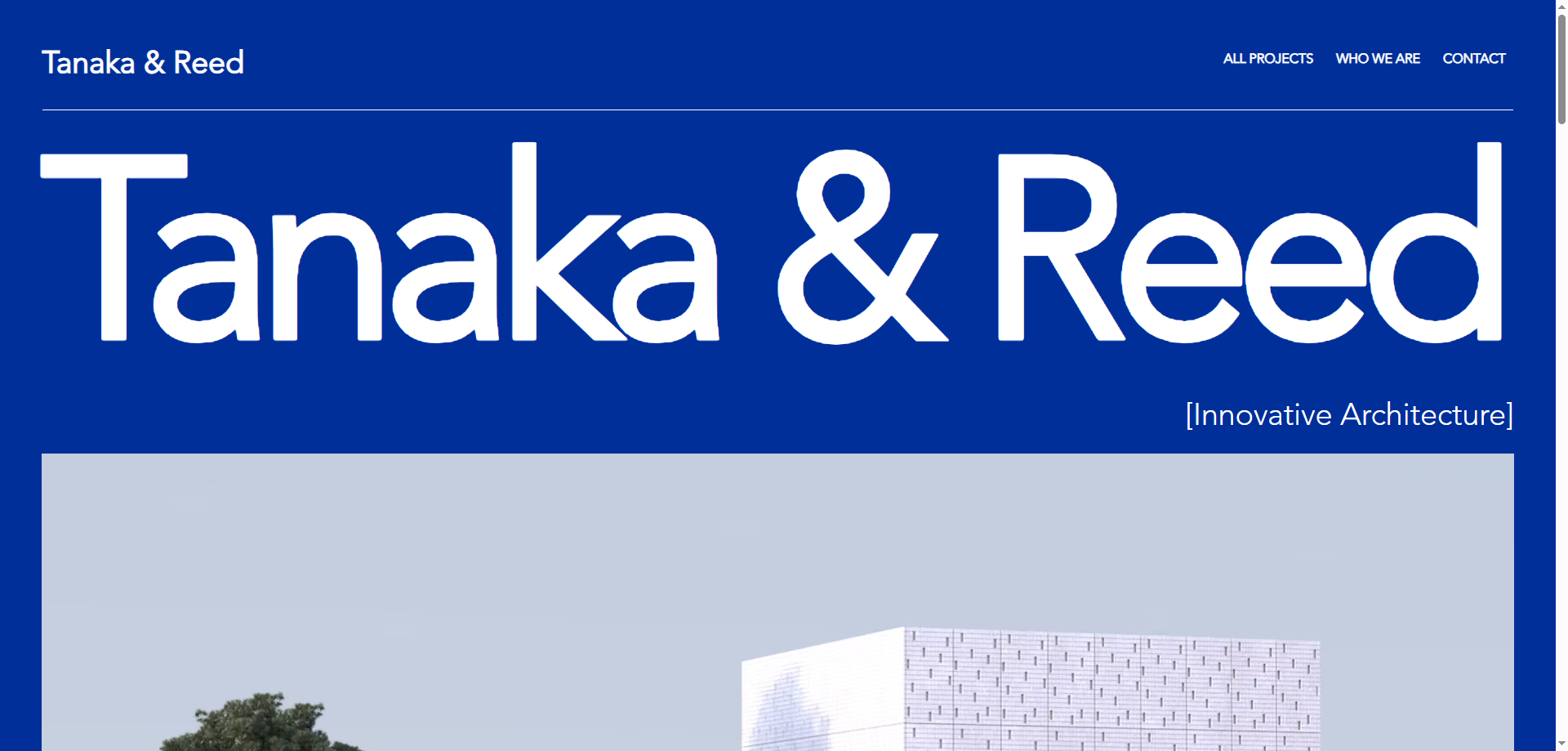
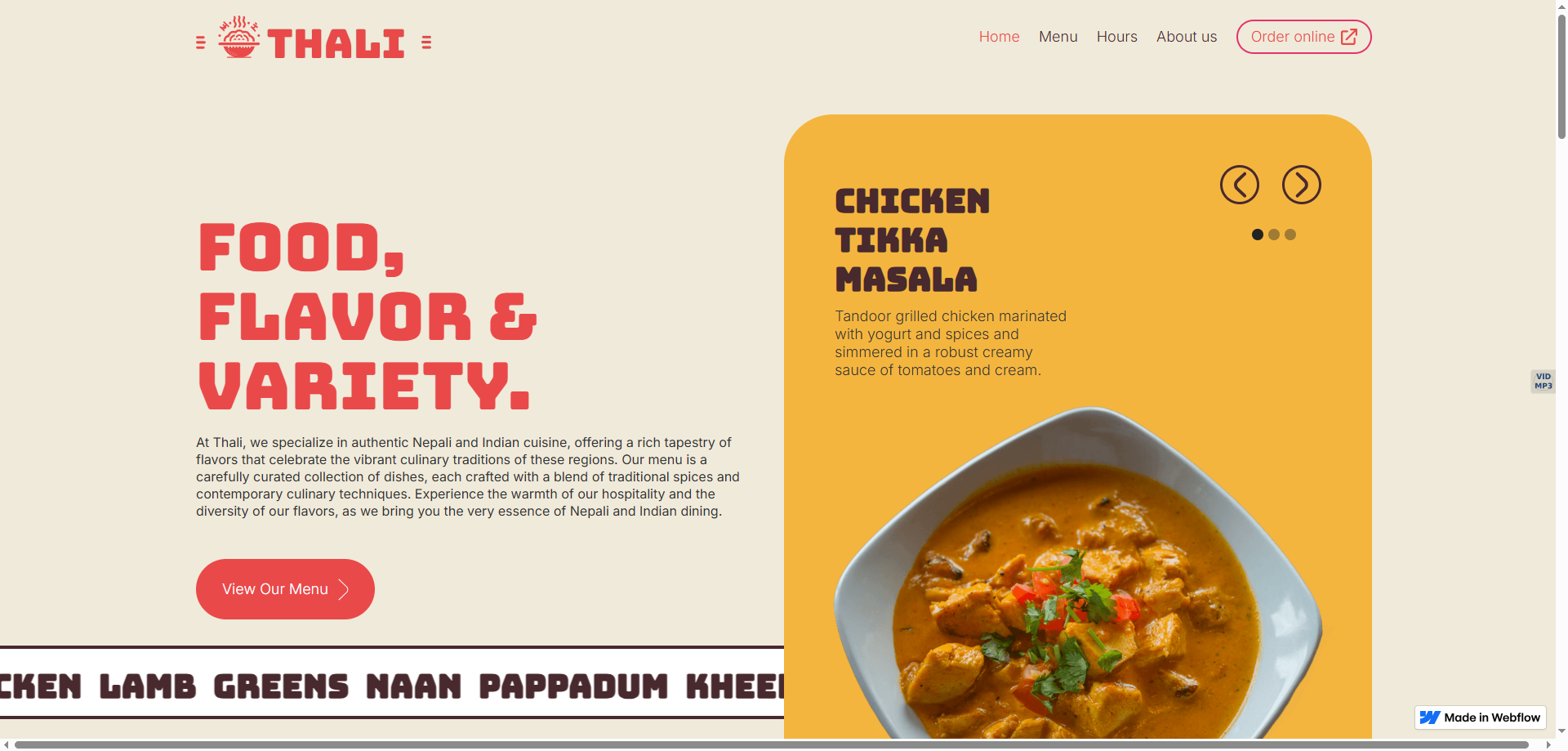
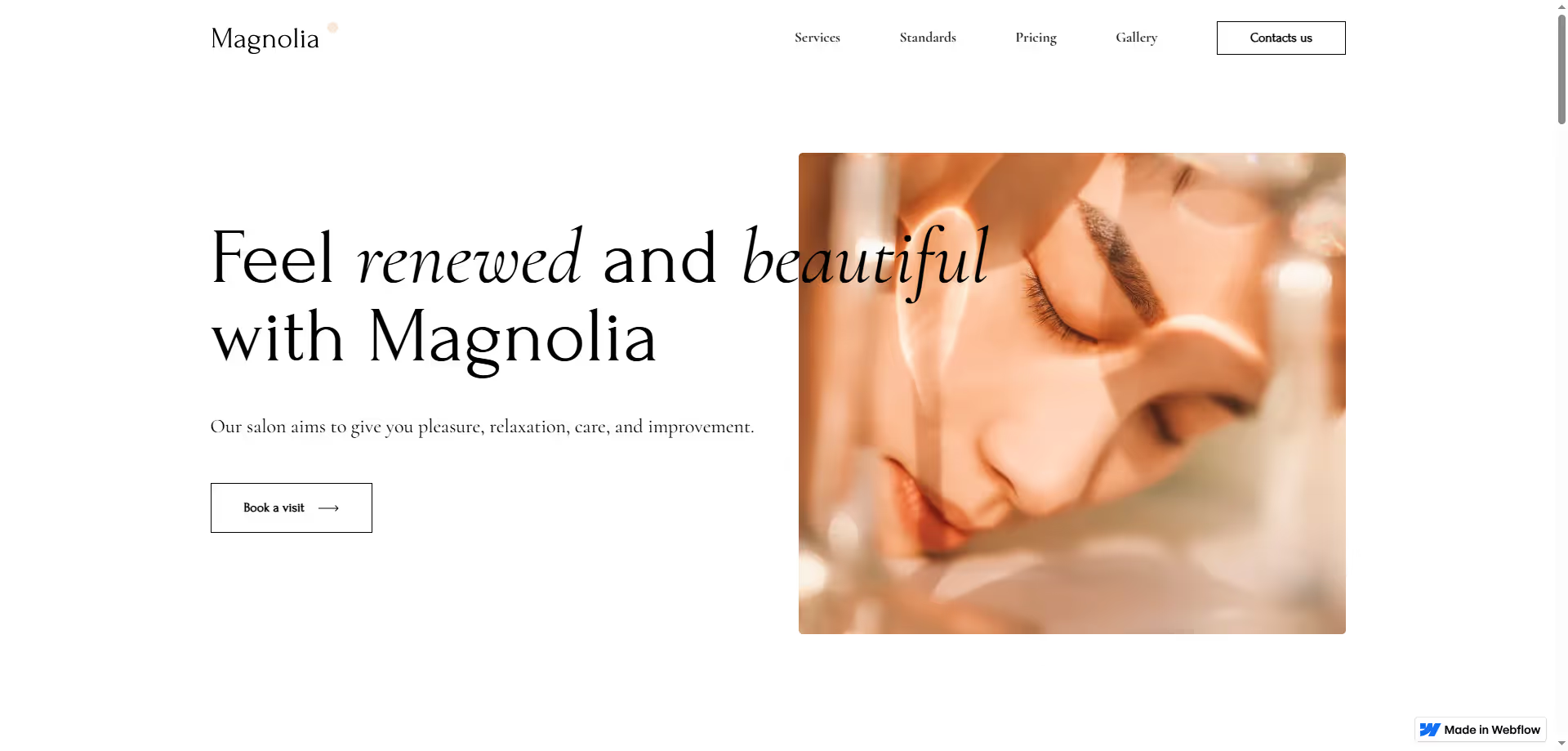
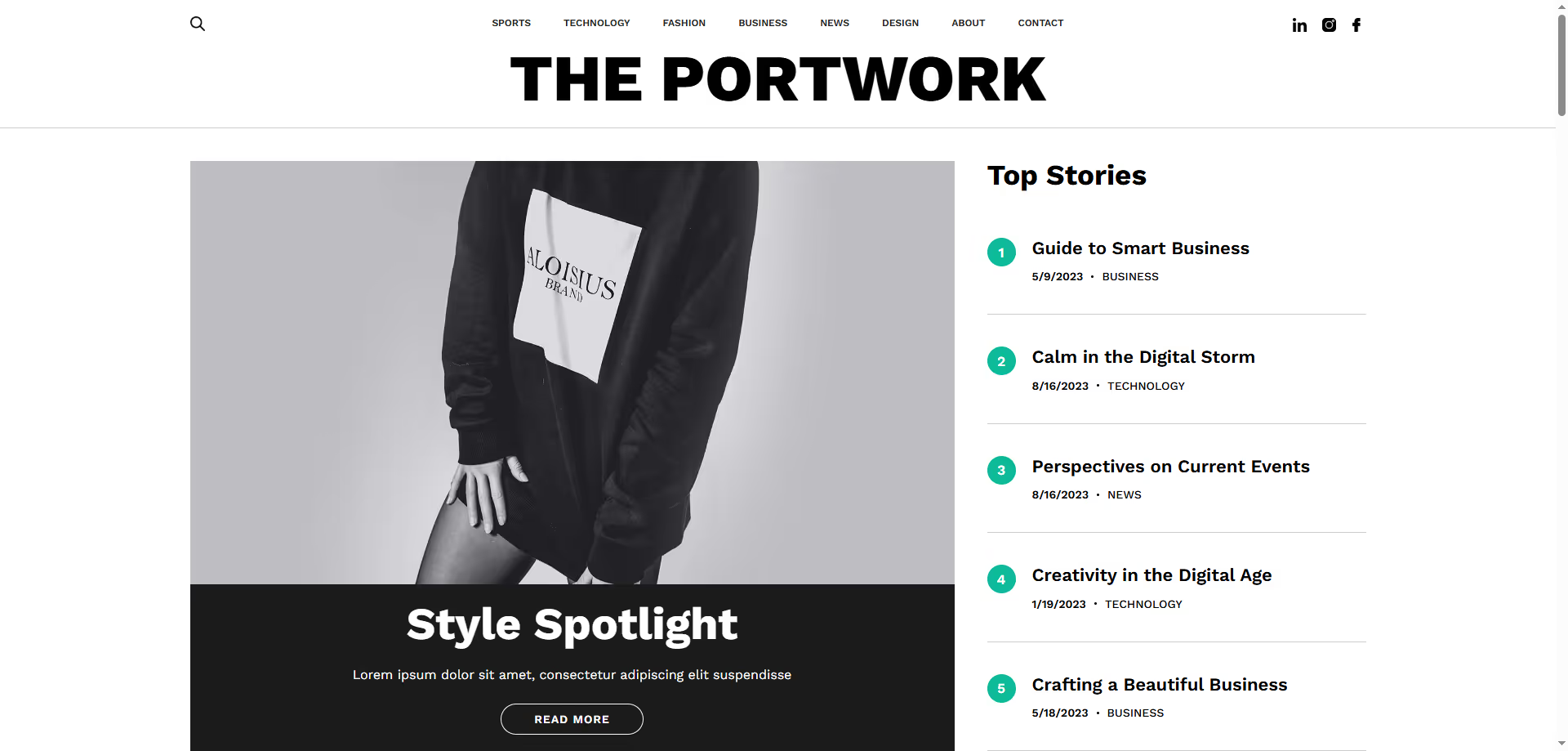
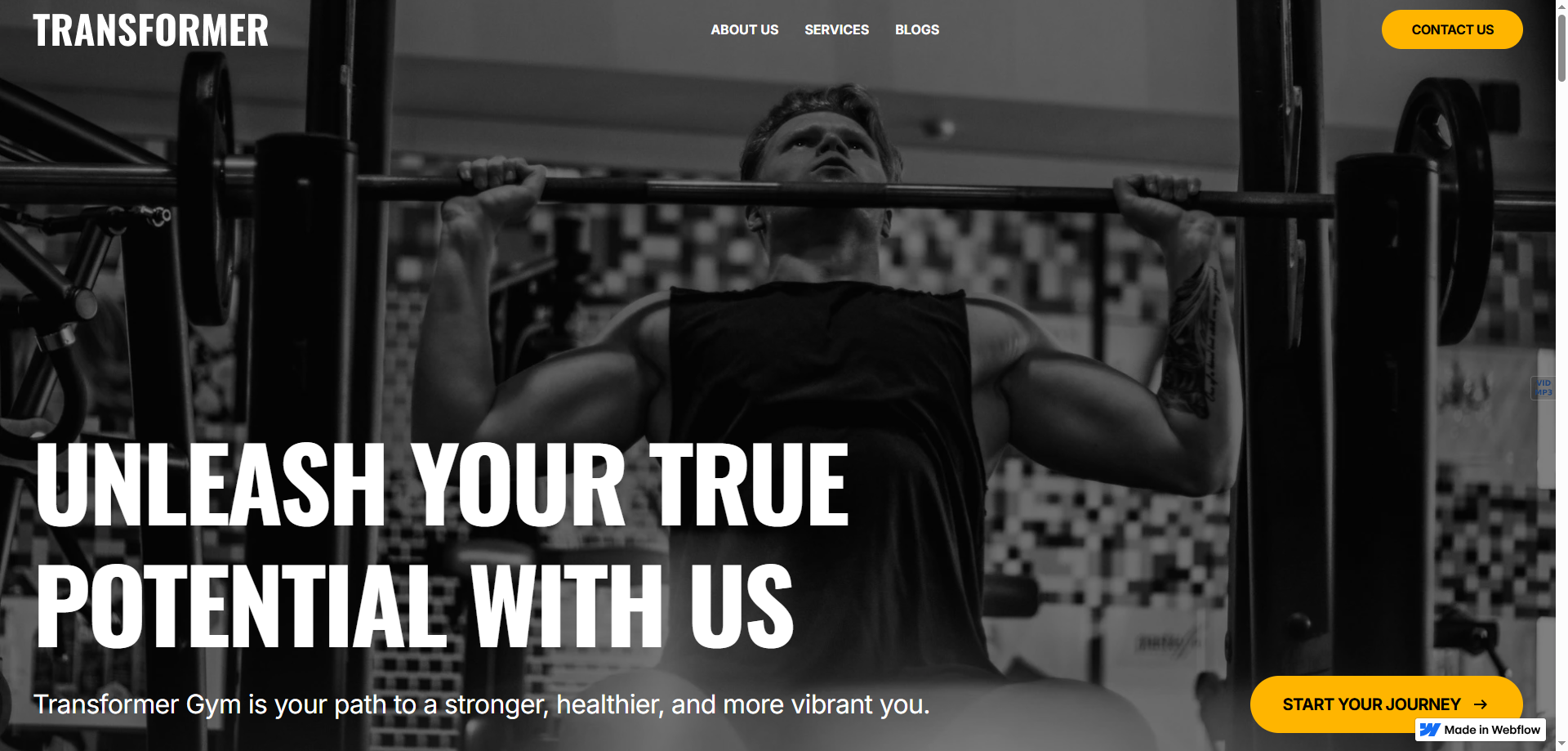
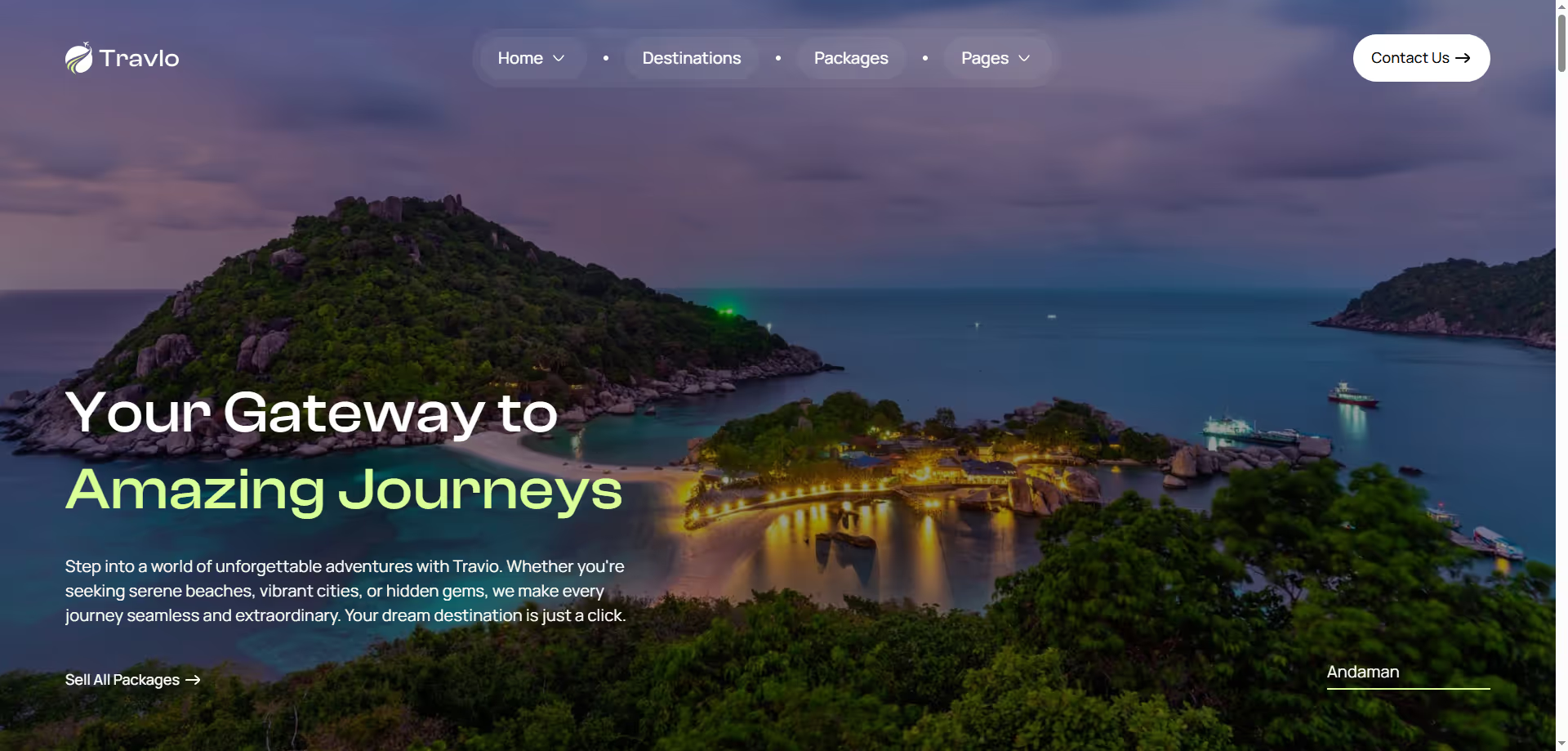
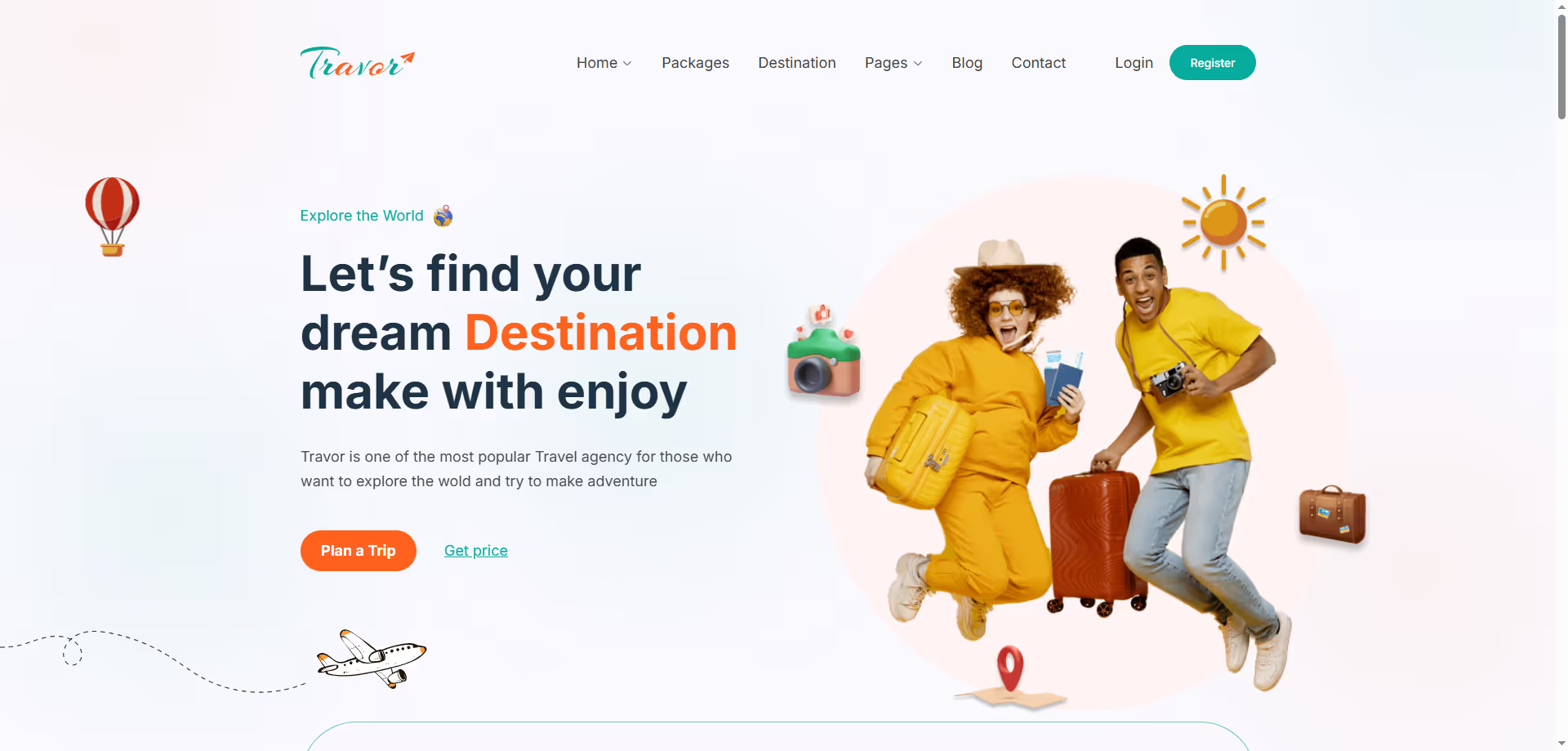
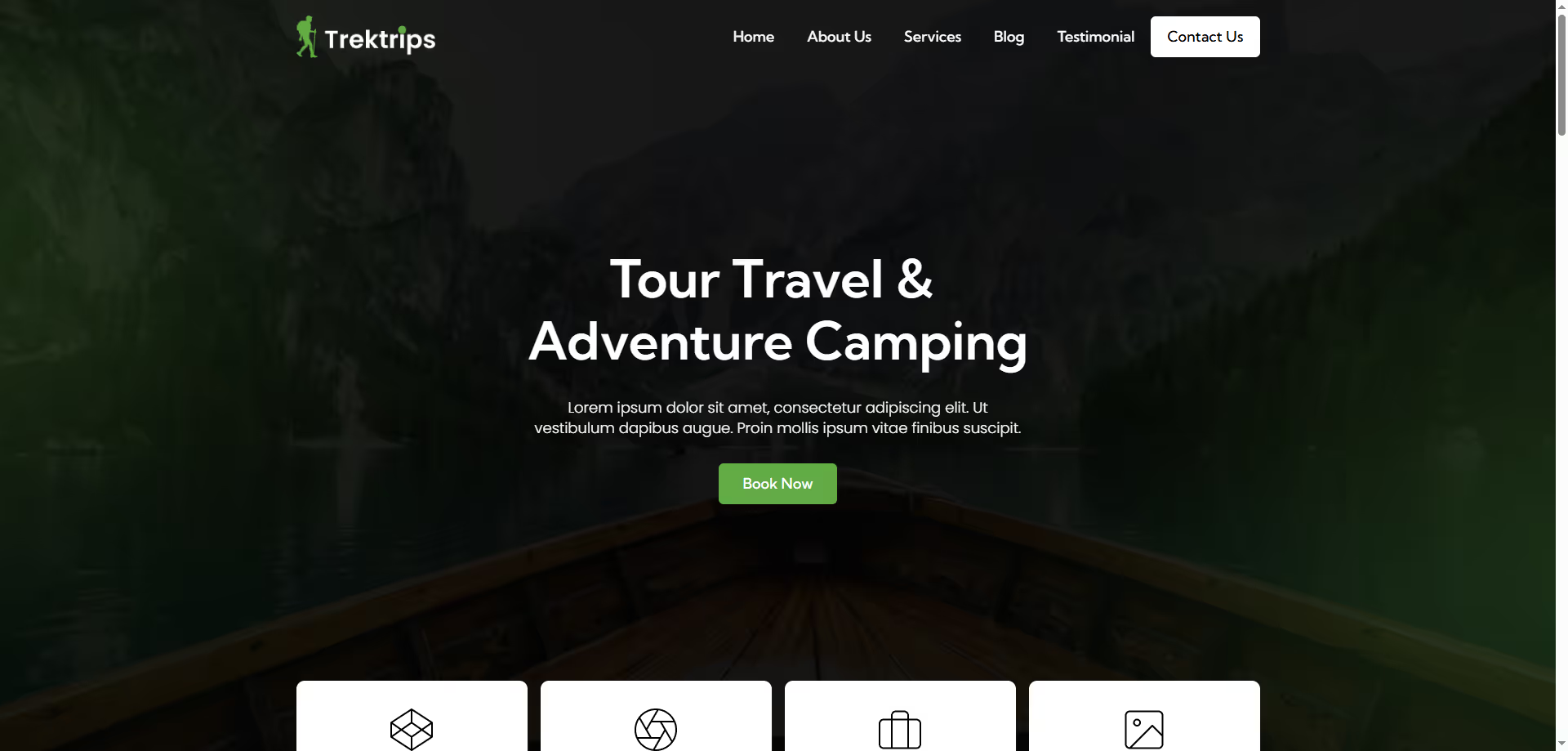
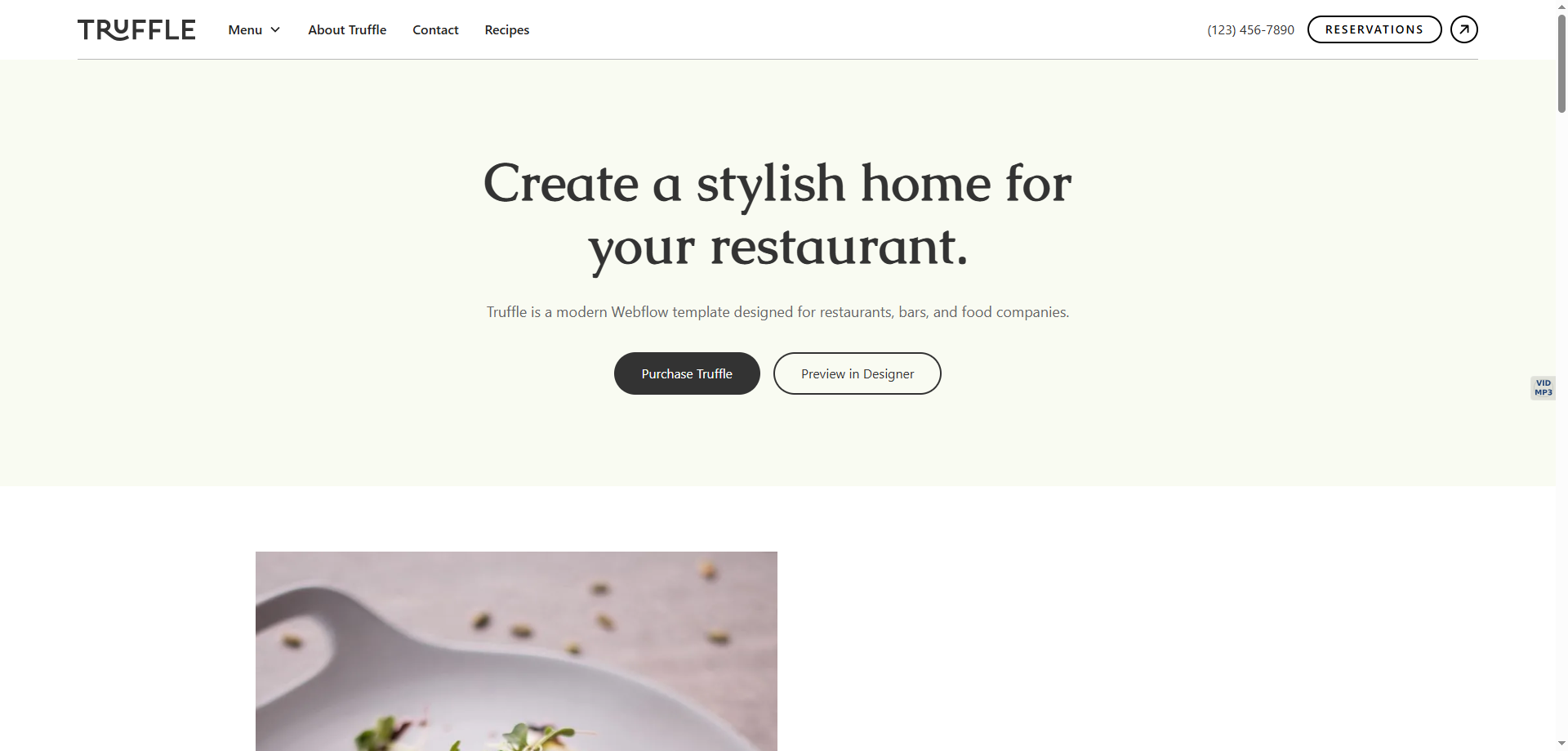
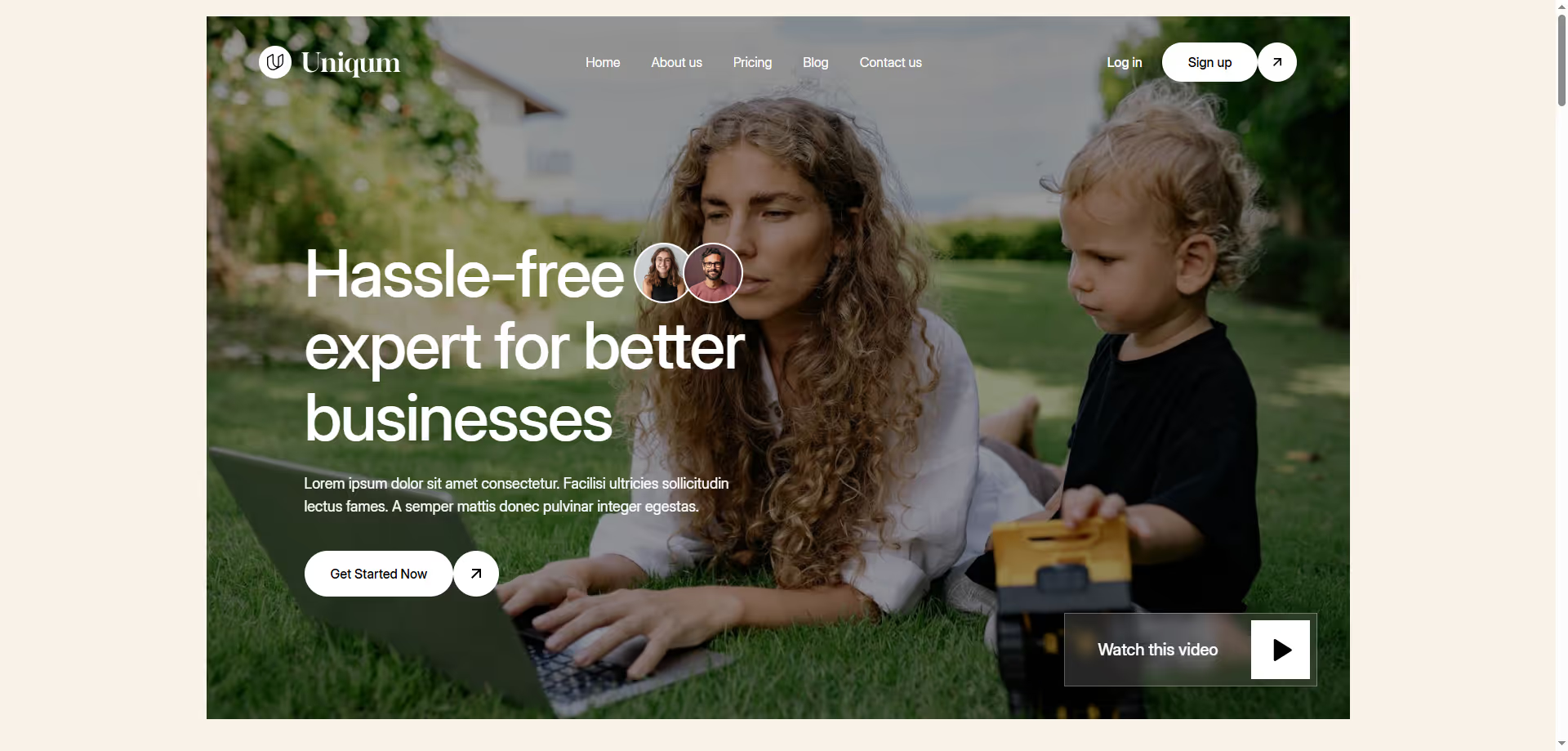
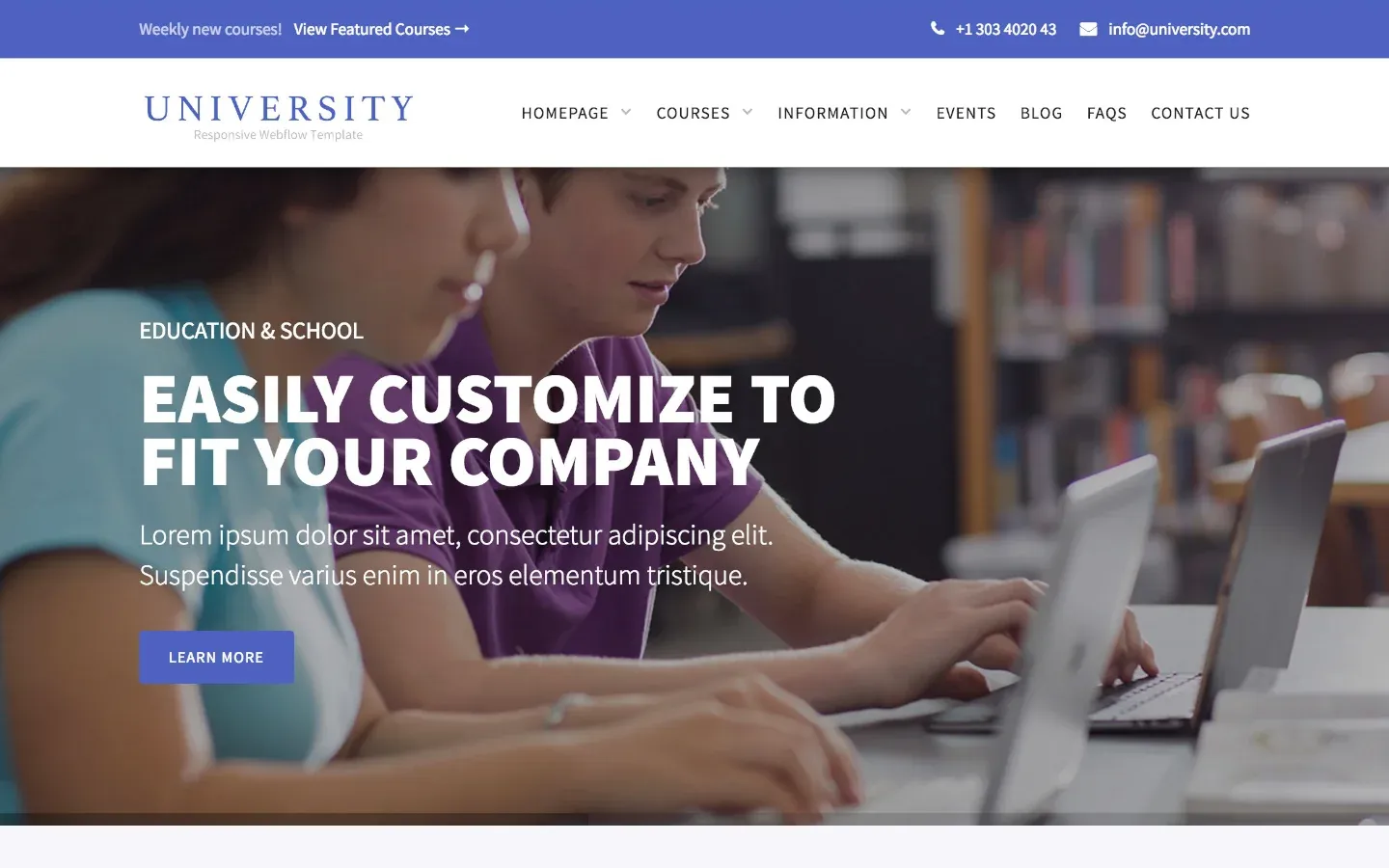
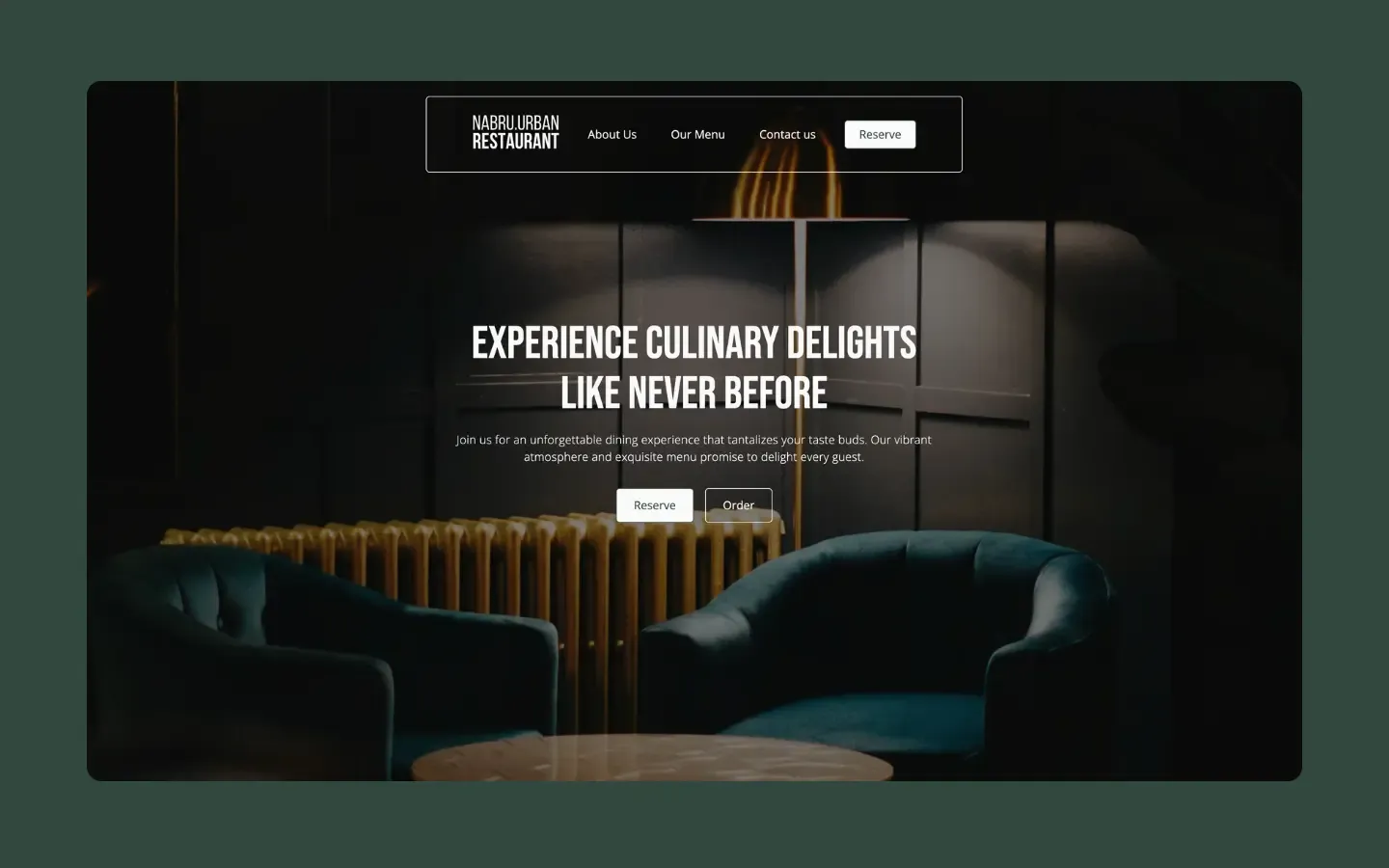
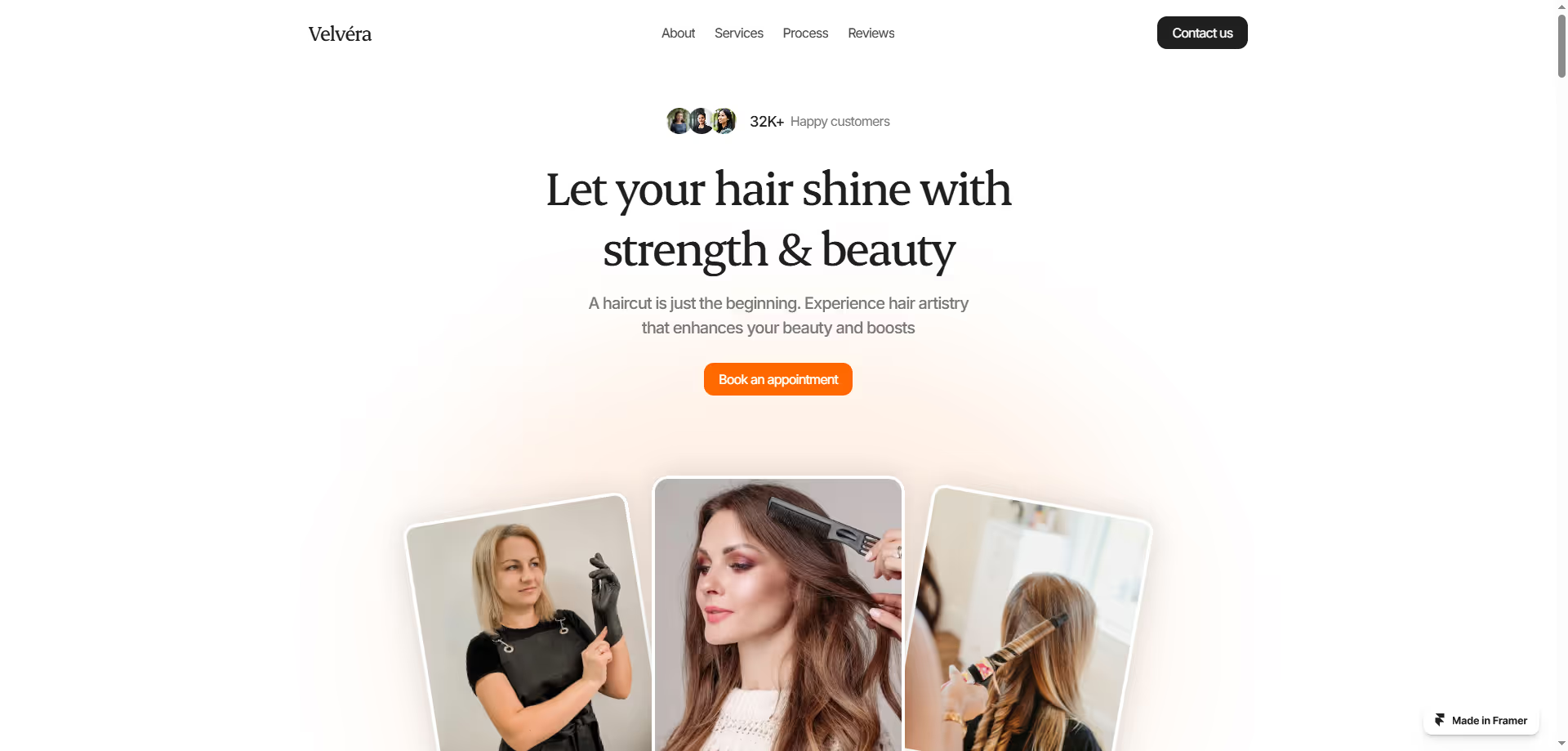
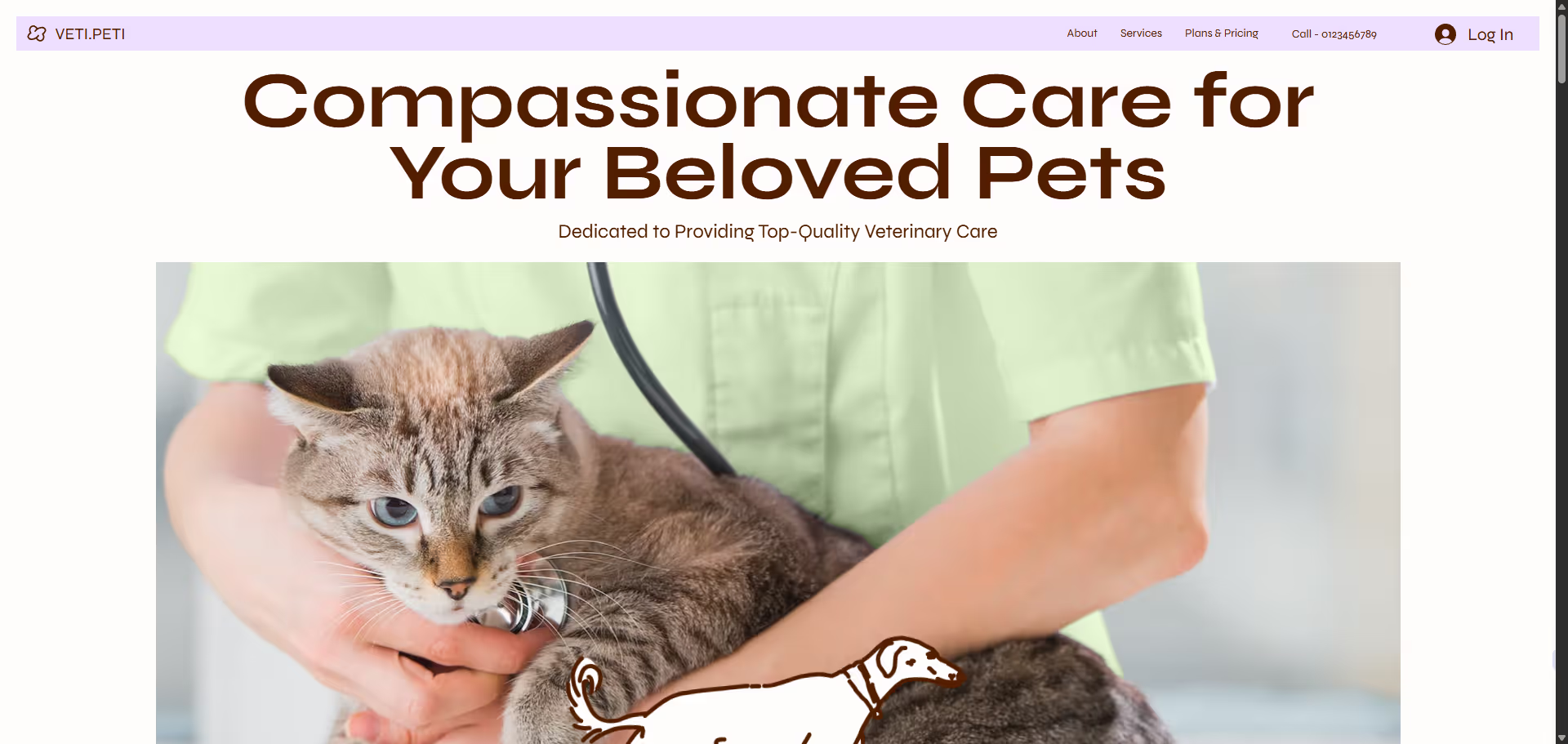
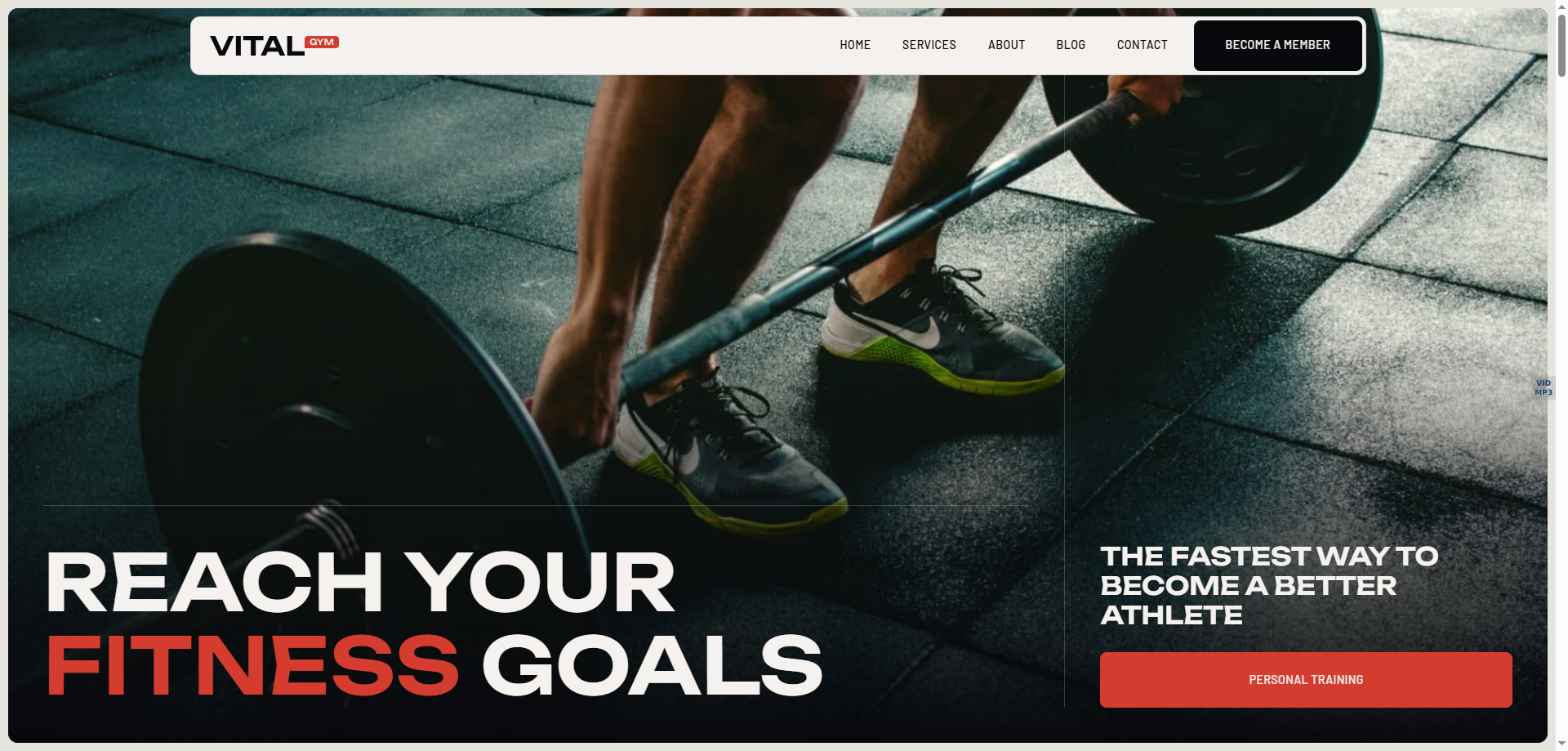
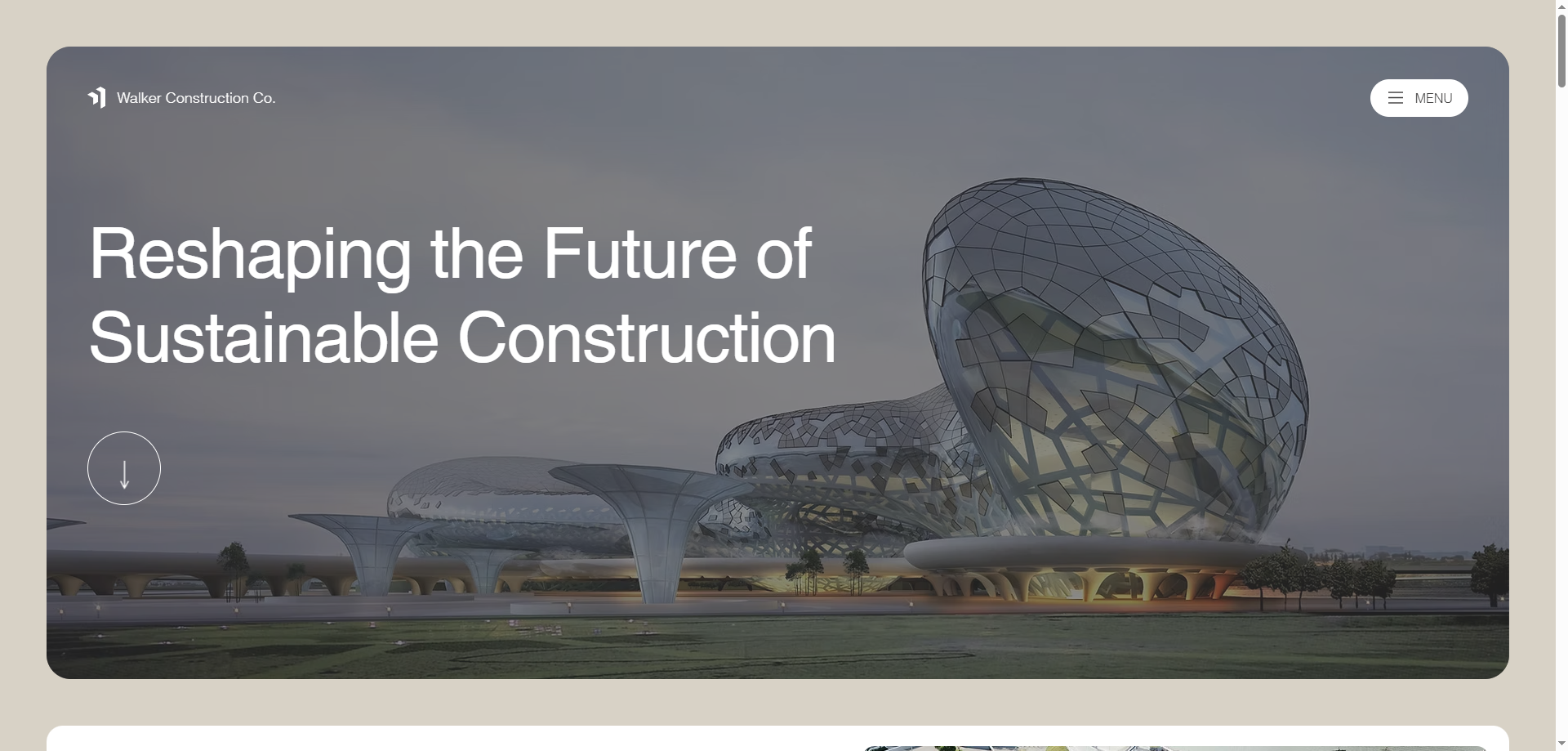
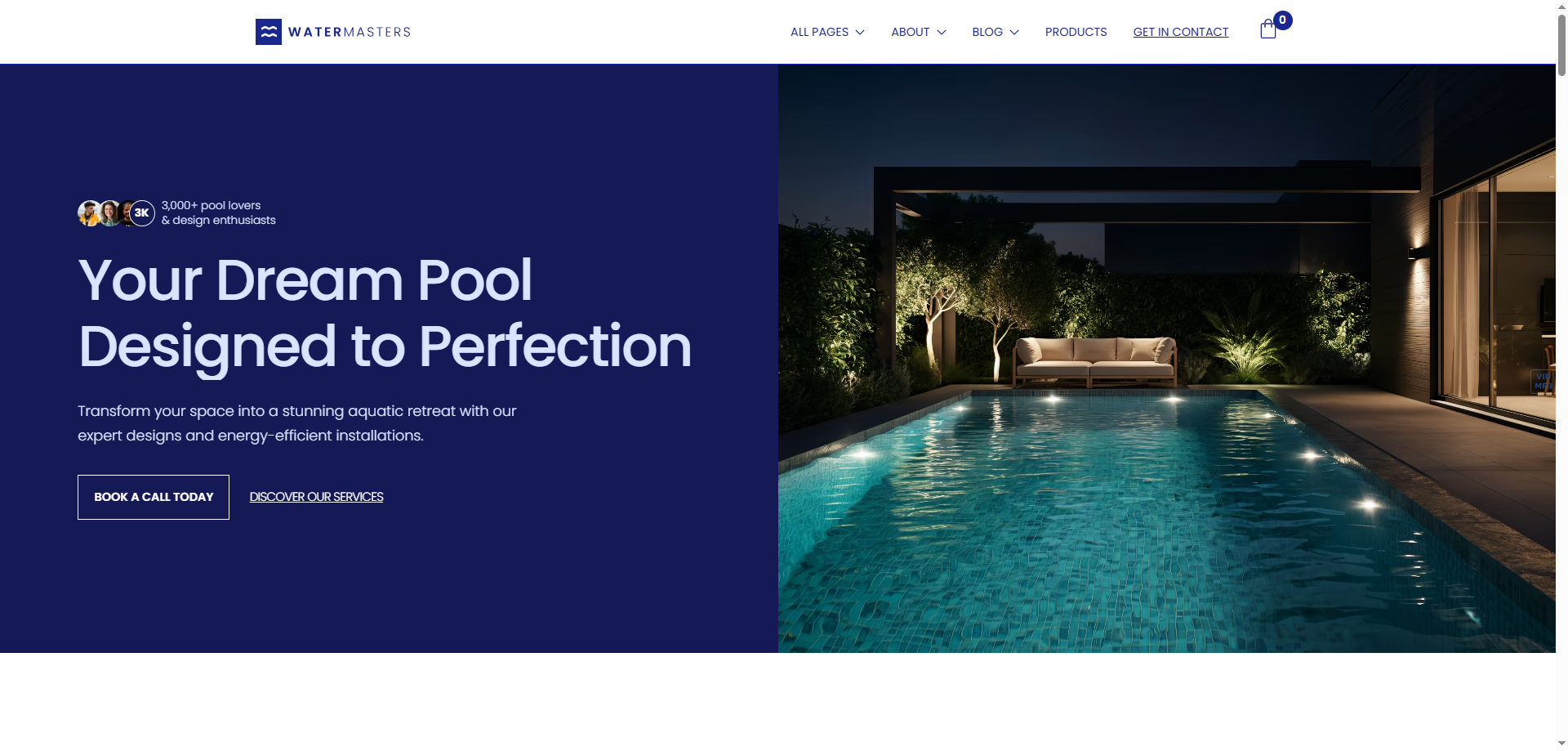
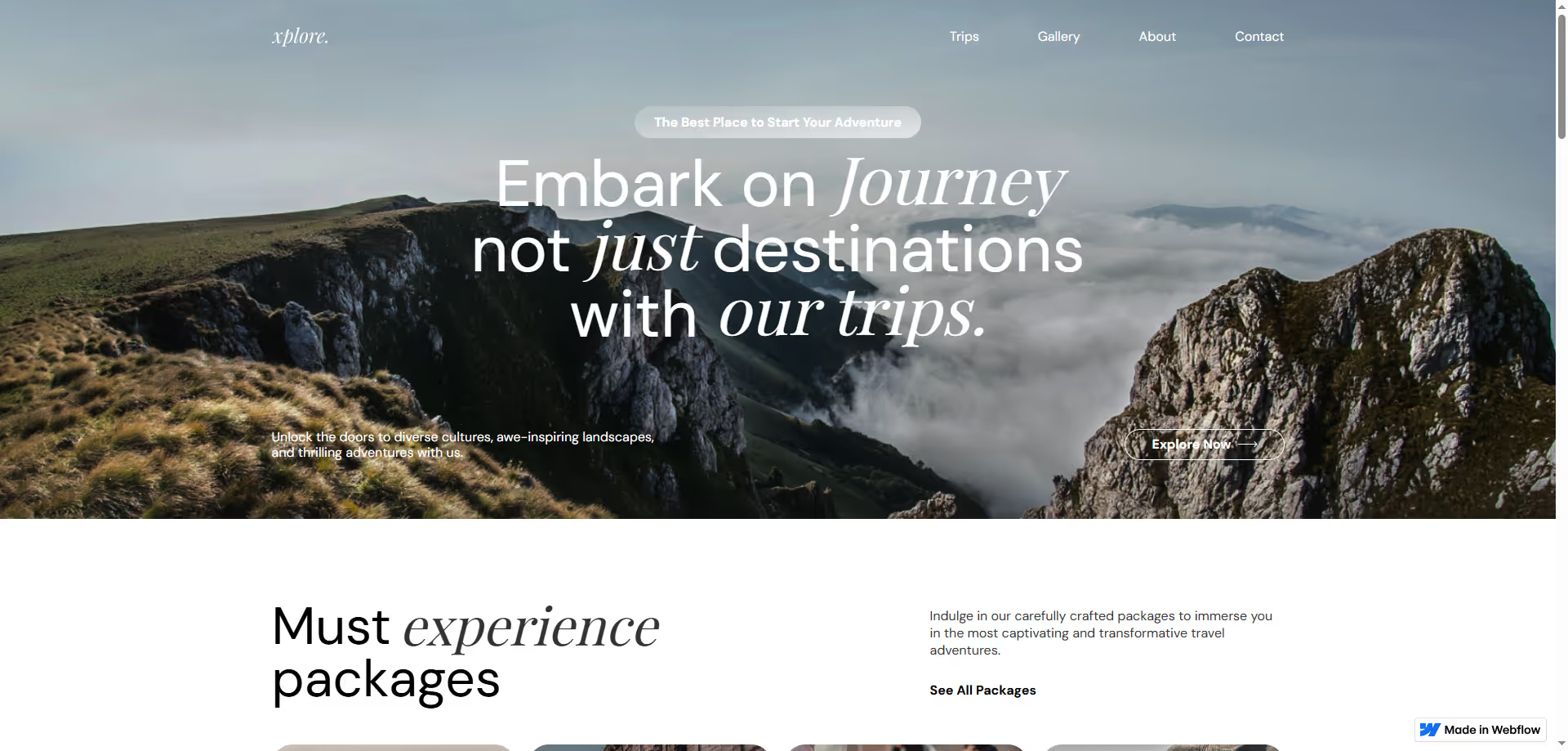
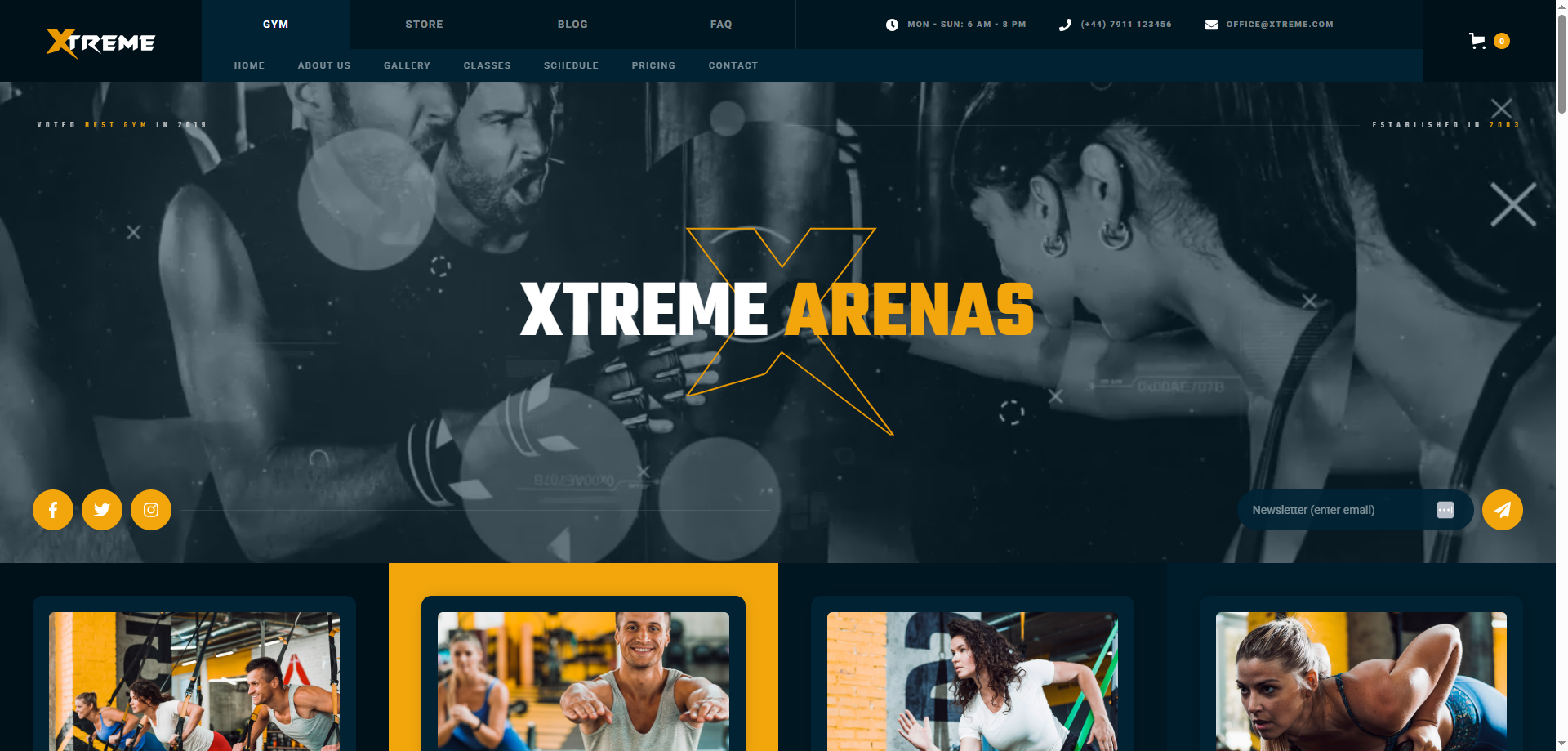
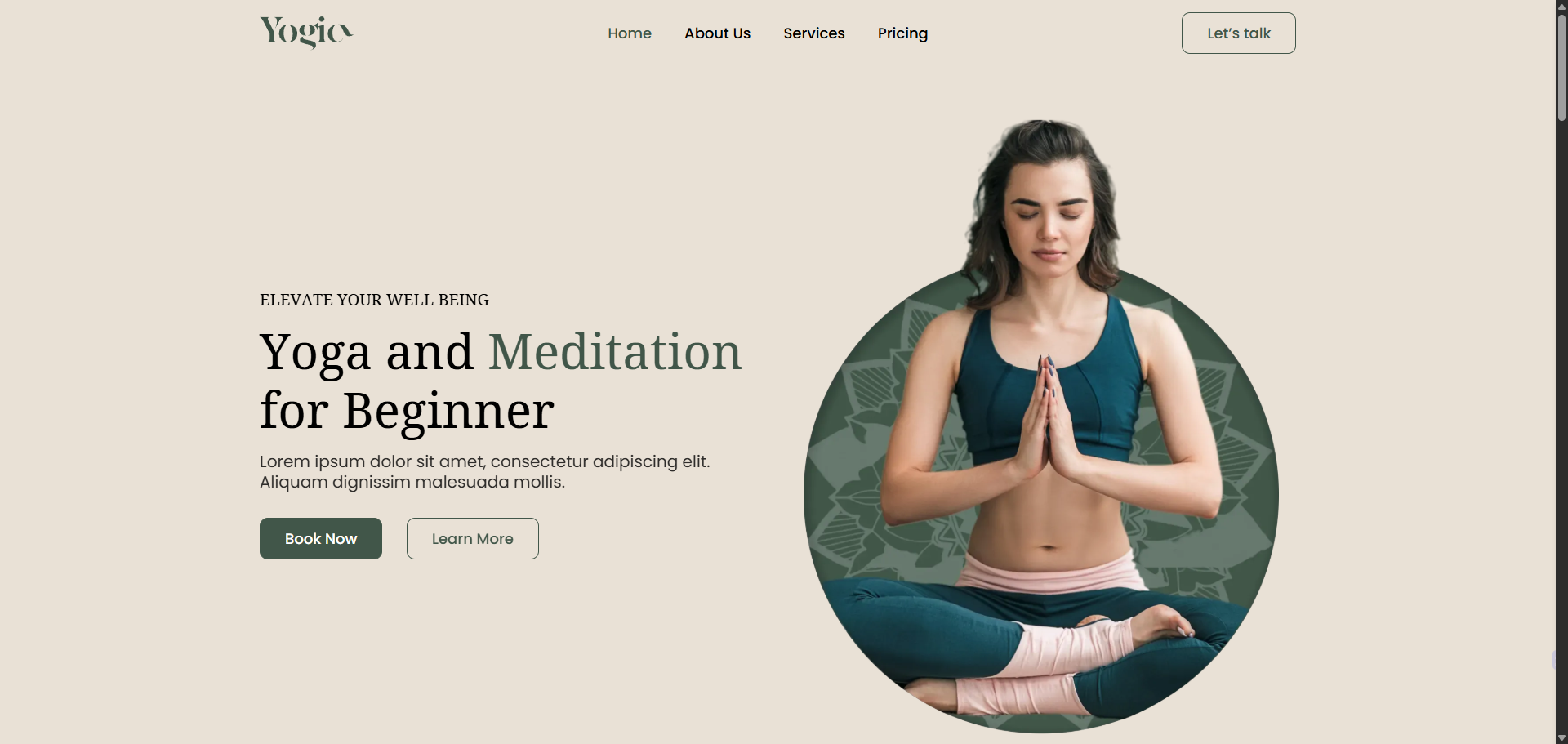
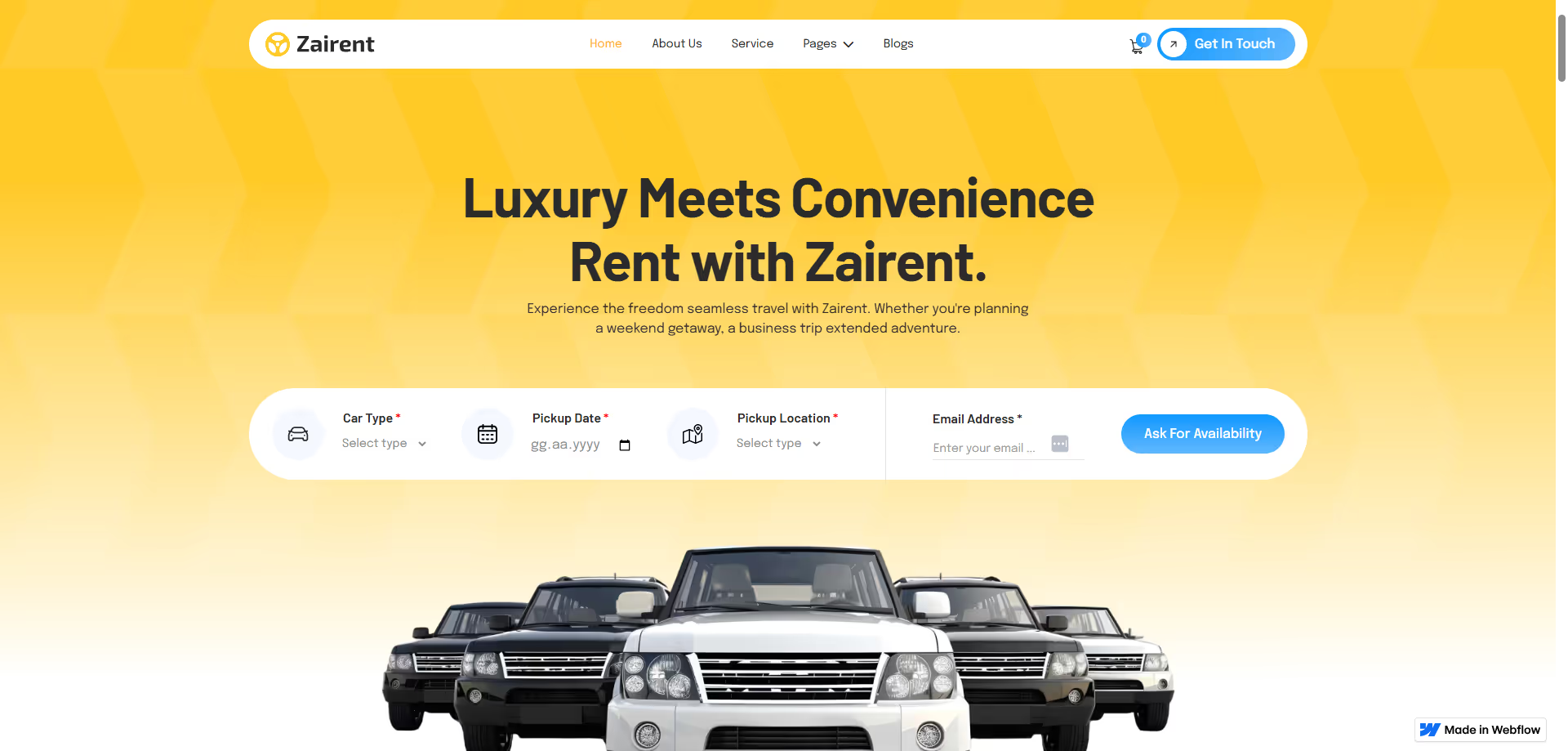
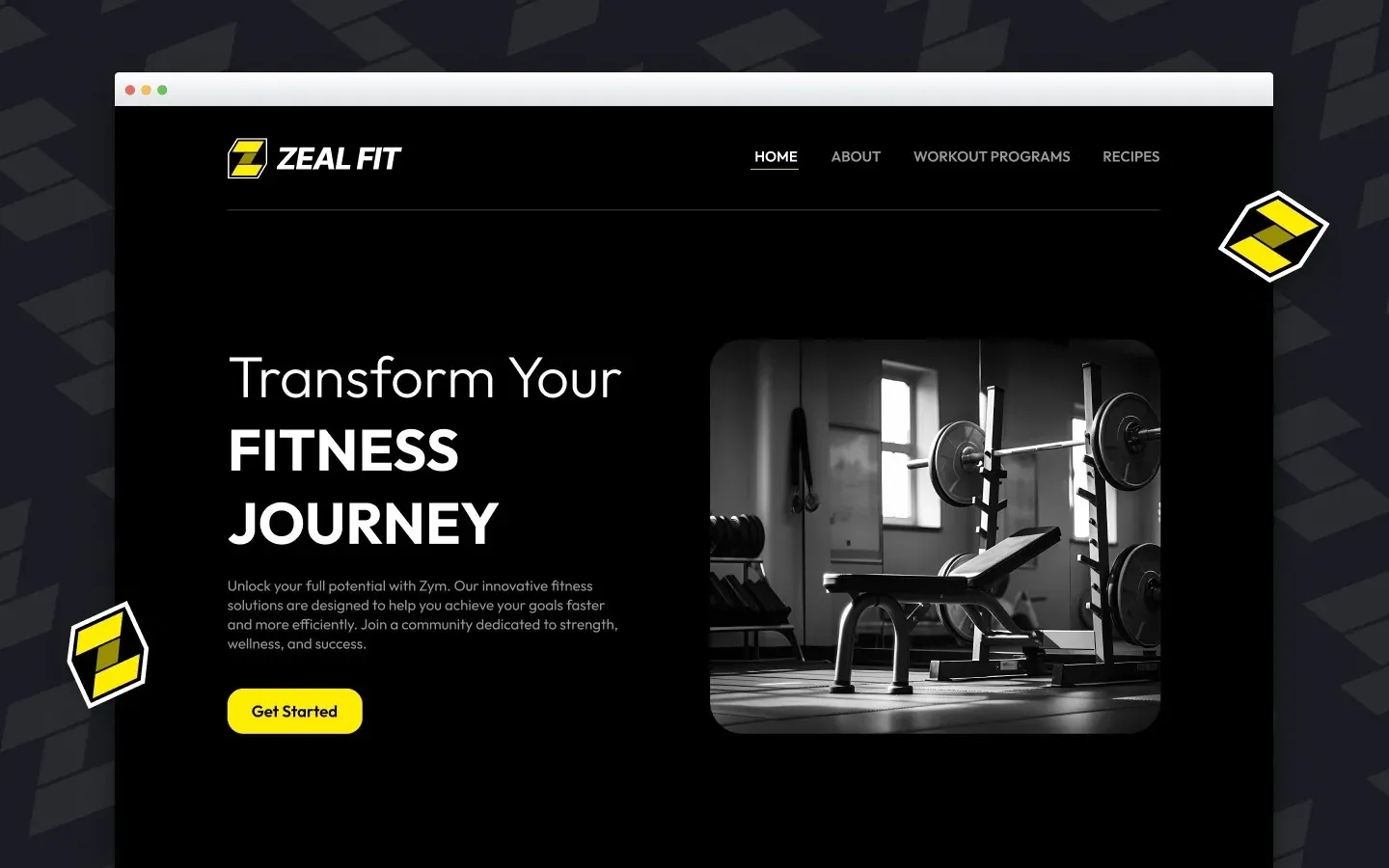
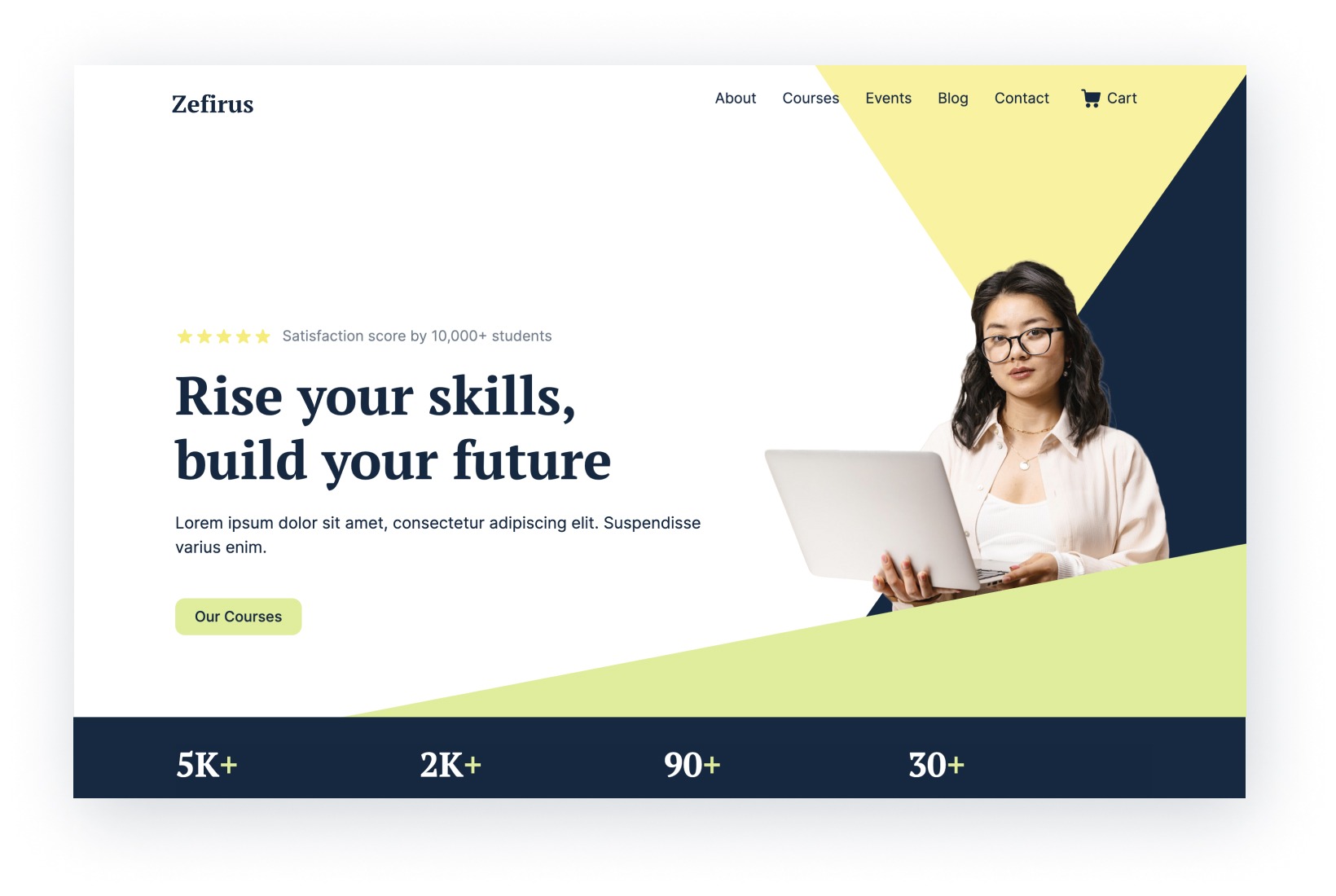
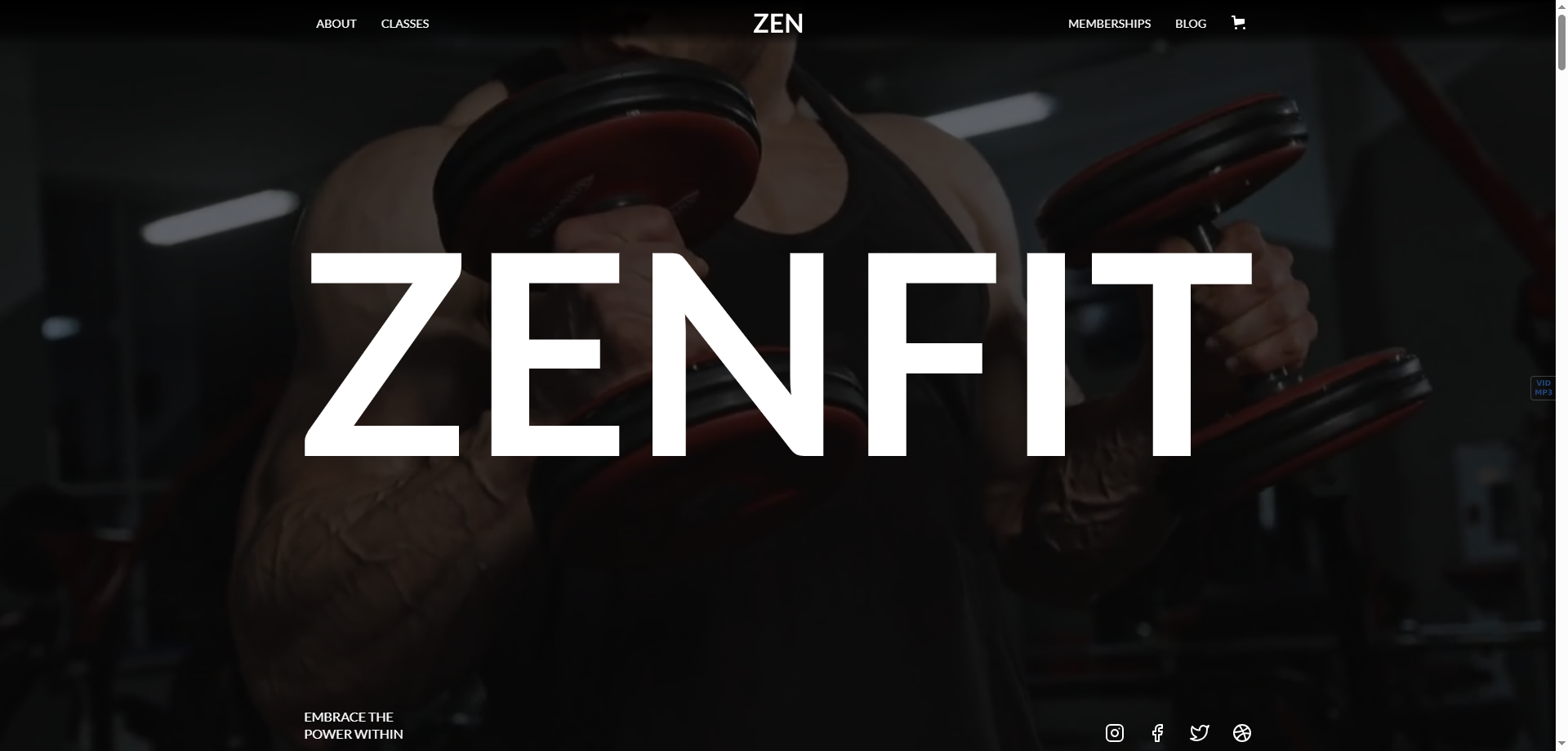
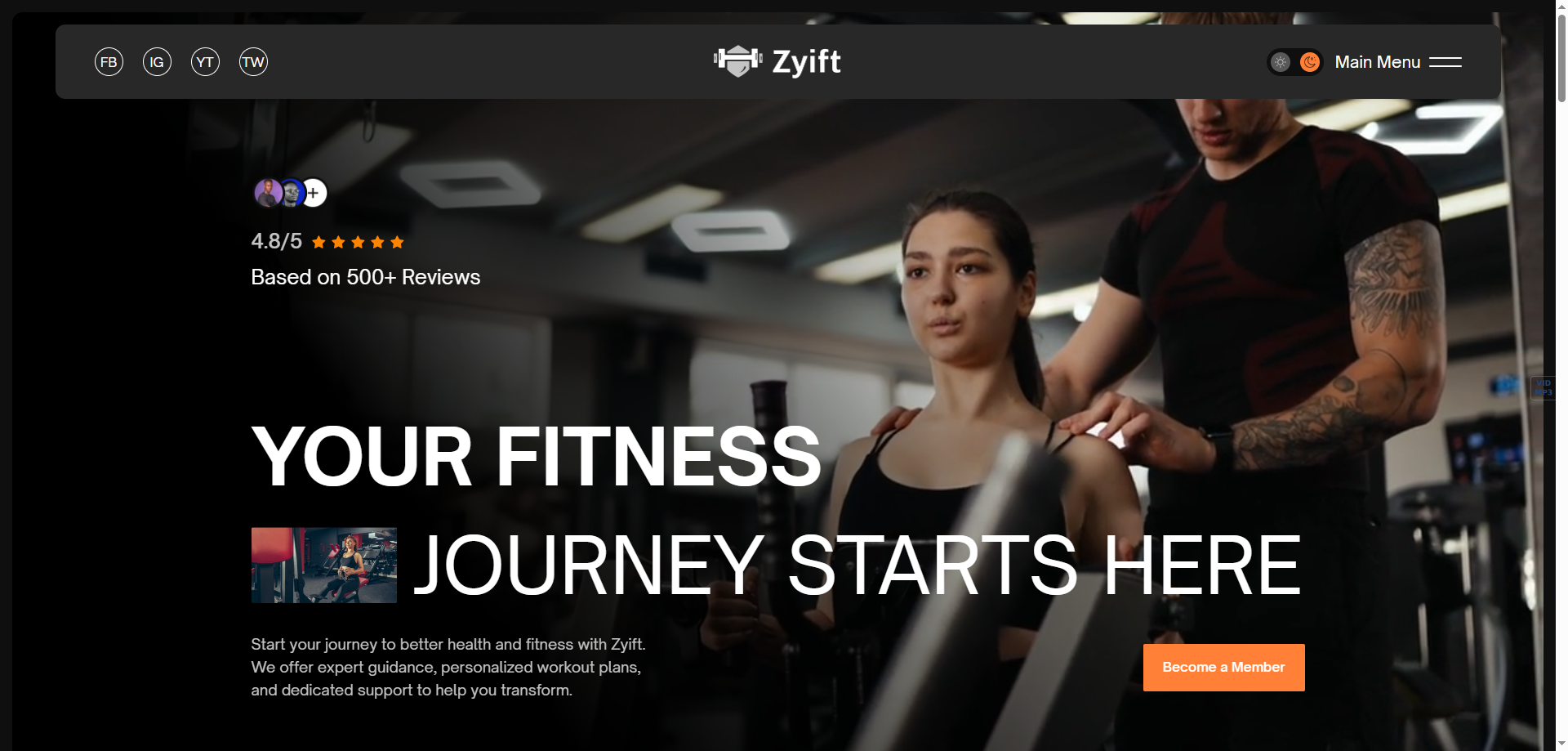
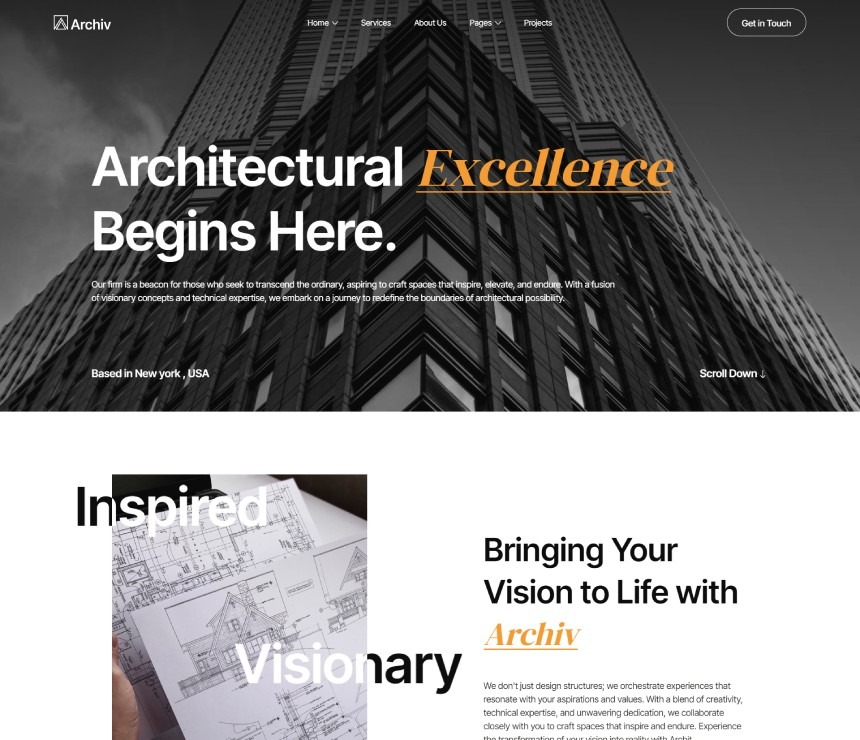
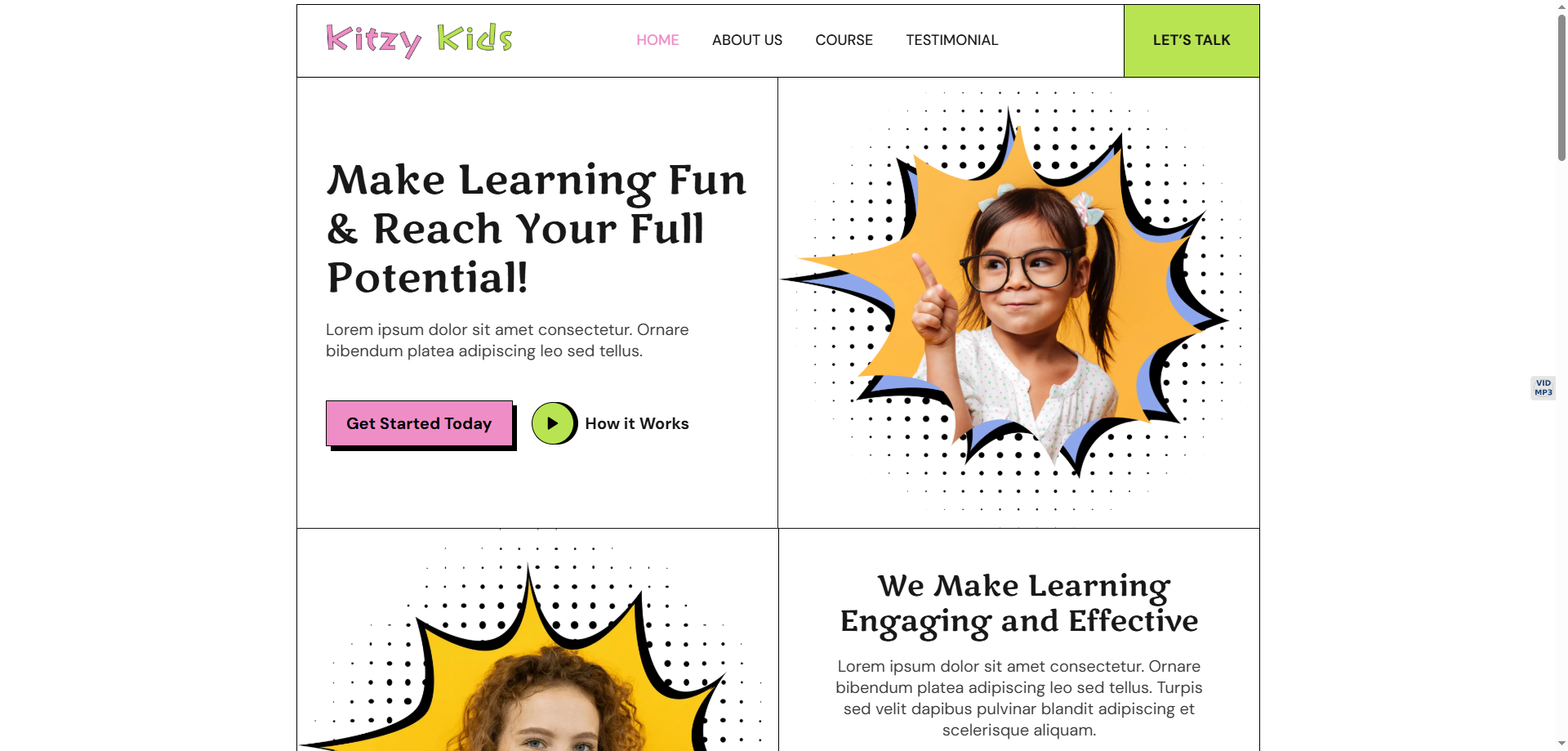
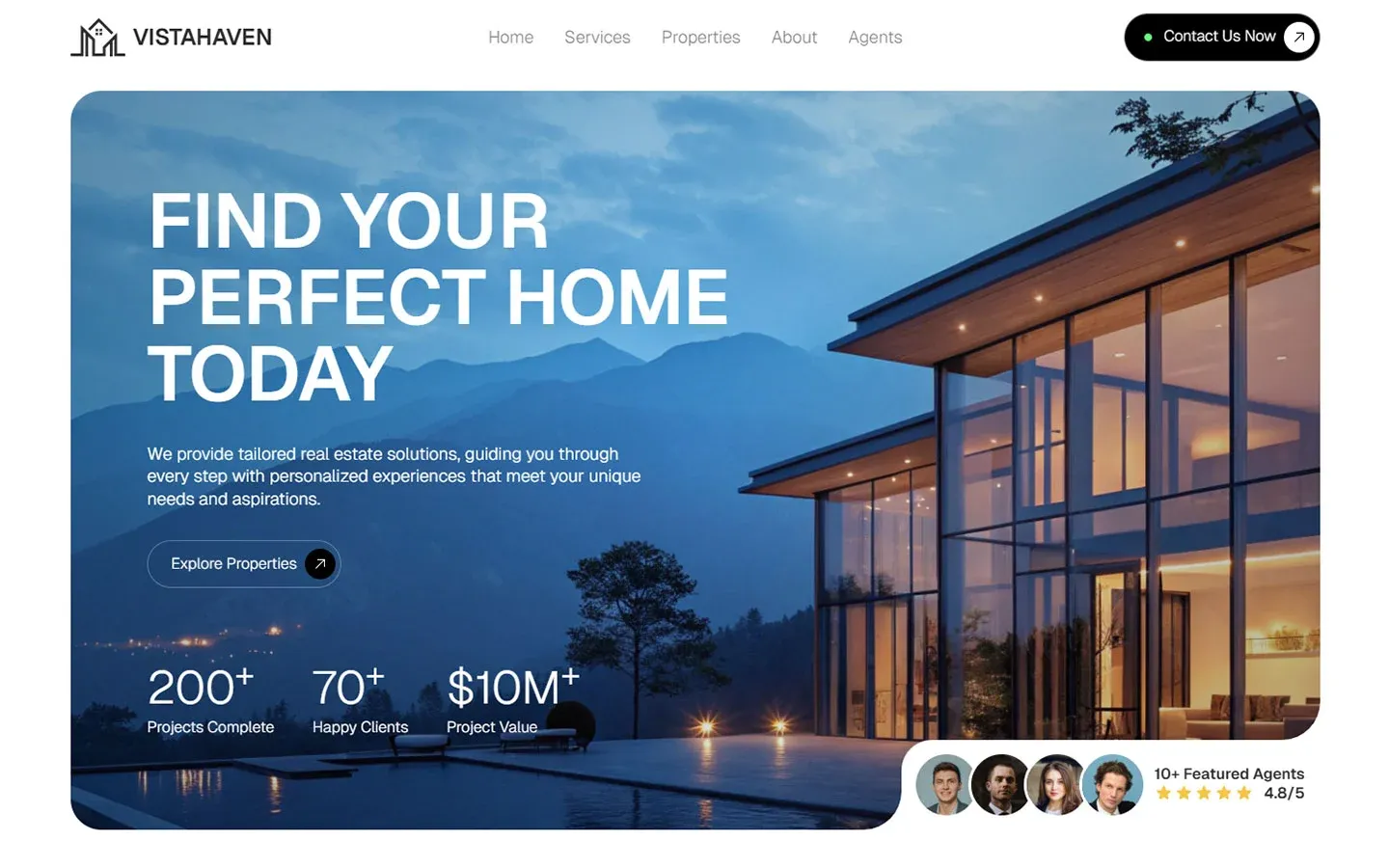
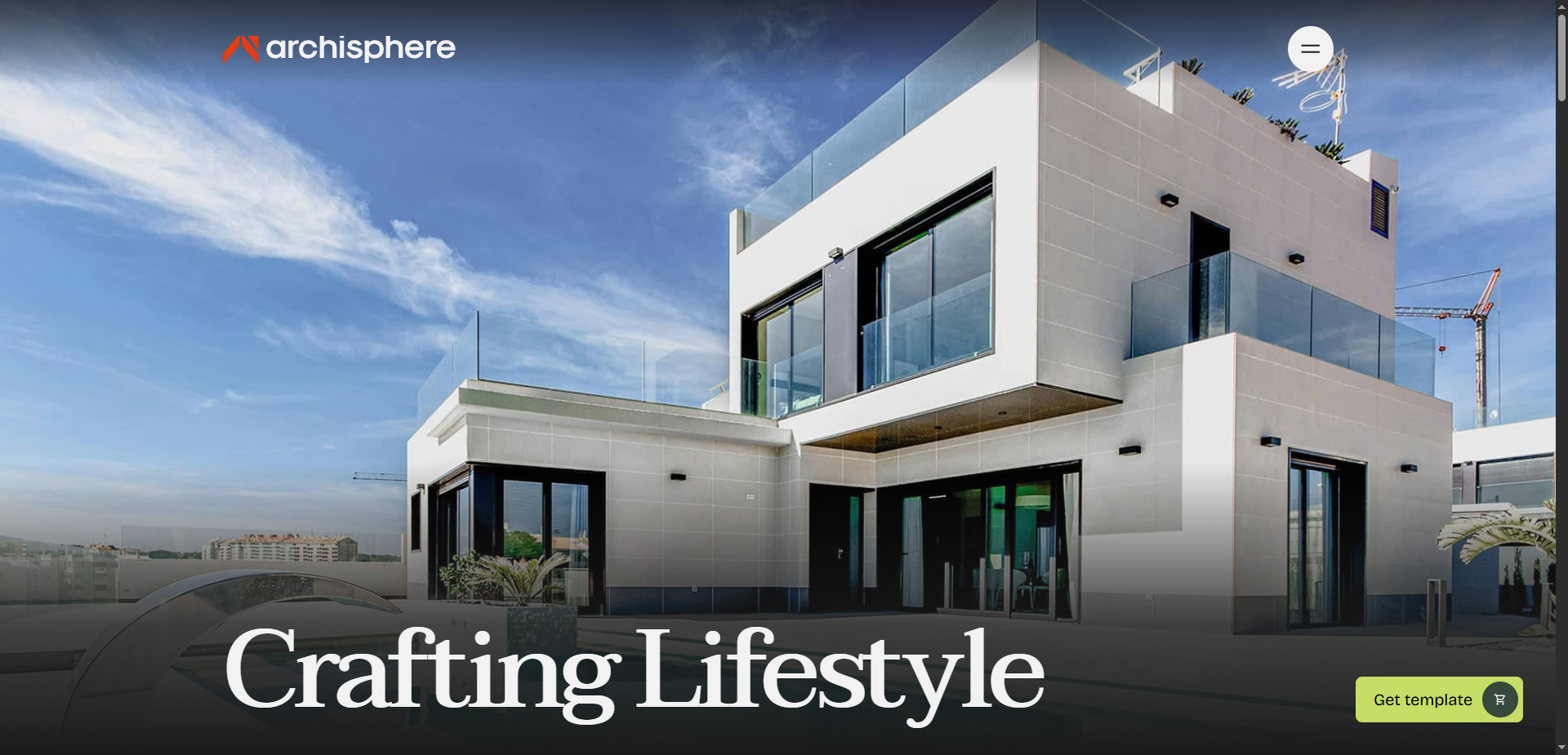
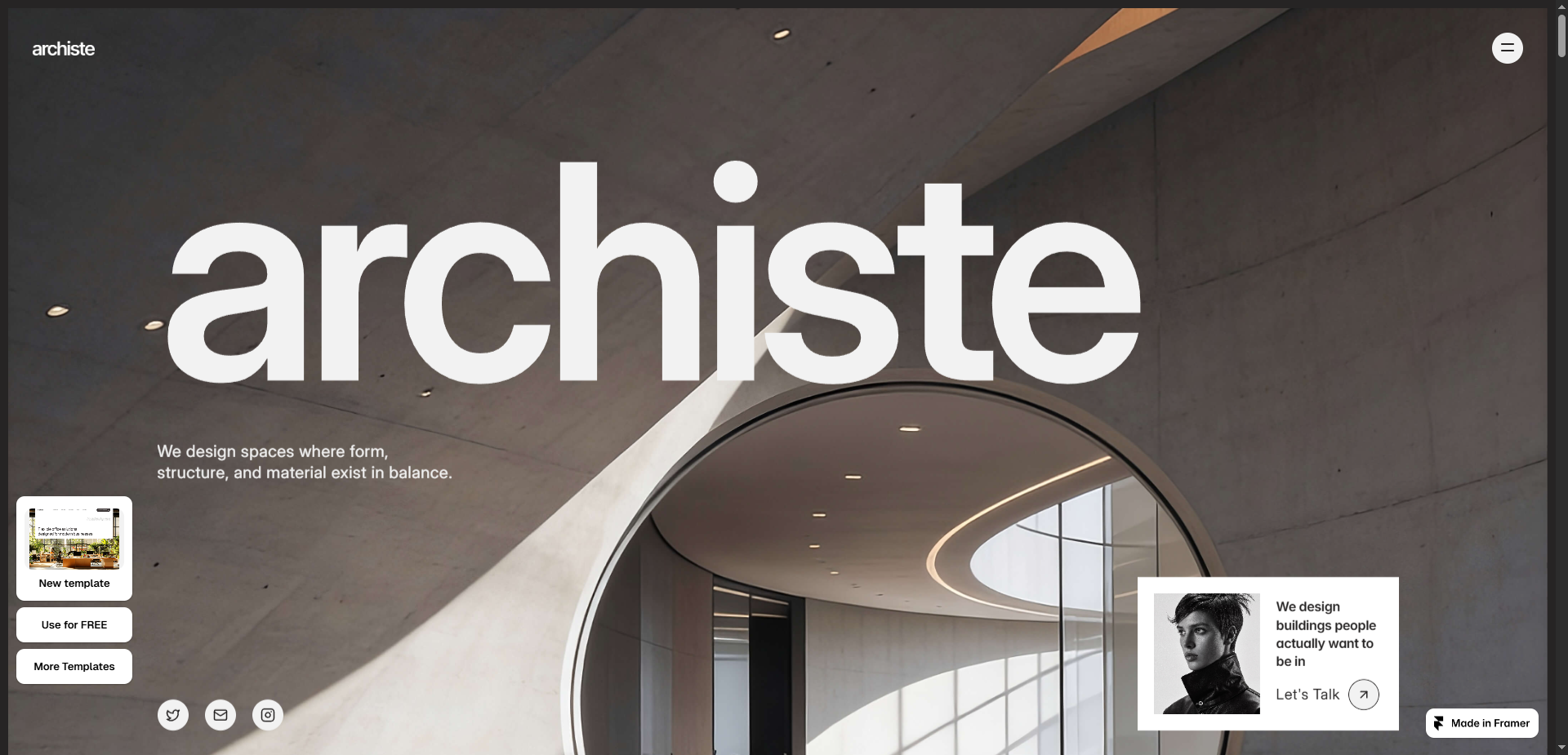
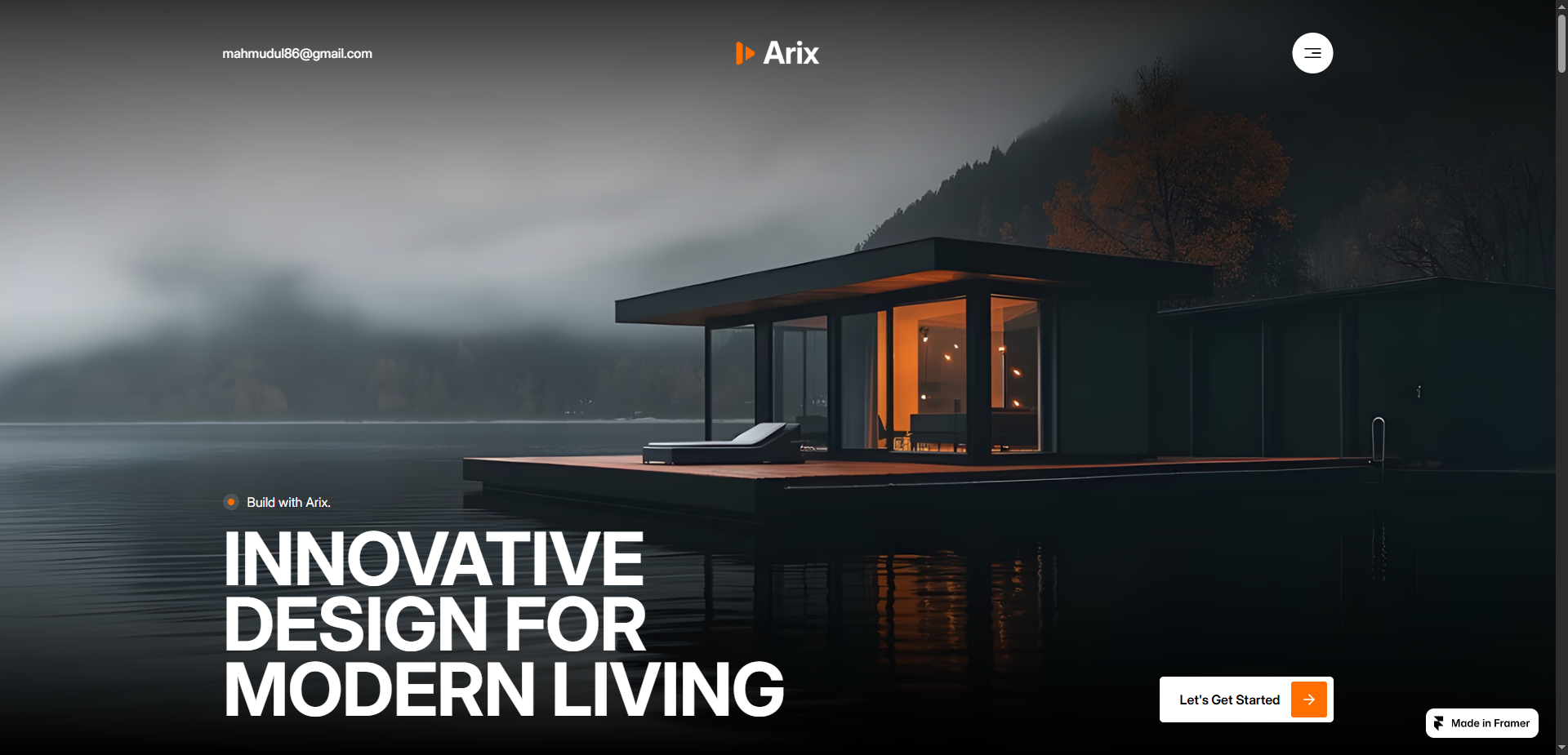
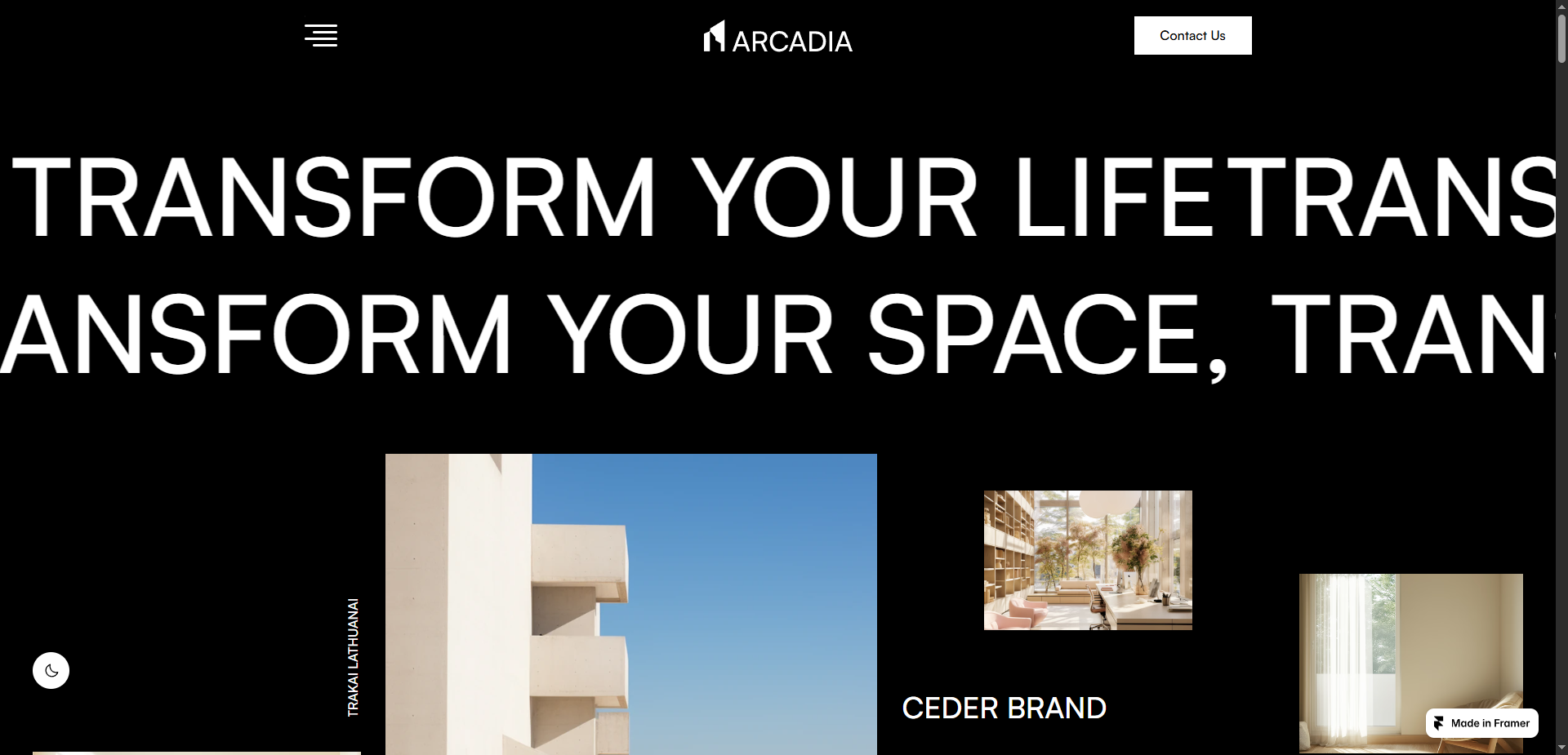
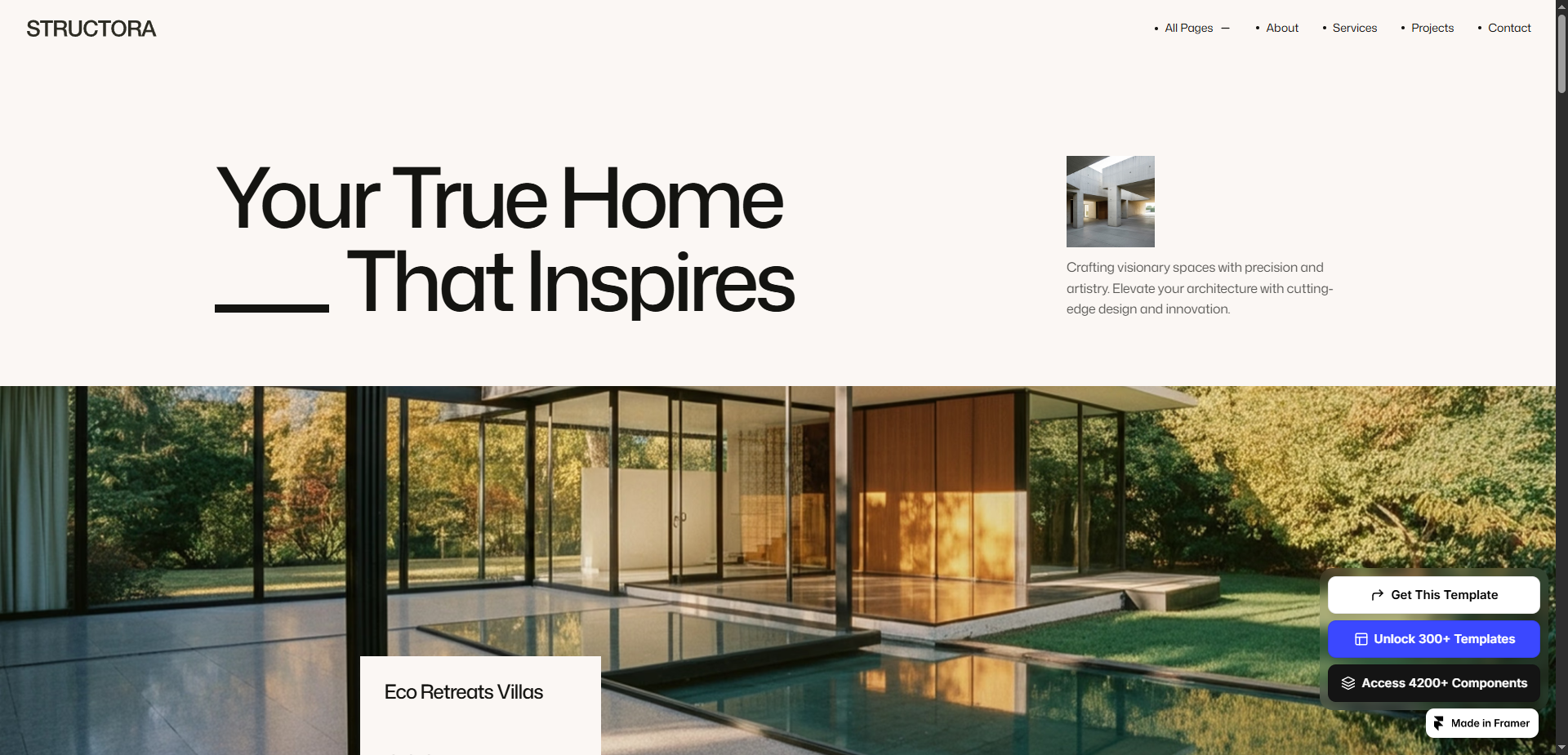
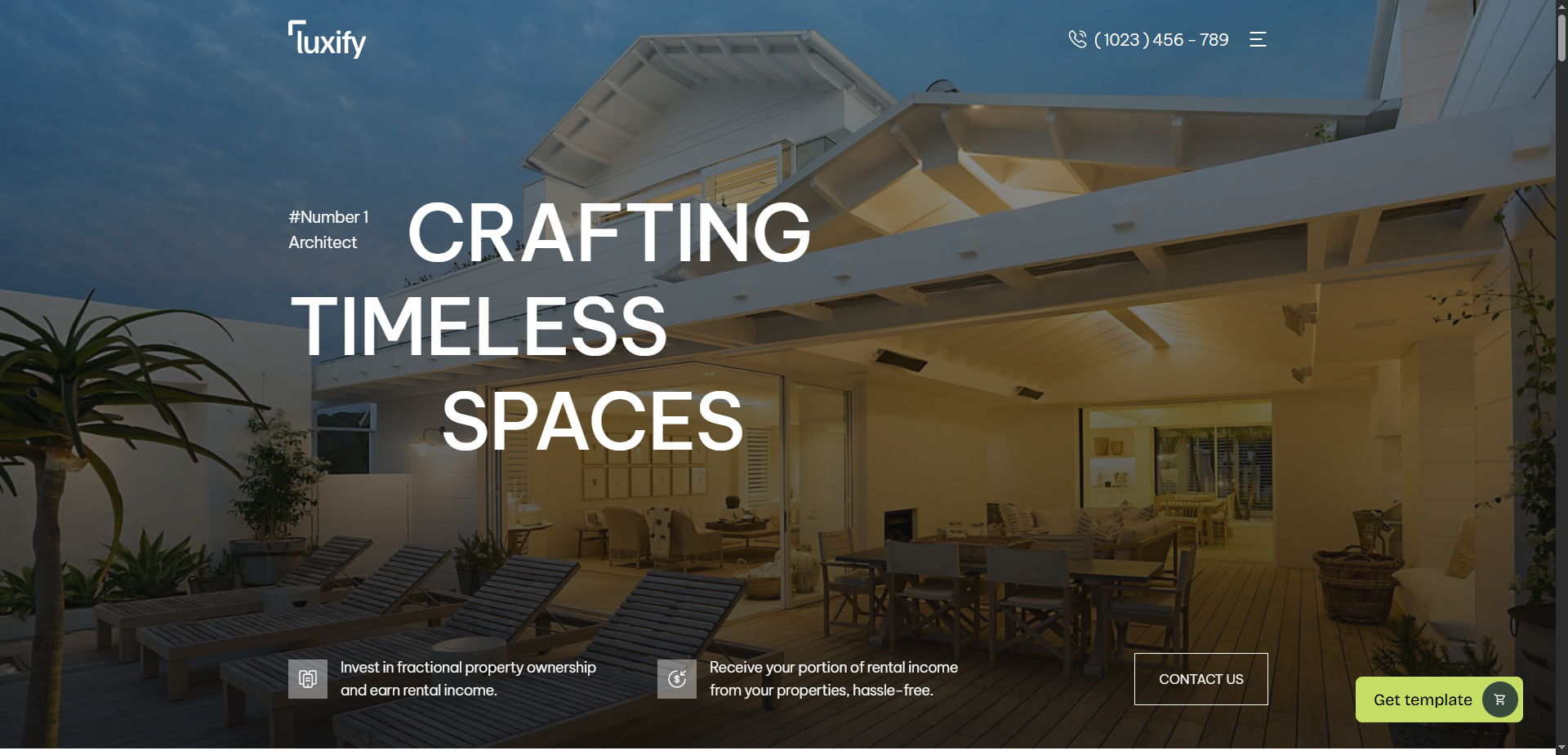
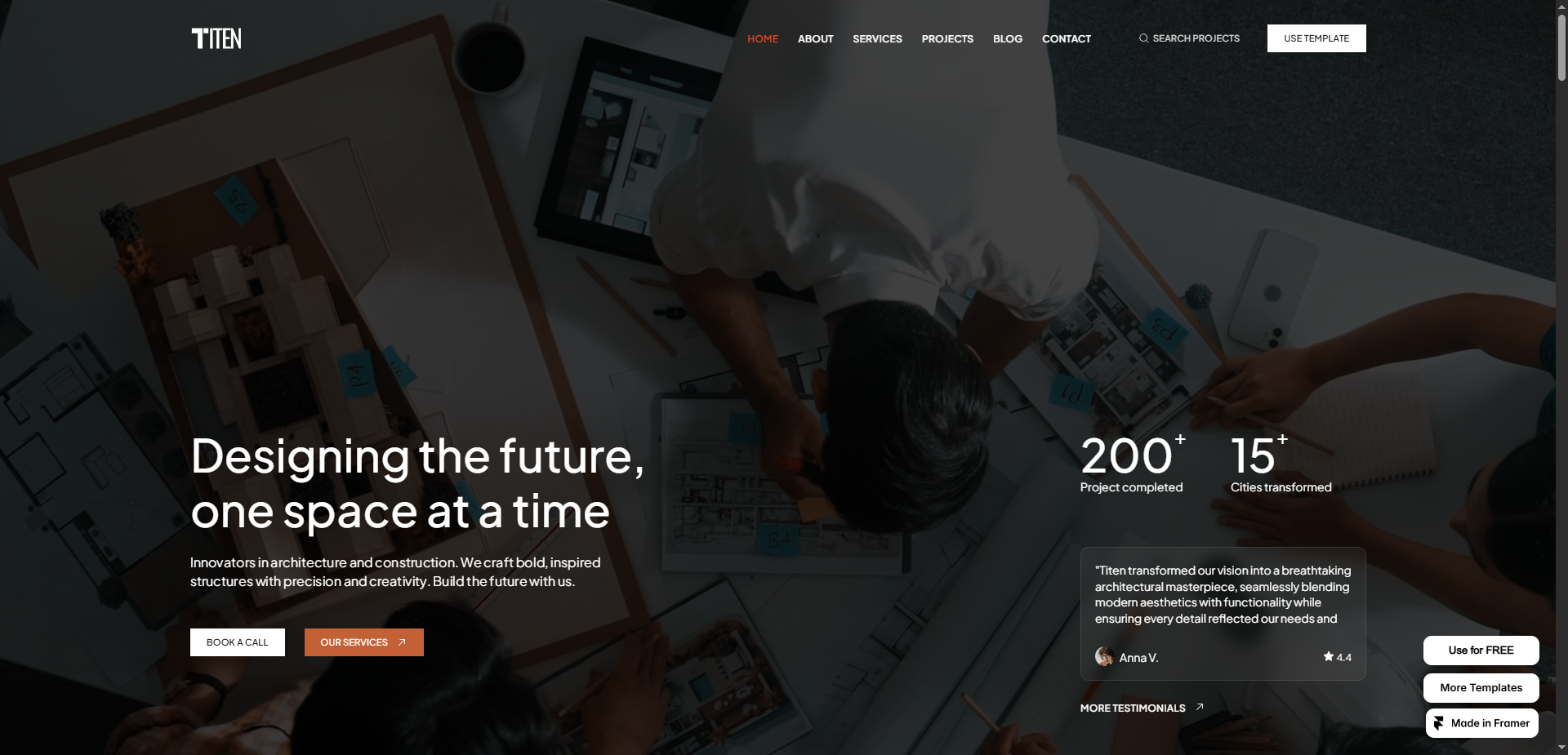
A ready-made website service adapts a suitable starting design to your brand, content and requirements. This collection helps define setup and delivery rather than merely purchase a theme file. Use previews to create a shortlist, then decide which pages, information and functions need implementation. Timing and cost depend on content readiness, licensing and the actual delivery work. The catalogue does not turn every design into a fixed package or an immediate-launch promise.
No designs match these filters. Try another category or reset the selection.
01
What should ready-made website setup include?
Website themes provide a place to select an installable starting design. A ready-made website project adds content population, brand adaptation, accounts, publishing configuration and verification. Do not assume that these items have the same scope in every offer. One business may need service and contact pages; another may require products or appointments. The label ready-made website does not establish that every required task is included, that third-party costs are covered or that an integration has already been implemented.
A handover should describe more than appearance. Record pages, languages, content owners, platform and required functions at the start. The business should understand account ownership and be able to control the relevant access. Licensing and hosting costs need visibility. An appropriate base design can simplify delivery, but it does not remove requirement validation. Treating a specialised integration as a minor colour change sets the wrong expectation. Standard adaptation and additional development therefore belong in different lines with distinct acceptance criteria and responsibilities.
02
How can you shortlist a ready-made design?
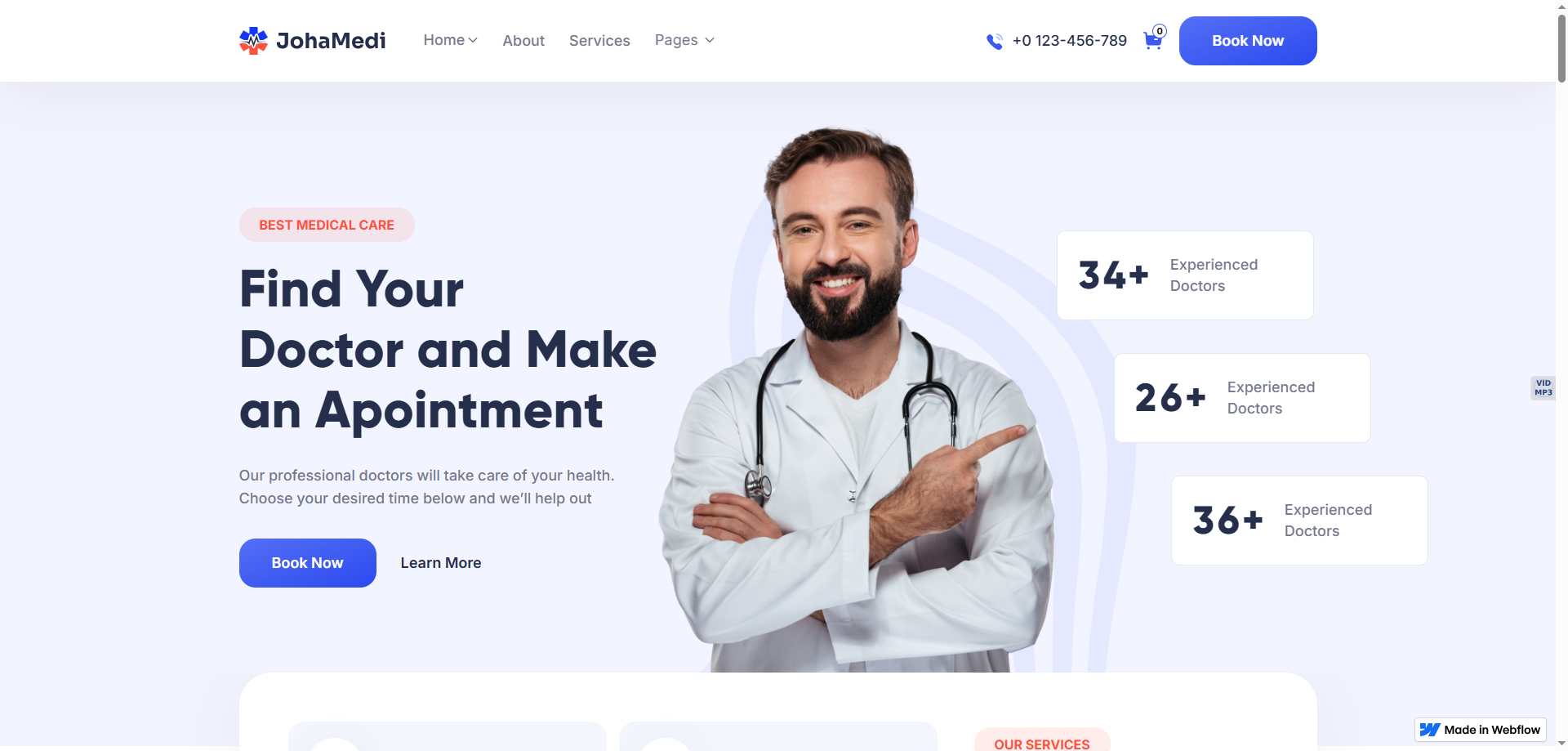
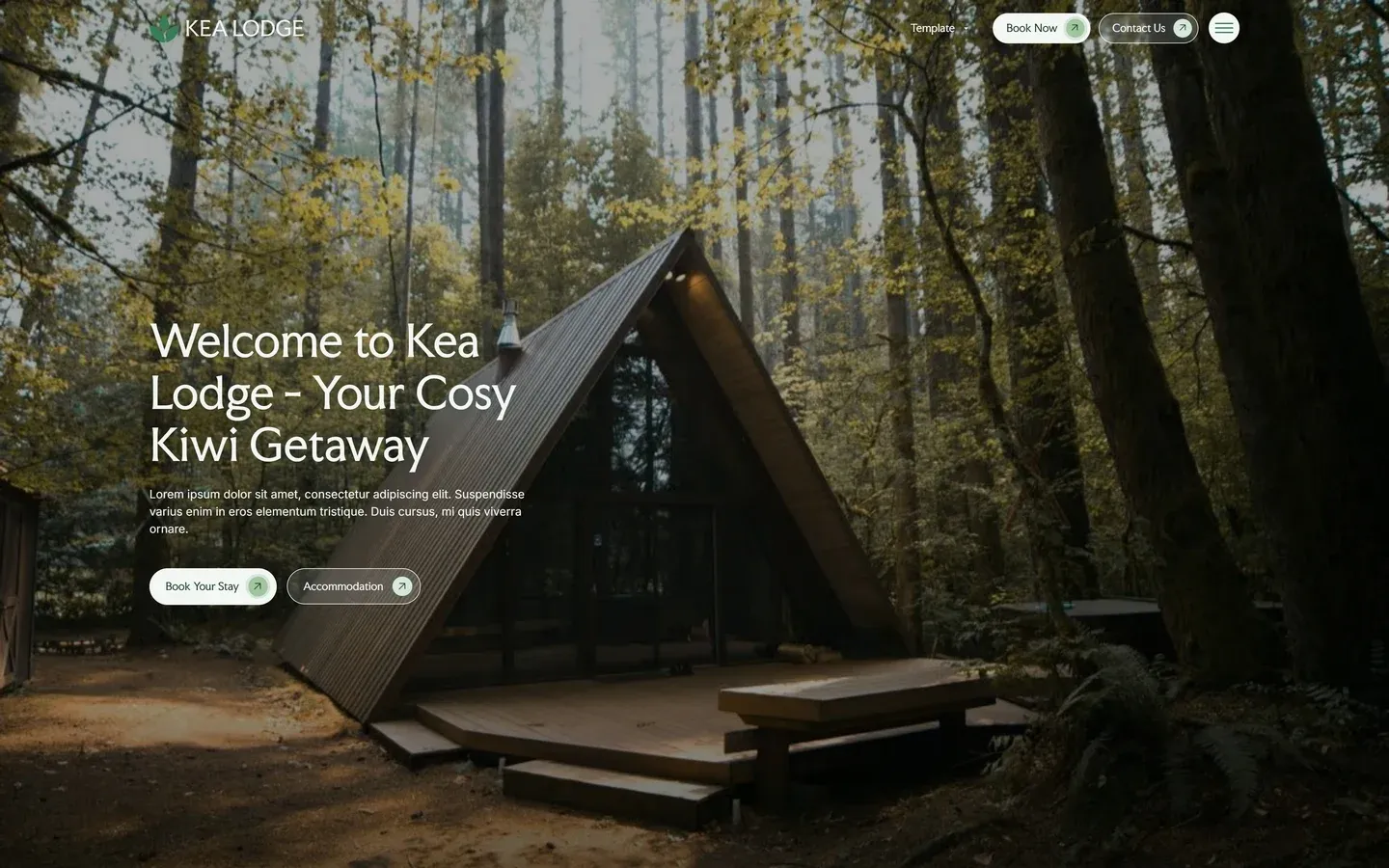
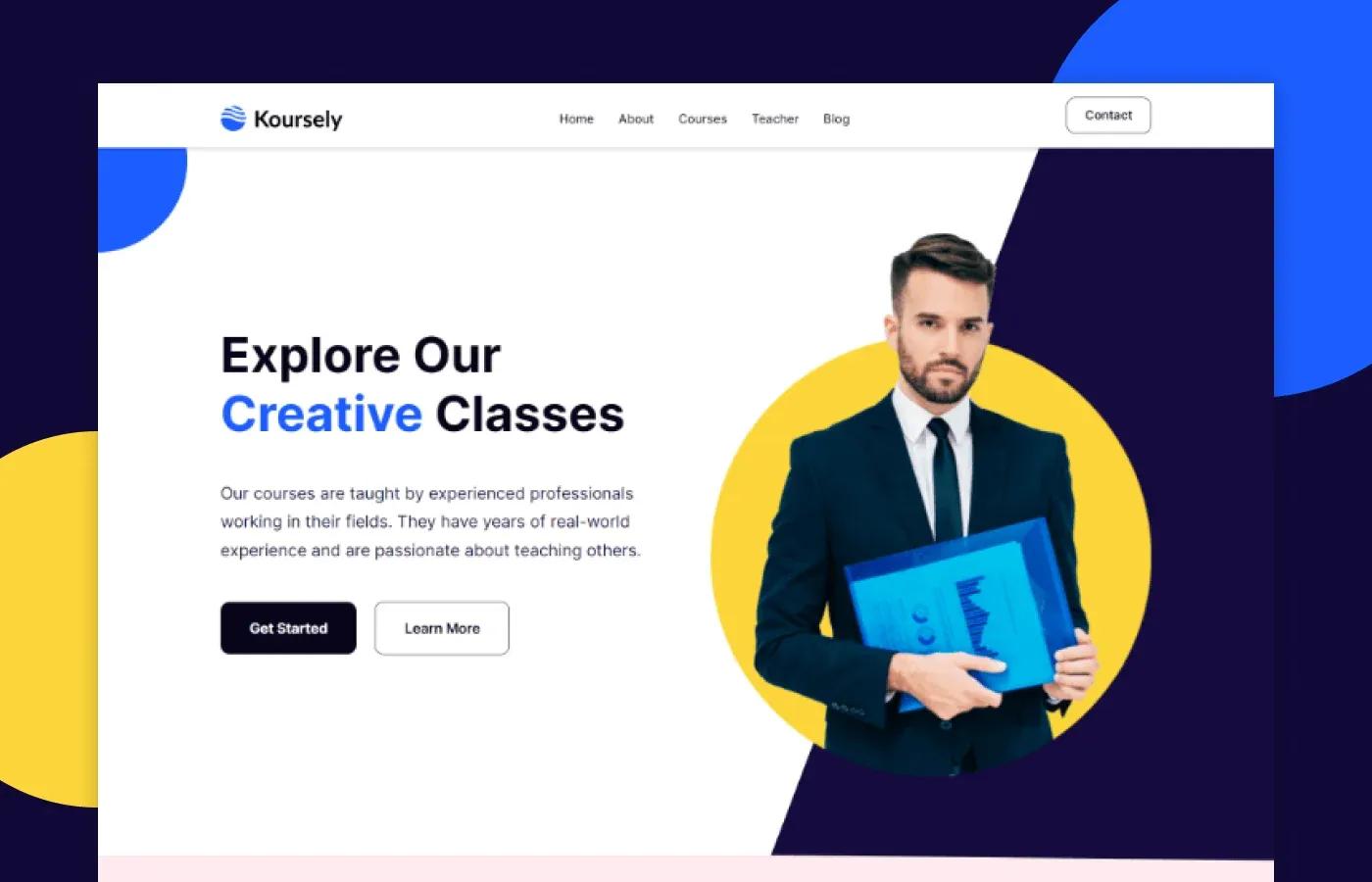
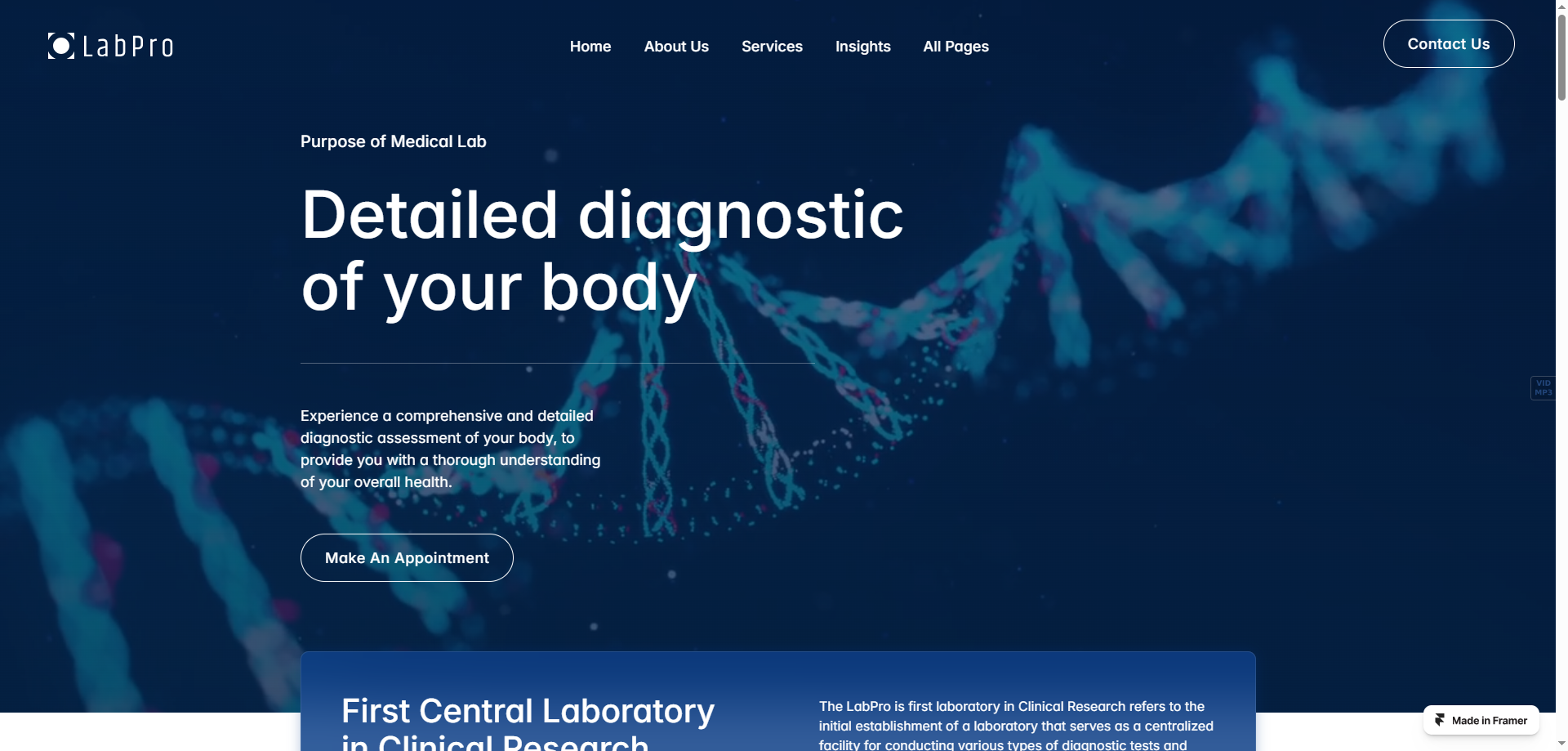
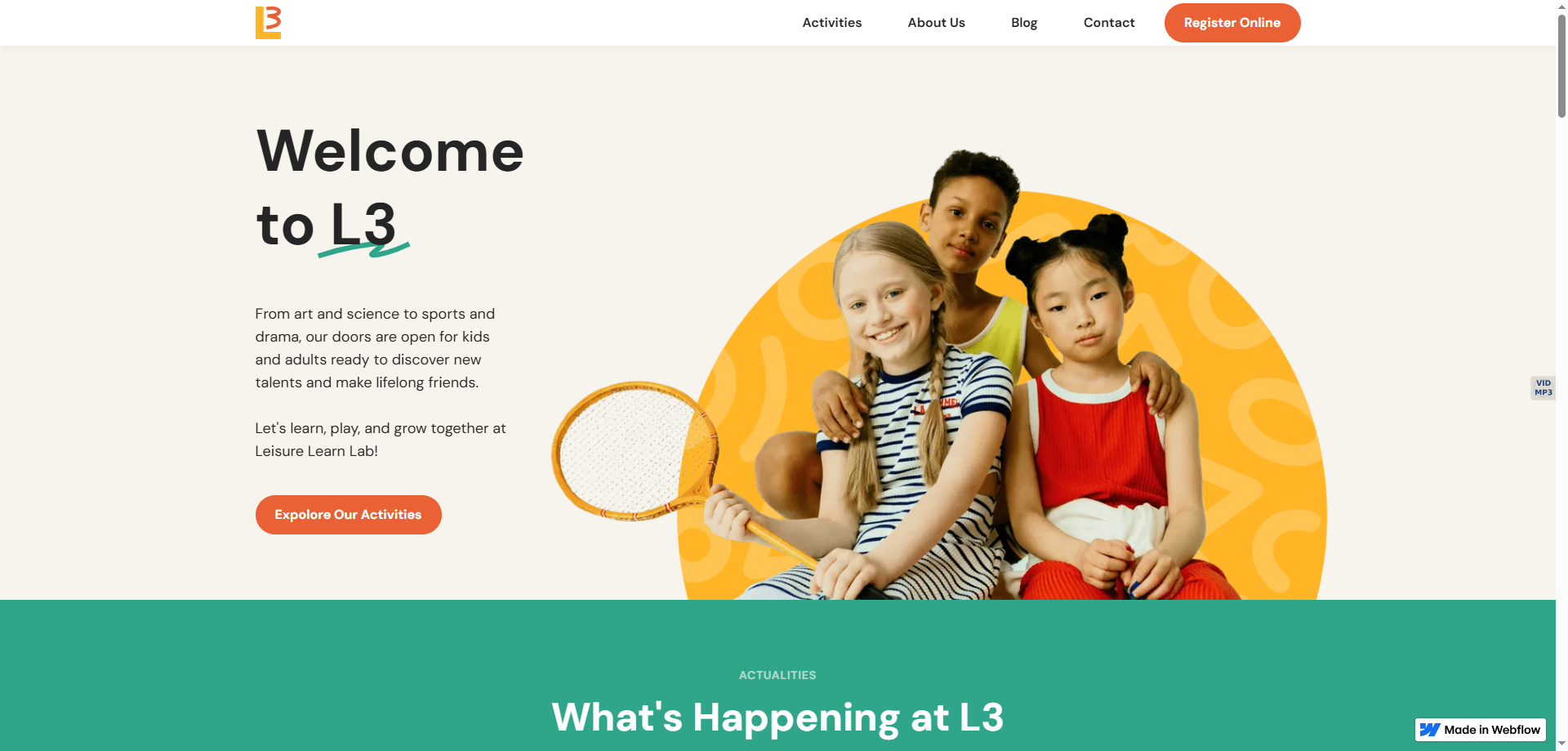
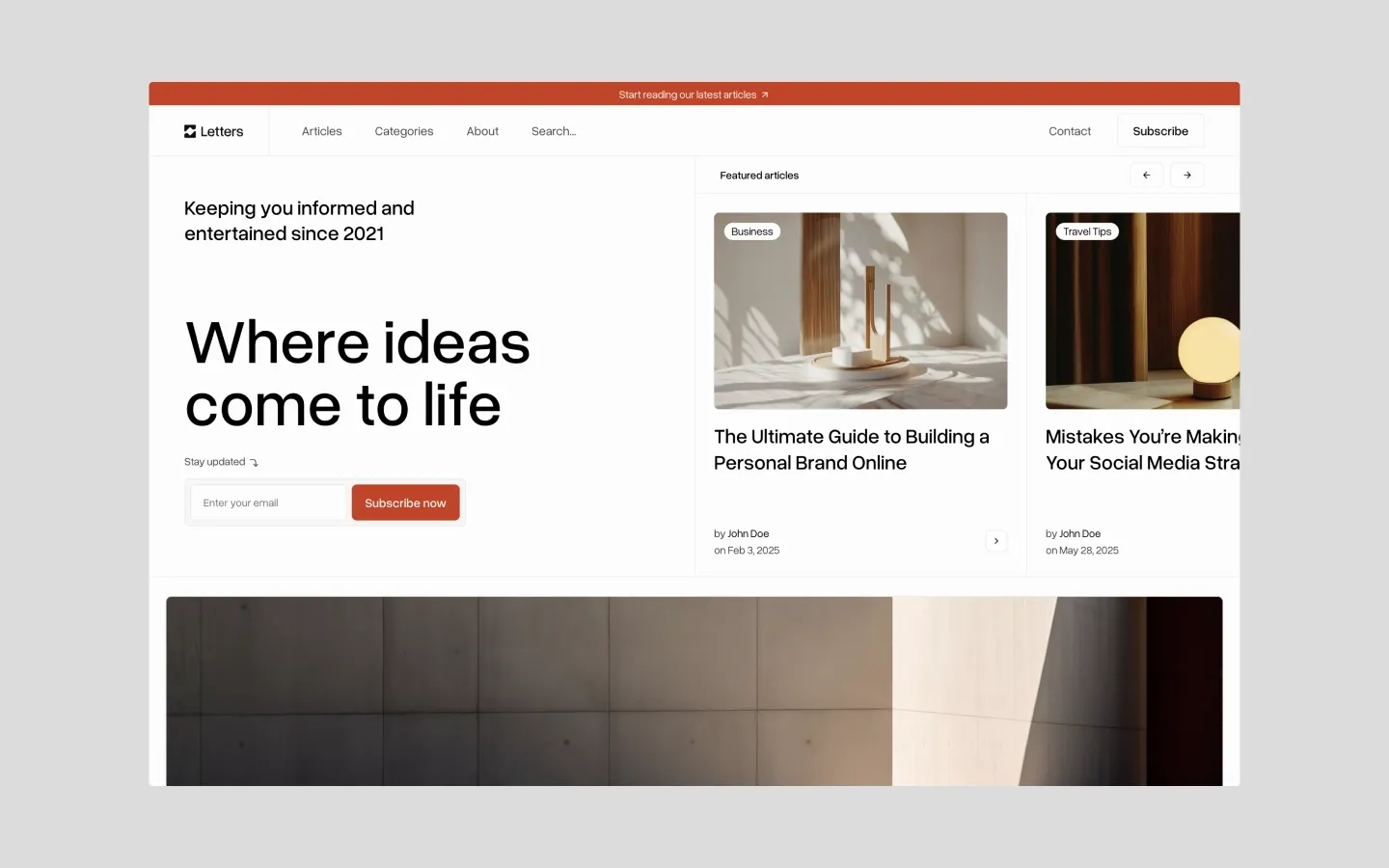
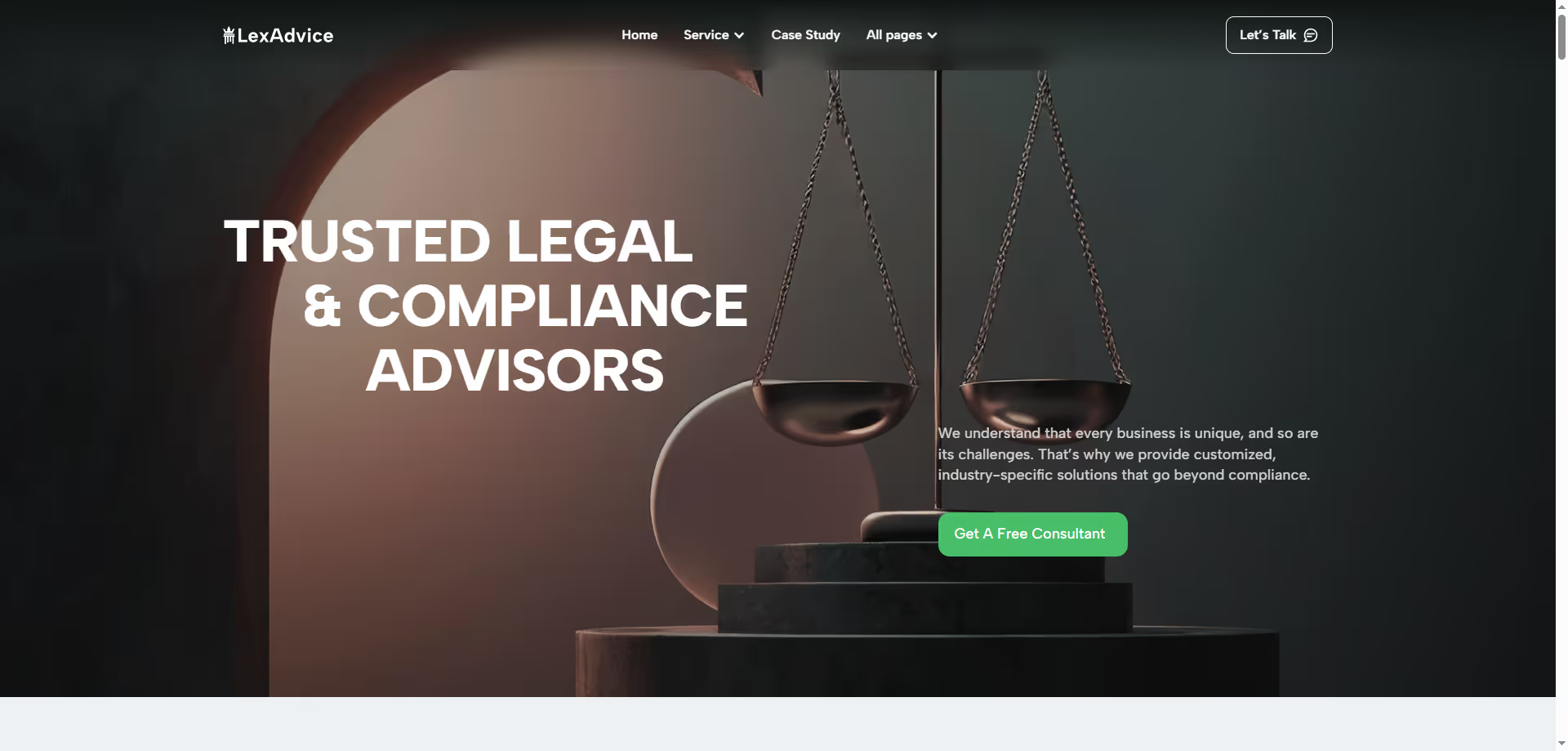
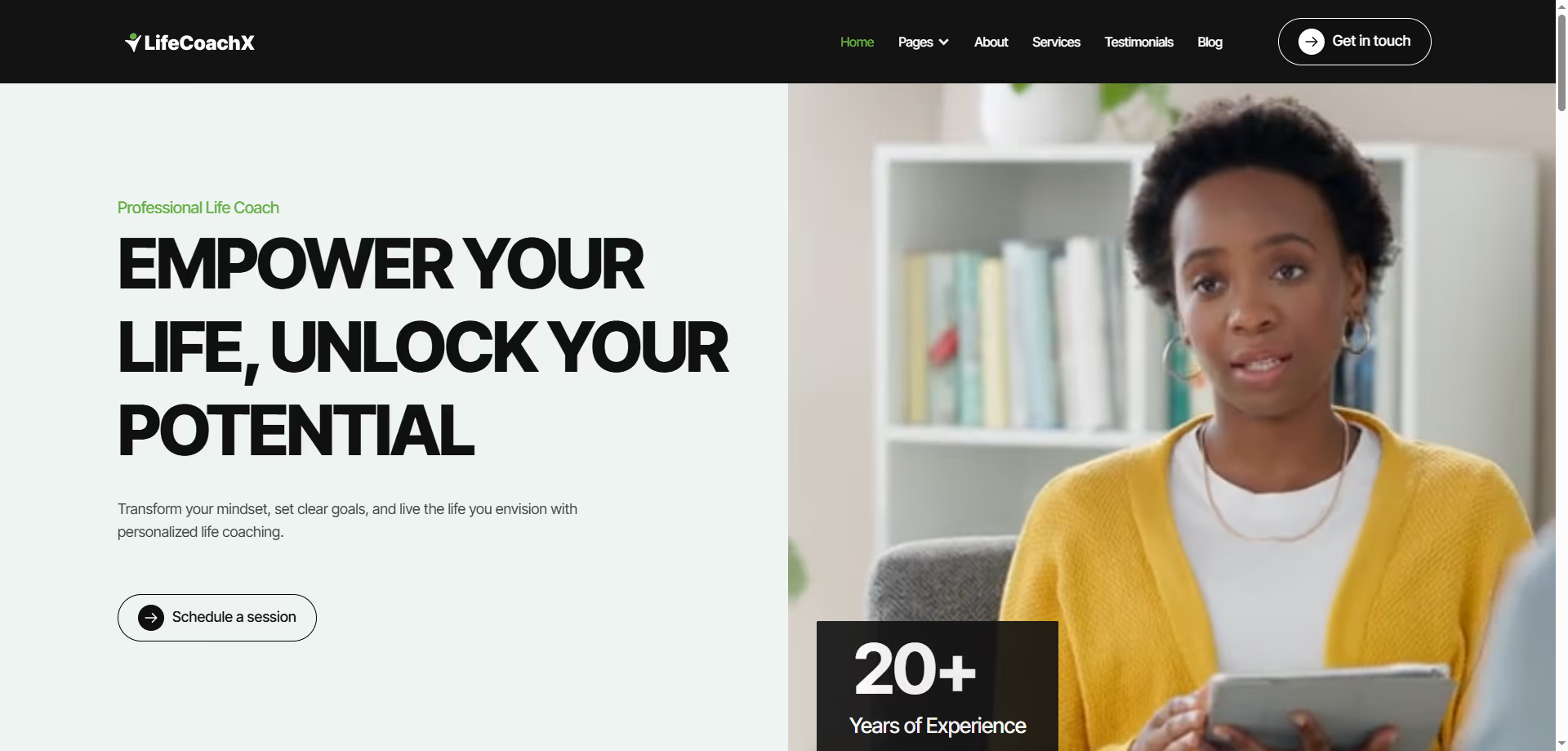
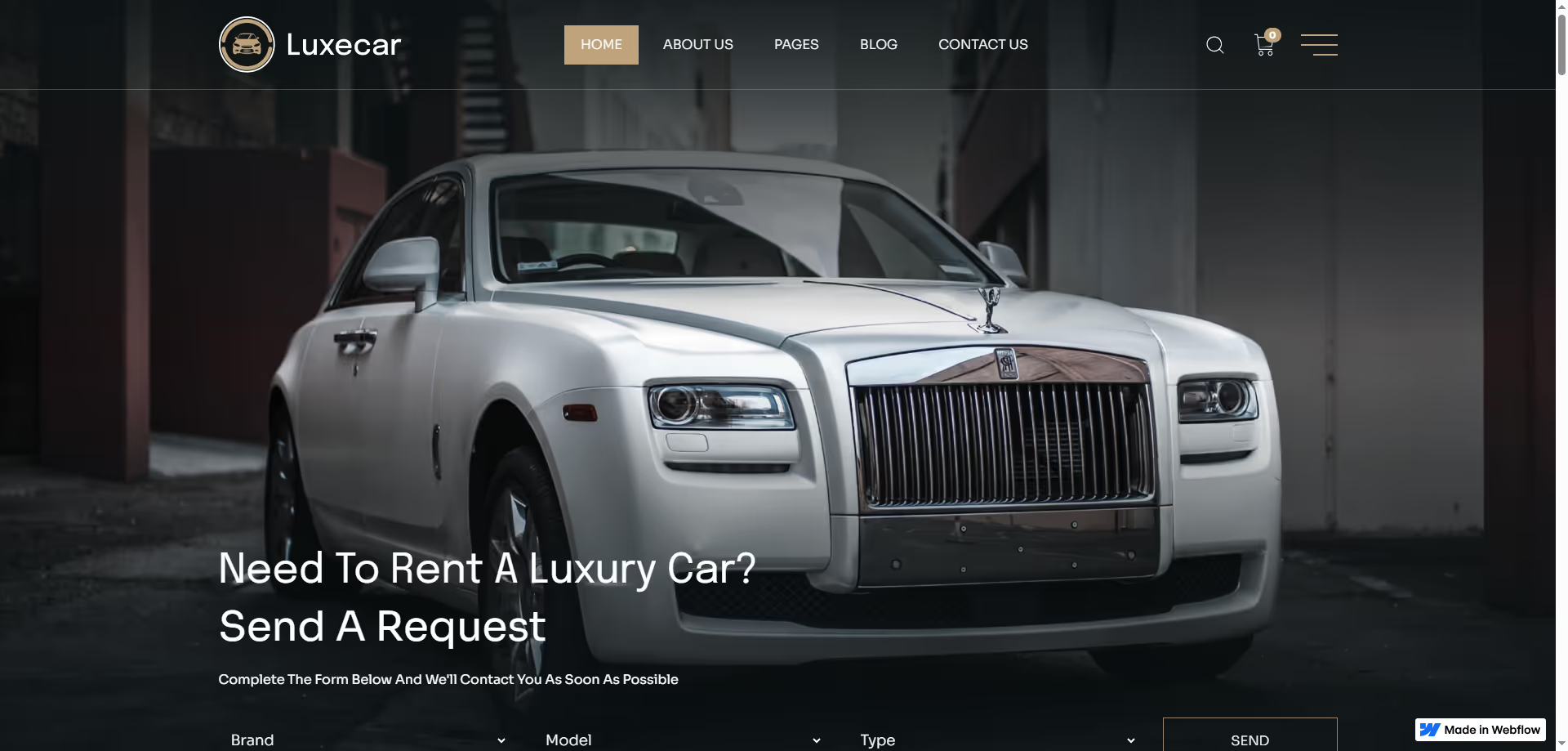
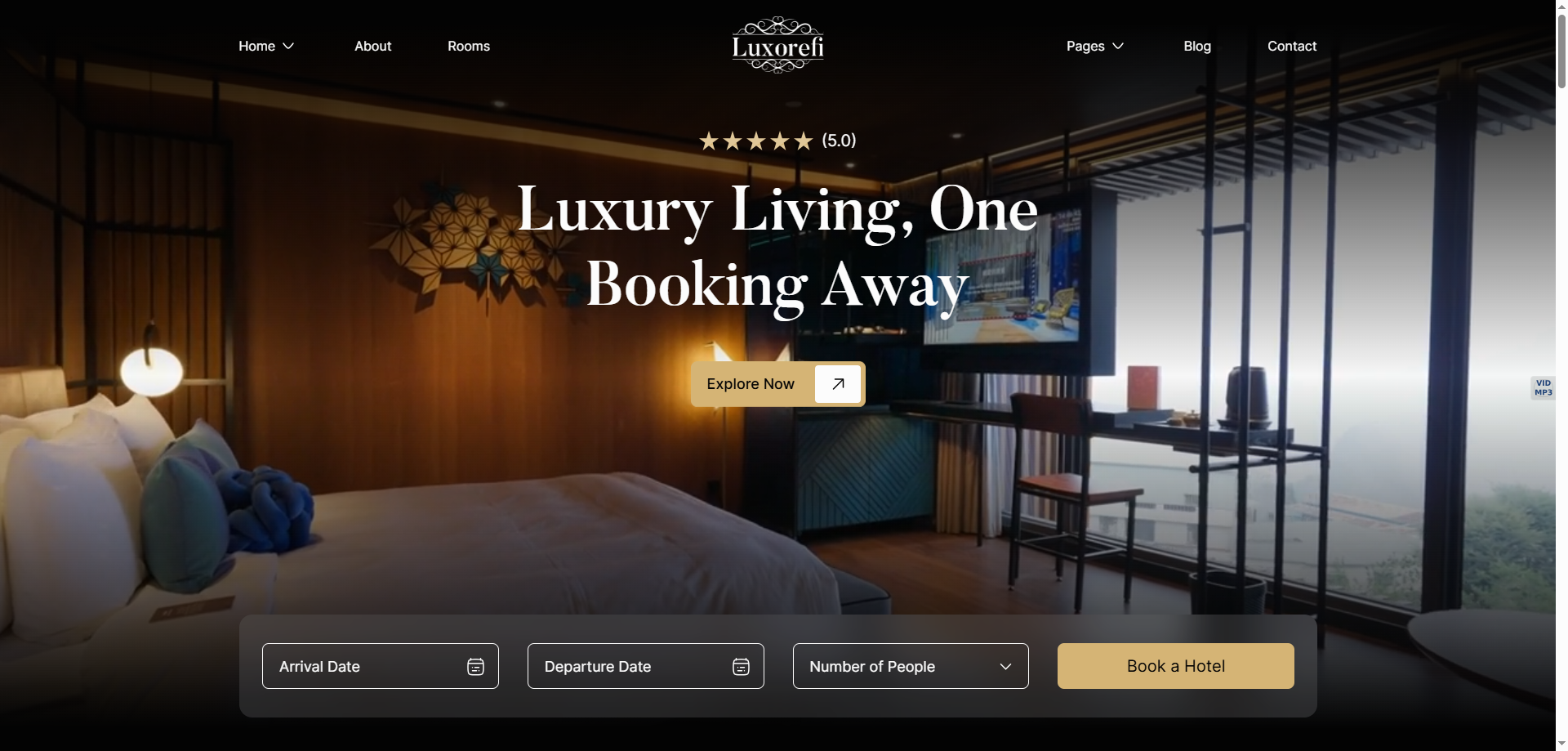
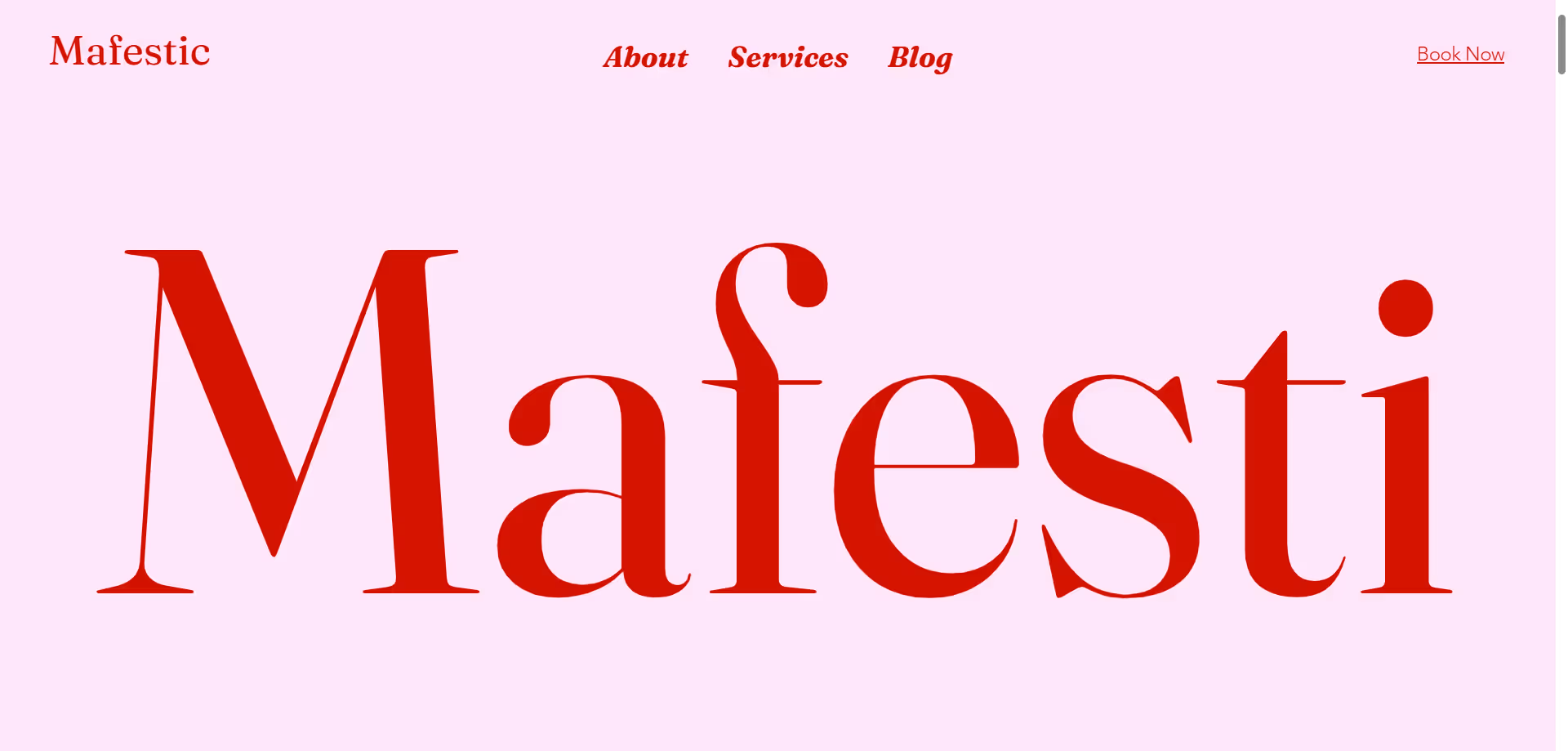
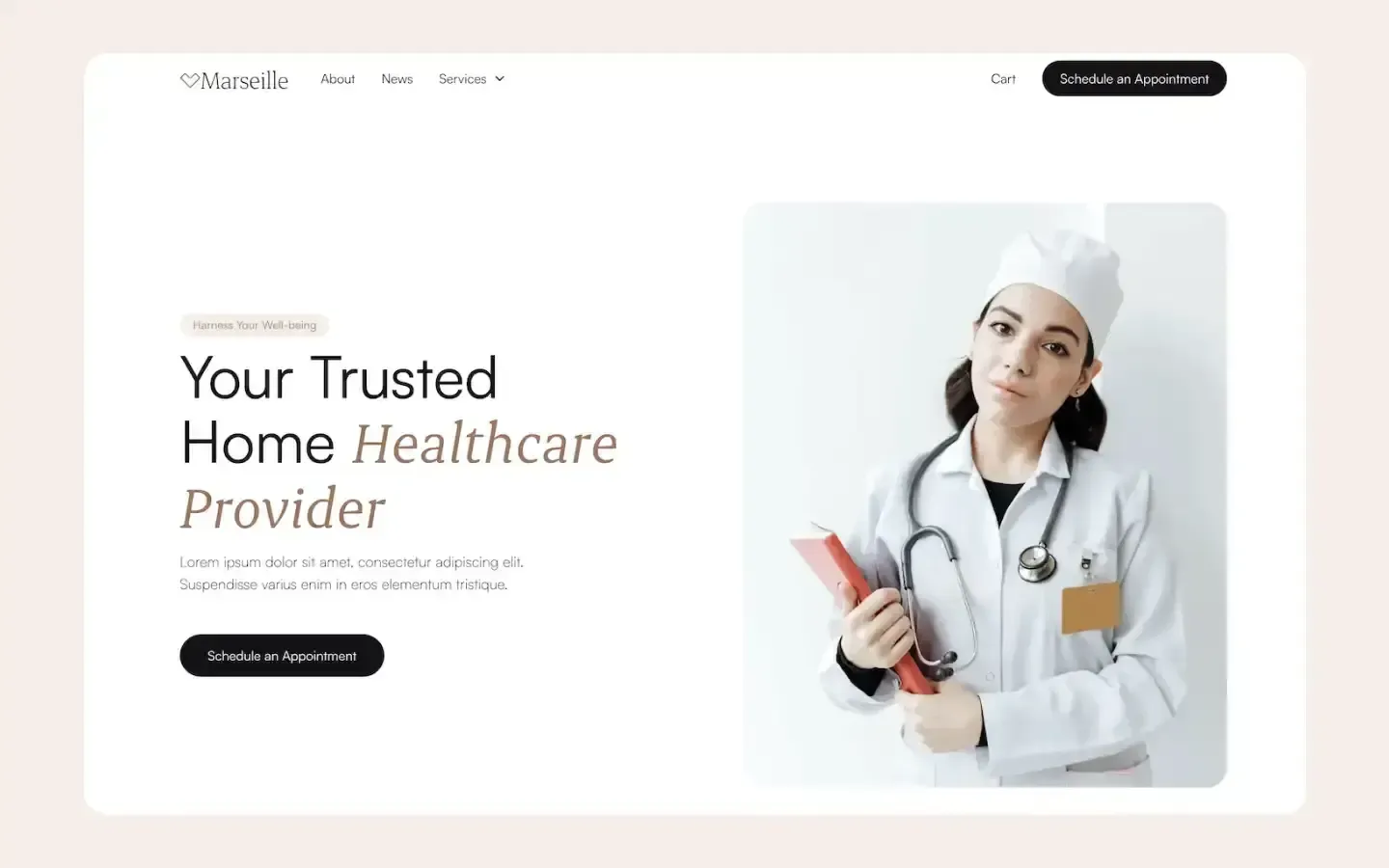
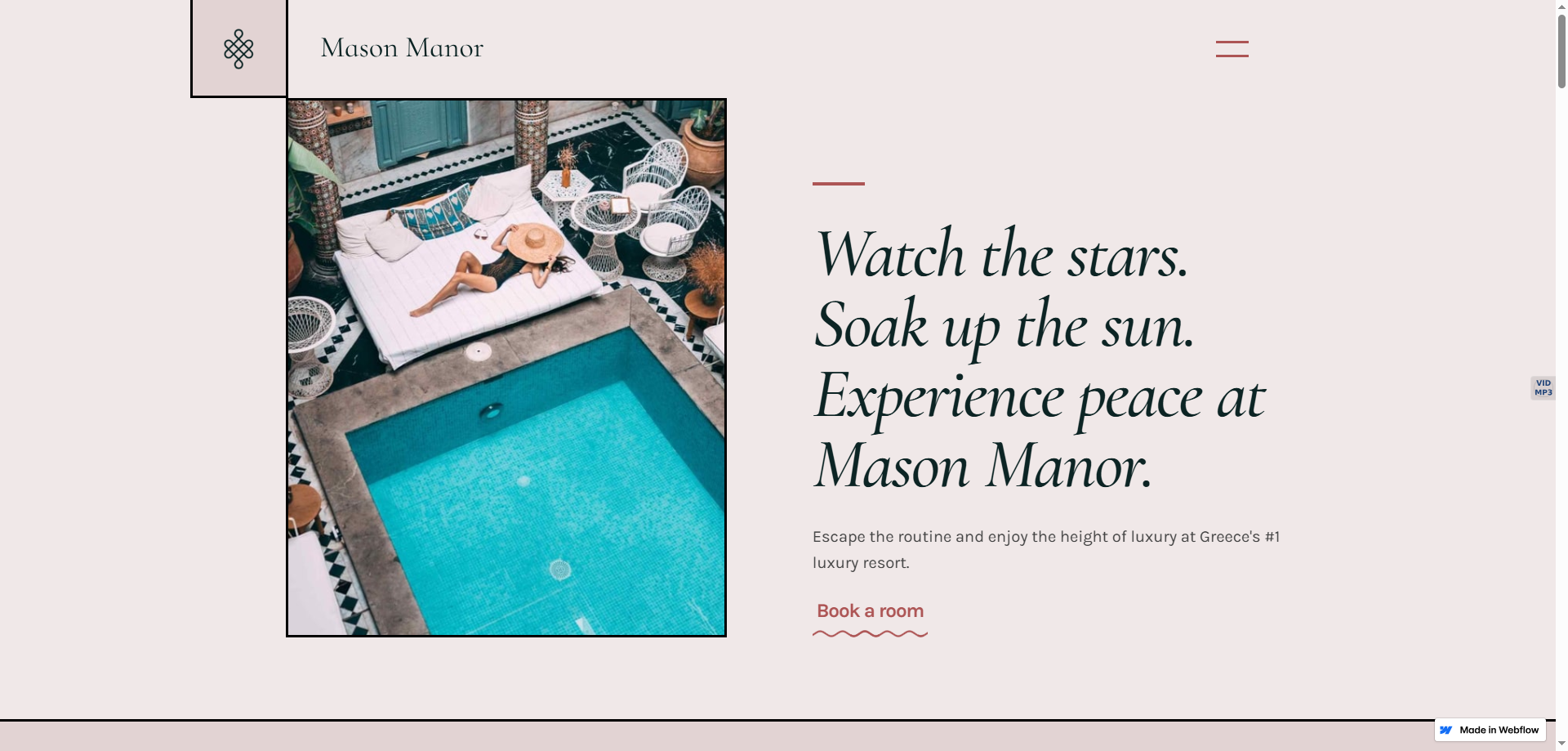
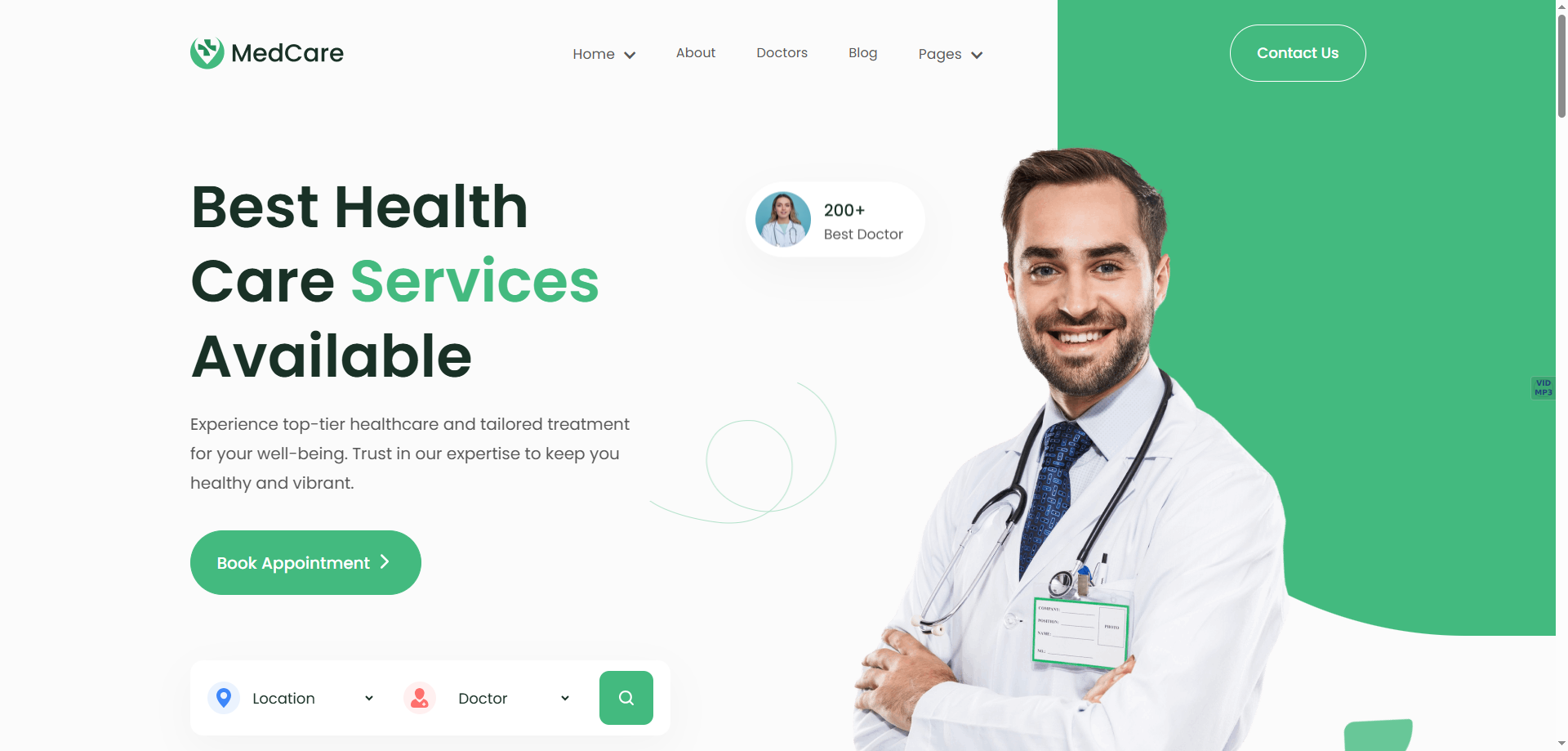
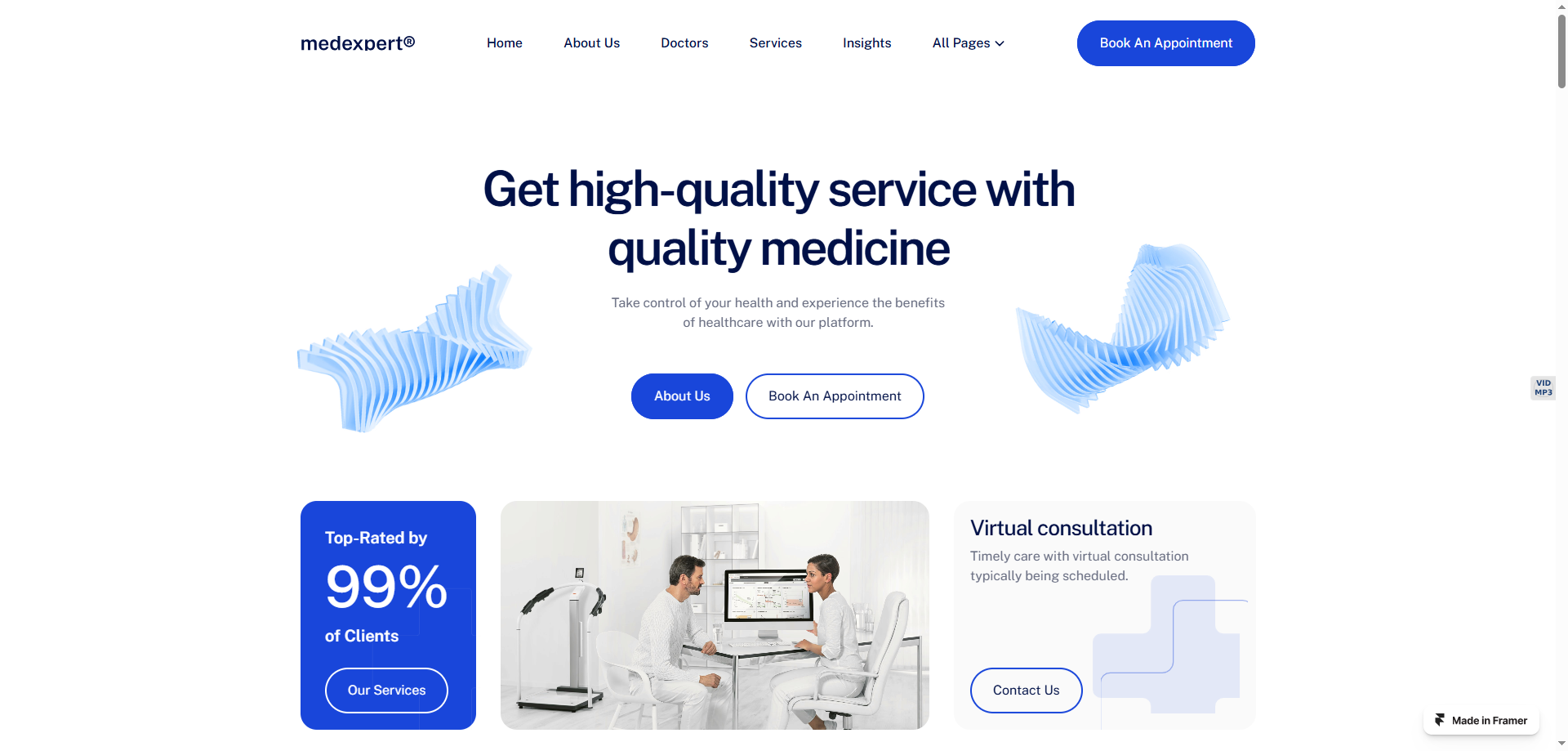
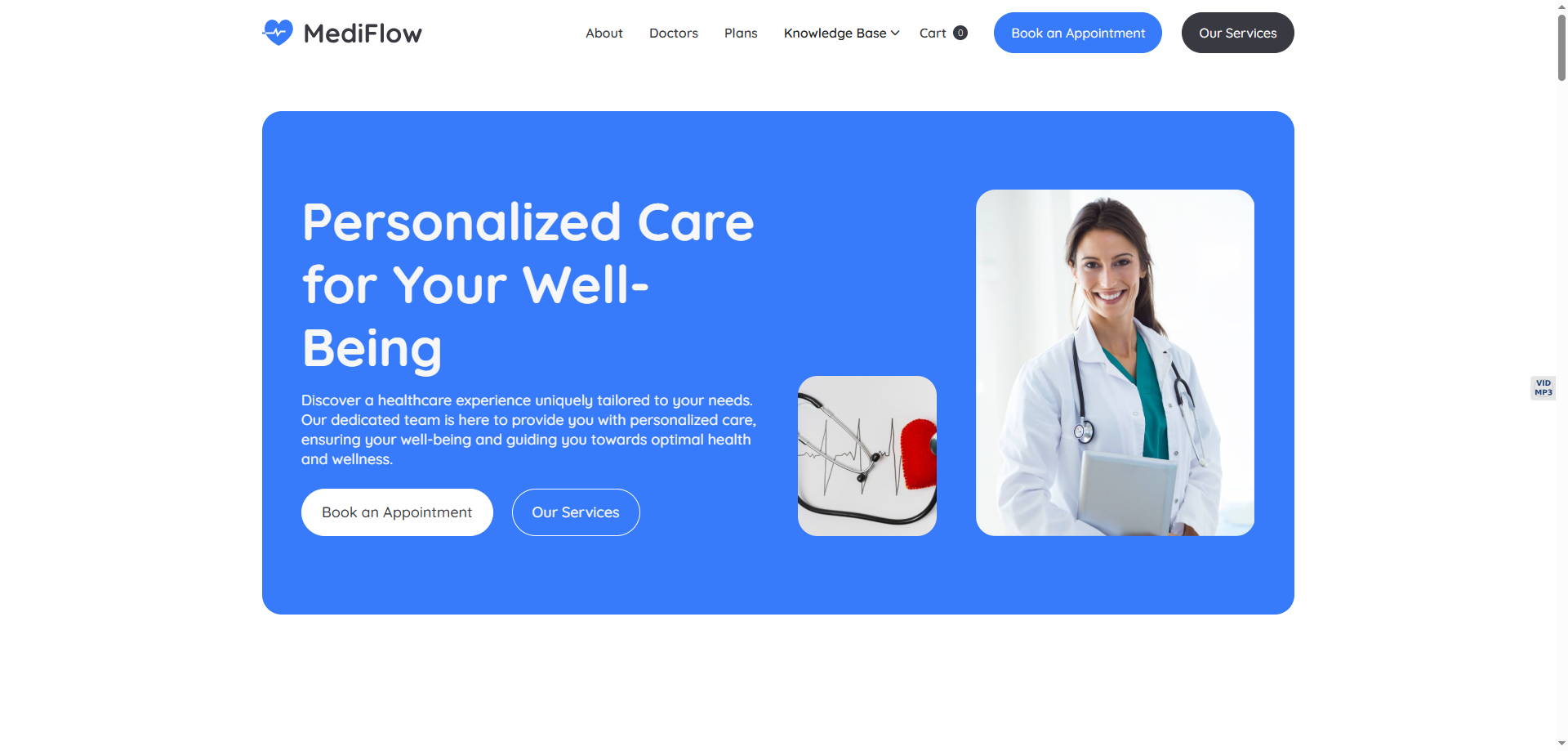
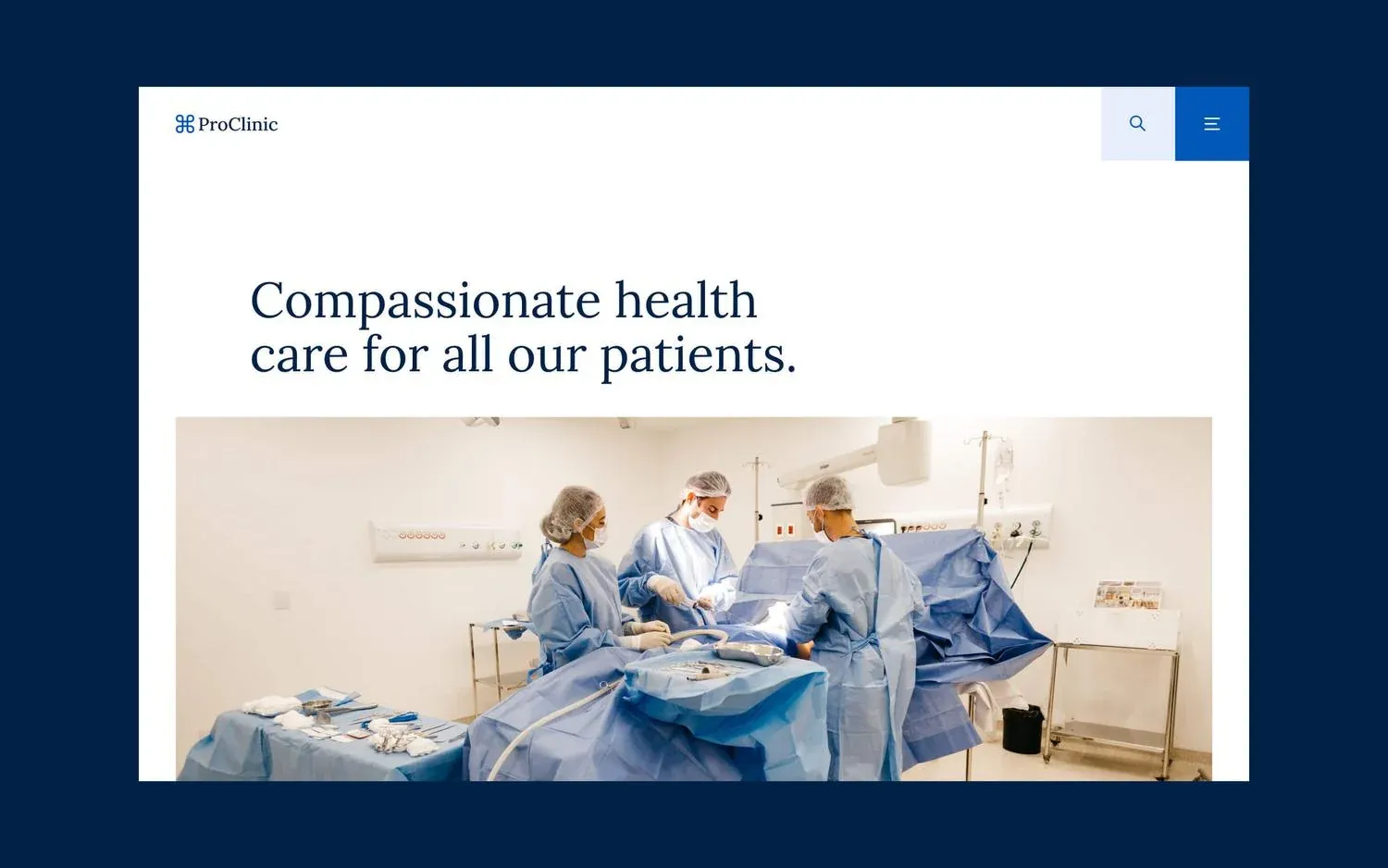
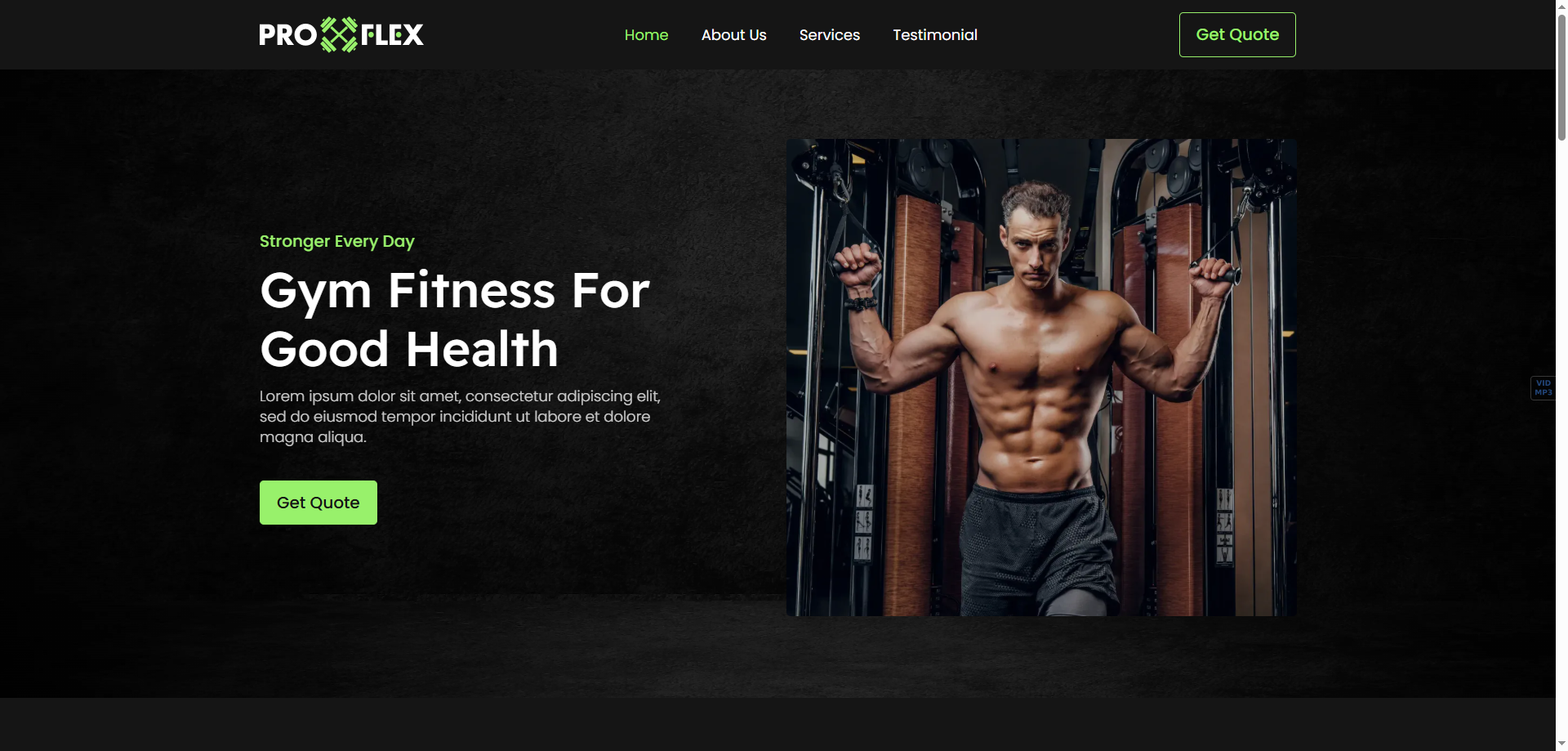
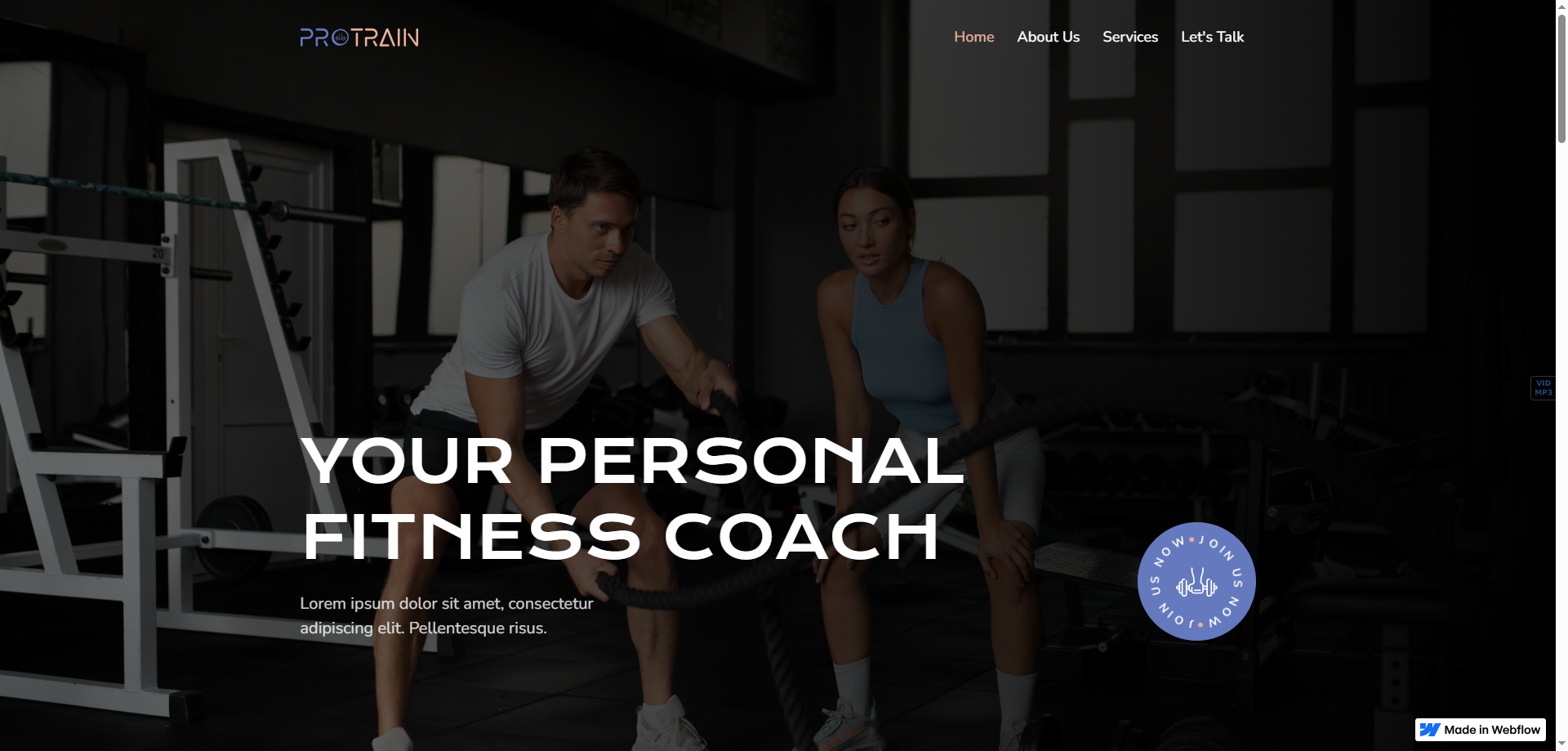
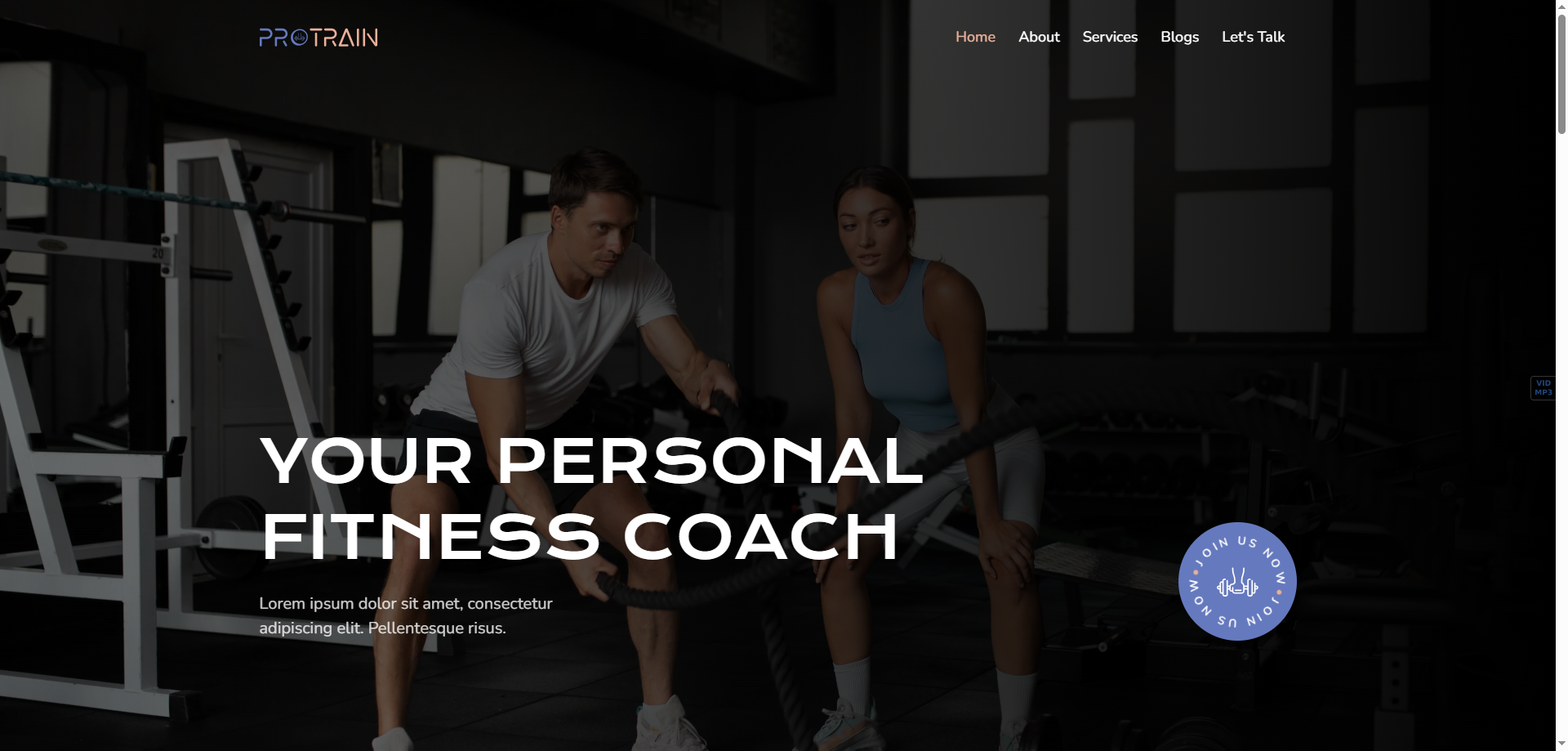
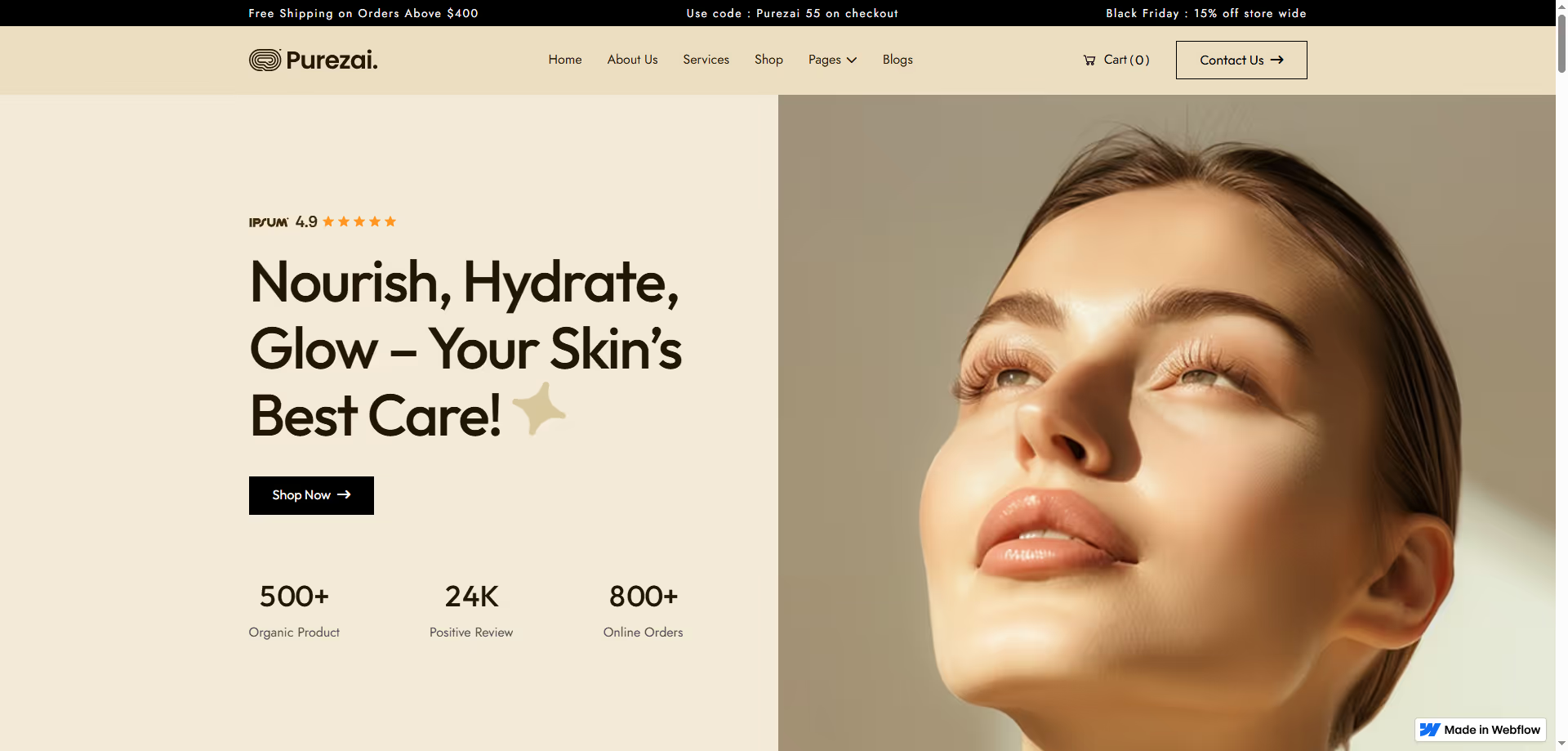
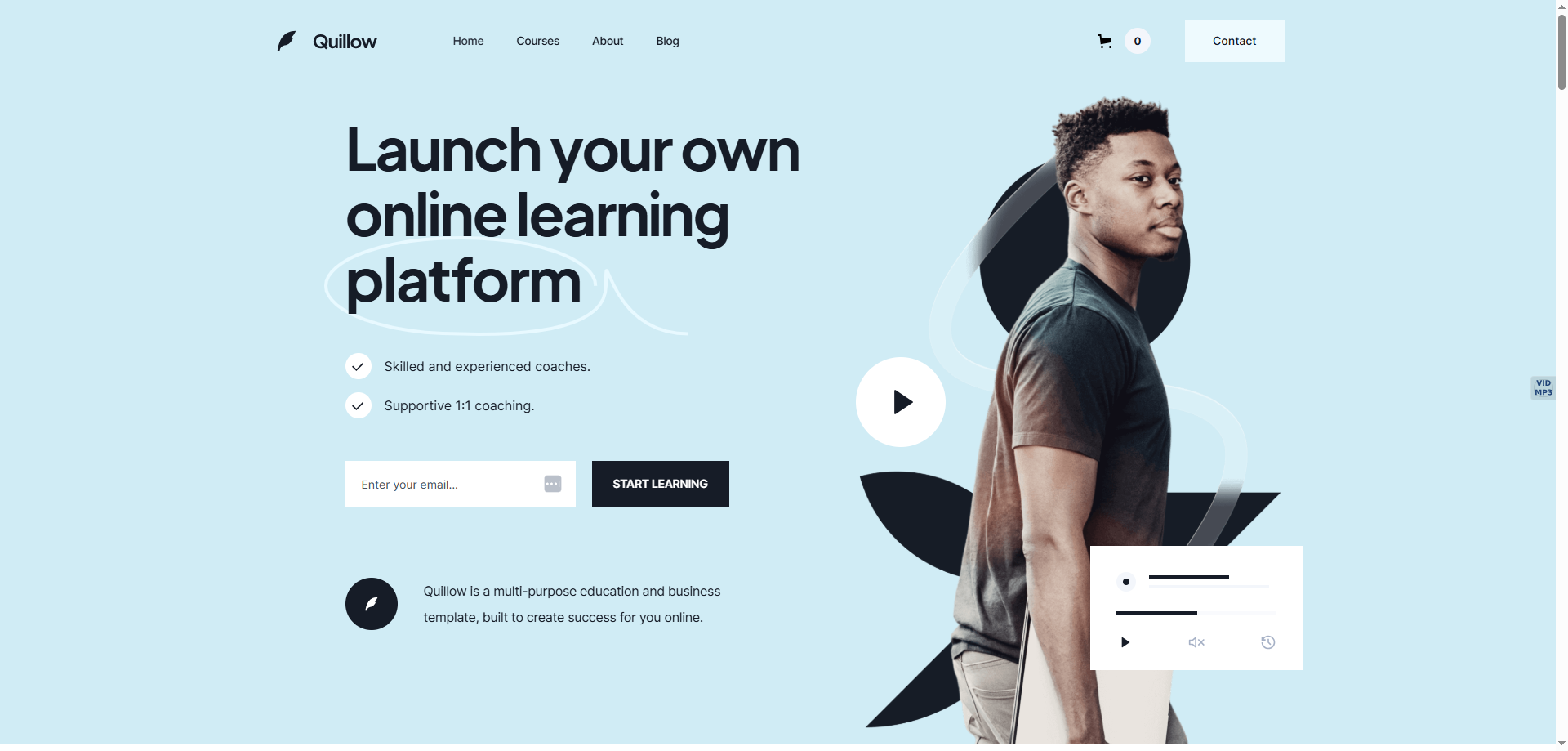
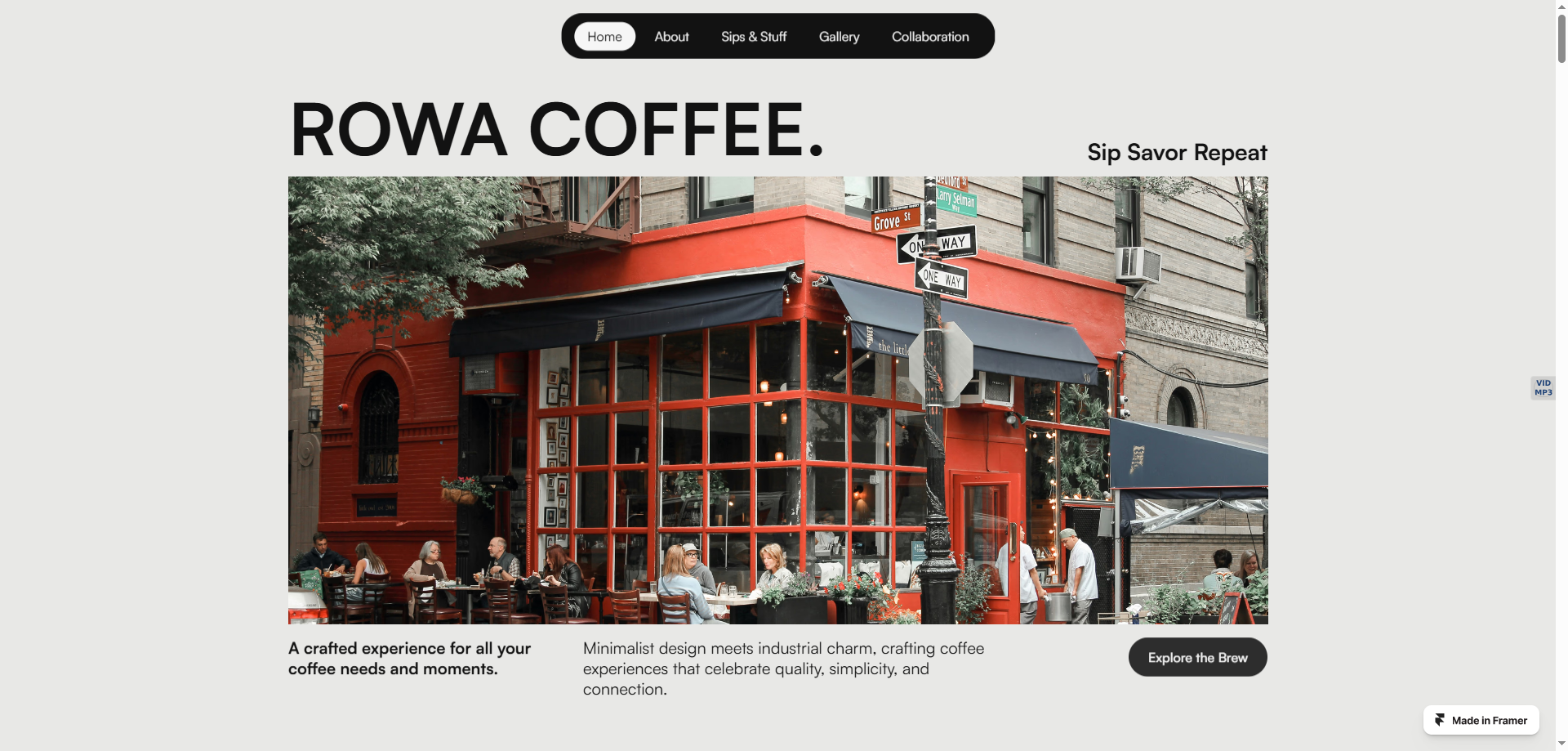
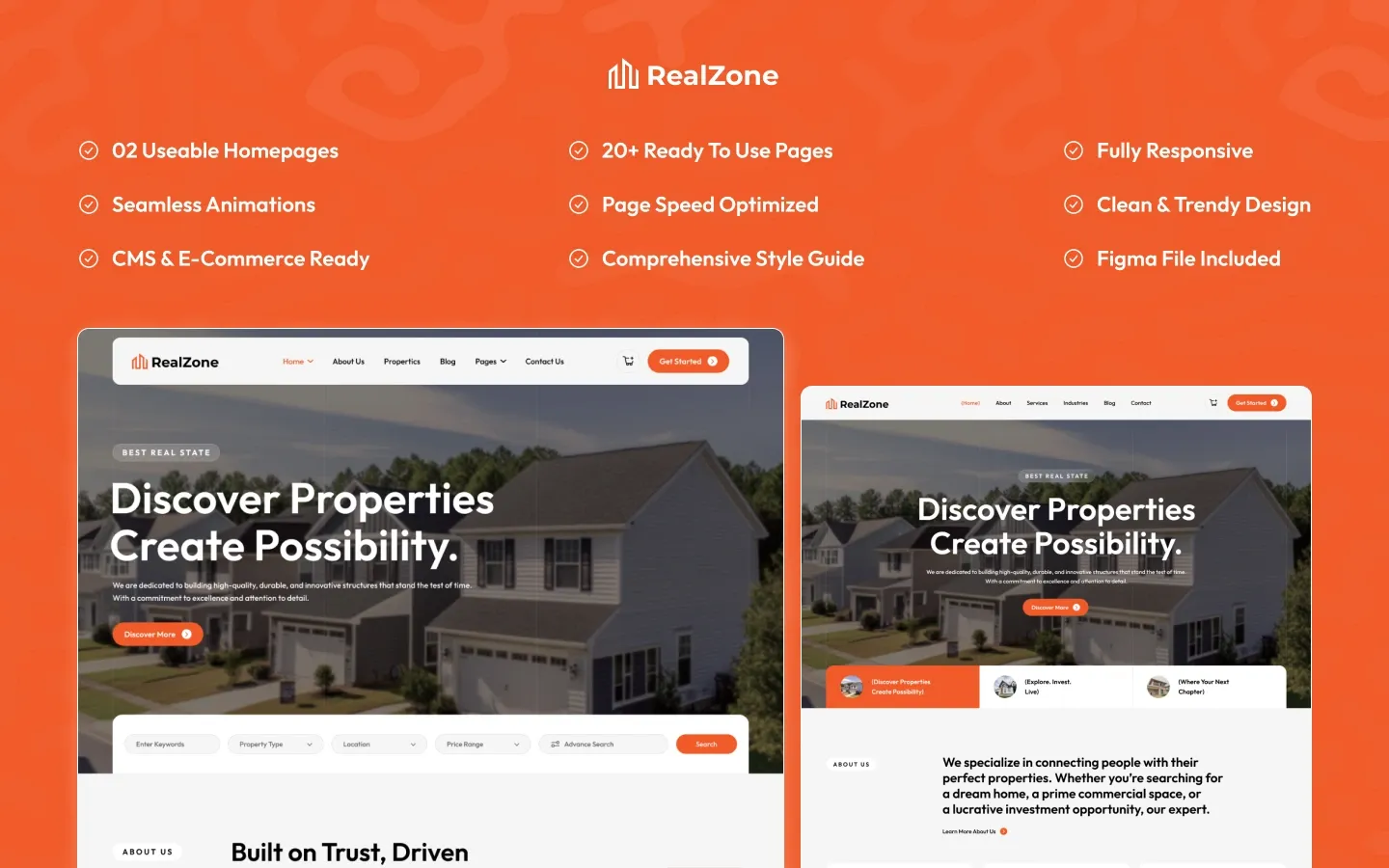
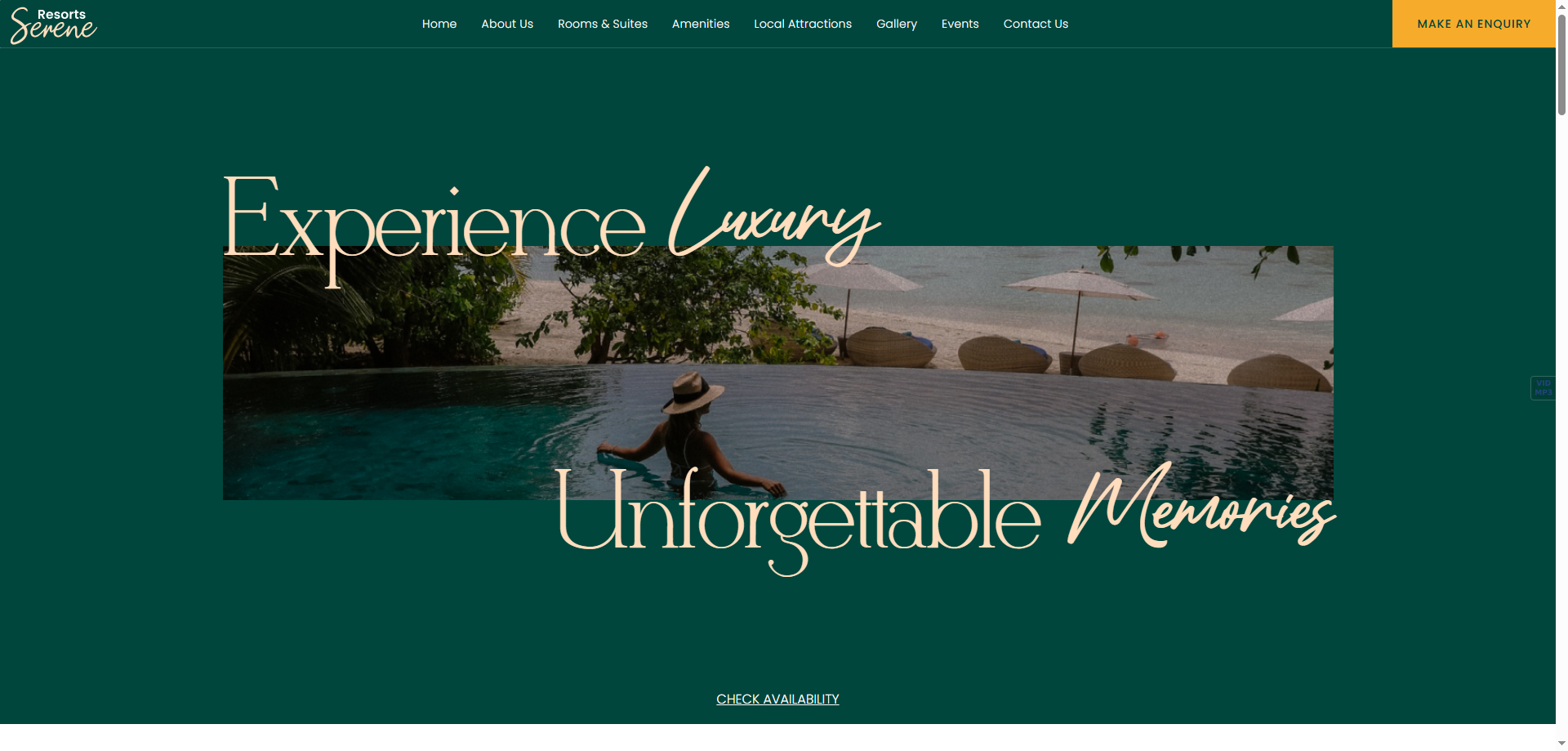
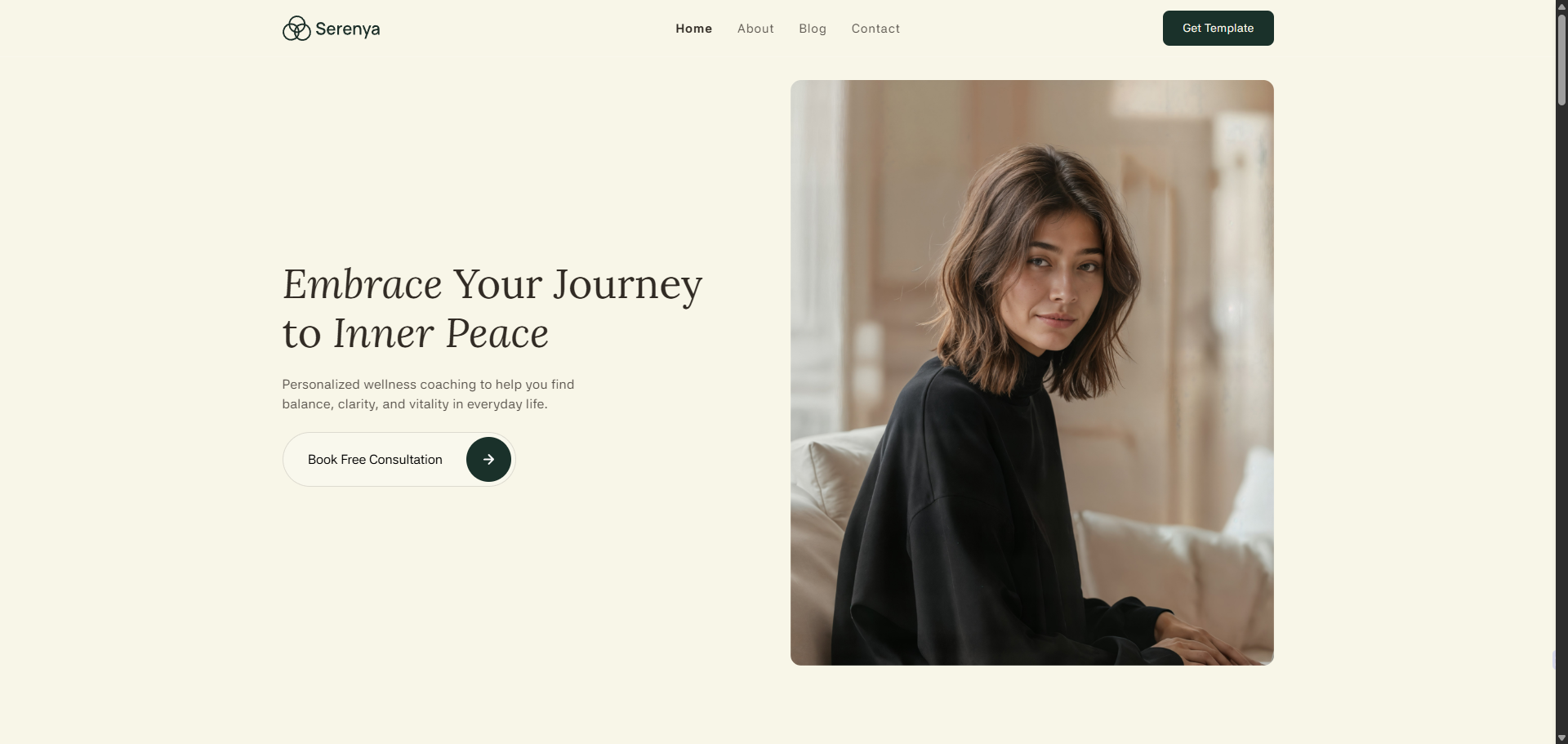
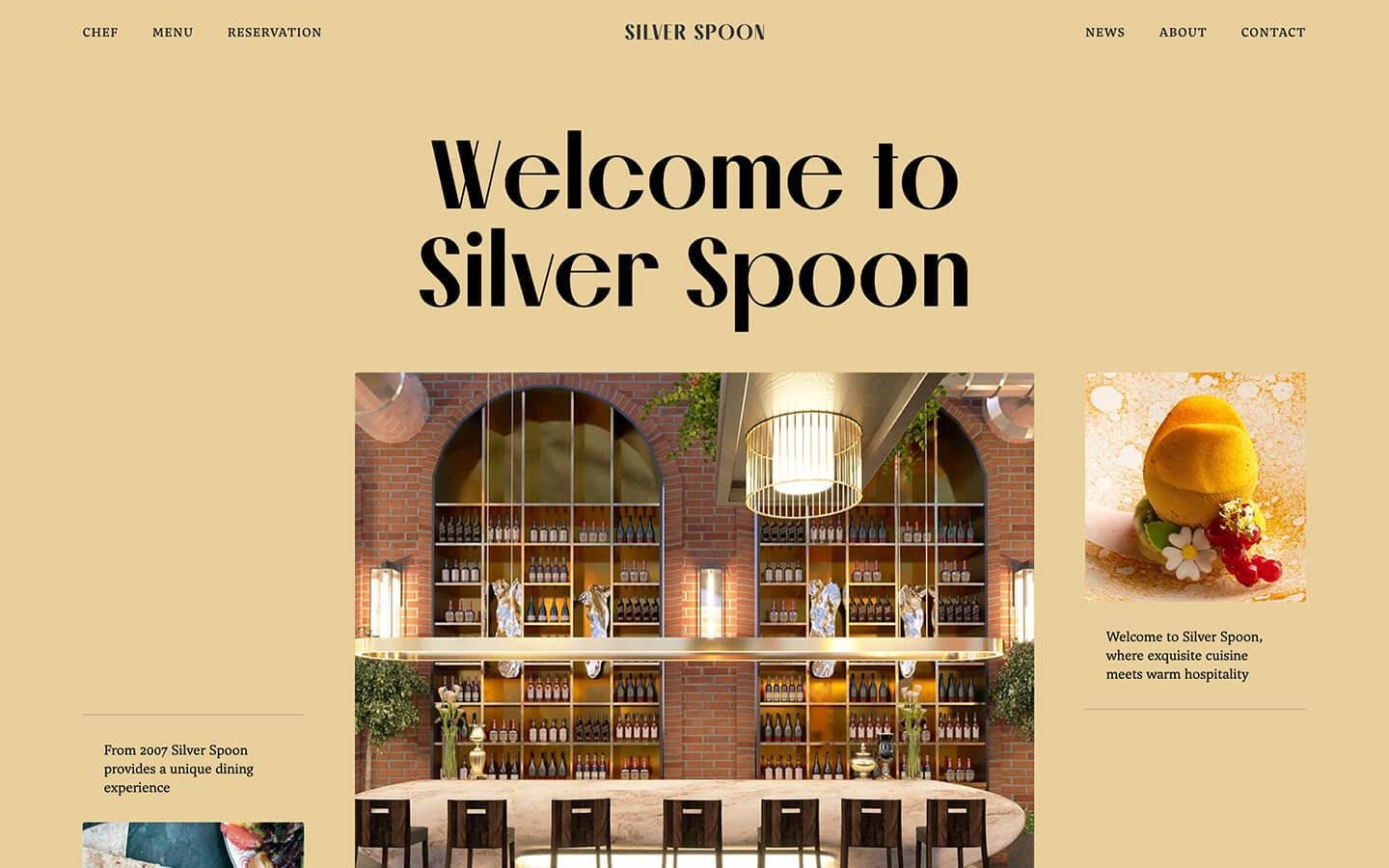
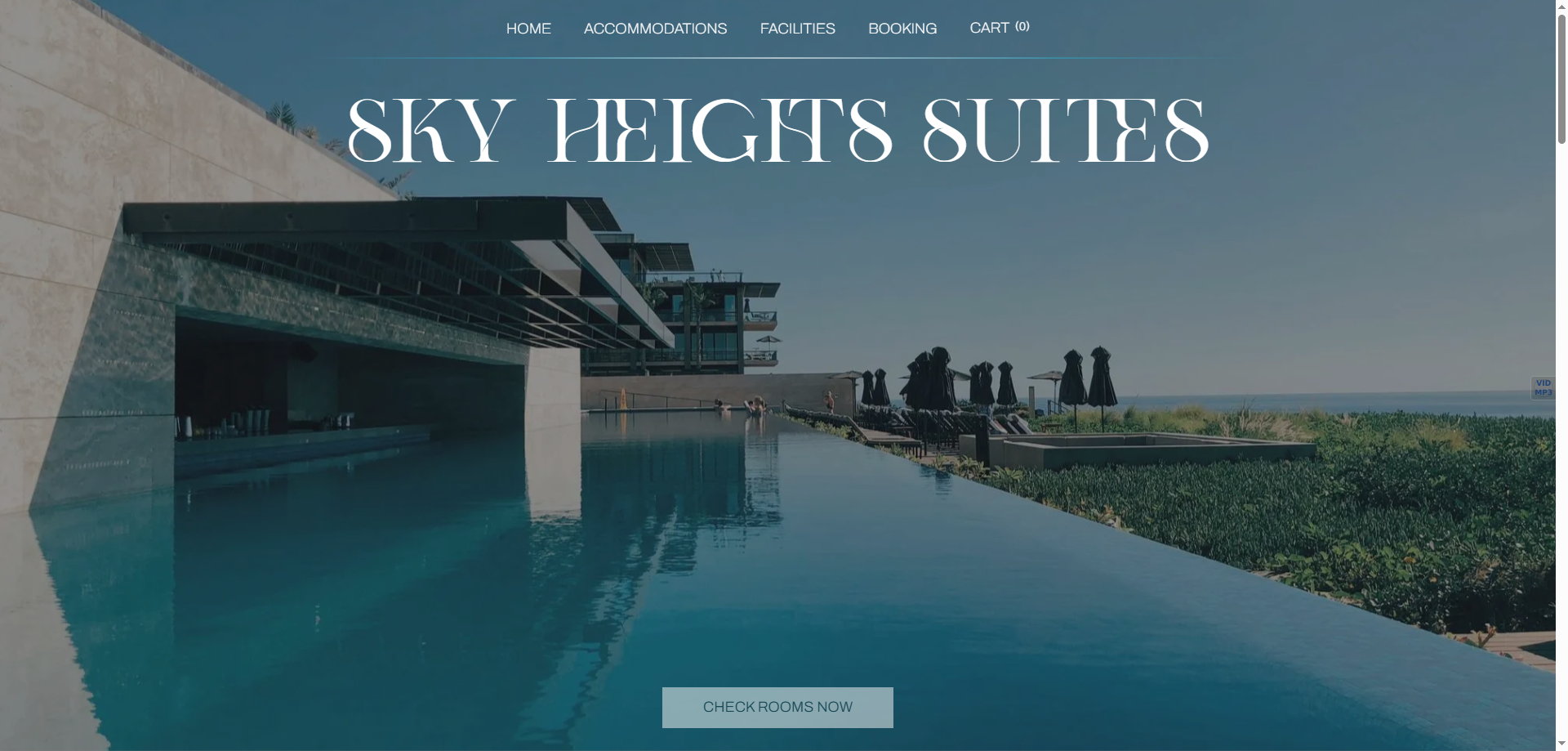
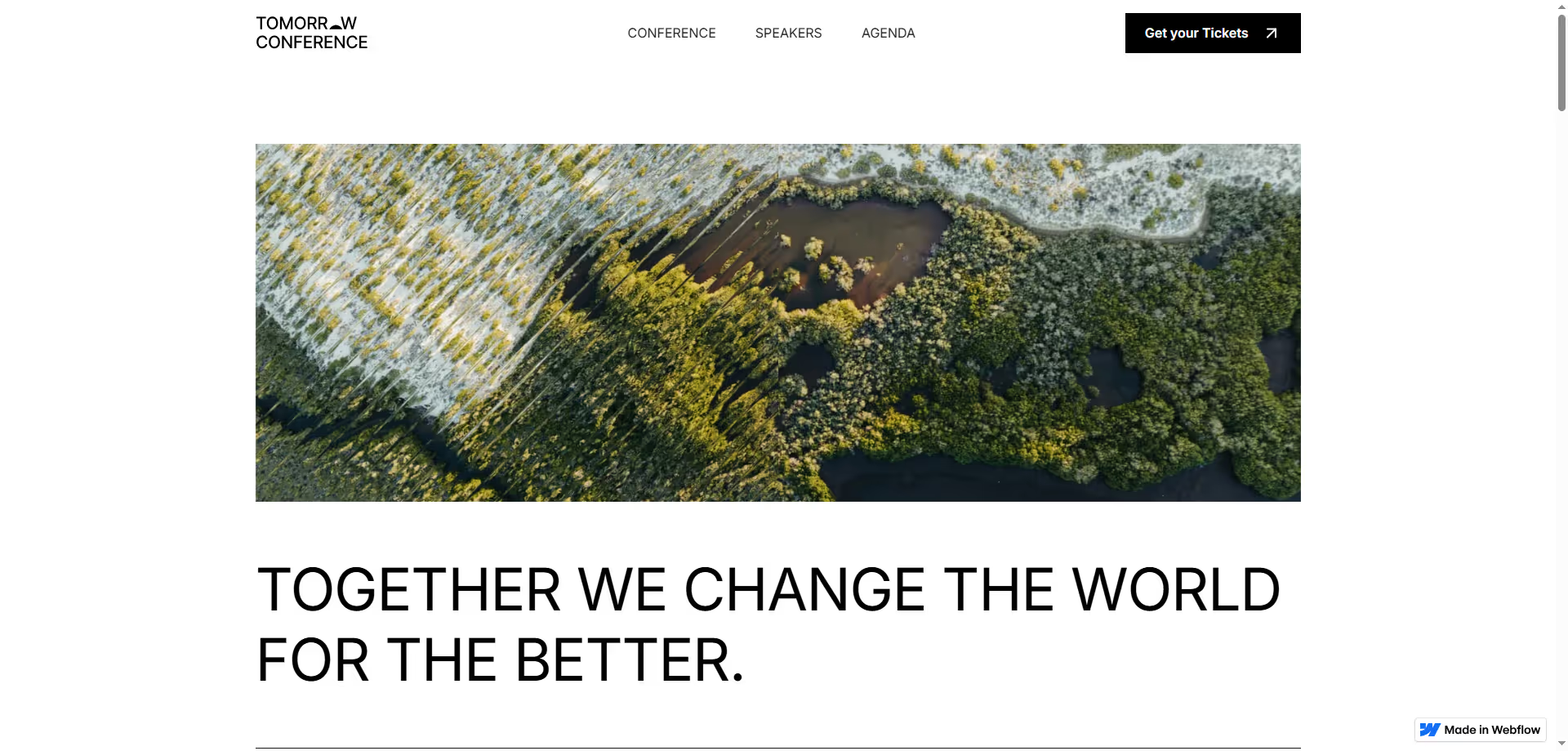
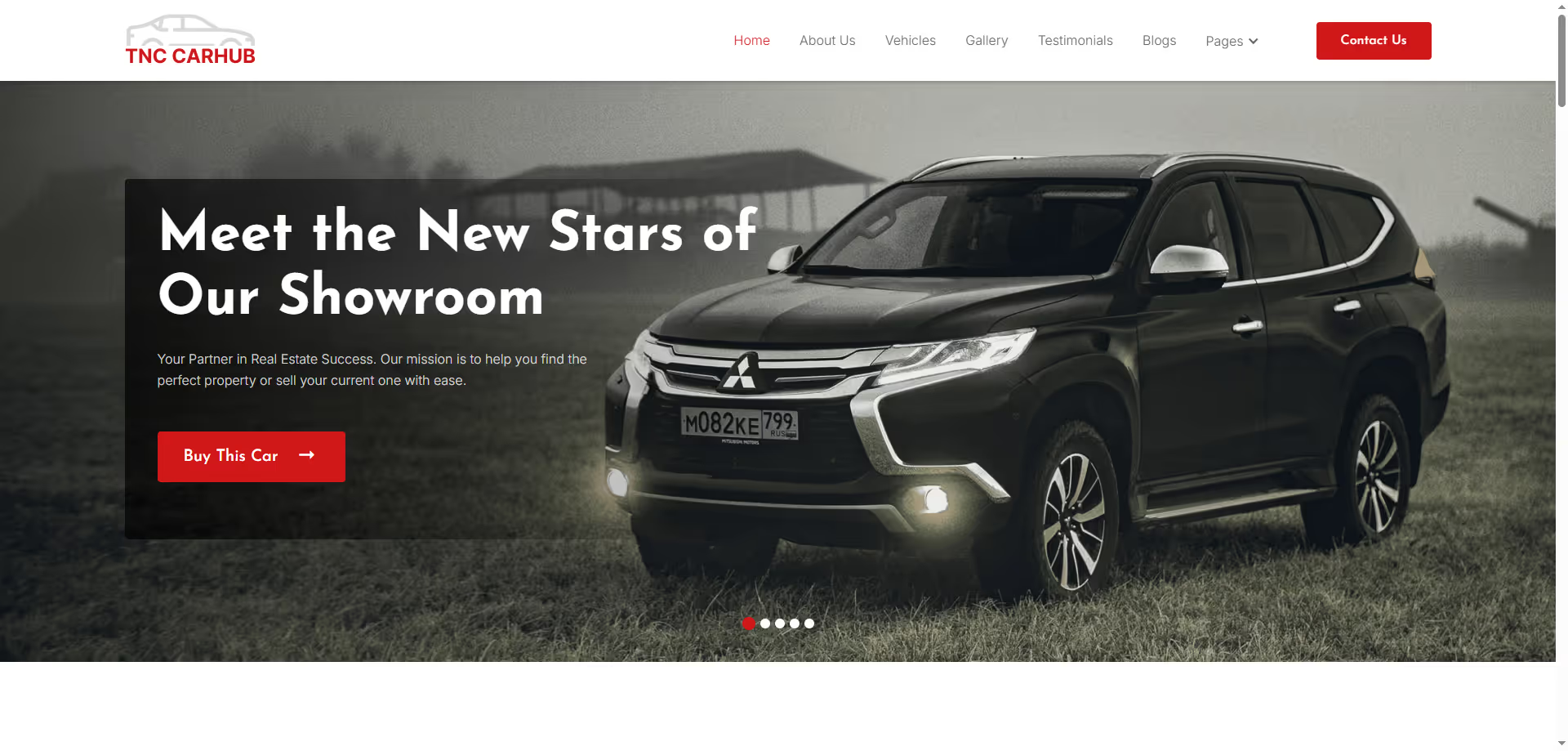
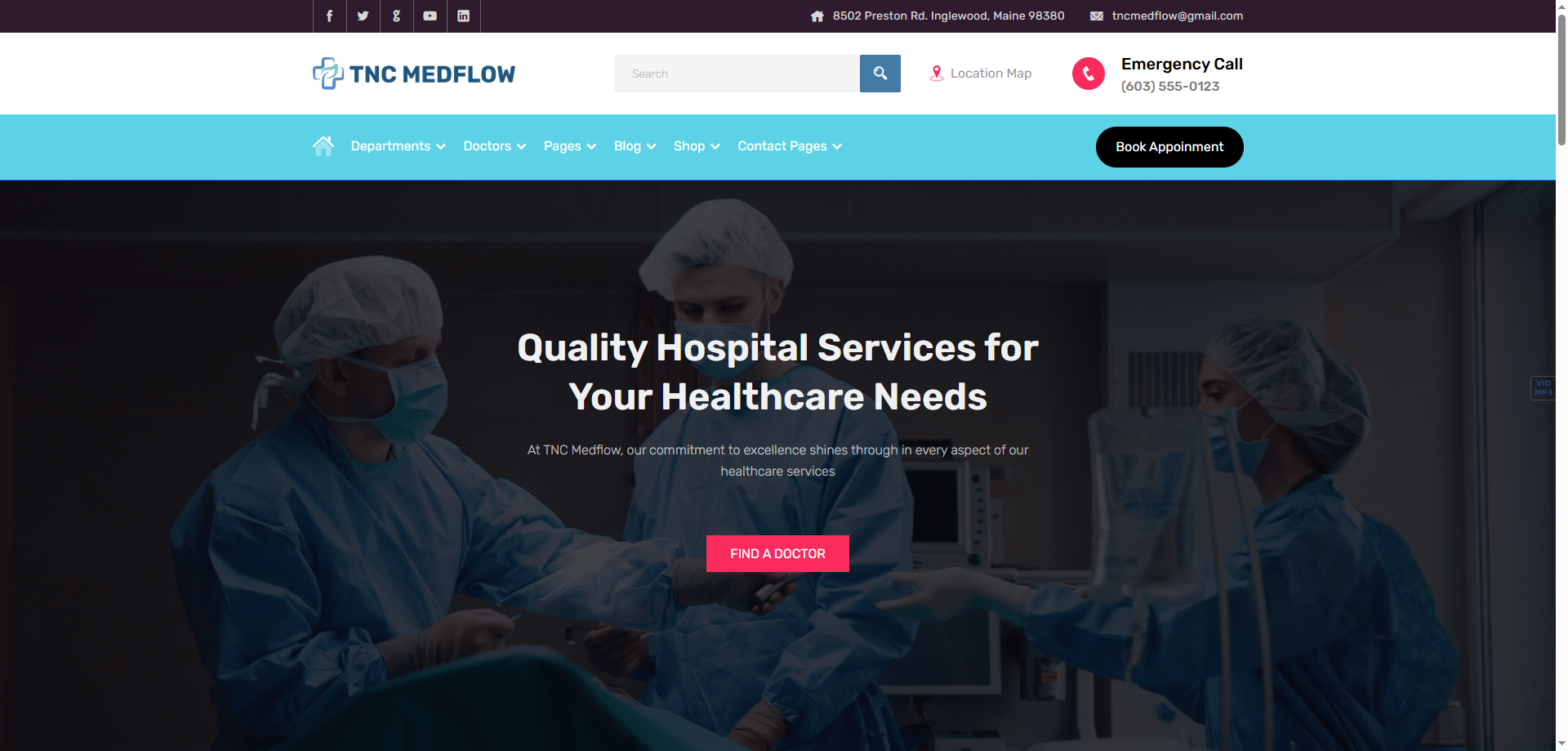
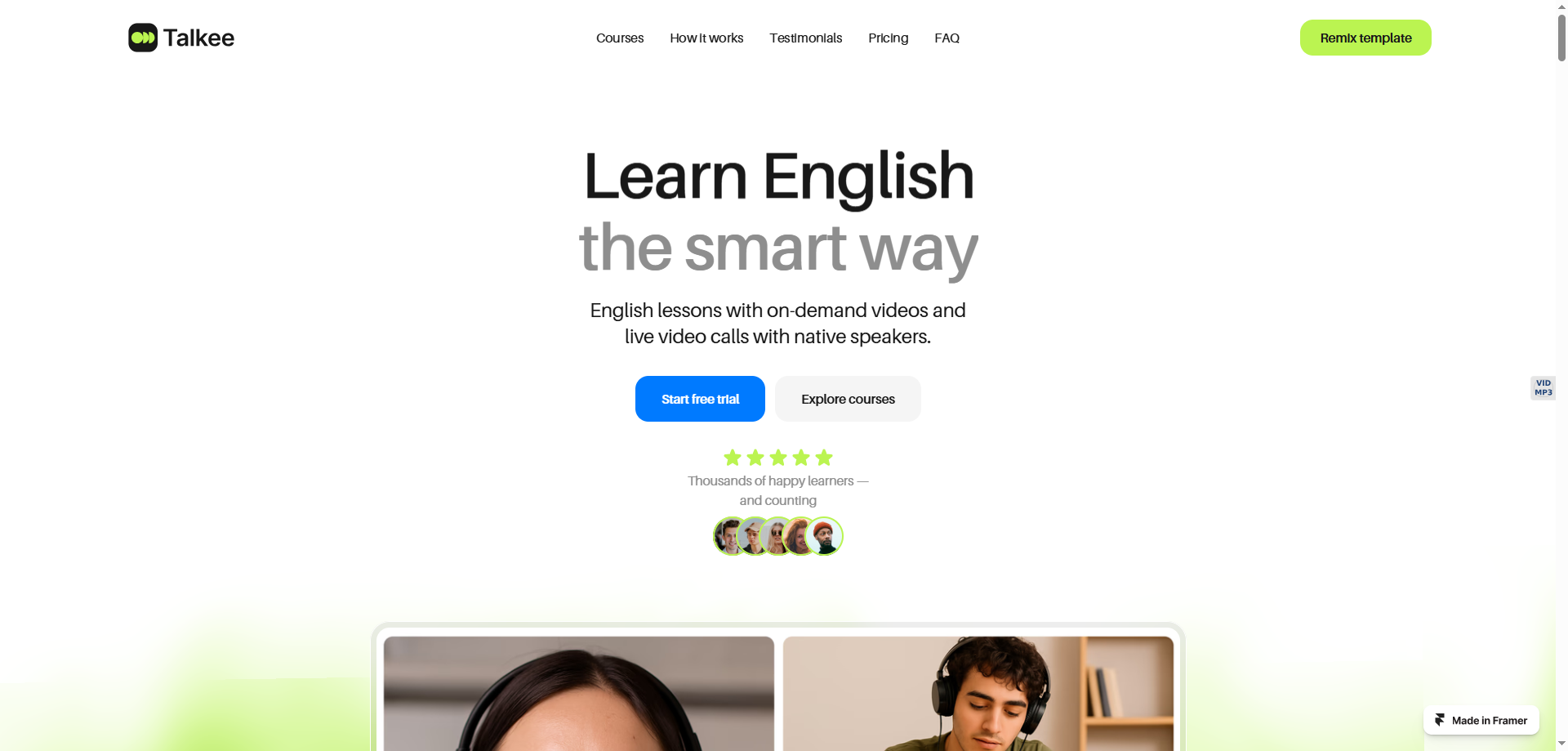
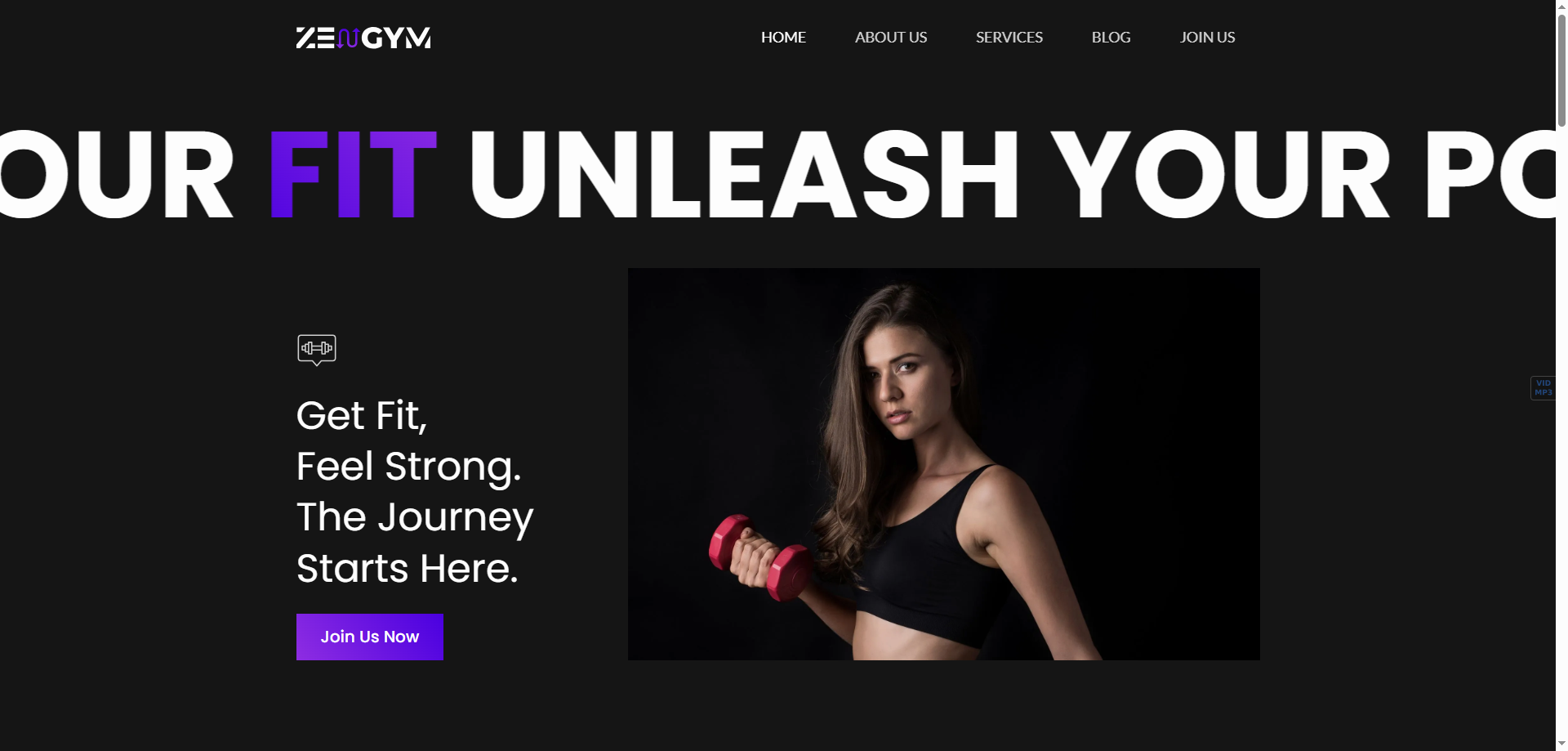
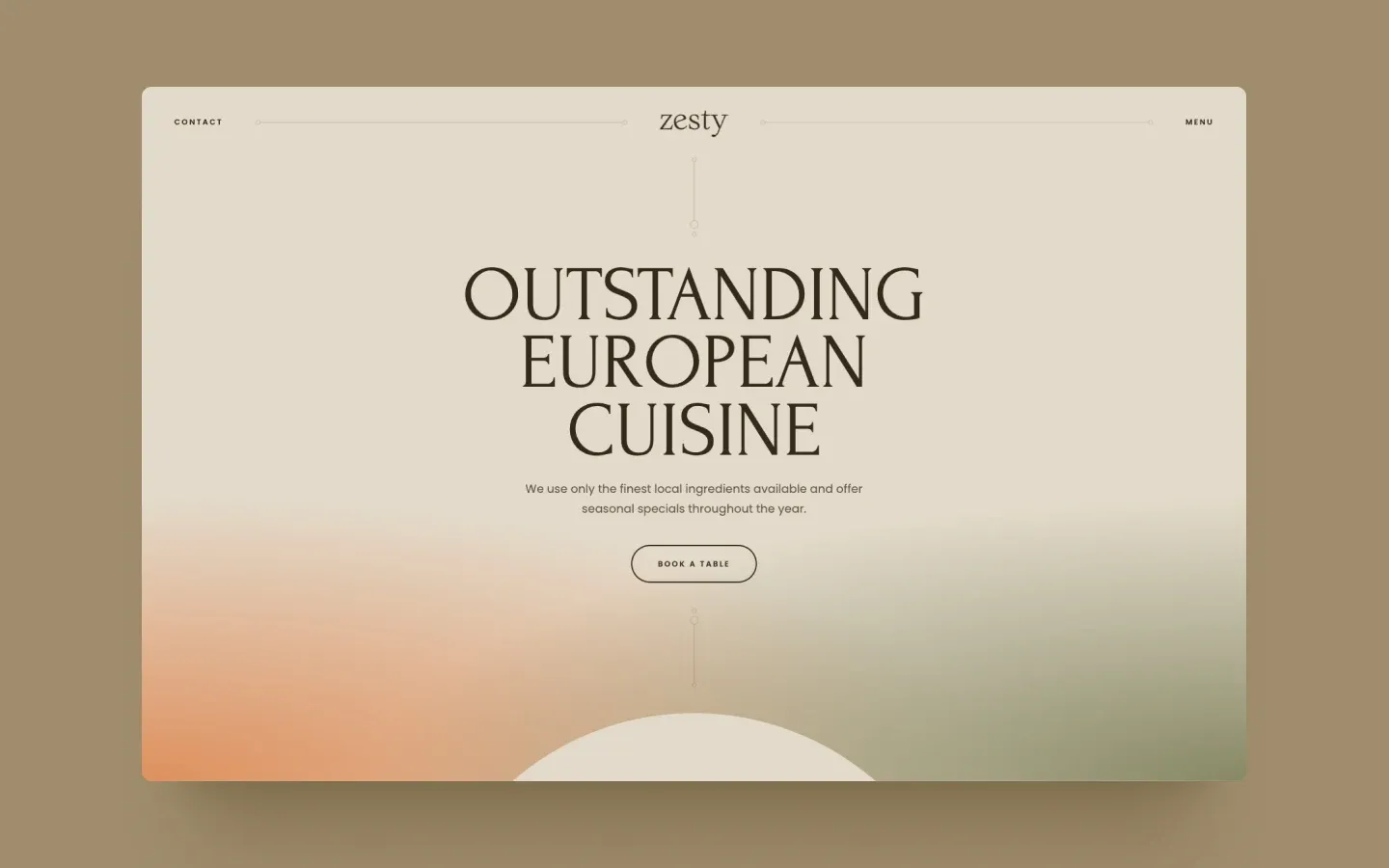
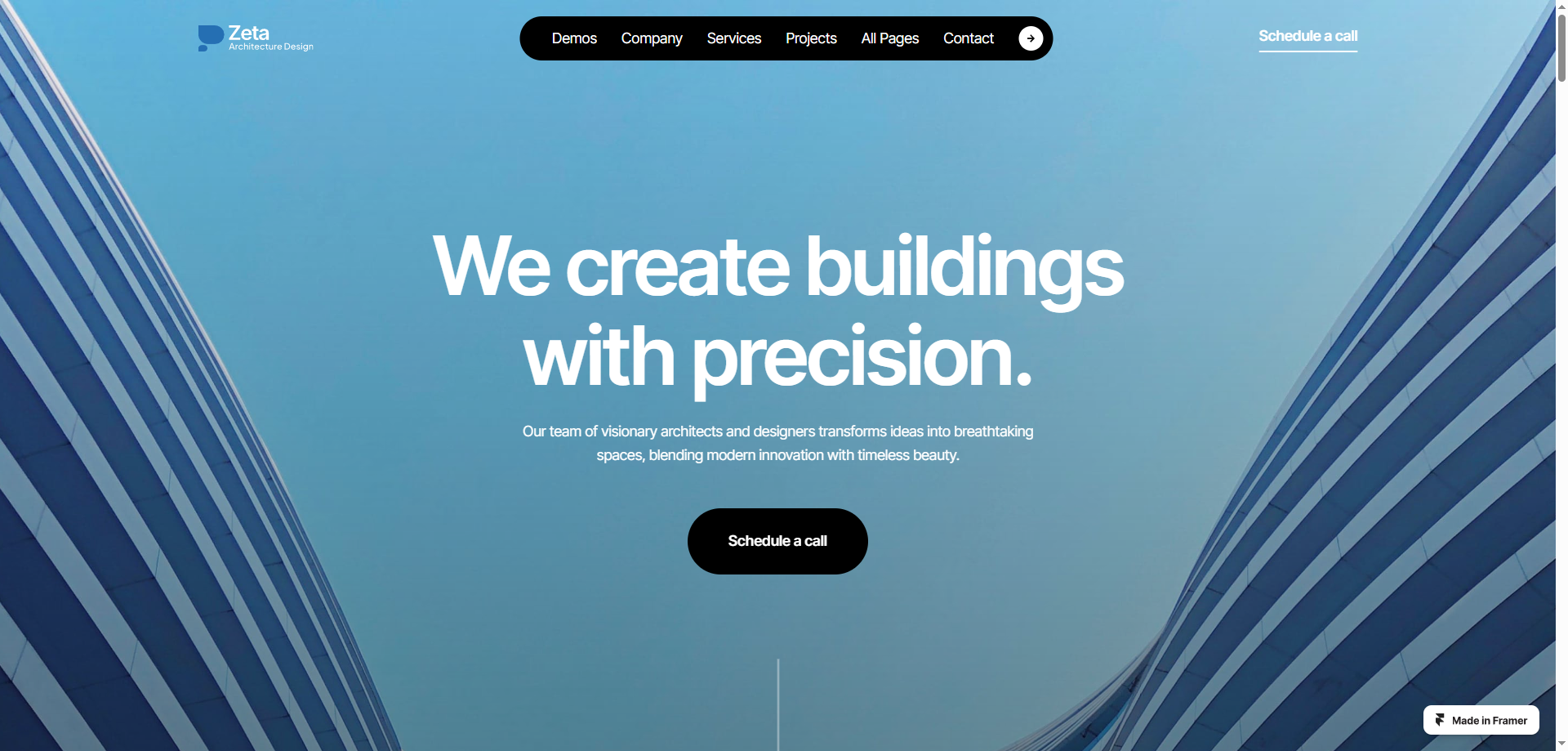
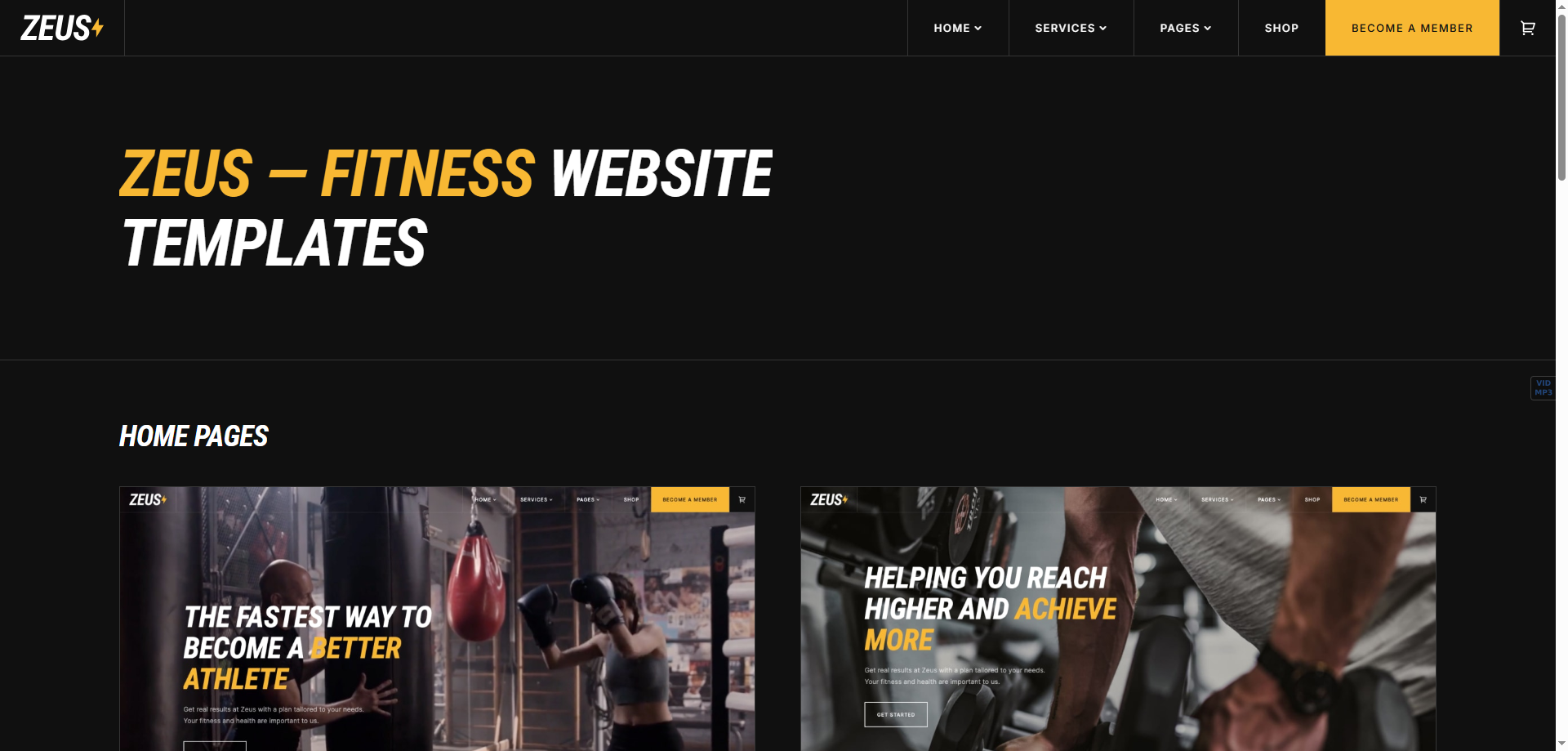
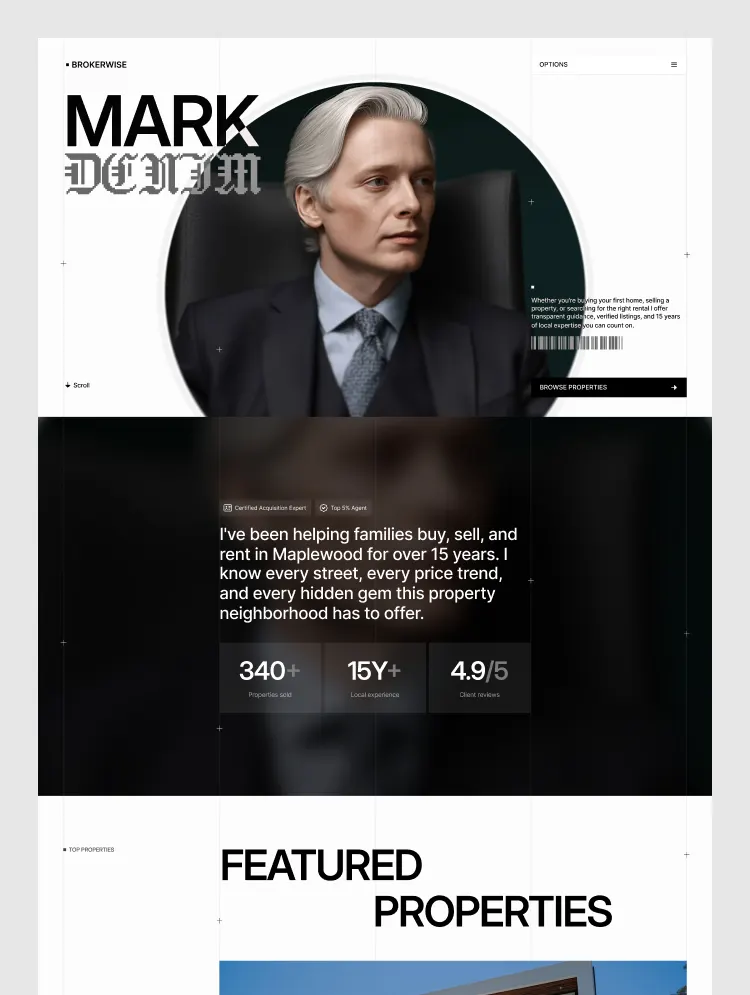
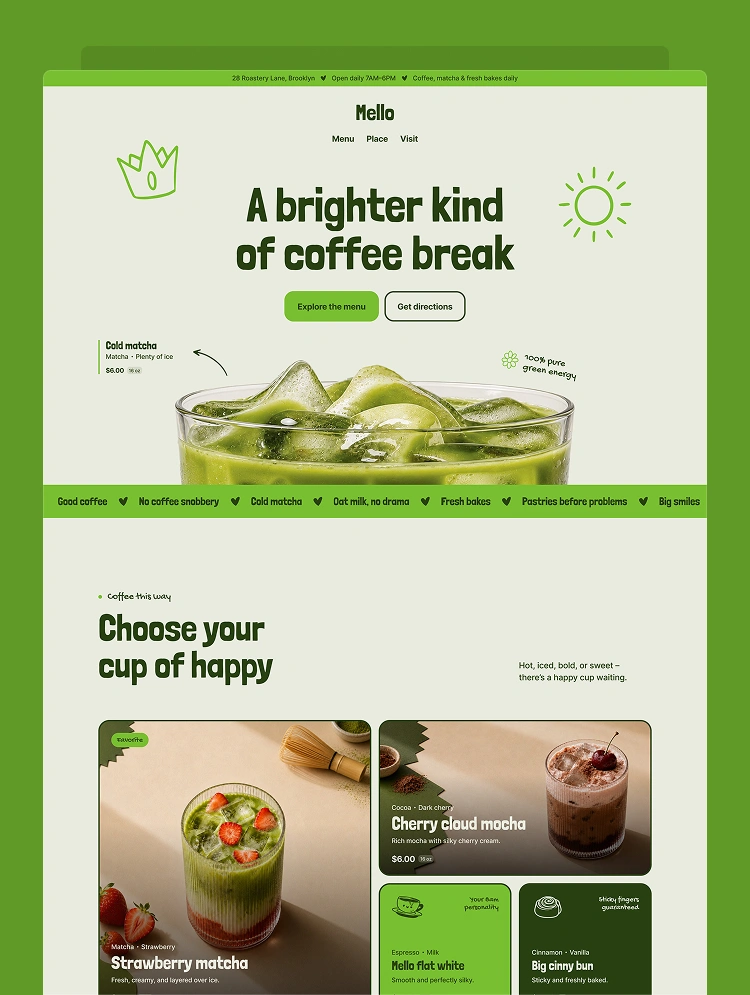
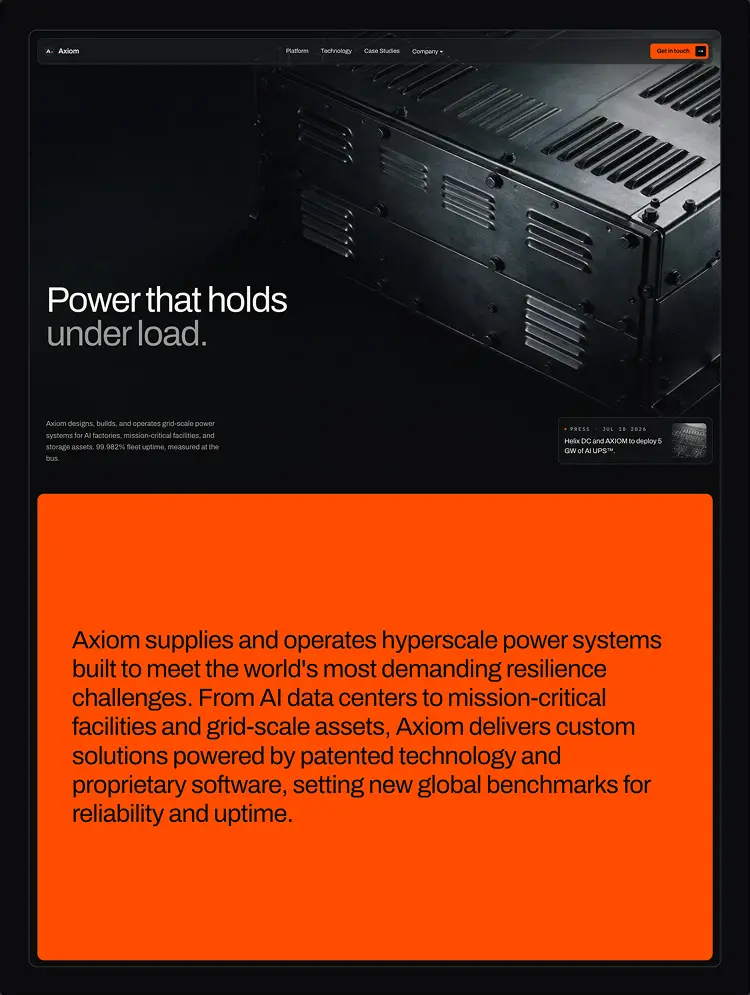
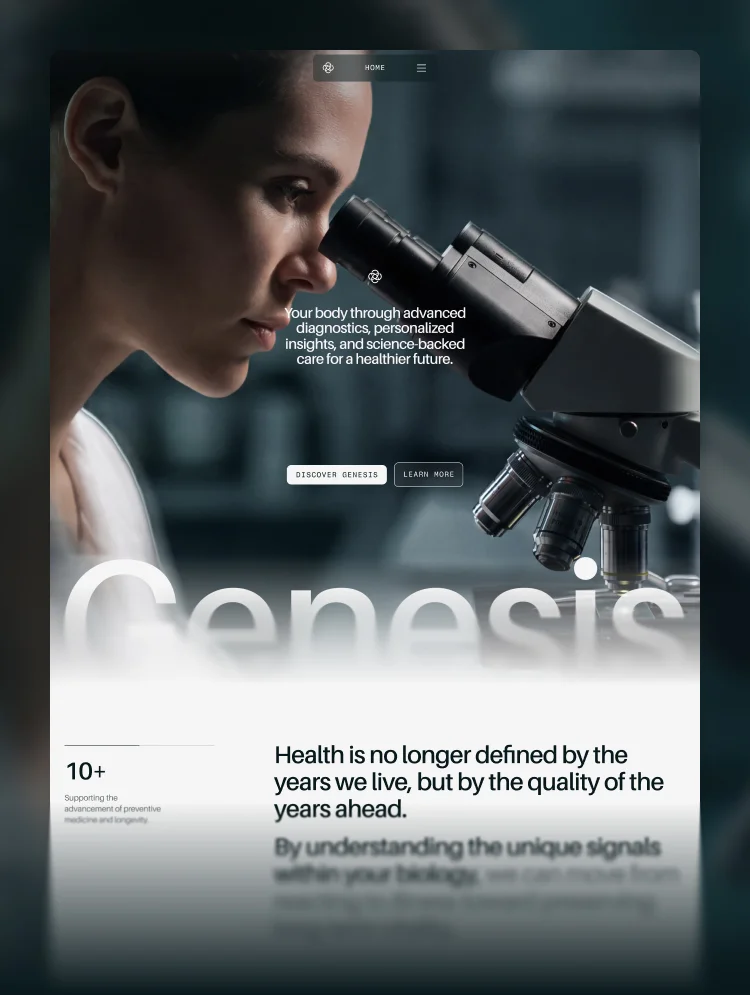
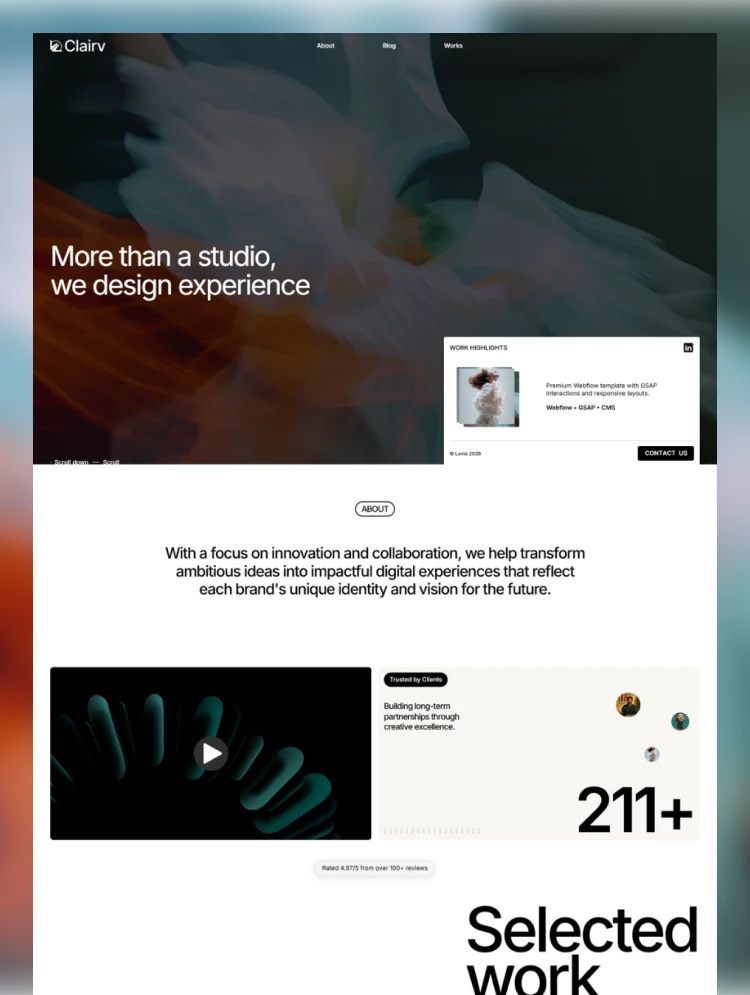
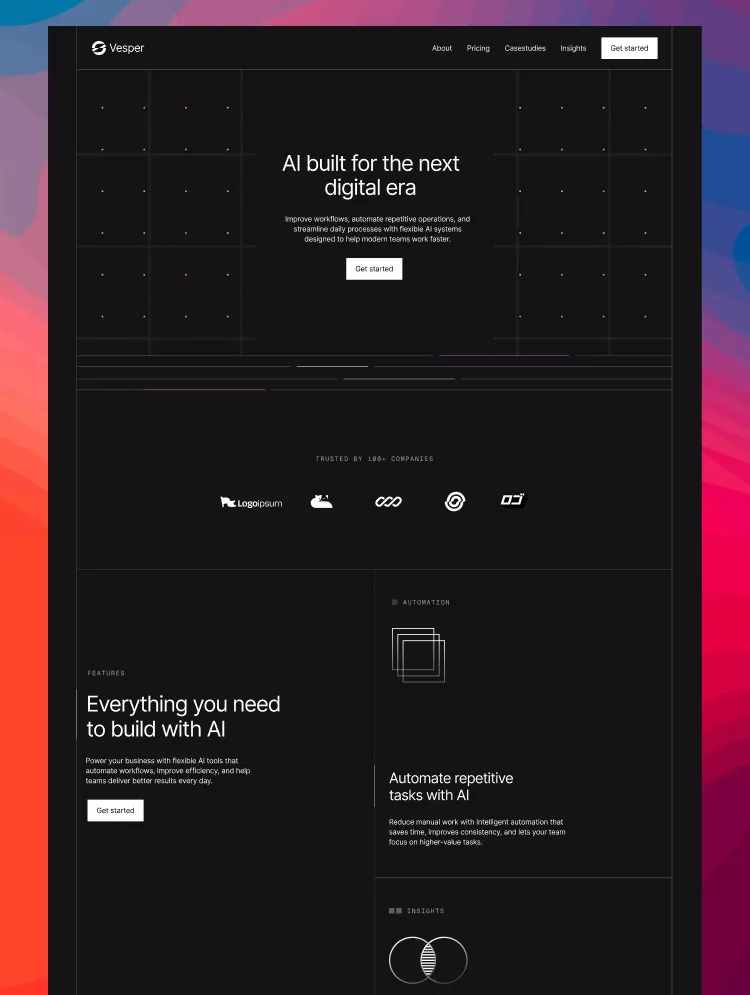
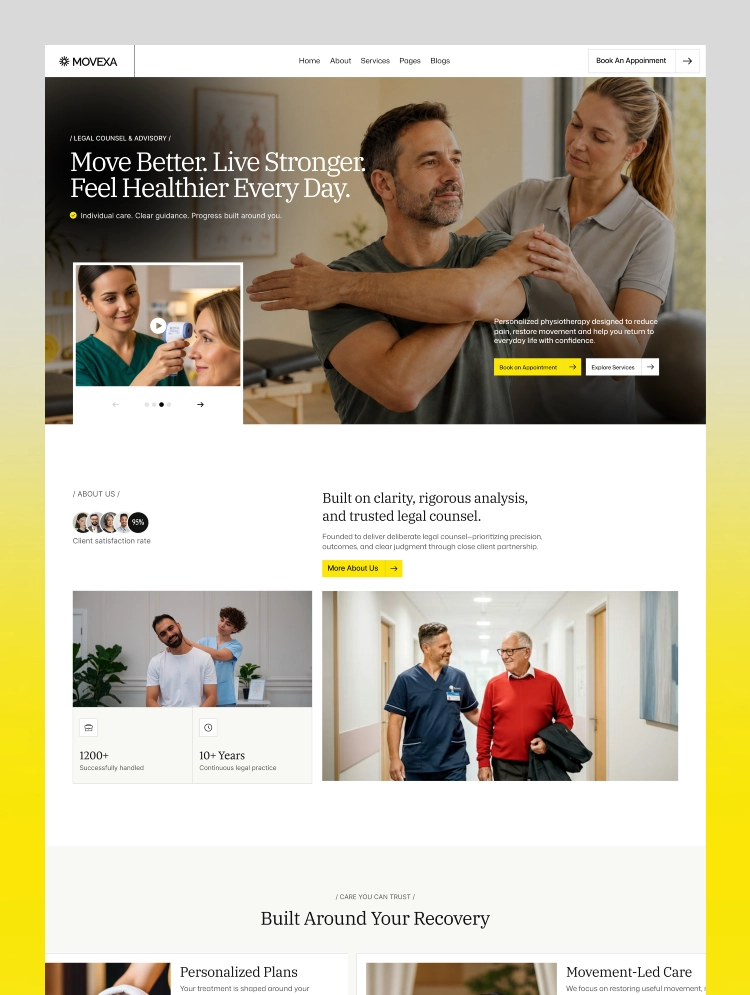
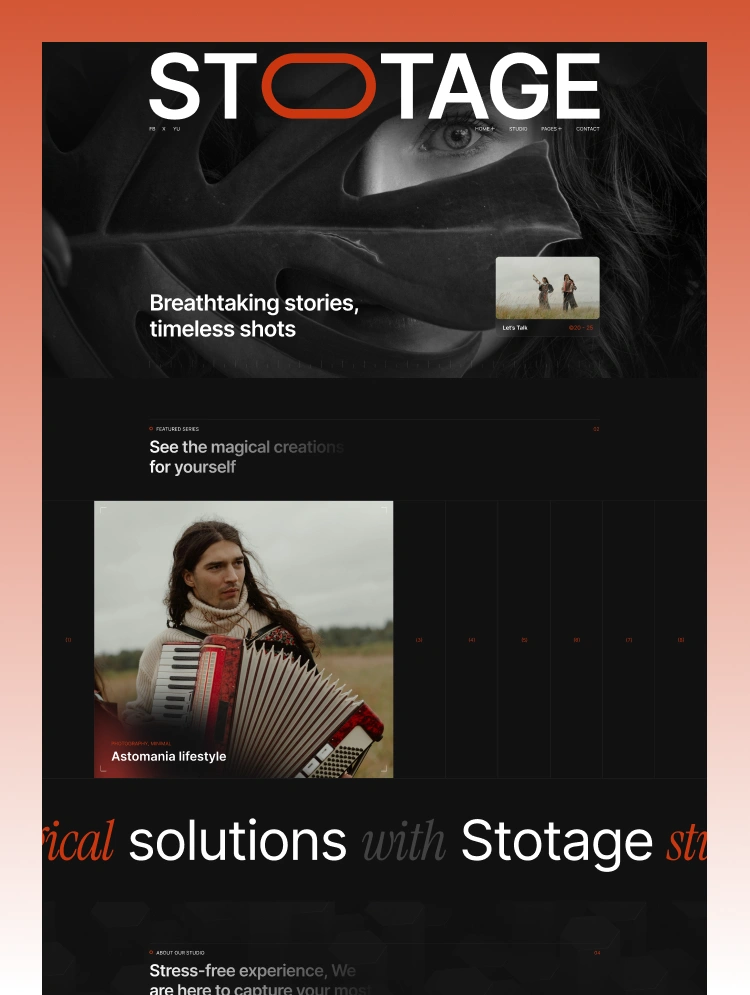
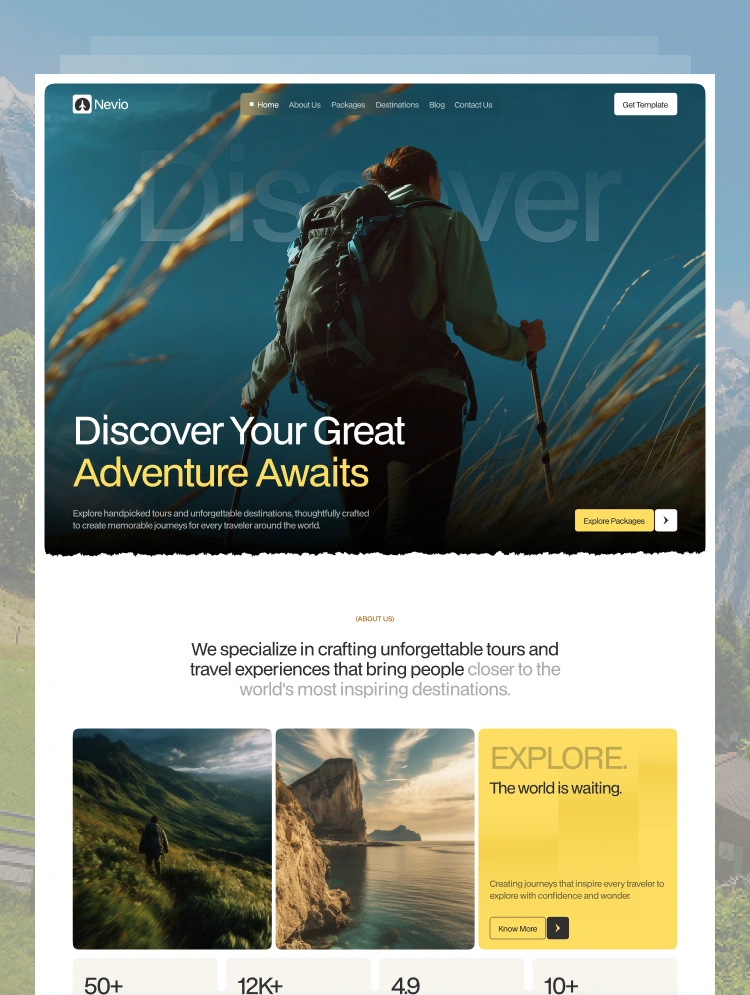
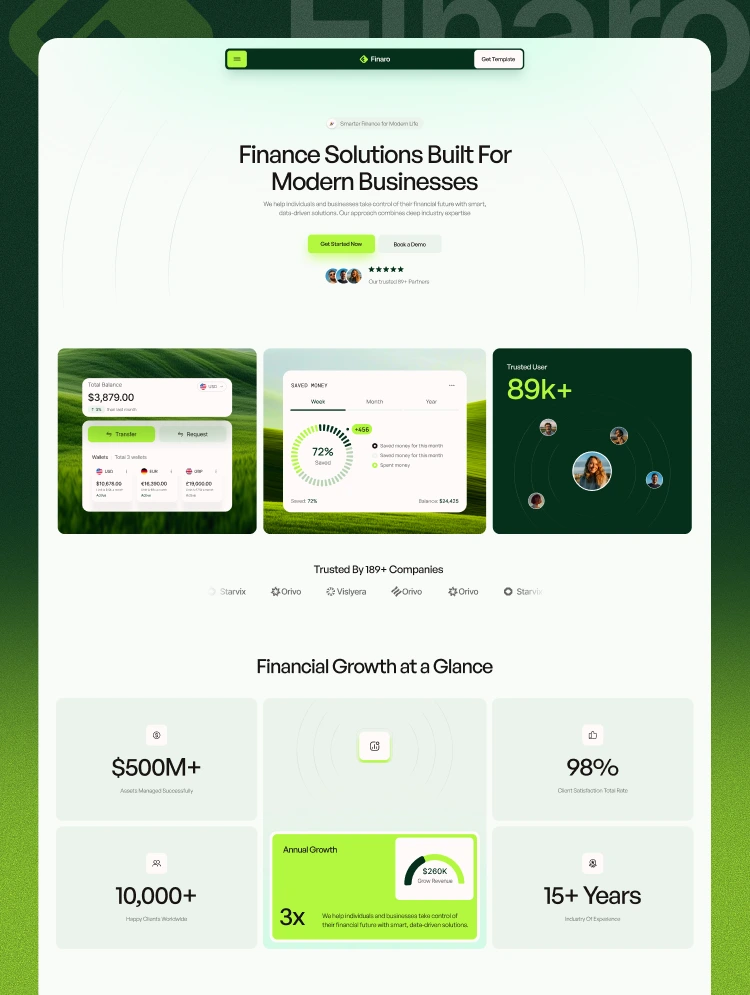
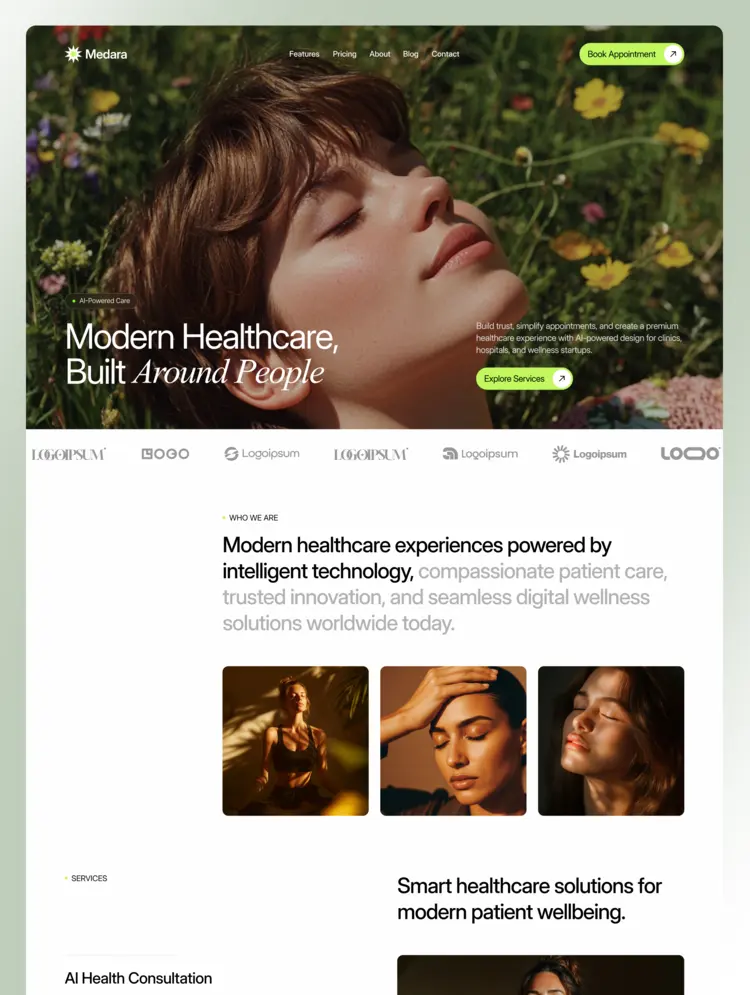
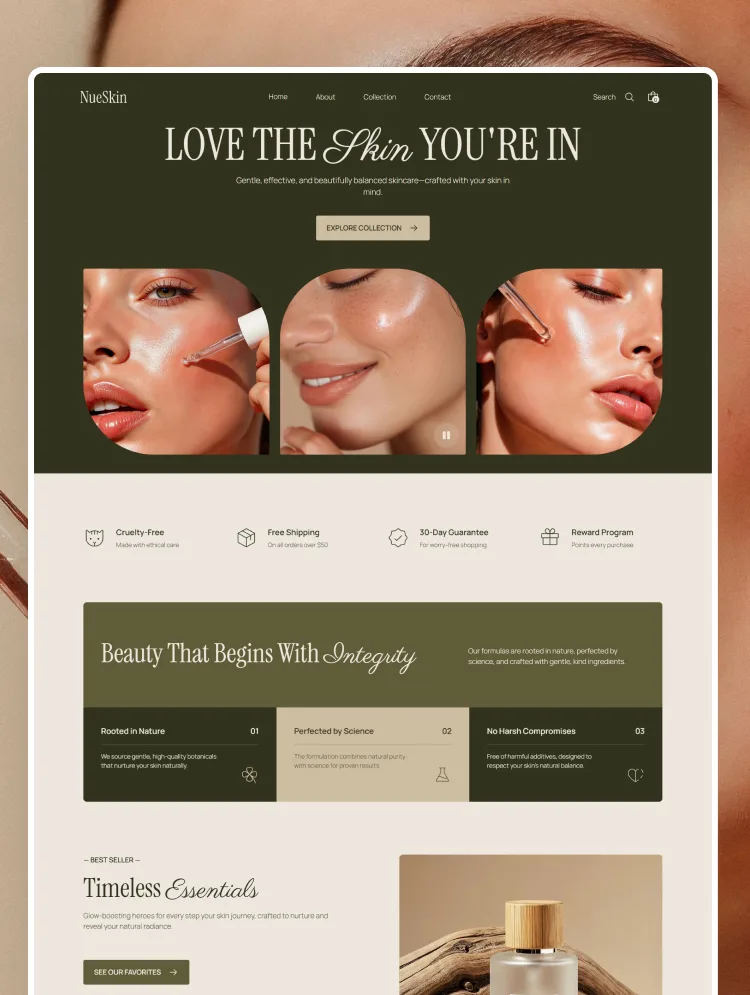
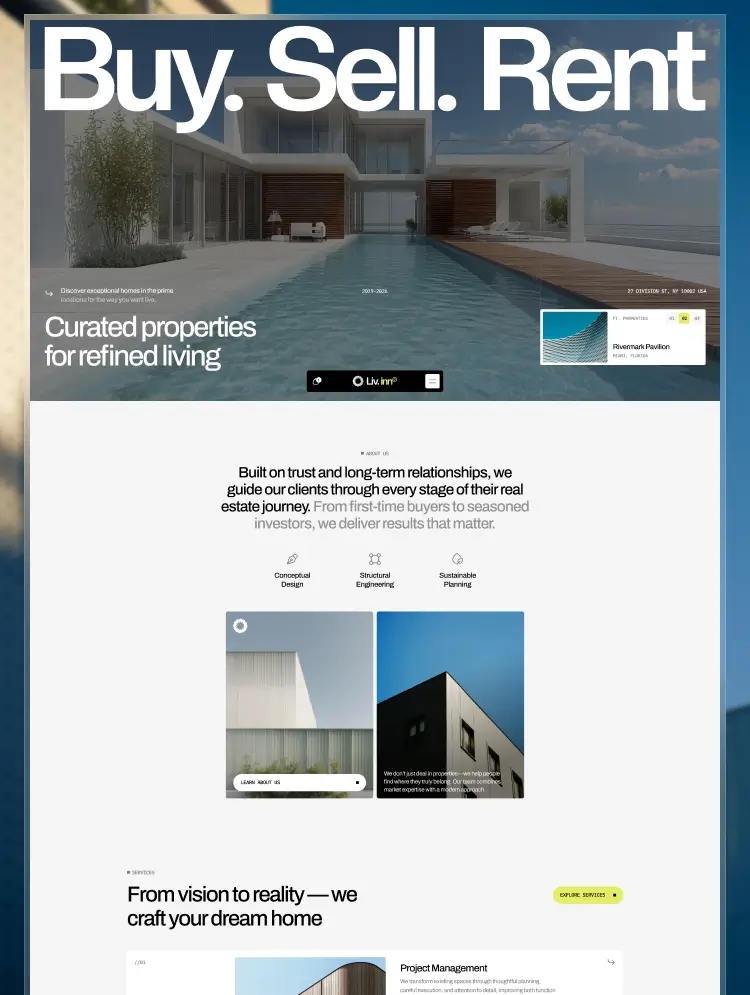
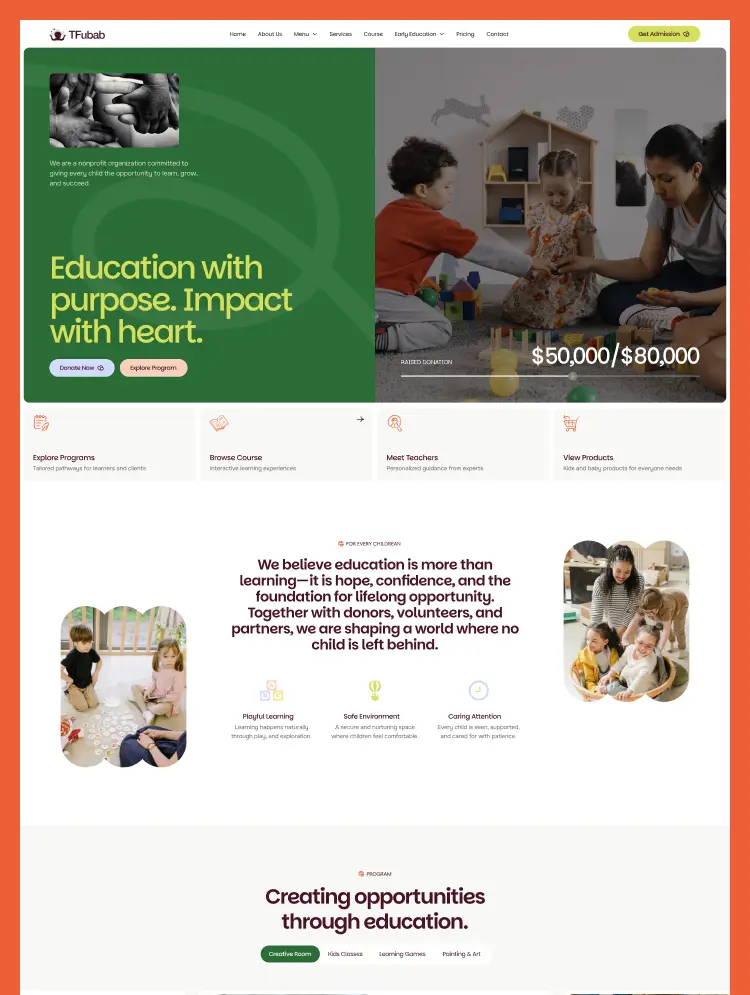
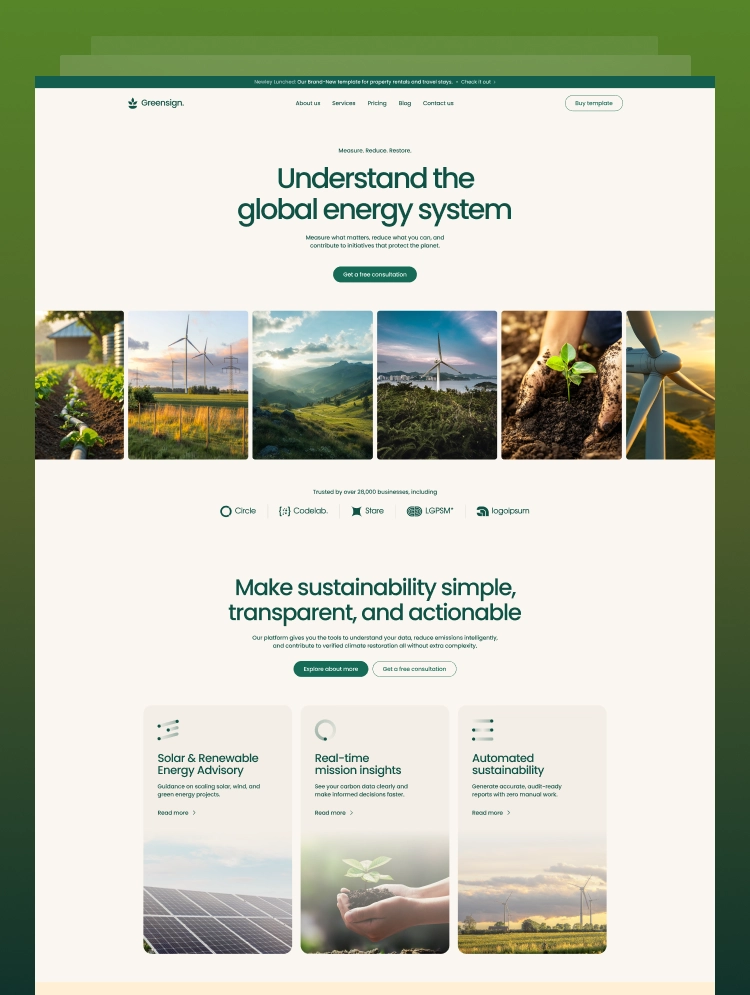
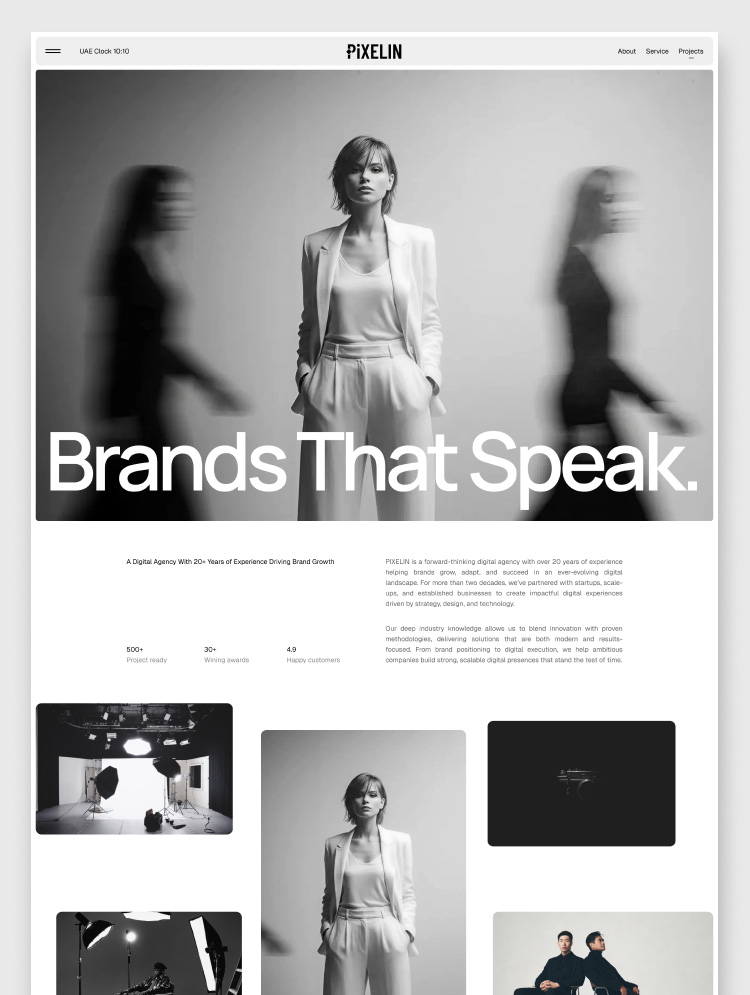
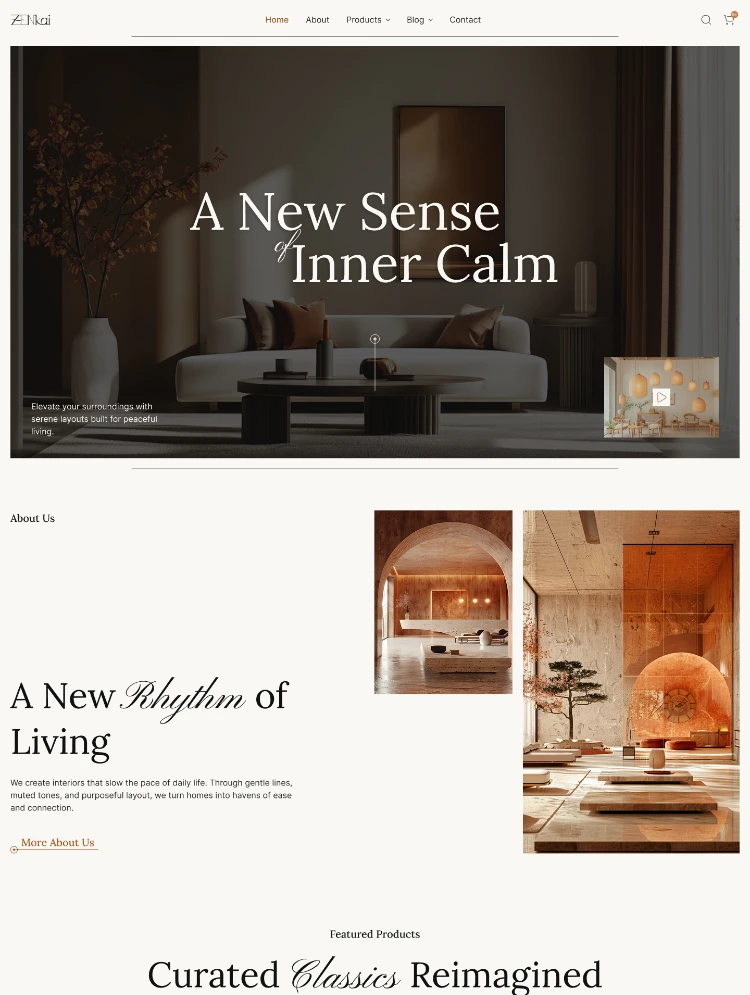
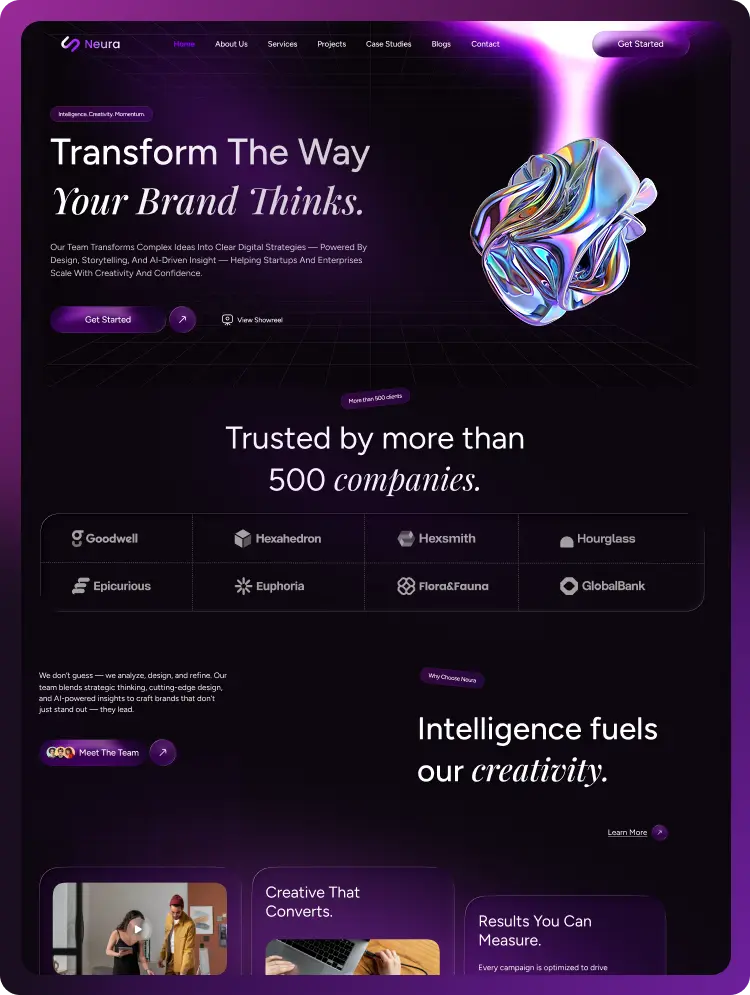
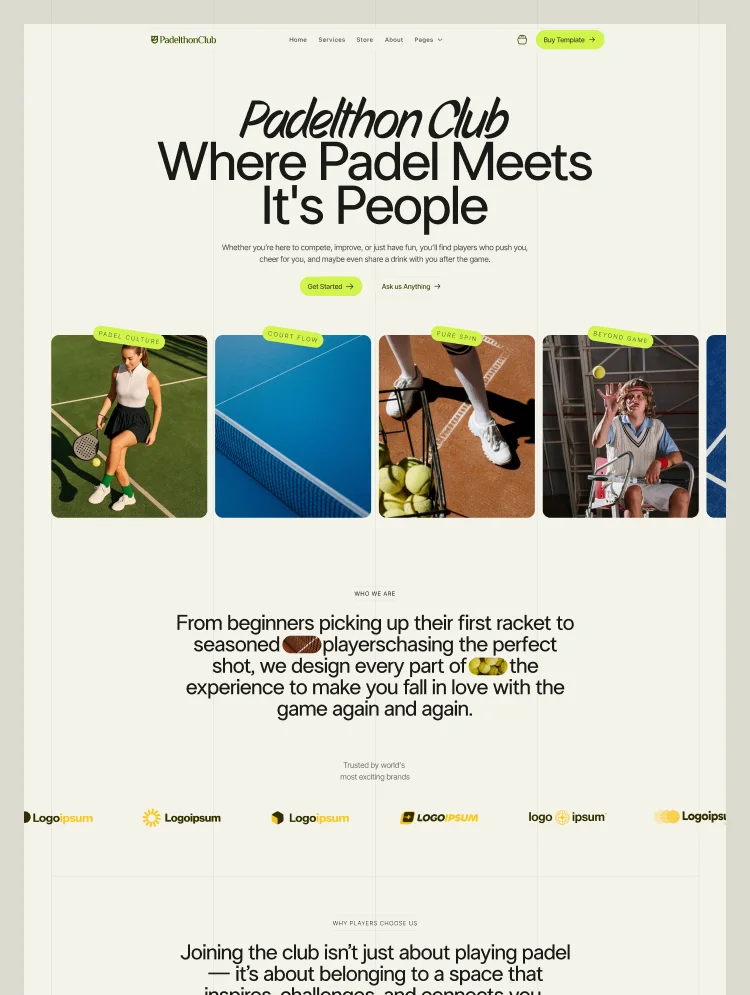
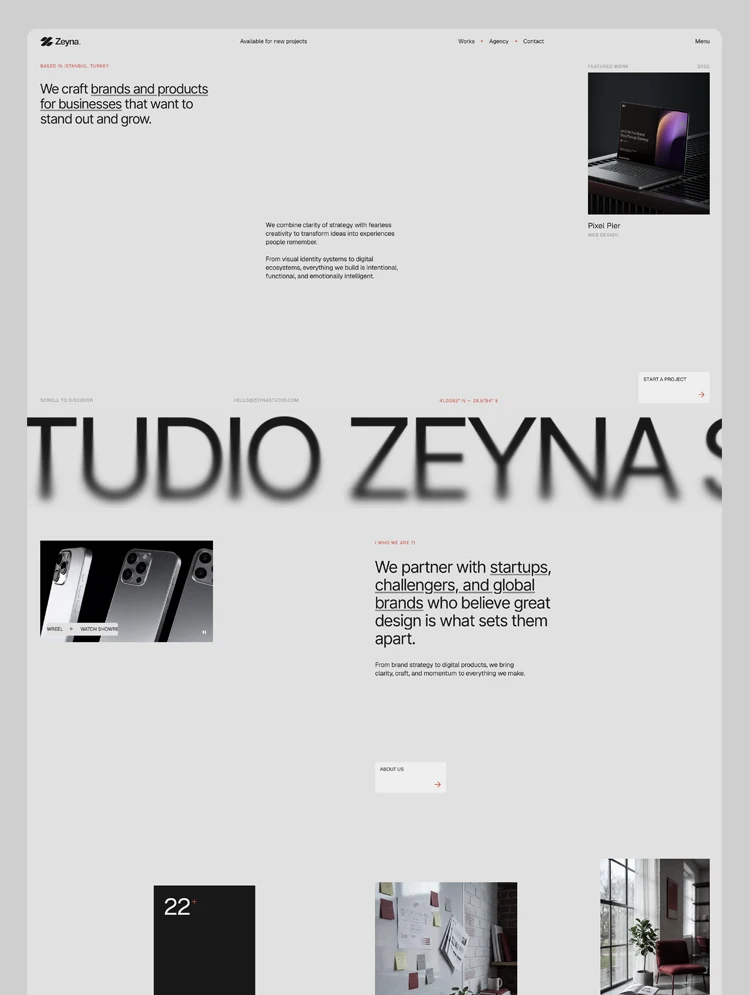
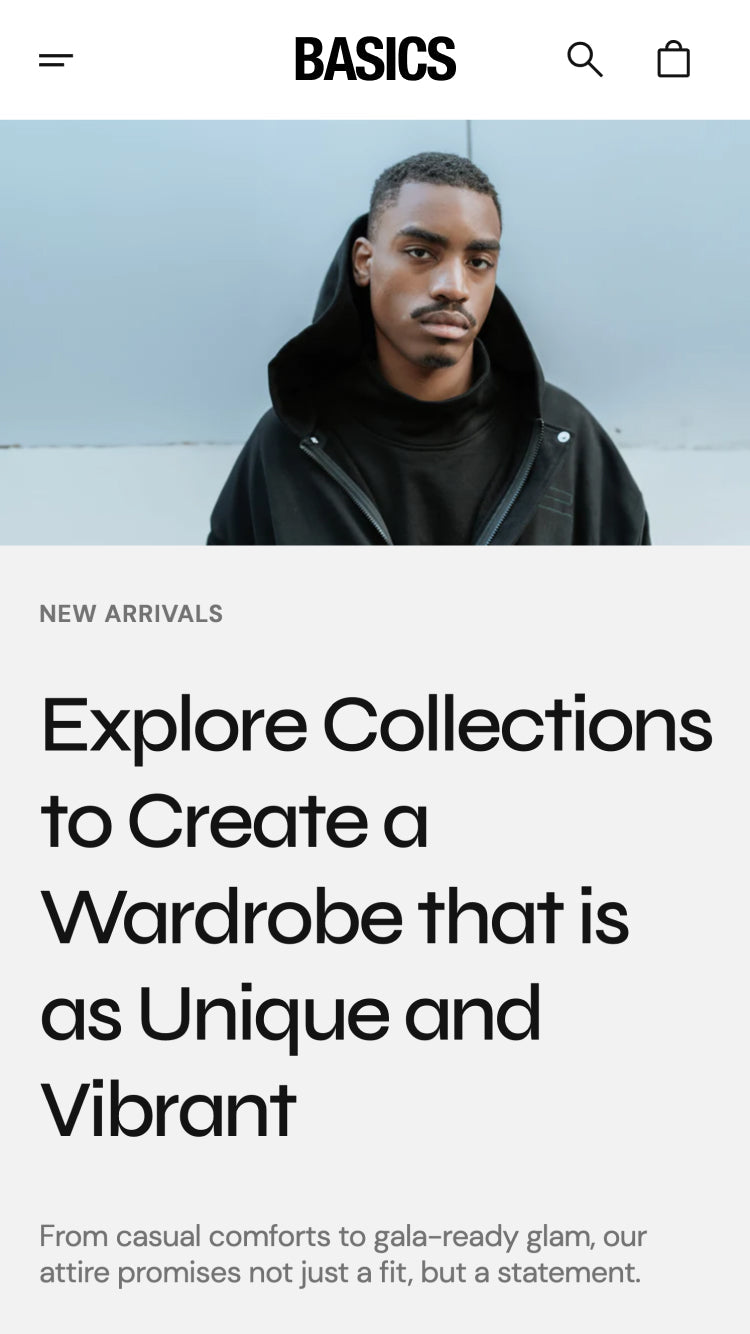
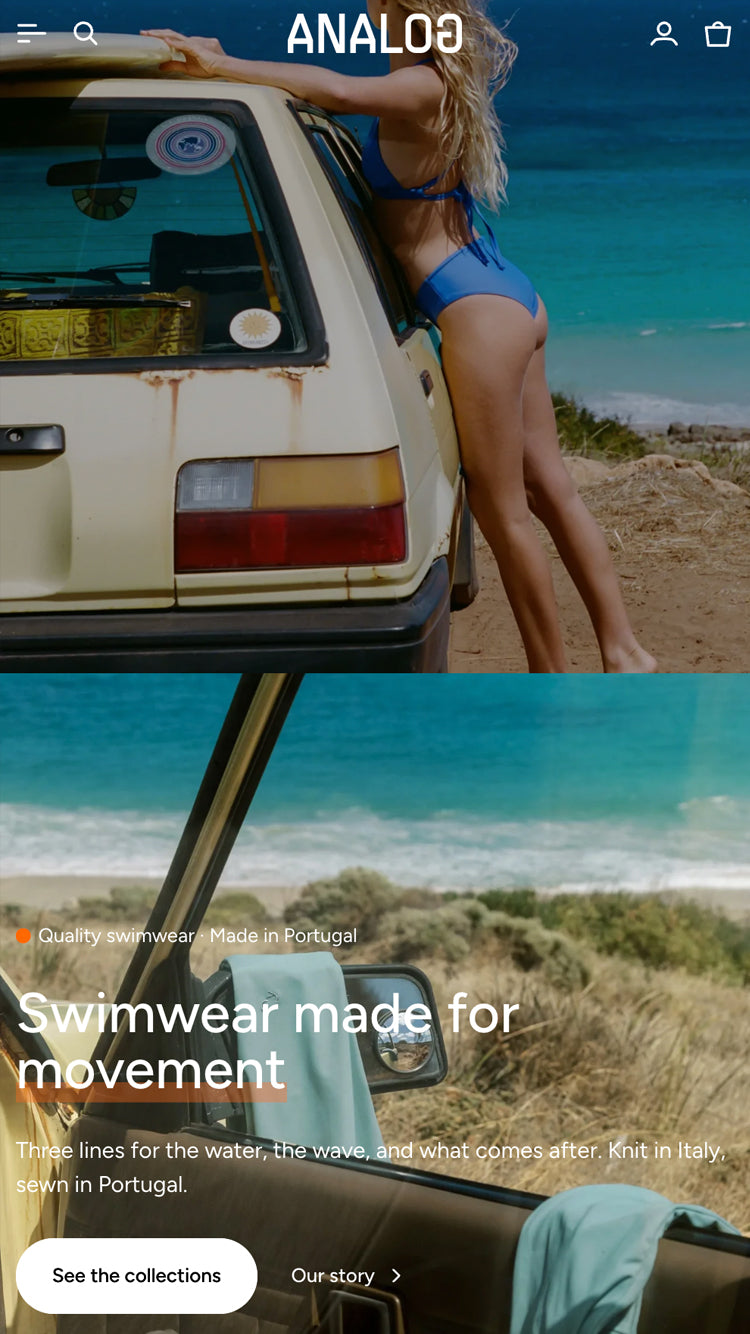
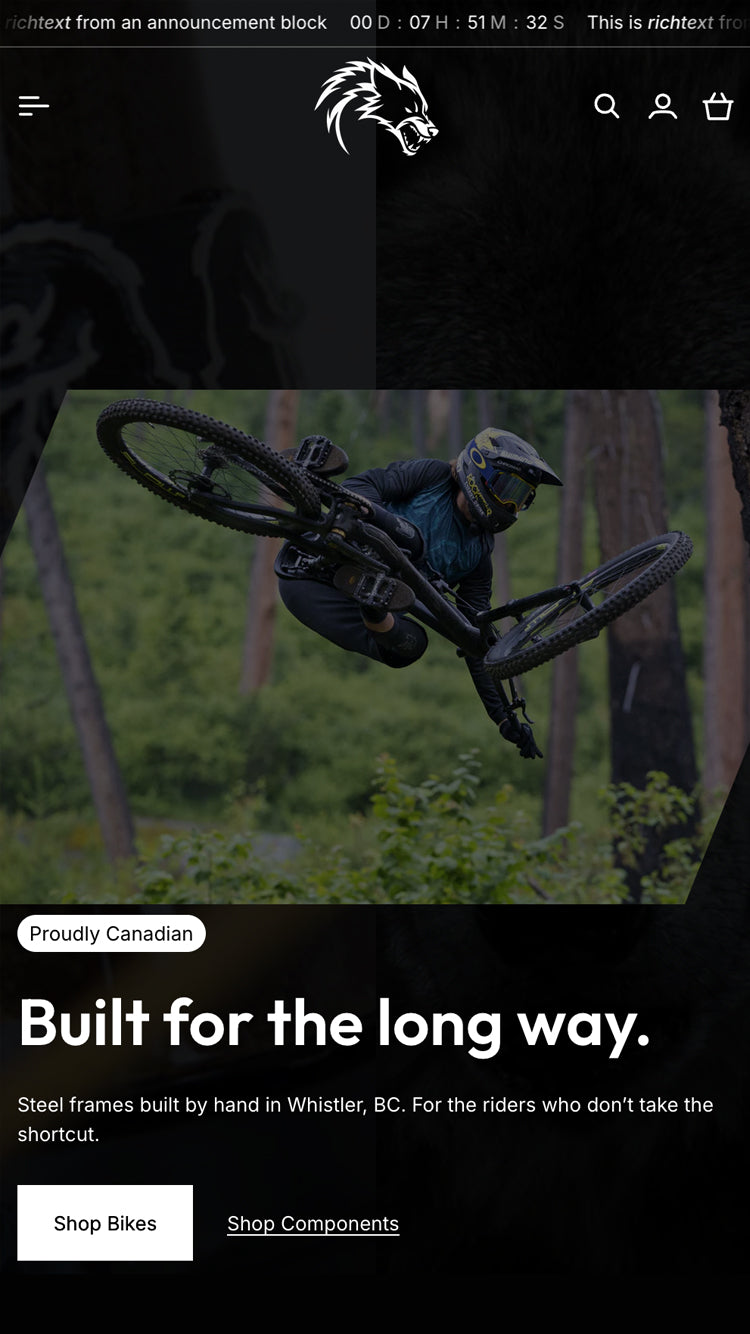
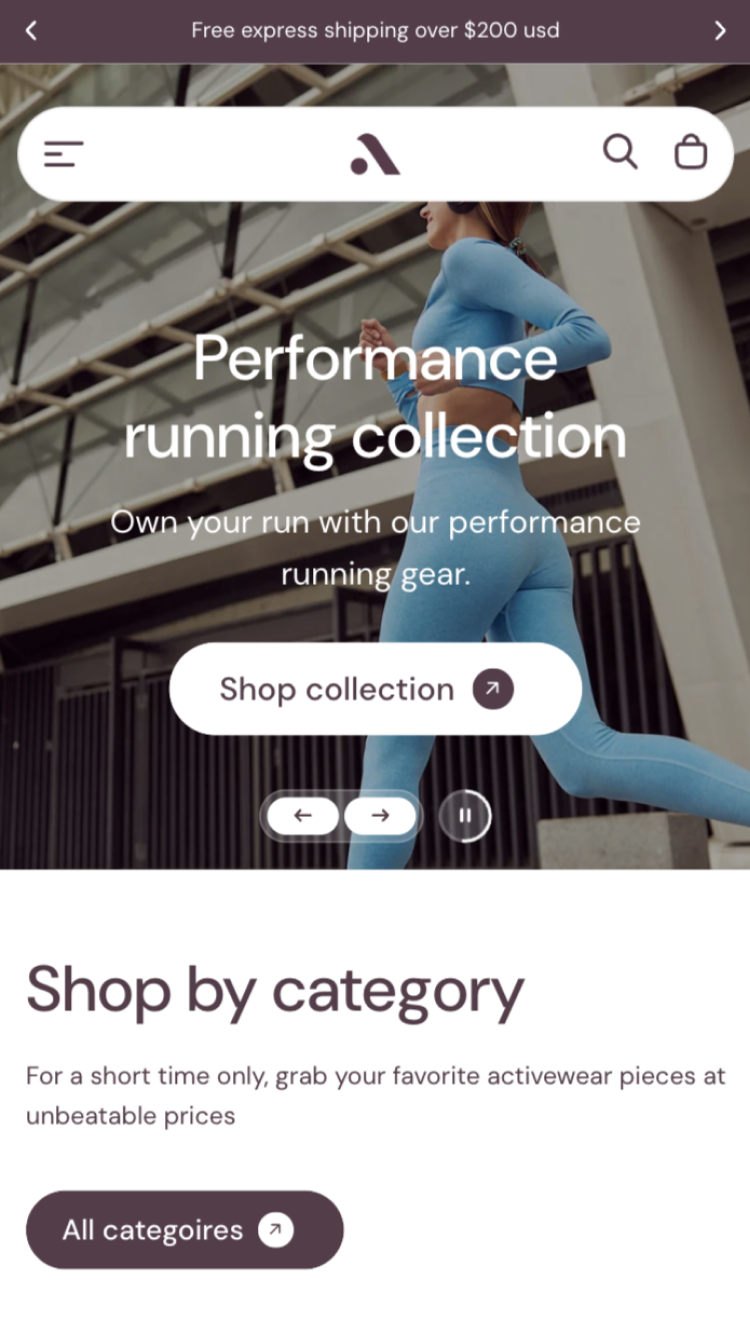
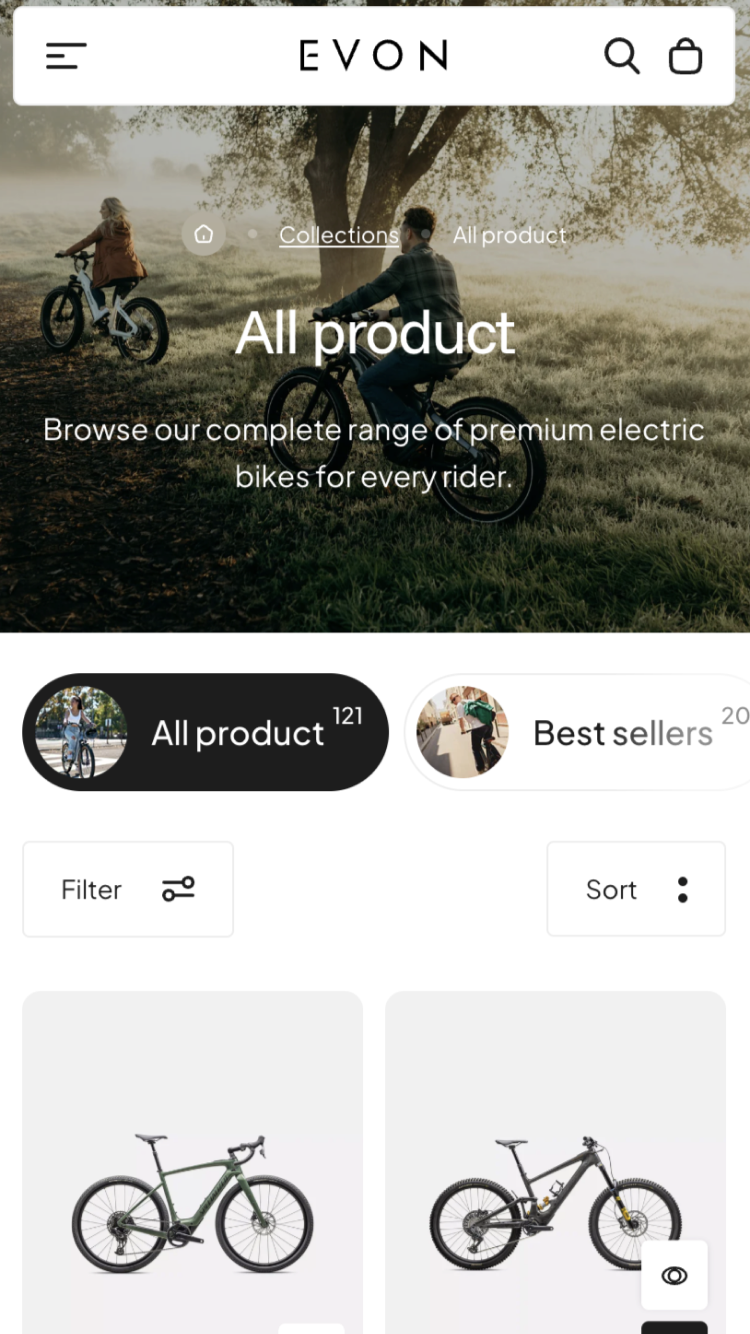
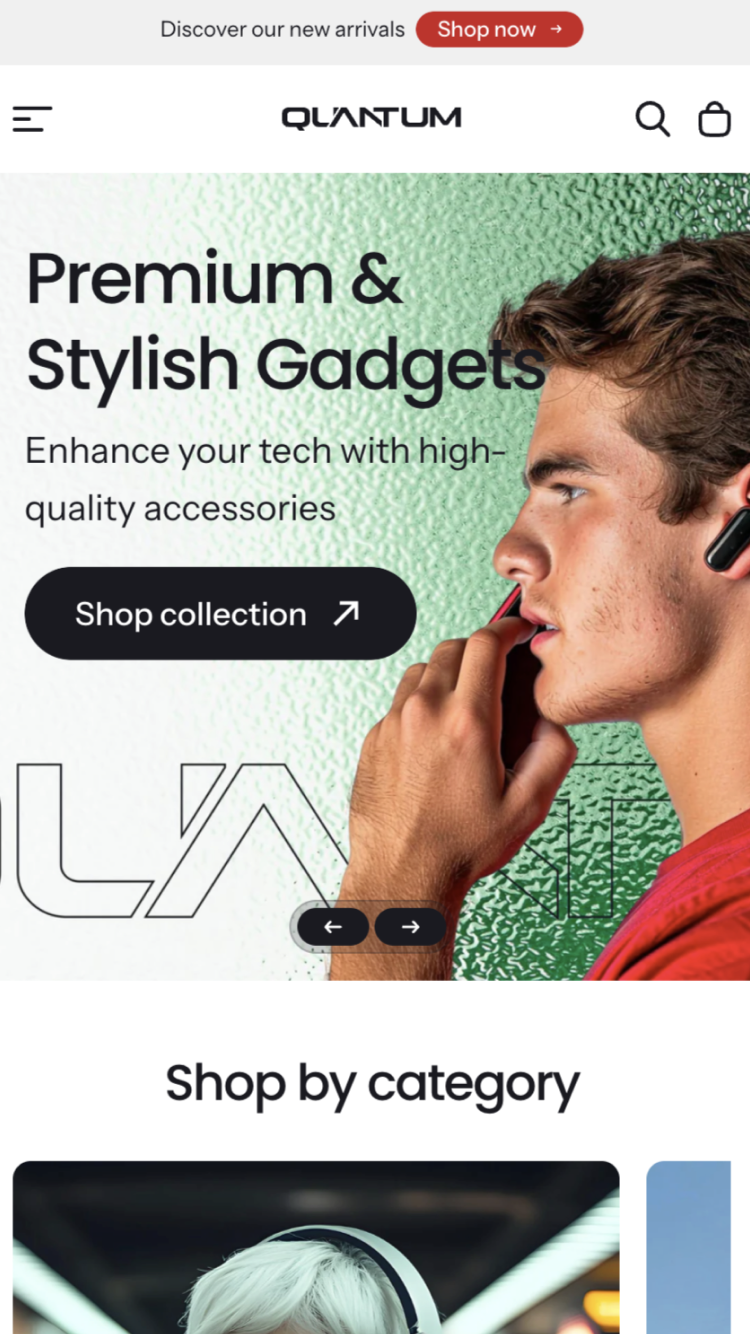
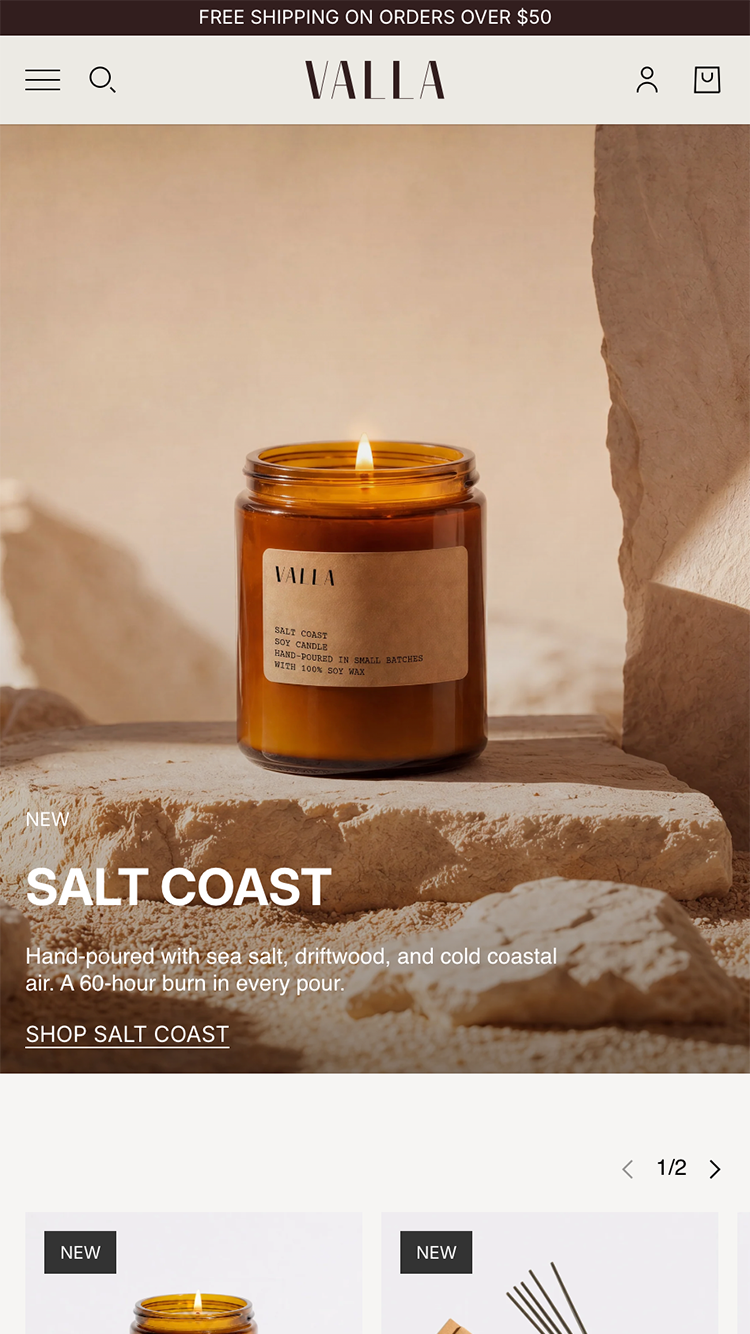
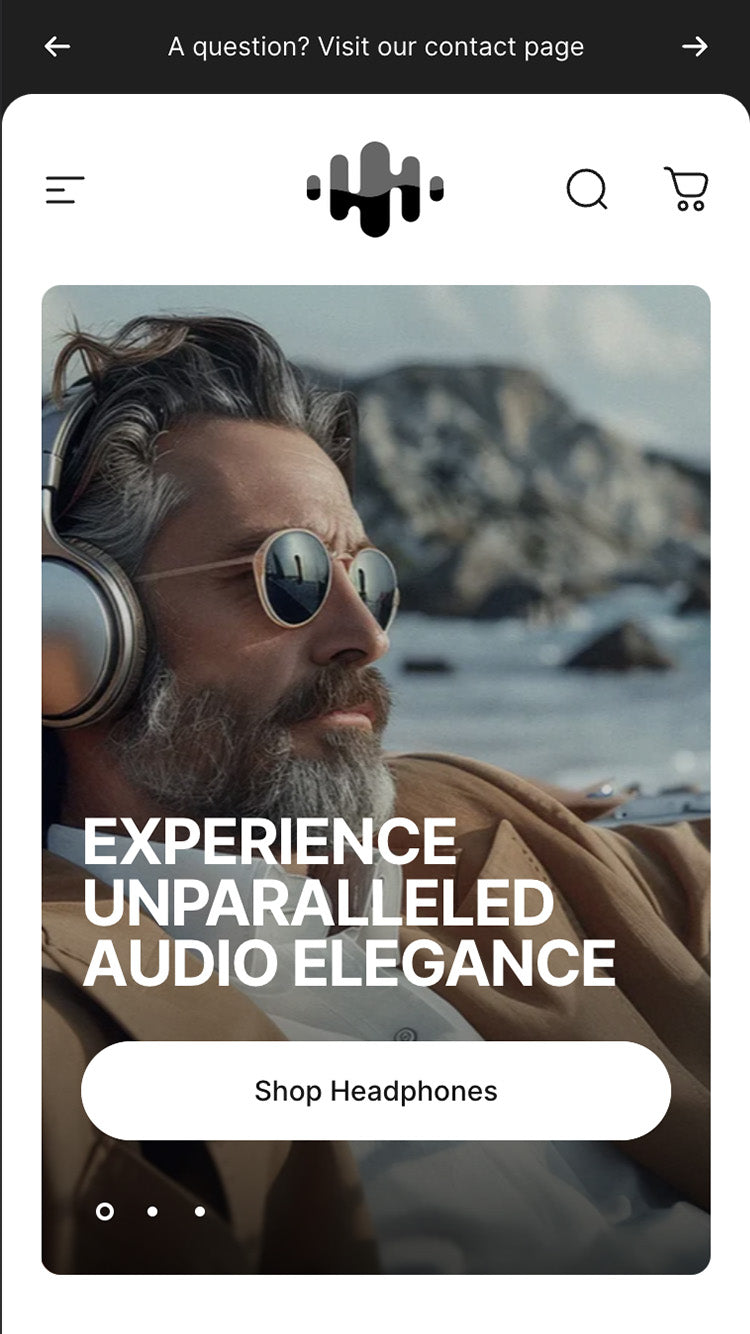
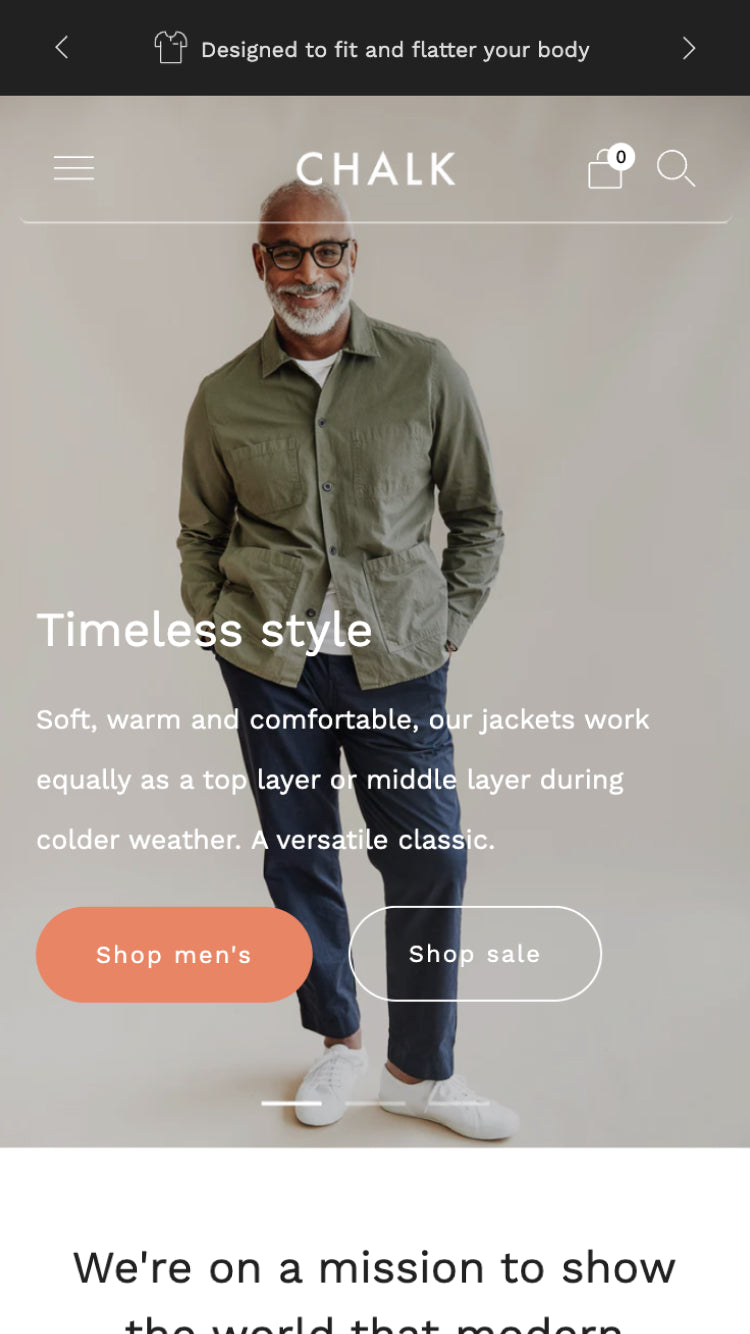
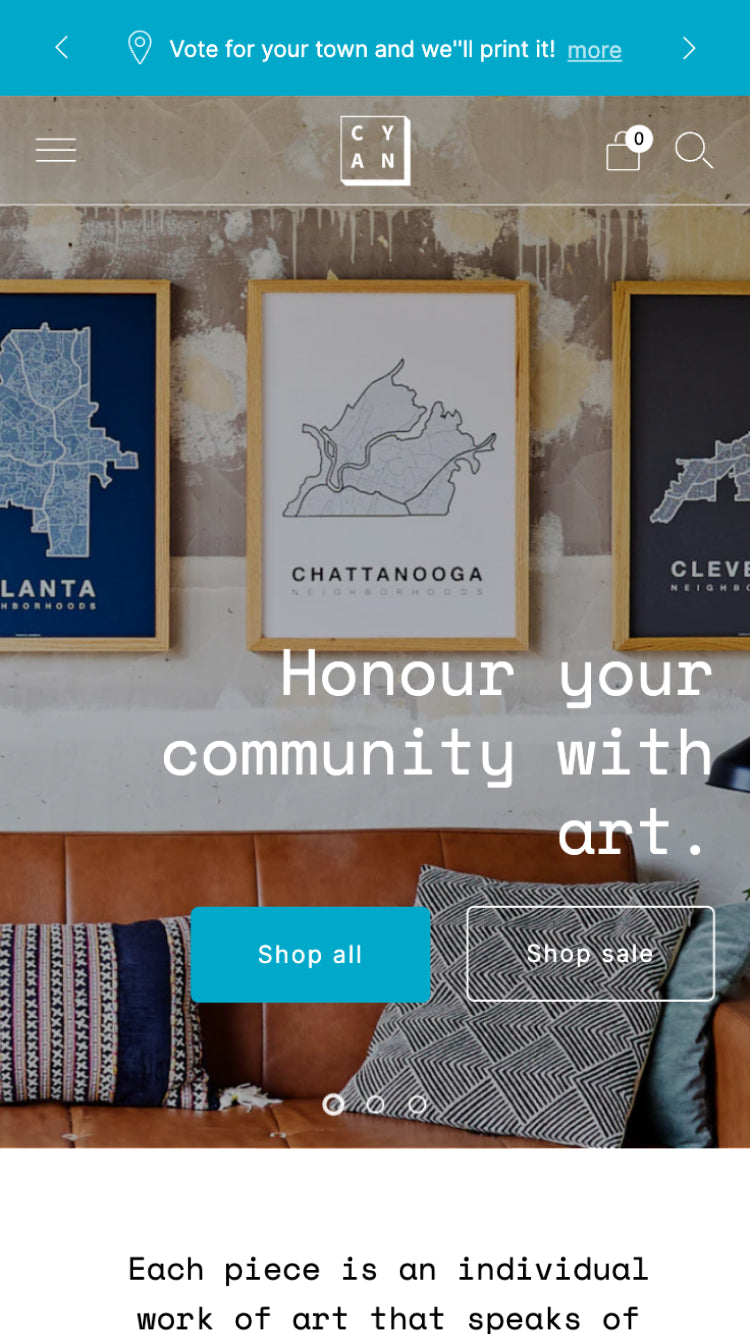
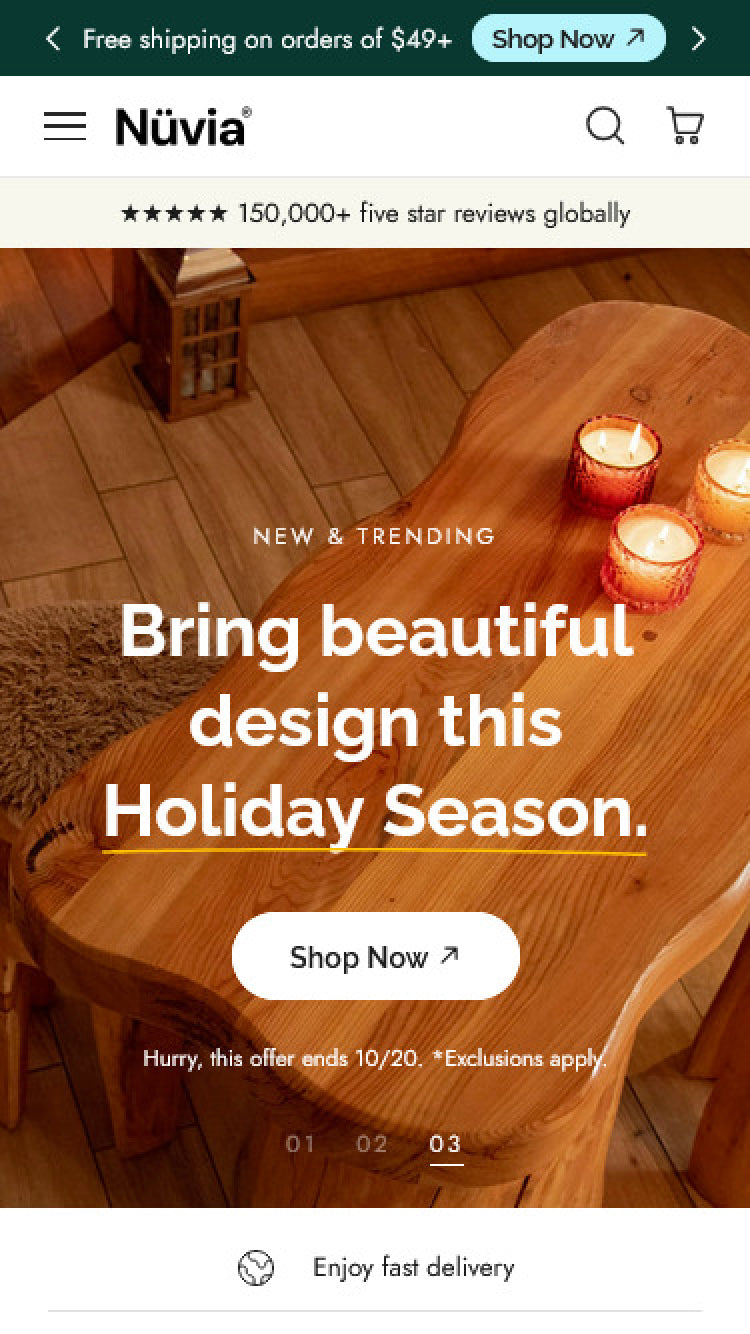
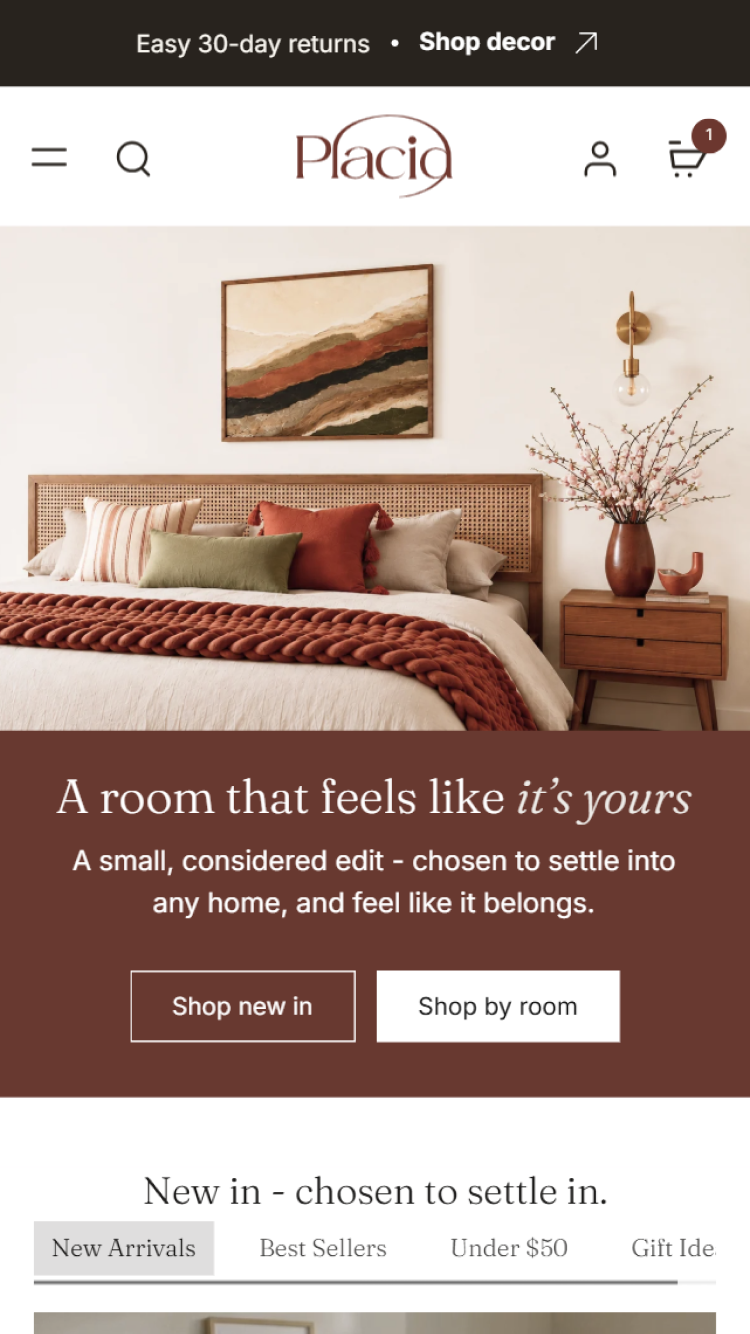
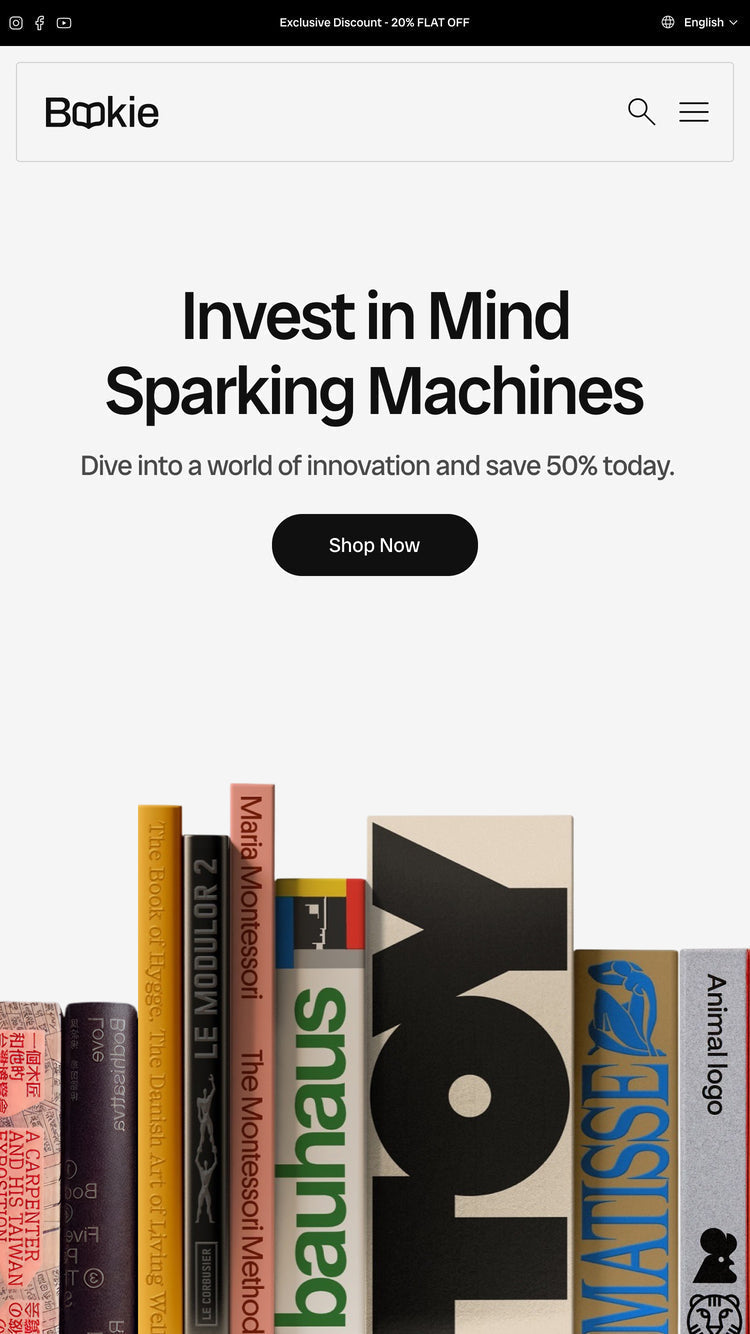
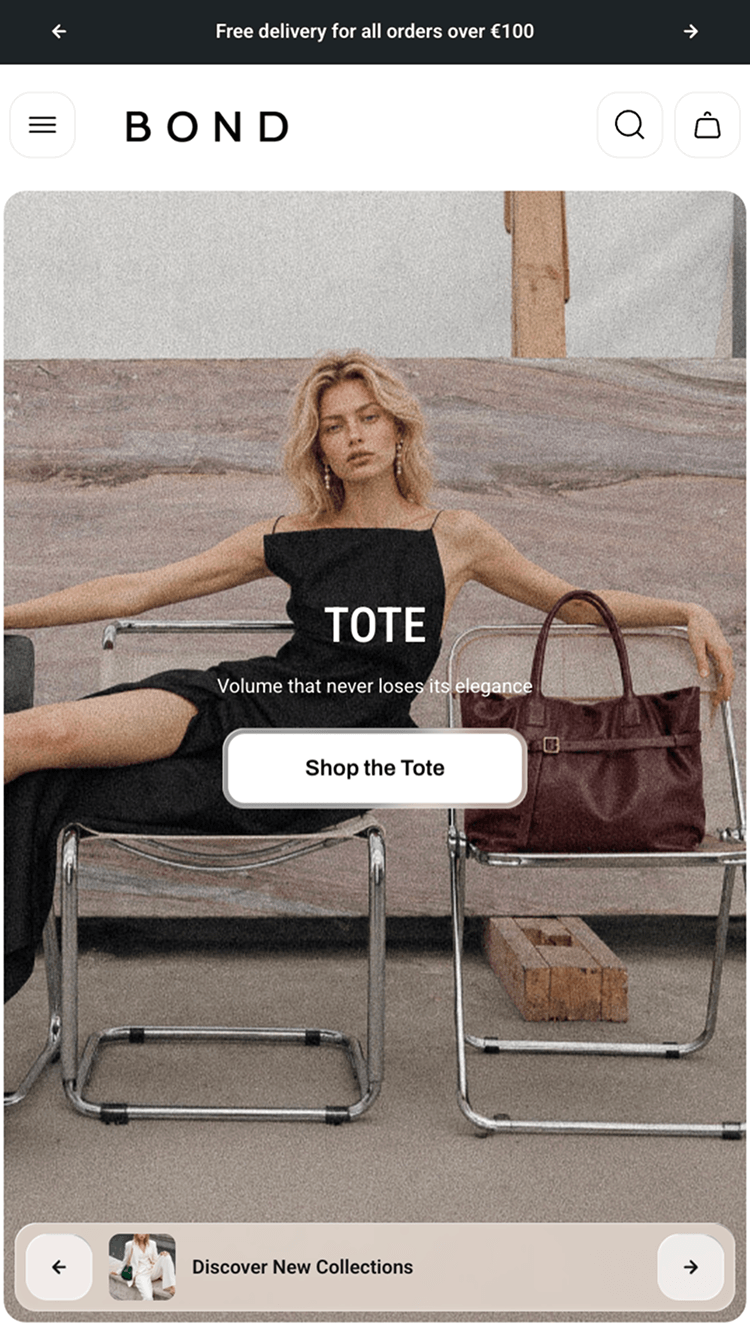
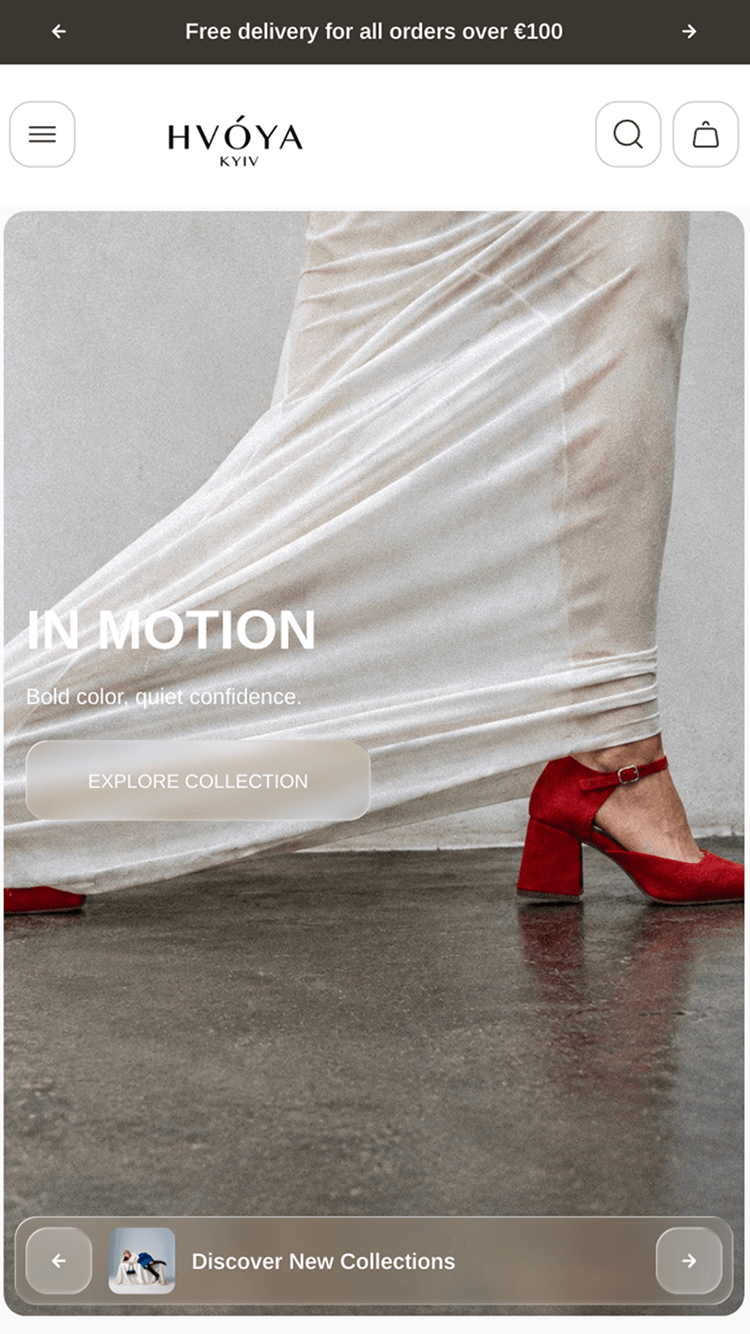
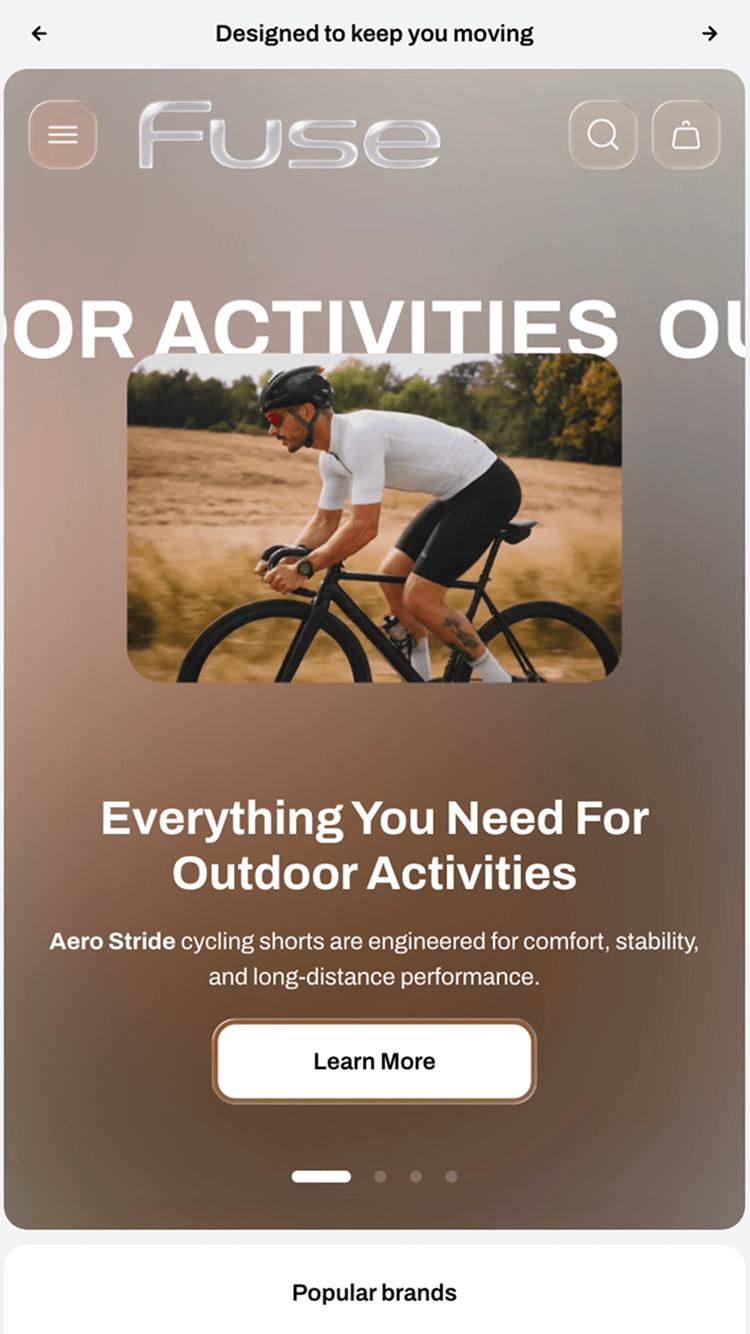
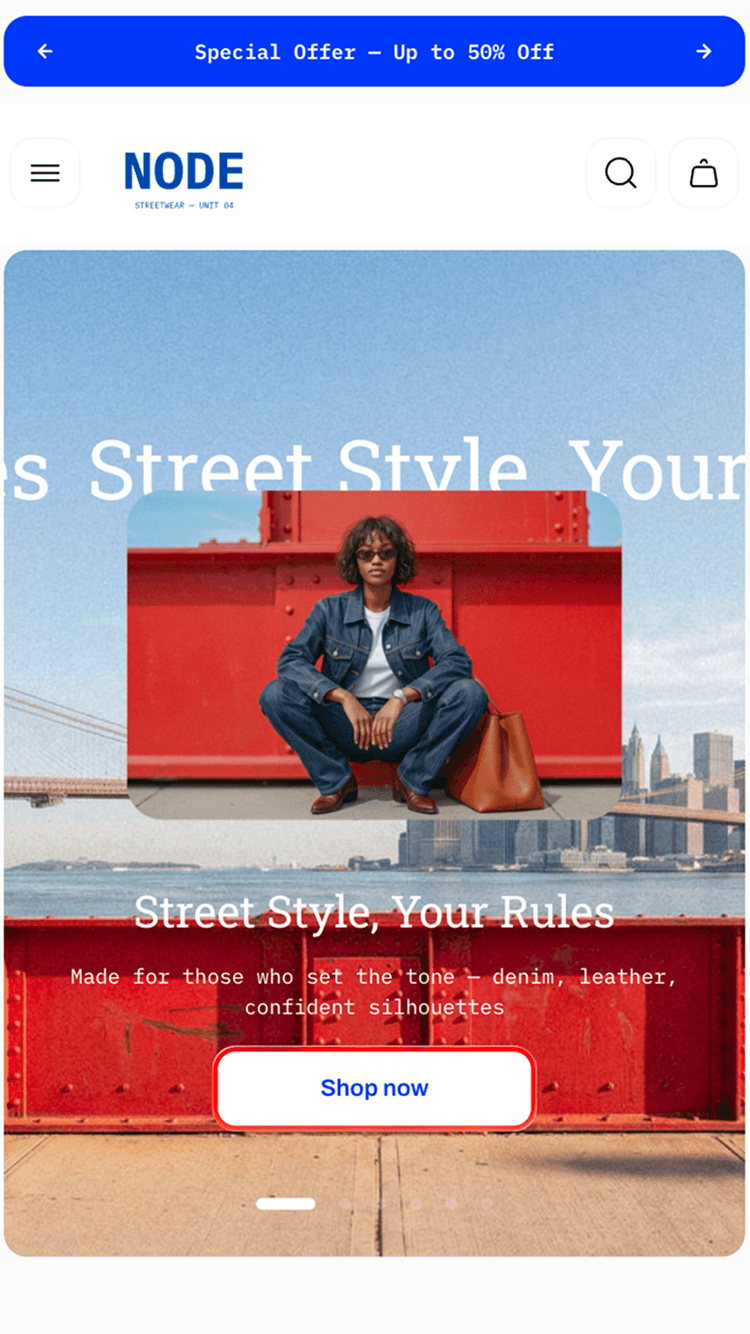
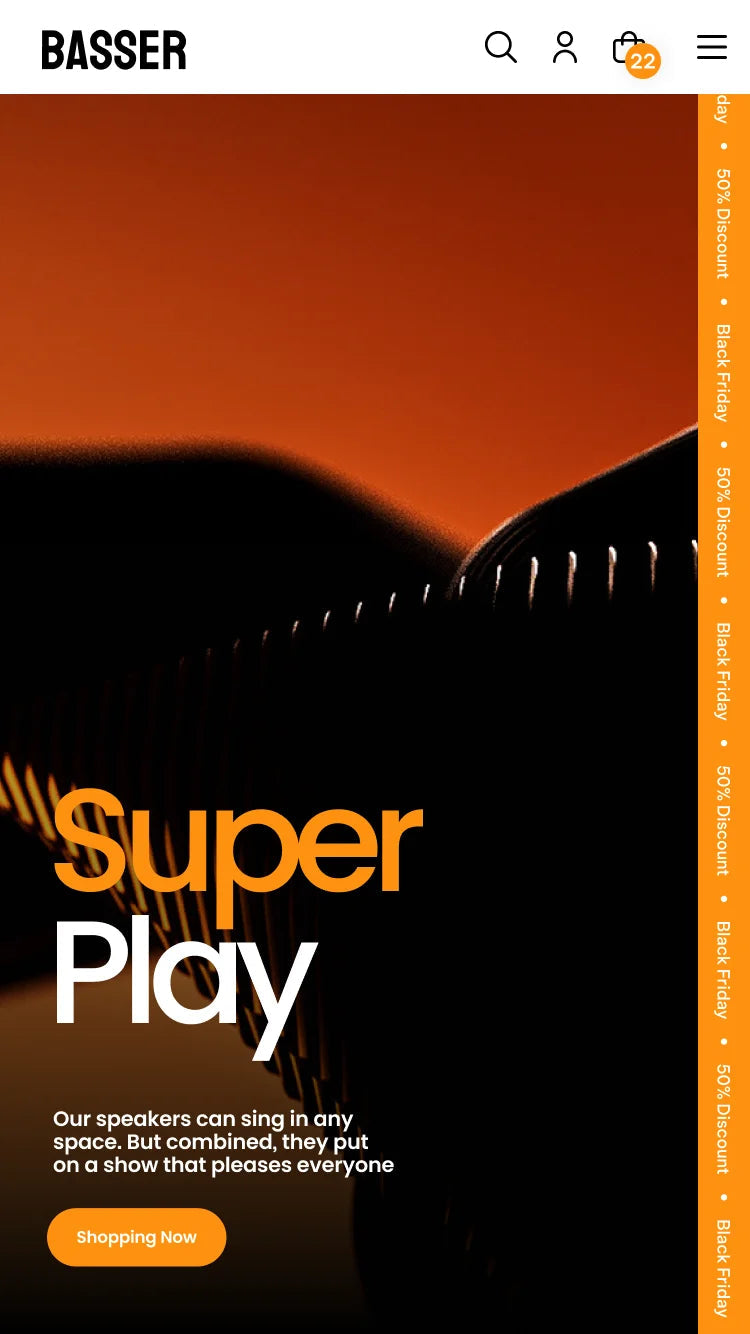
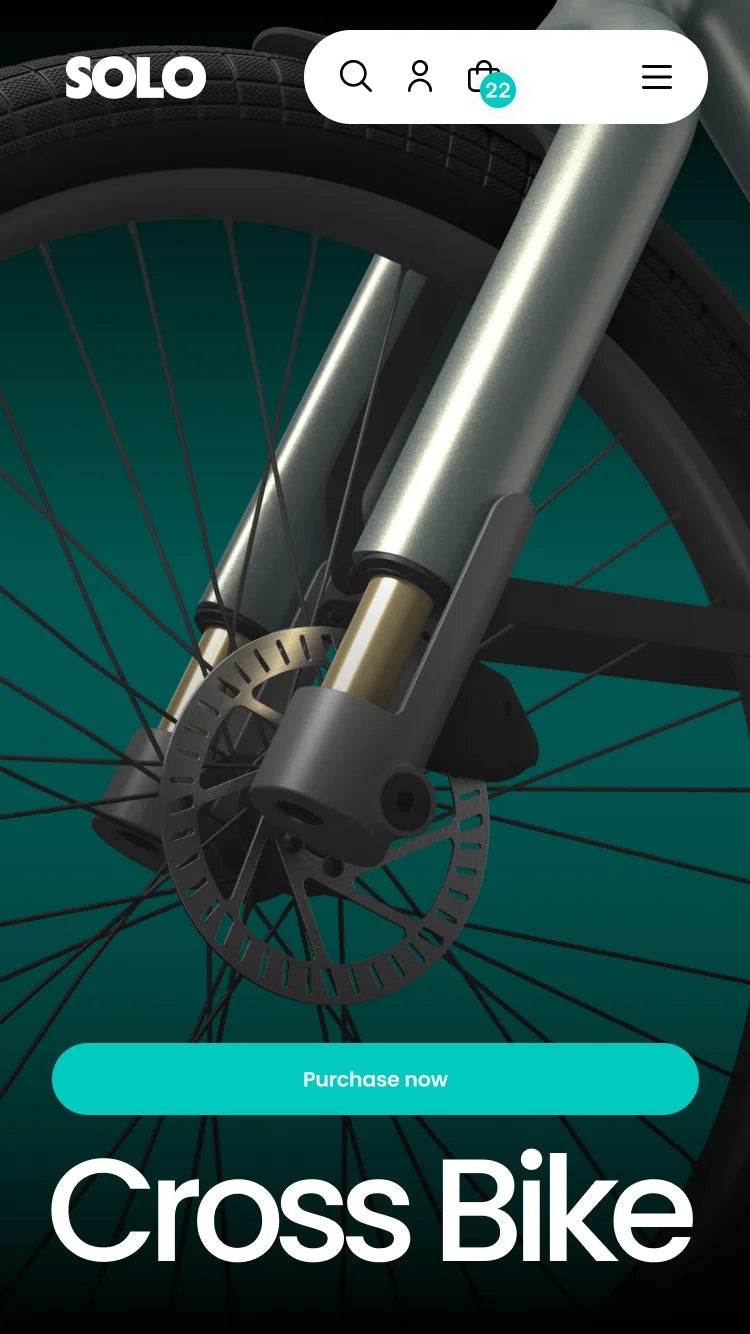
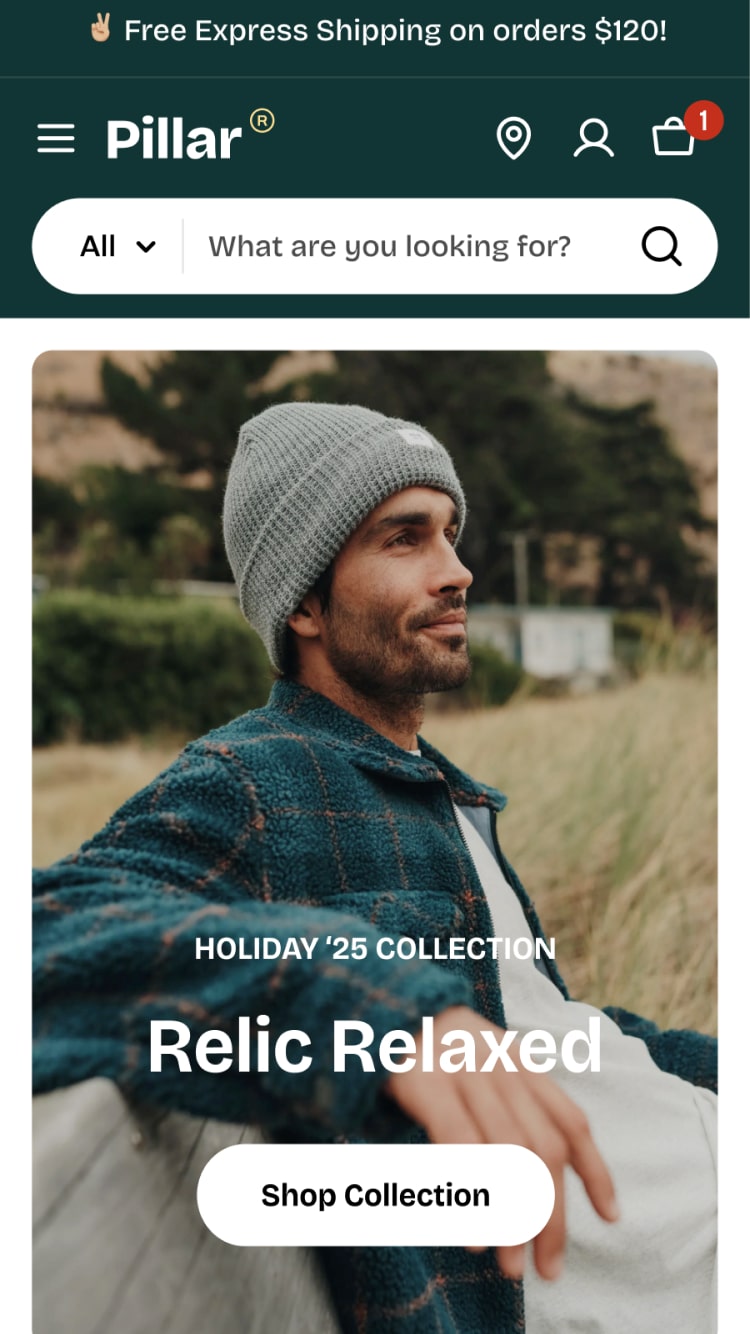
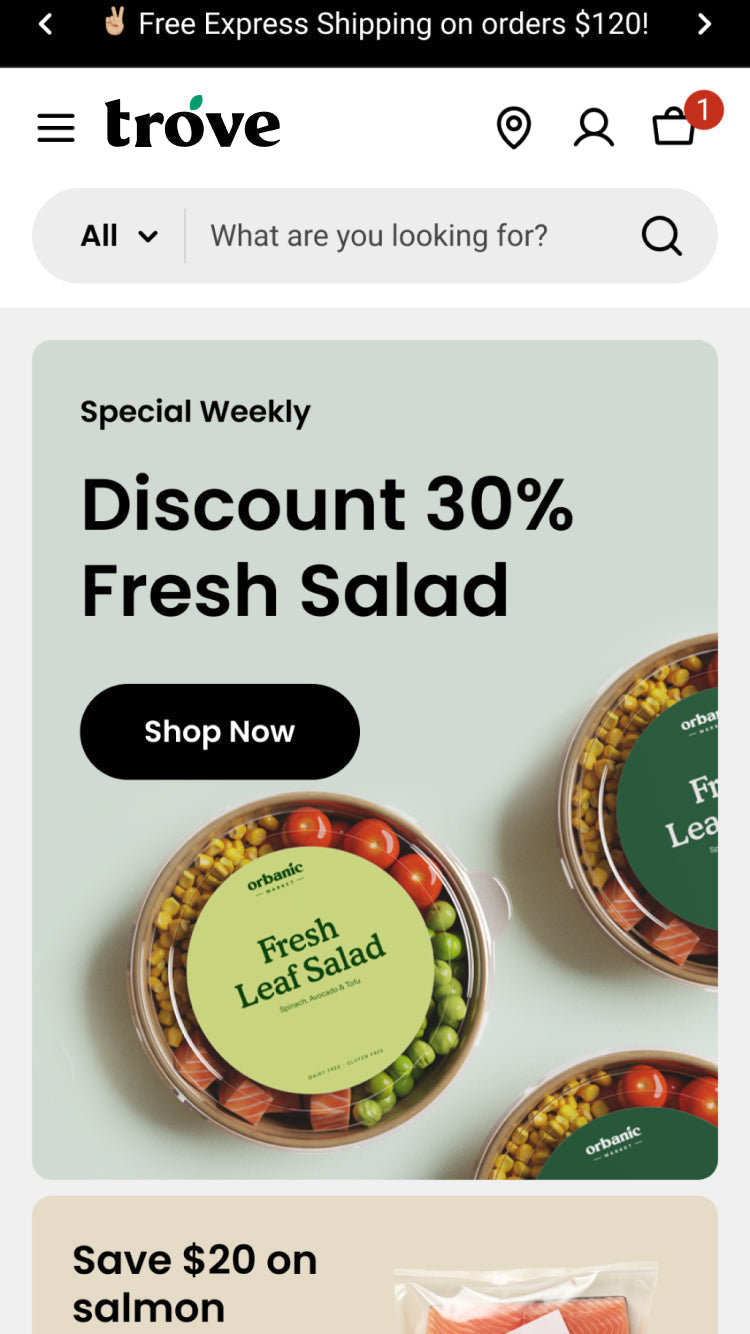
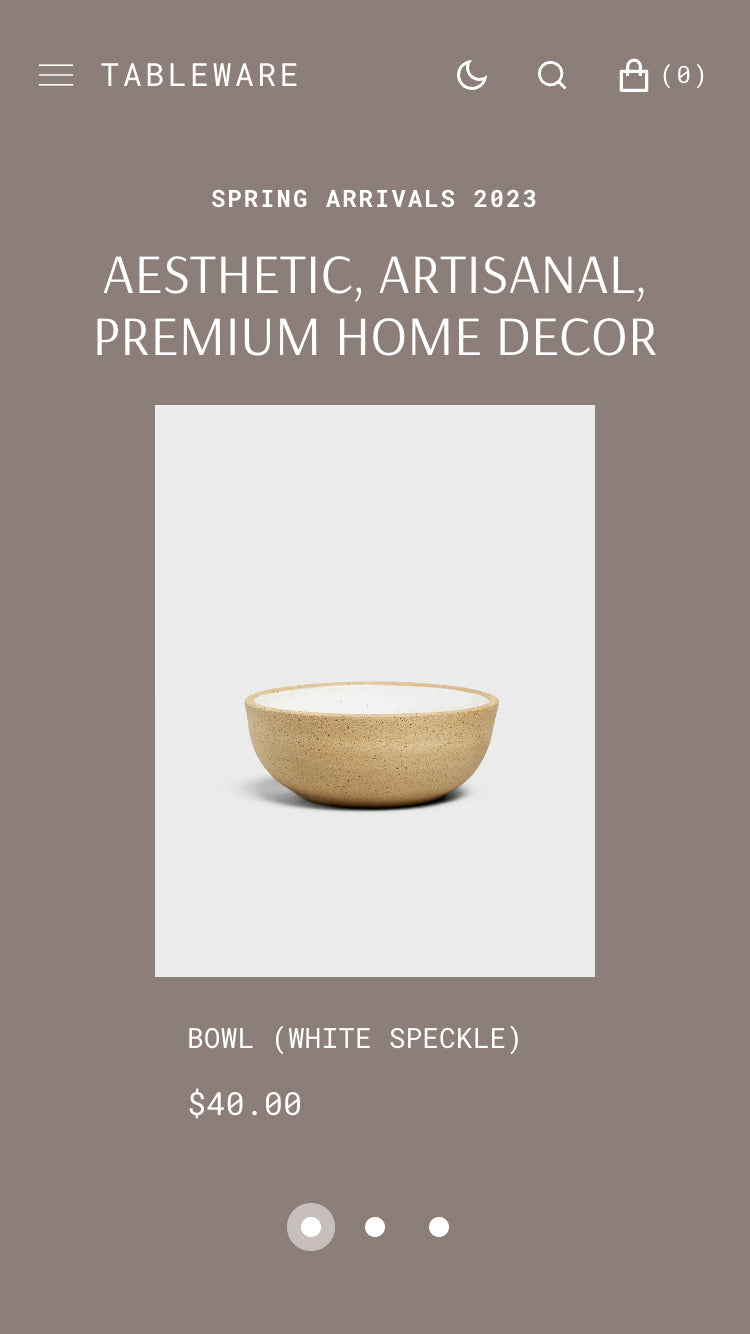
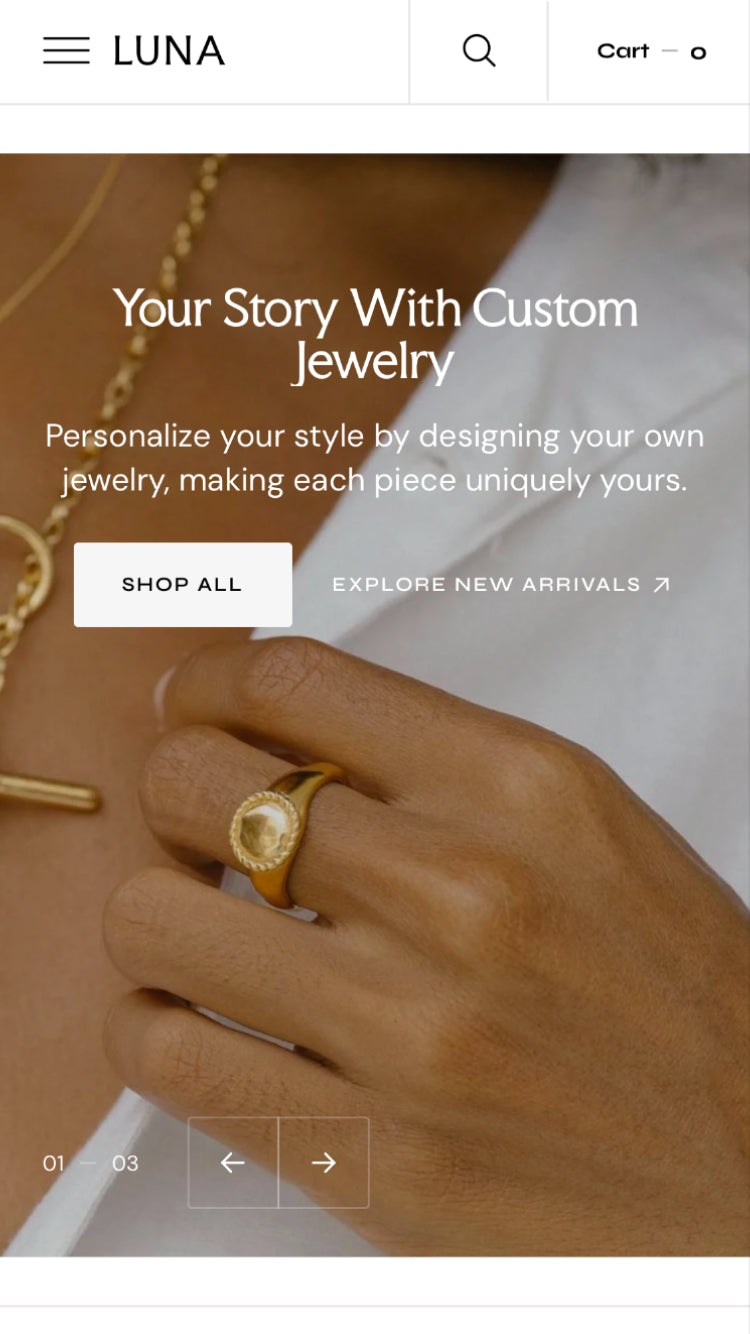
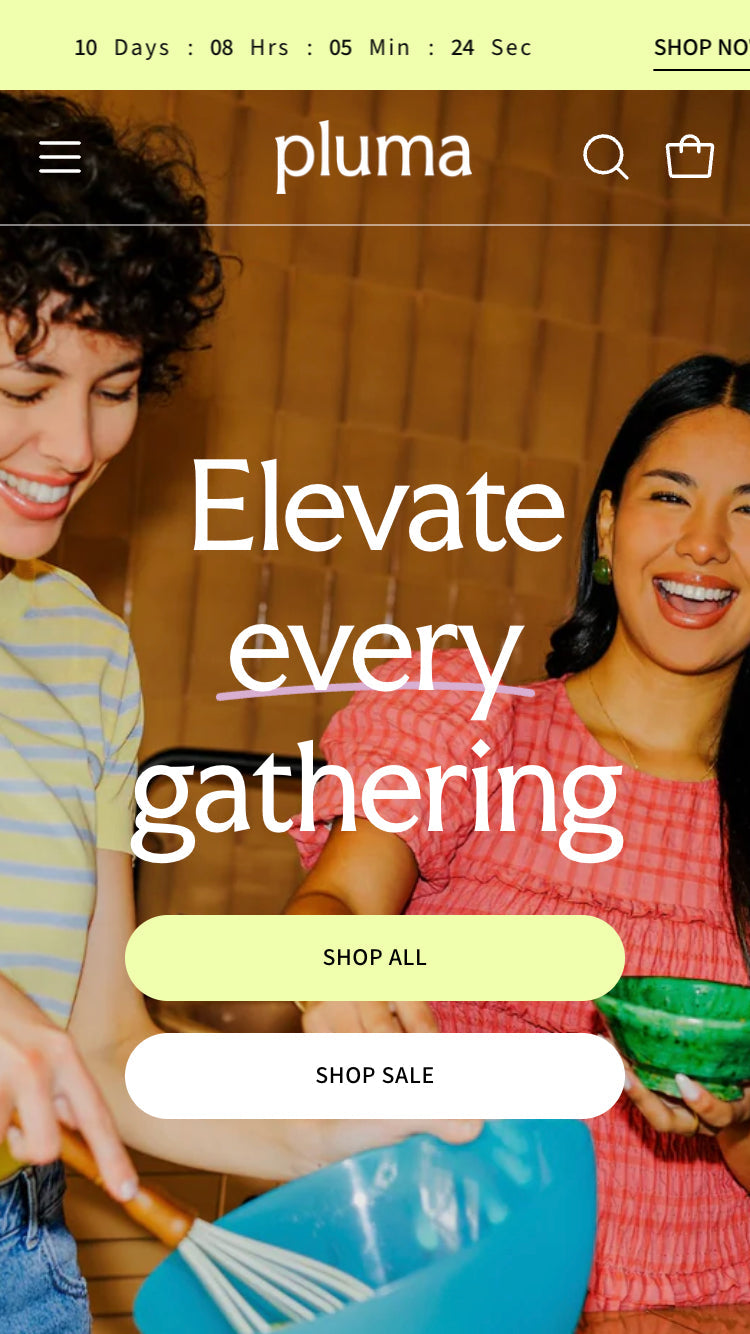
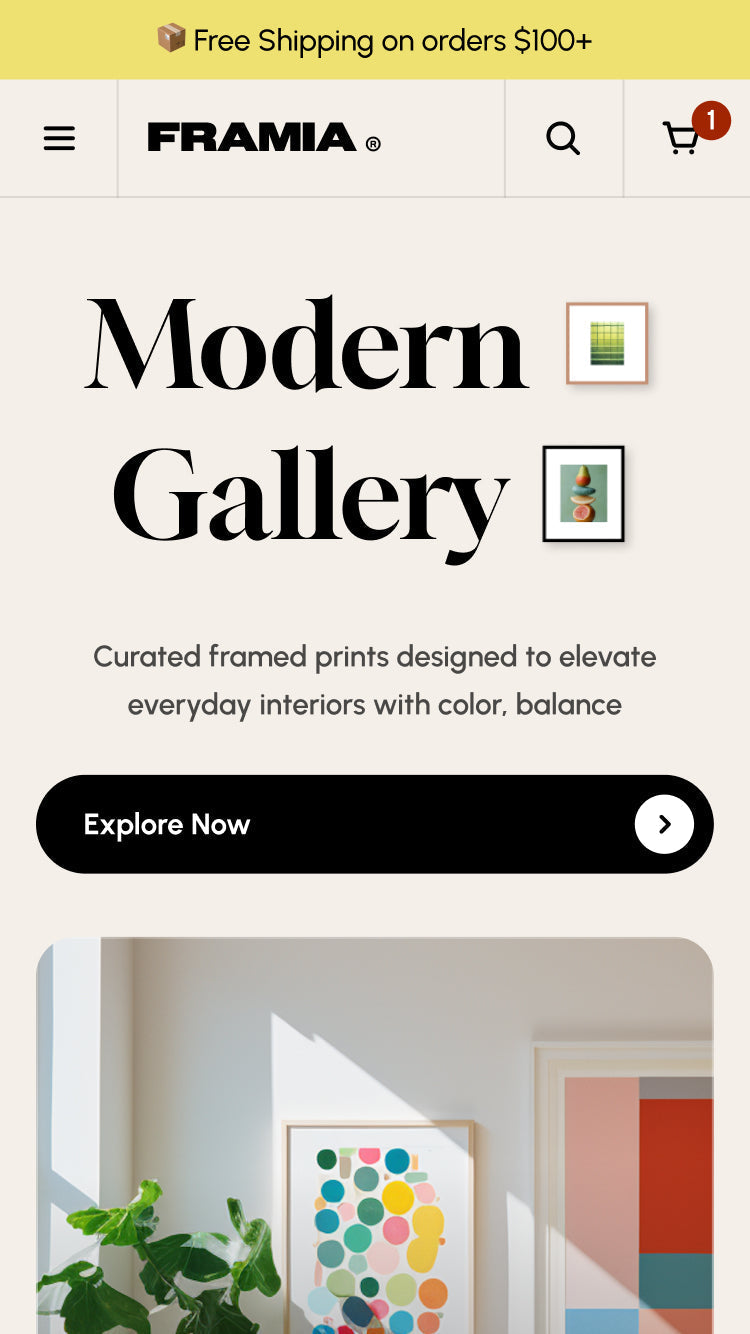
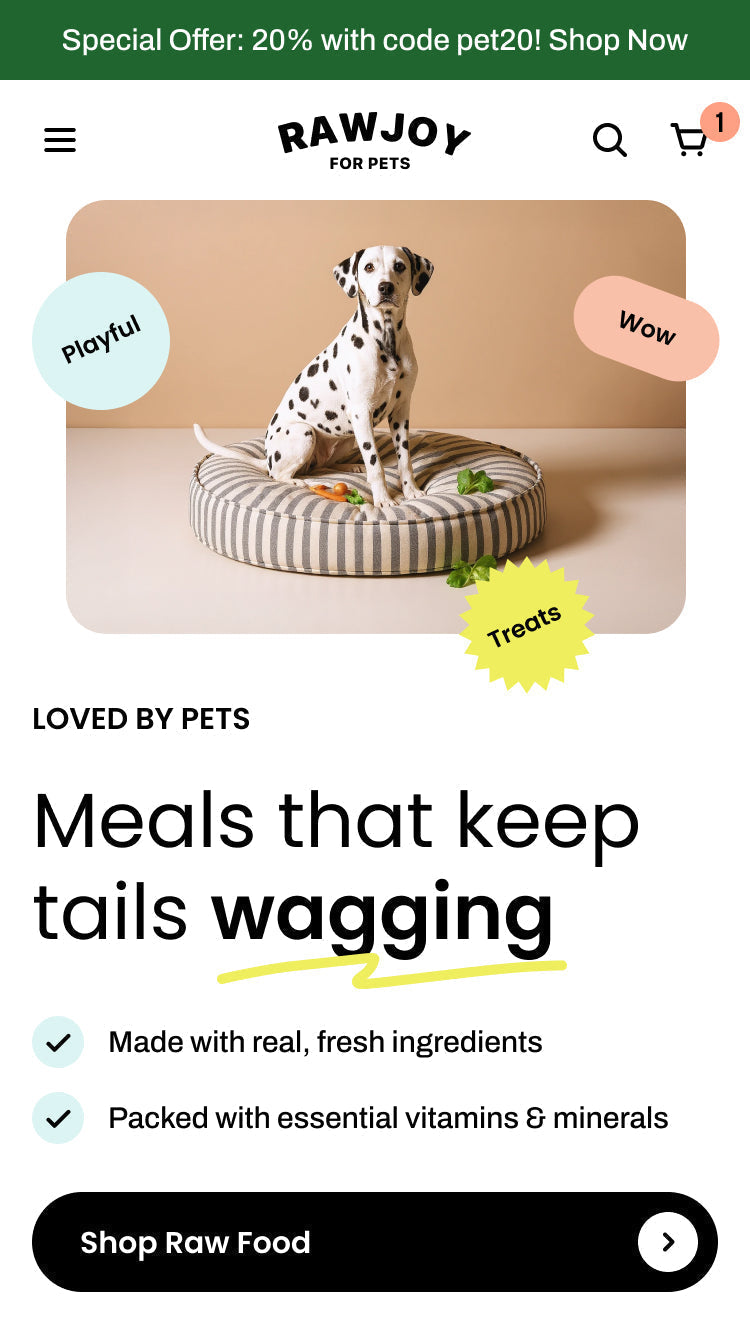
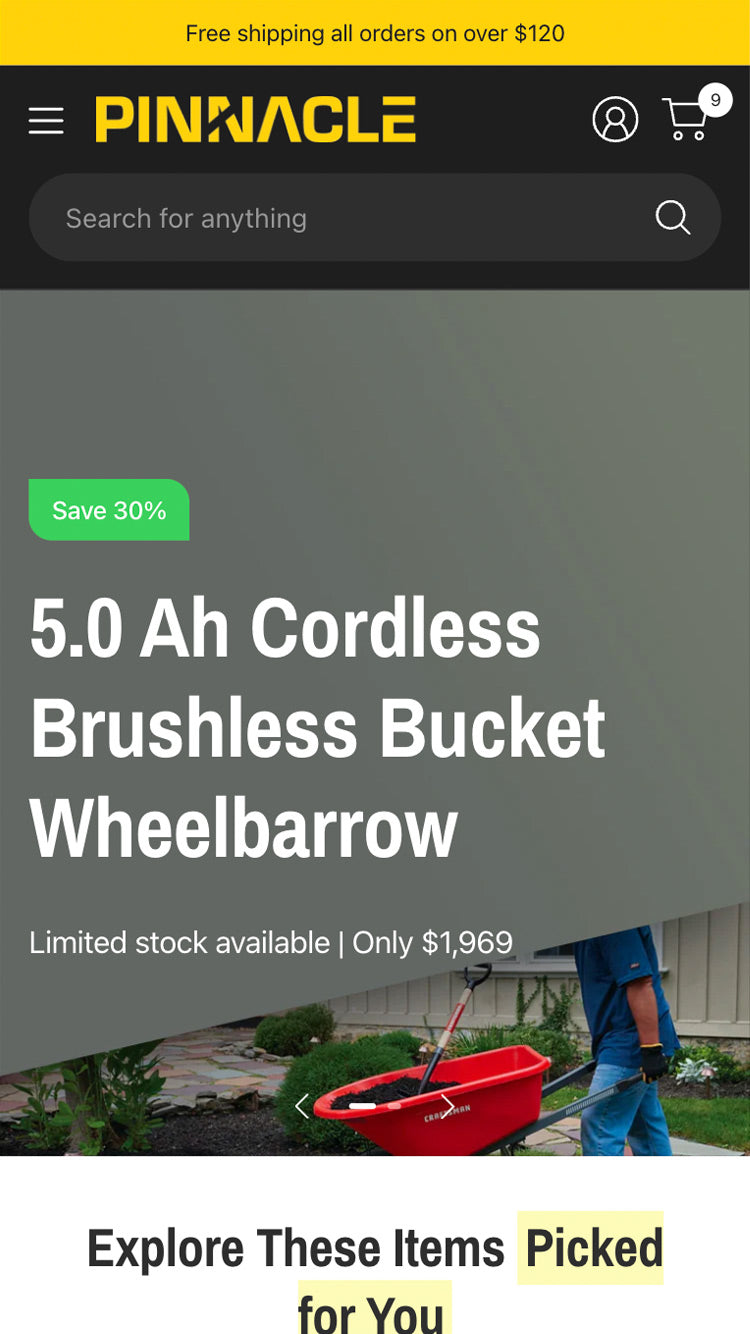
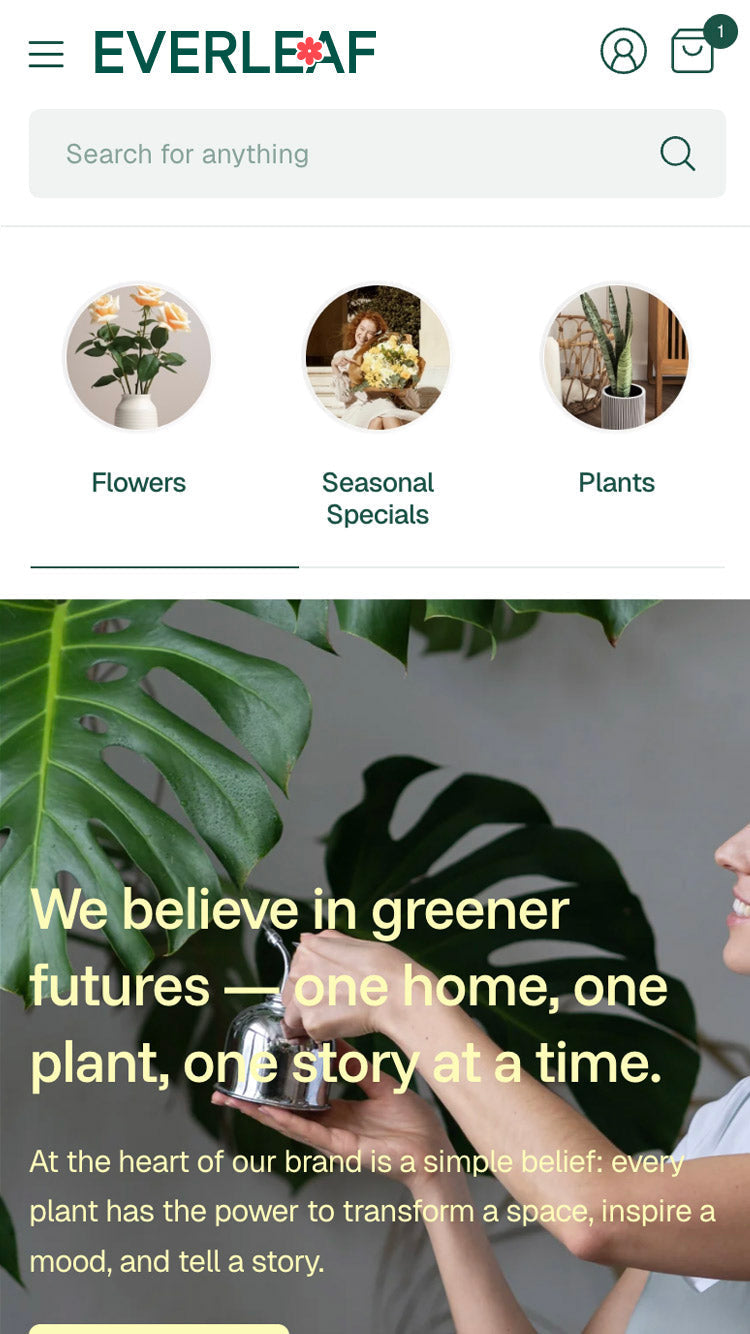
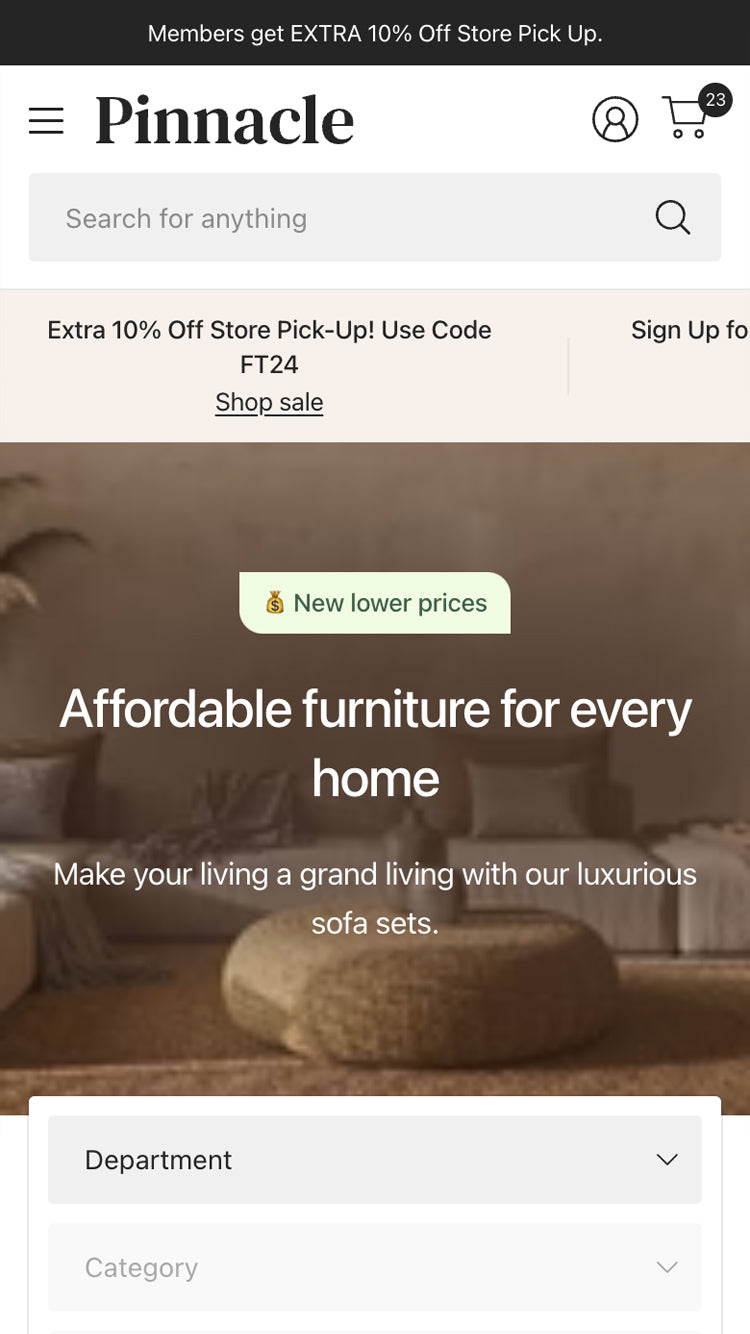
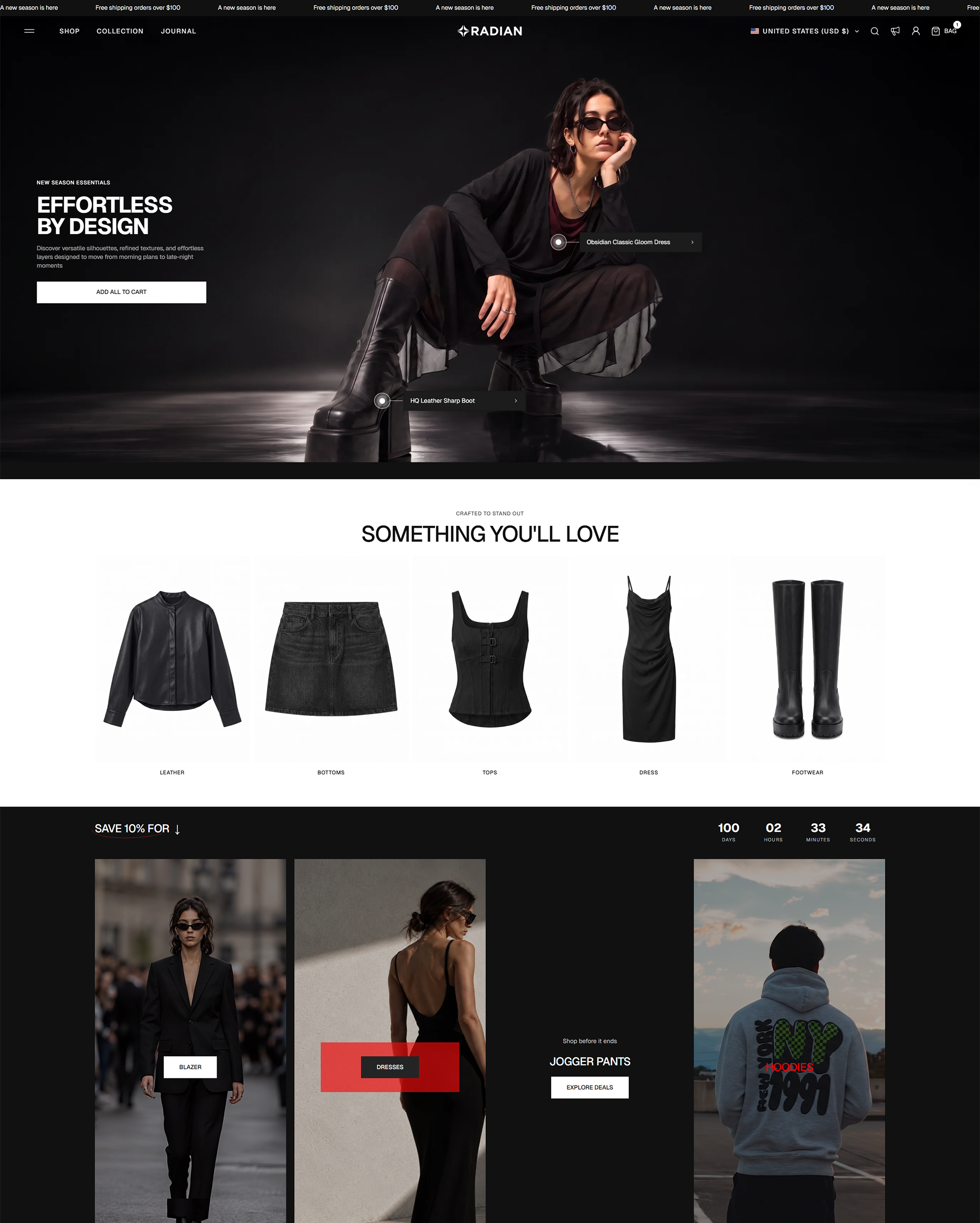
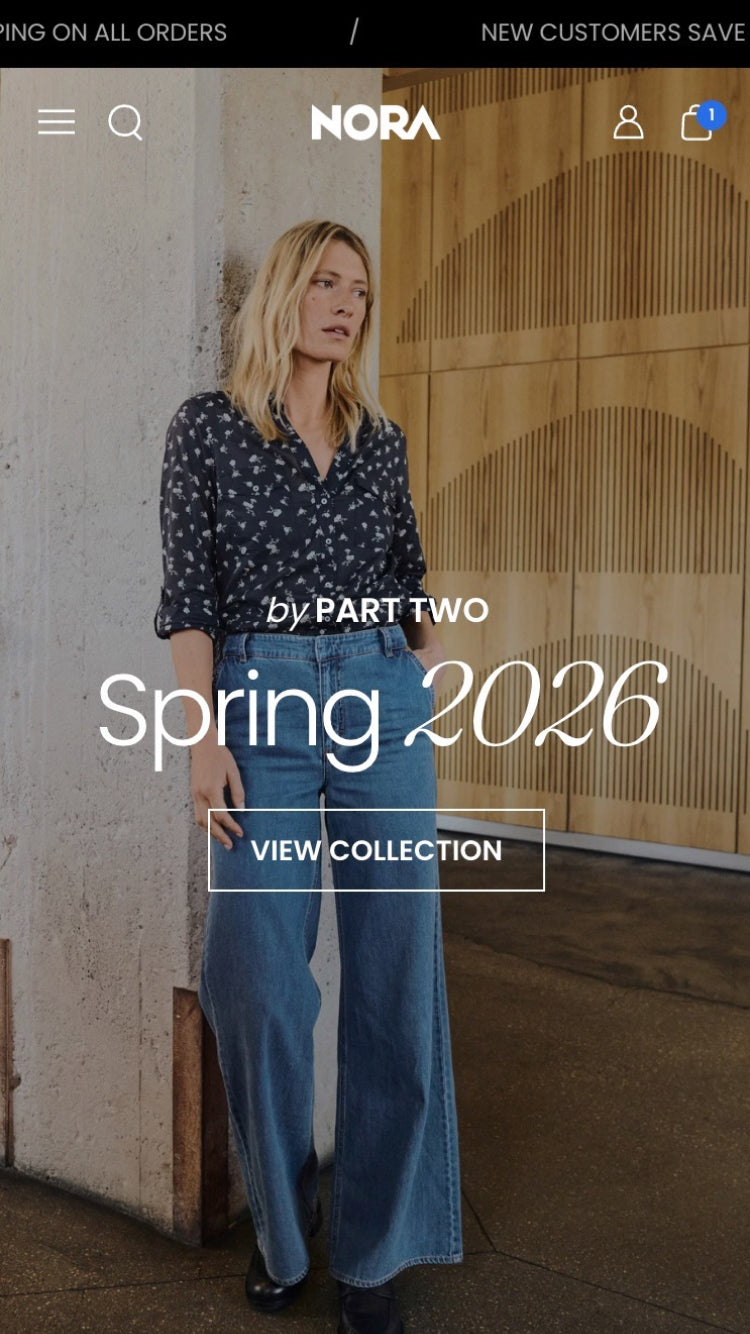
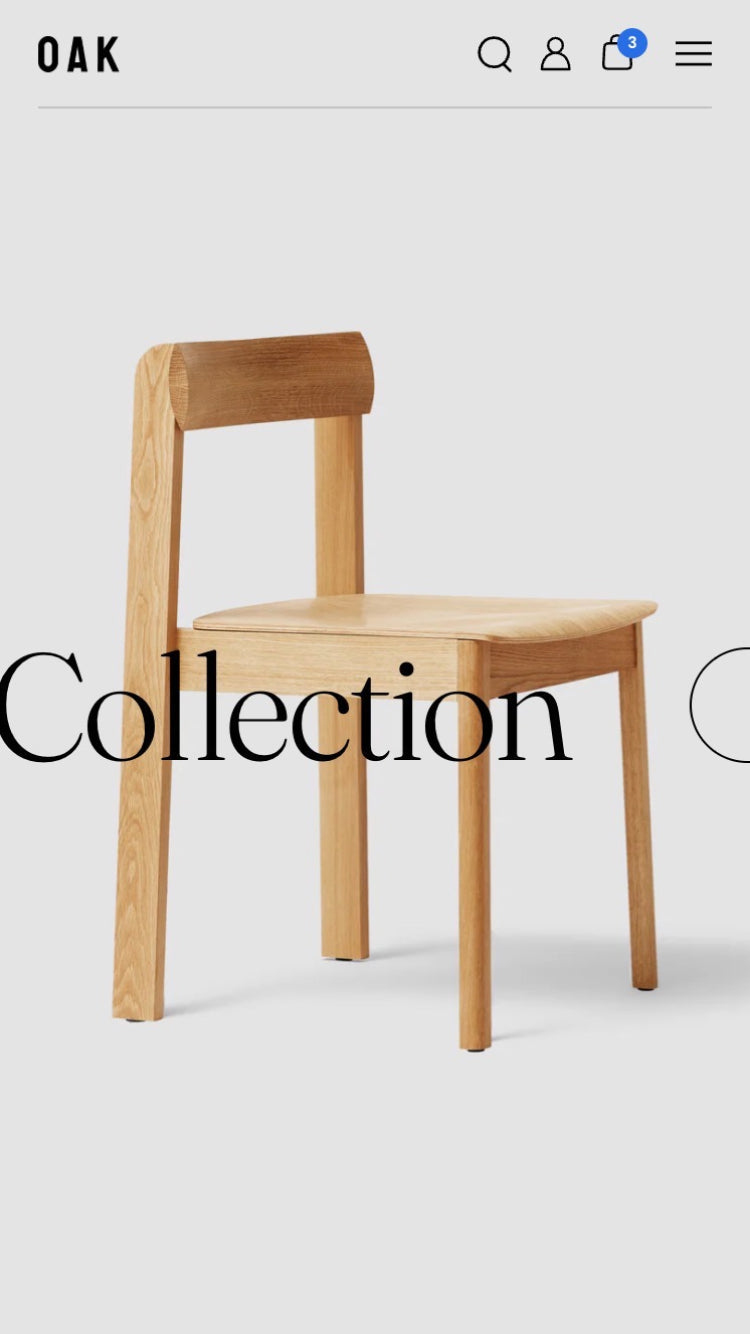
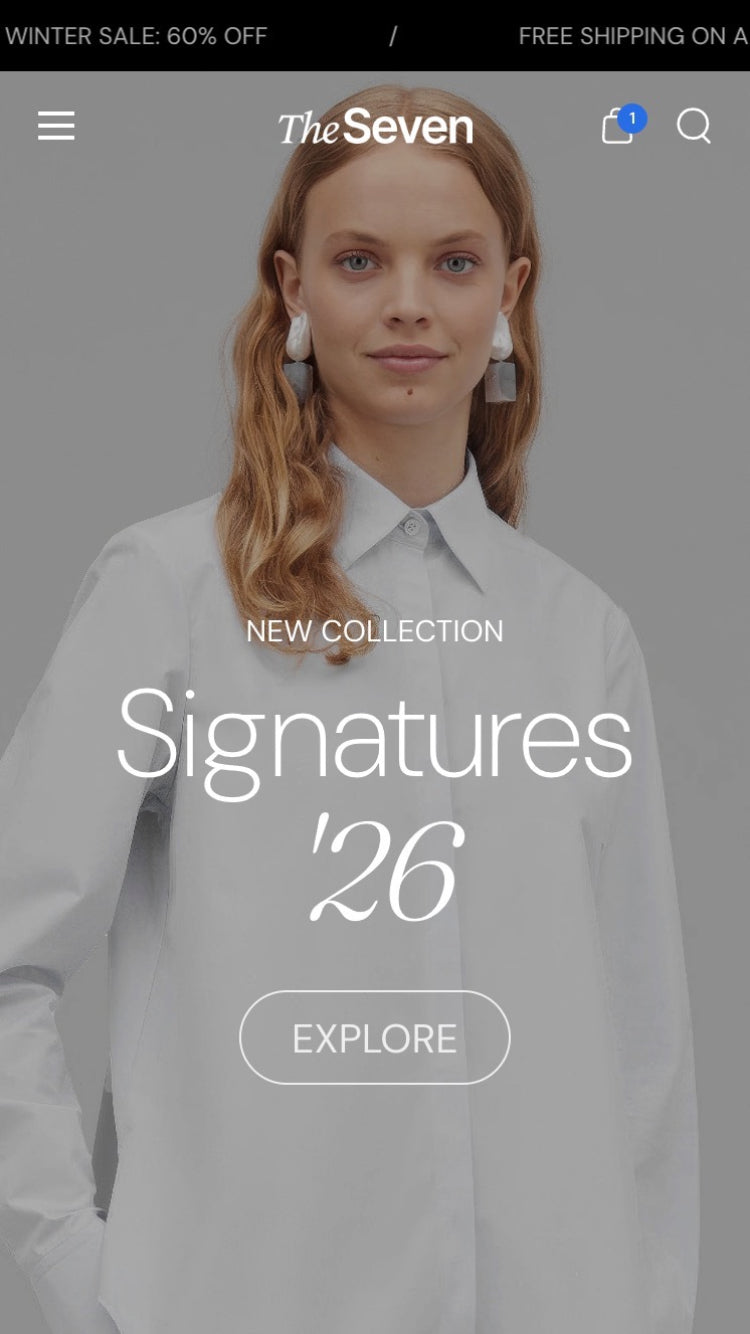
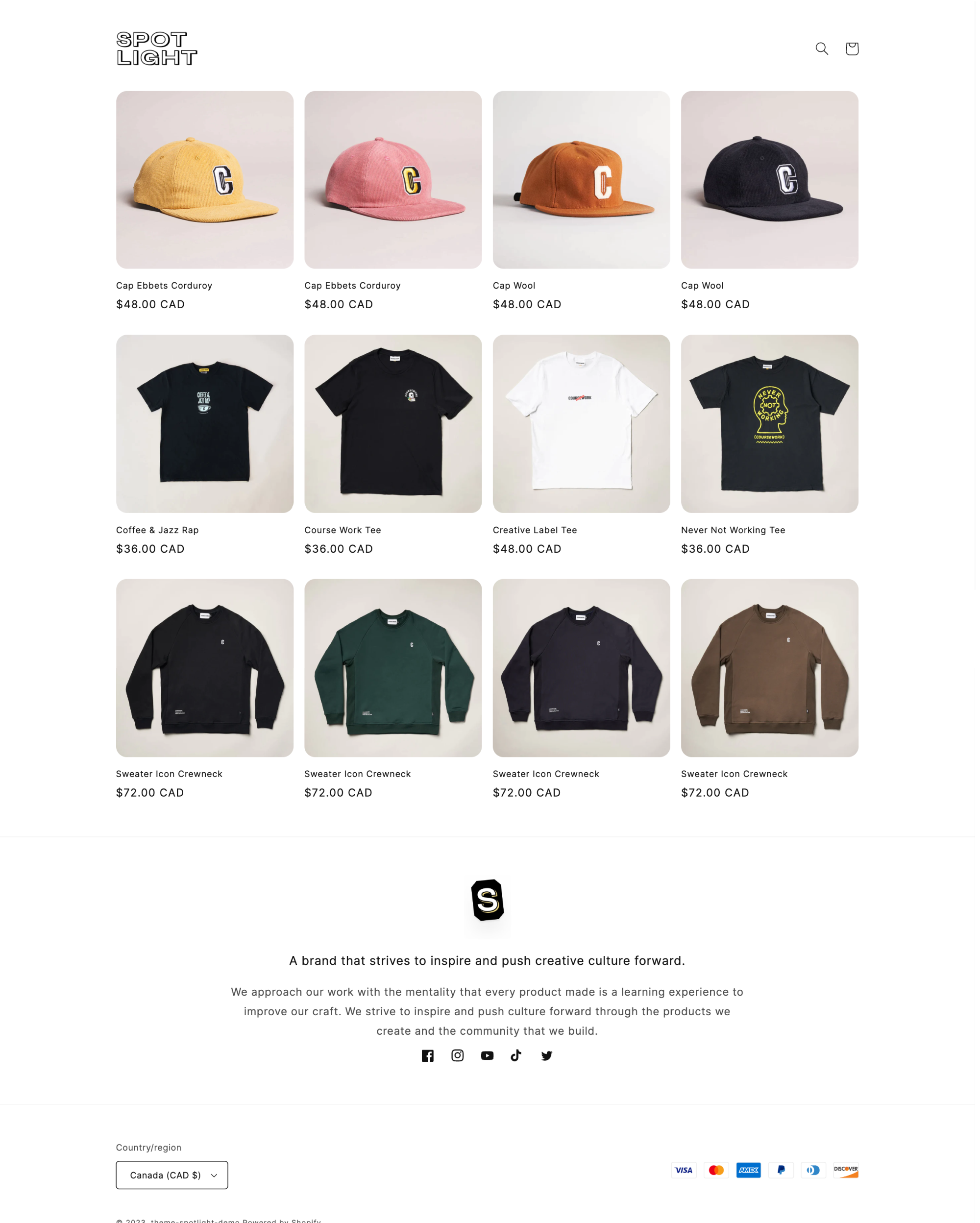
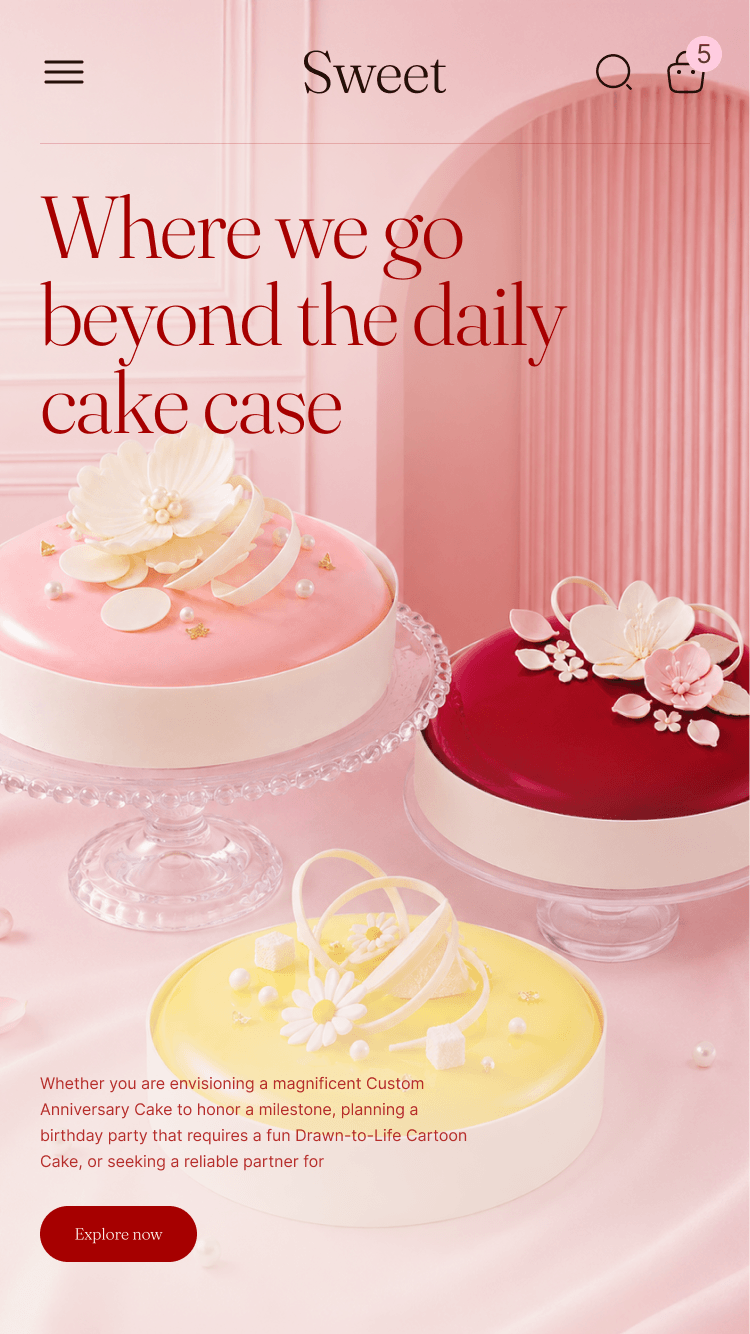
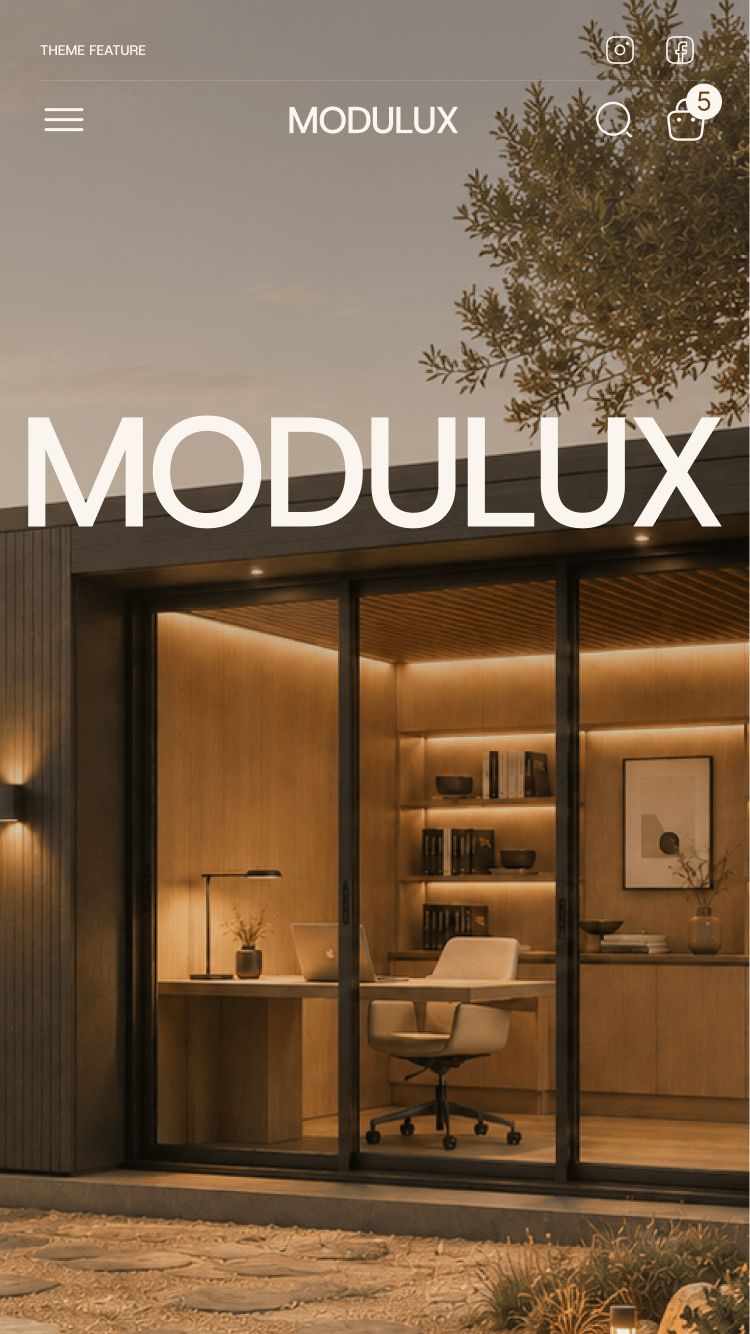
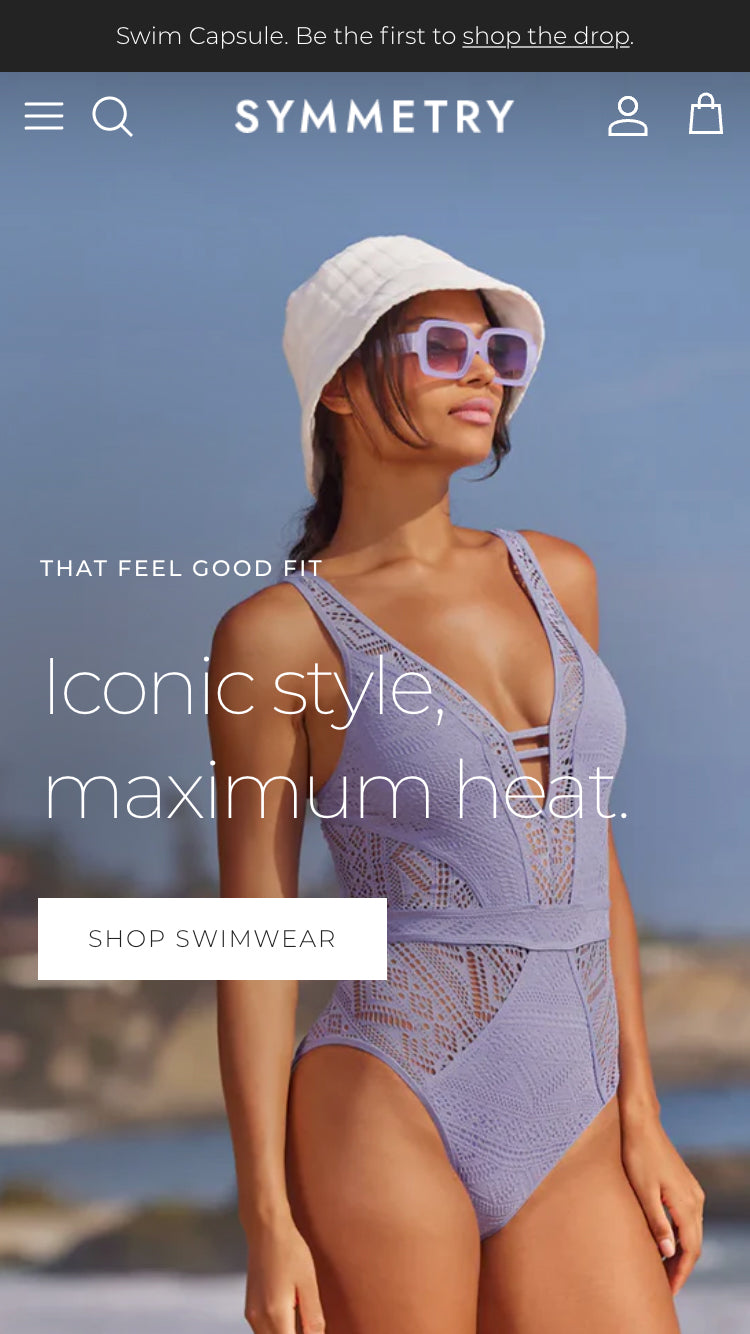
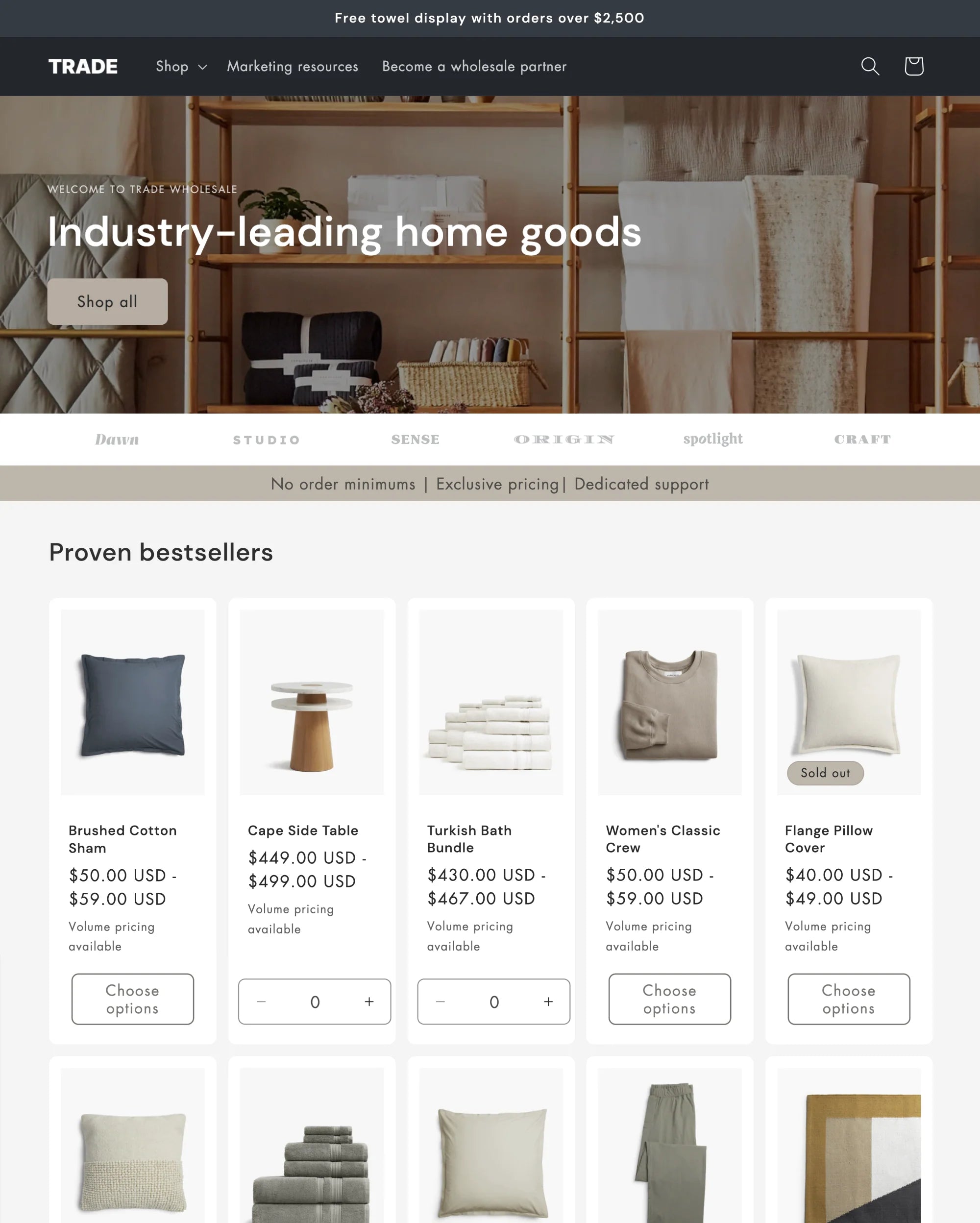
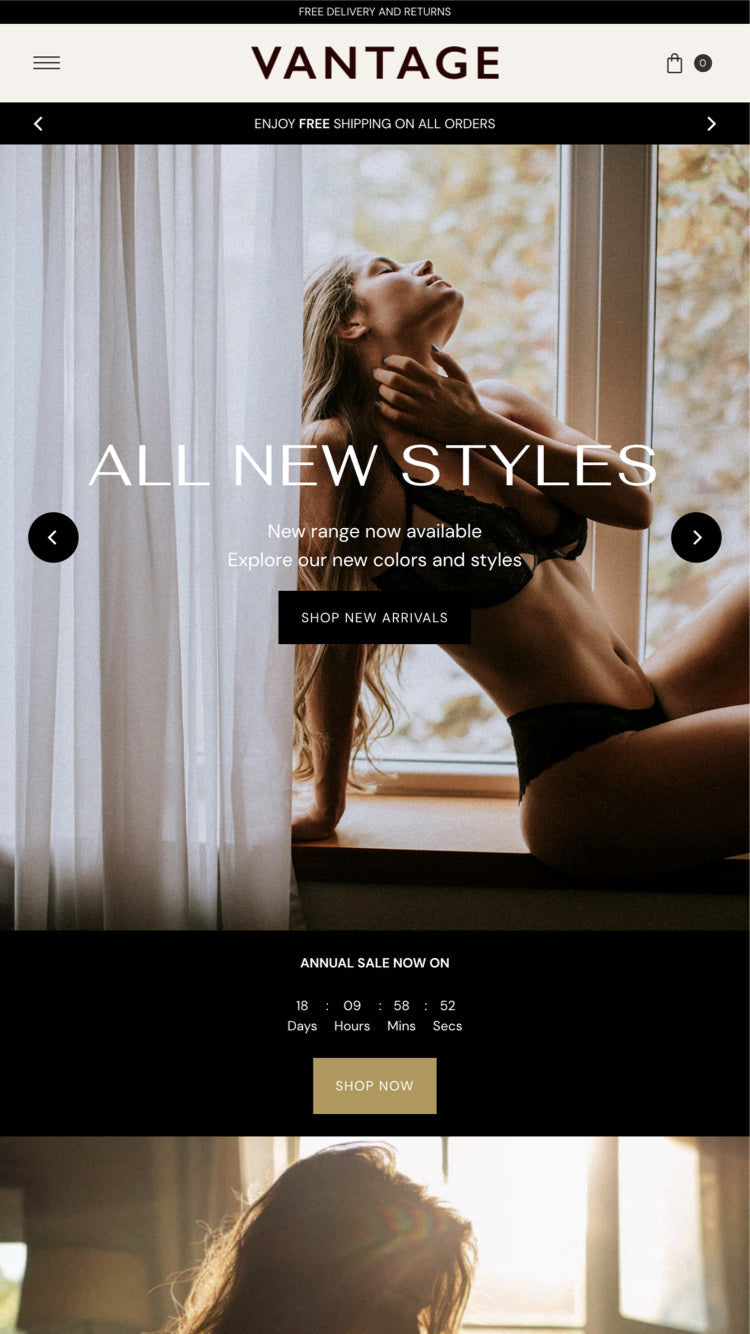
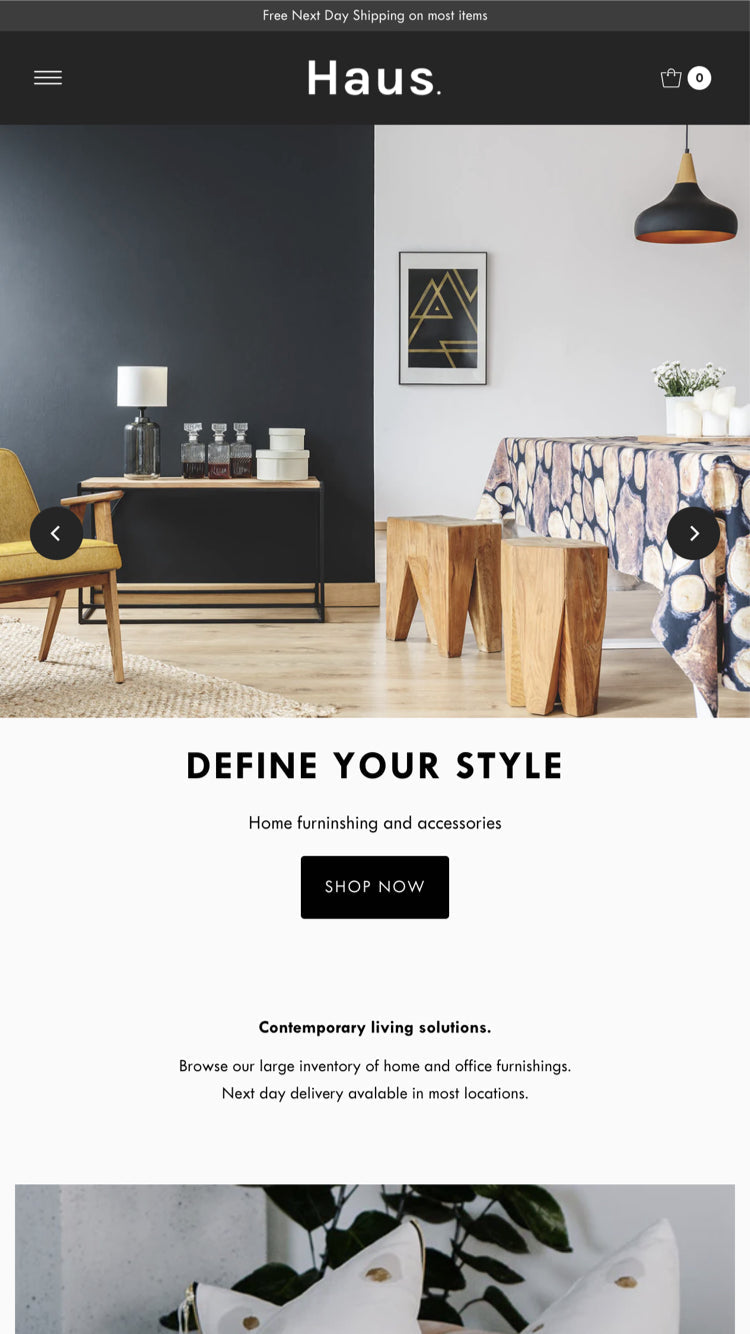
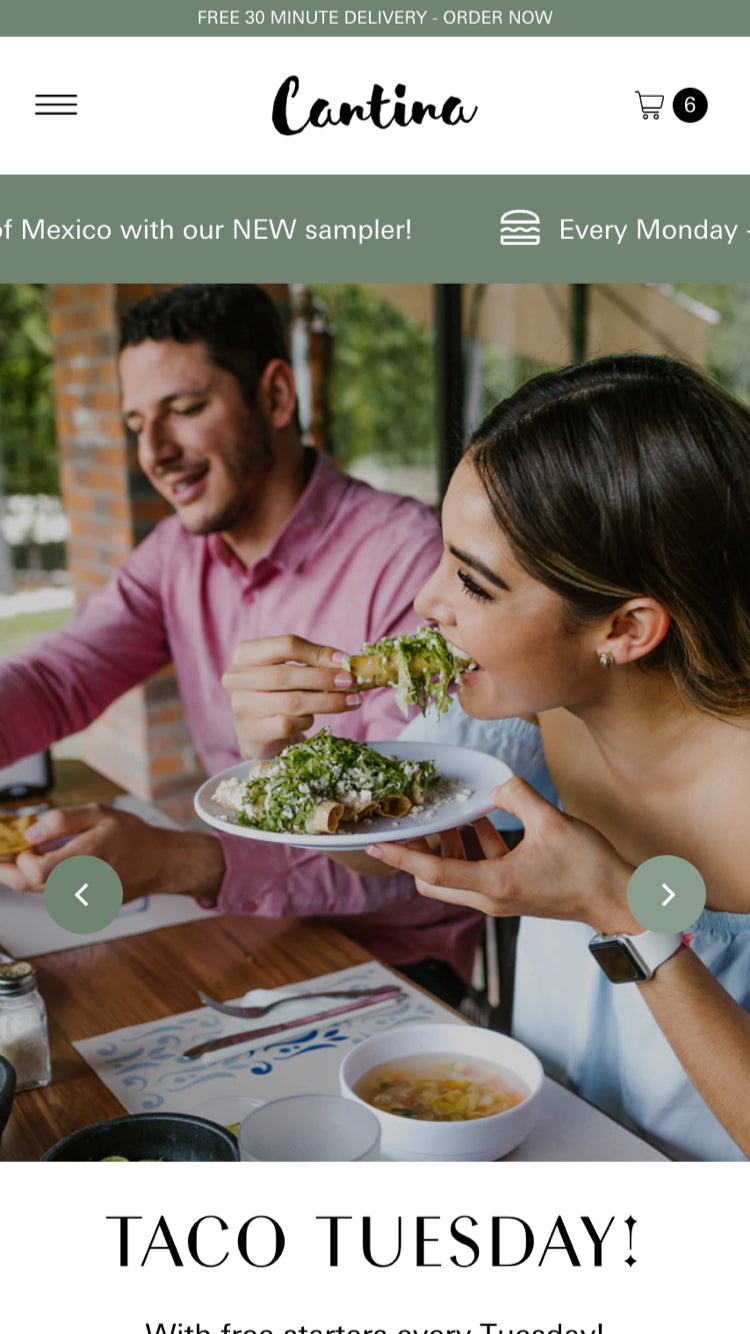
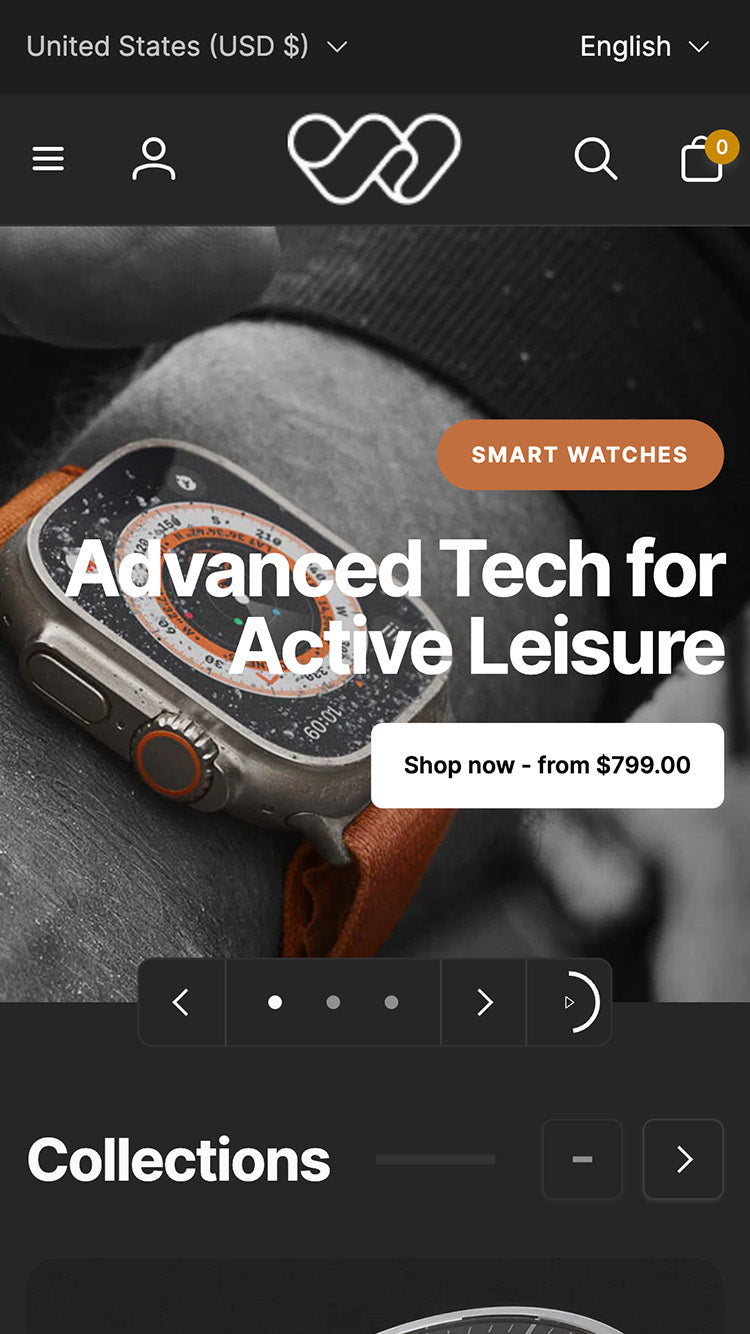
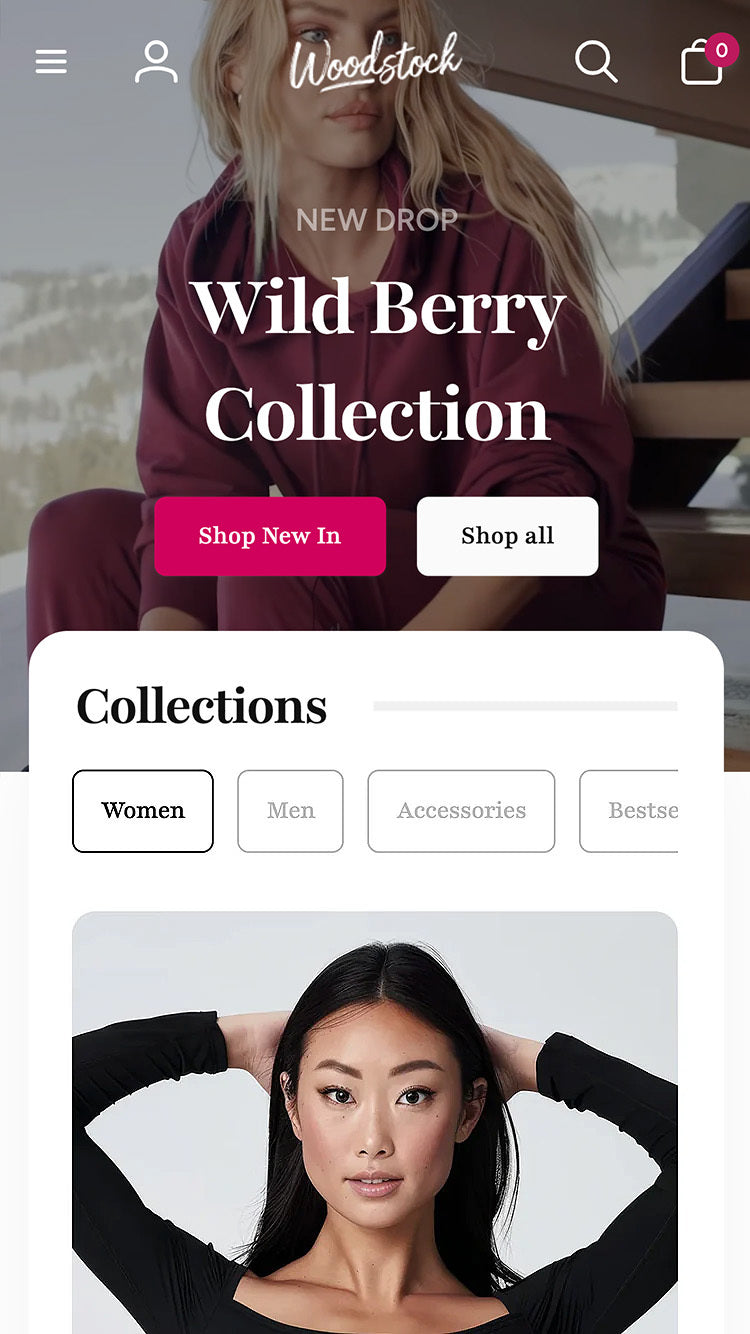
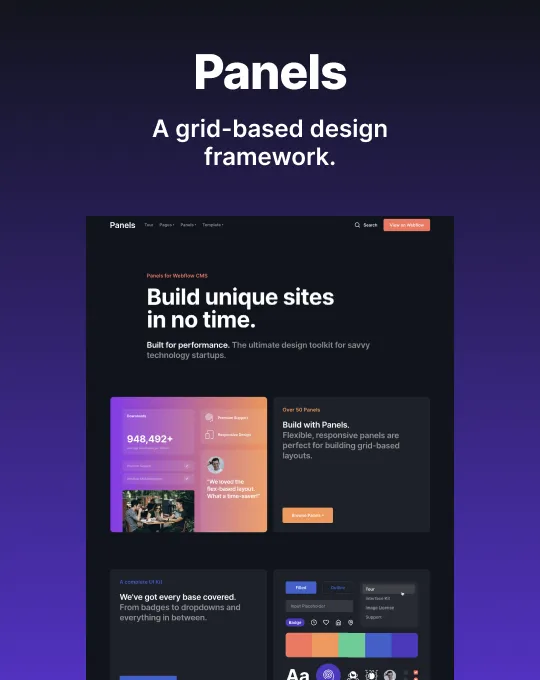
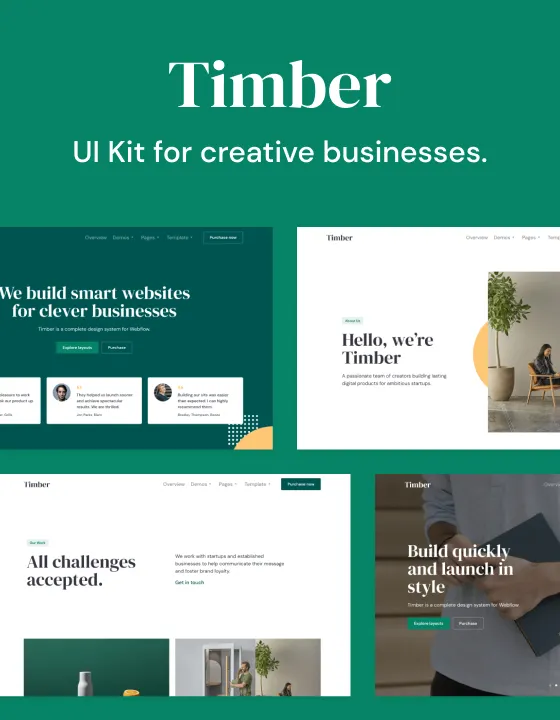
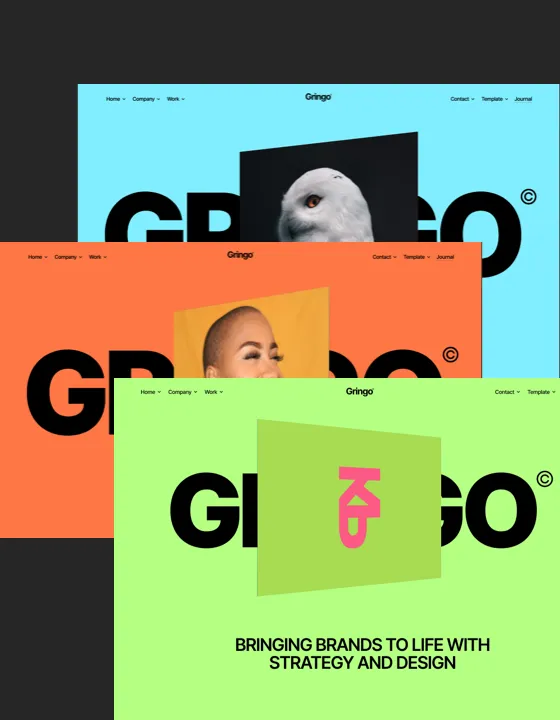
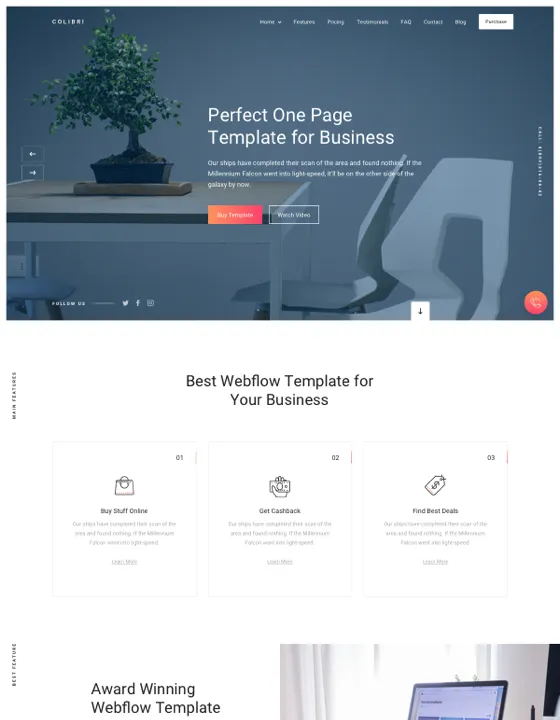
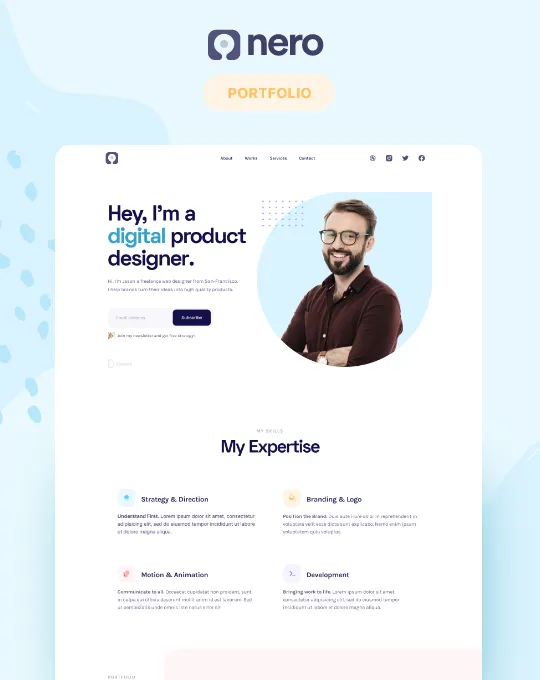
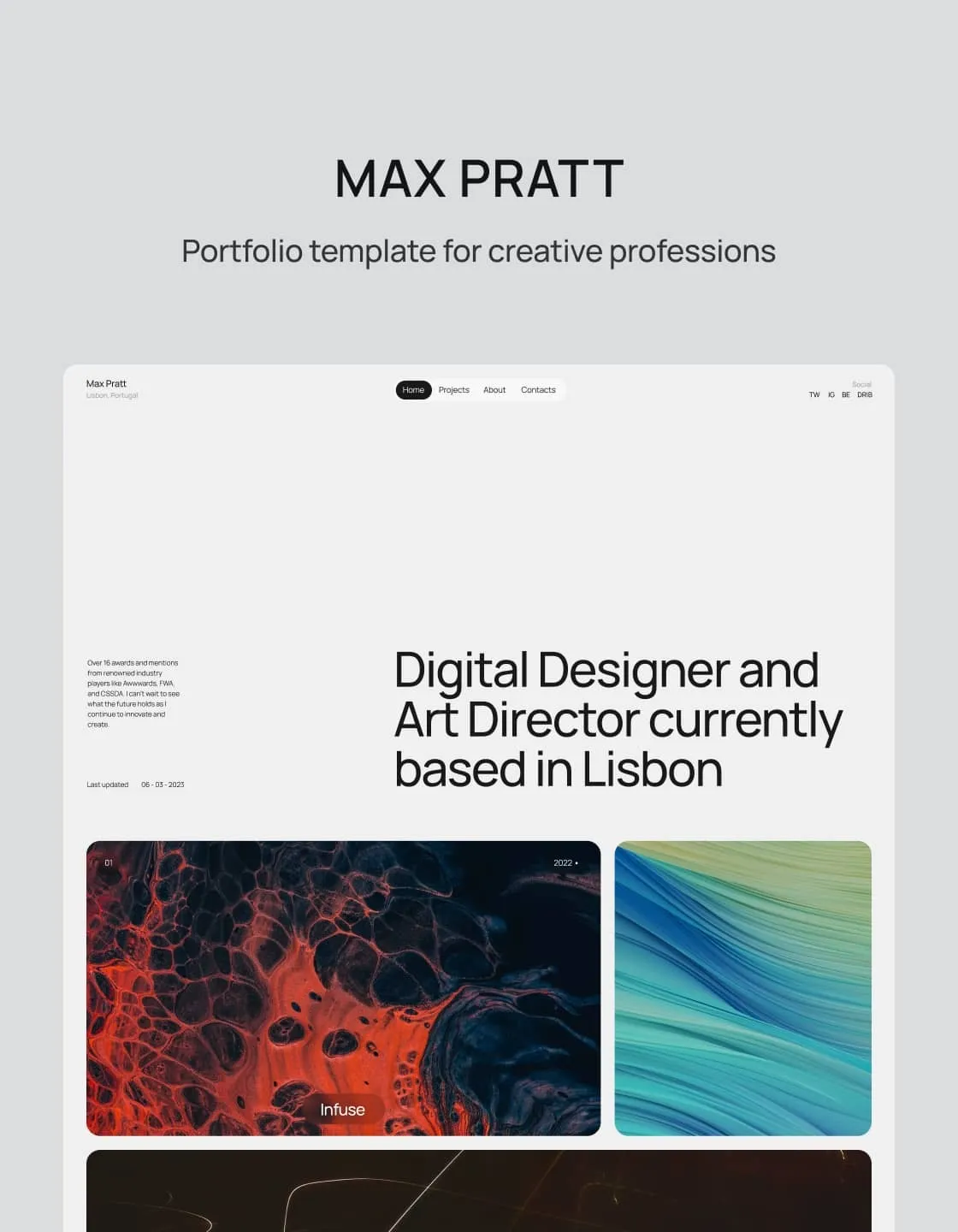
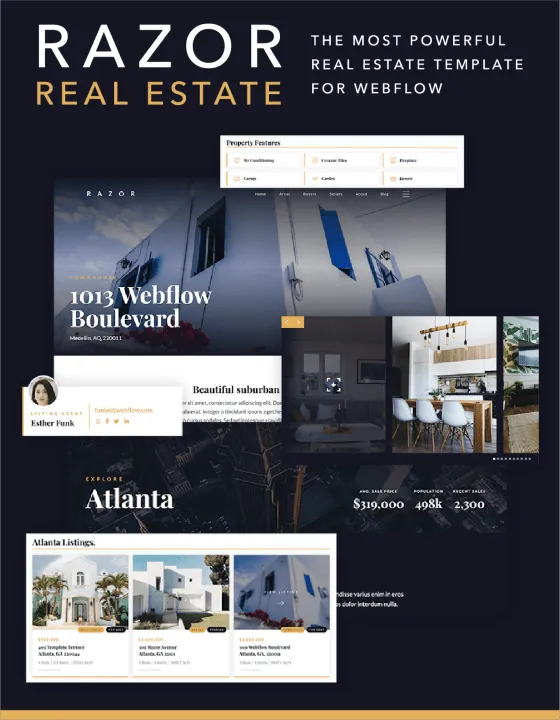
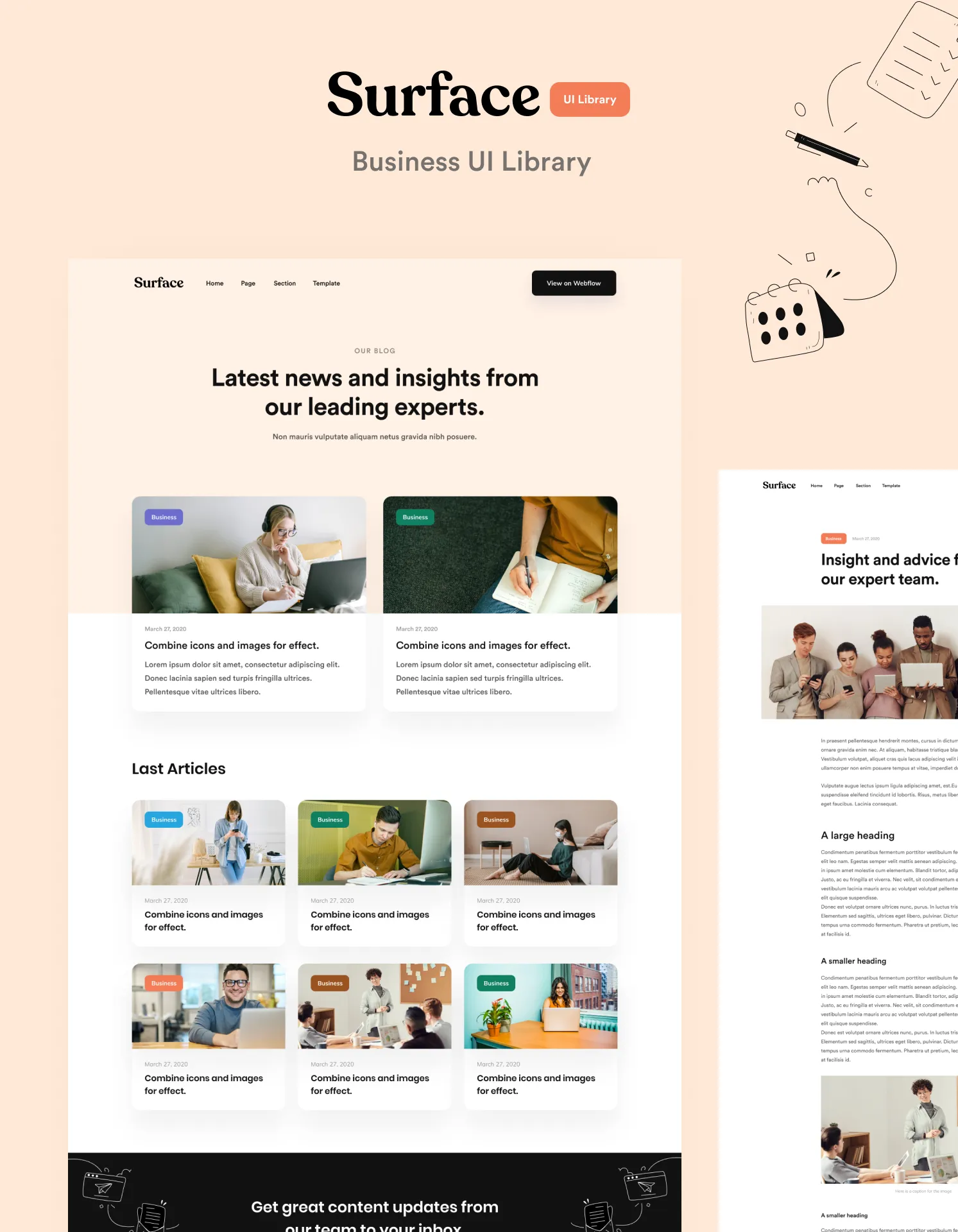
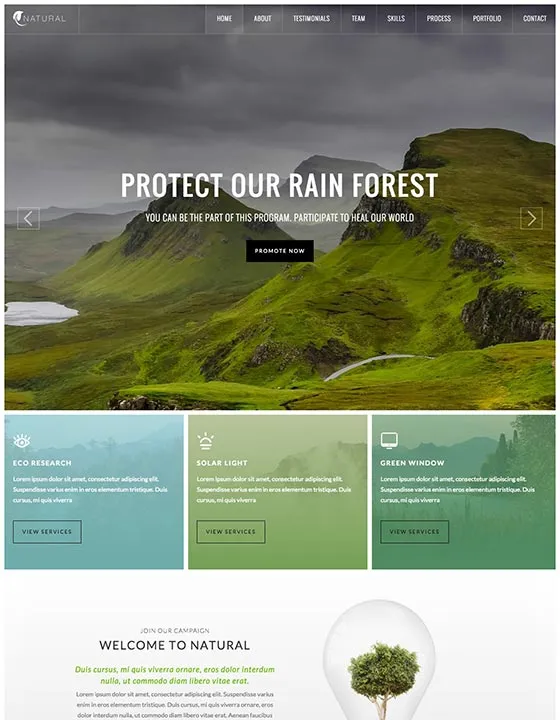
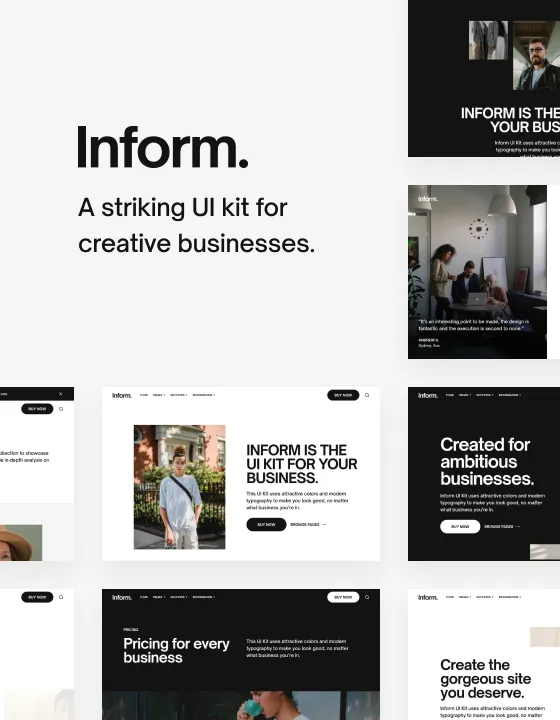
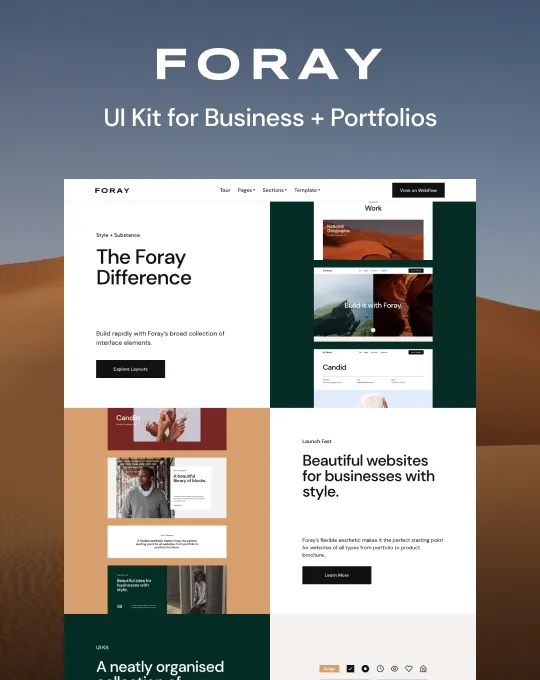
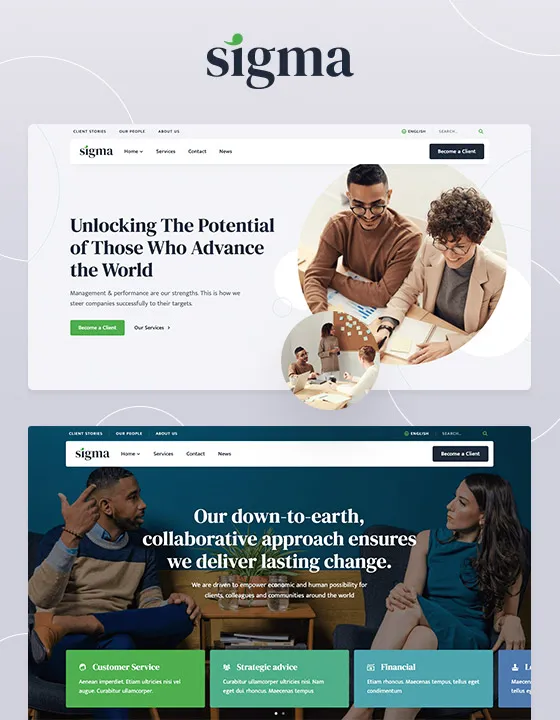
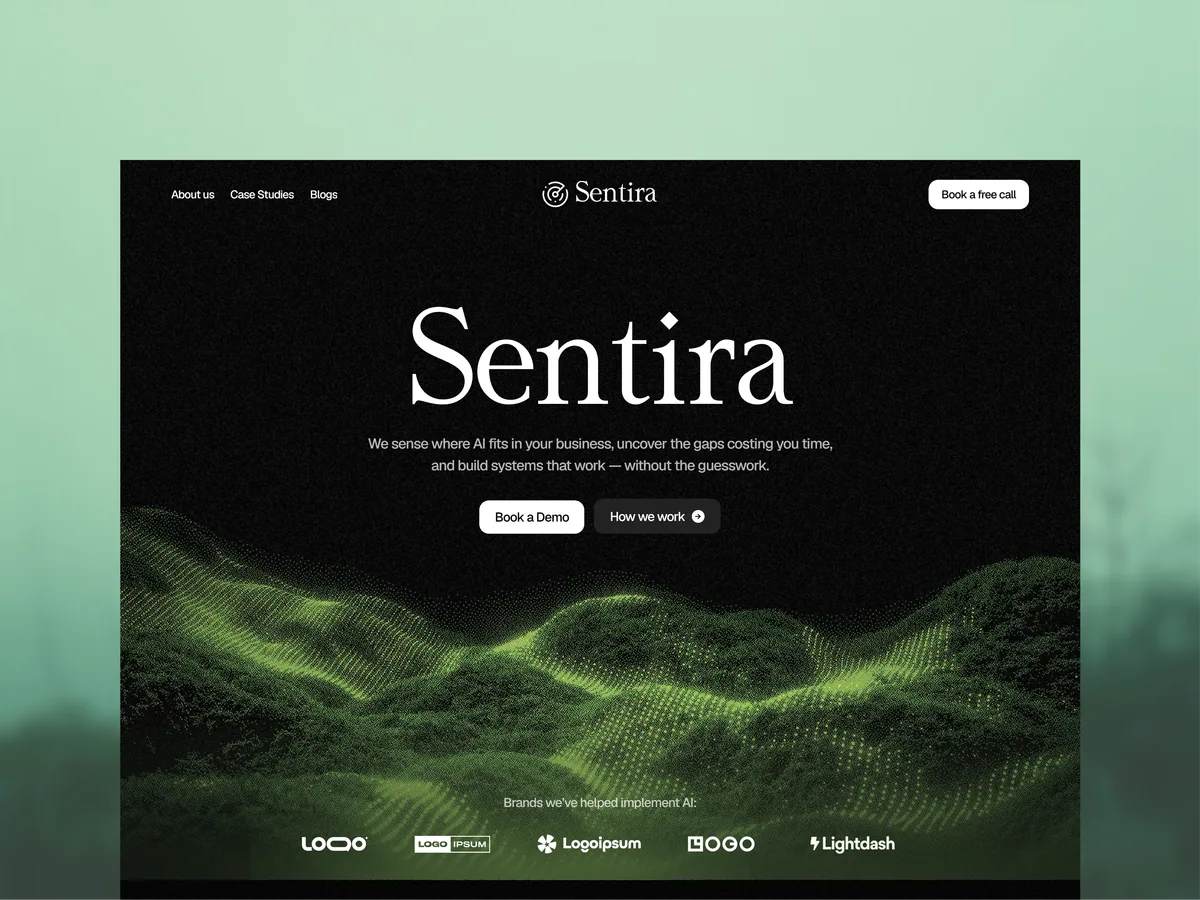
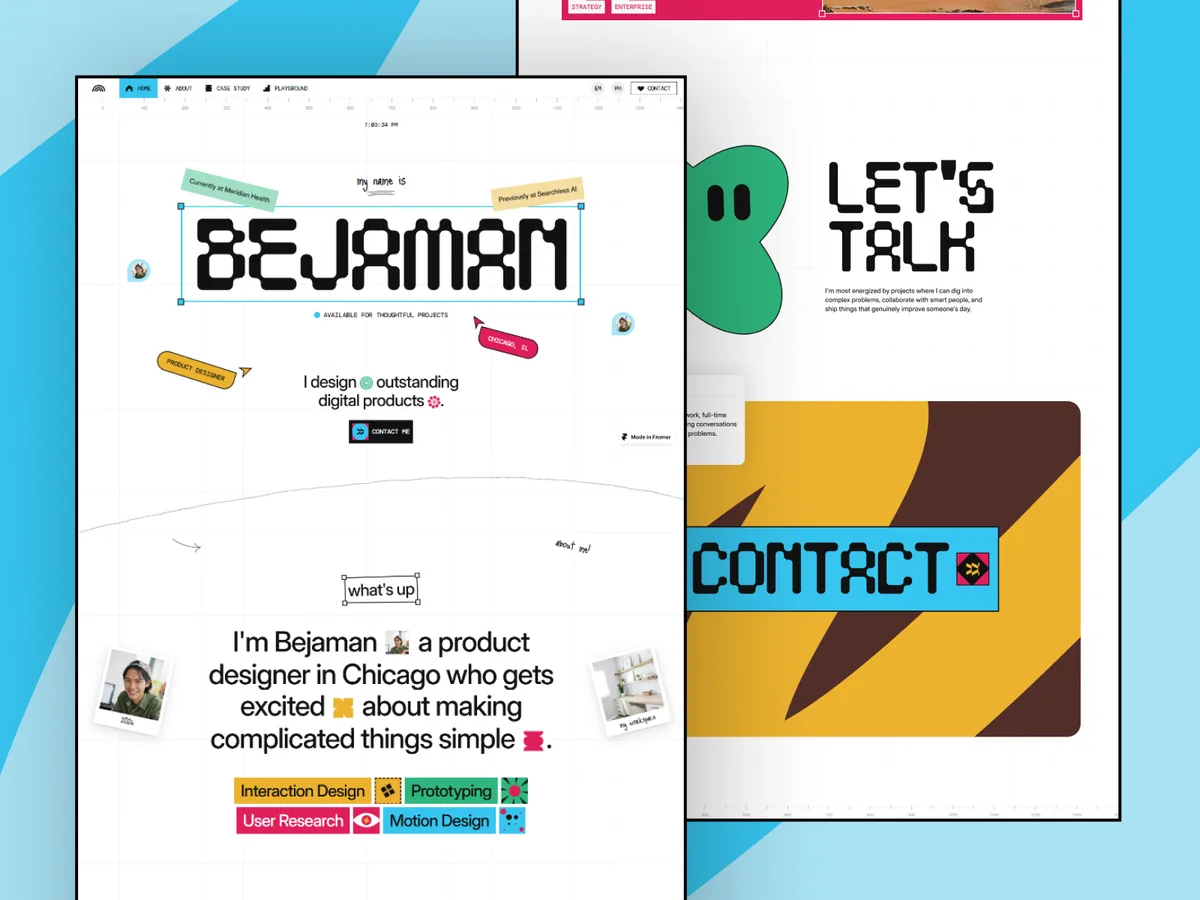
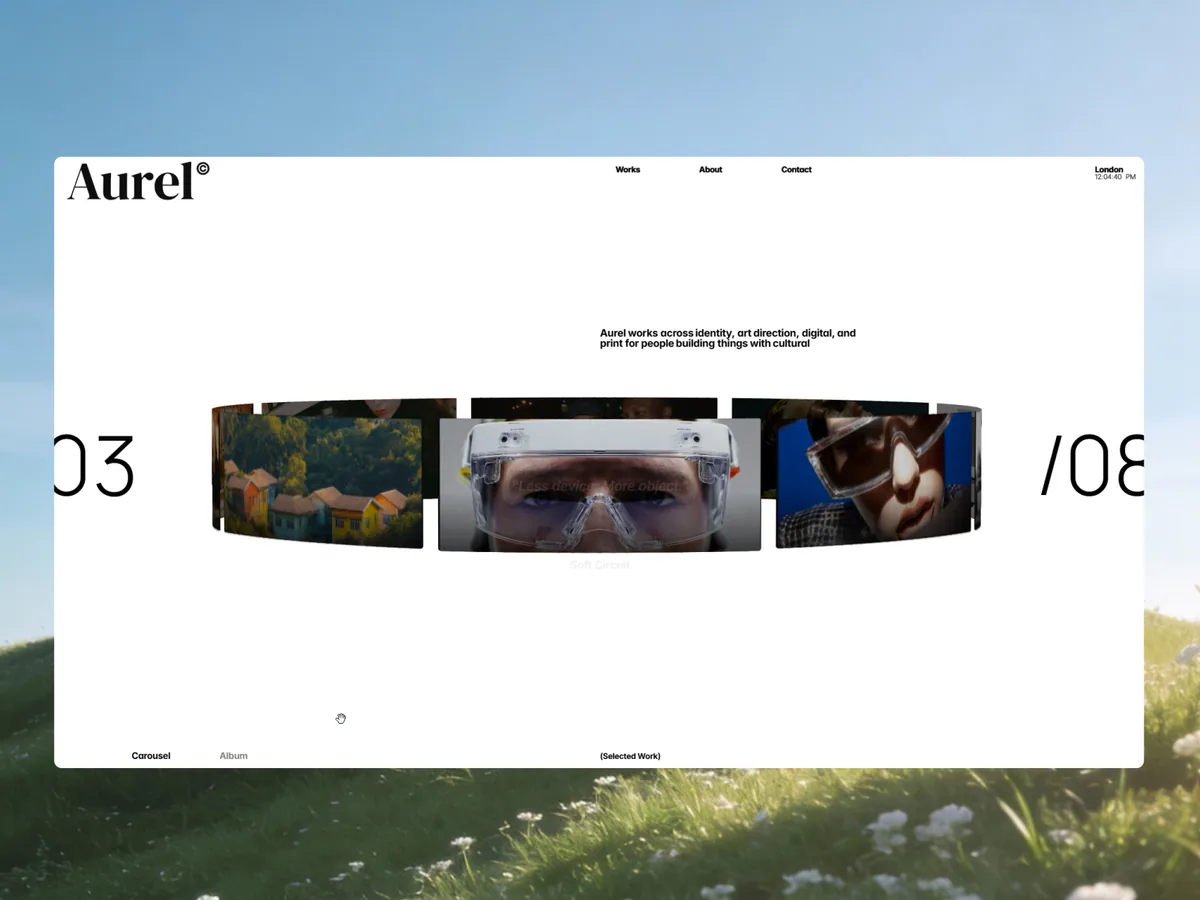
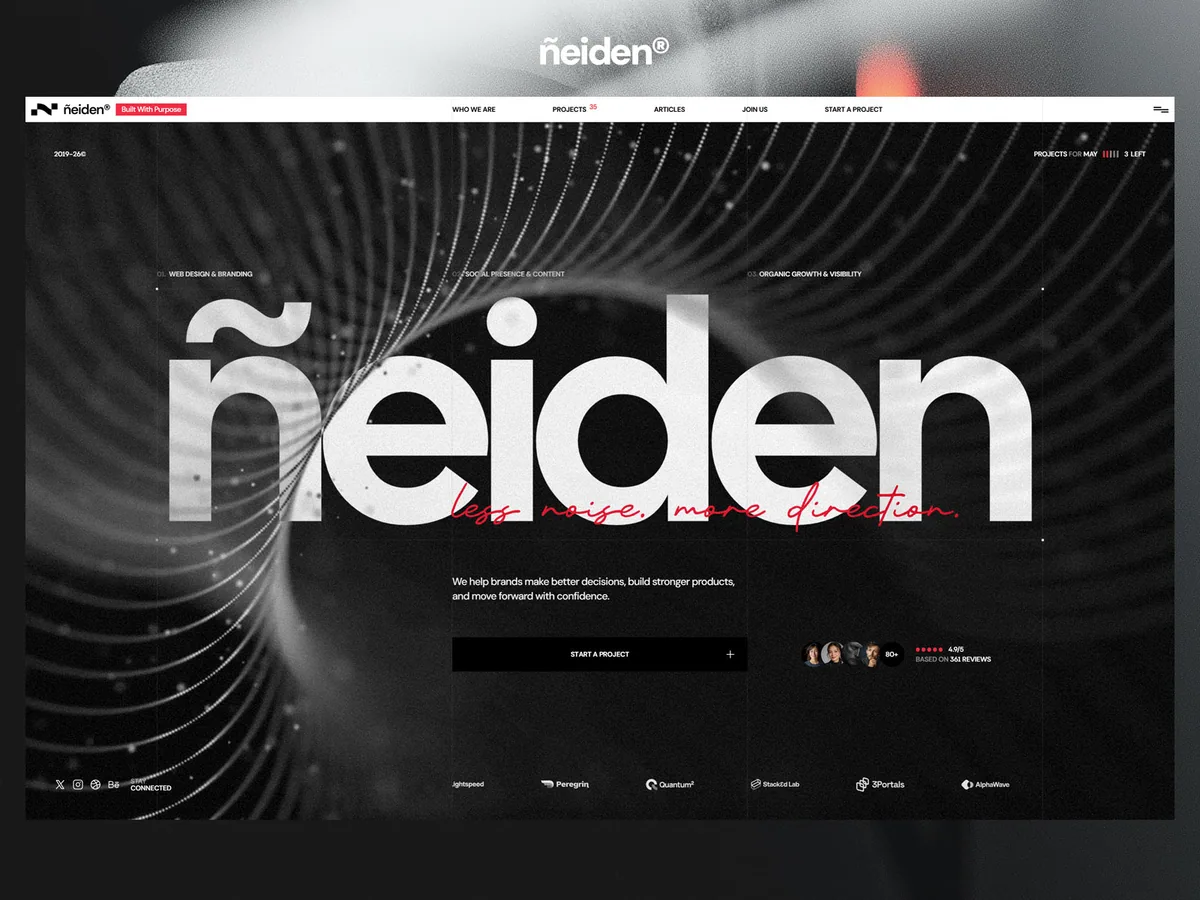
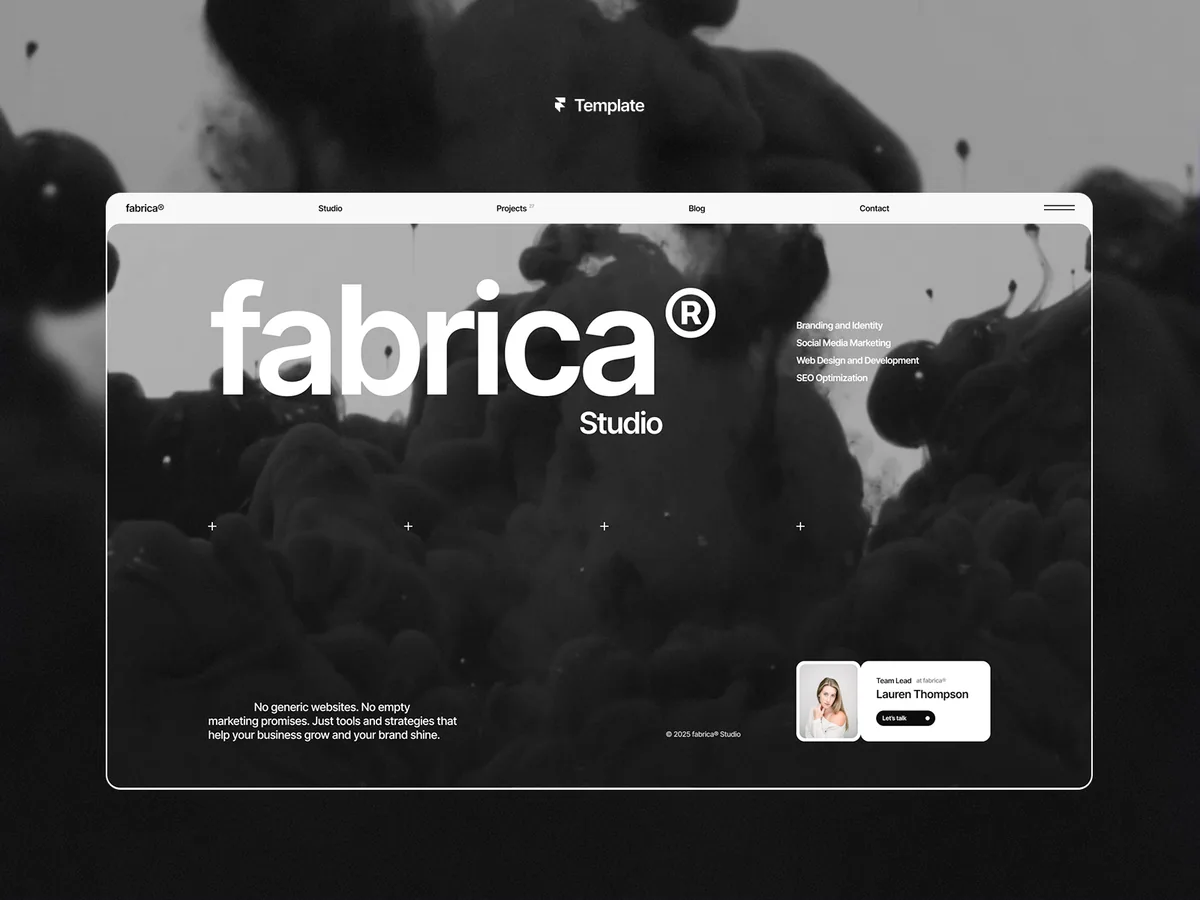
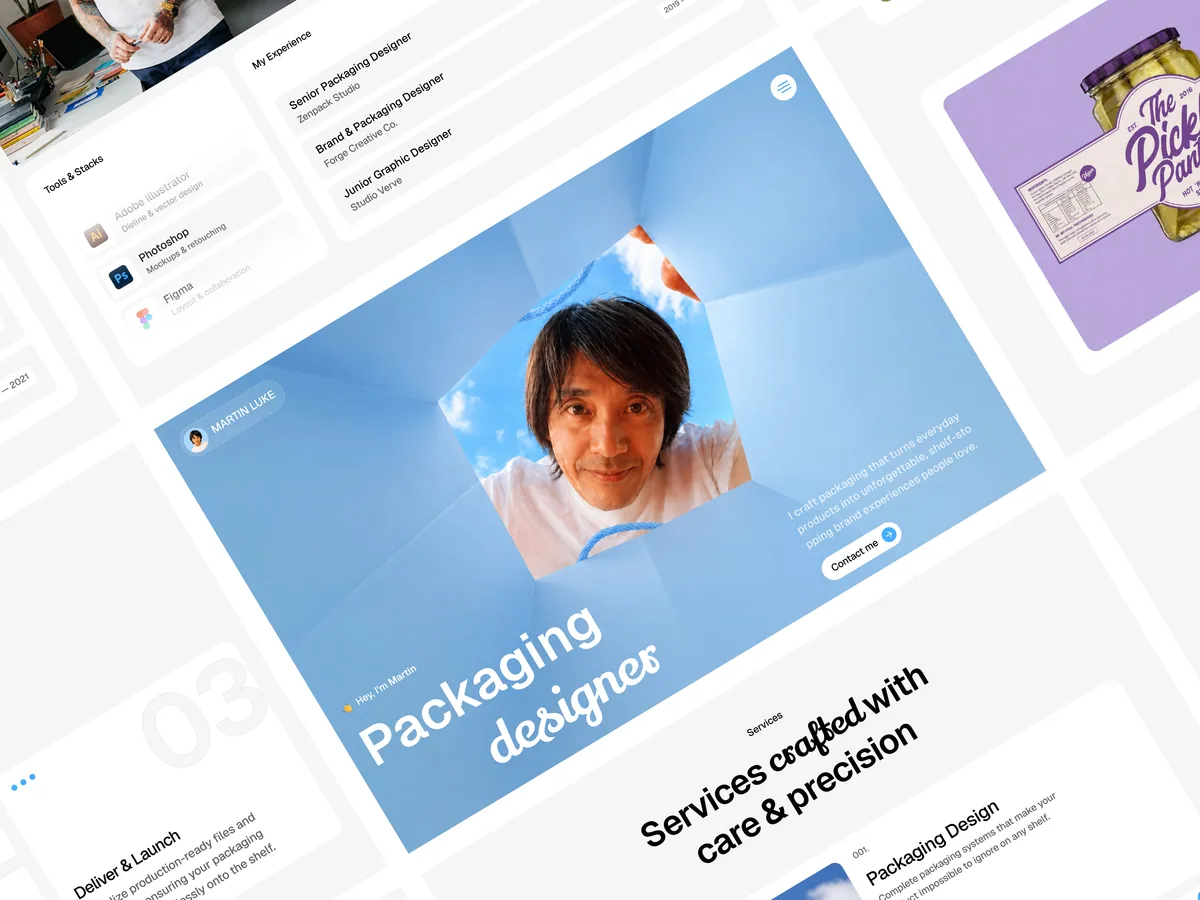
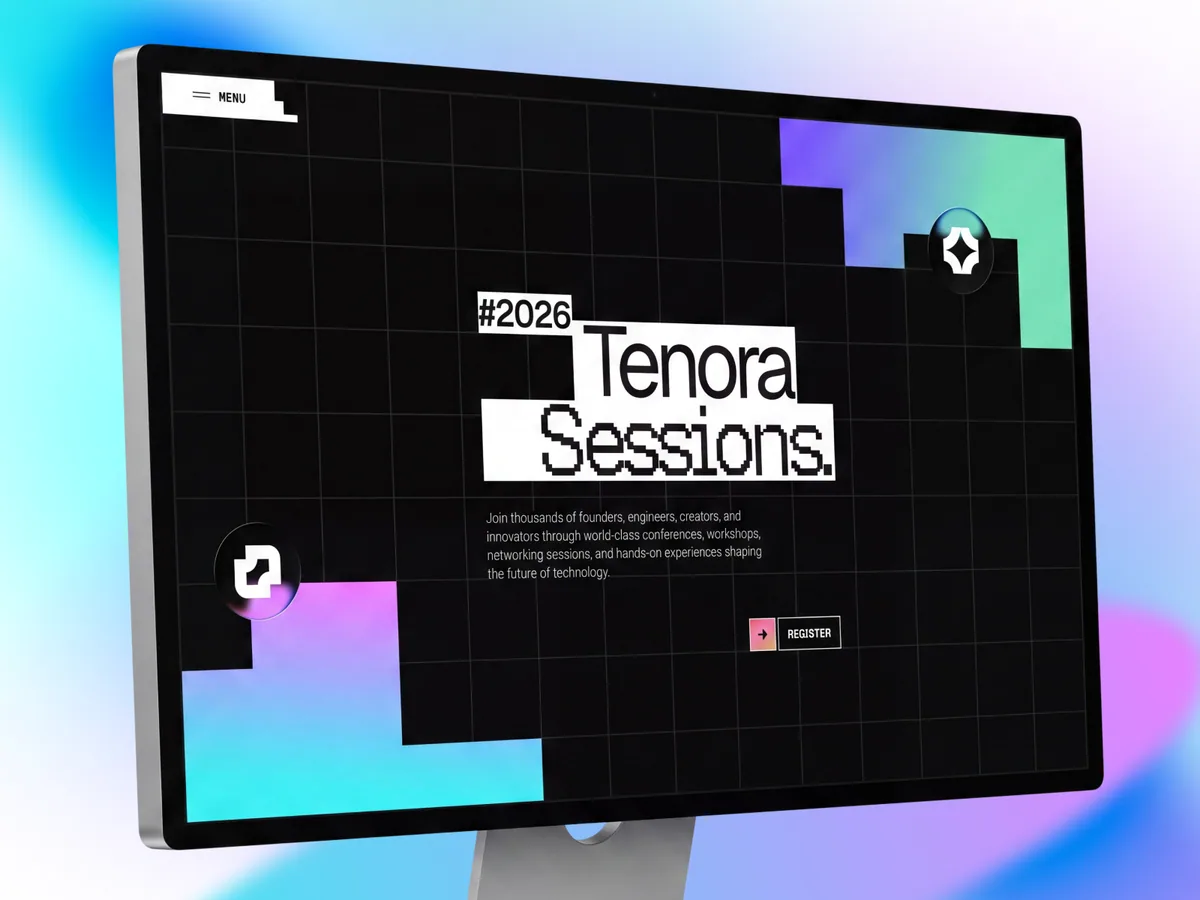
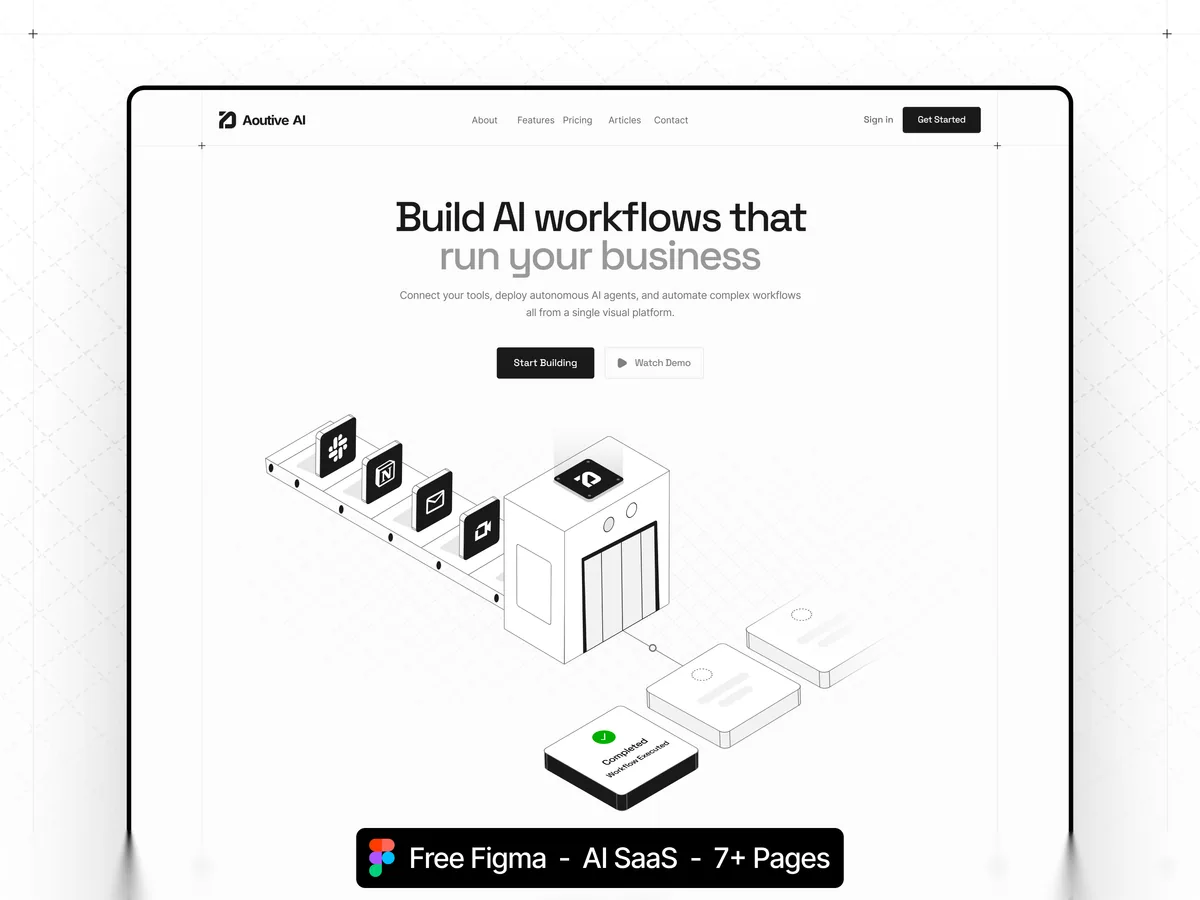
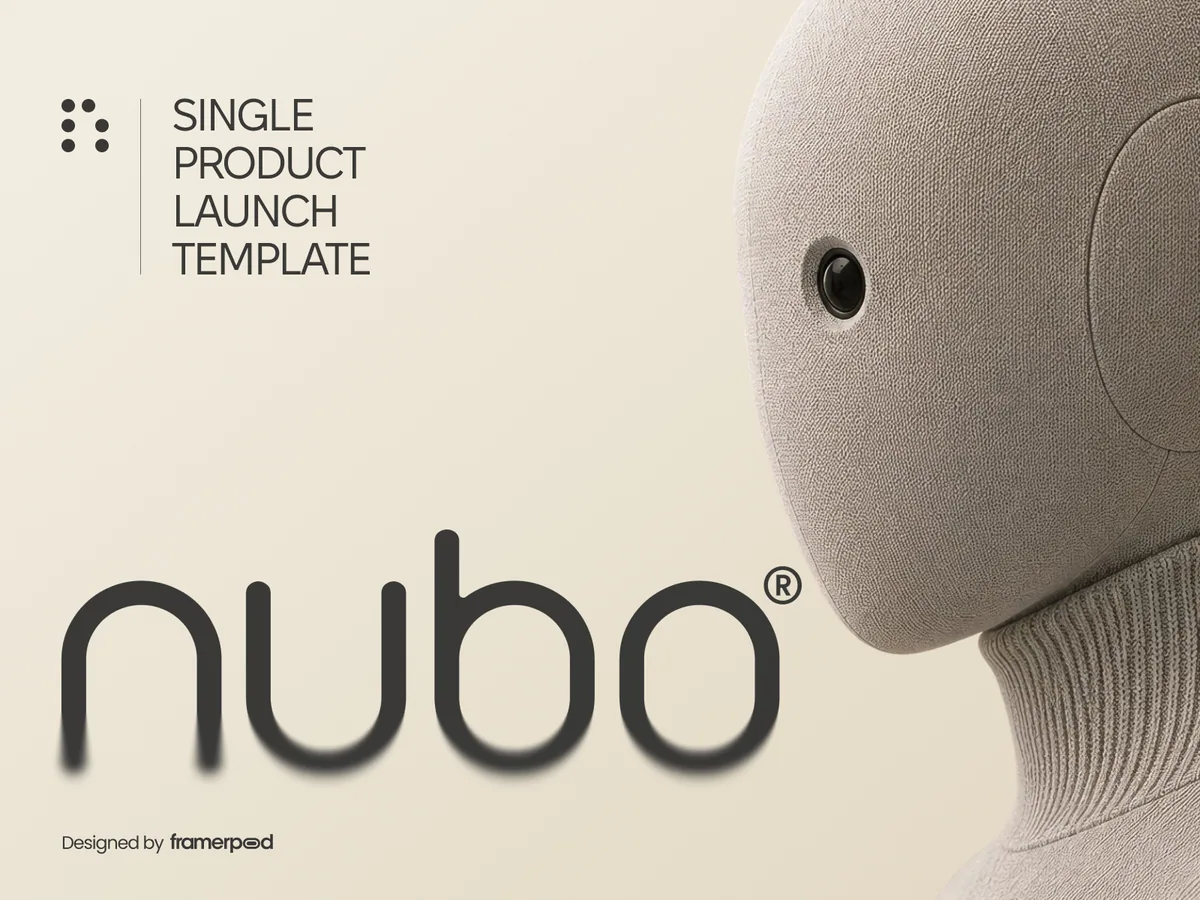
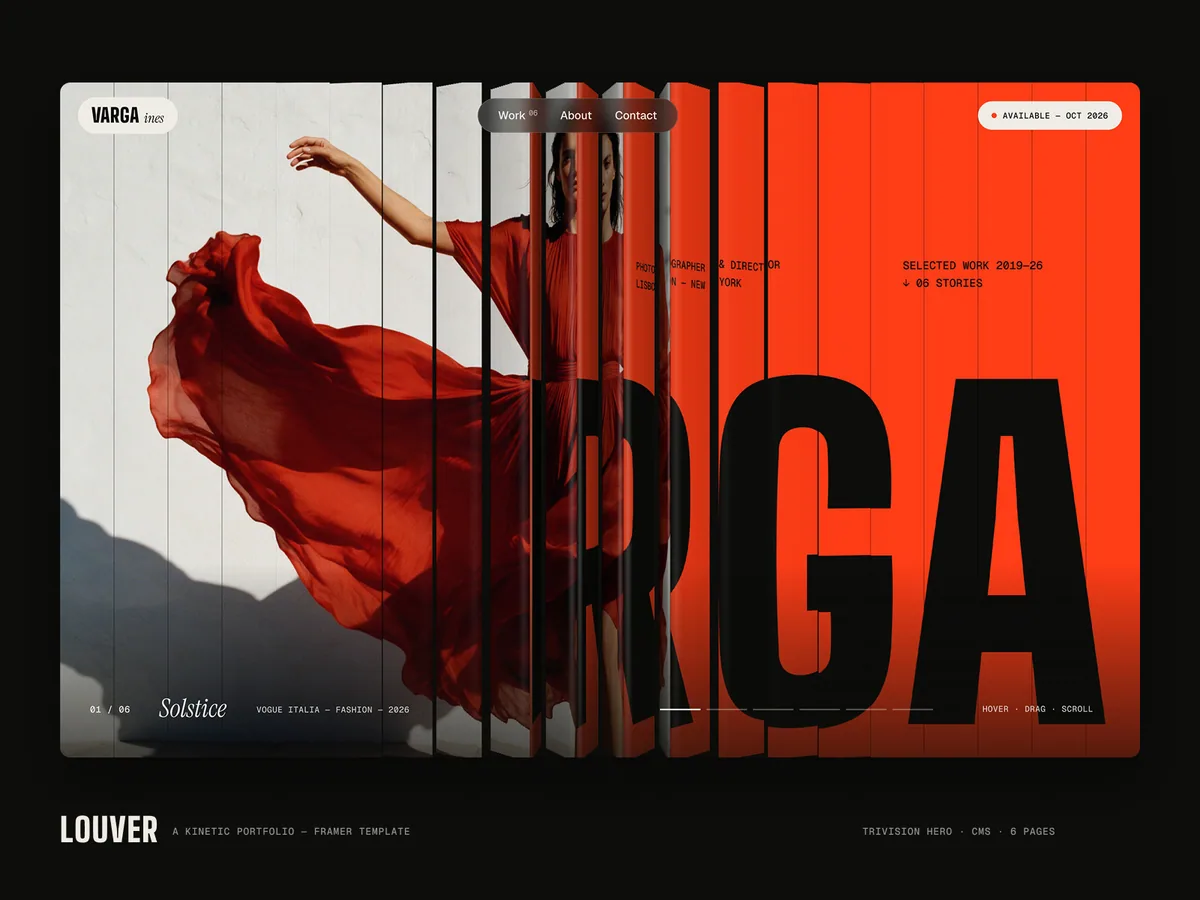
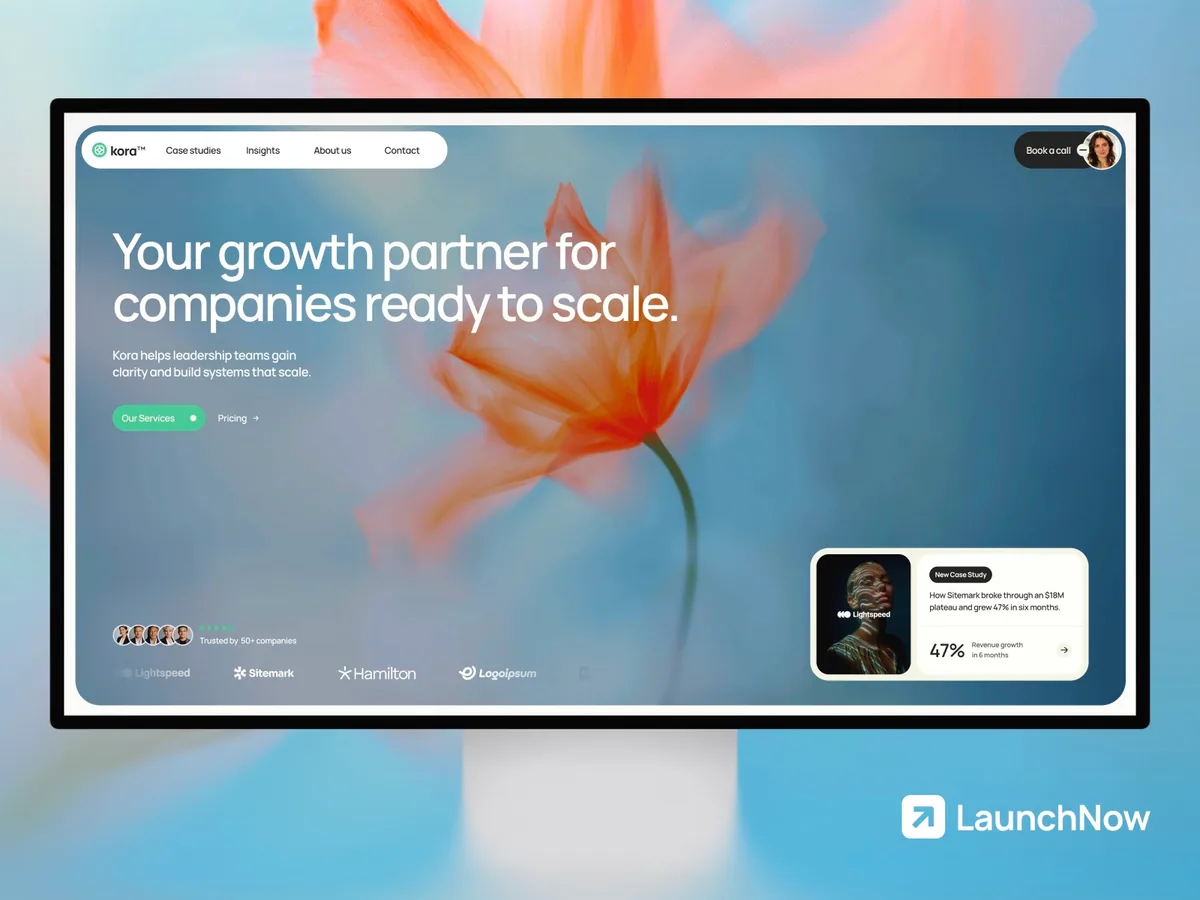
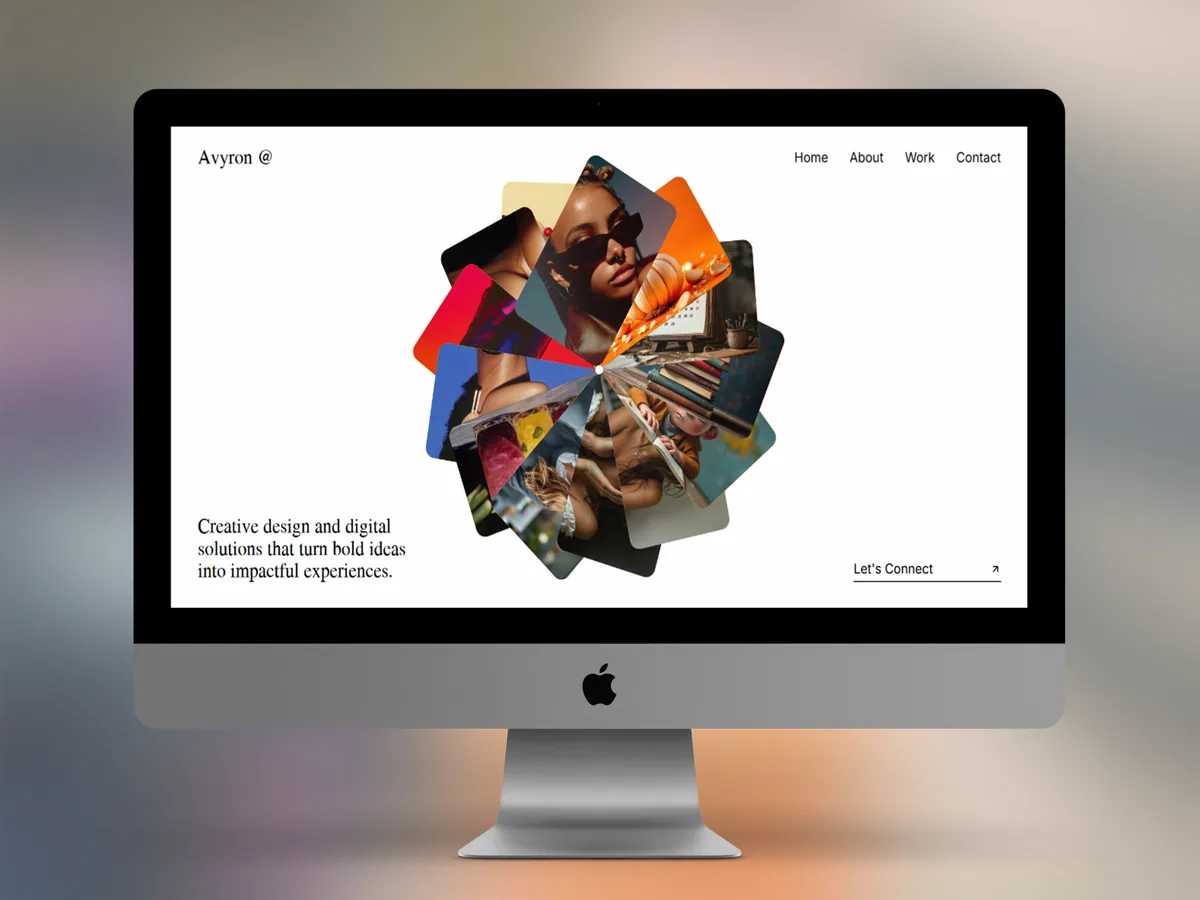
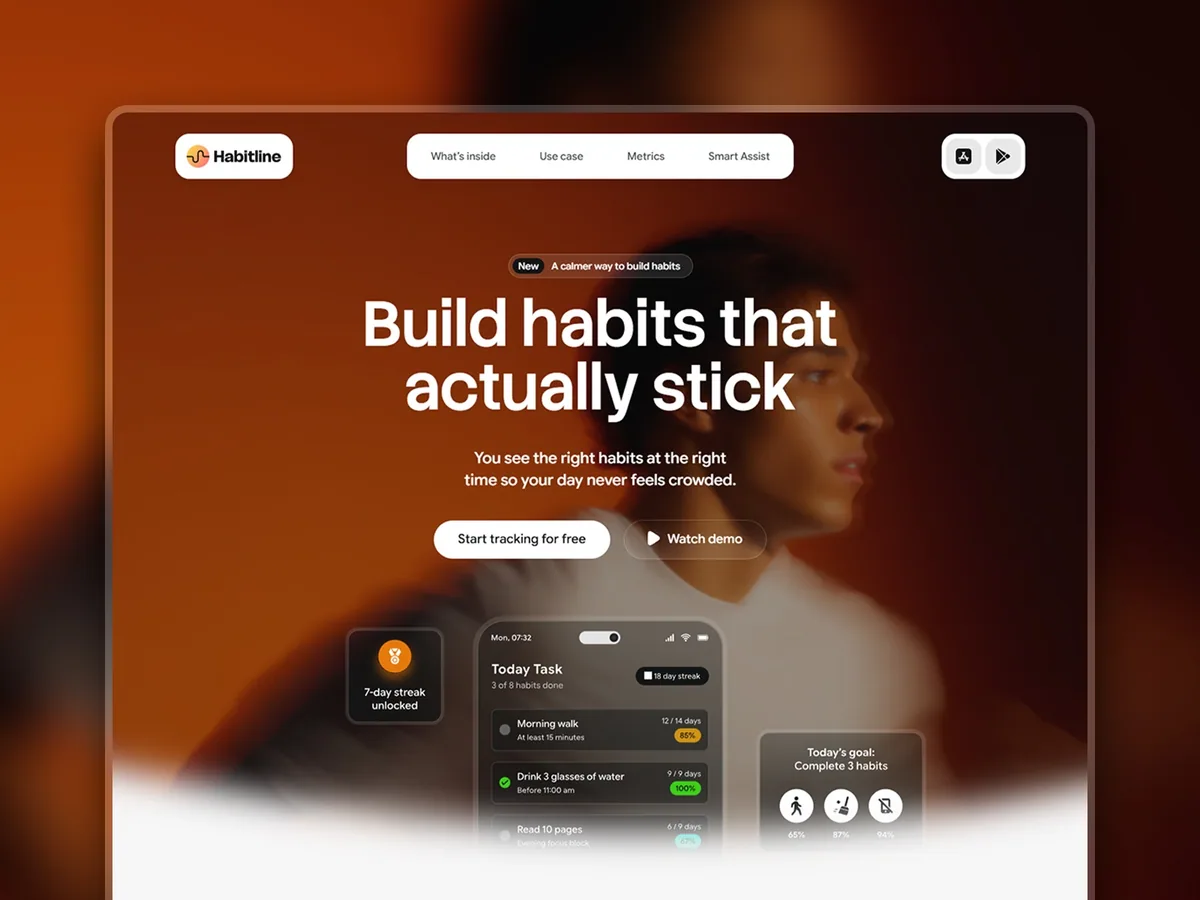
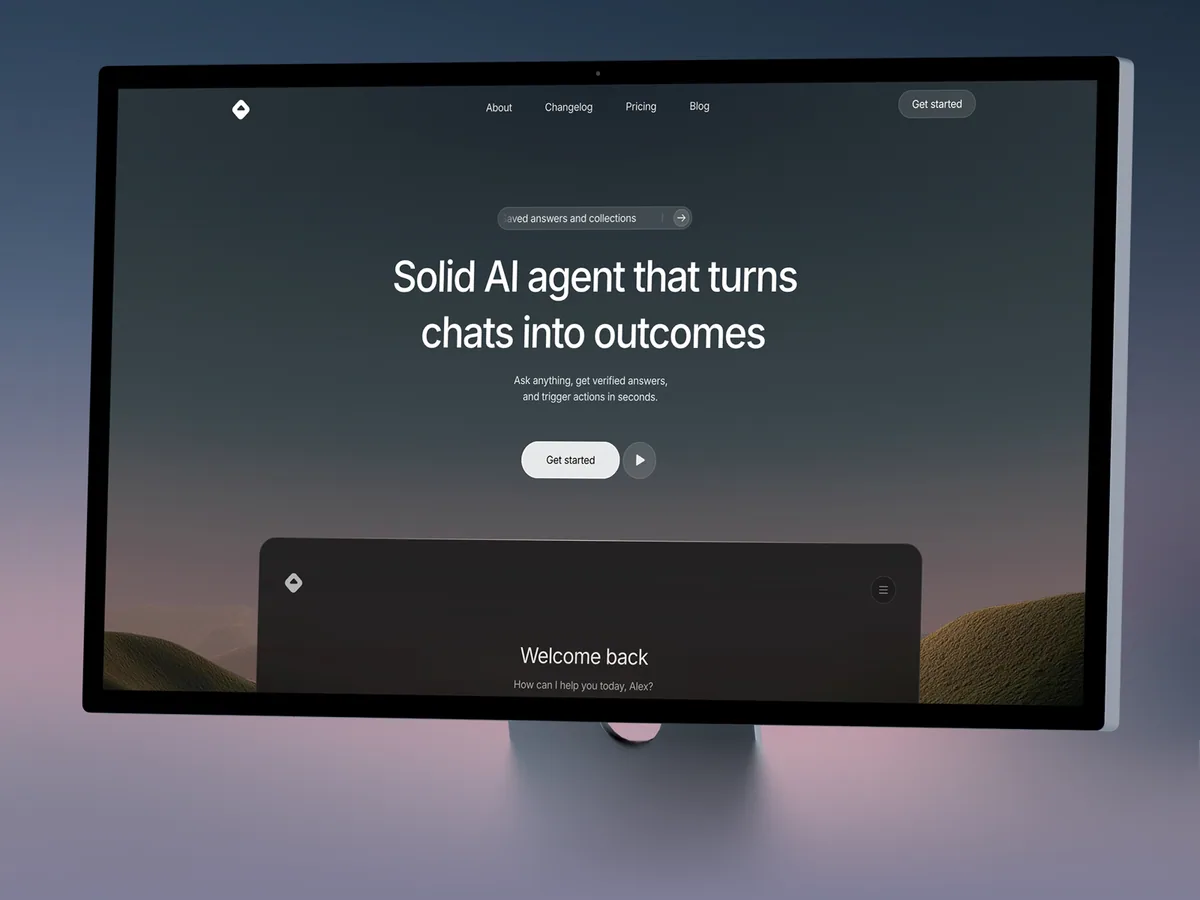
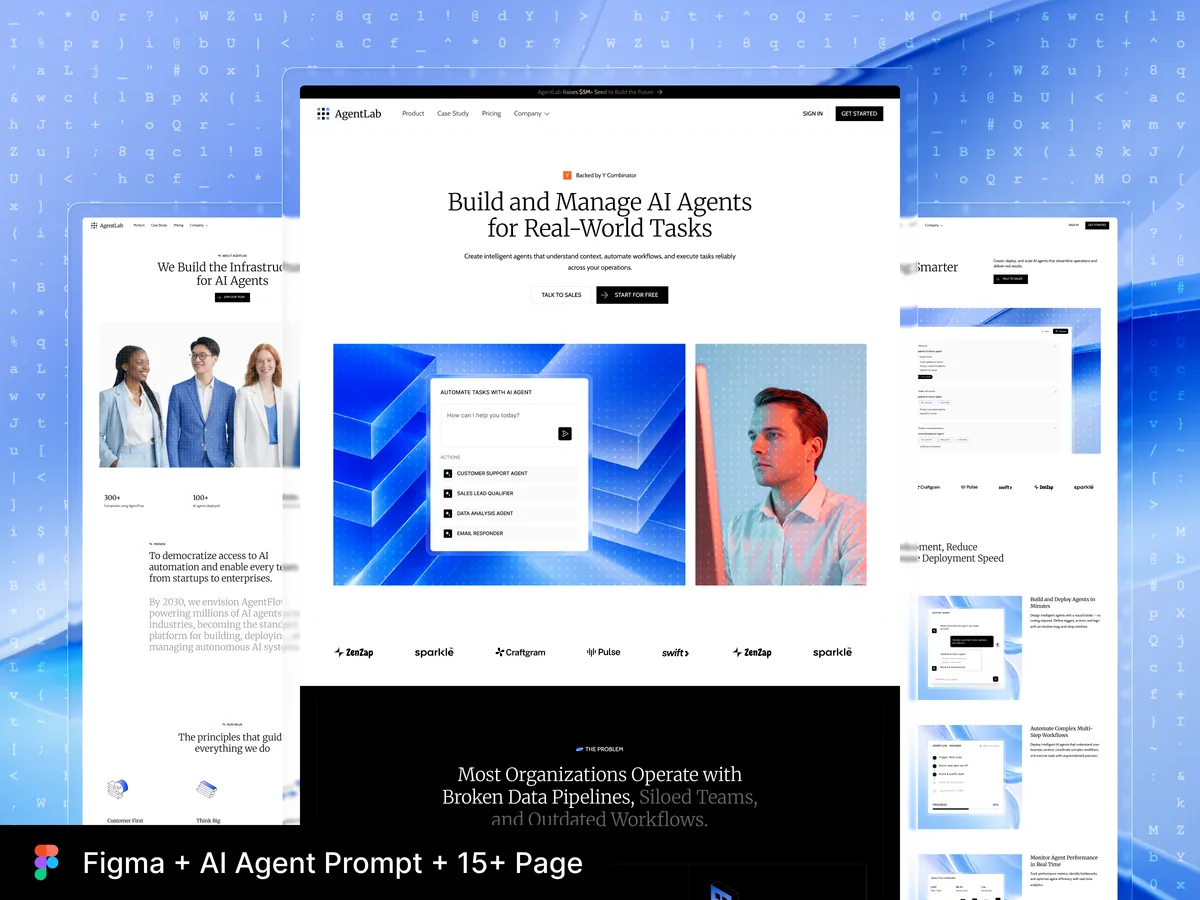
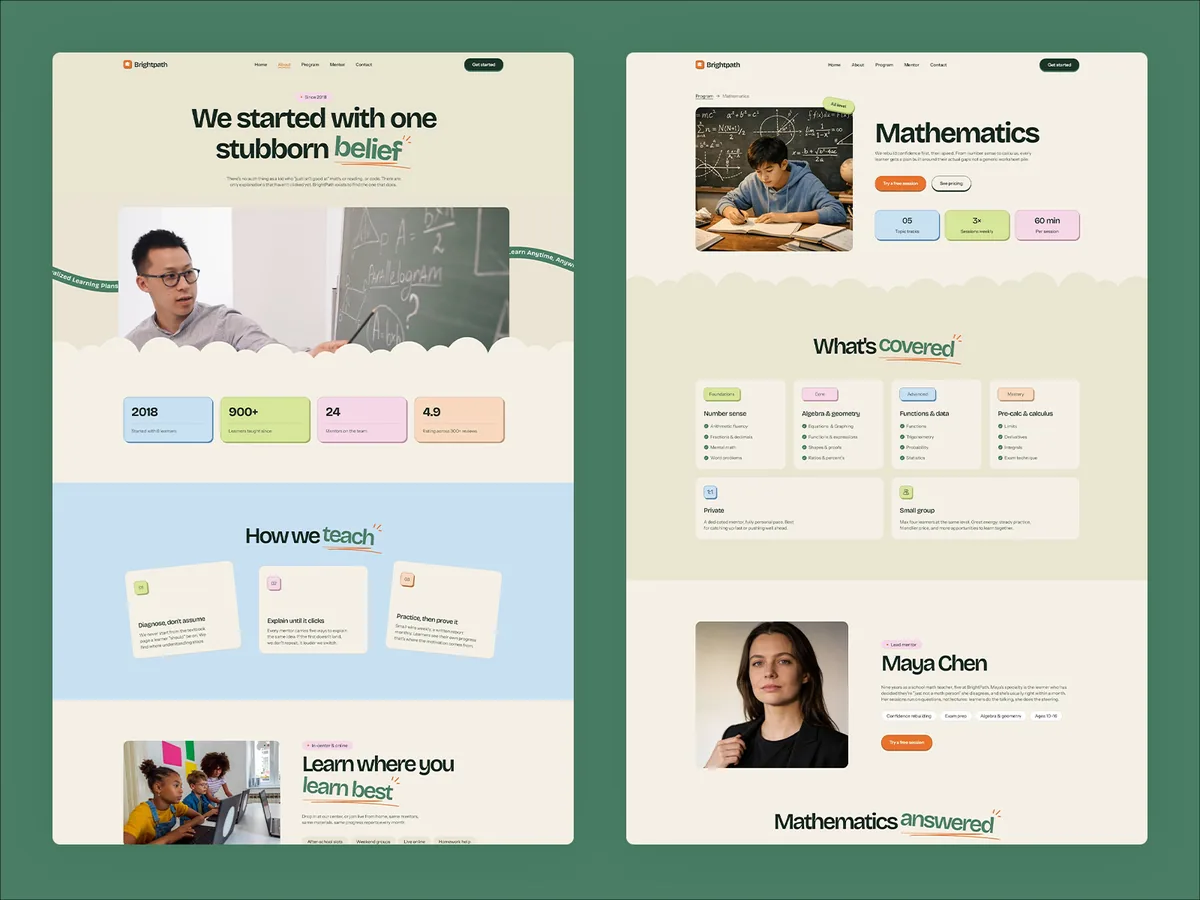
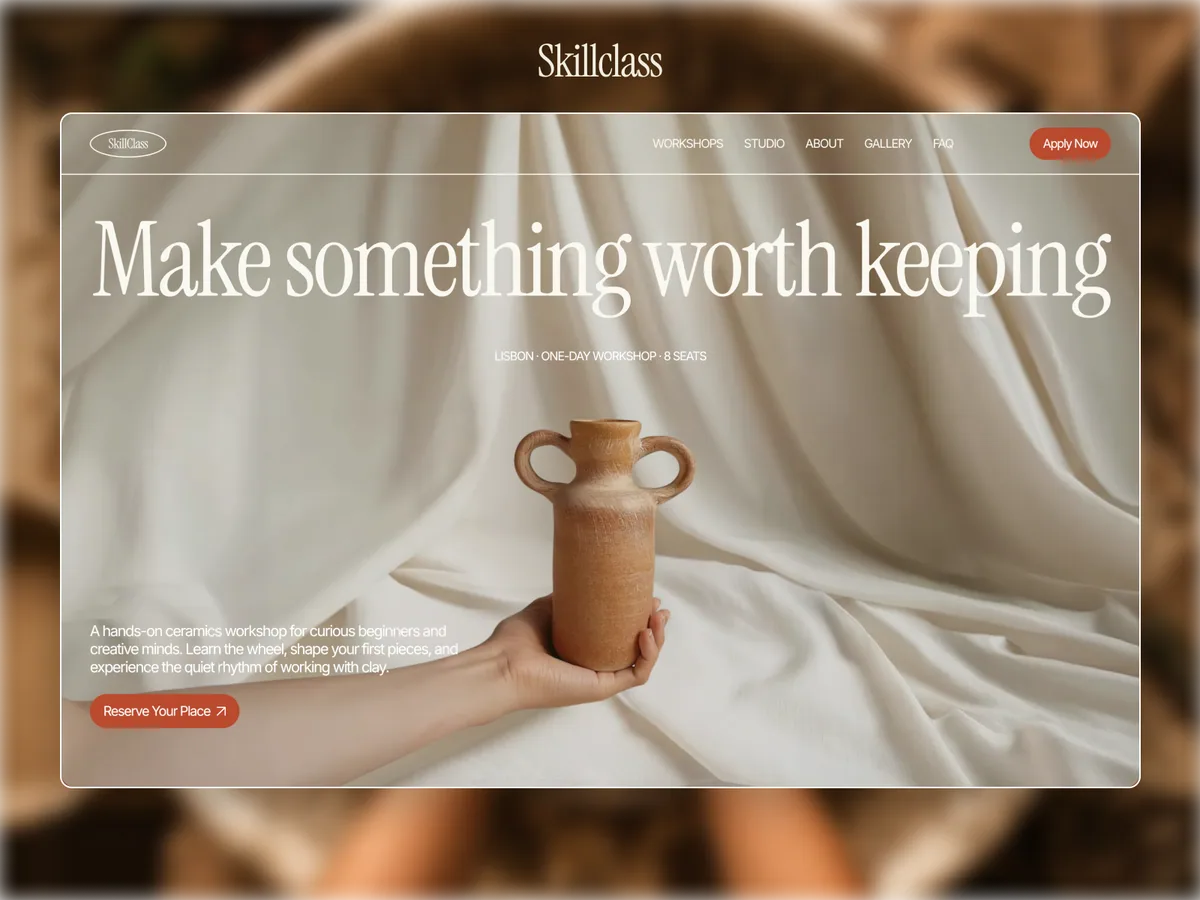
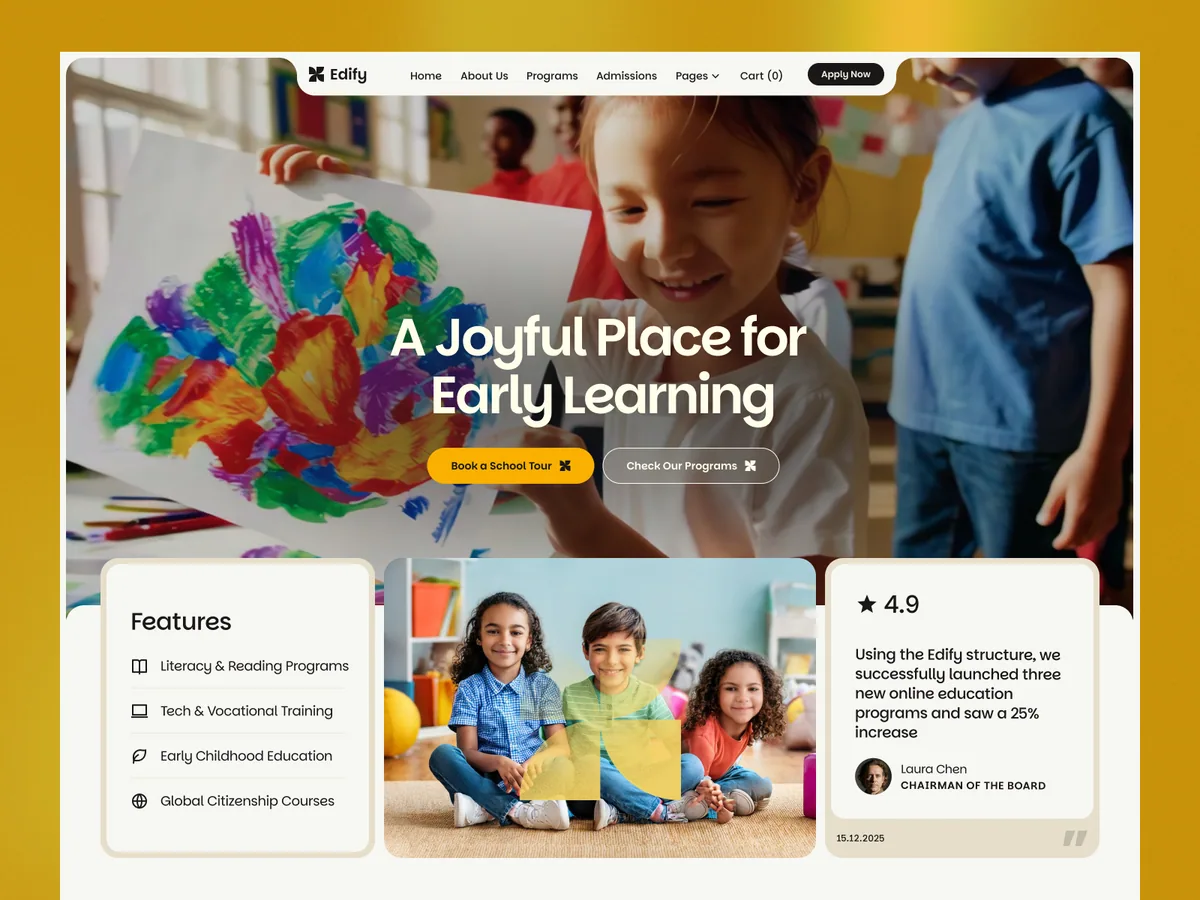
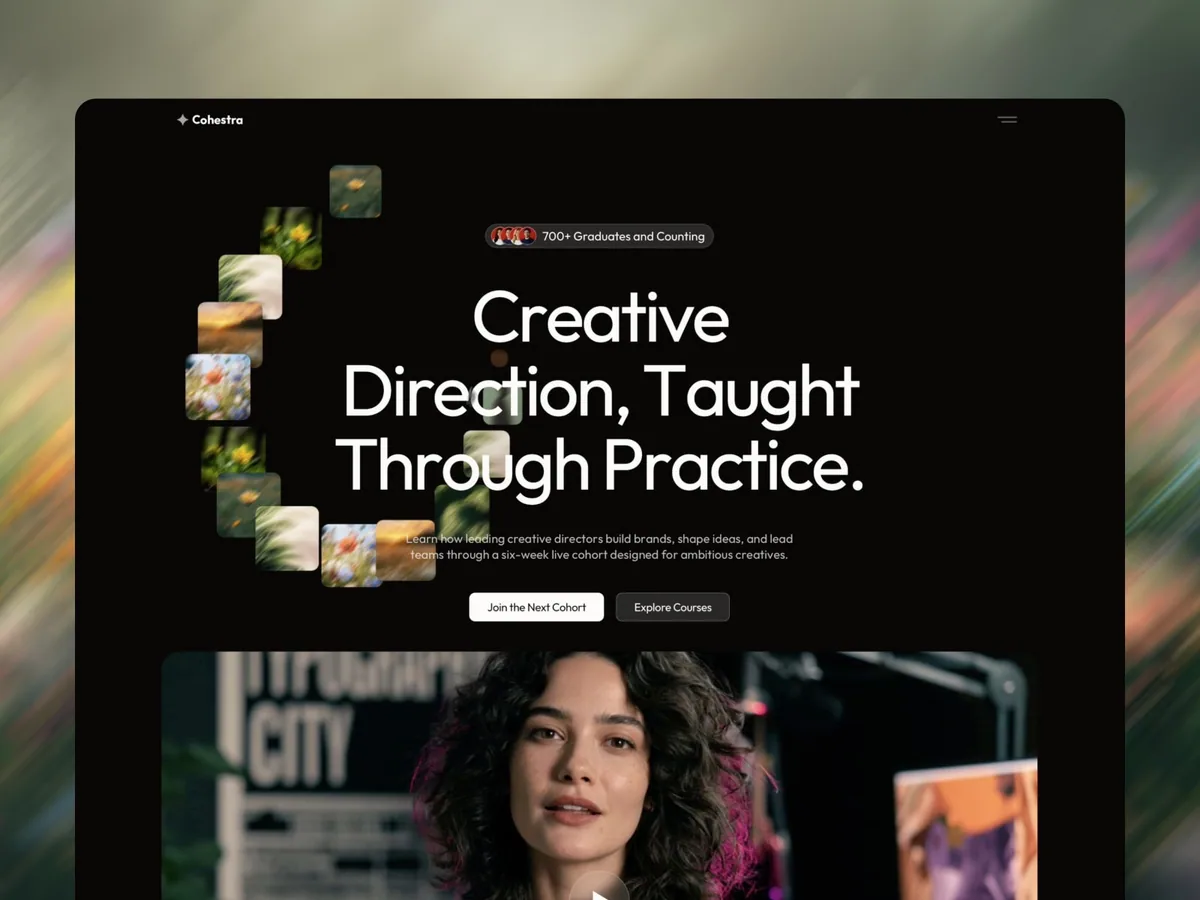
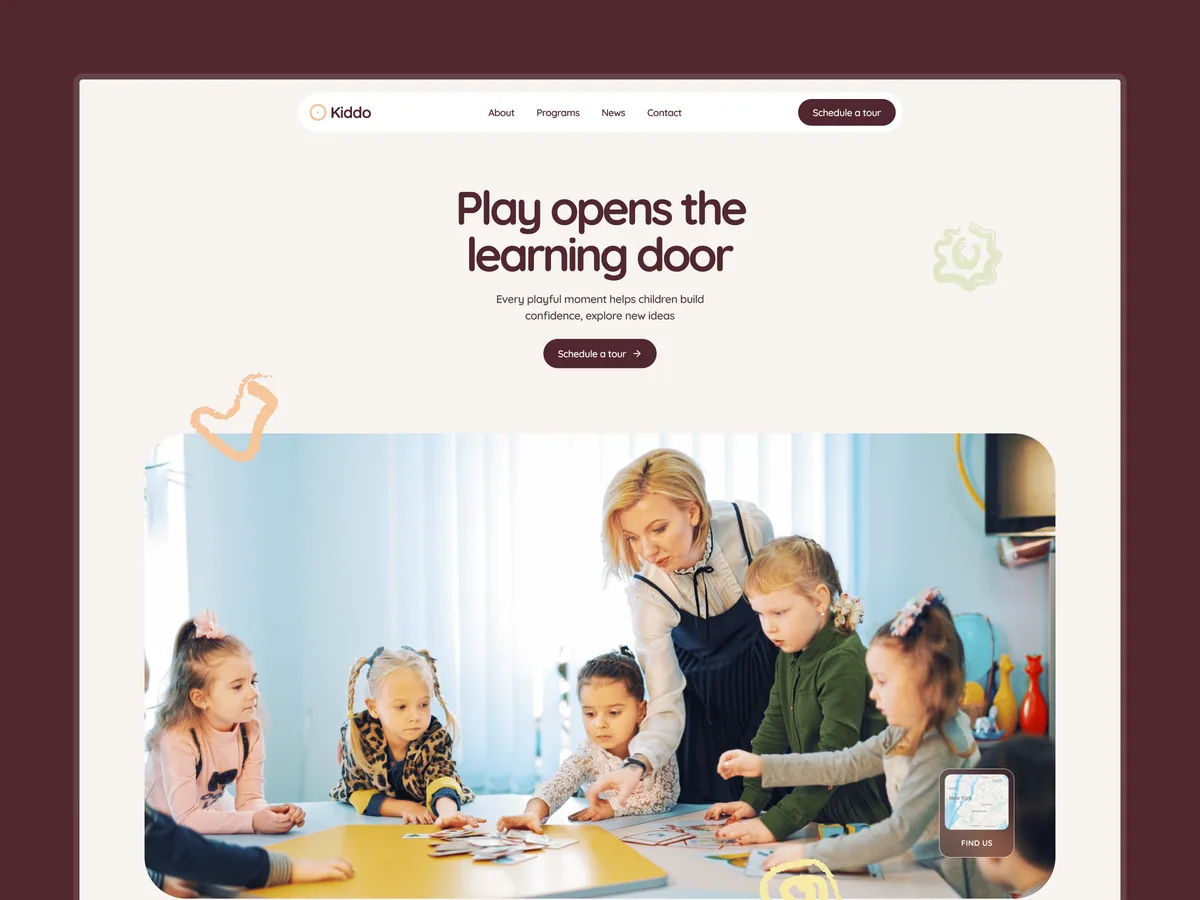
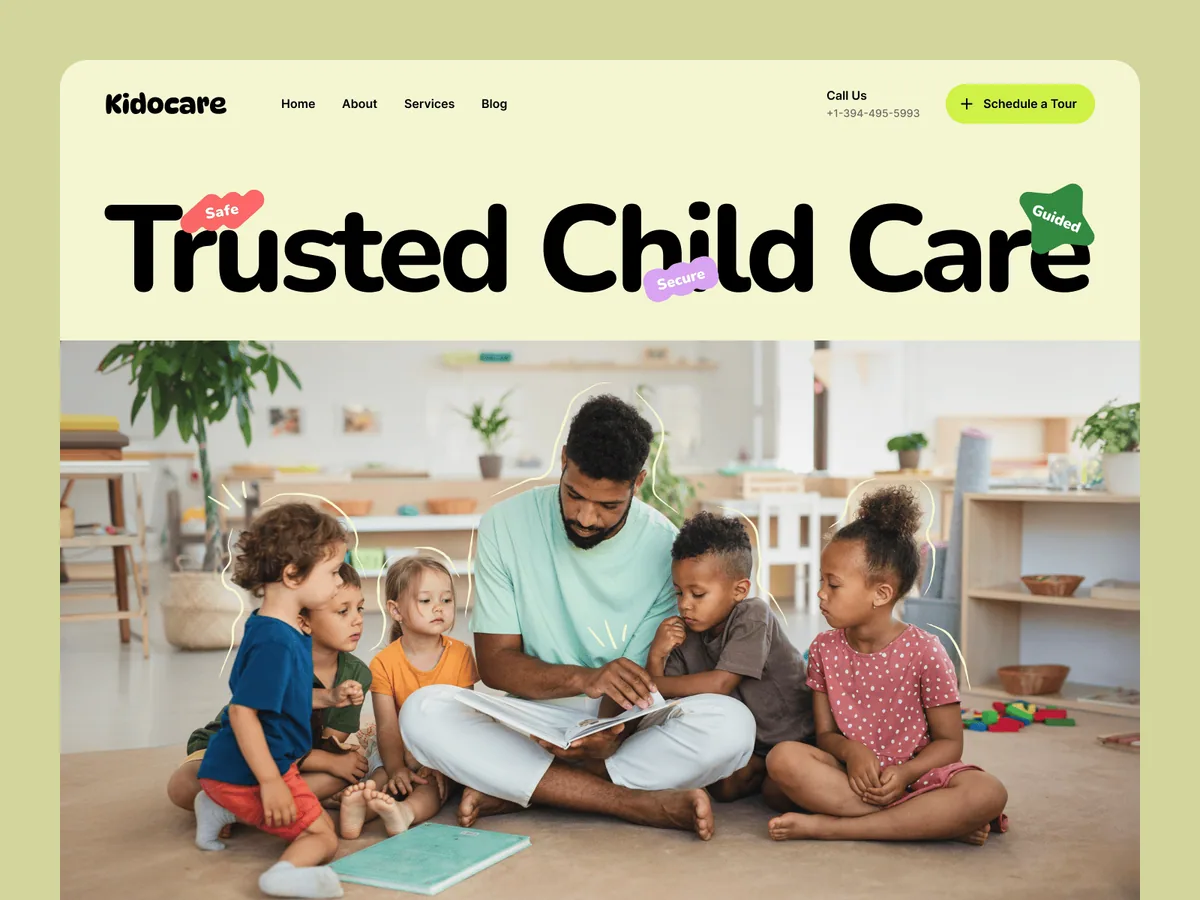
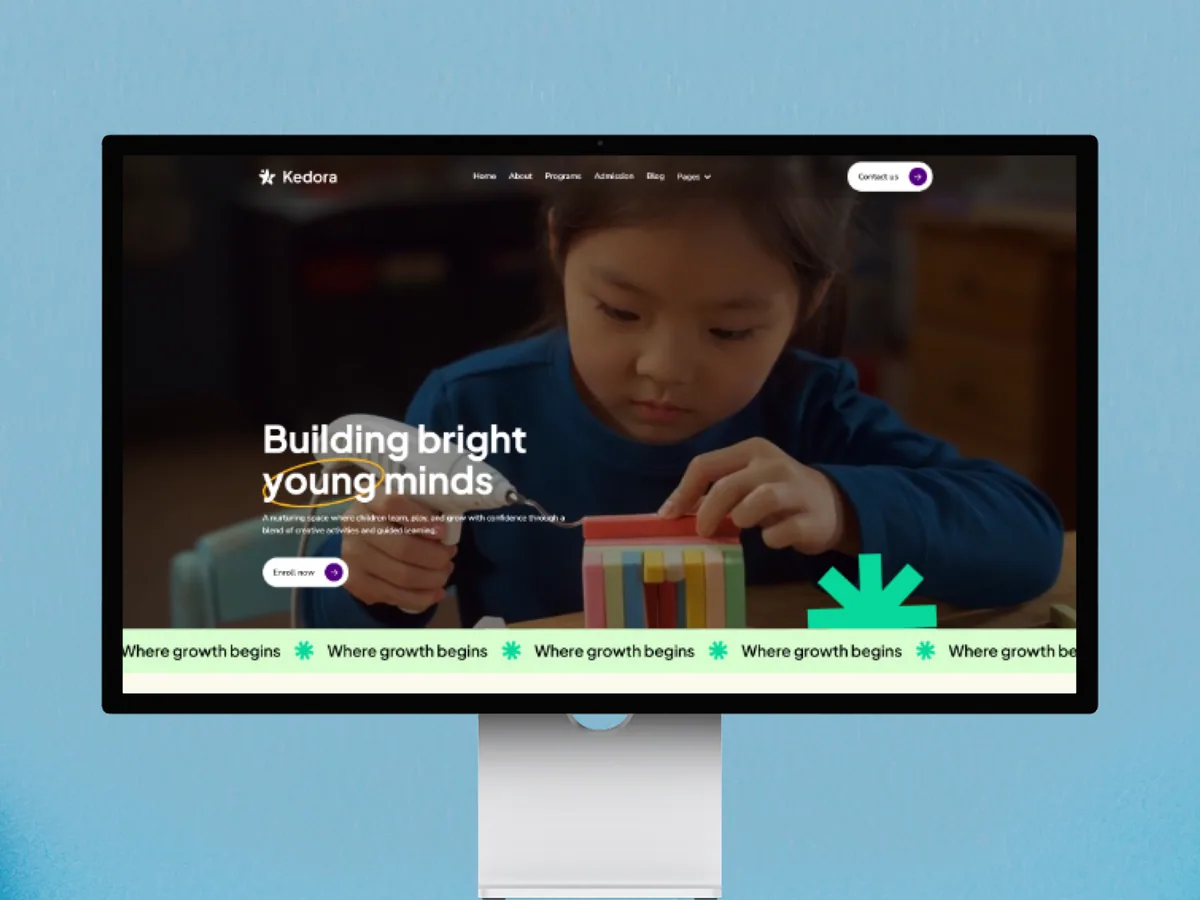
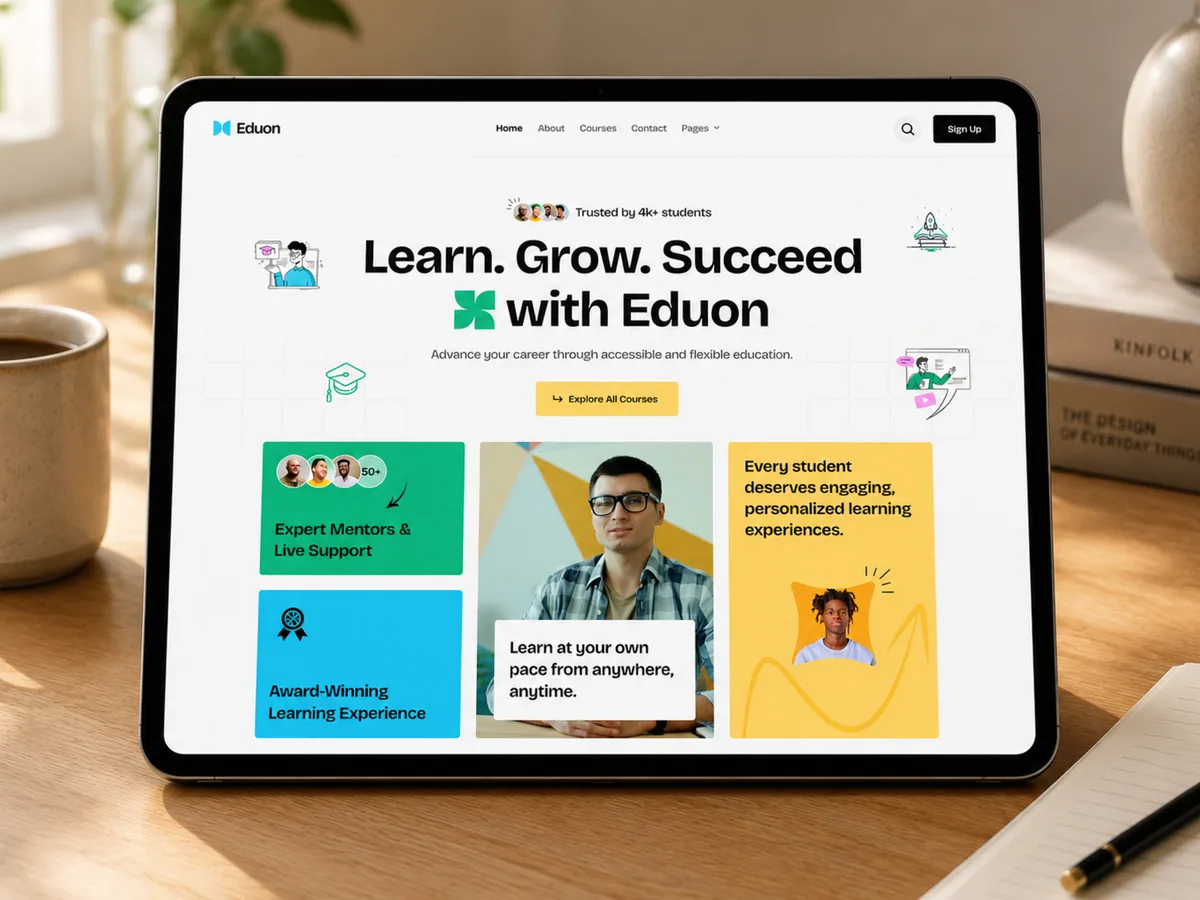
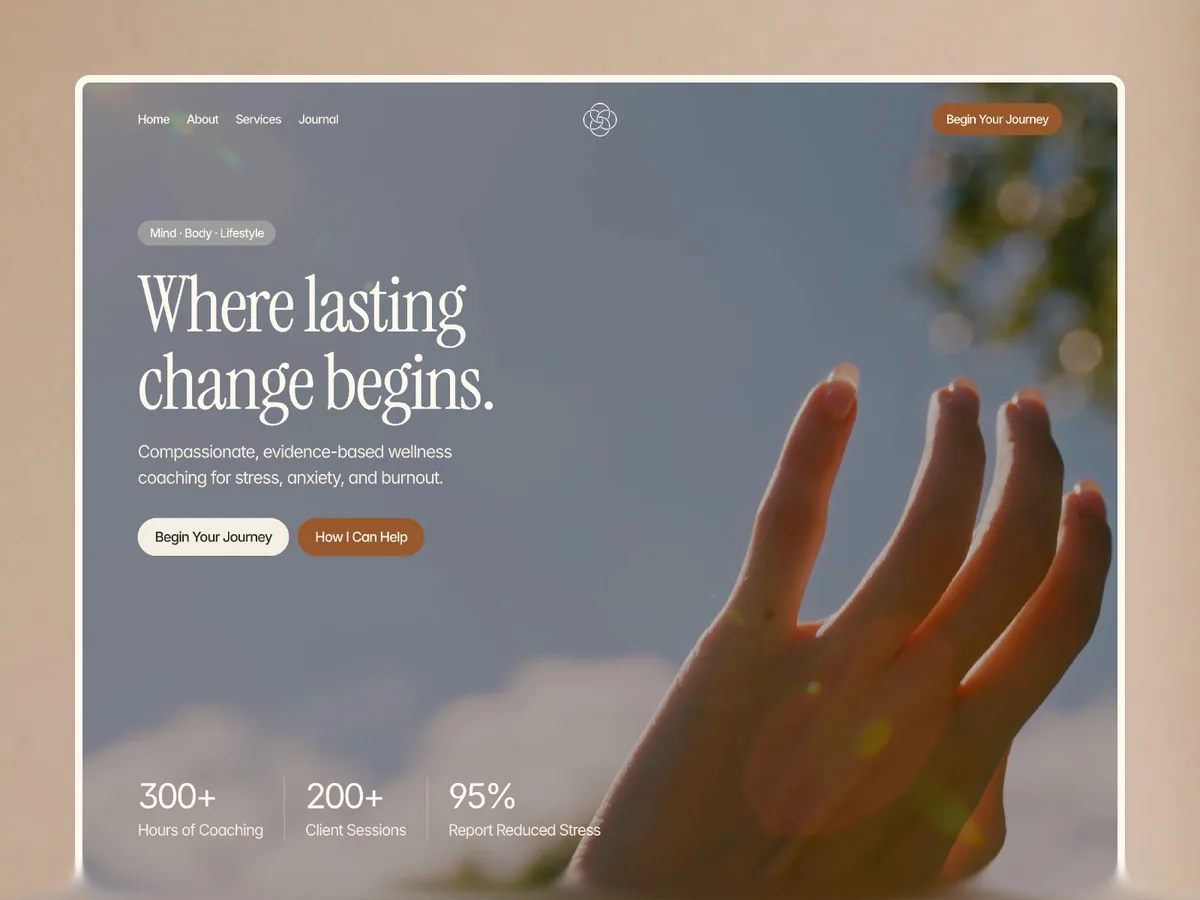
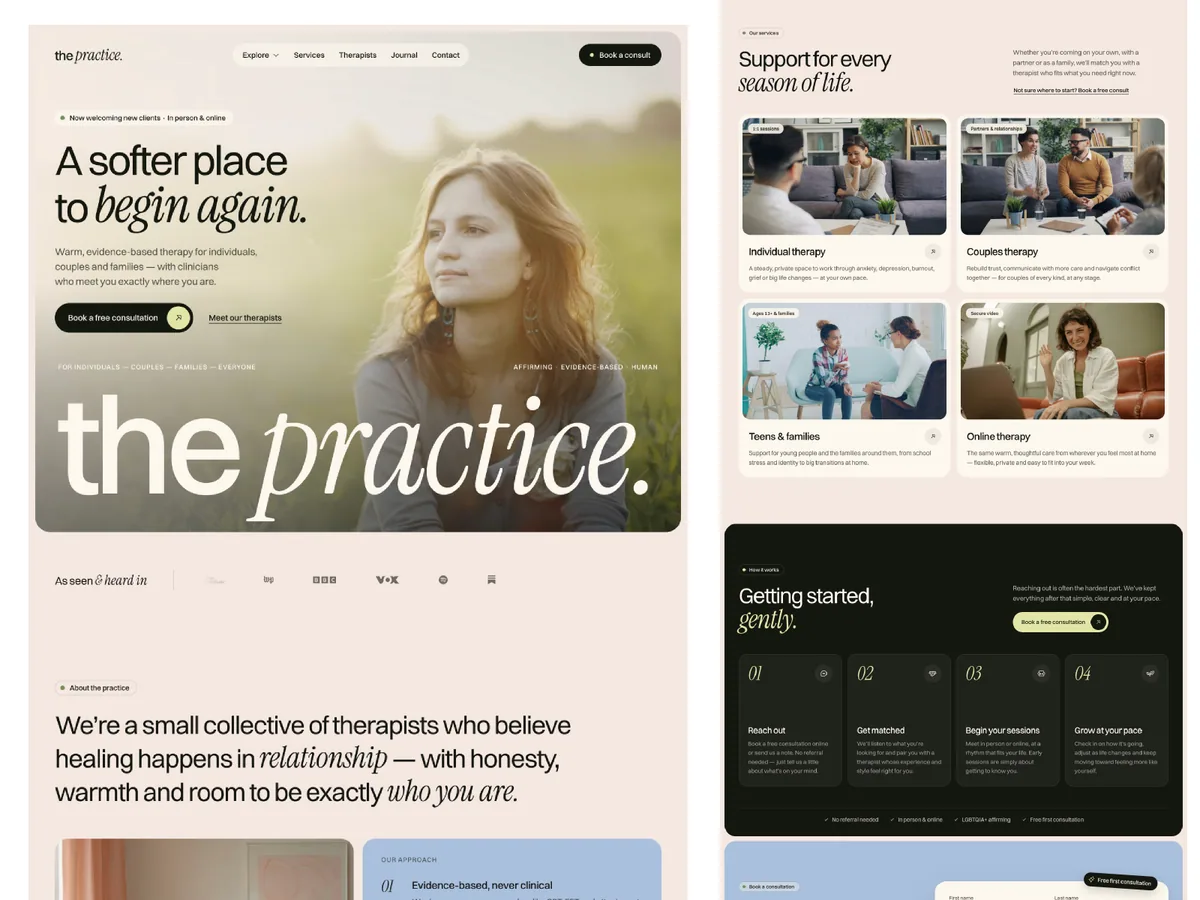
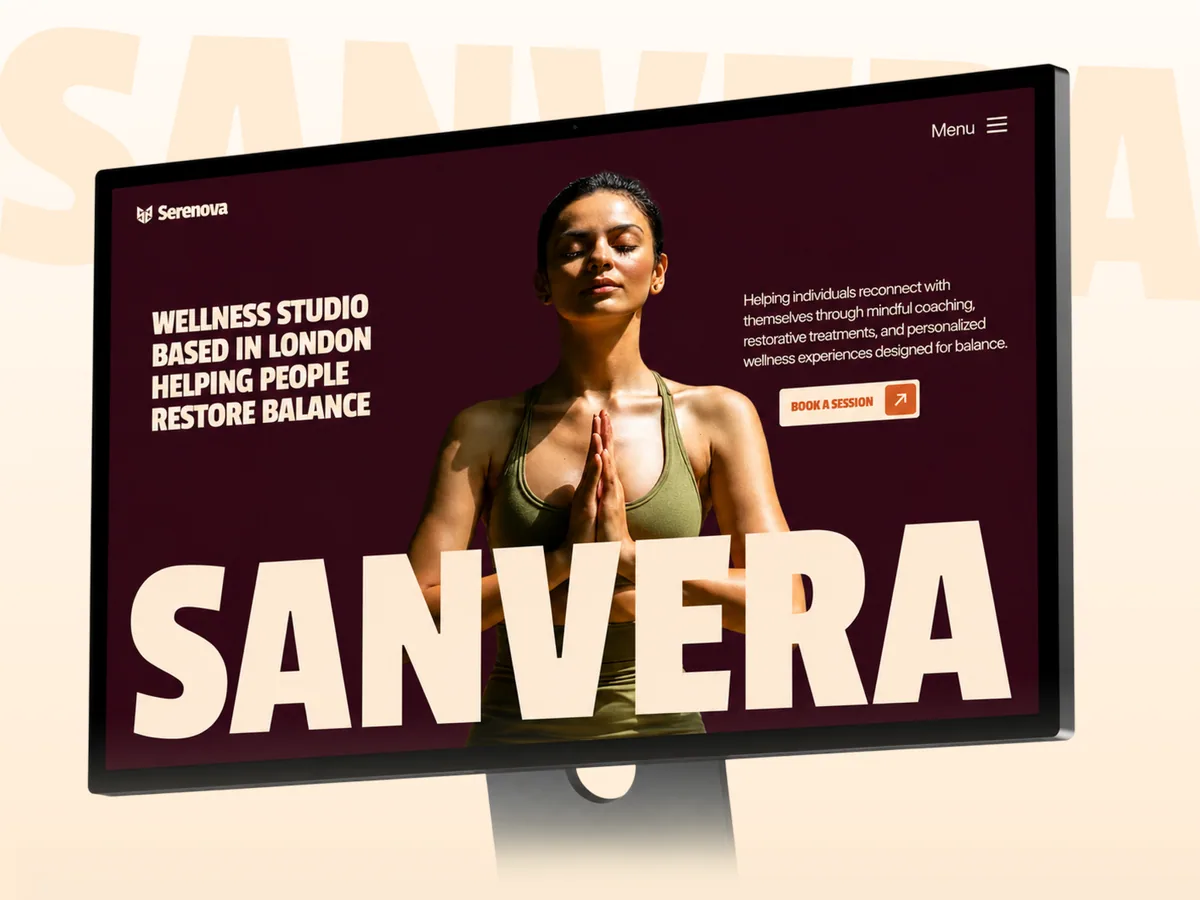
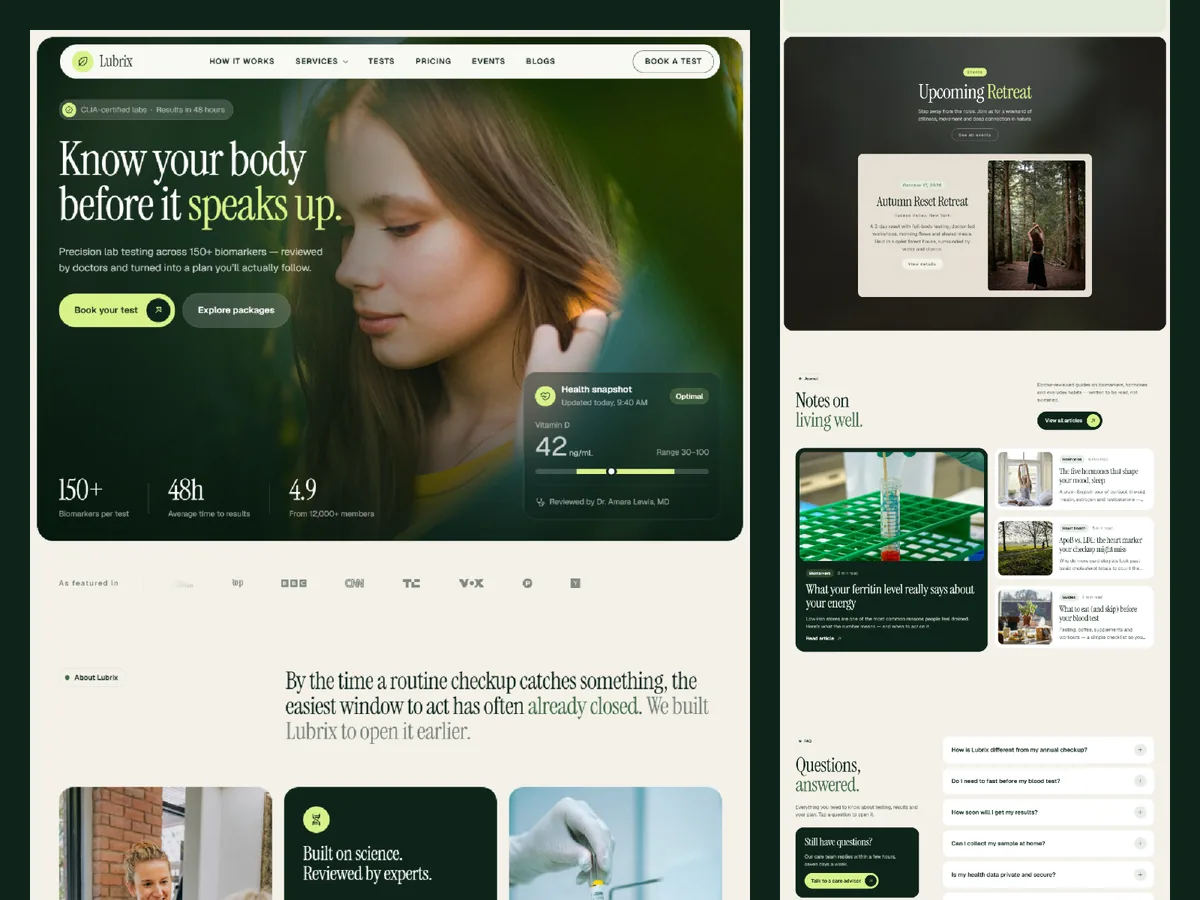
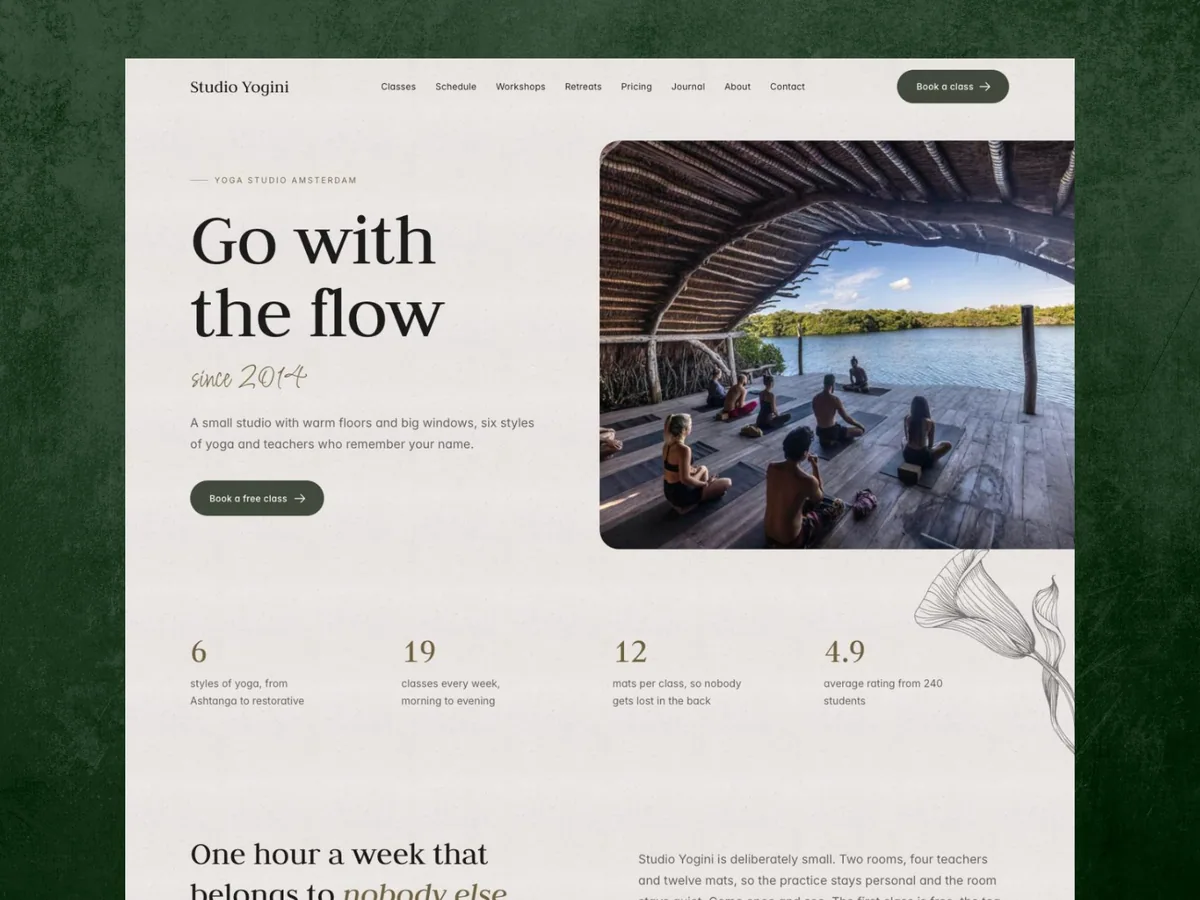
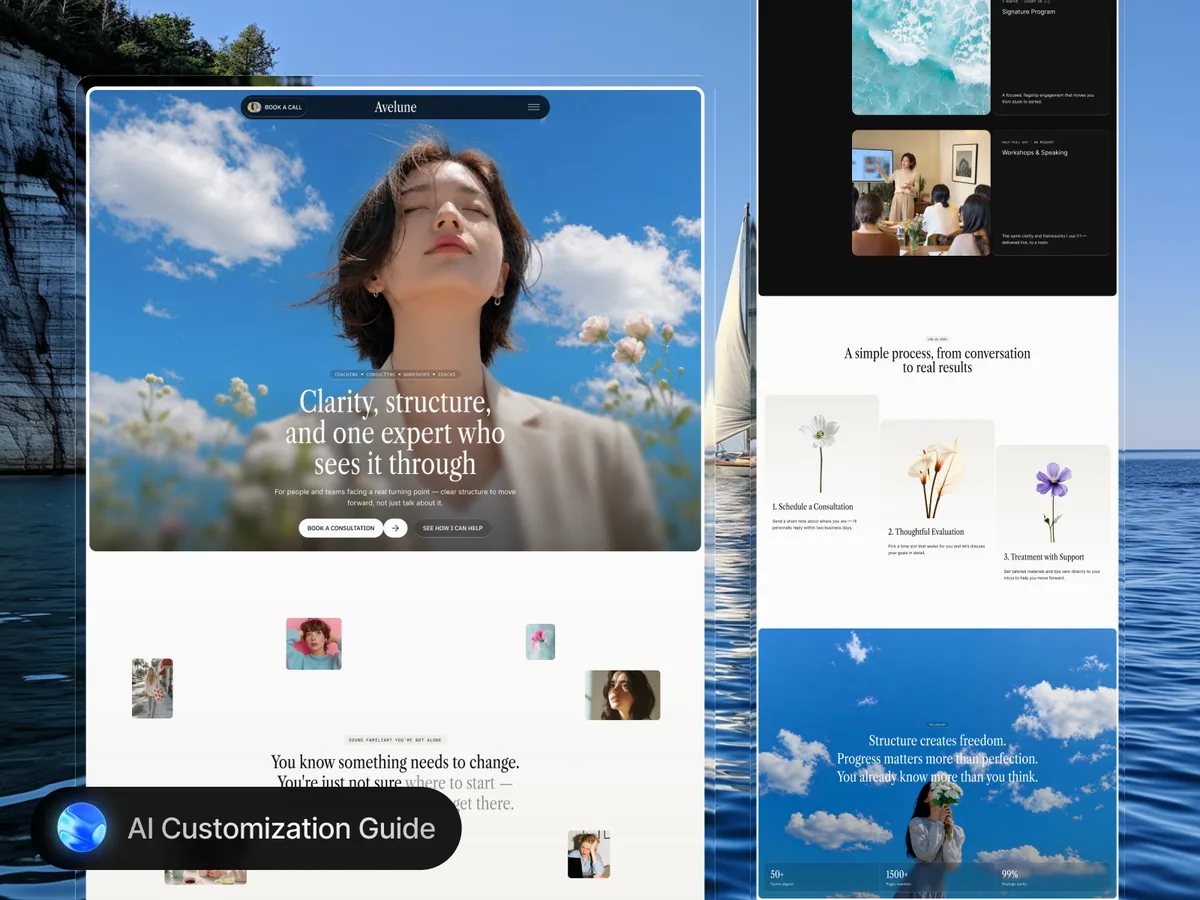
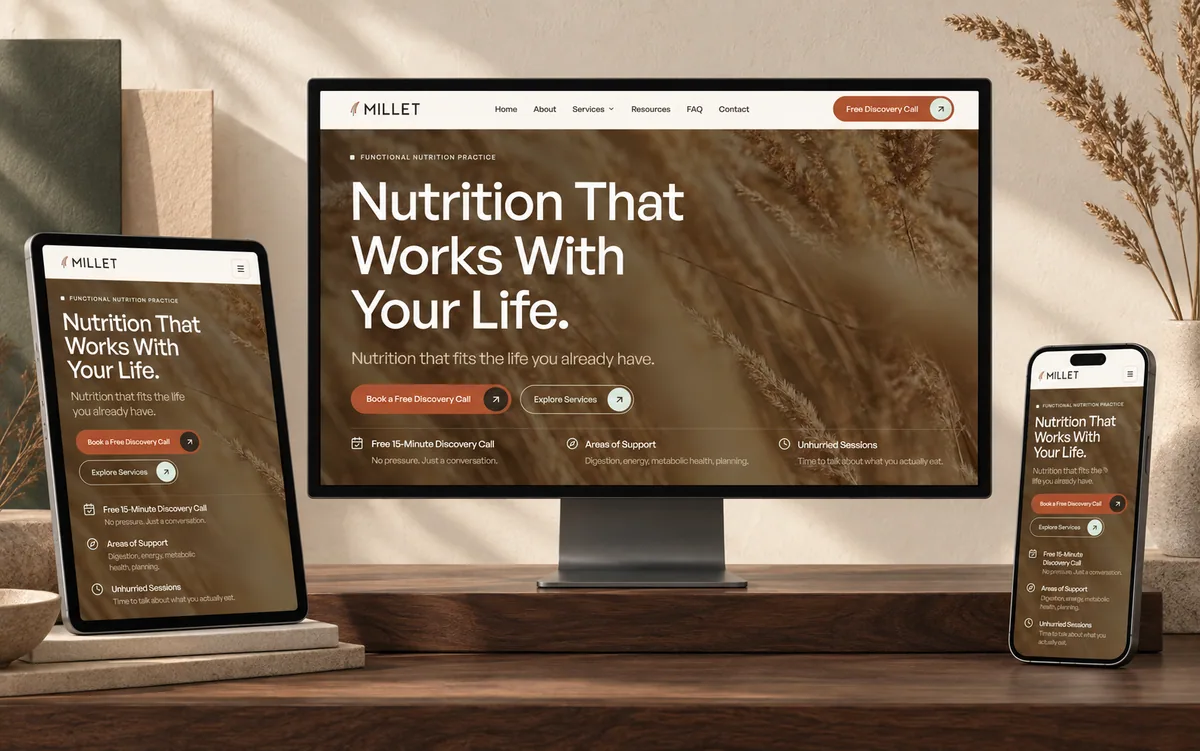
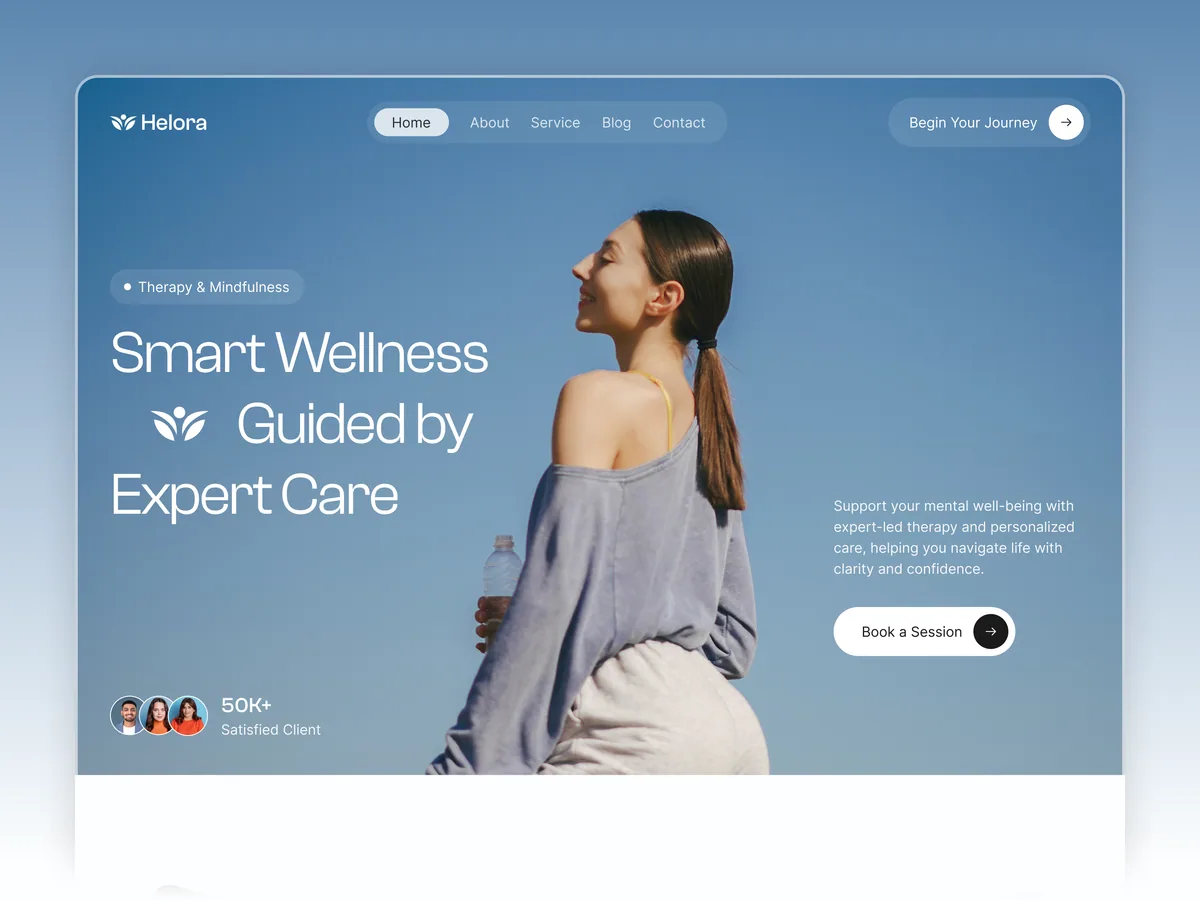
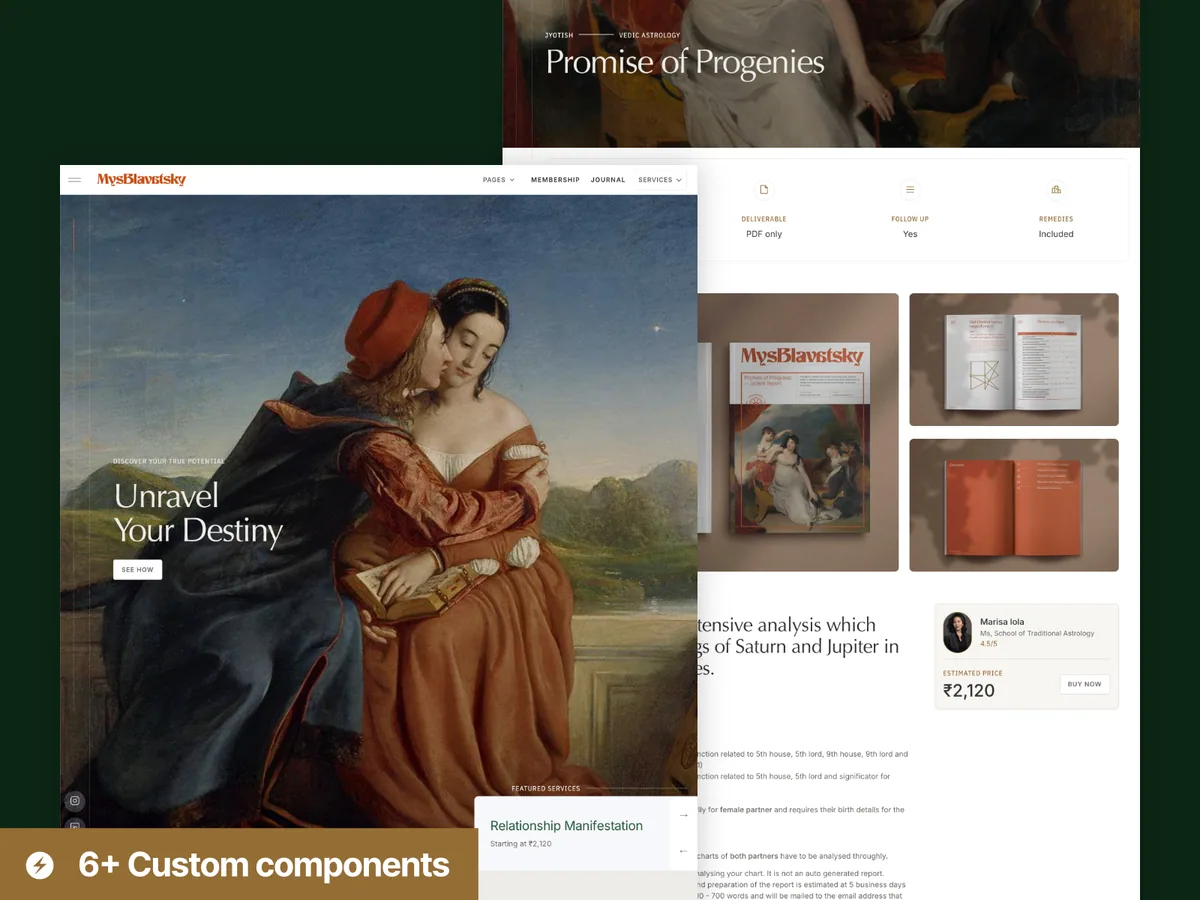
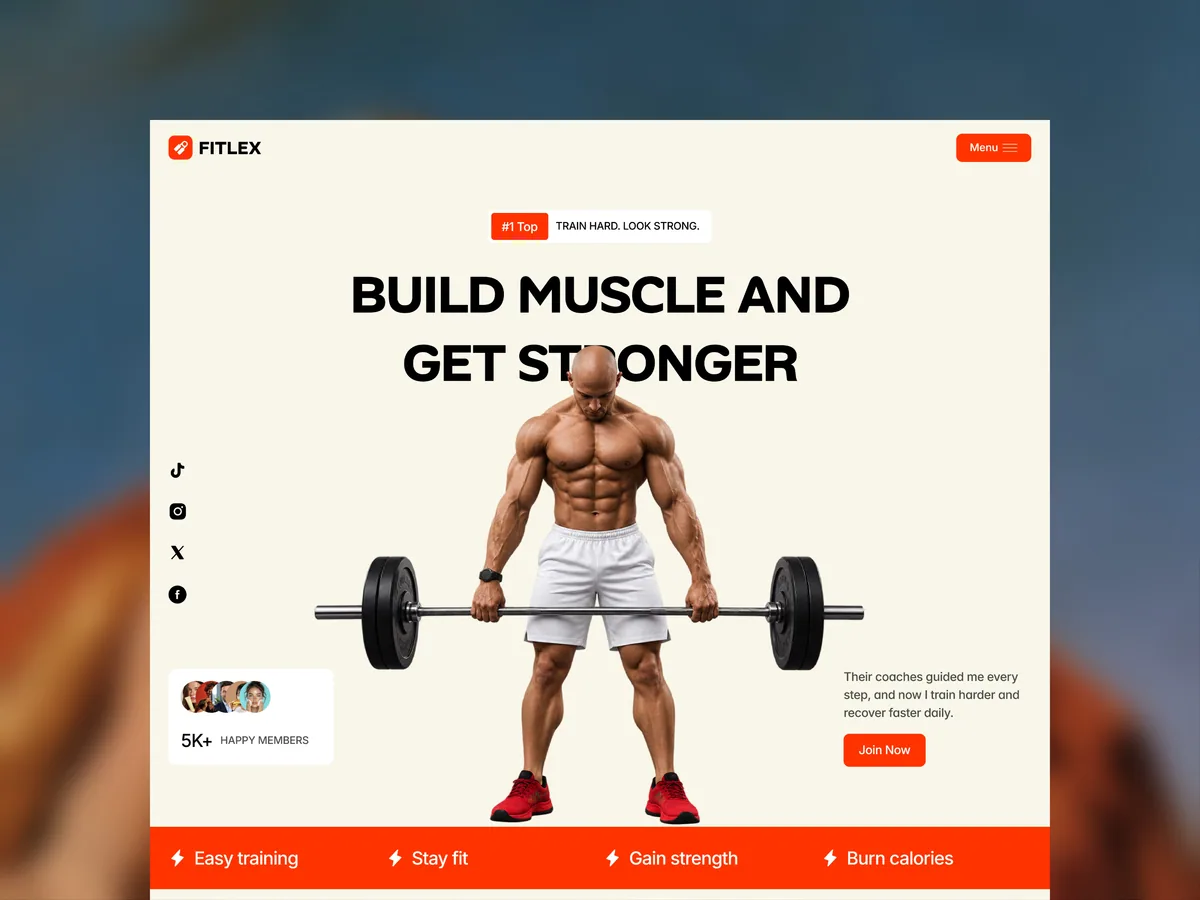
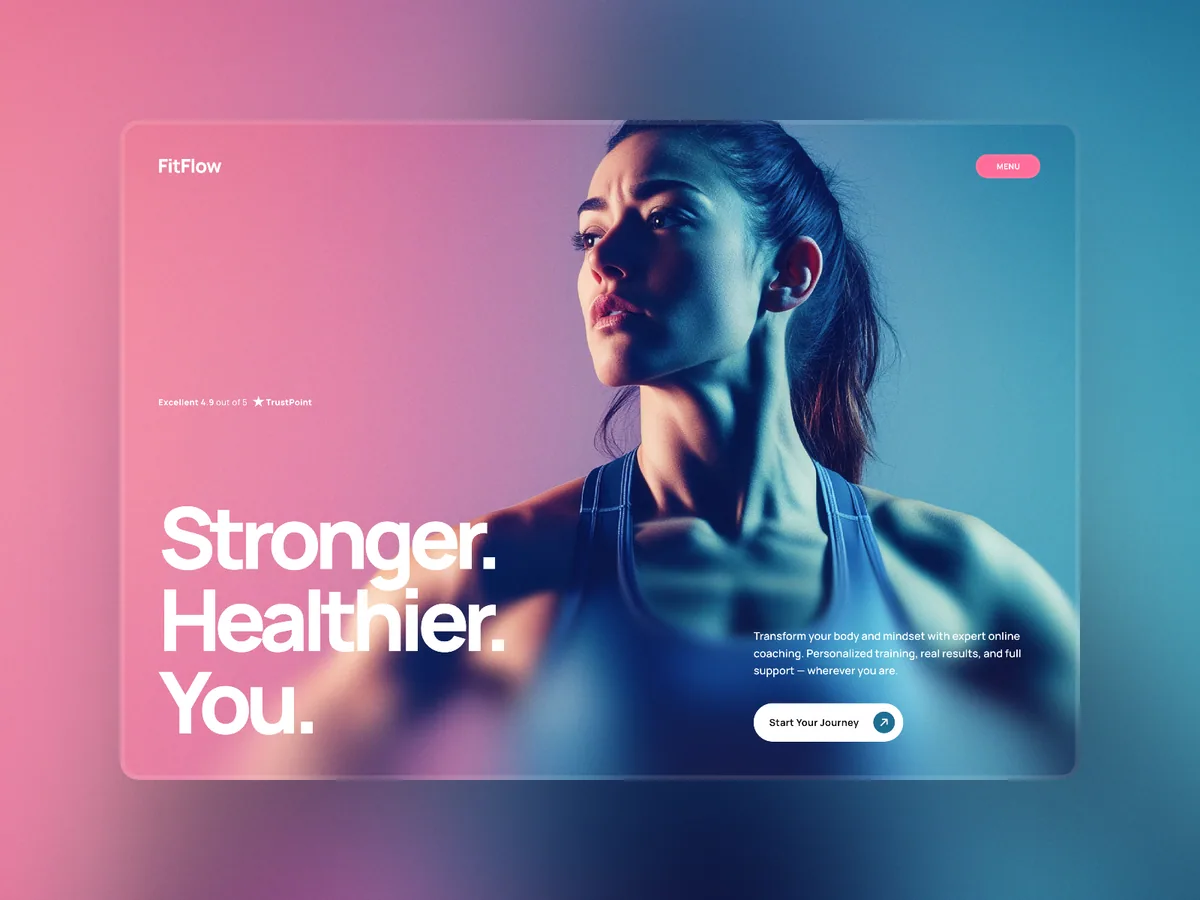
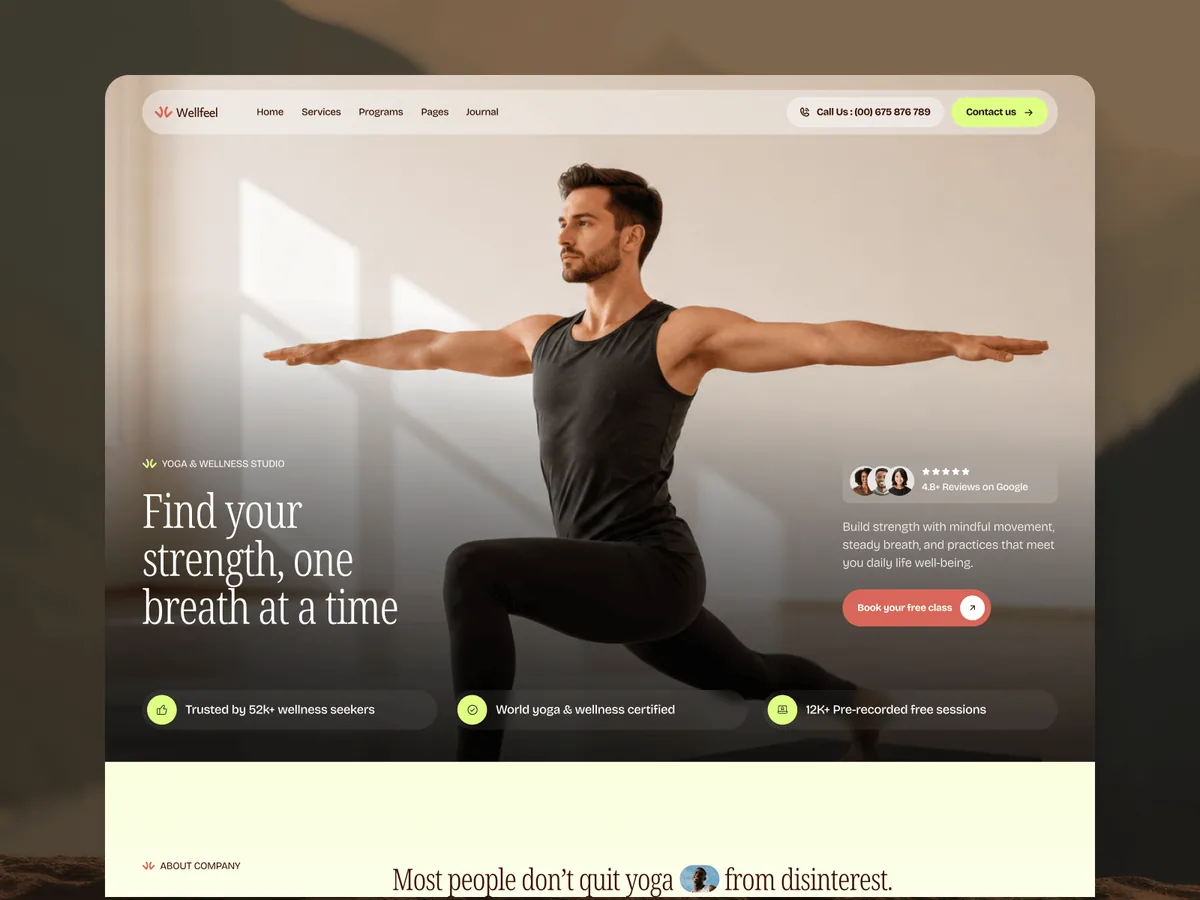
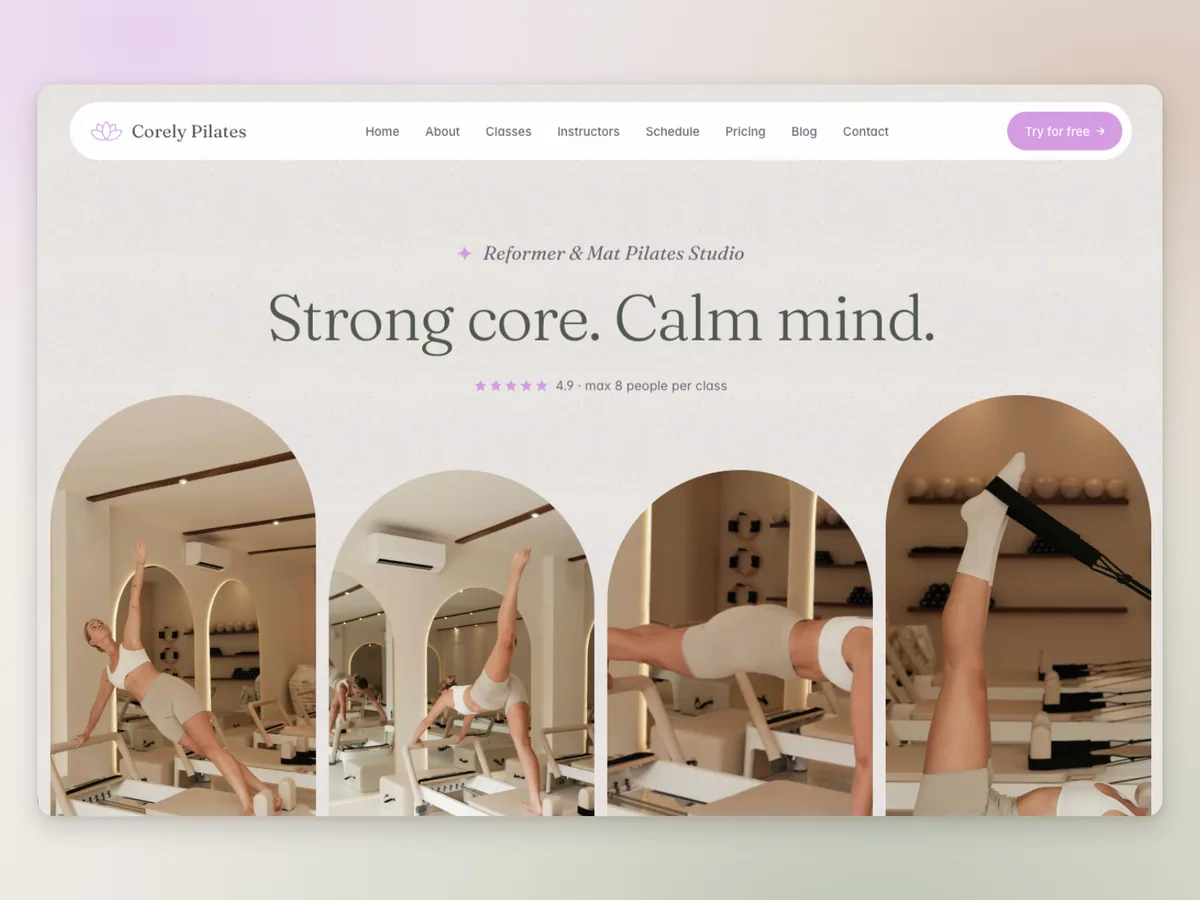
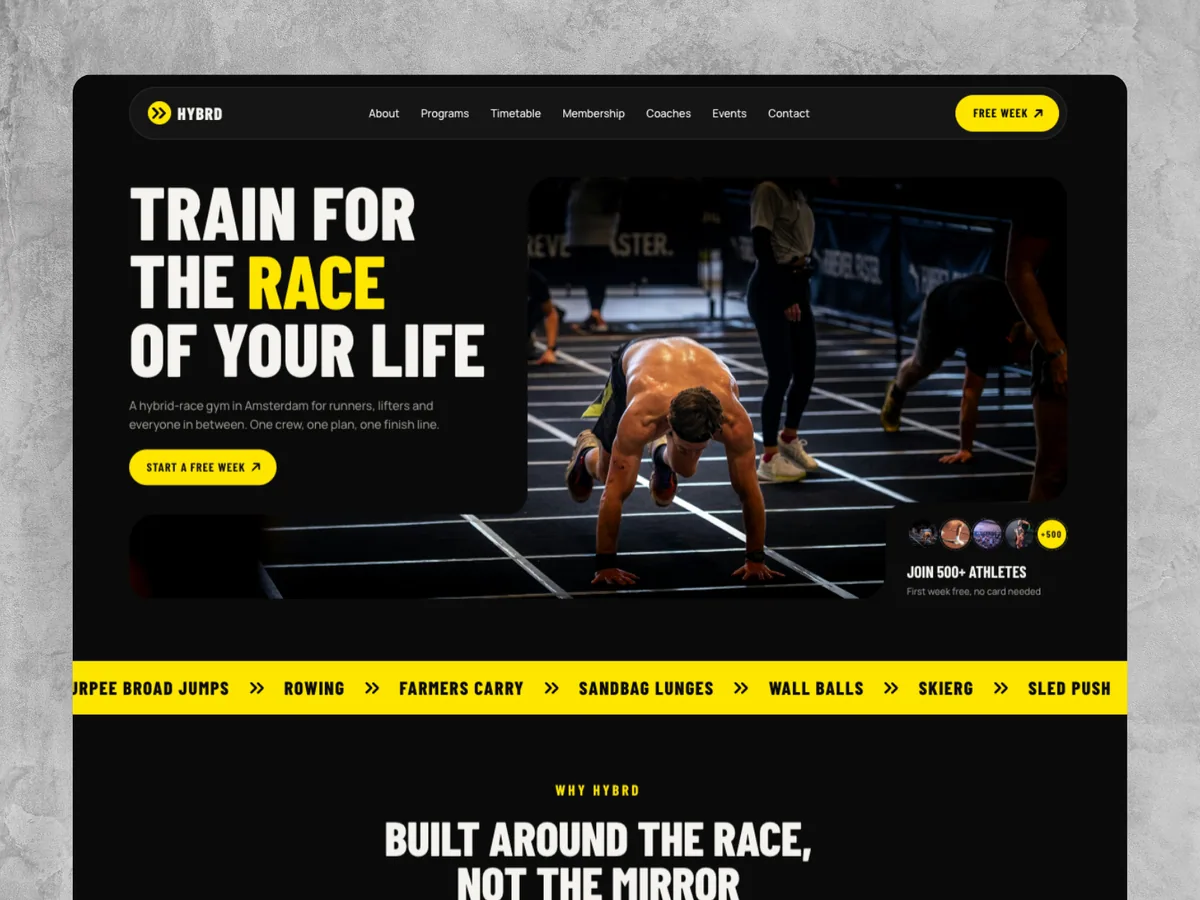
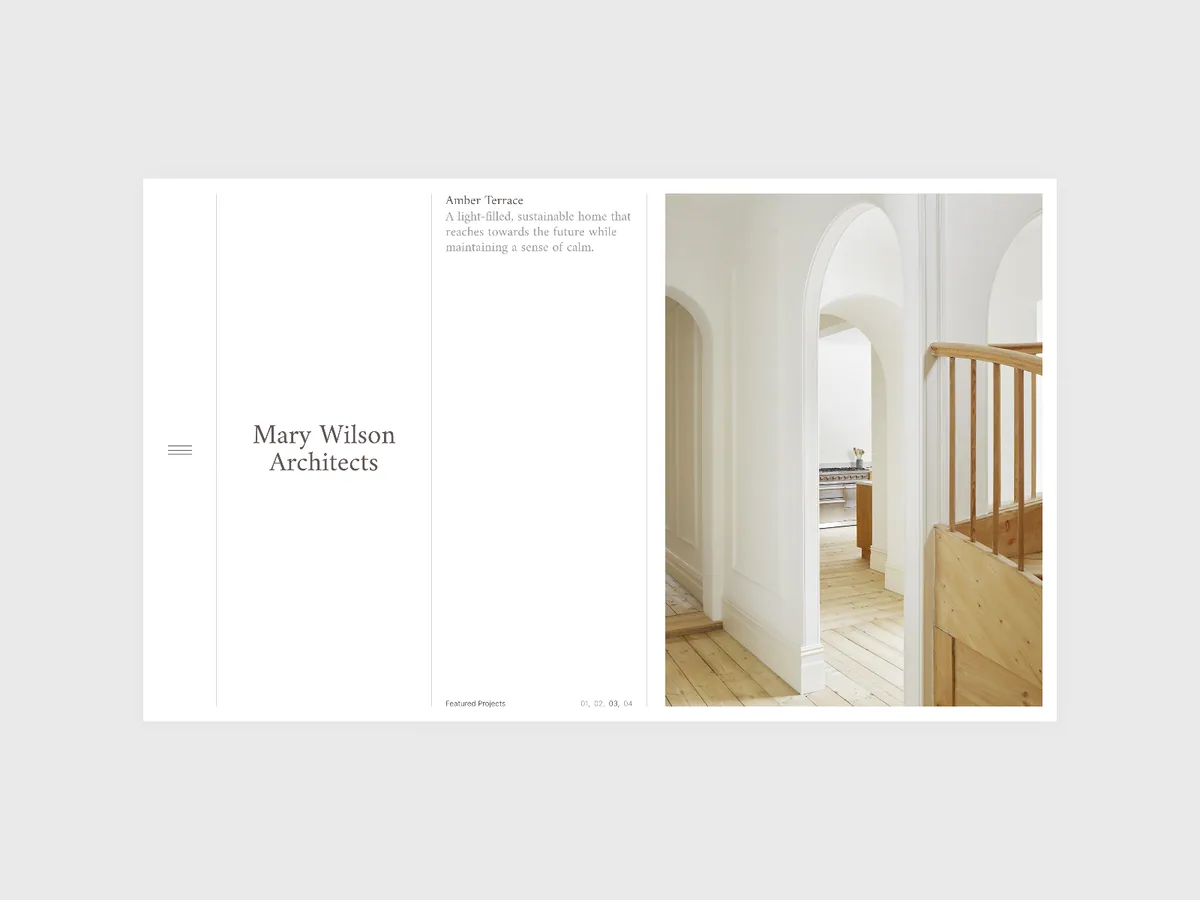
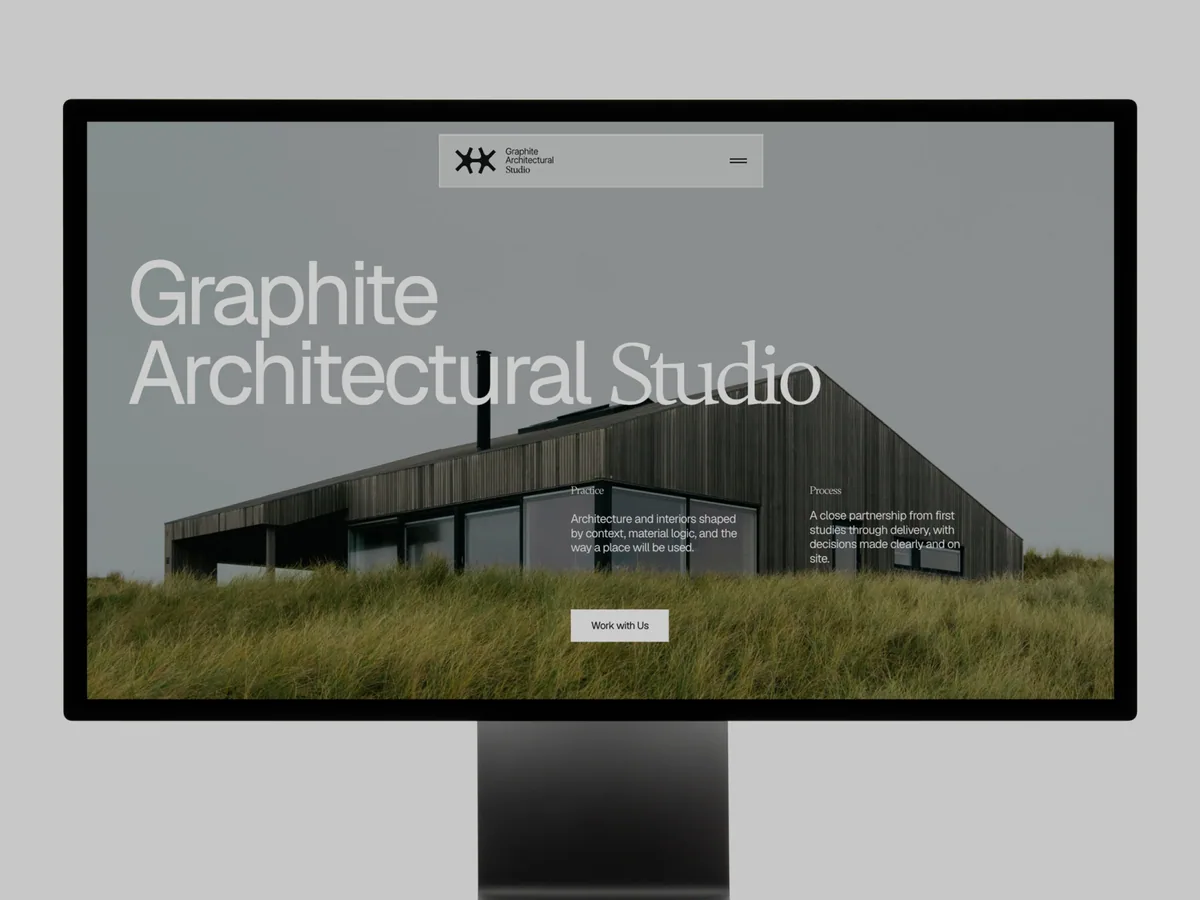
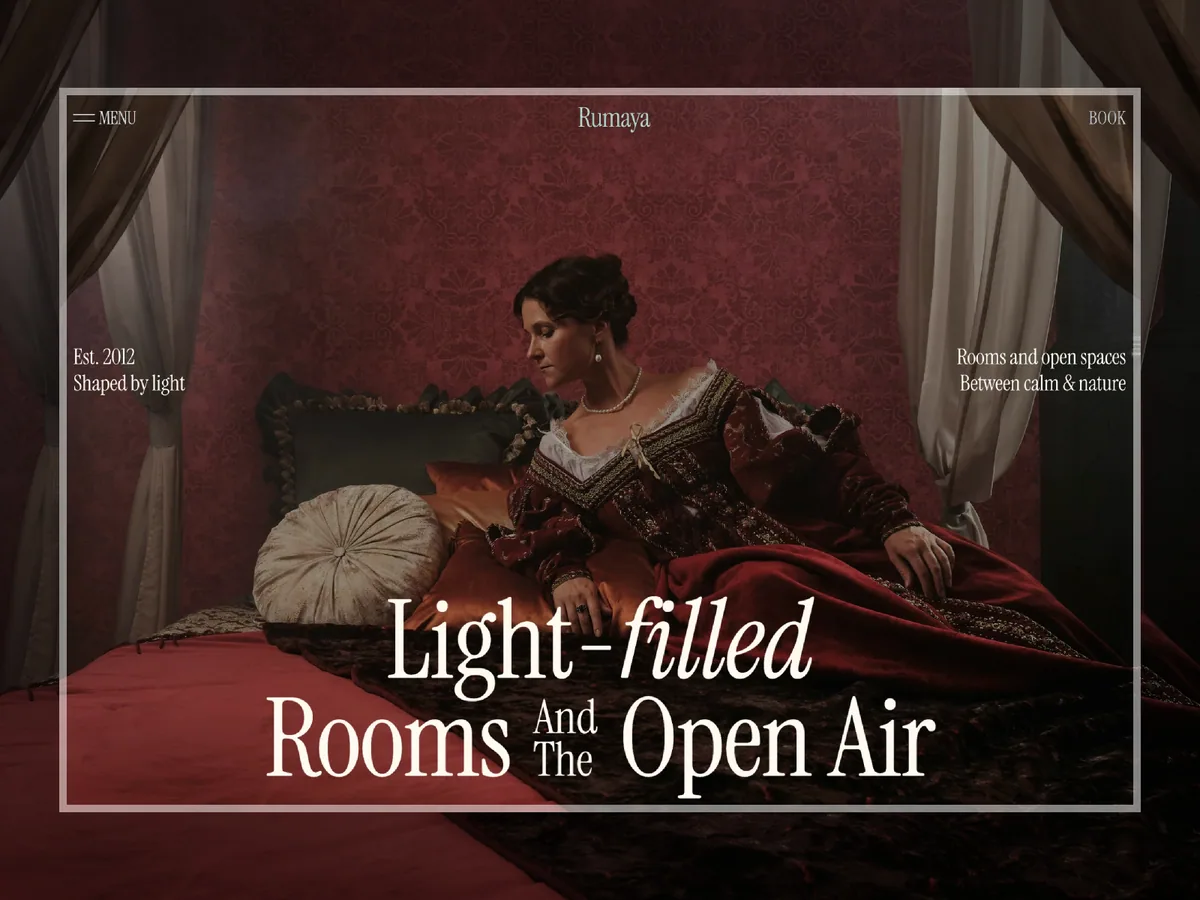
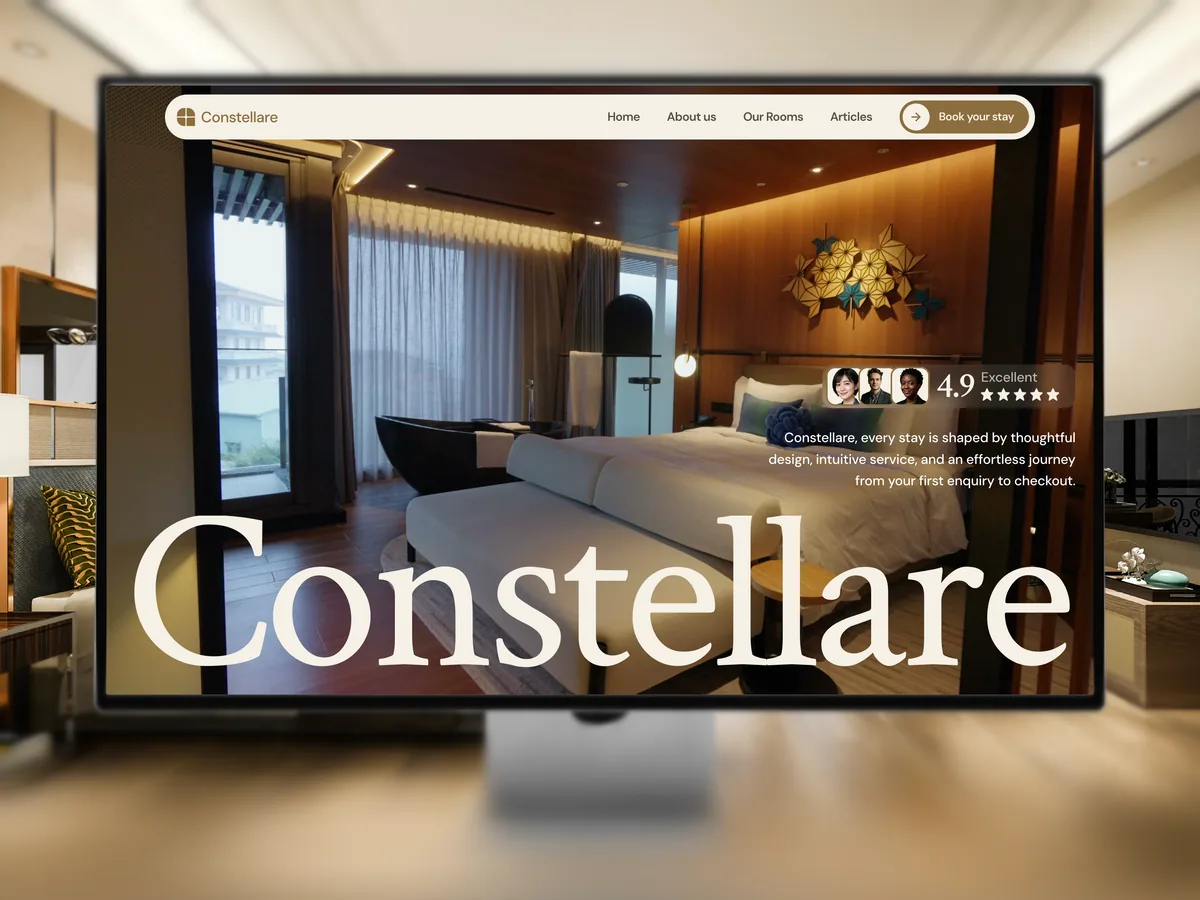
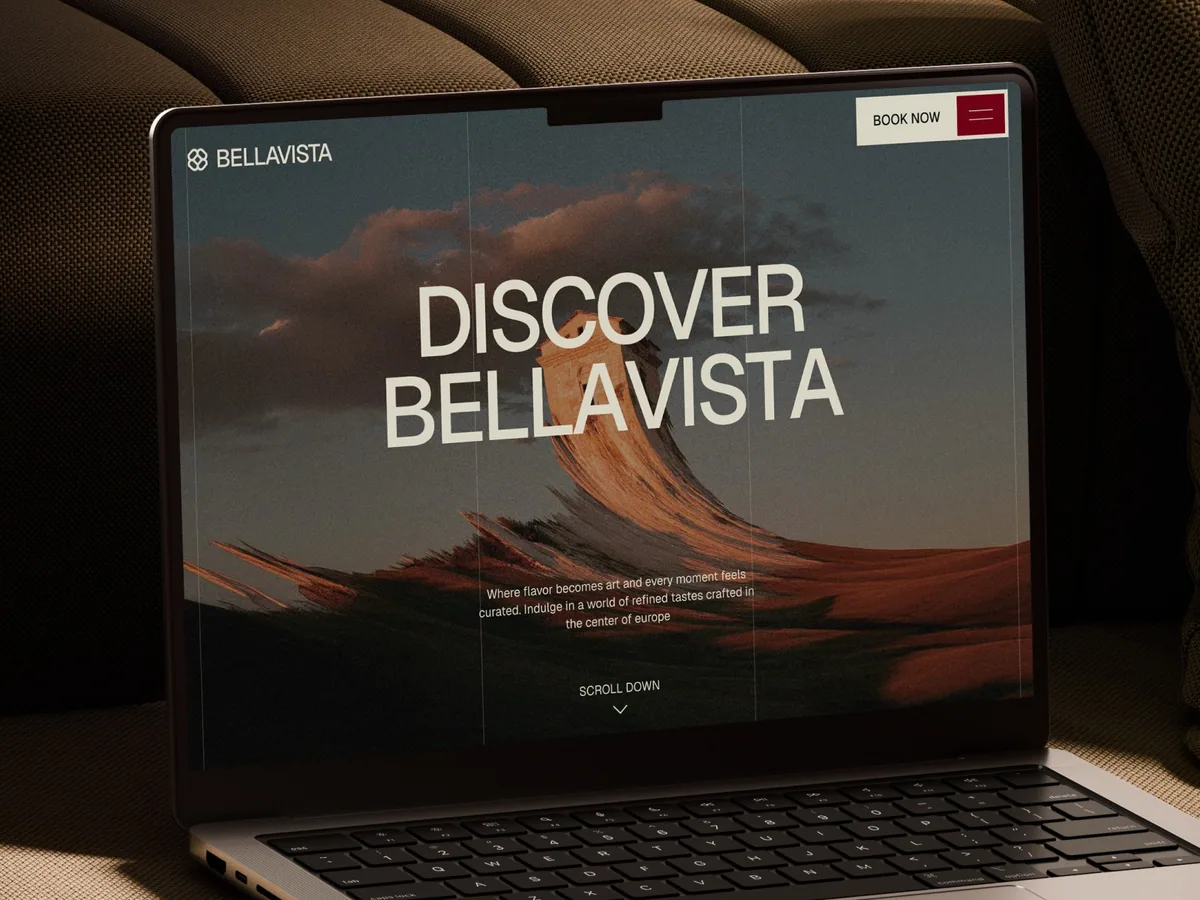
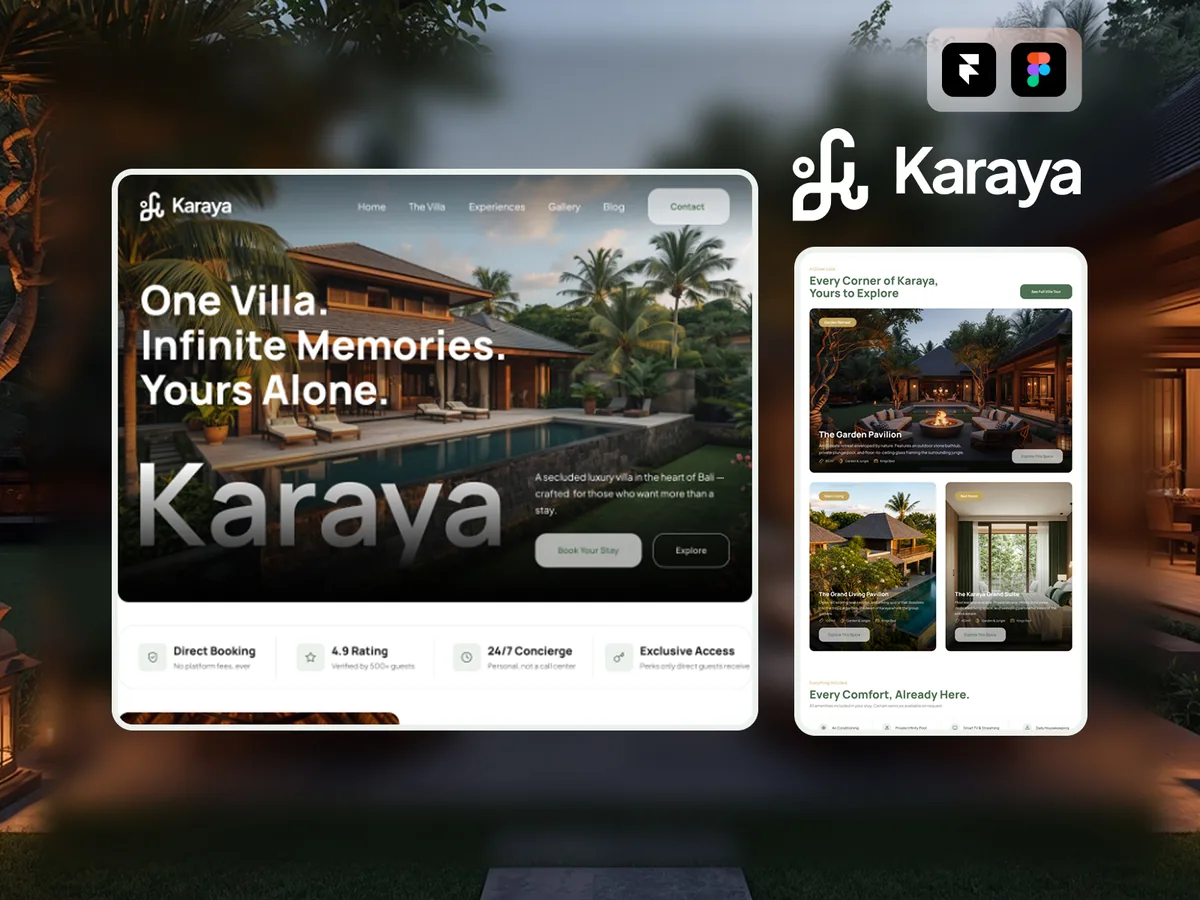
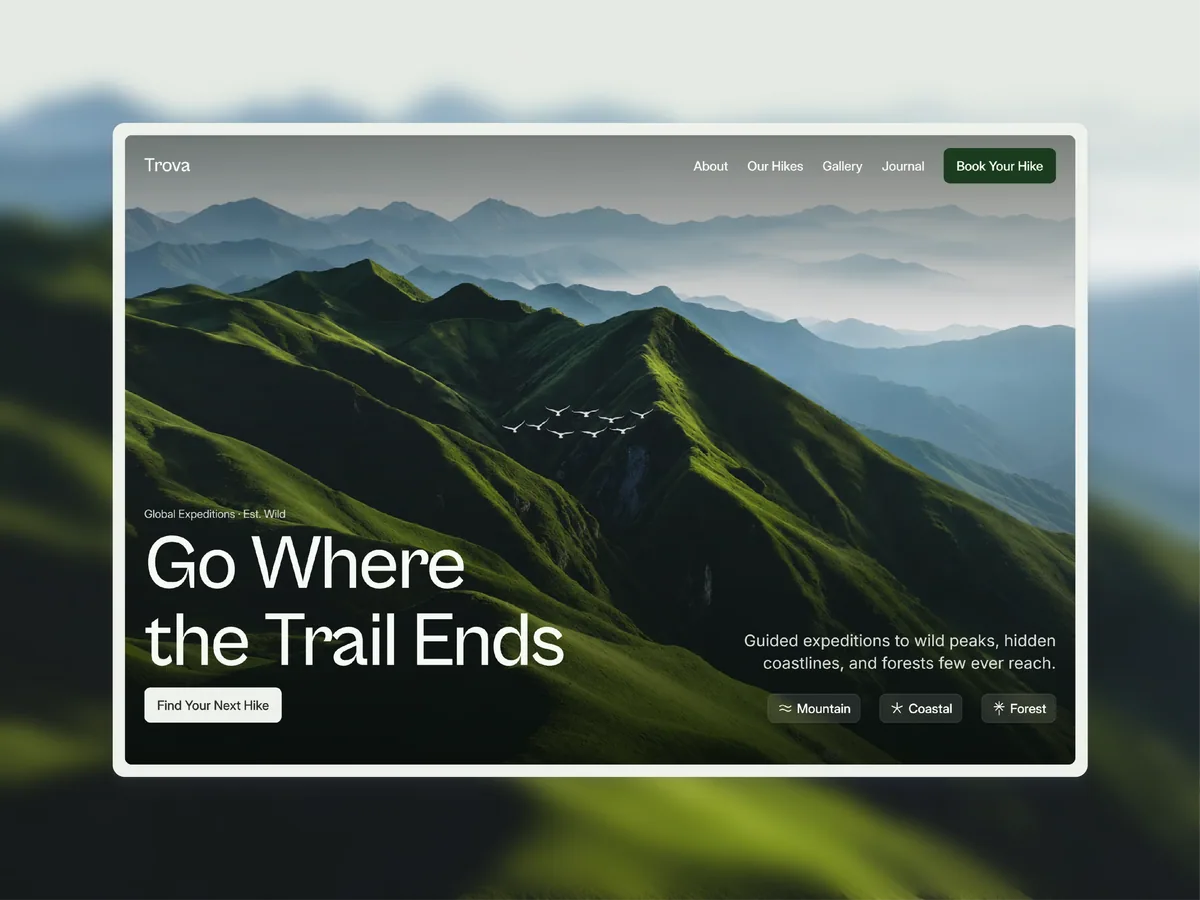
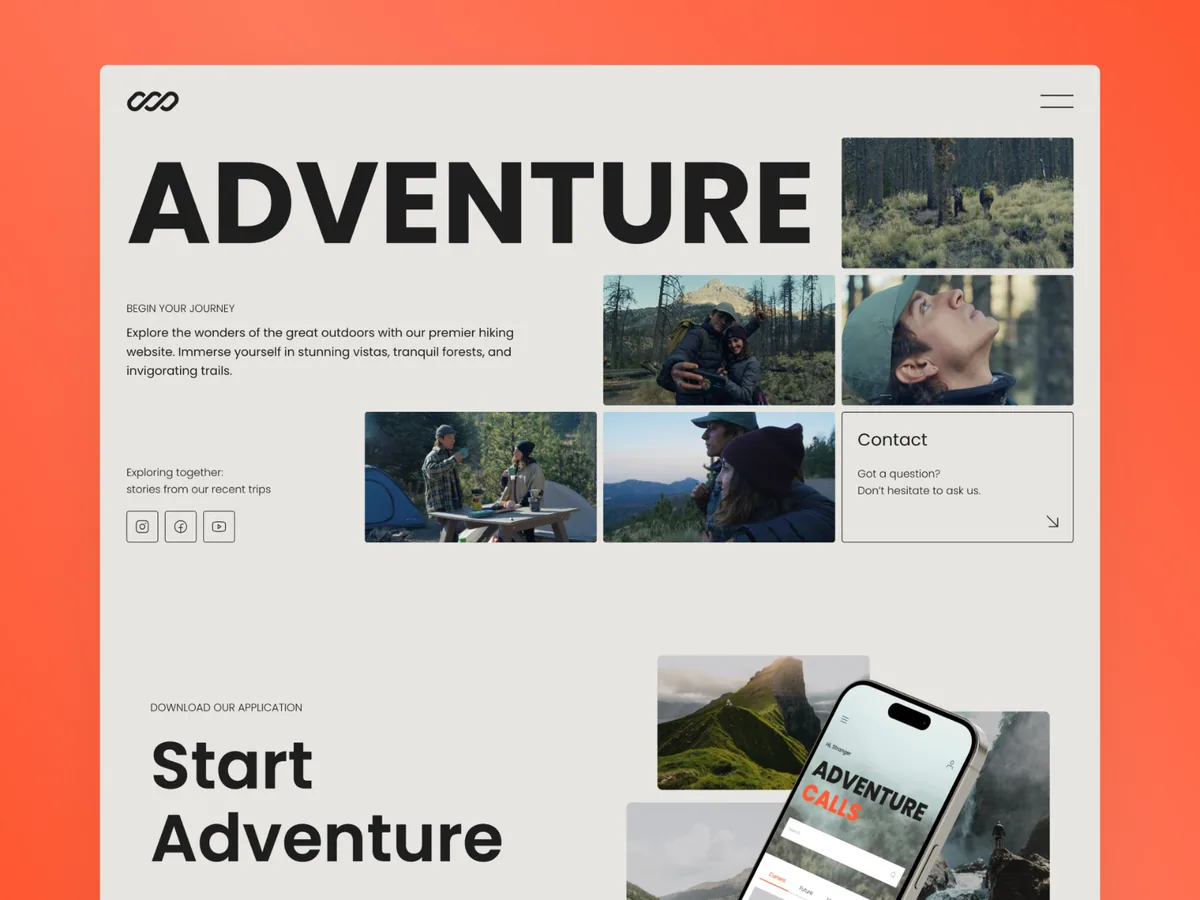
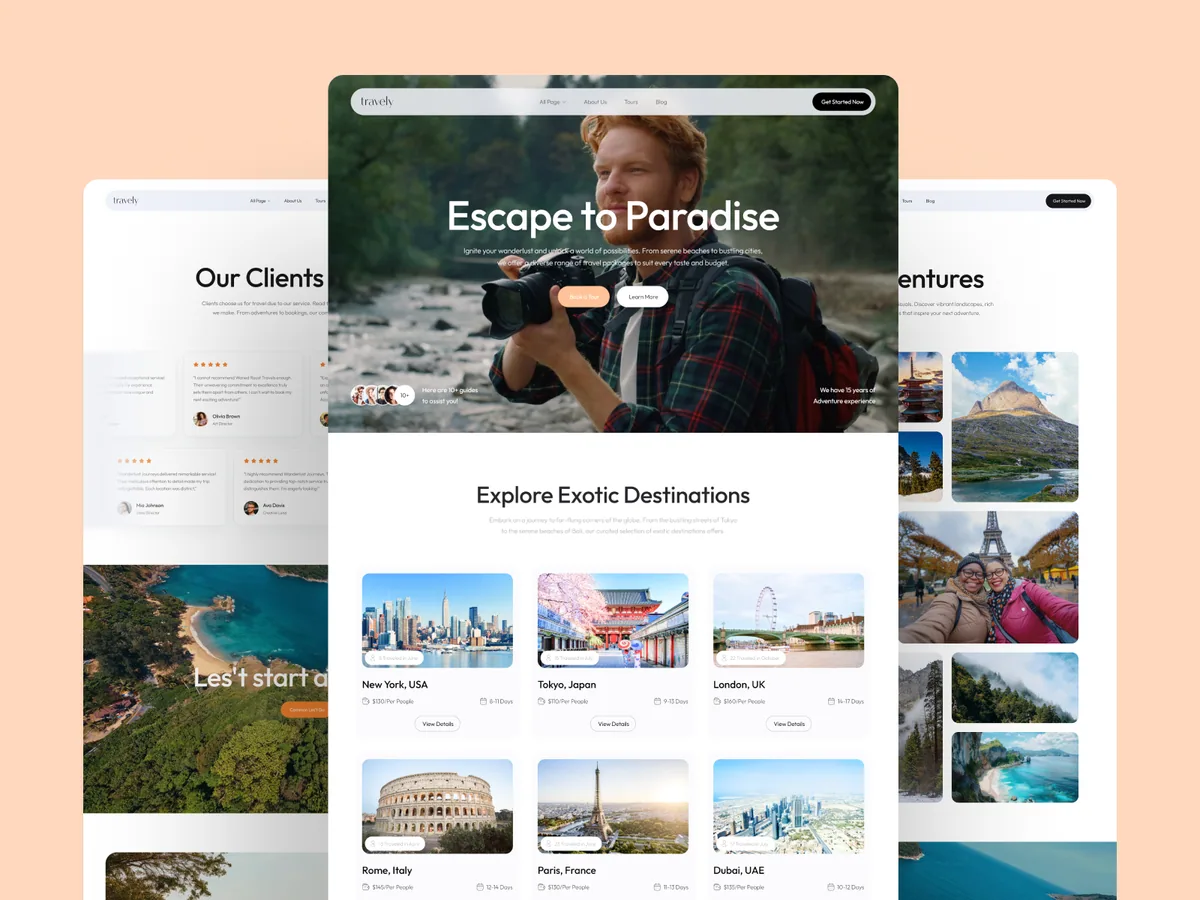
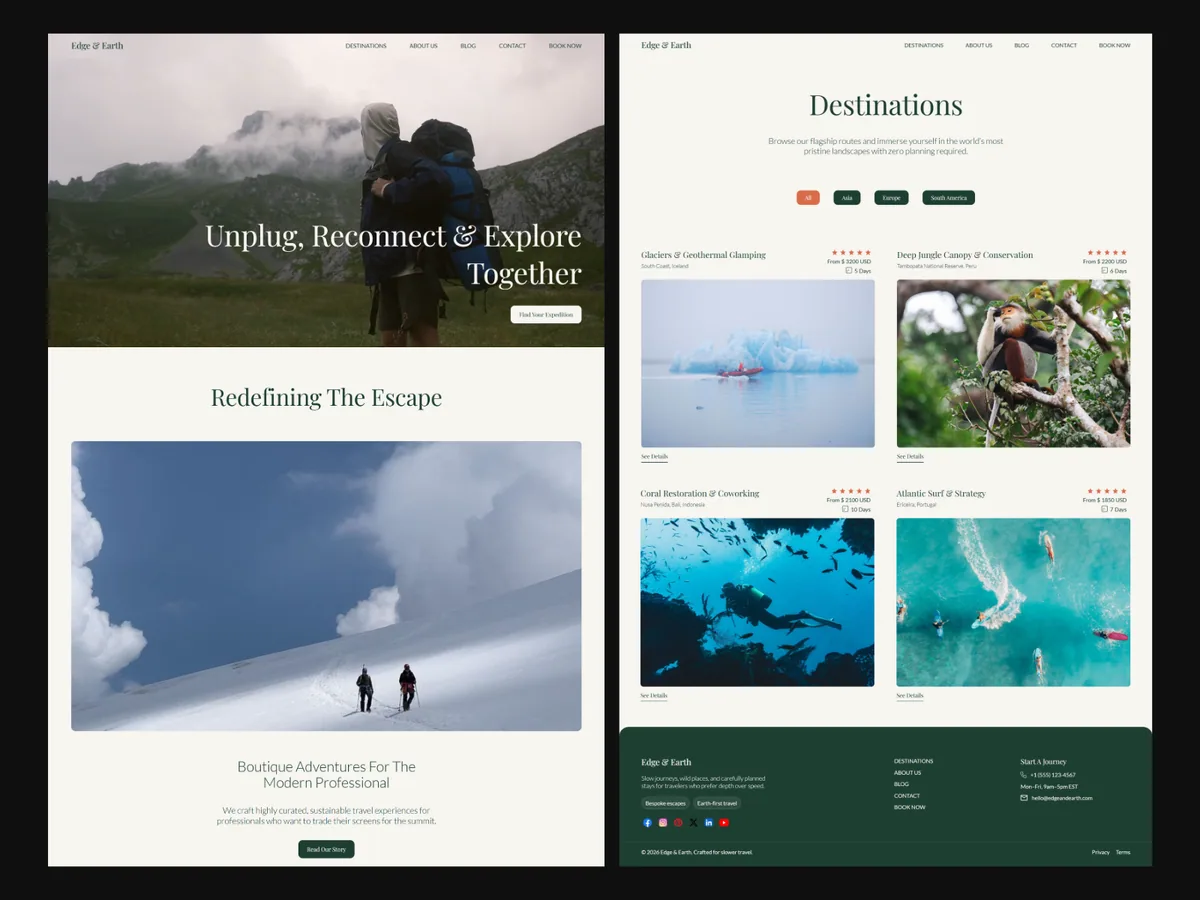
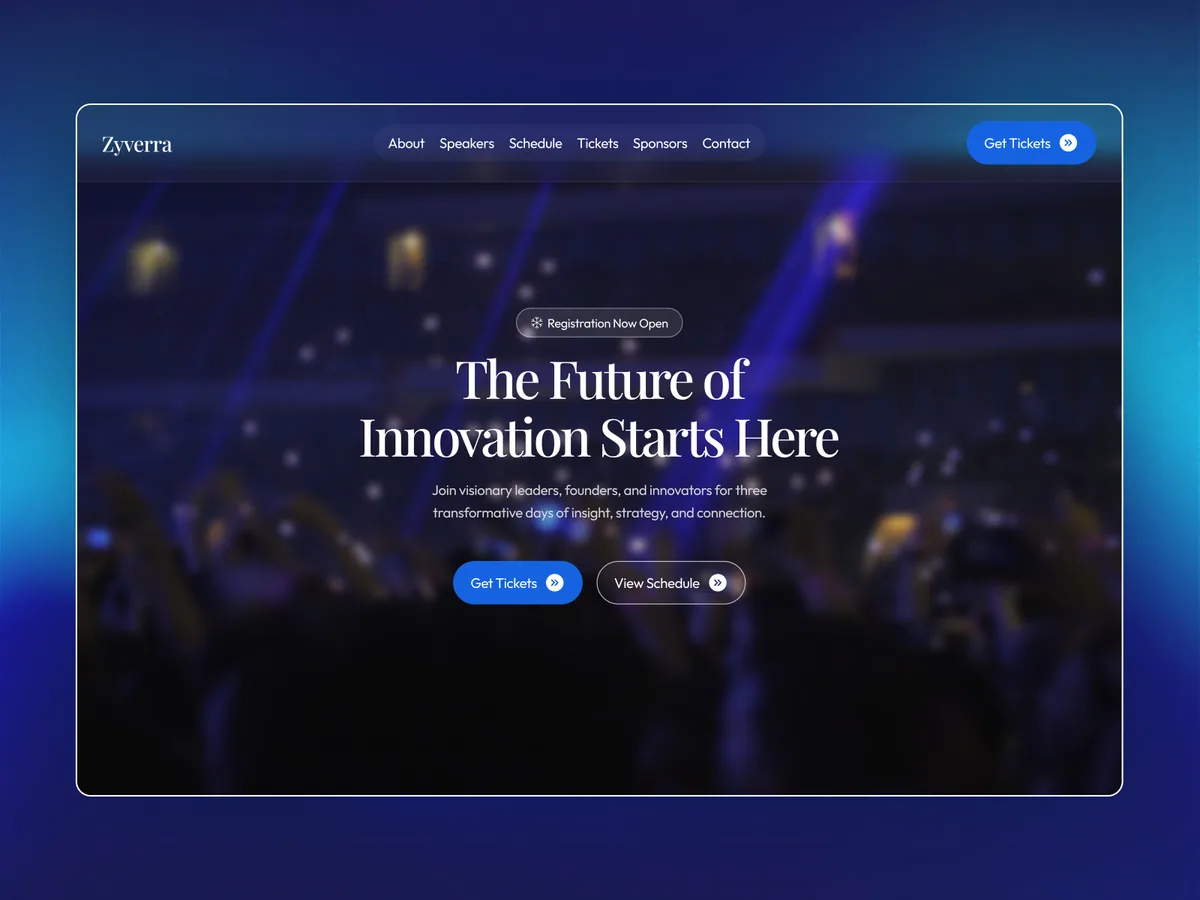
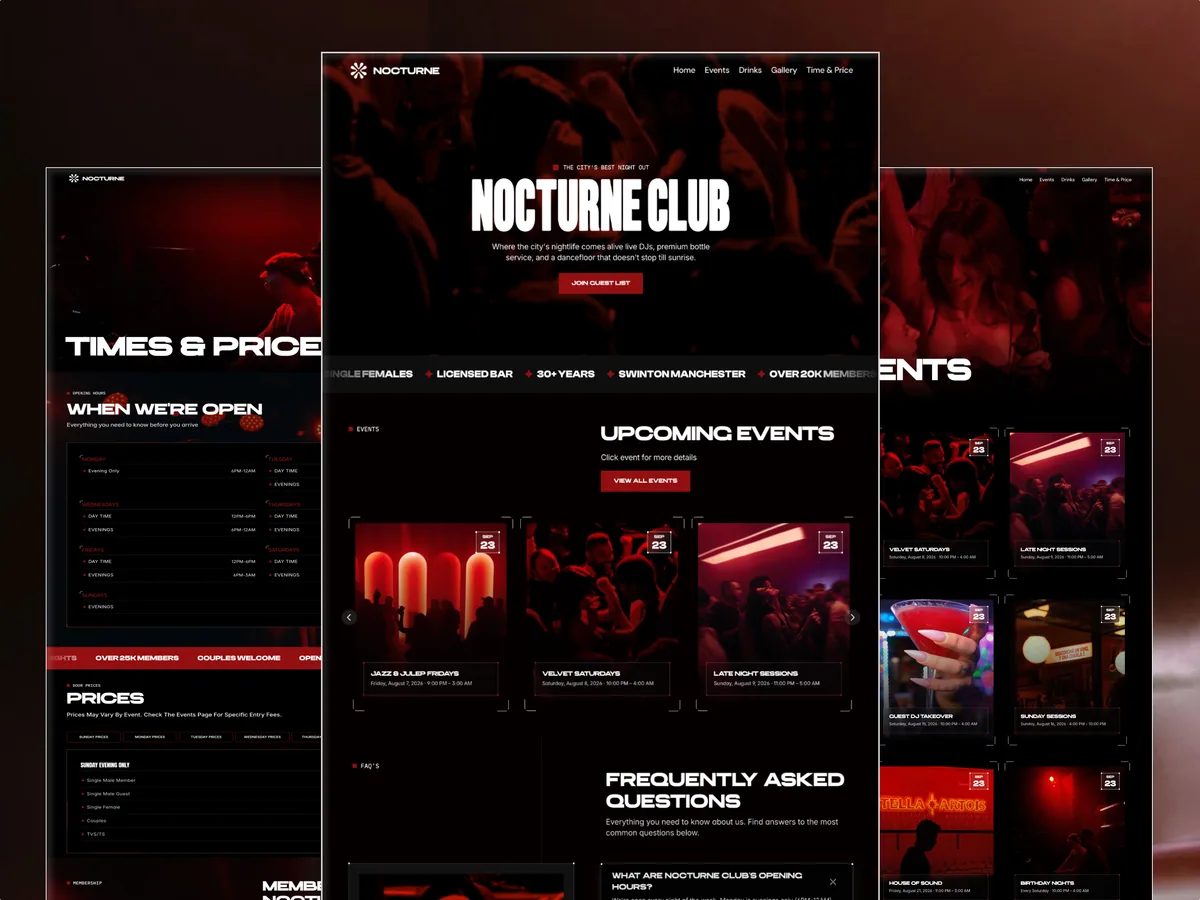
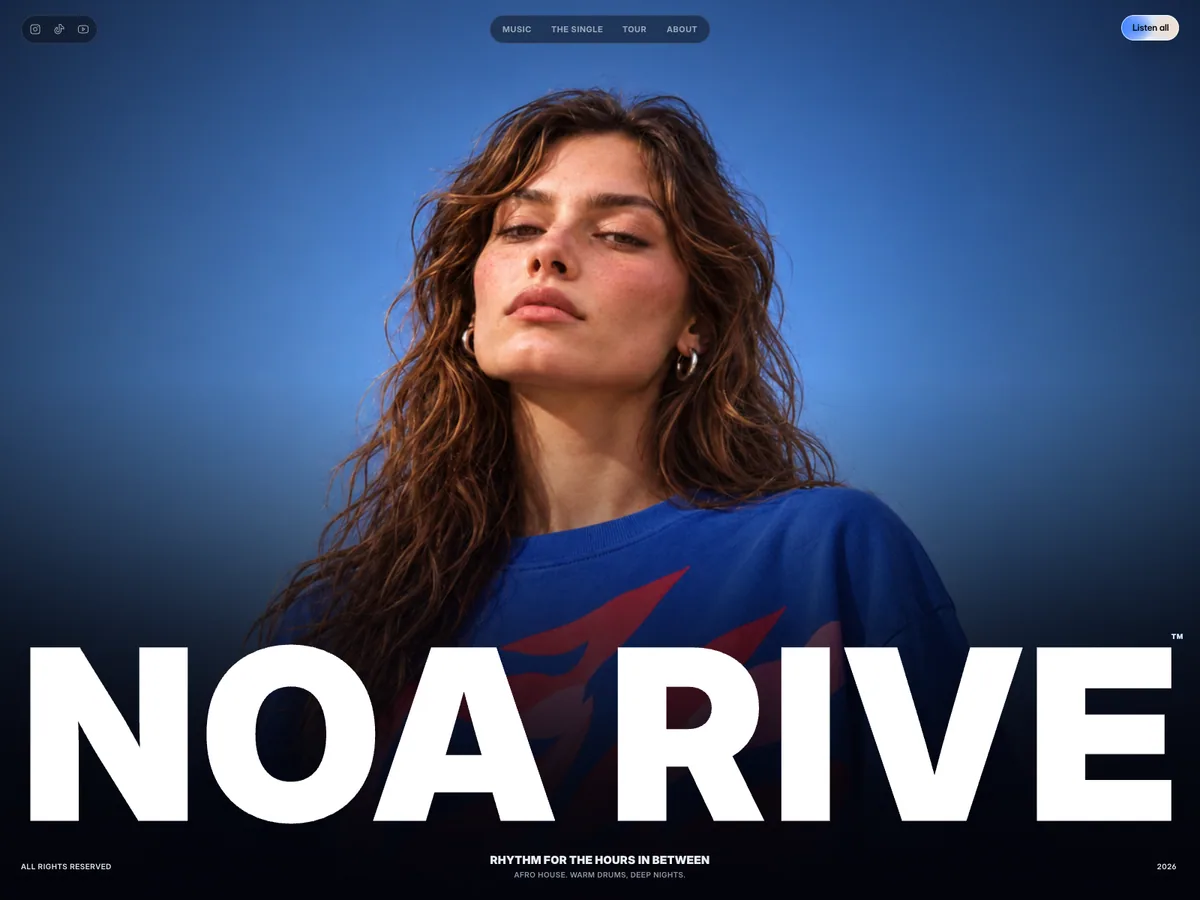
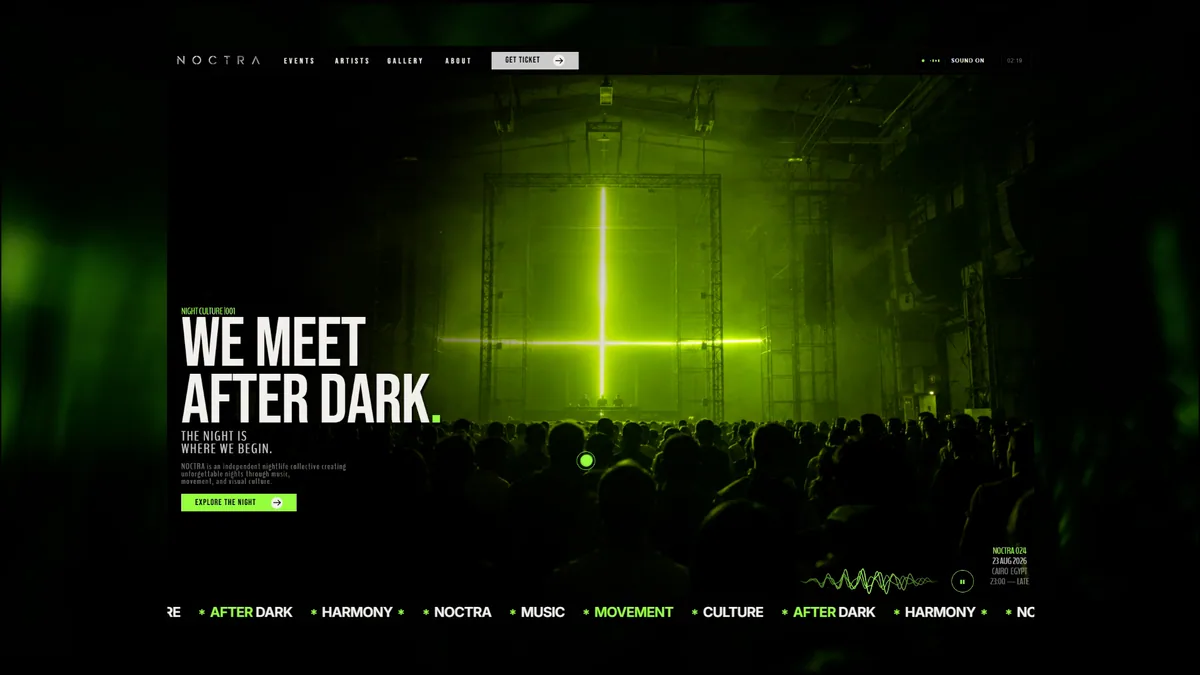
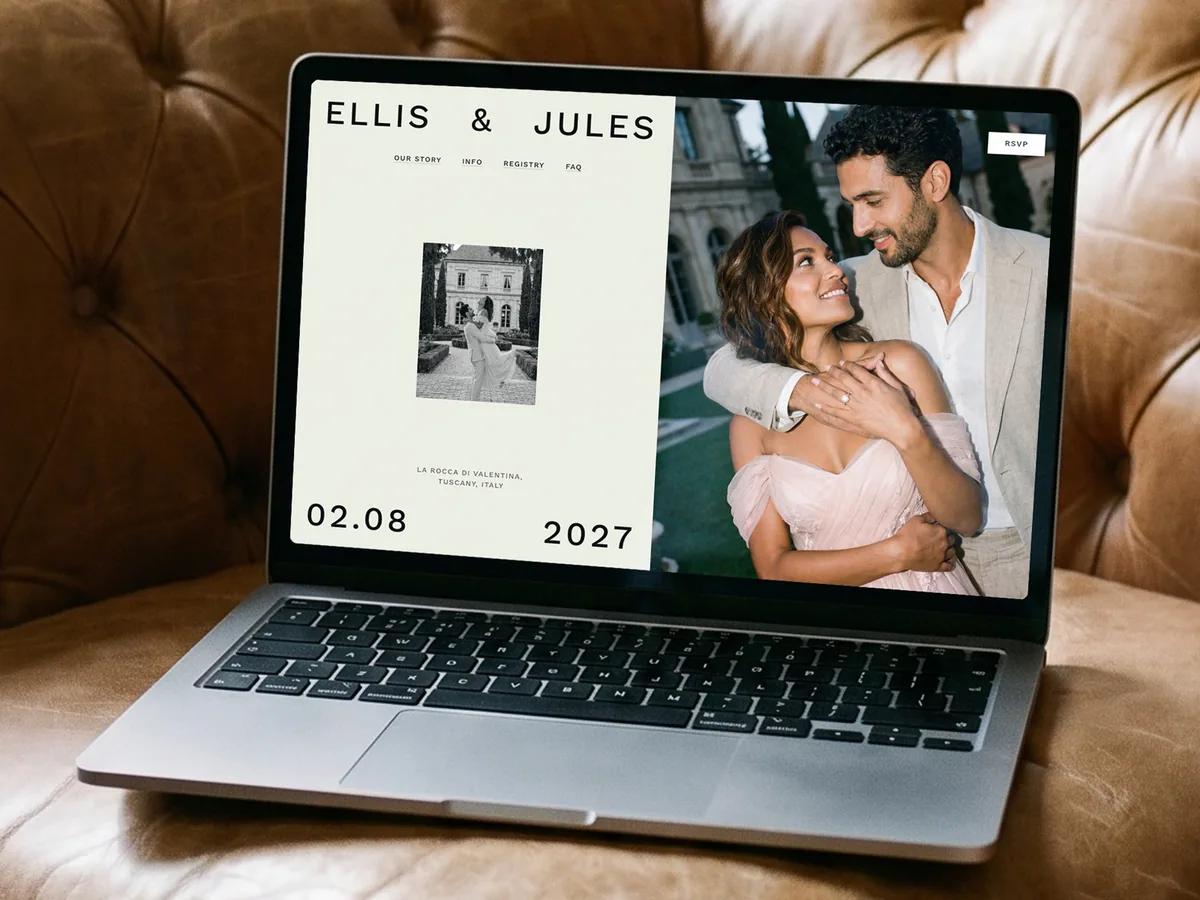
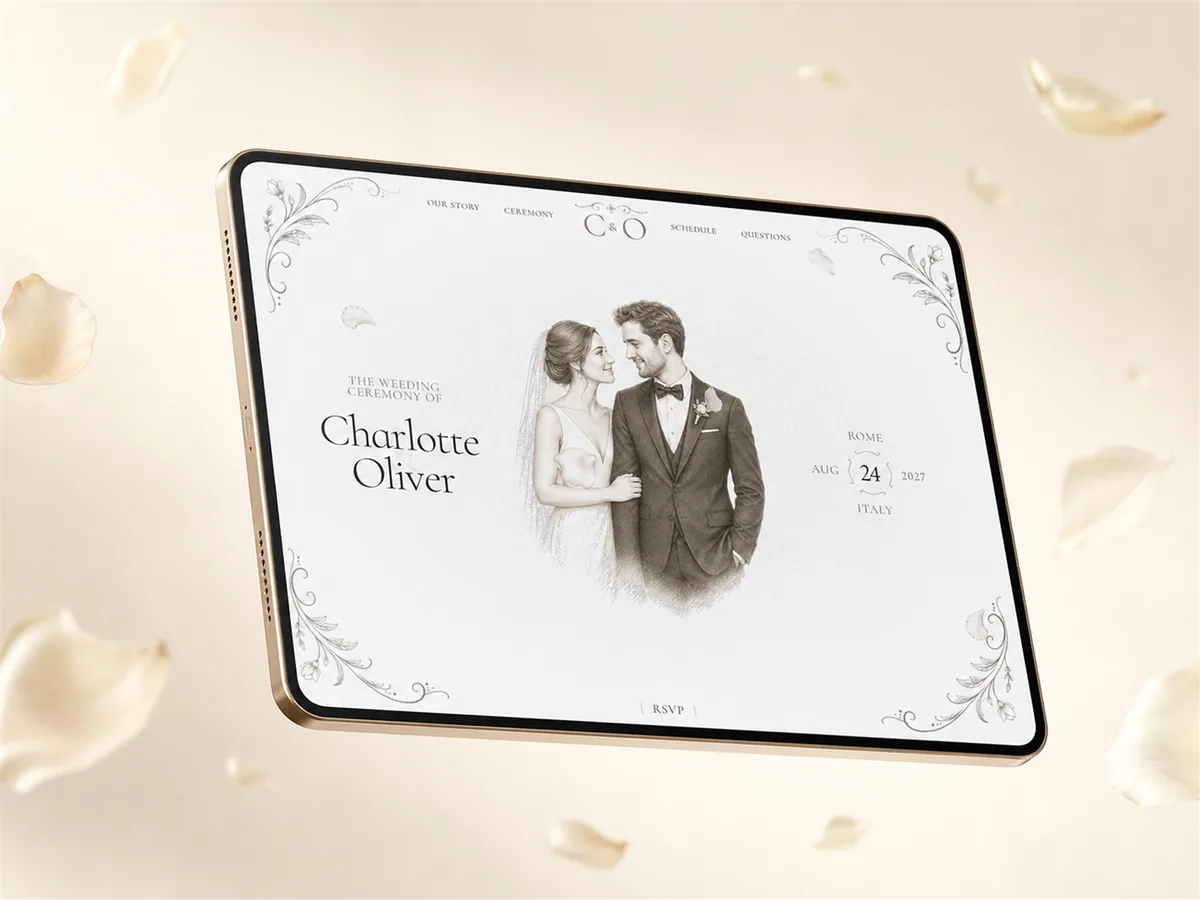
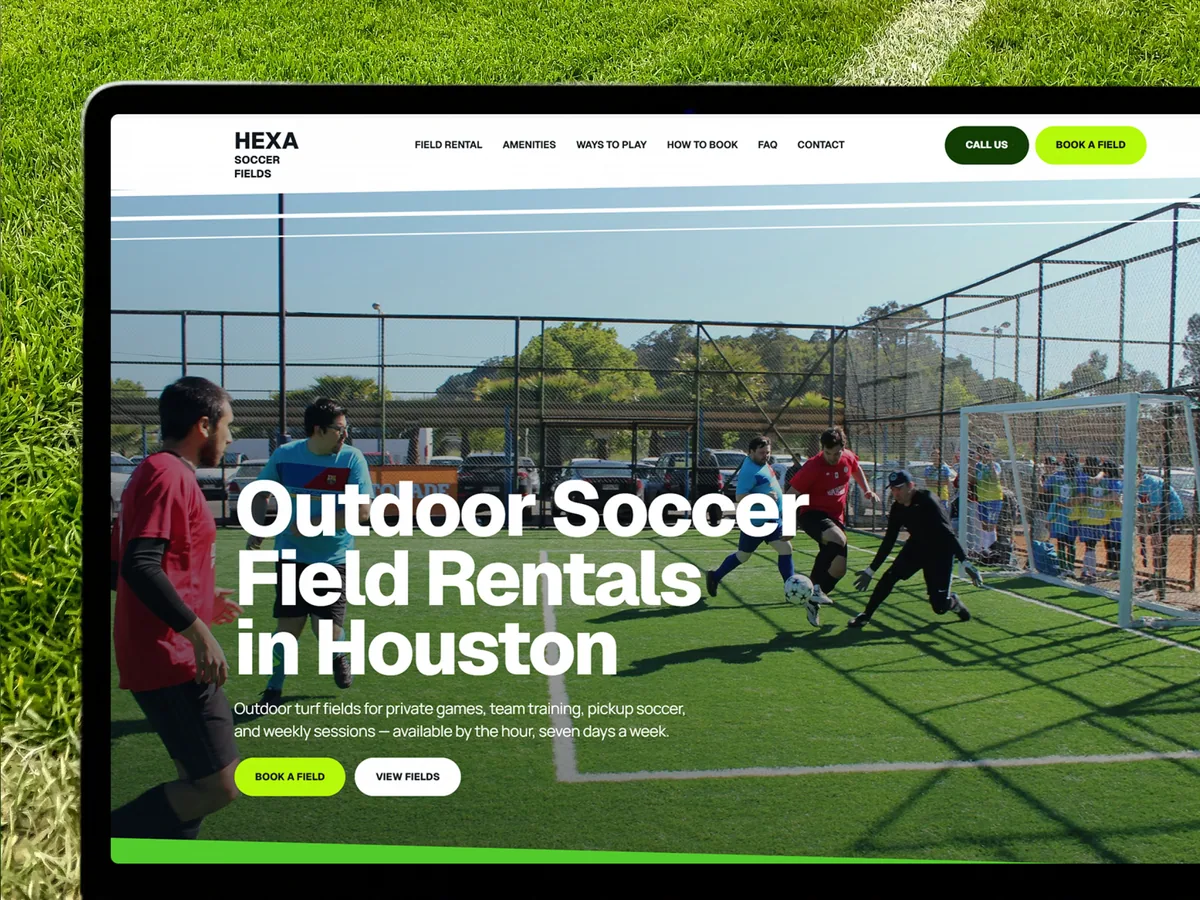
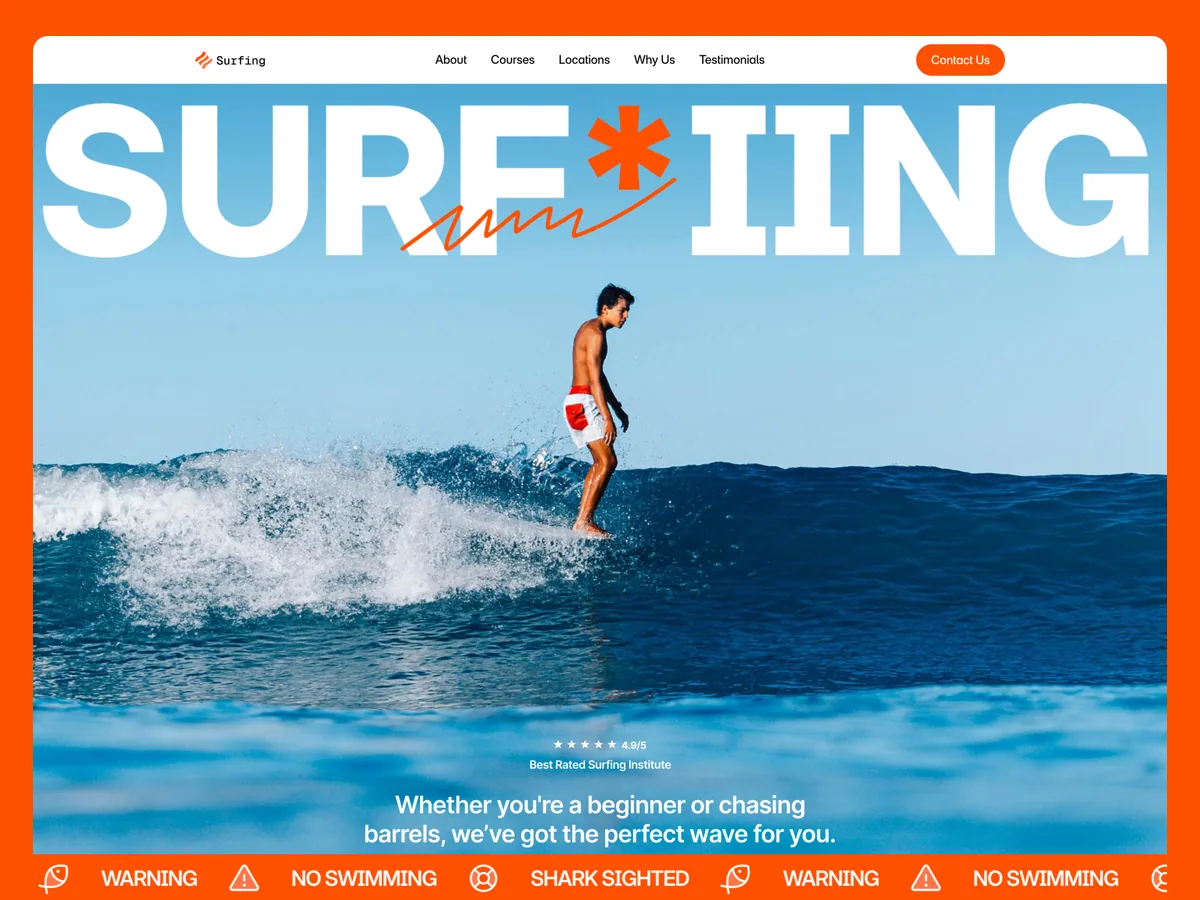
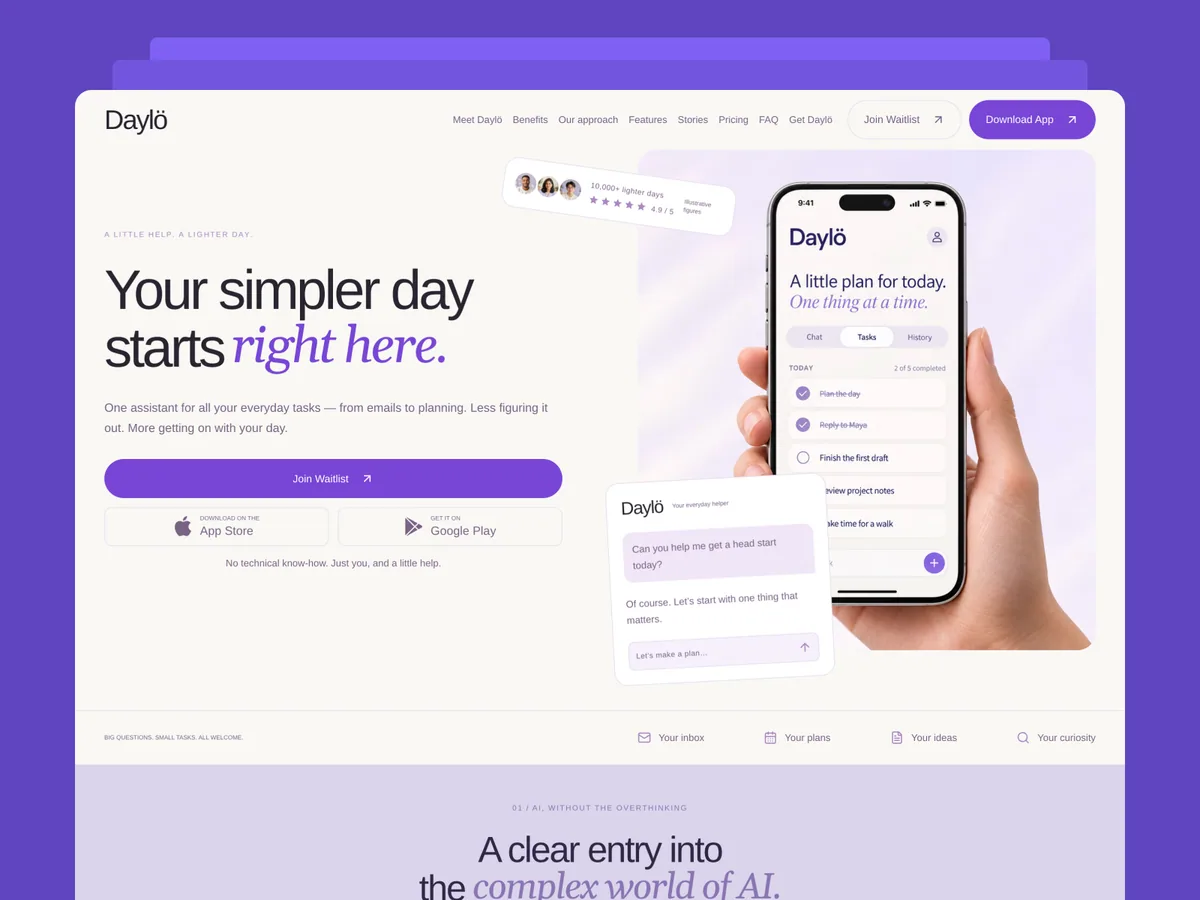
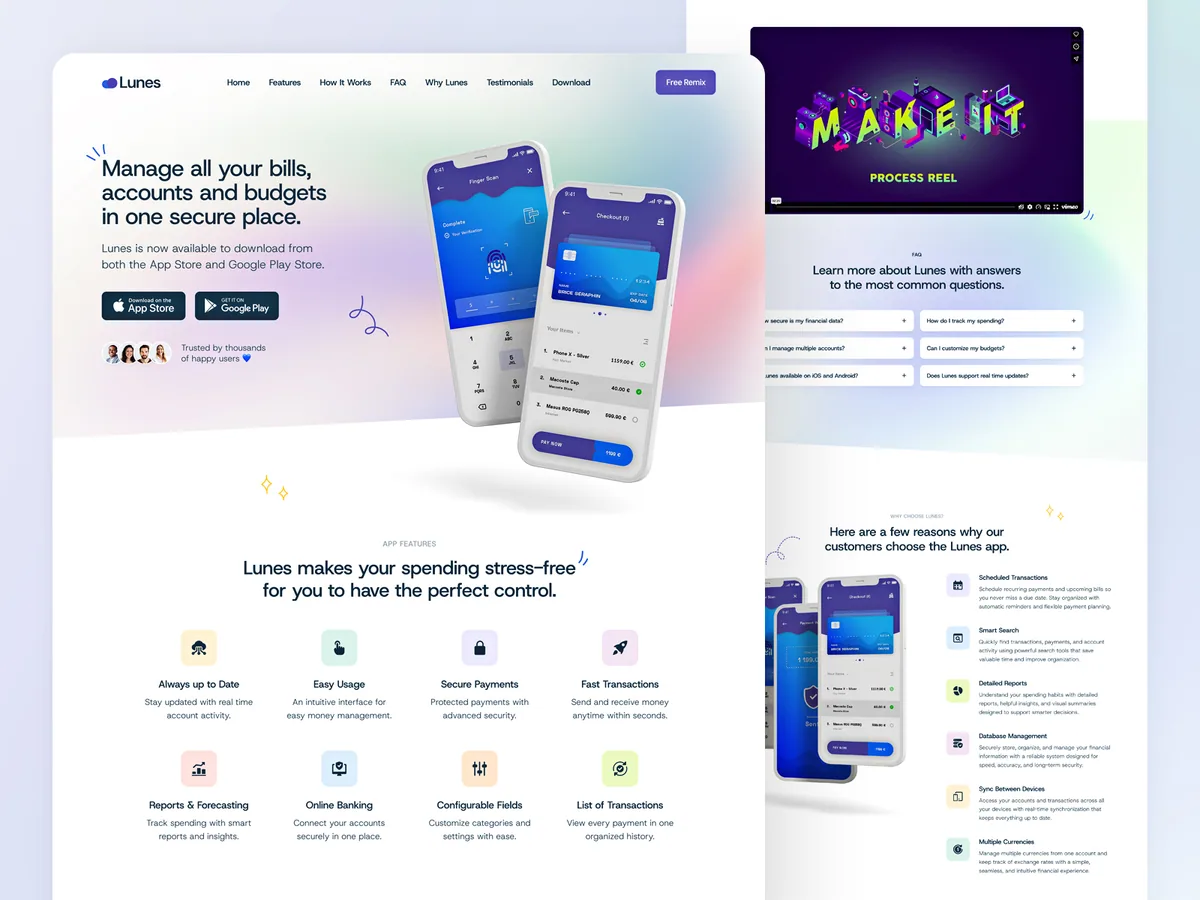
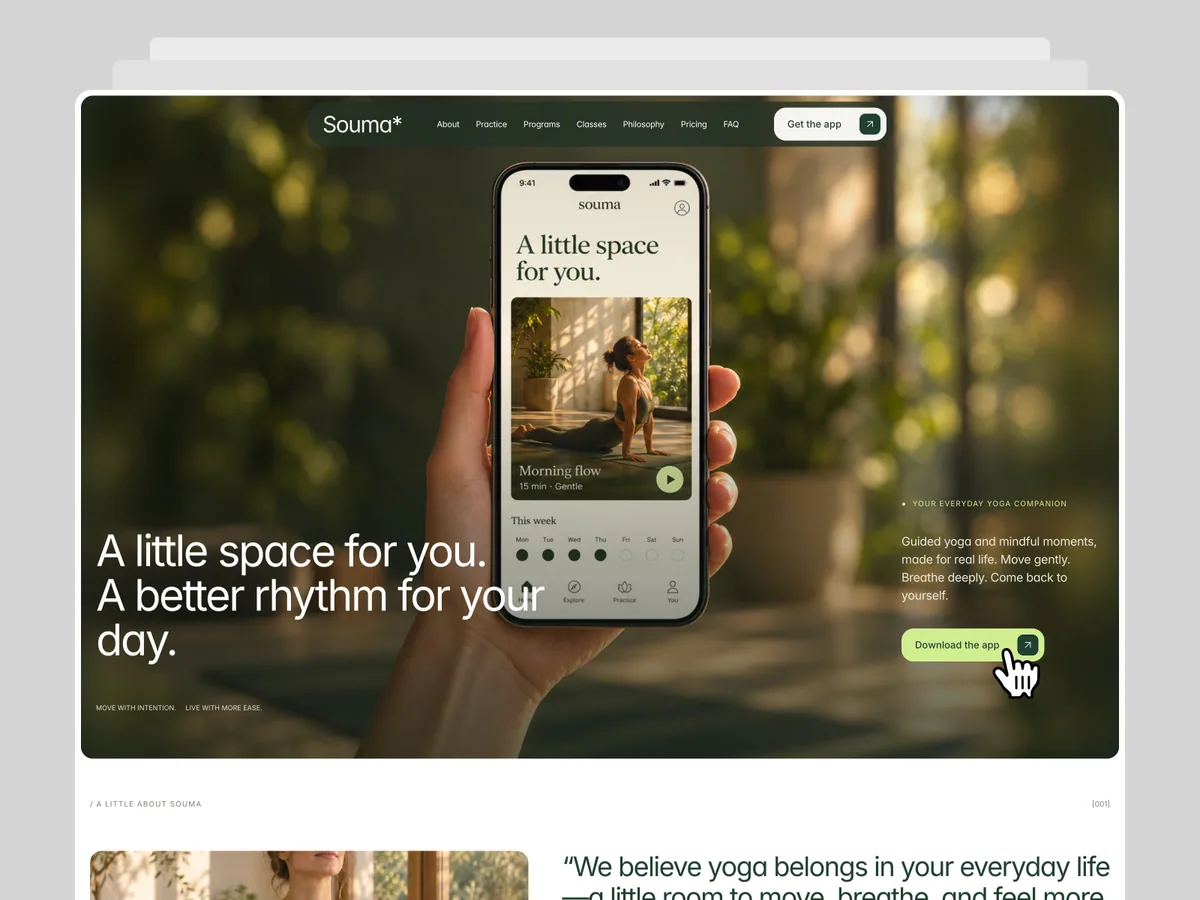
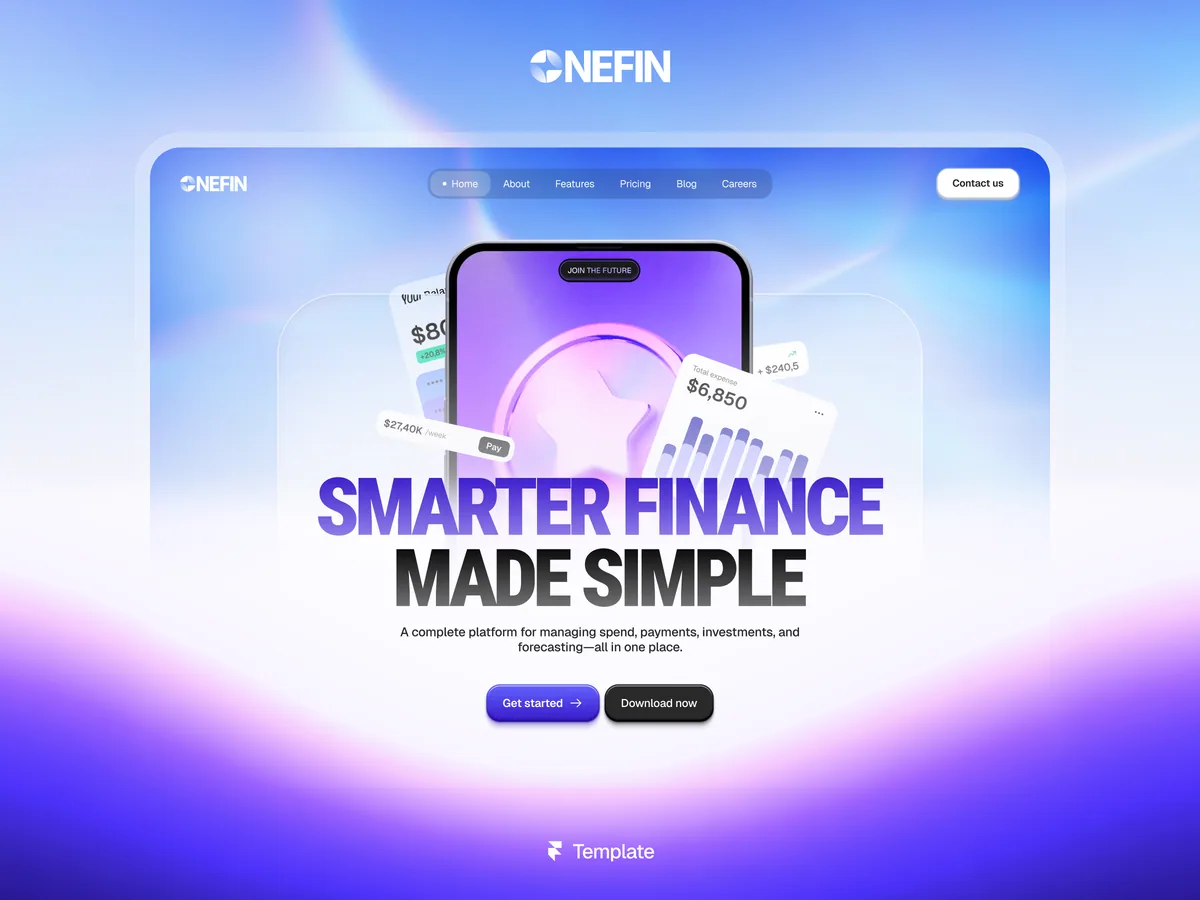
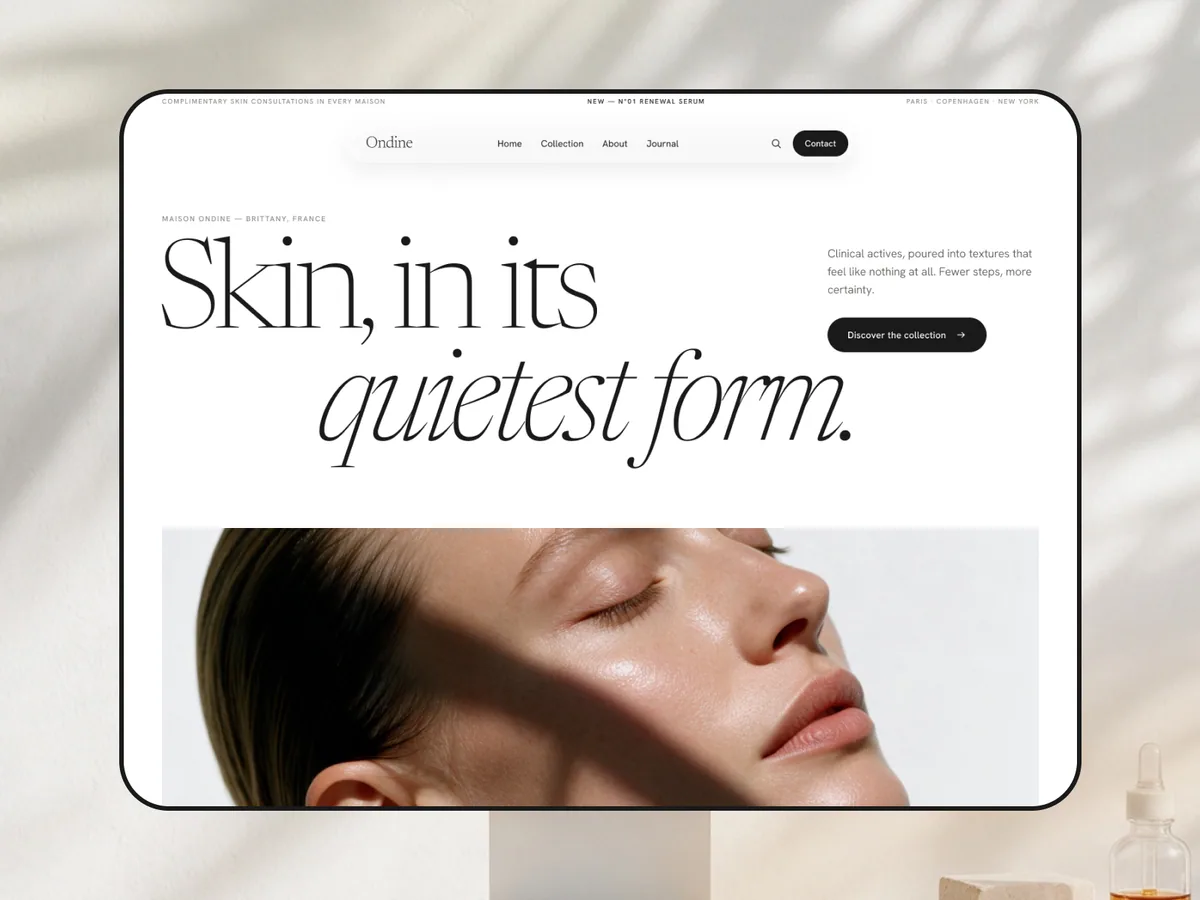
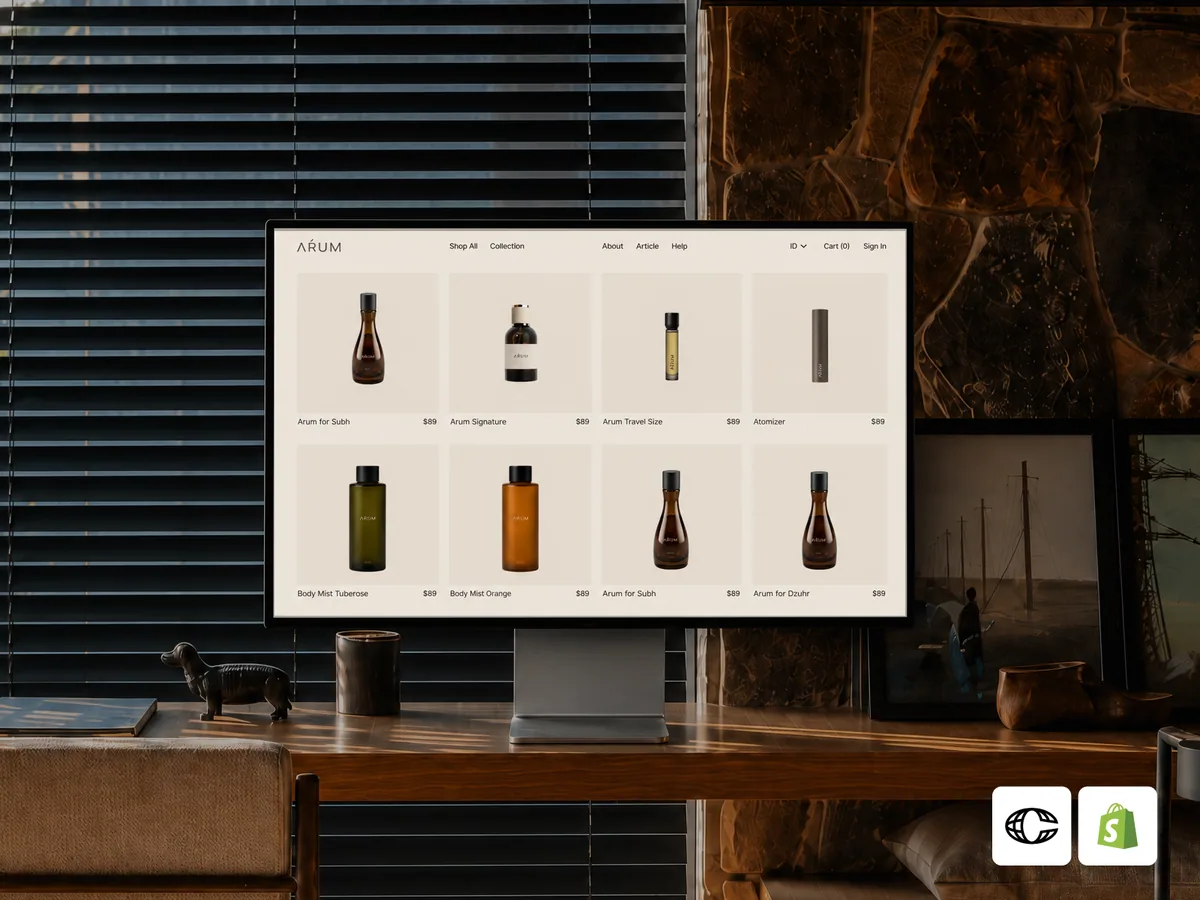
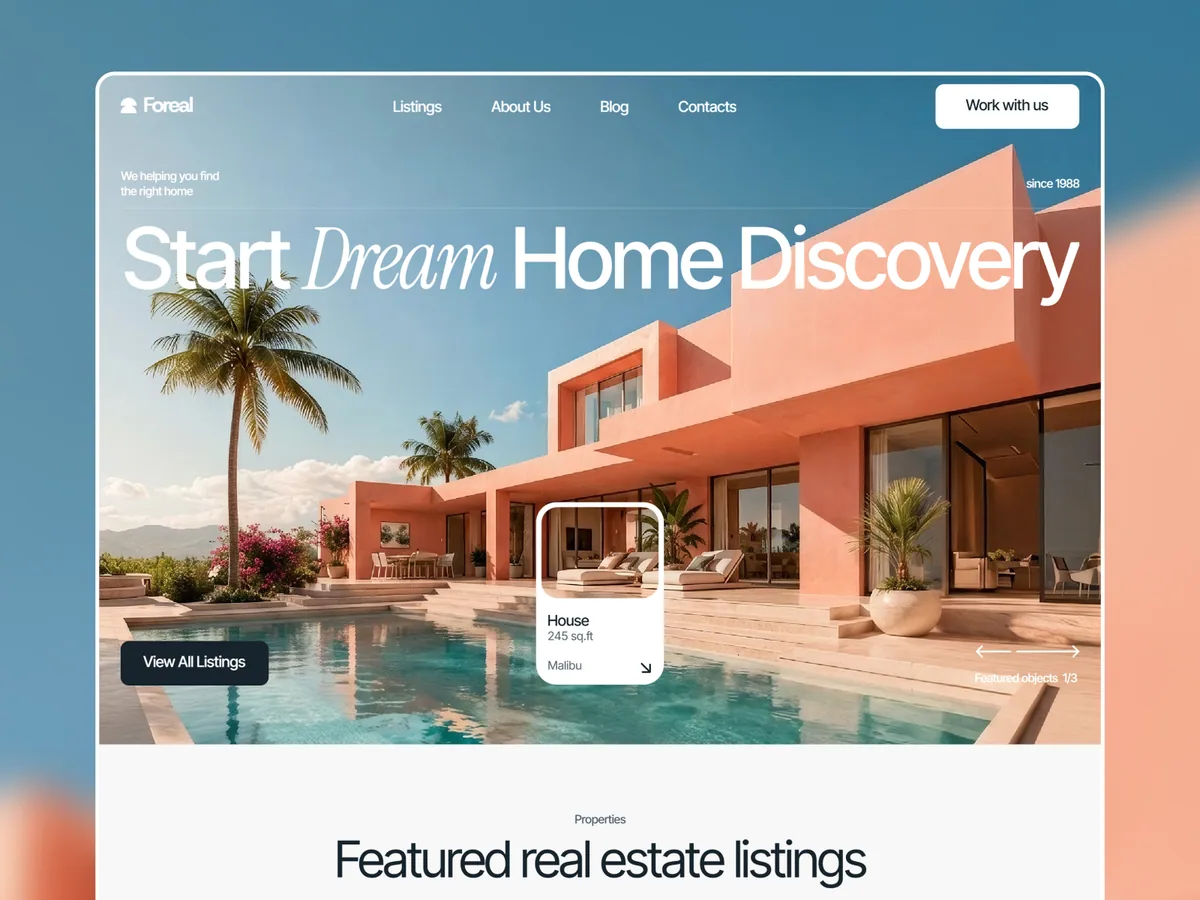
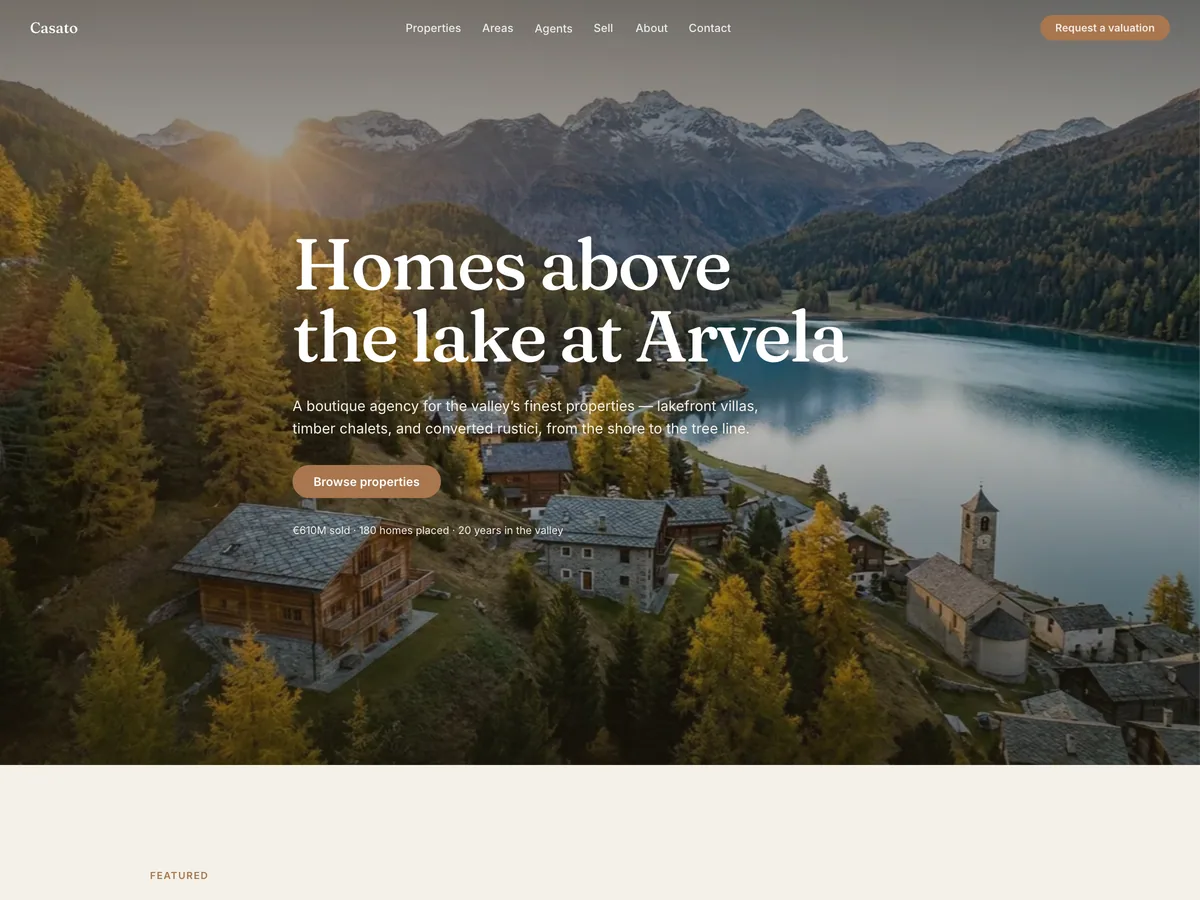
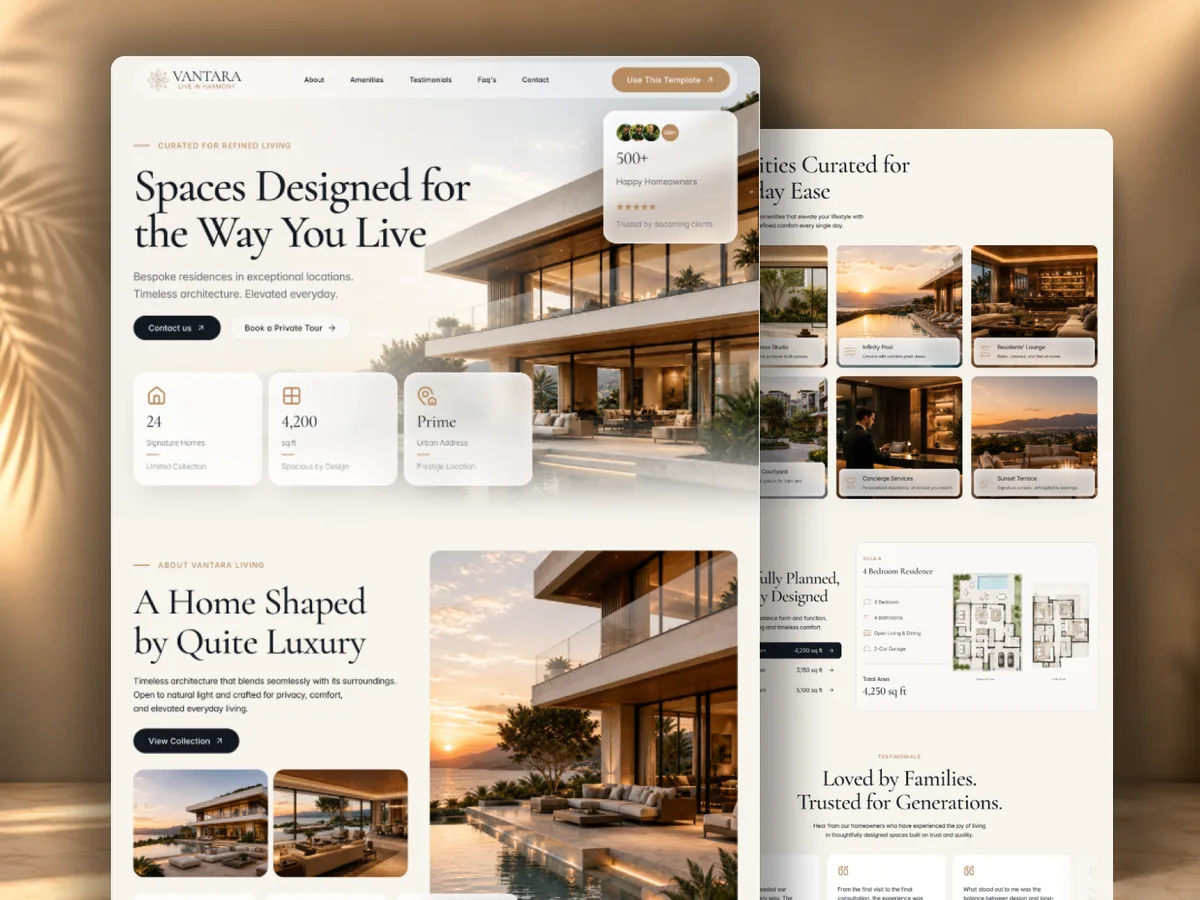
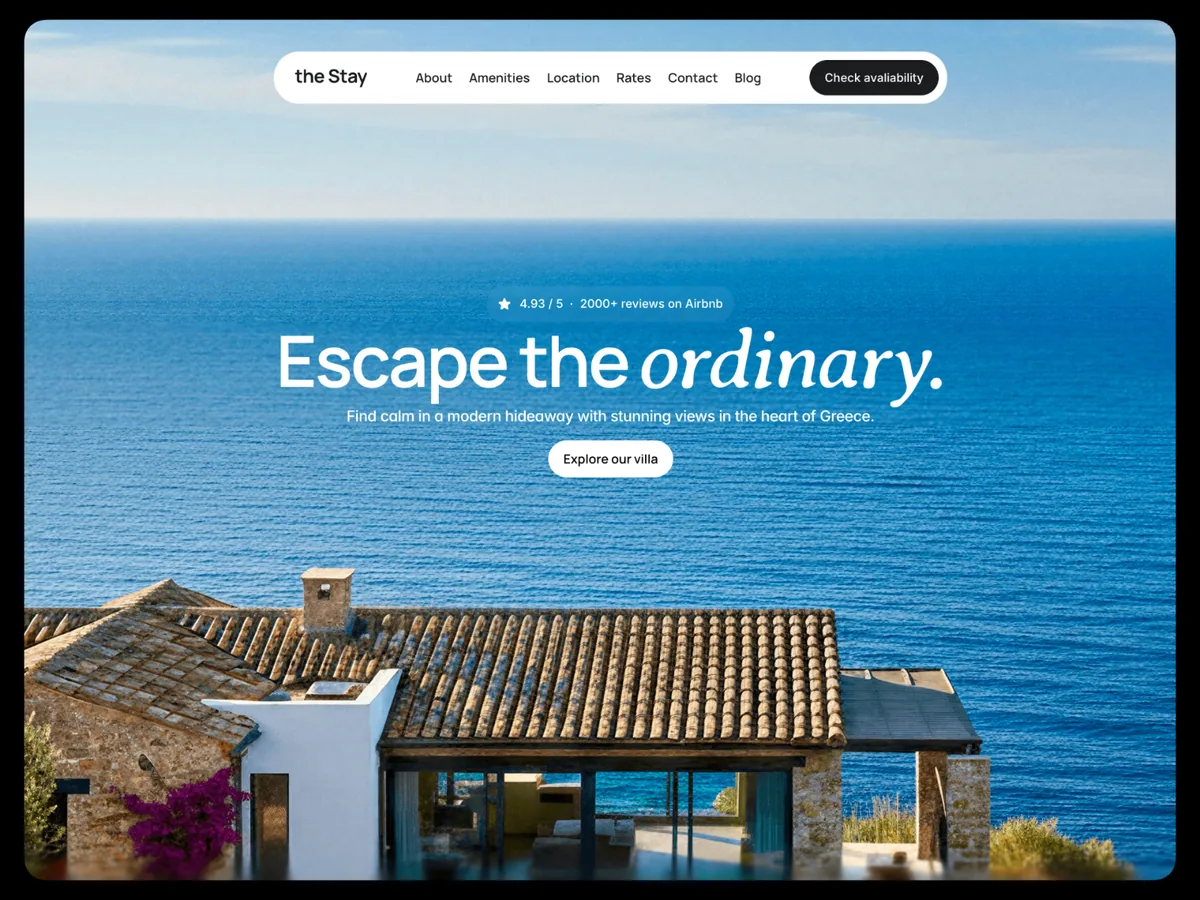
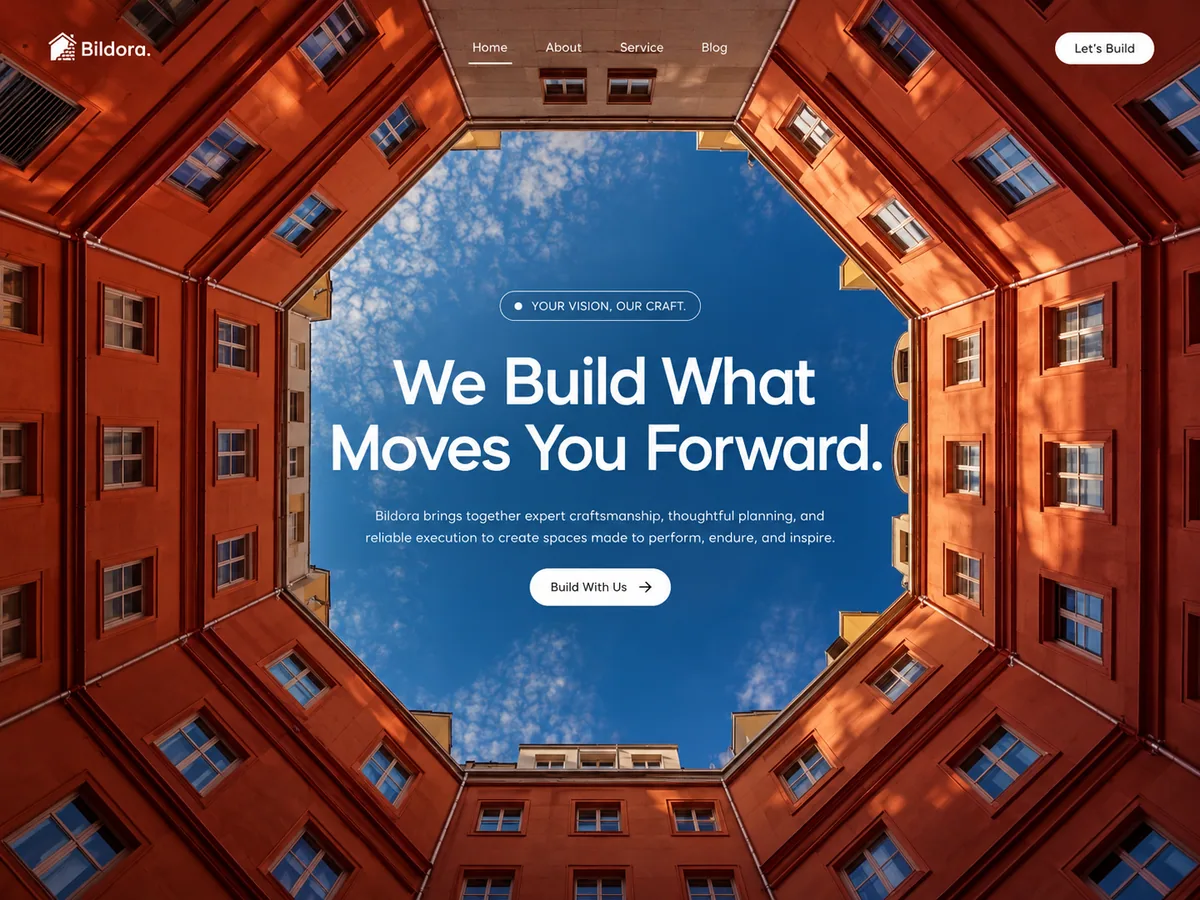
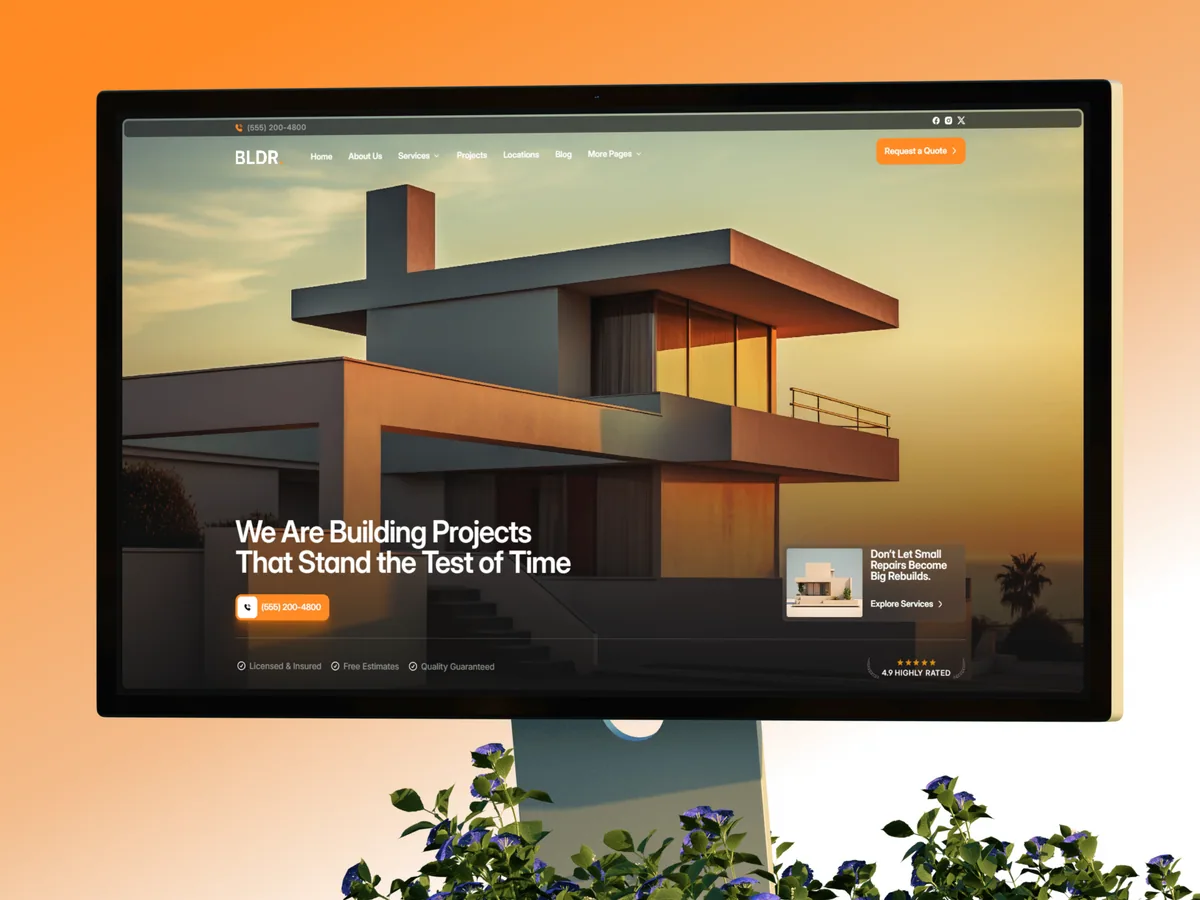
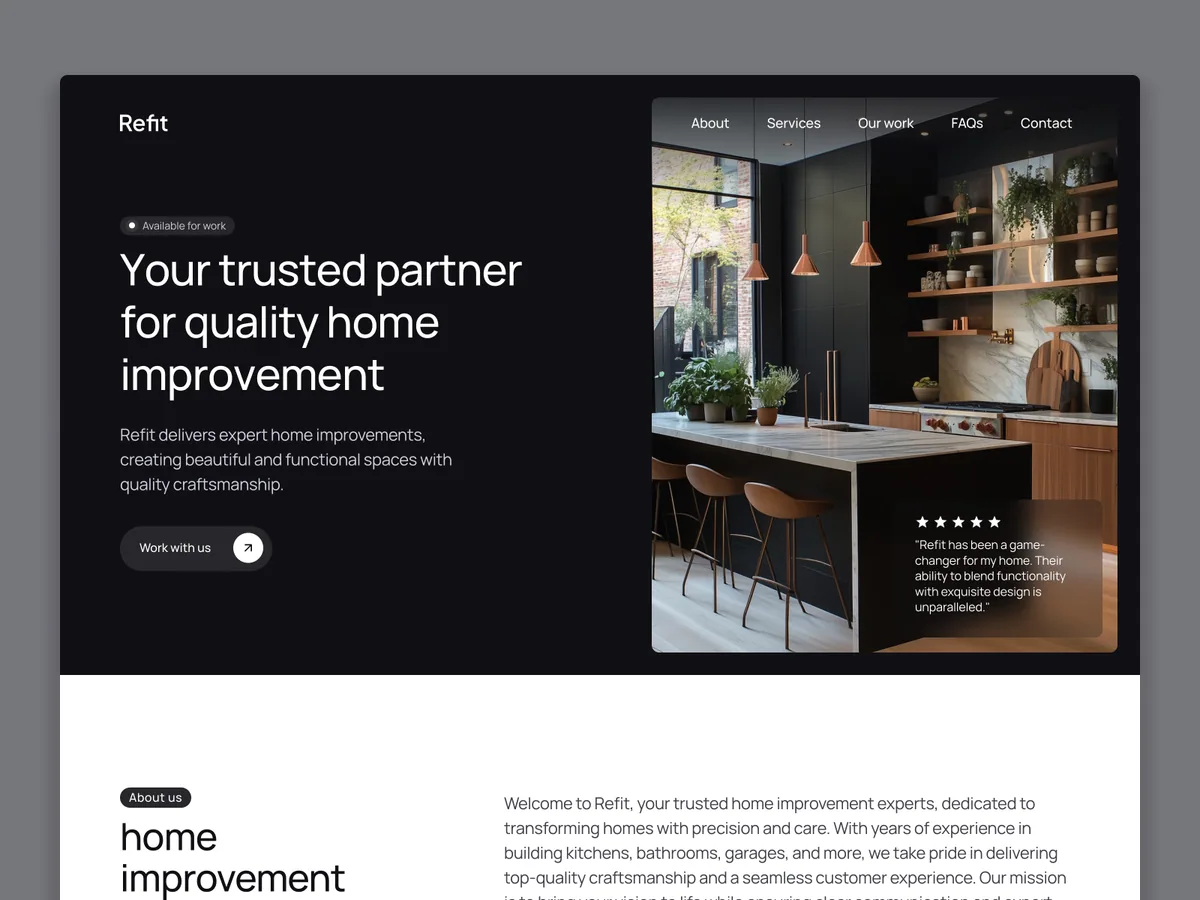
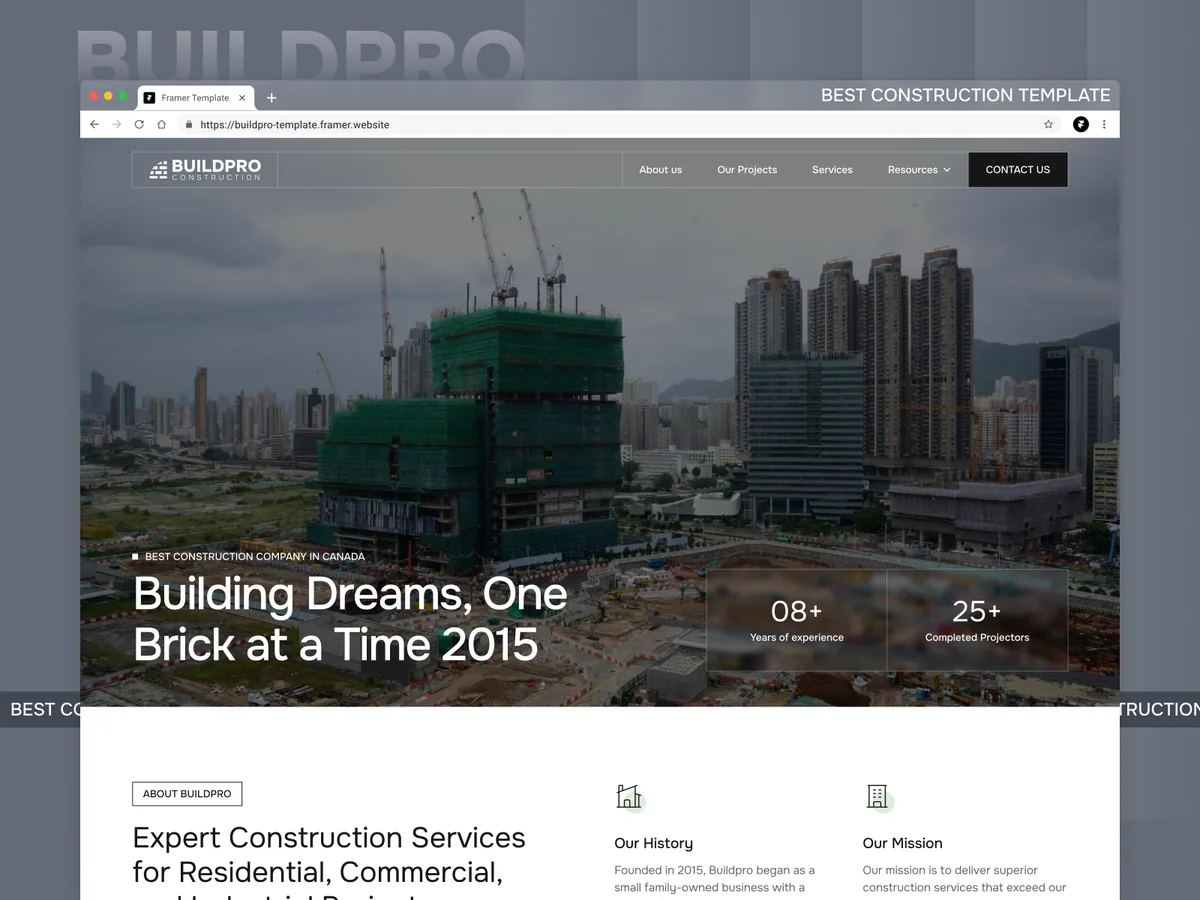
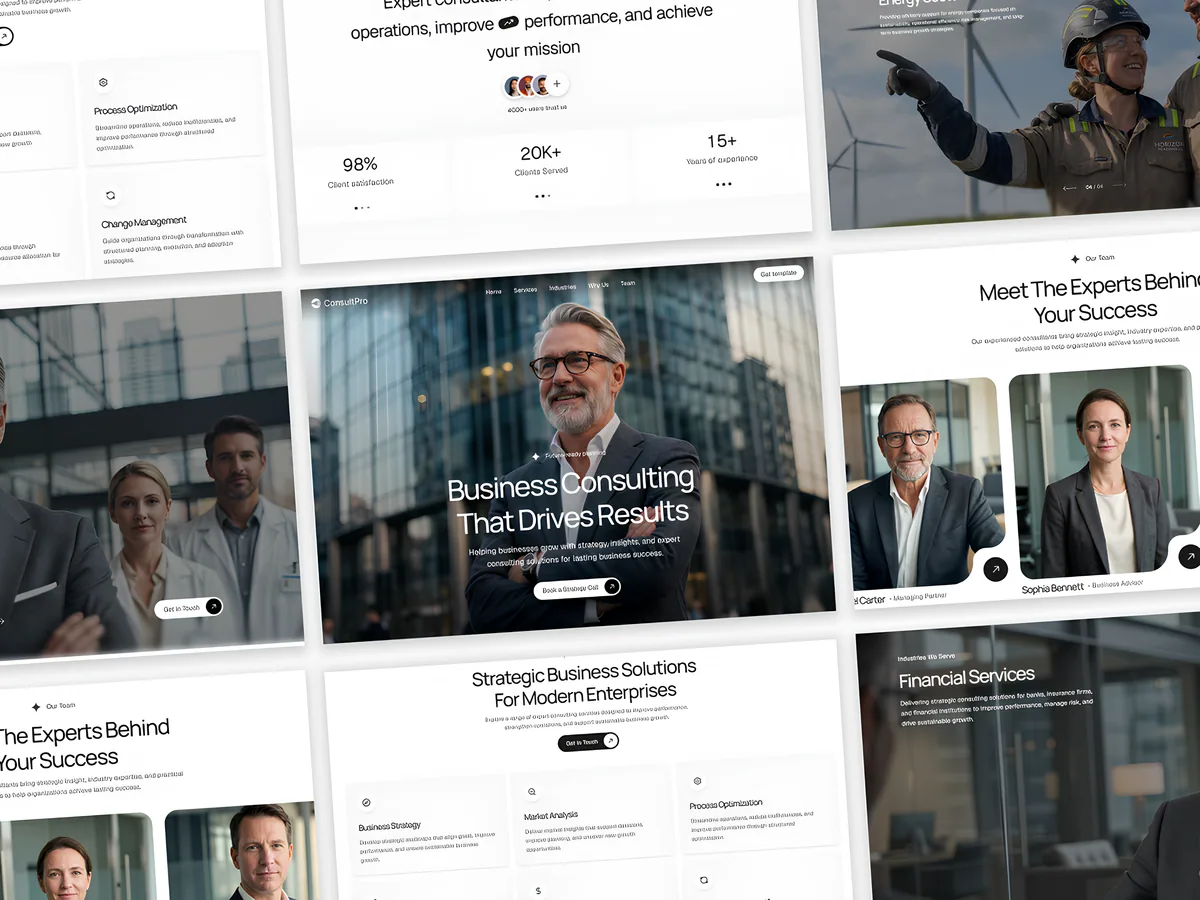
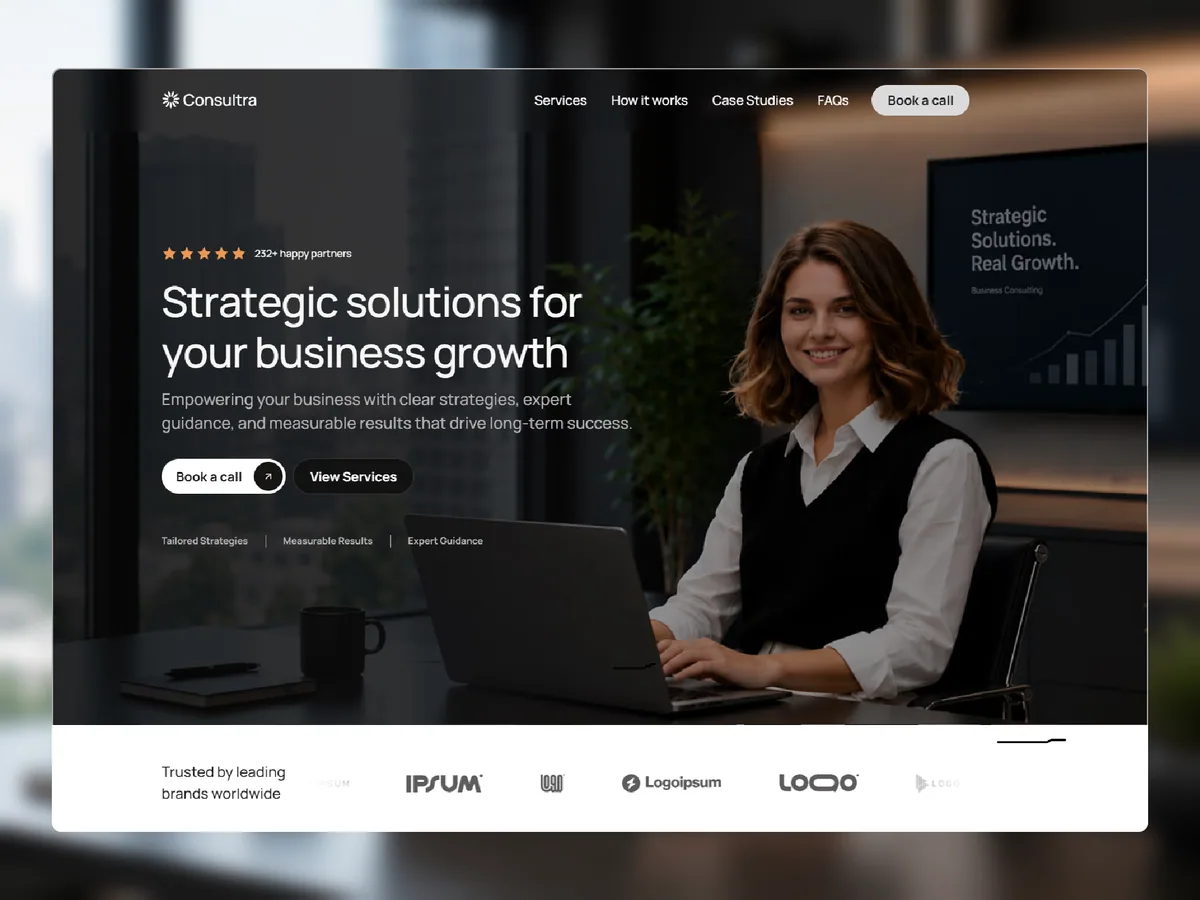
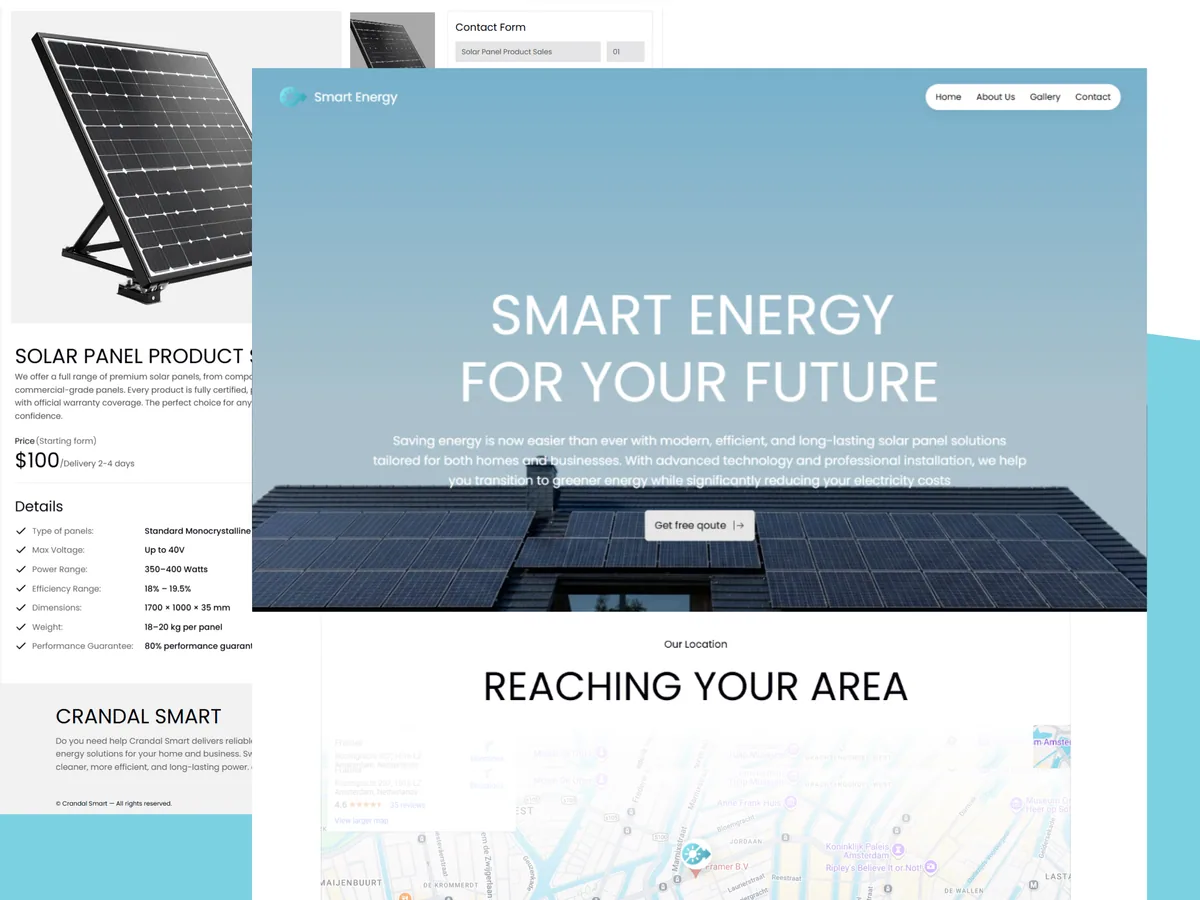
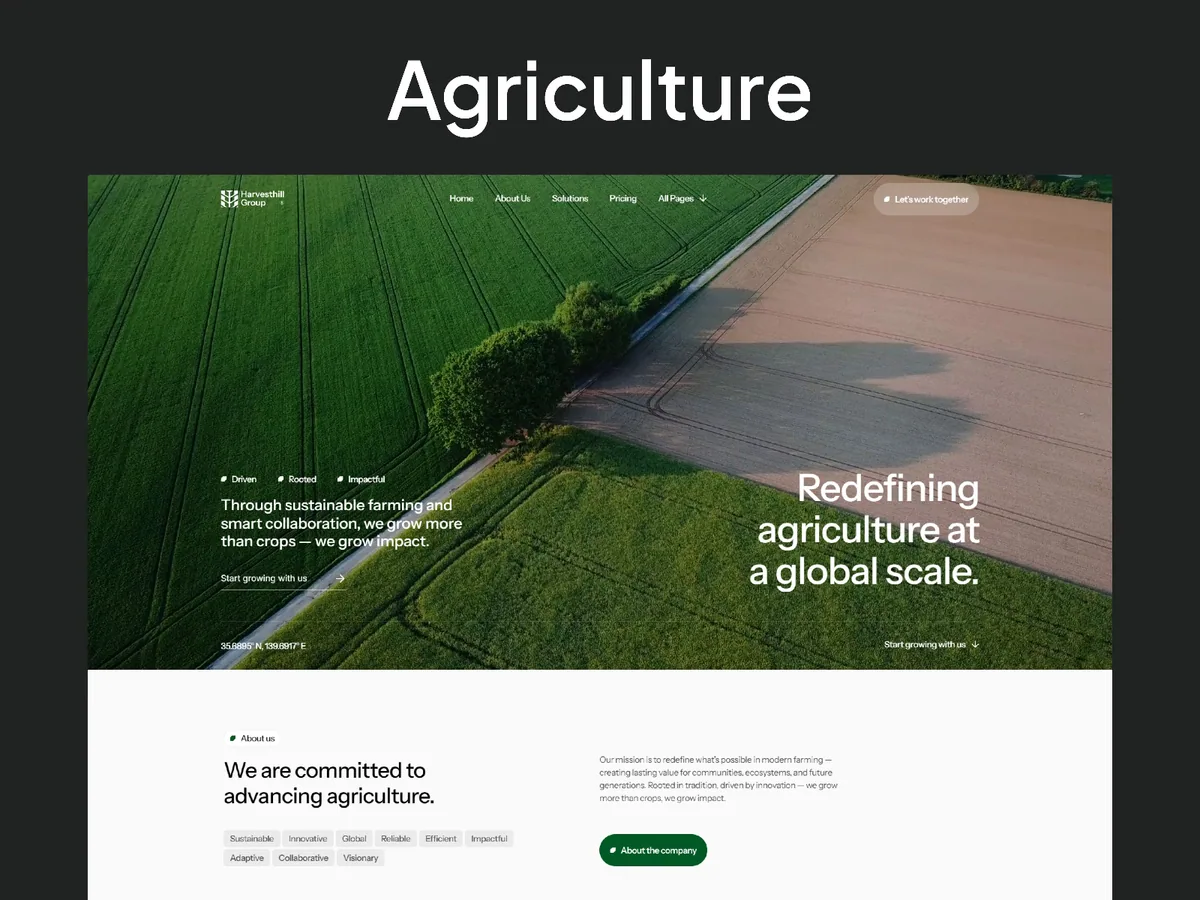
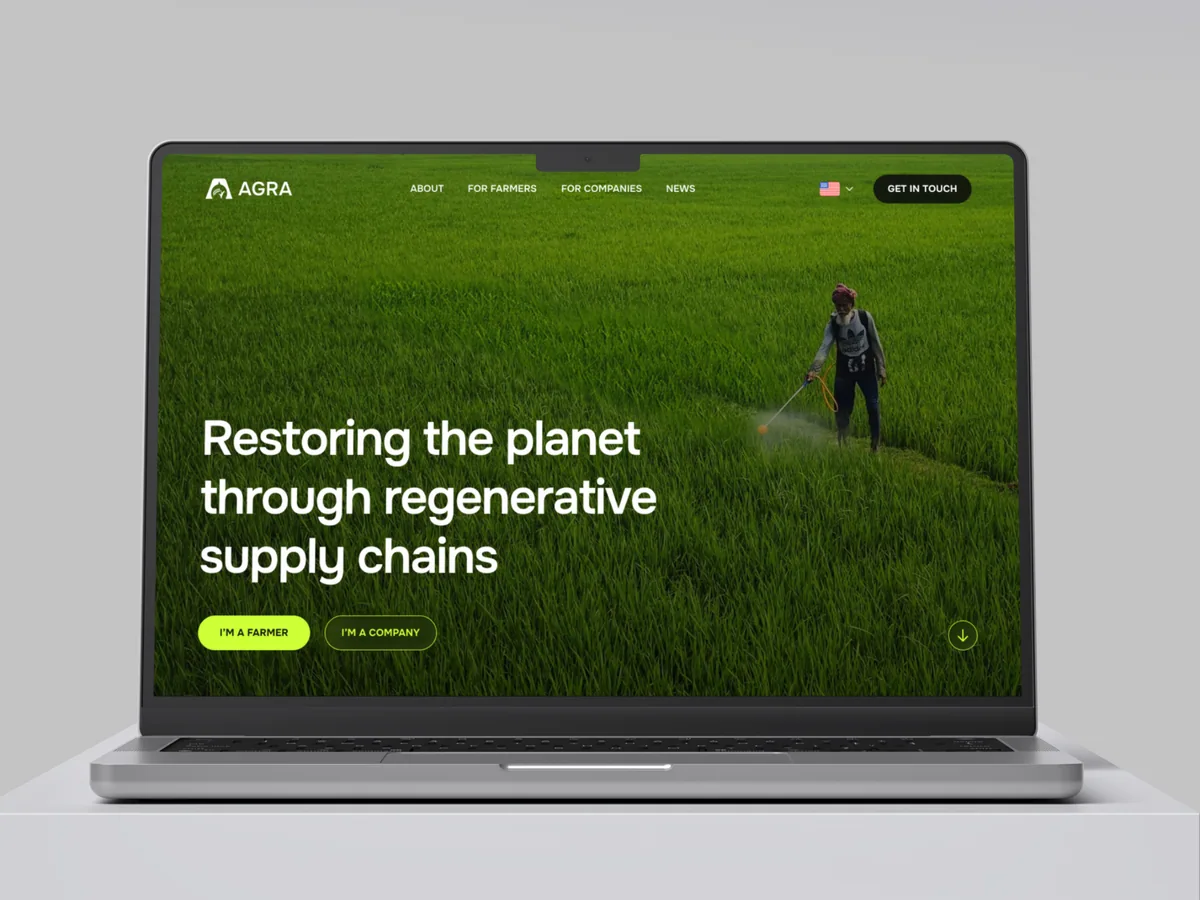
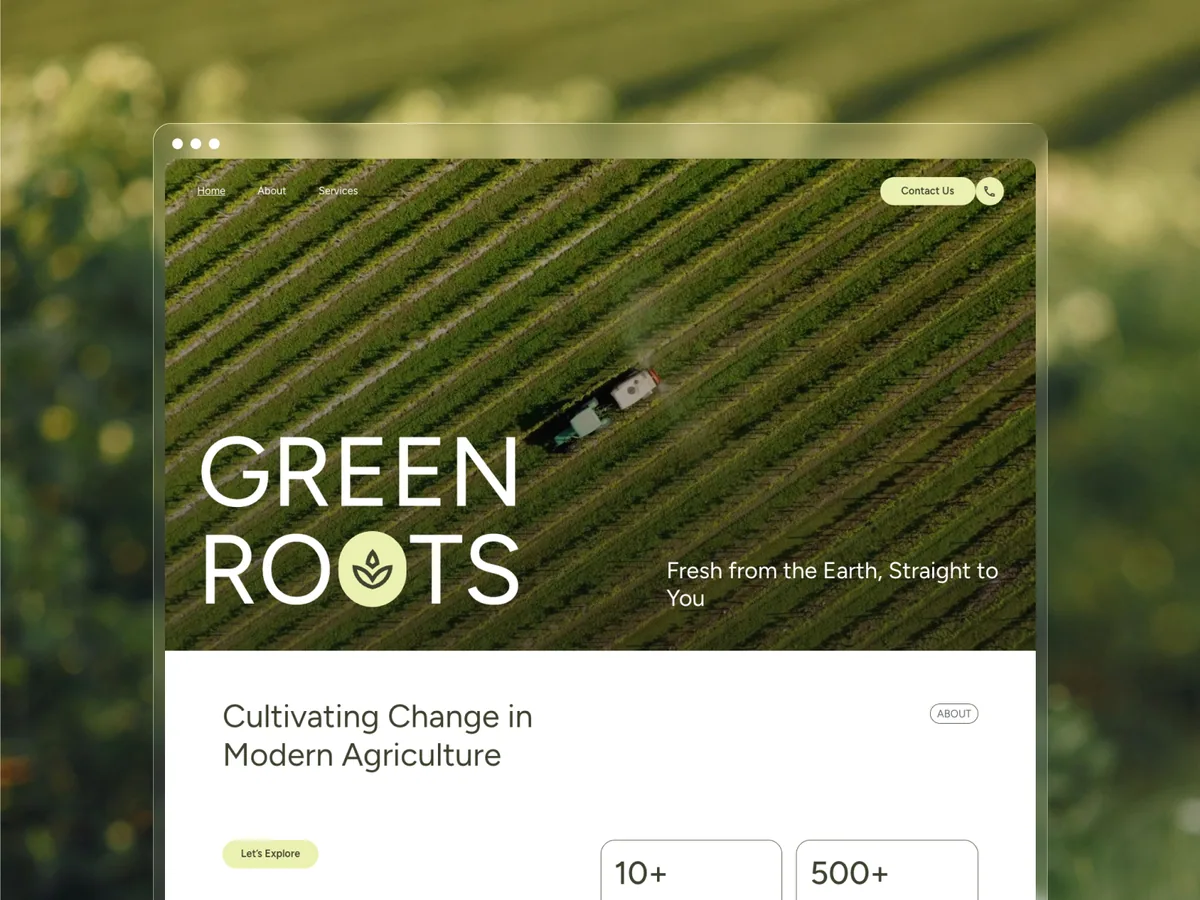
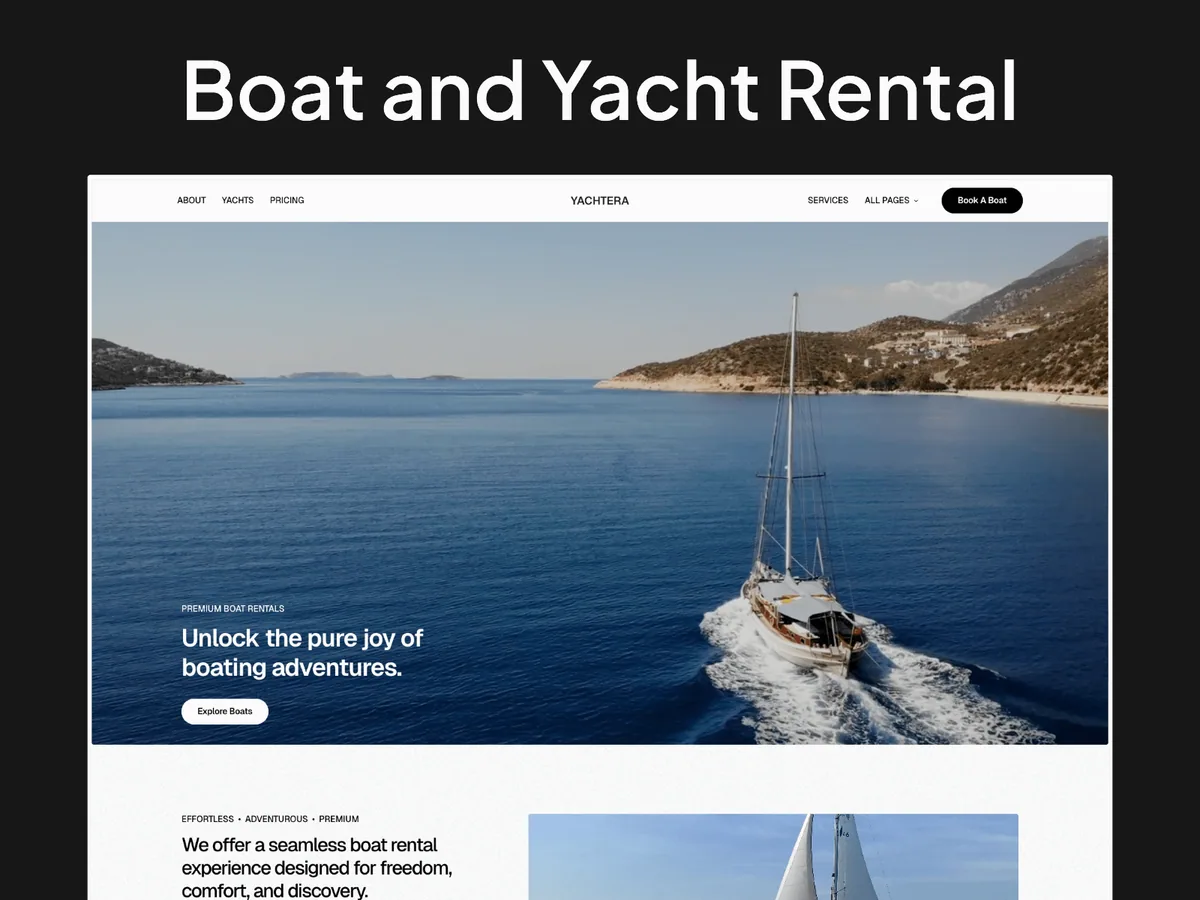
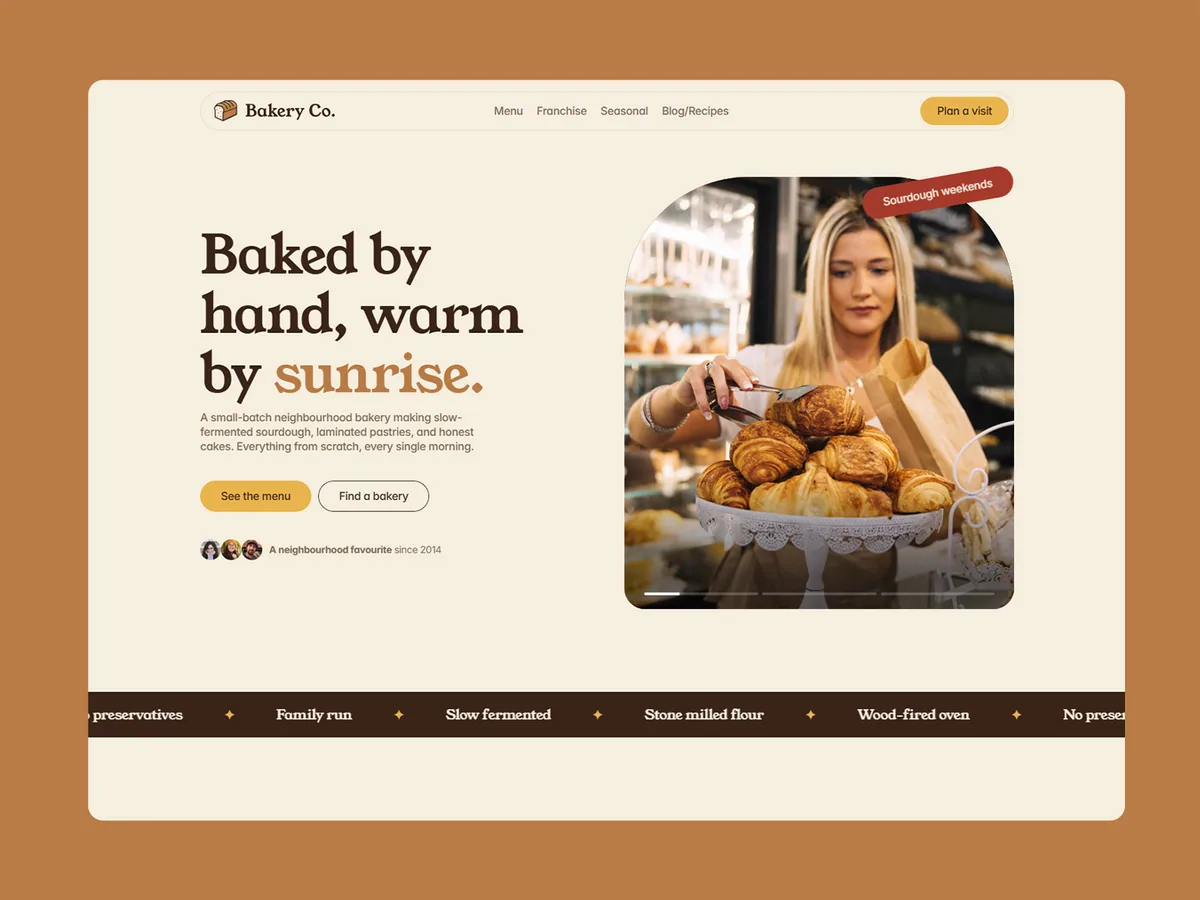
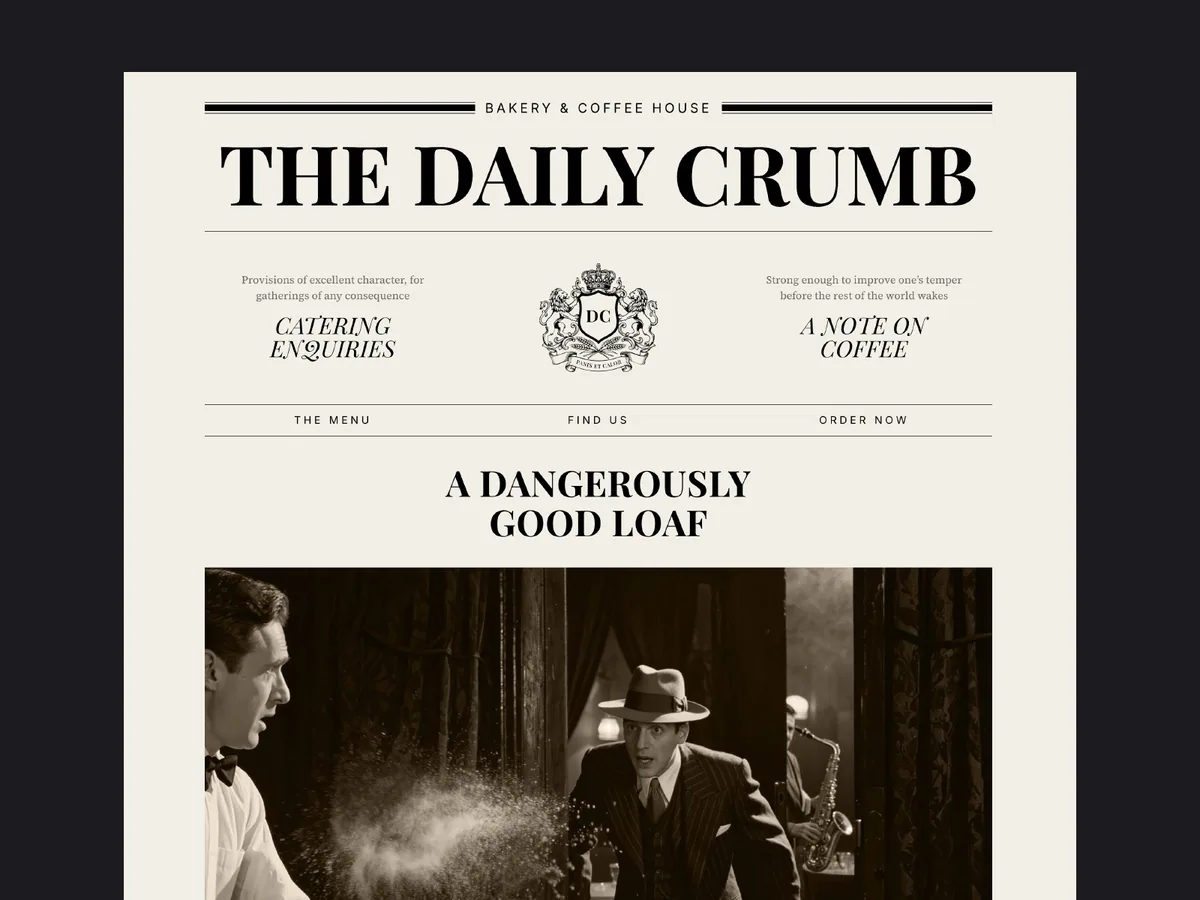
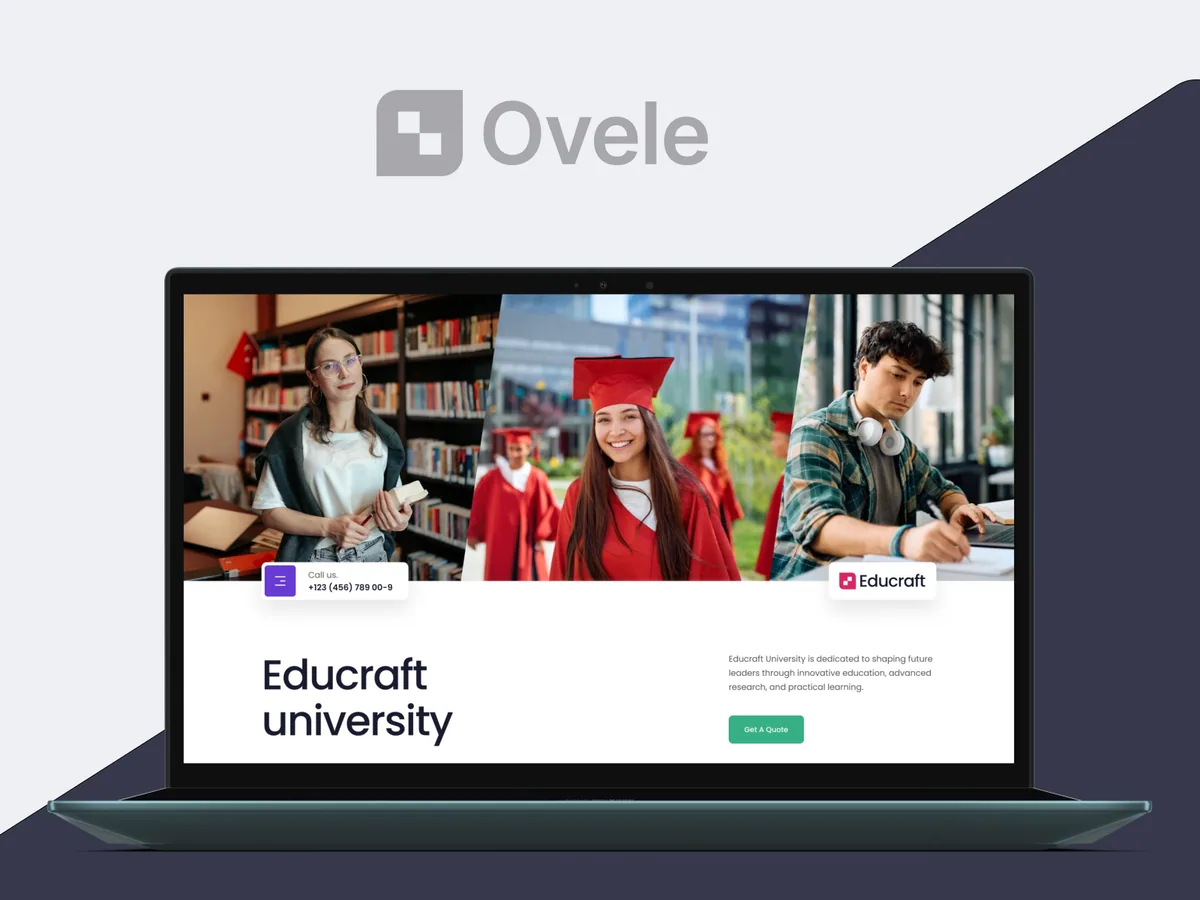
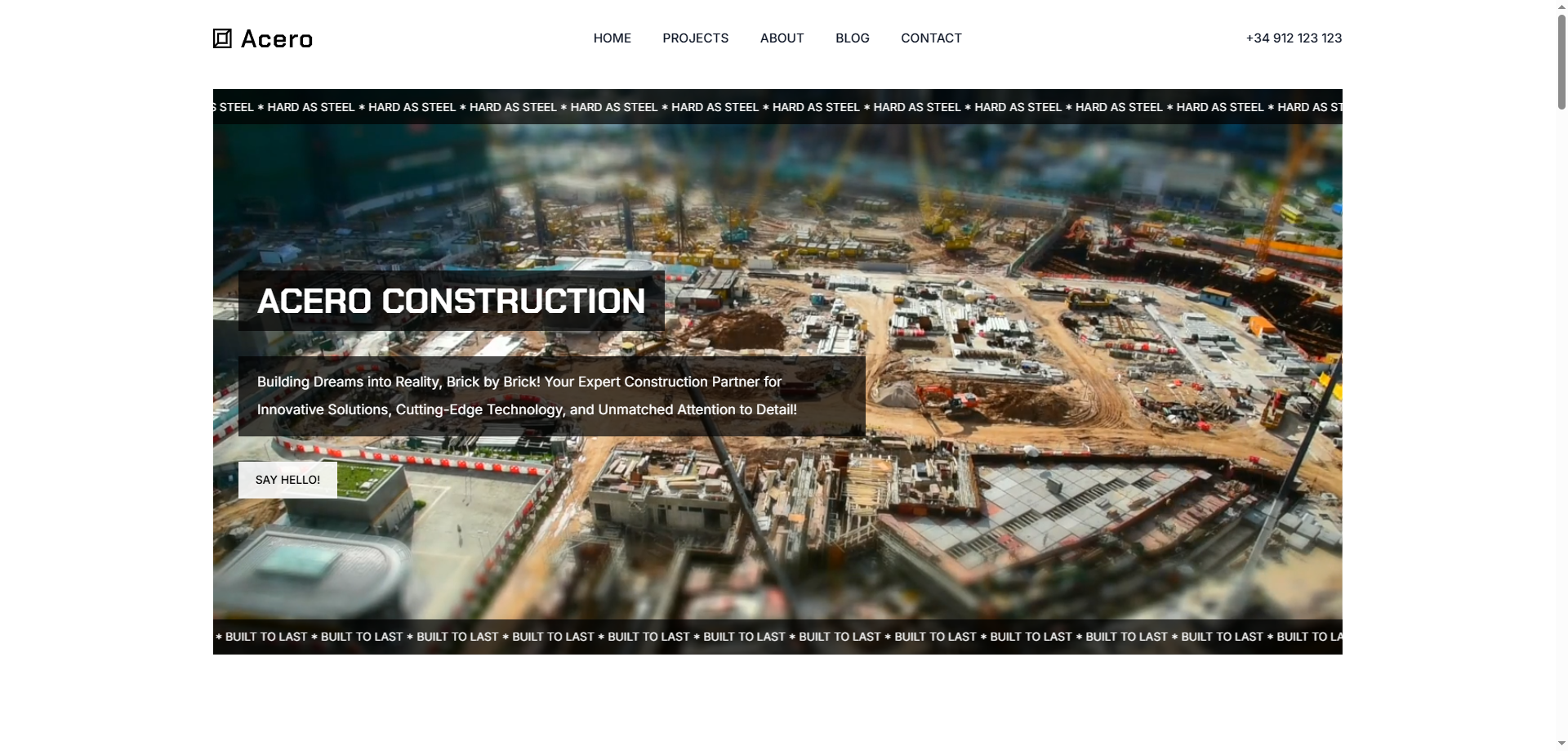
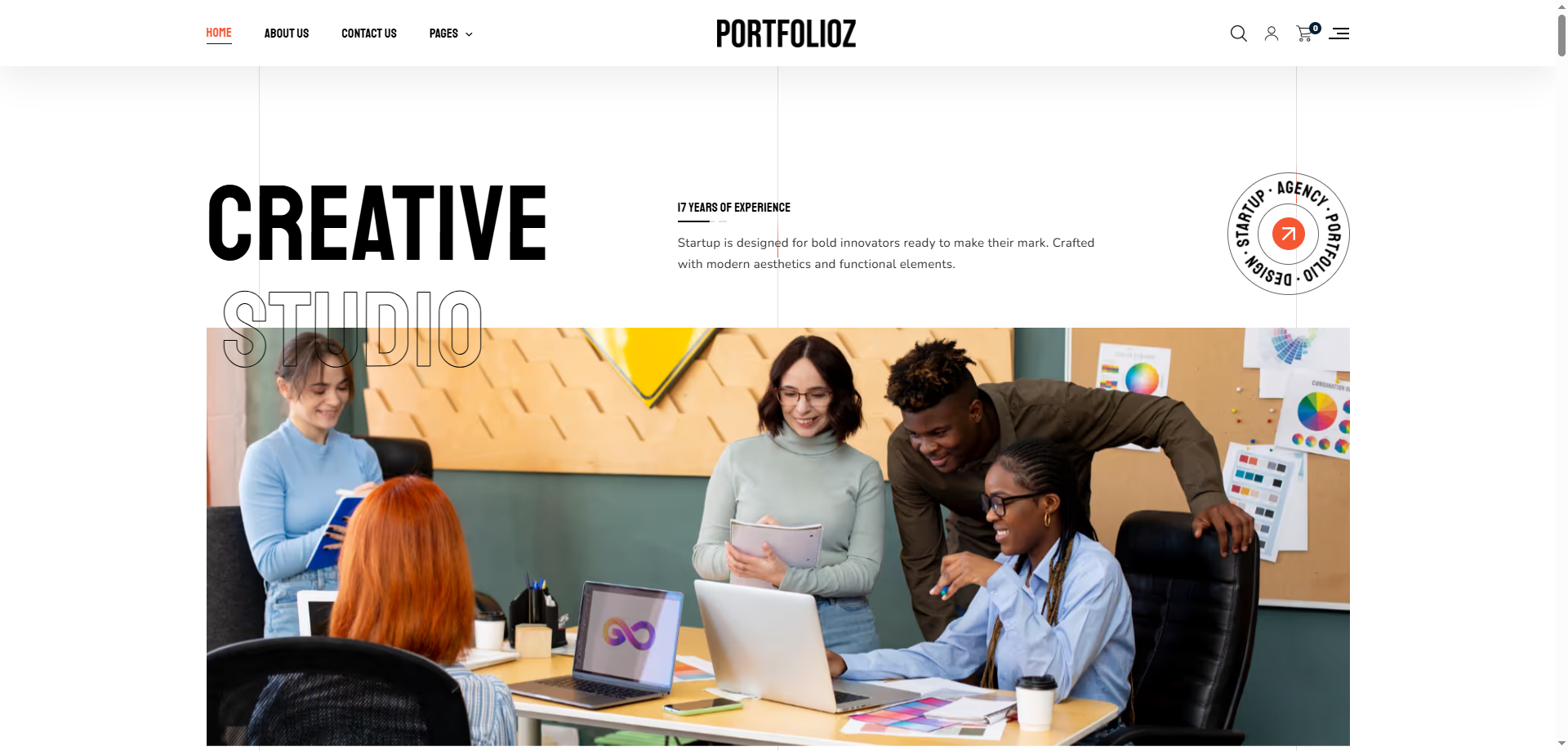
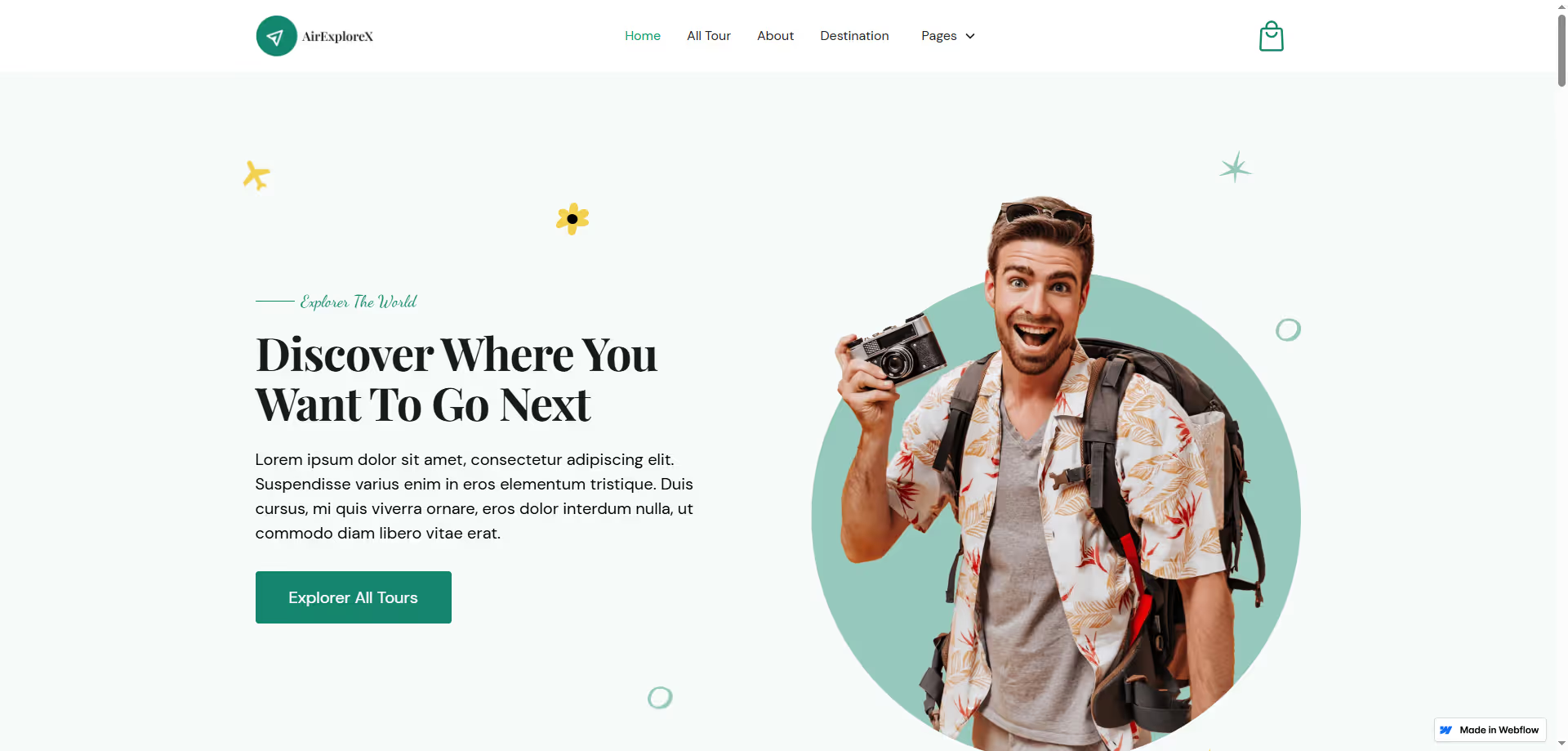
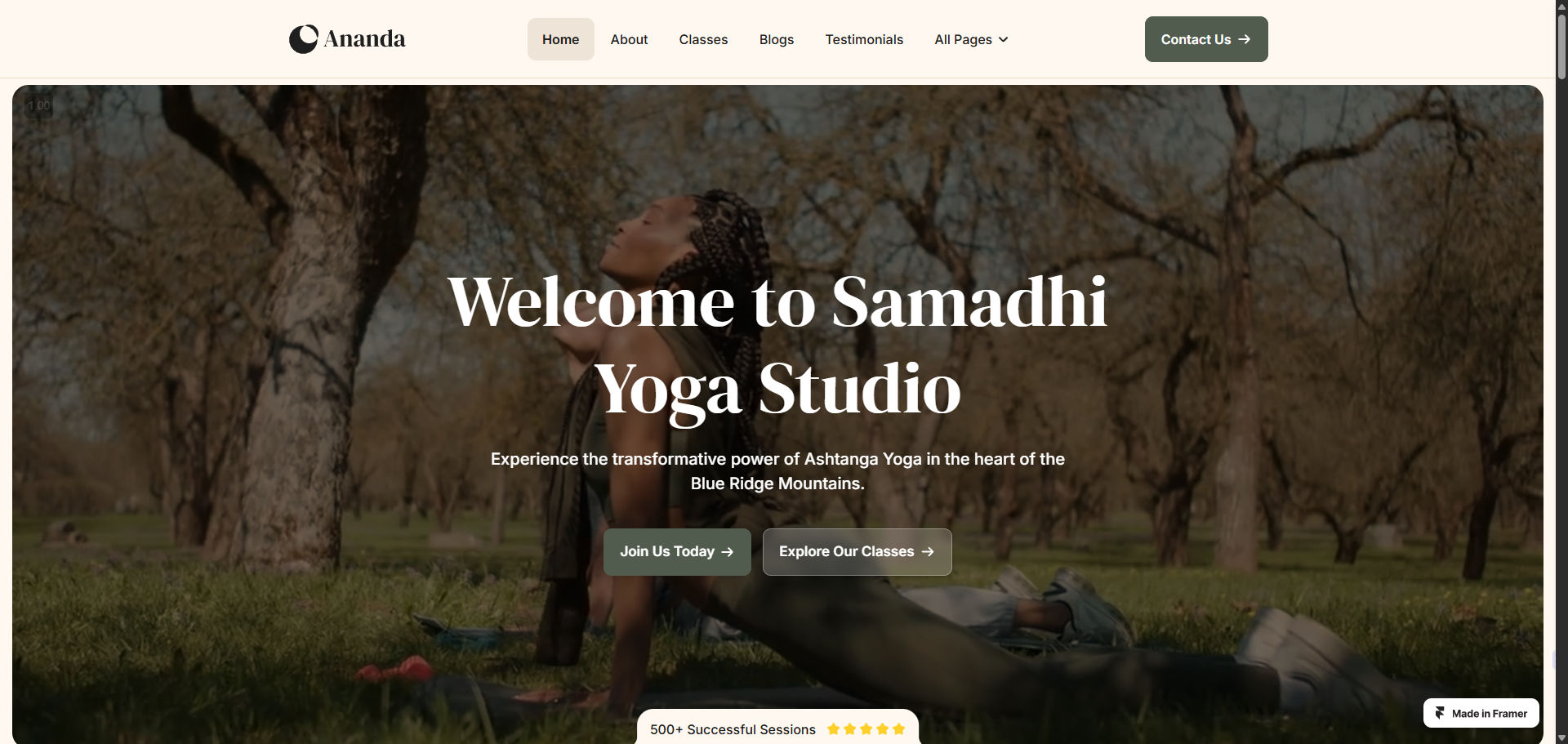
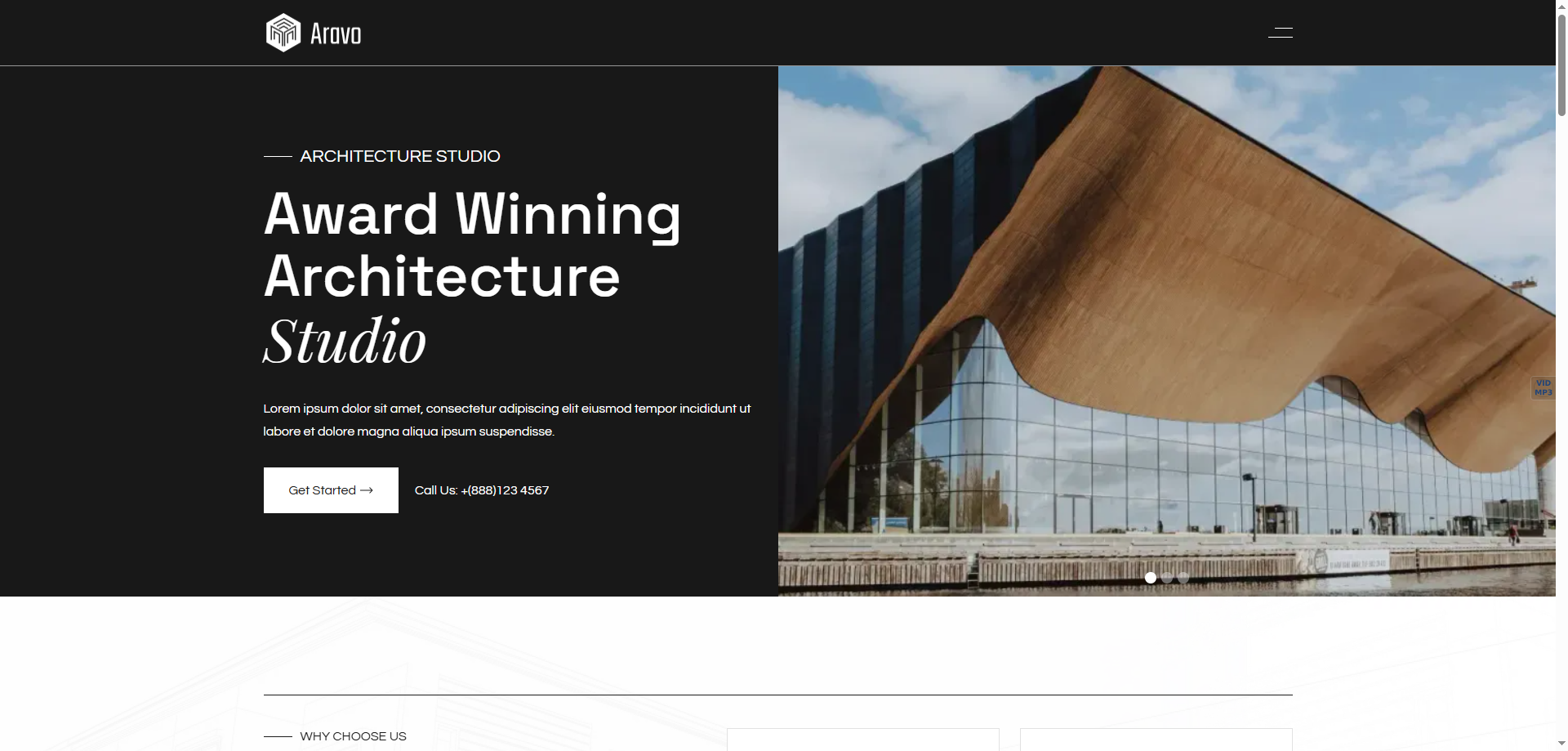
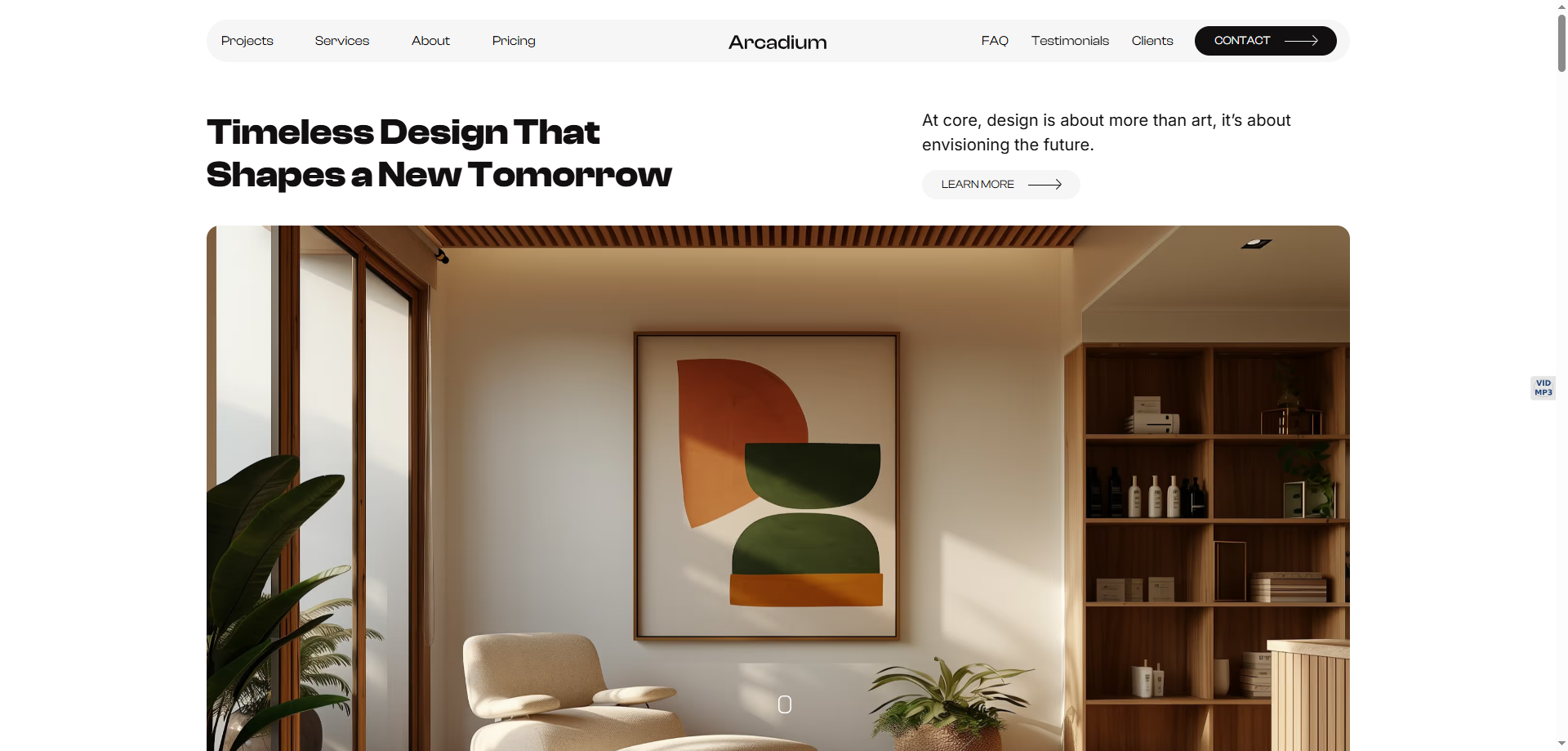
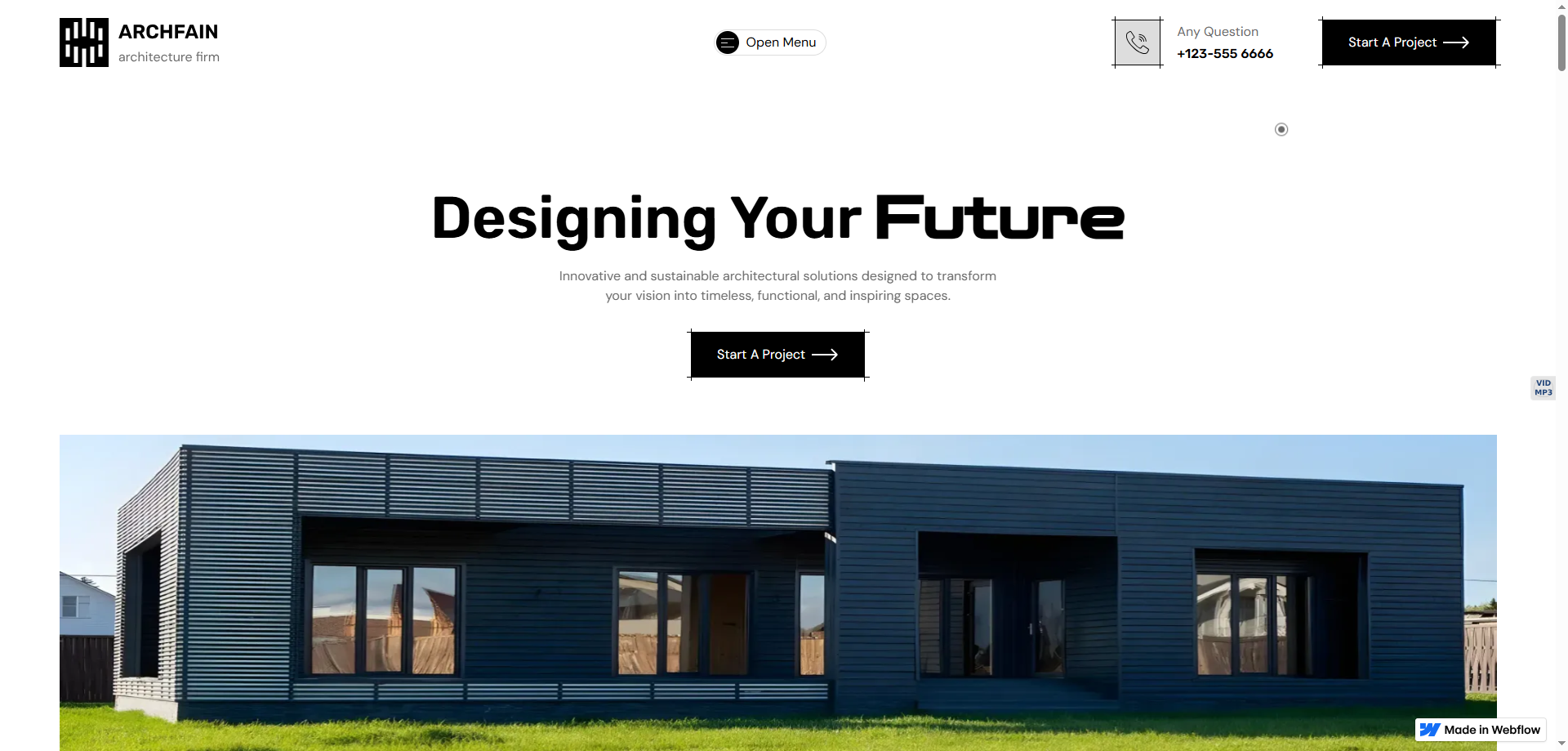
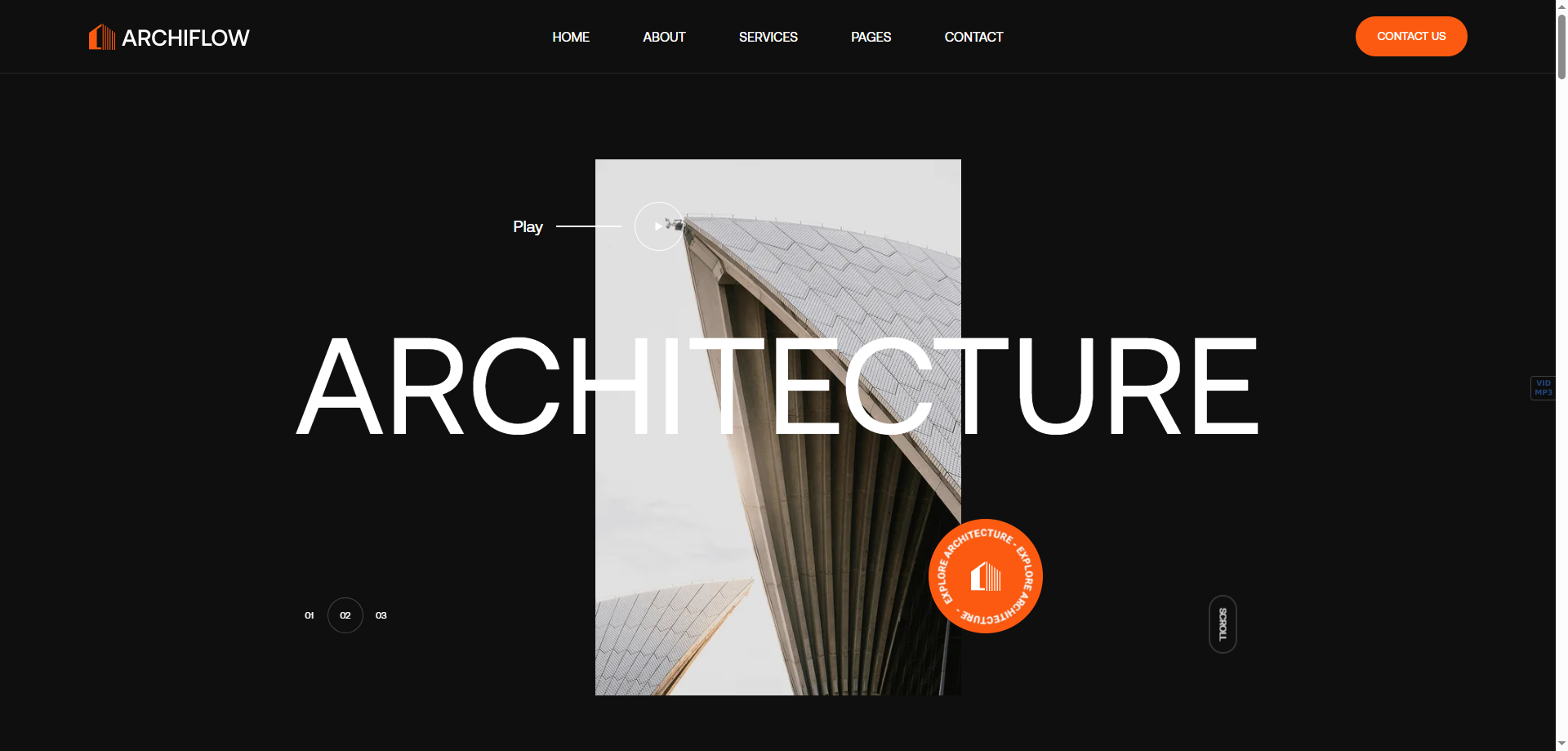
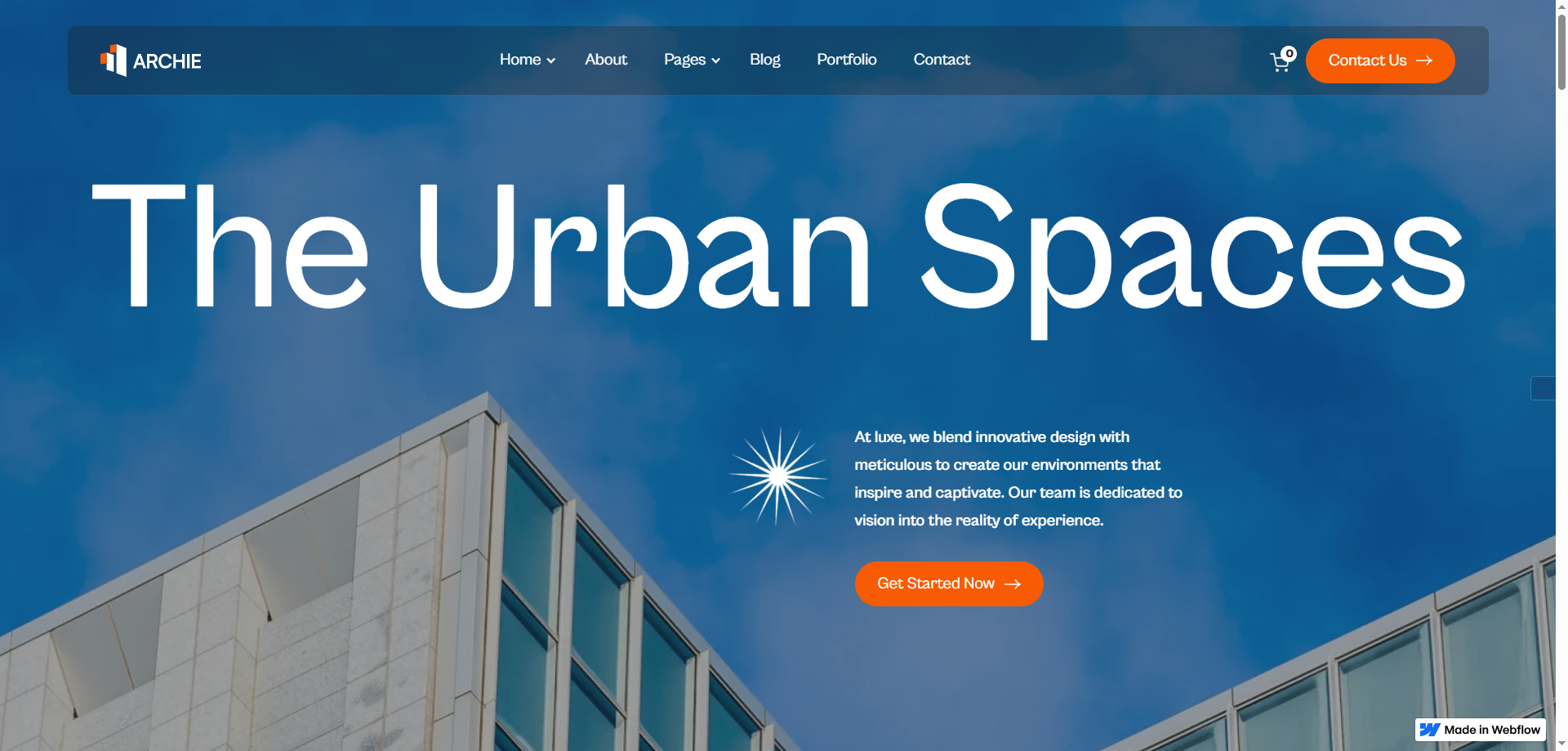
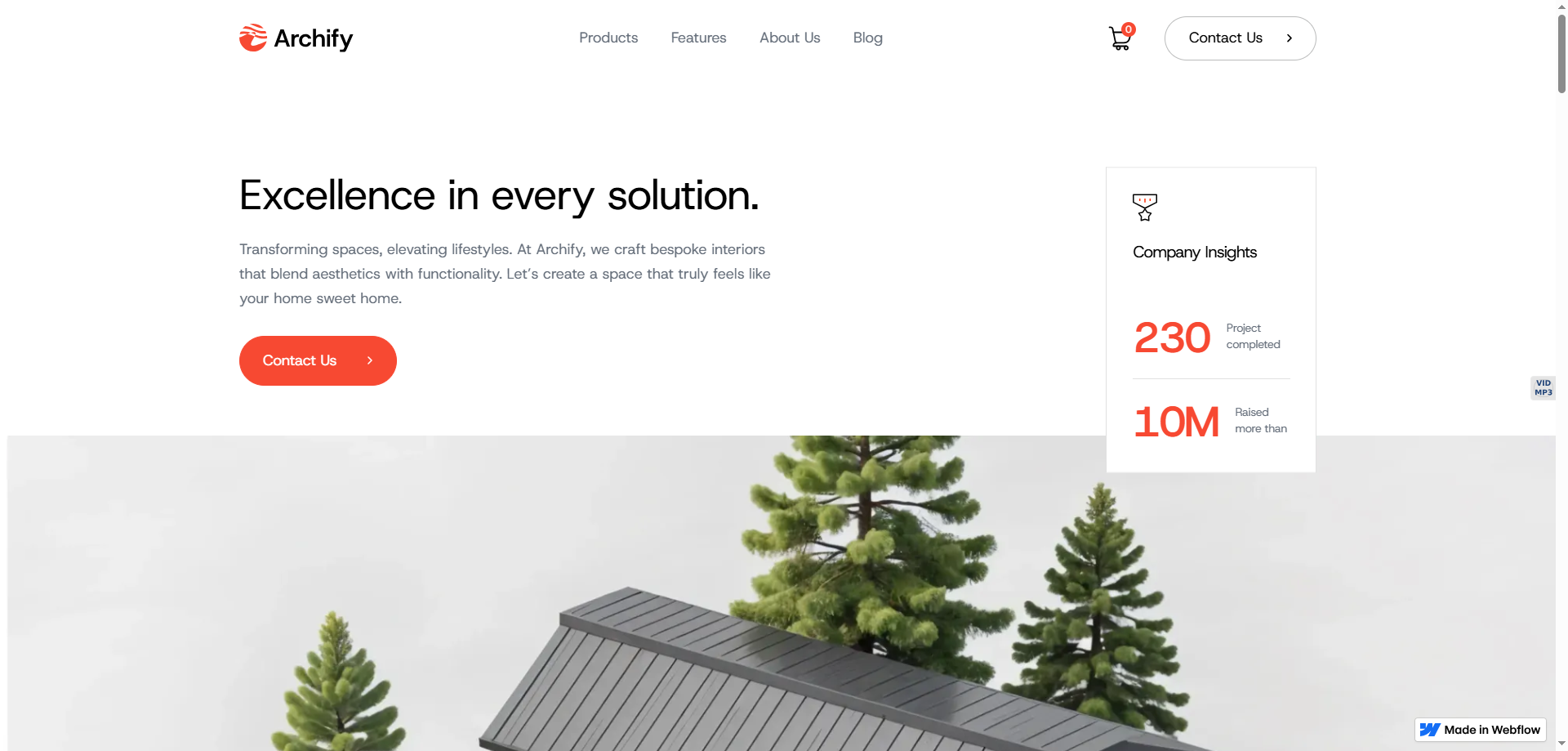
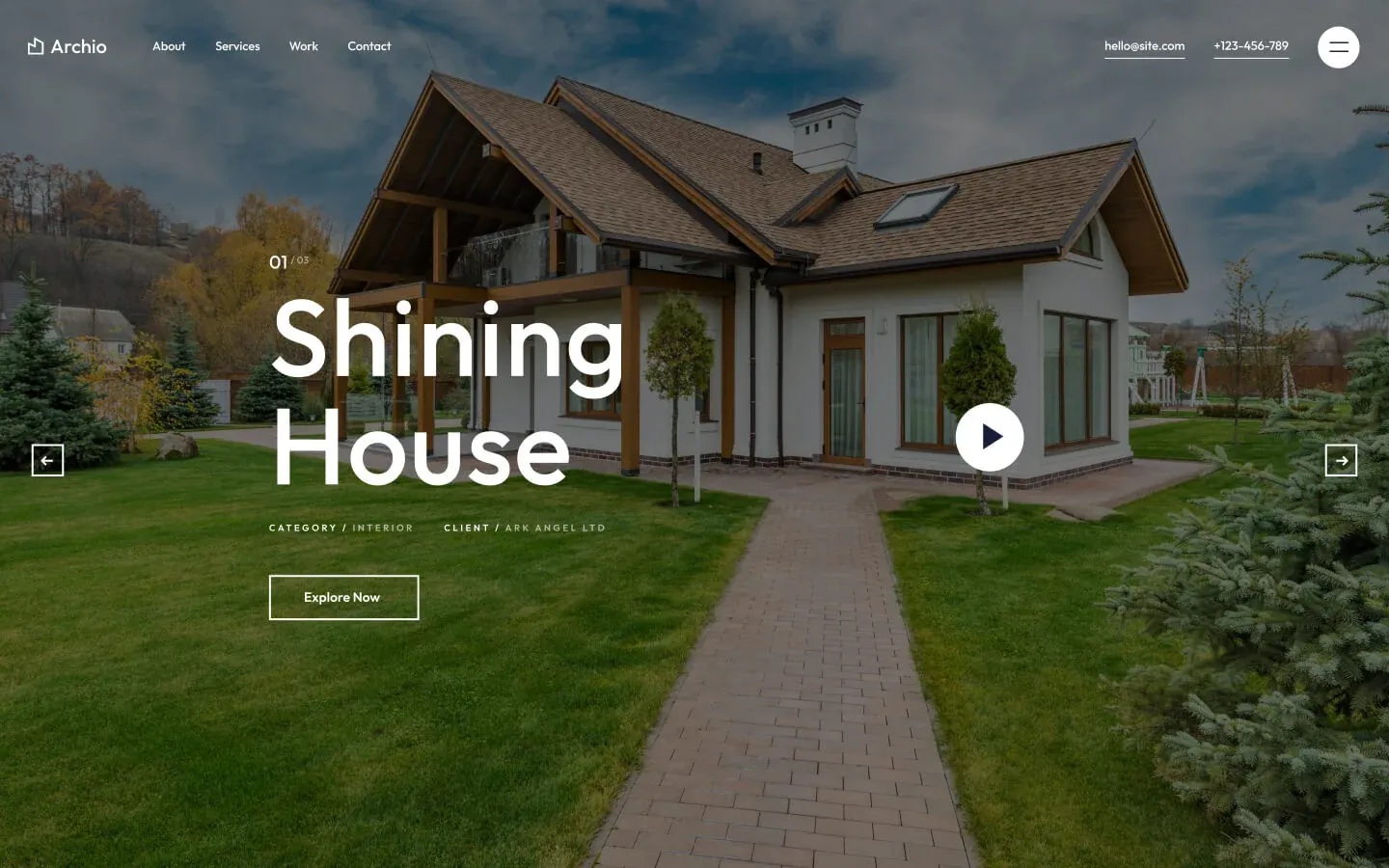
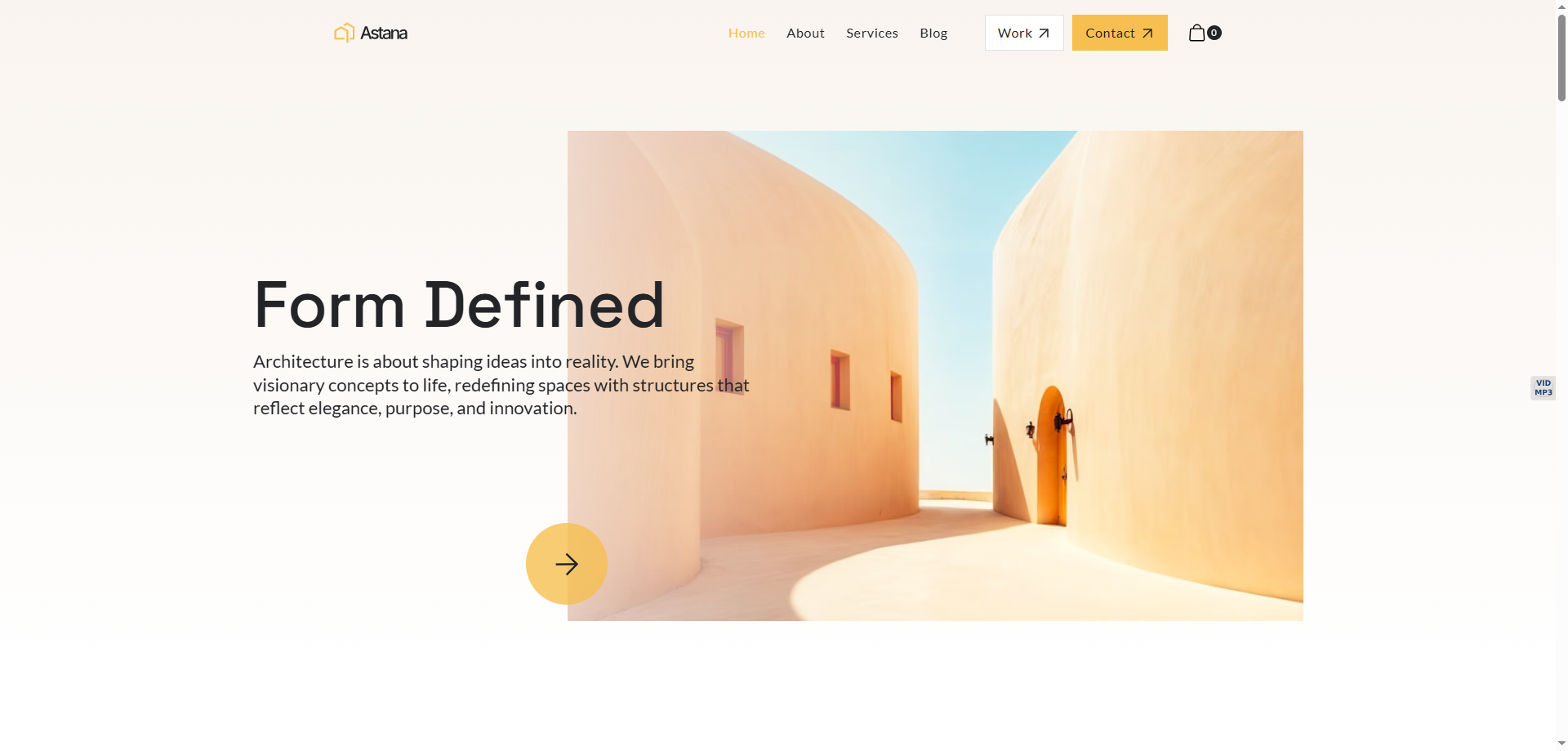
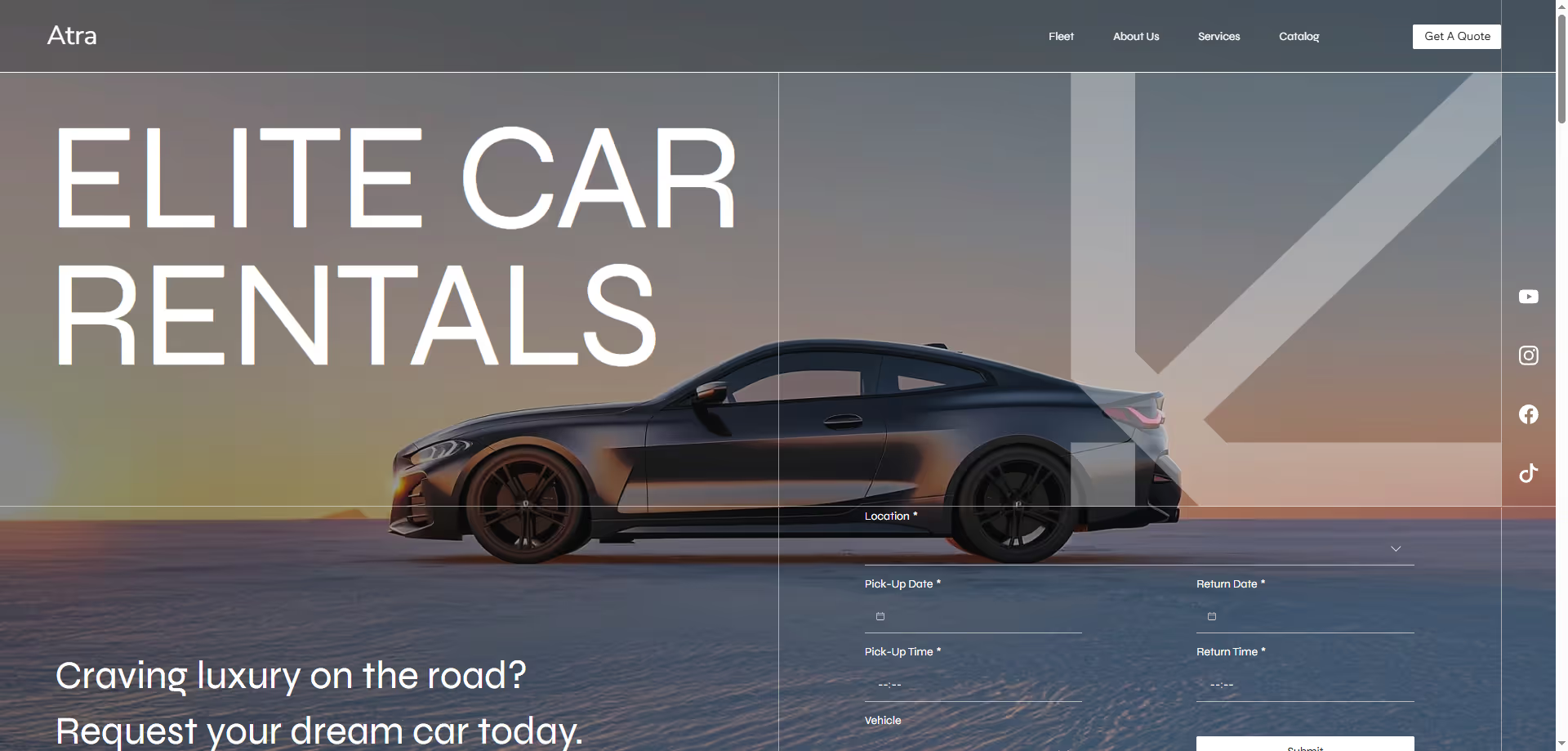
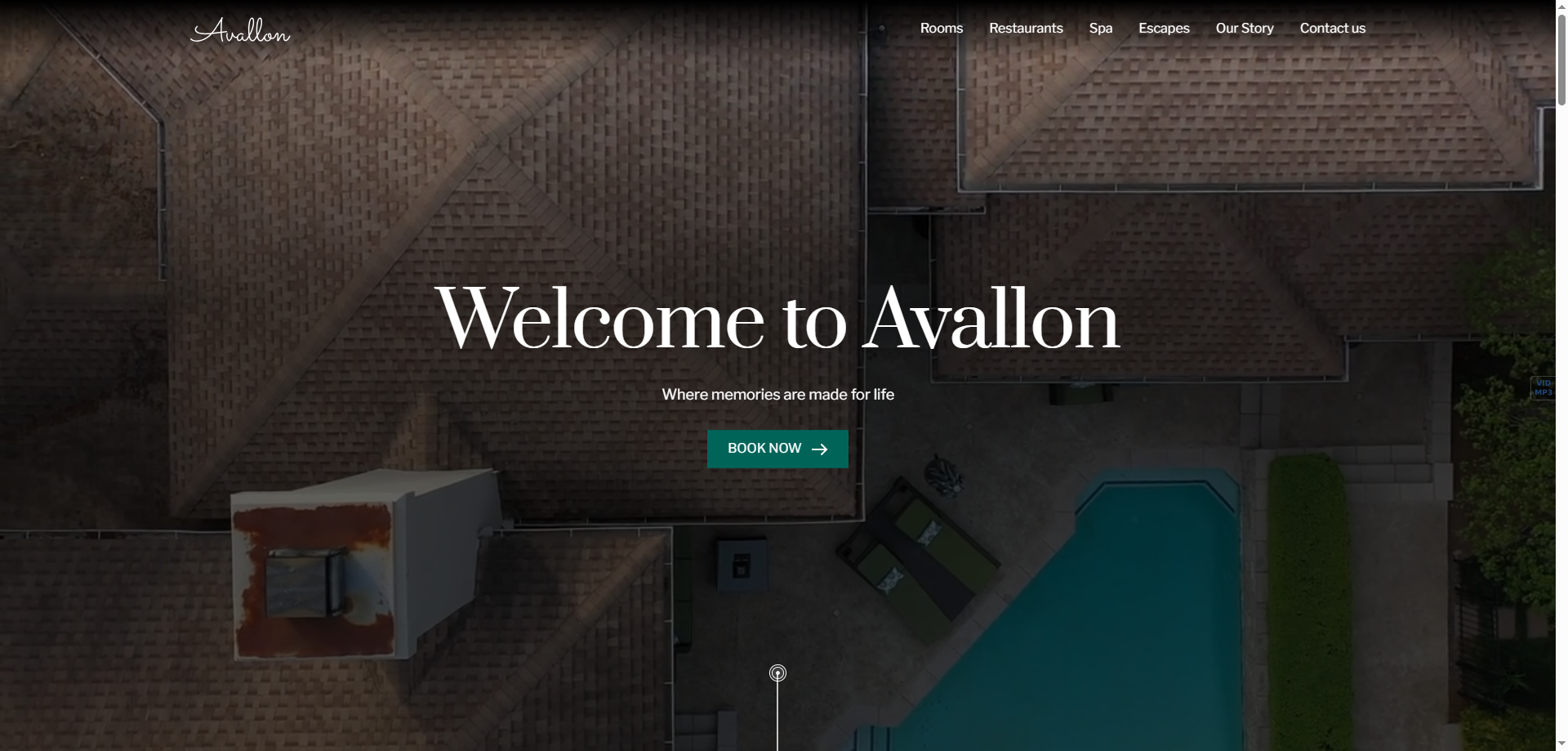
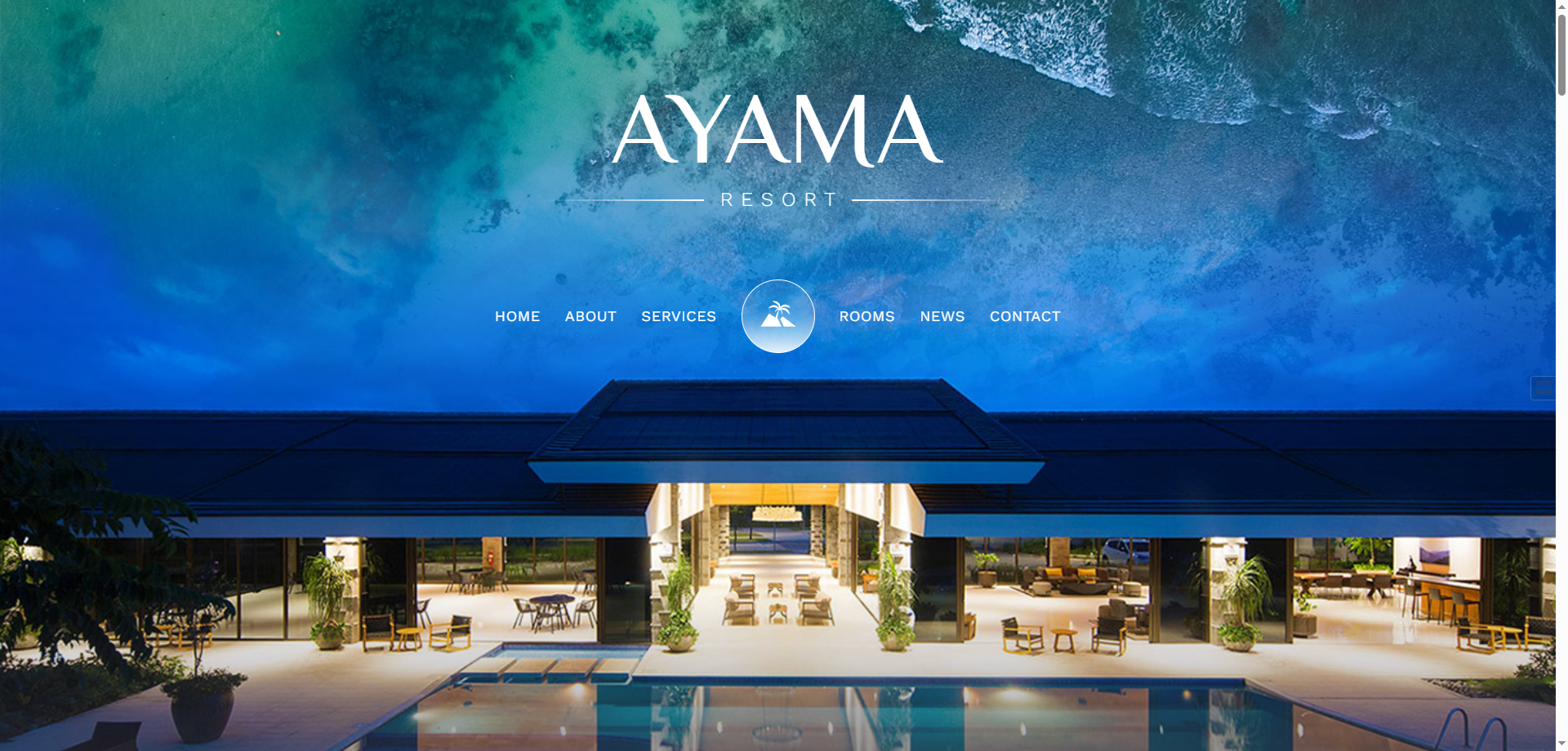
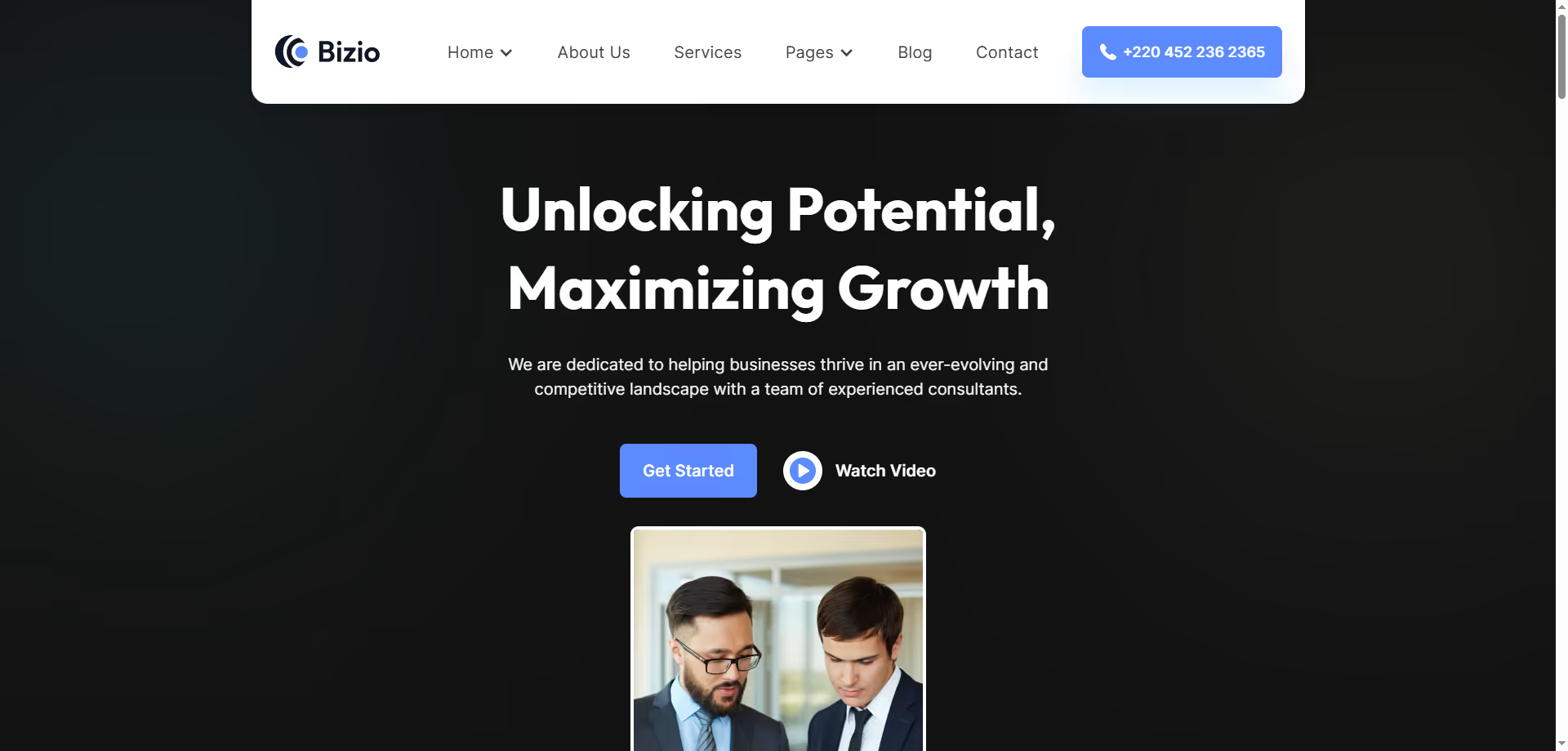
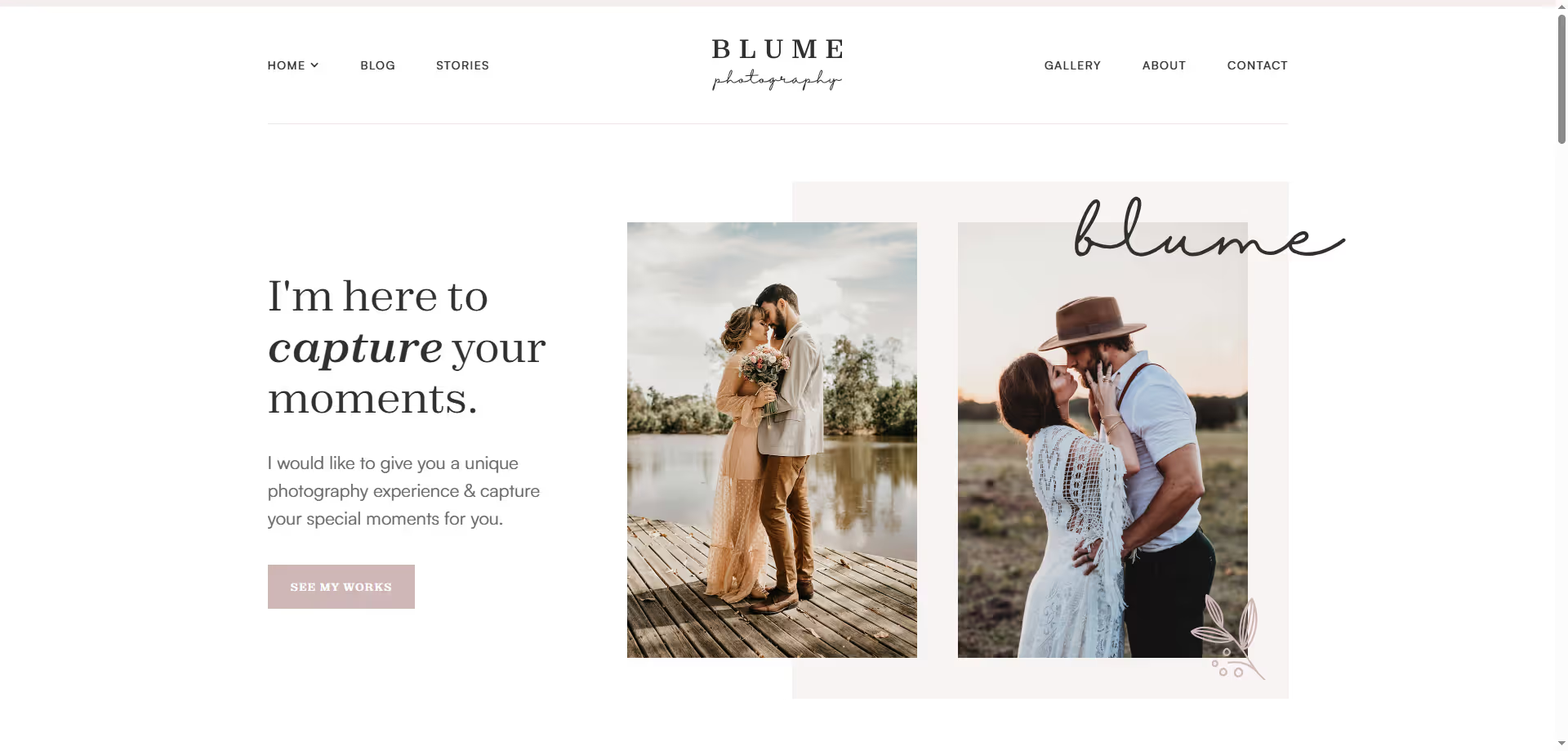
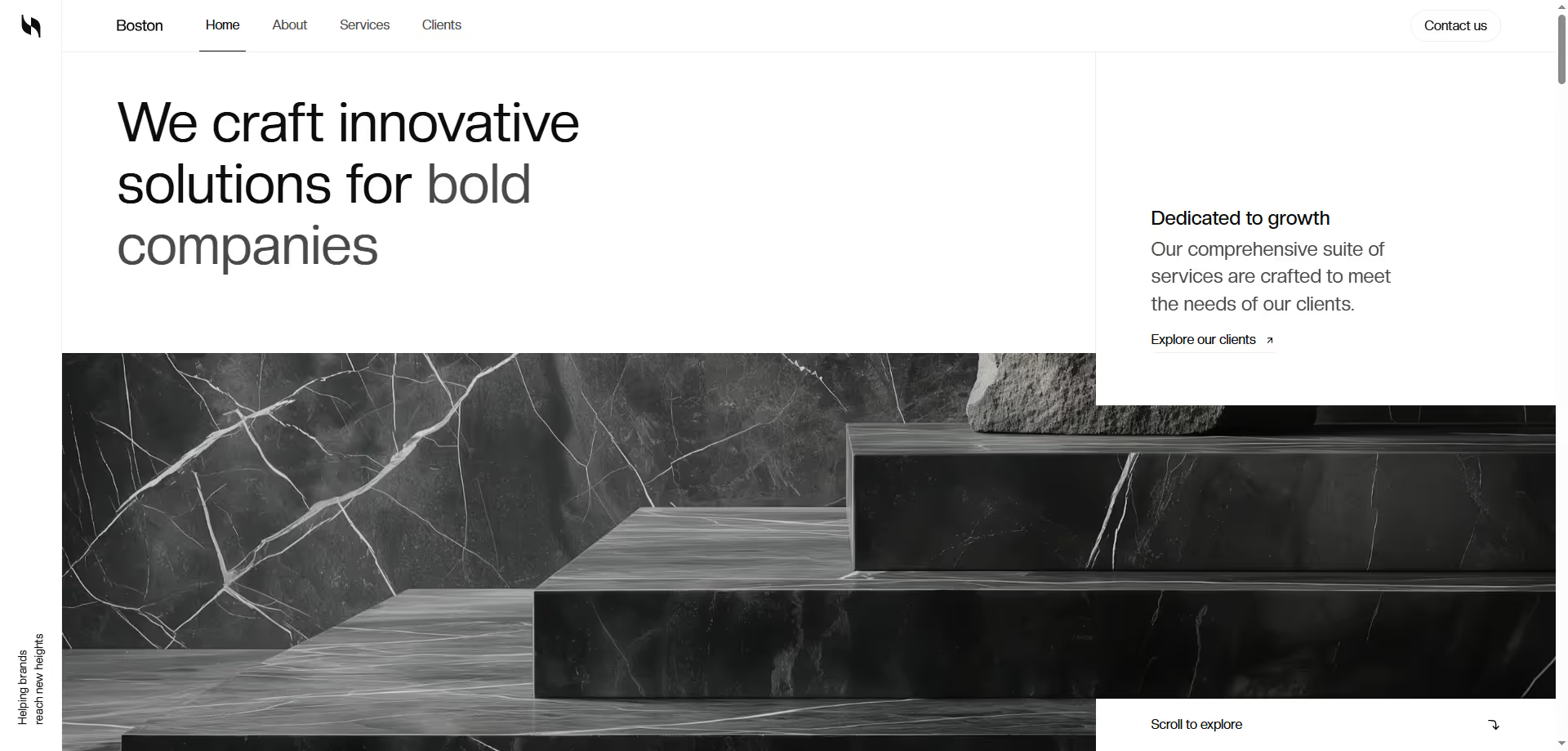
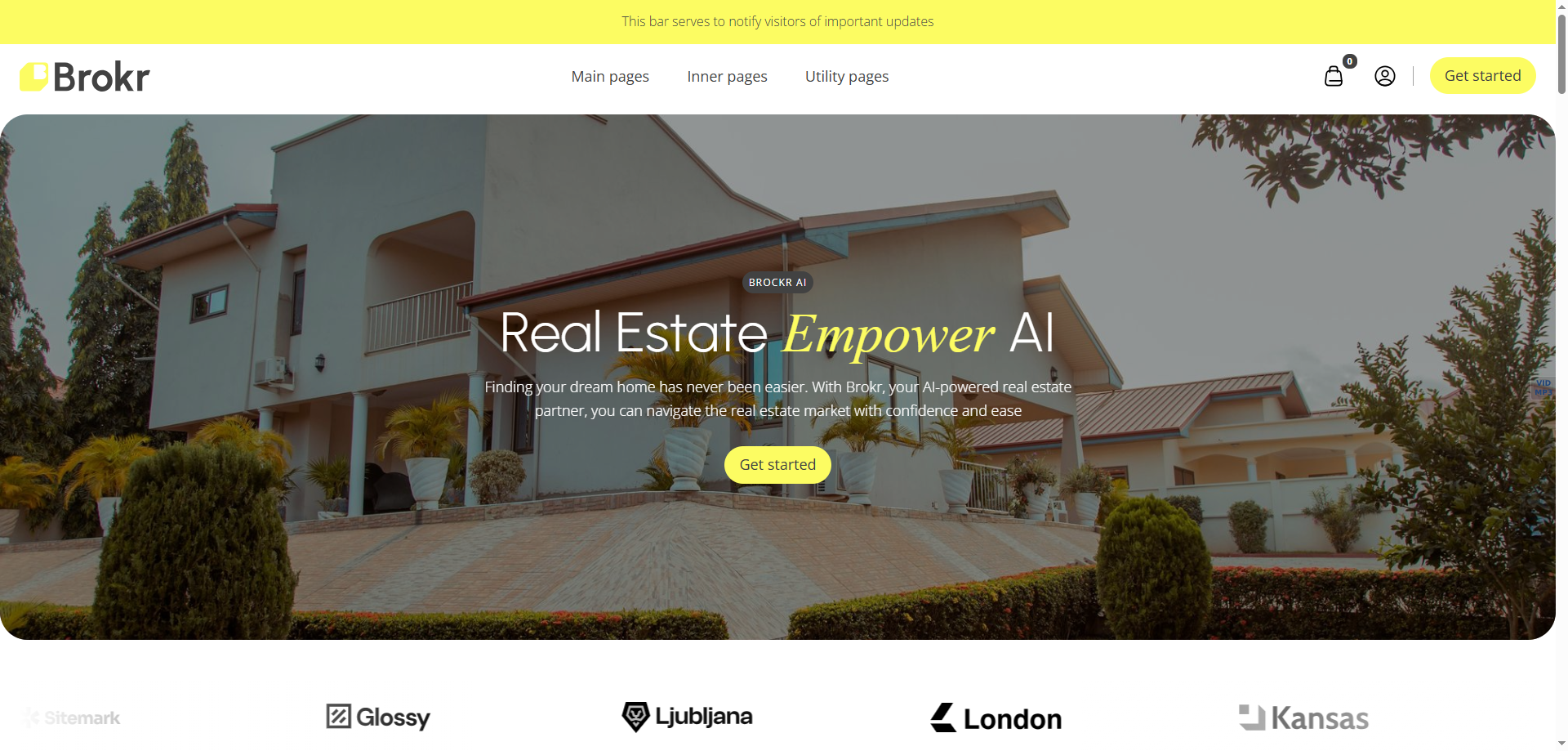
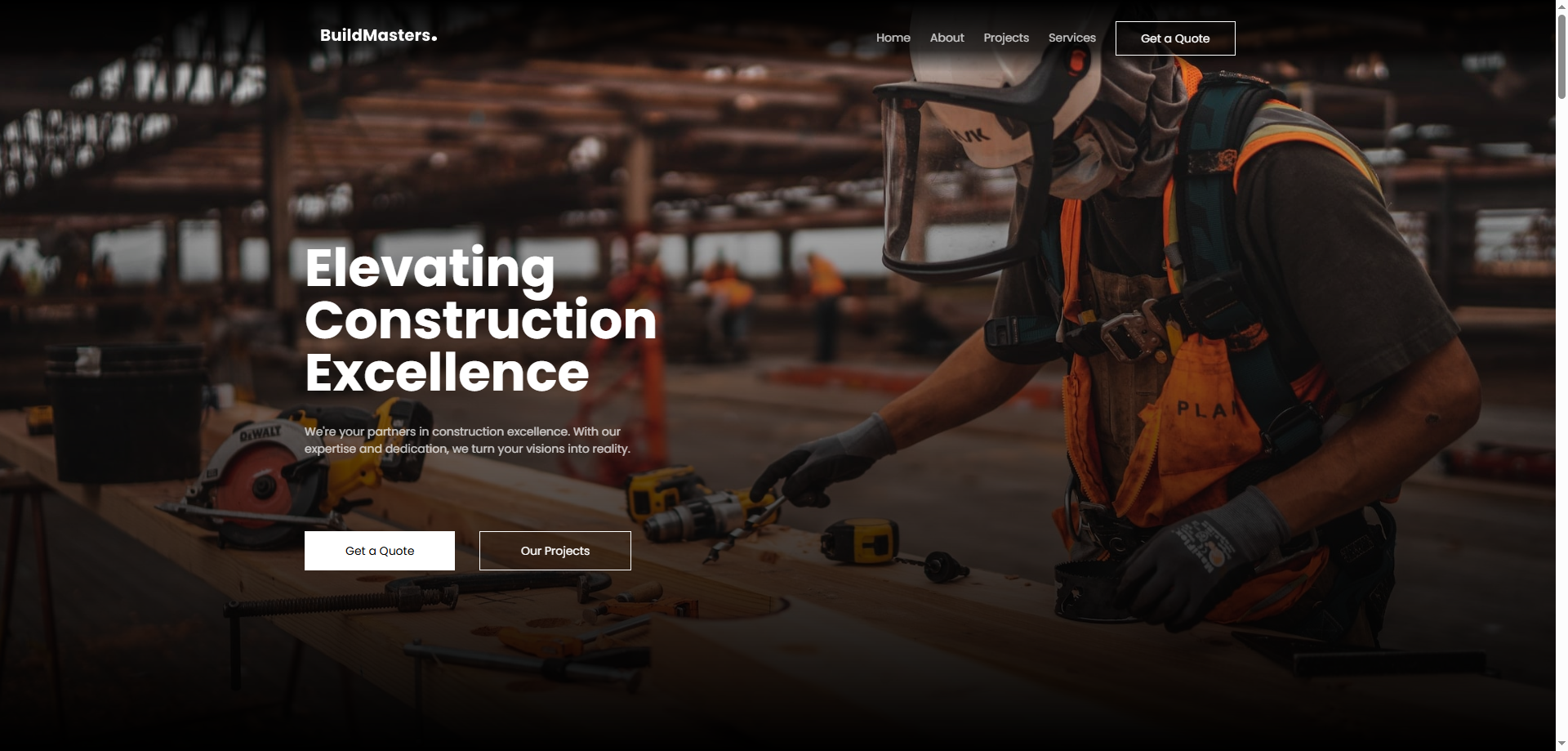
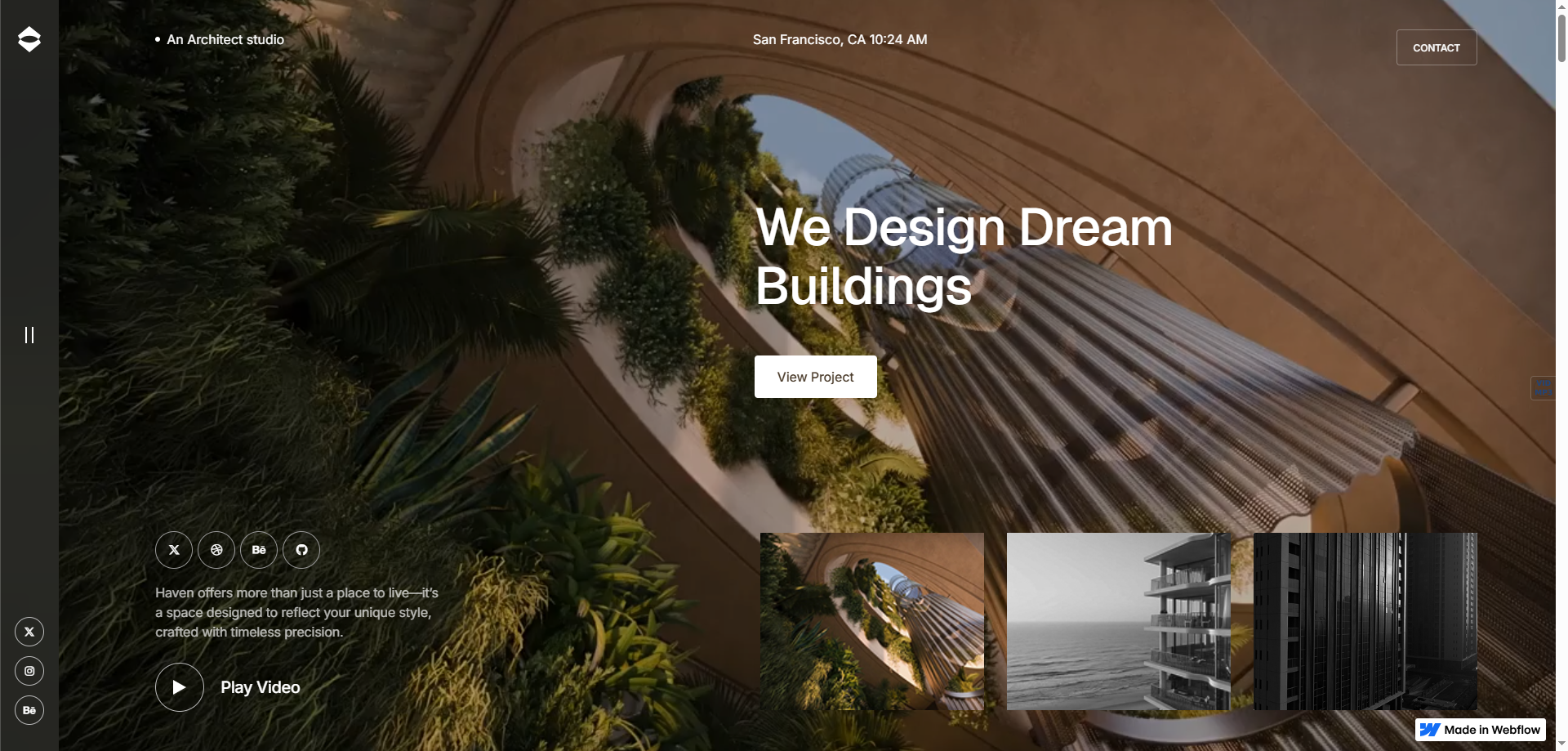
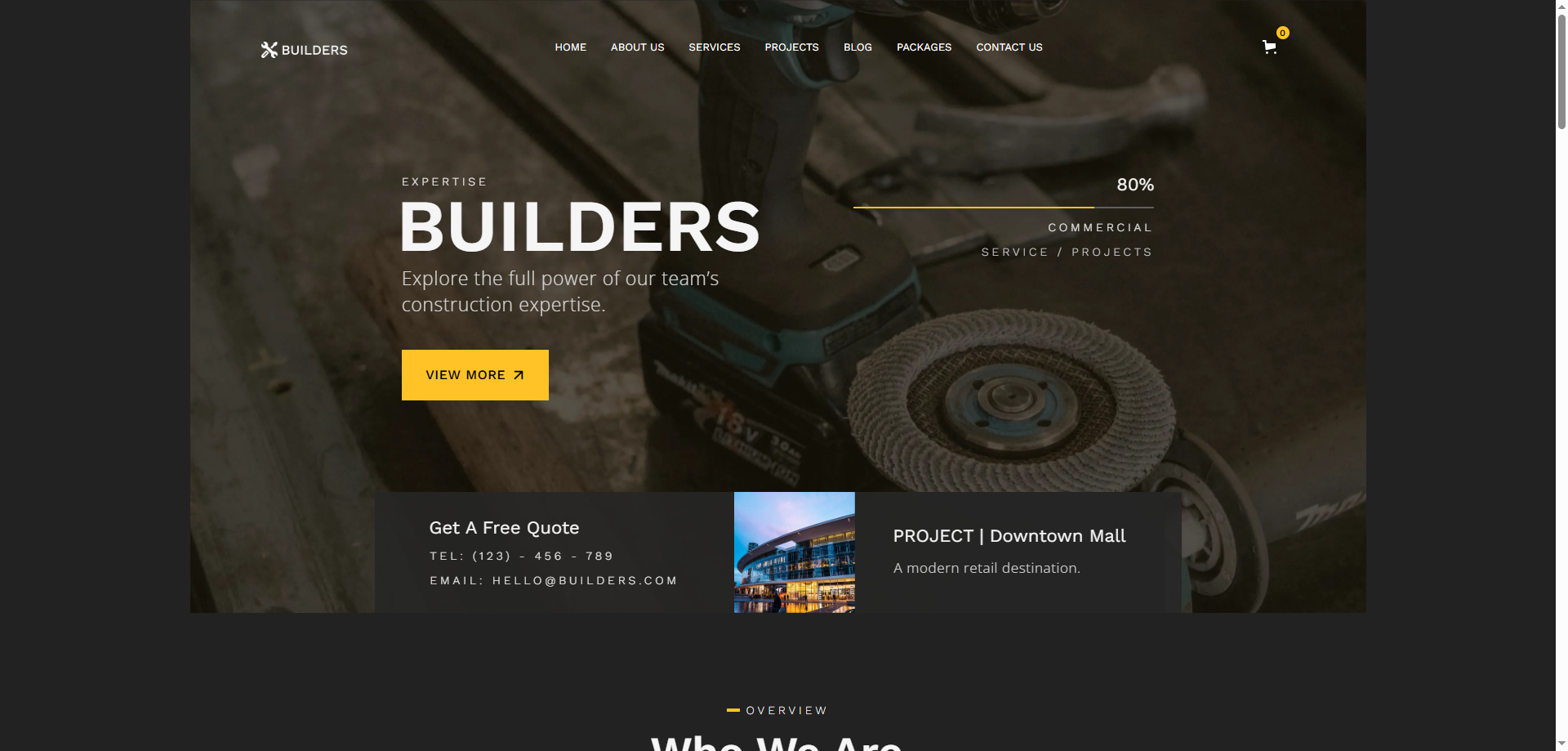
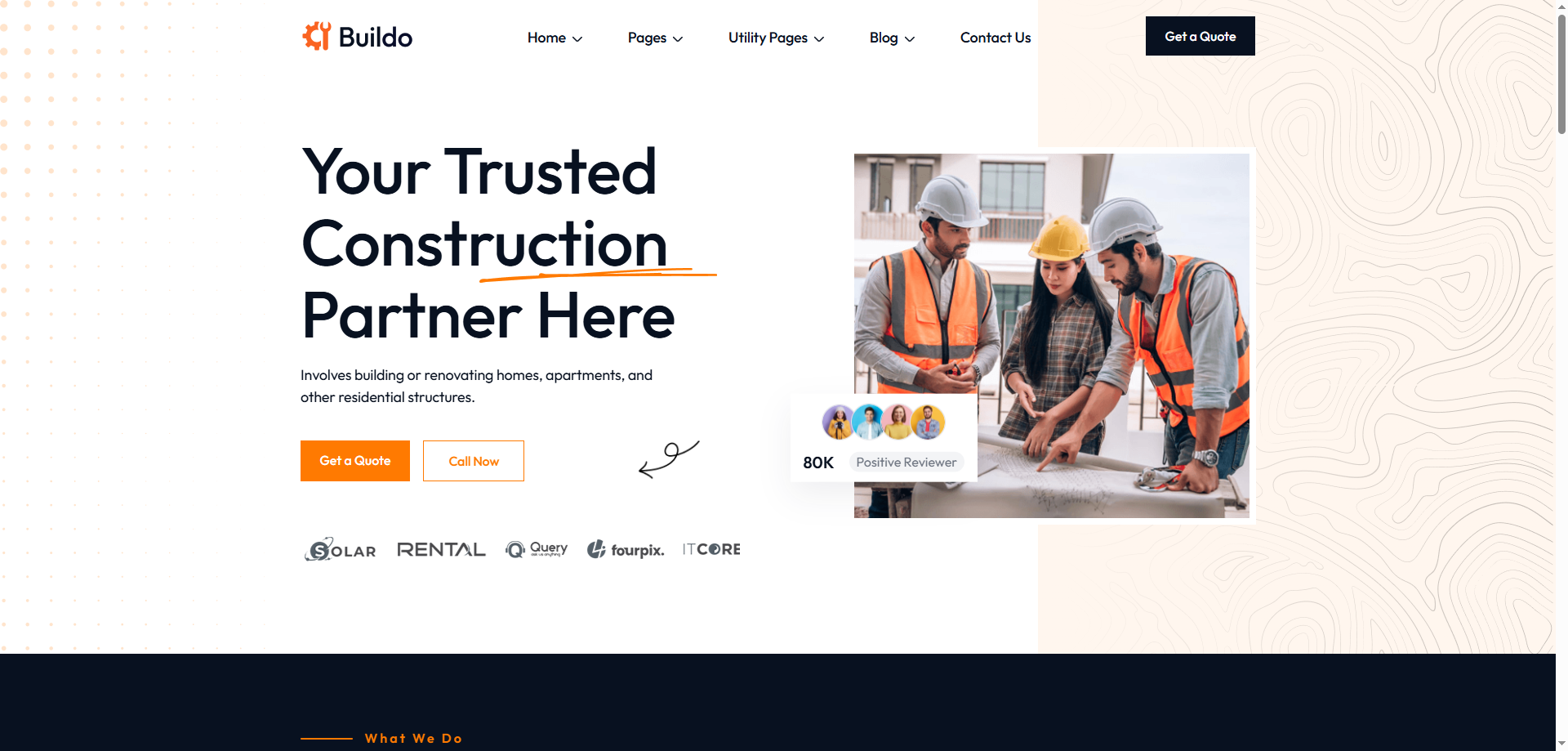
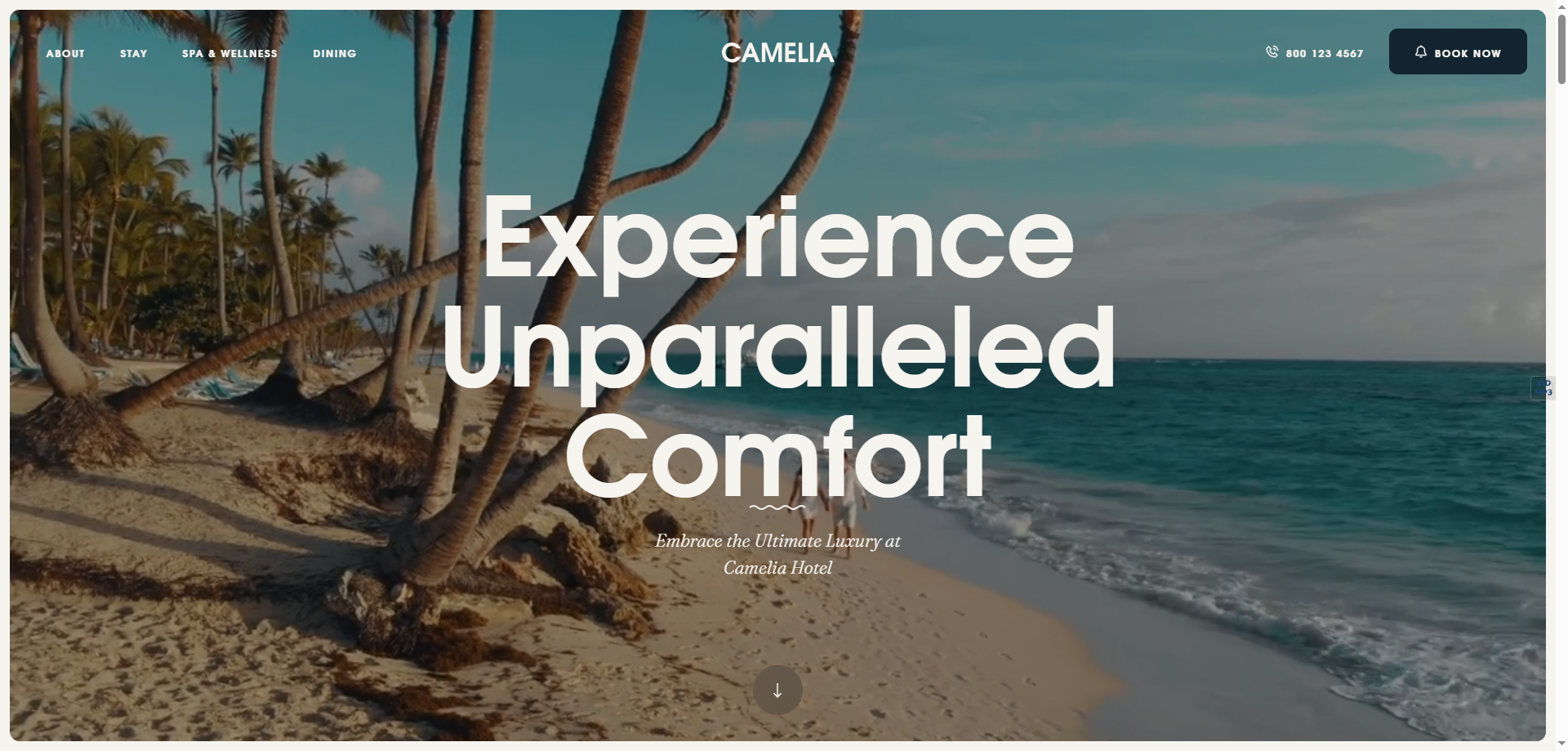
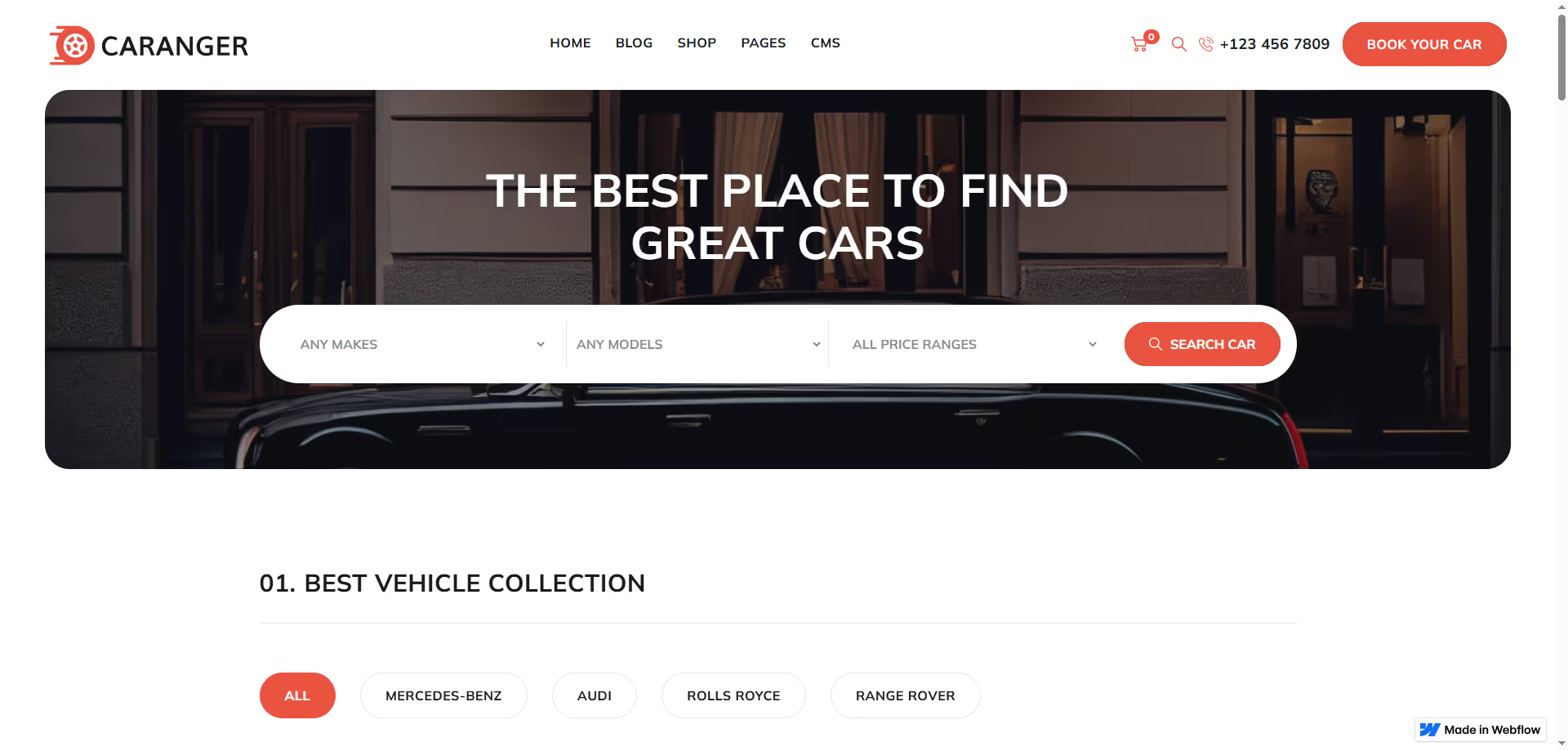
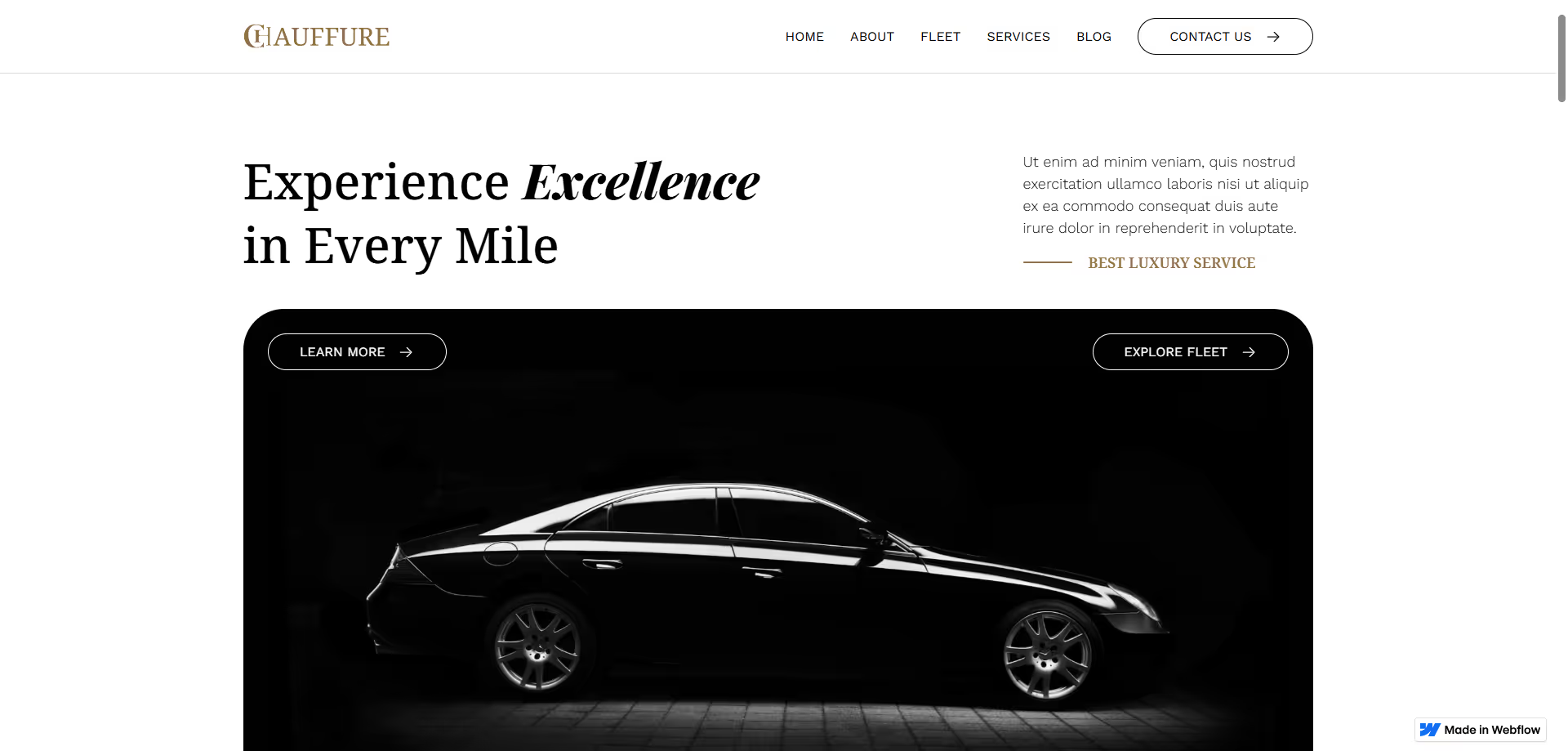
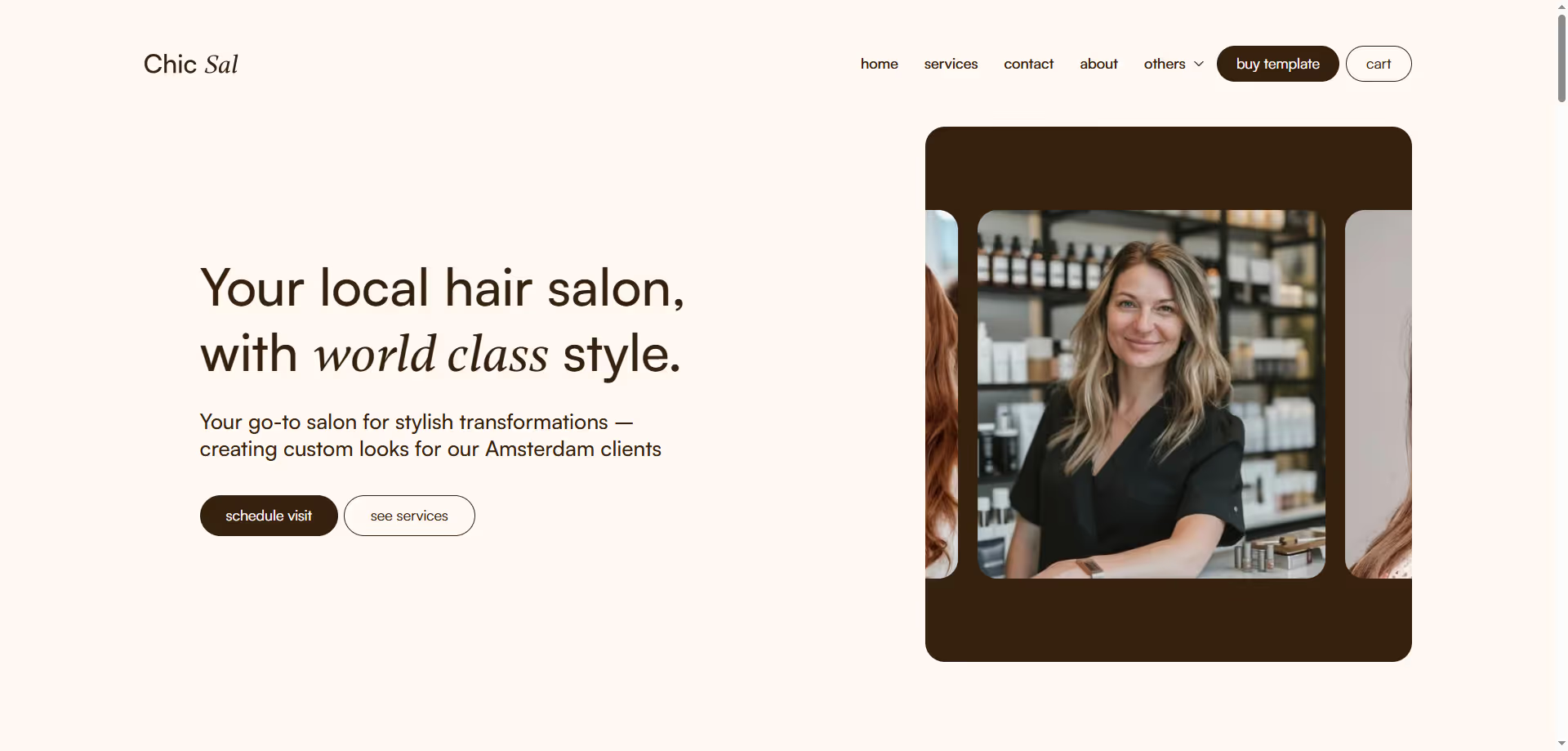
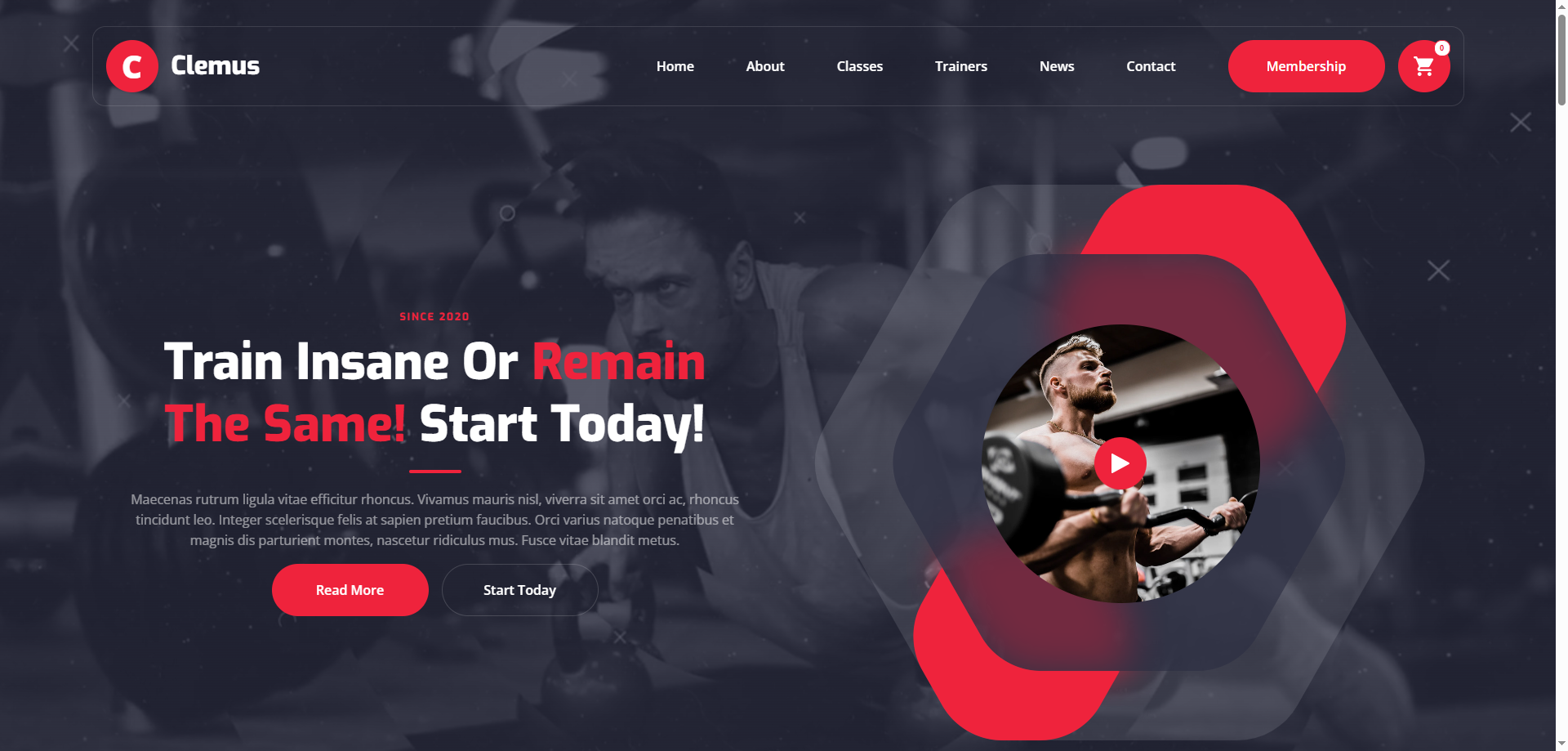
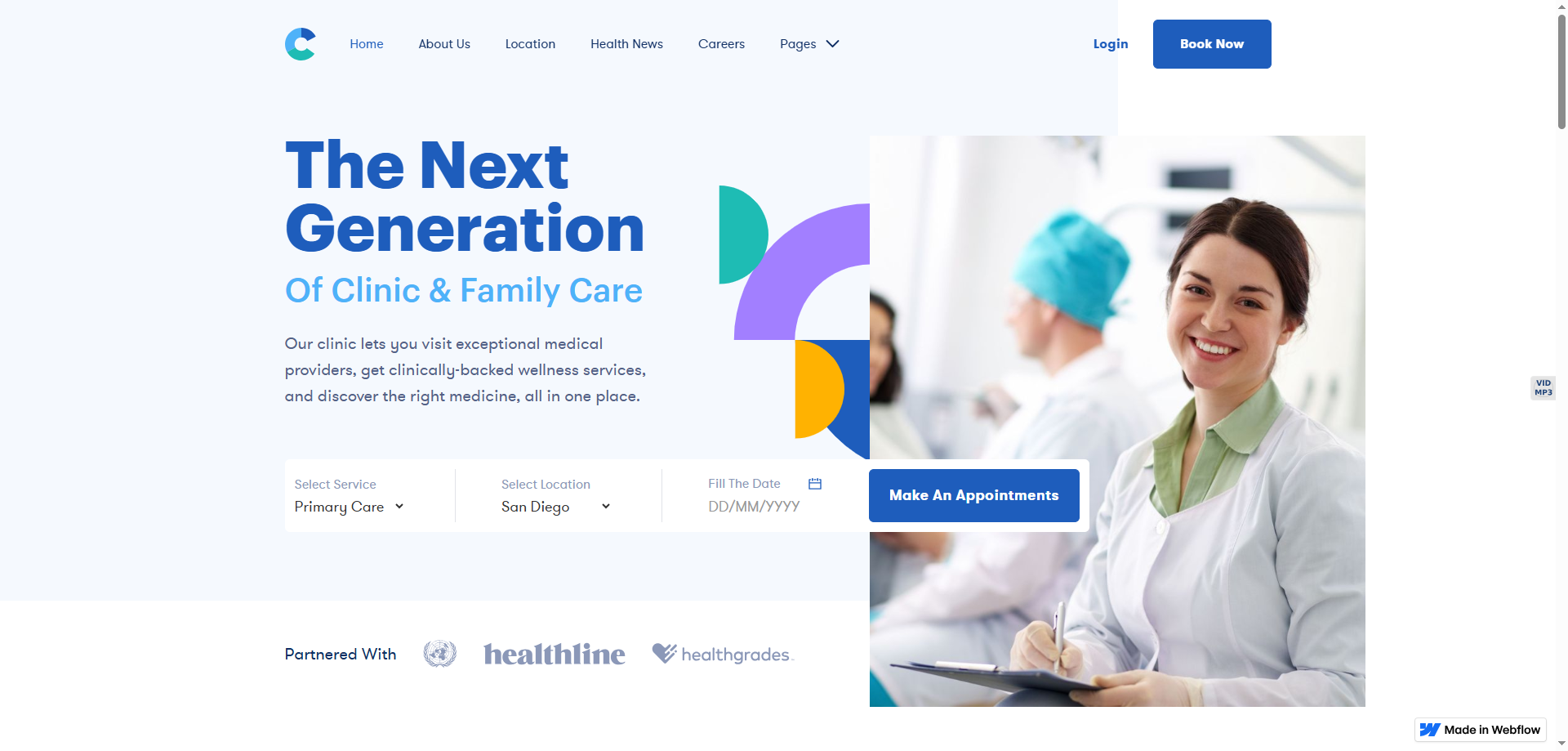
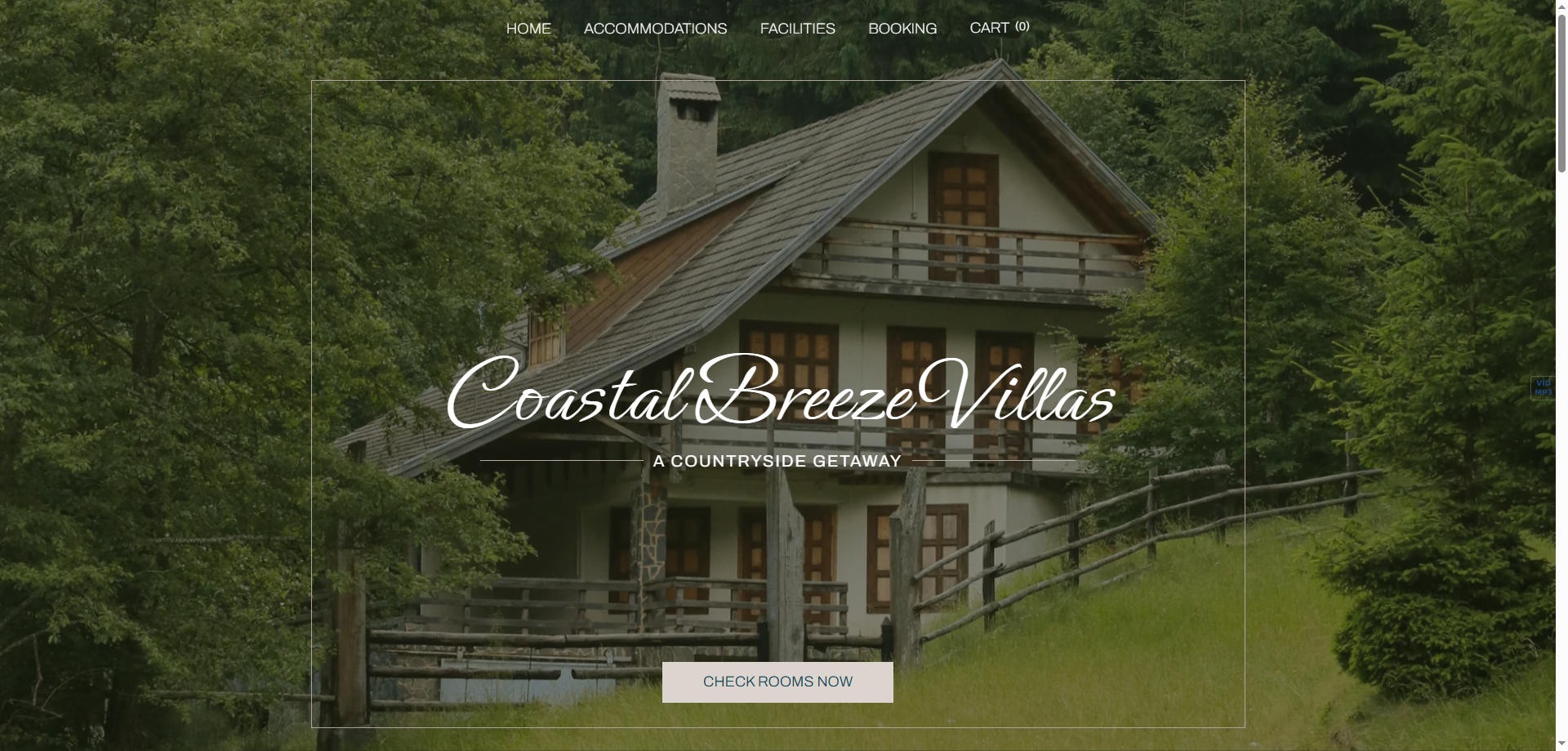
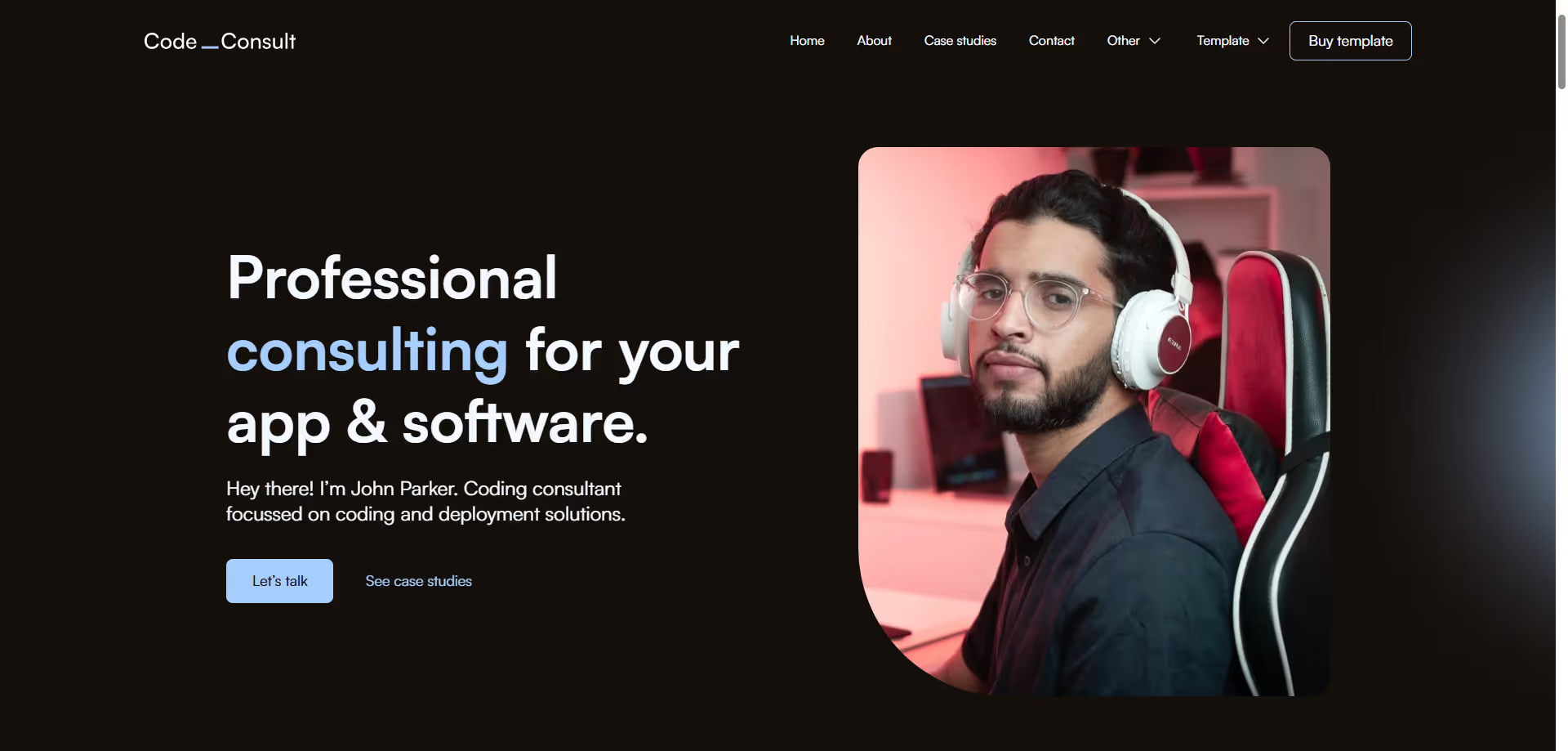
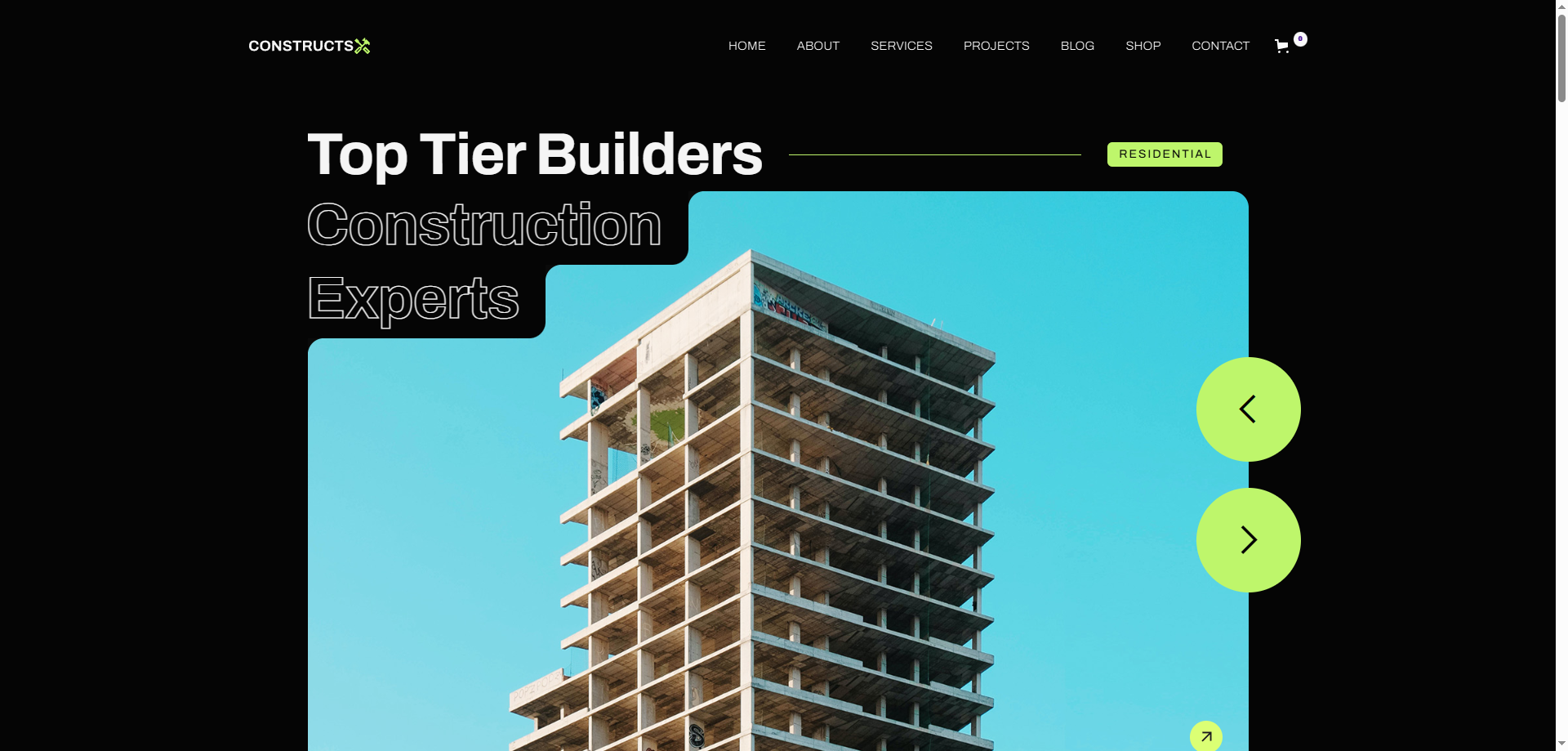
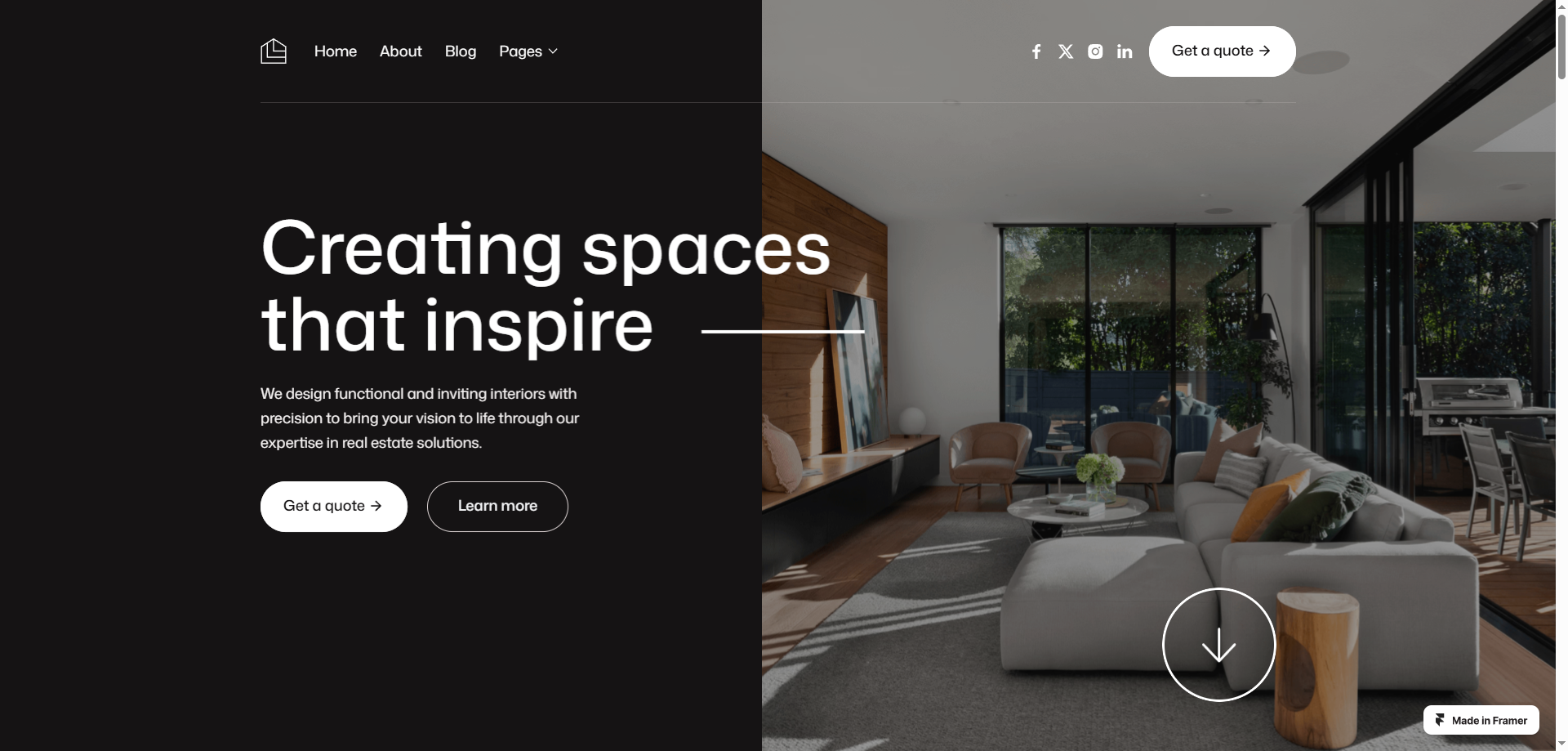
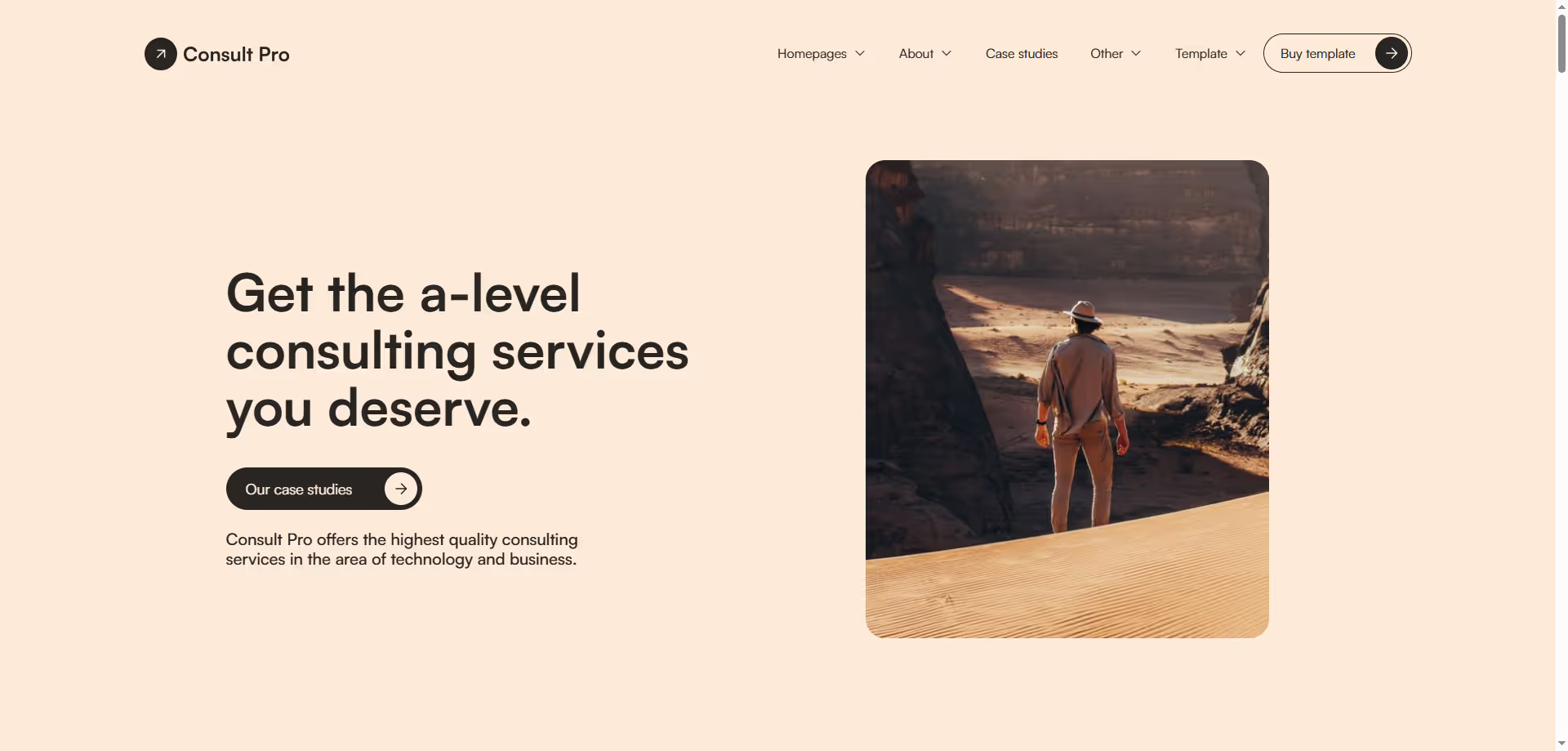
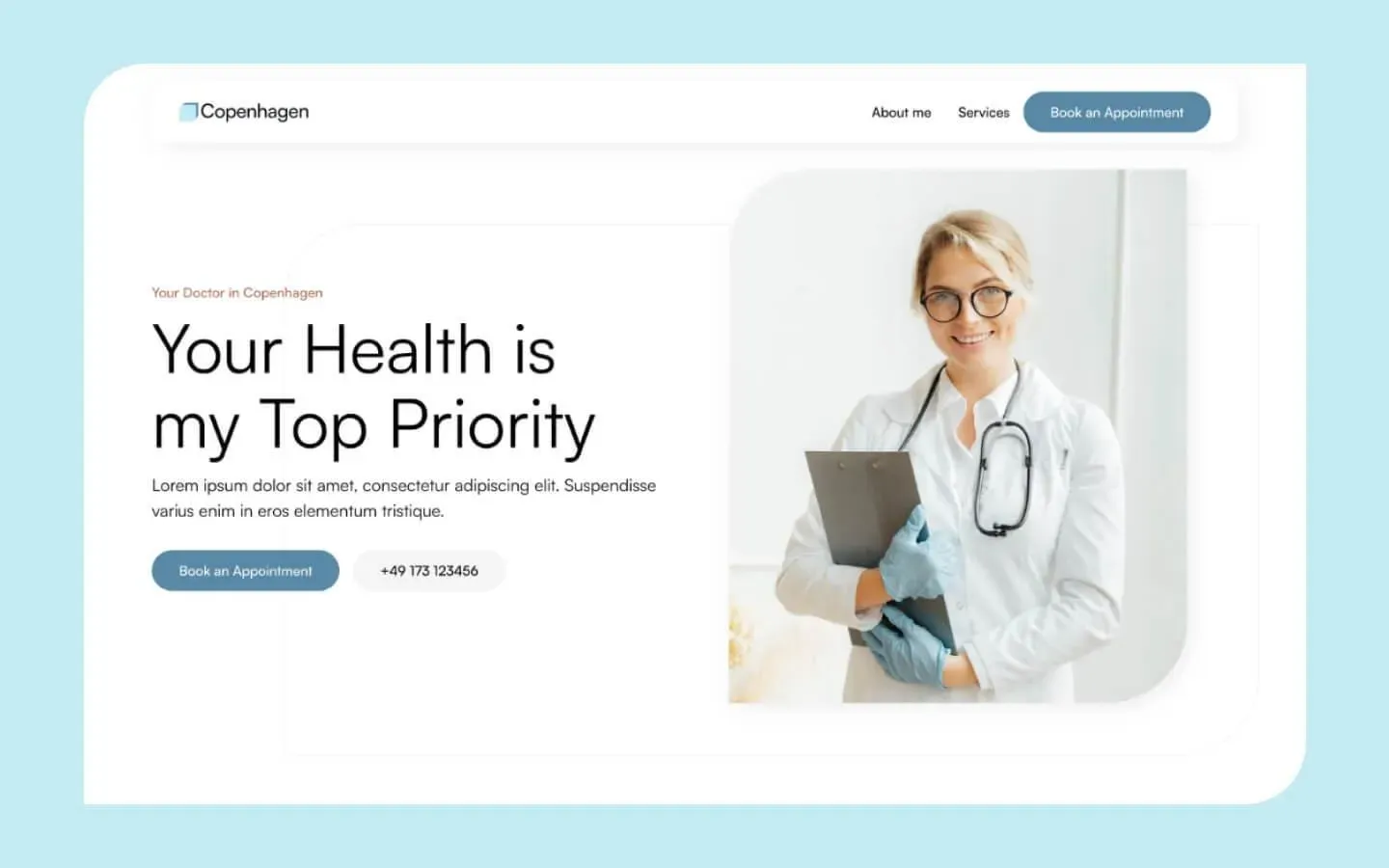
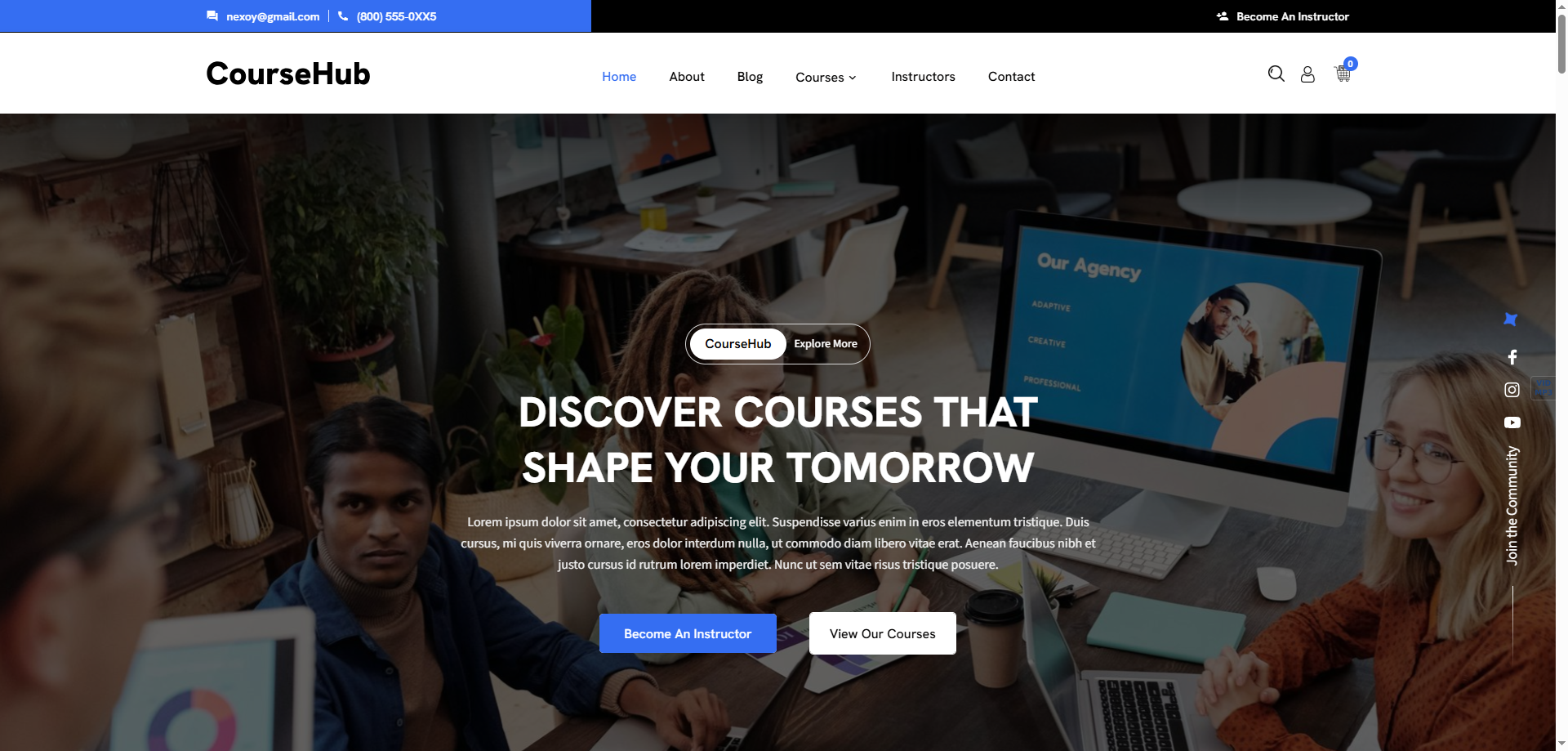
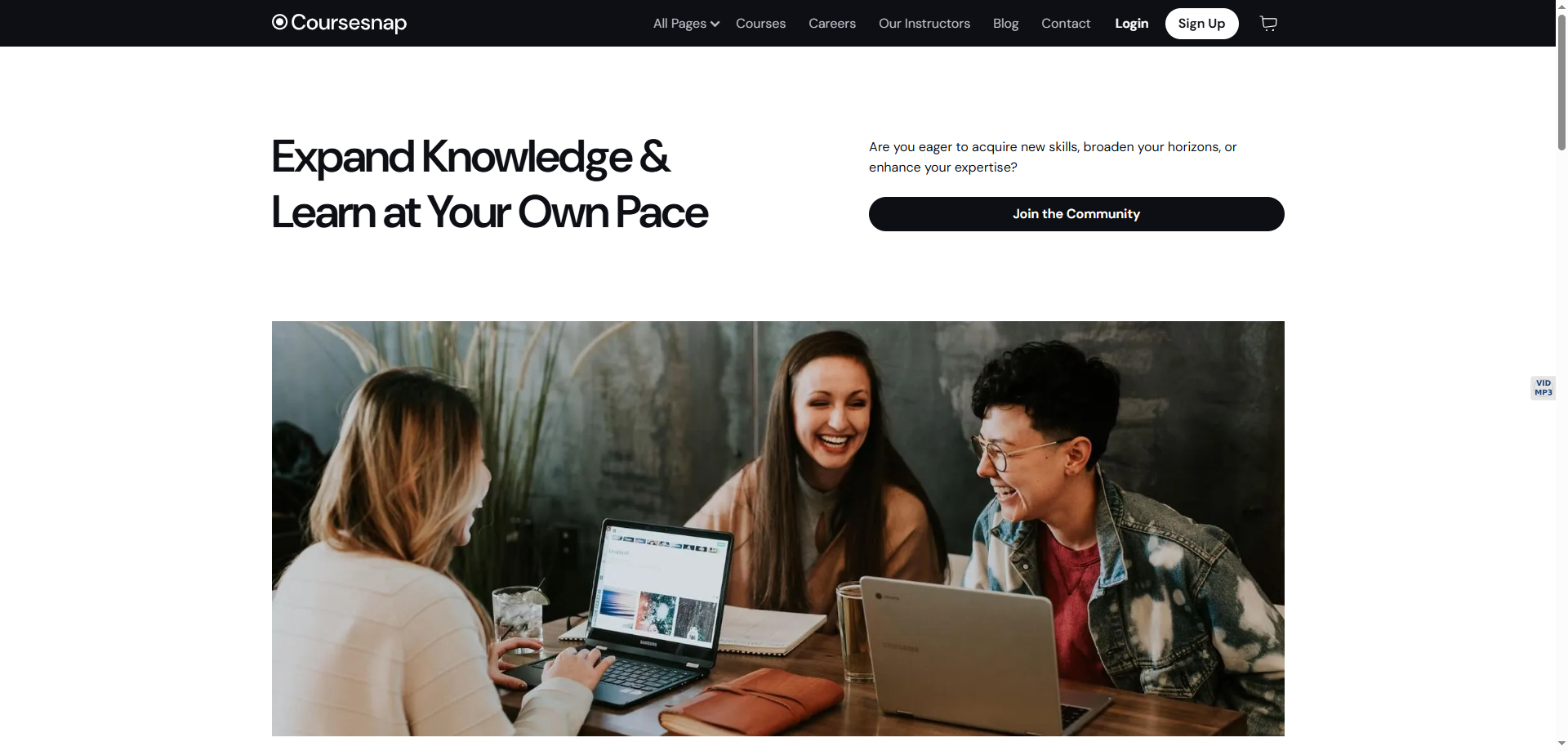
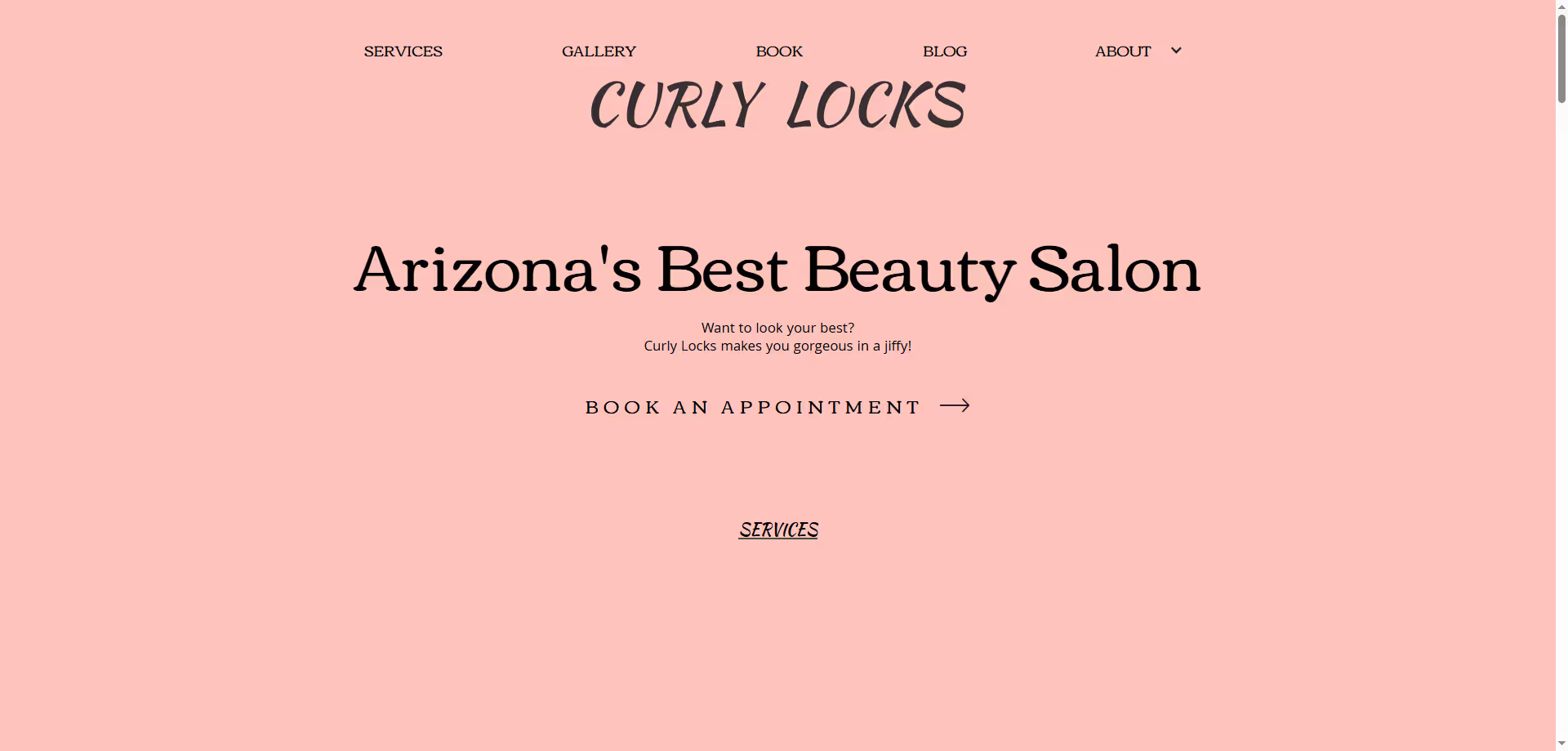
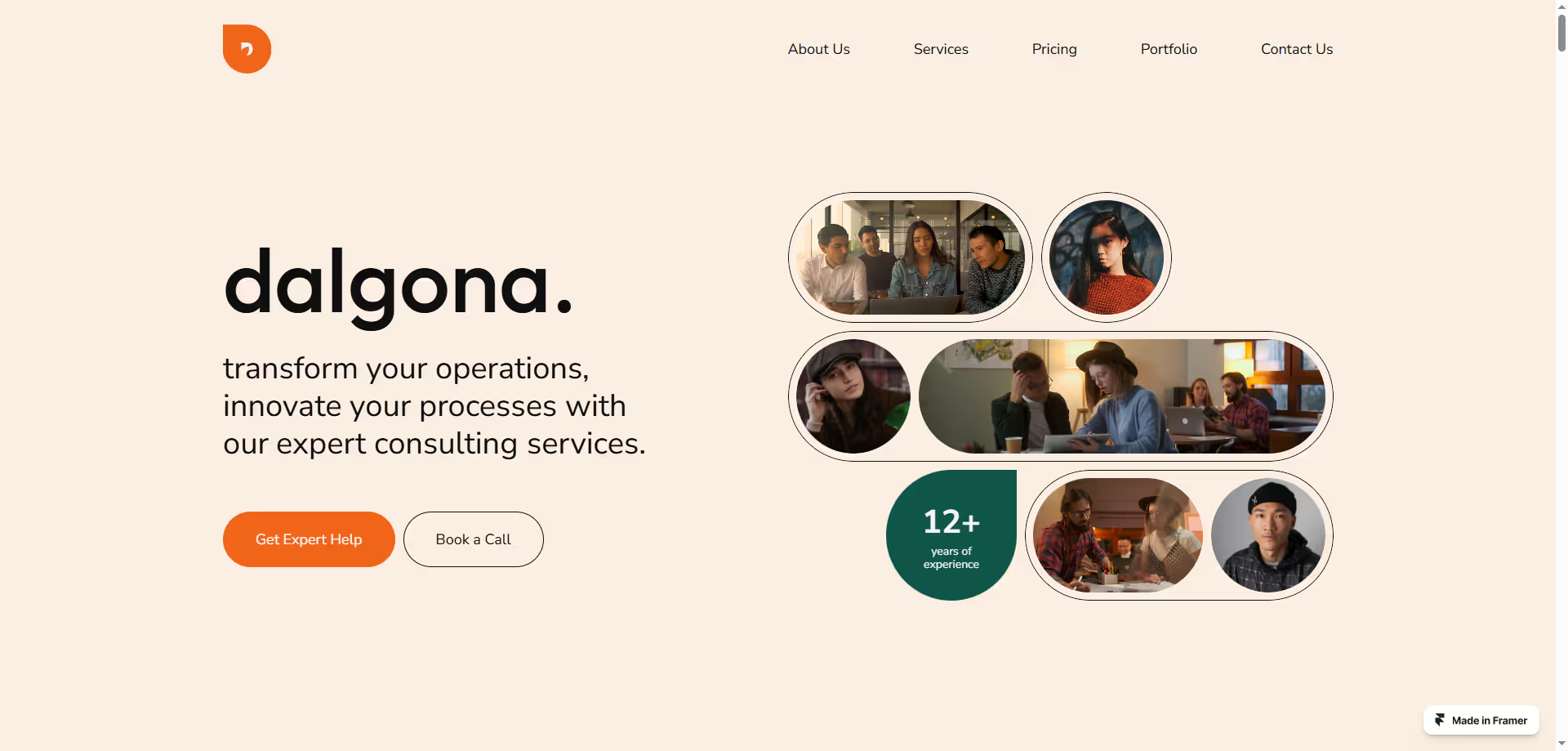
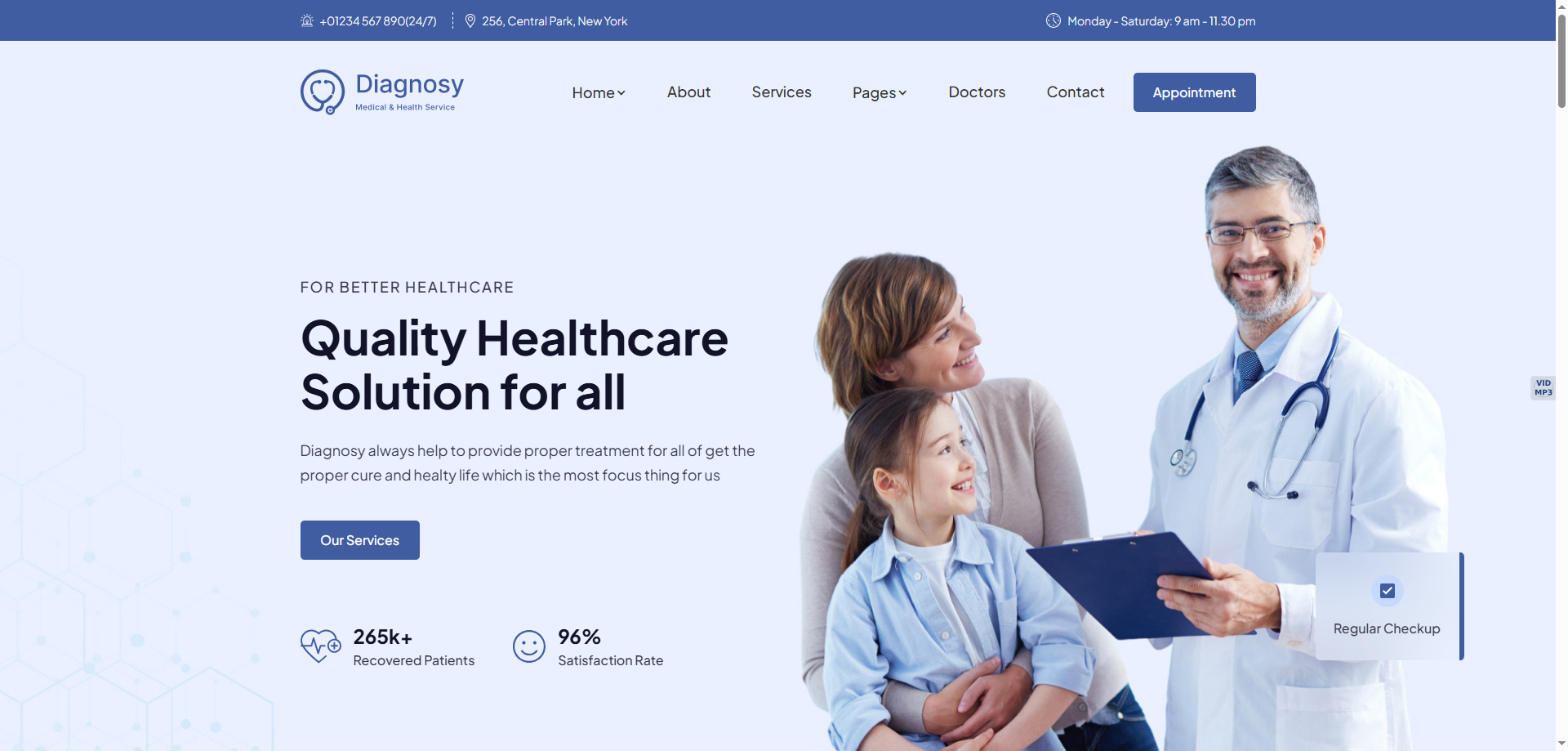
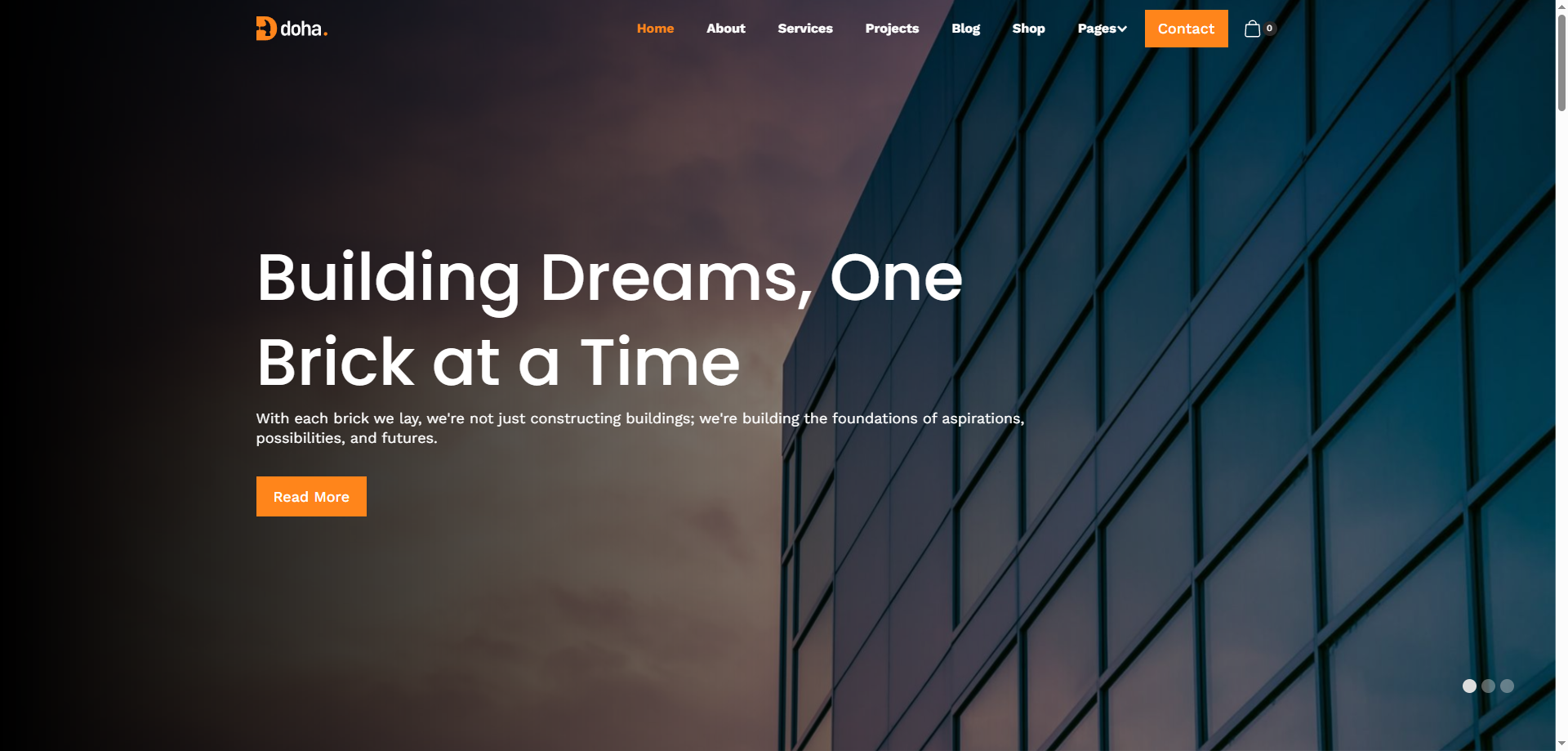
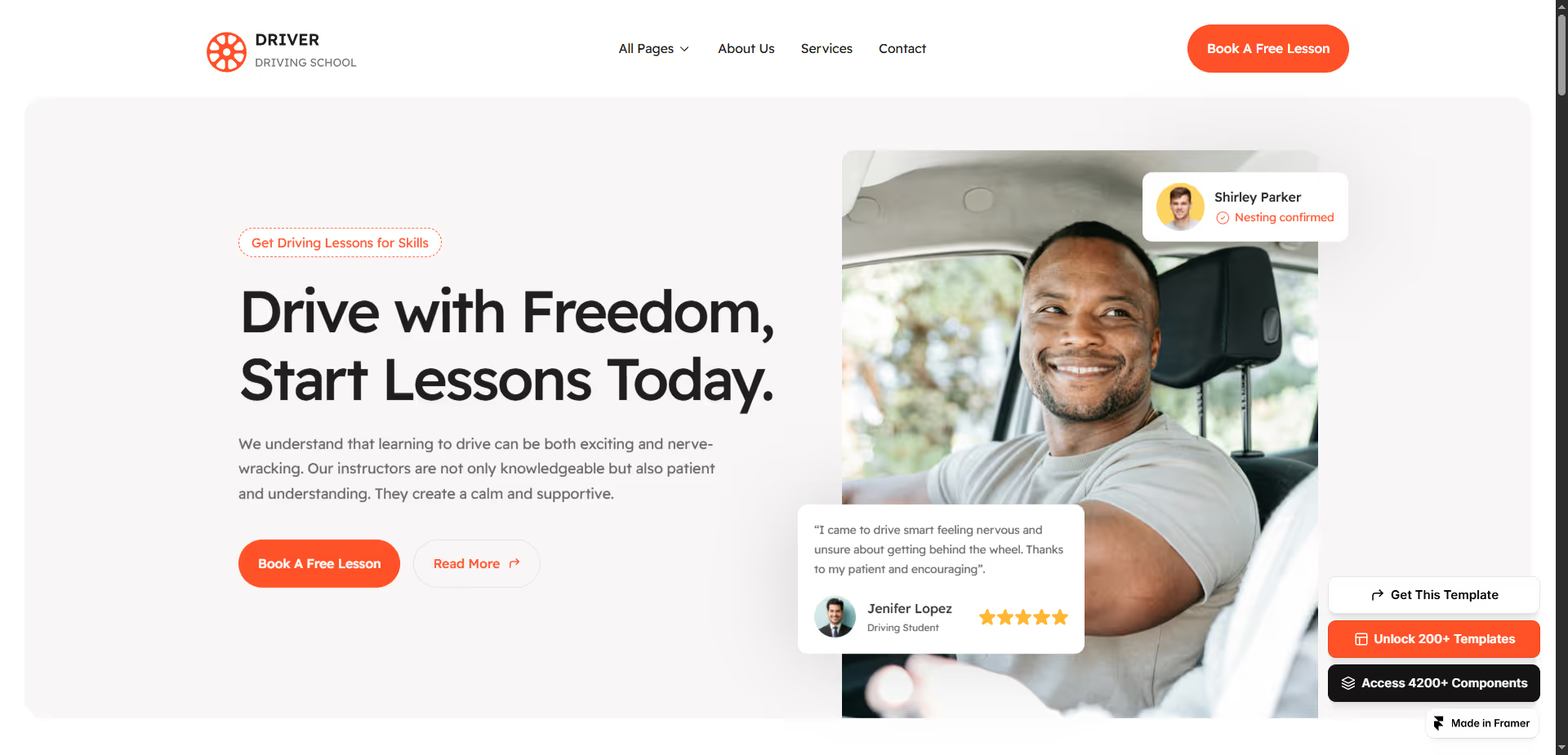
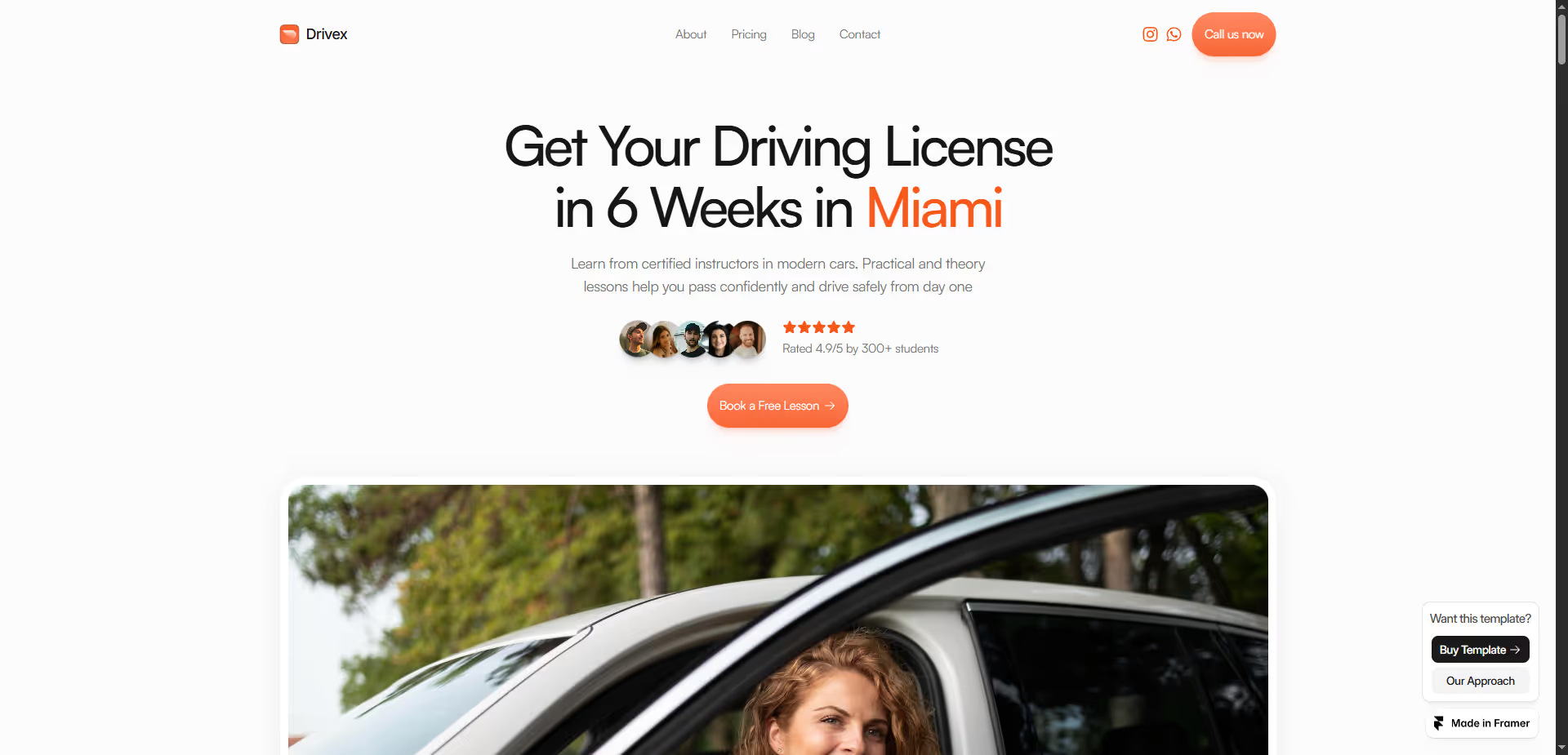
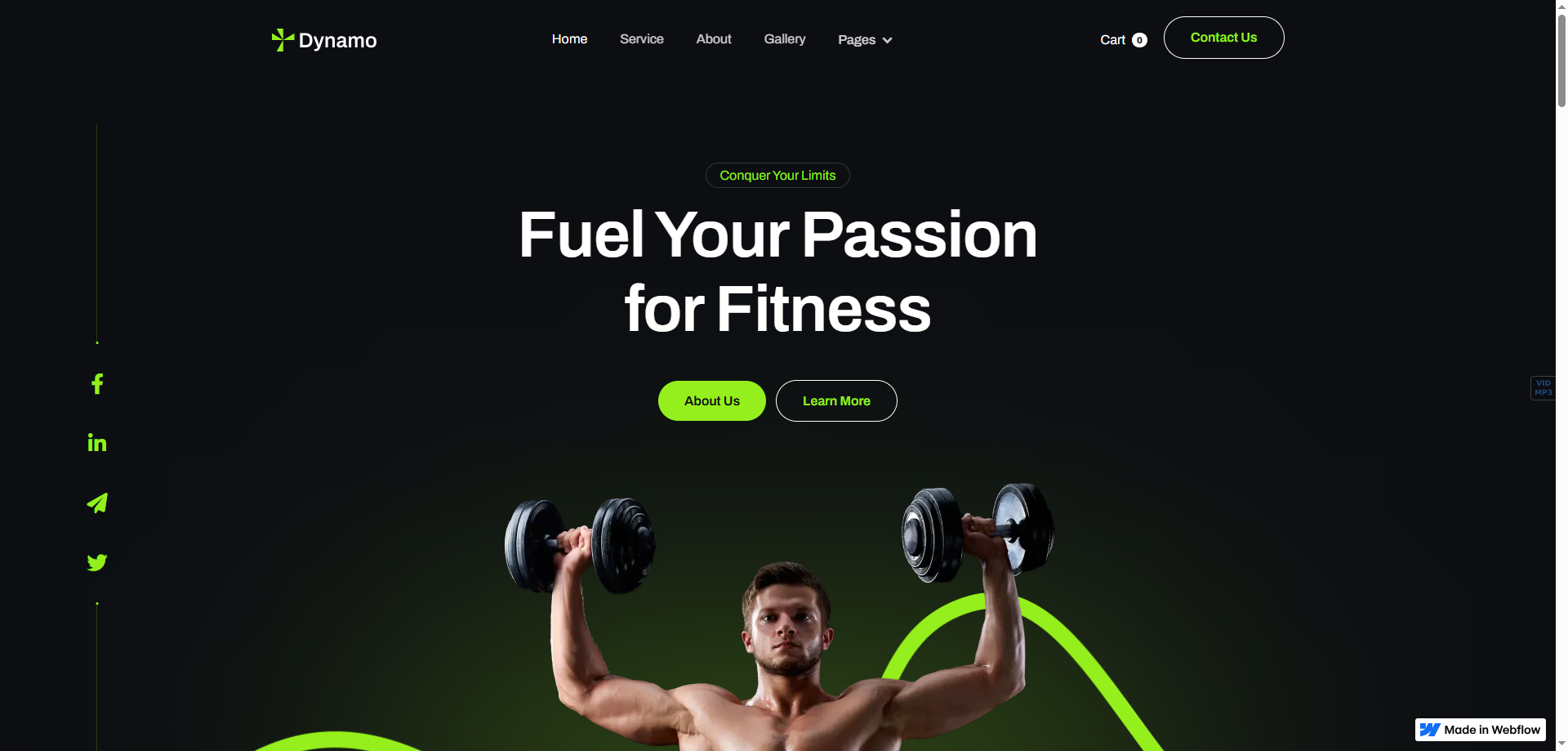
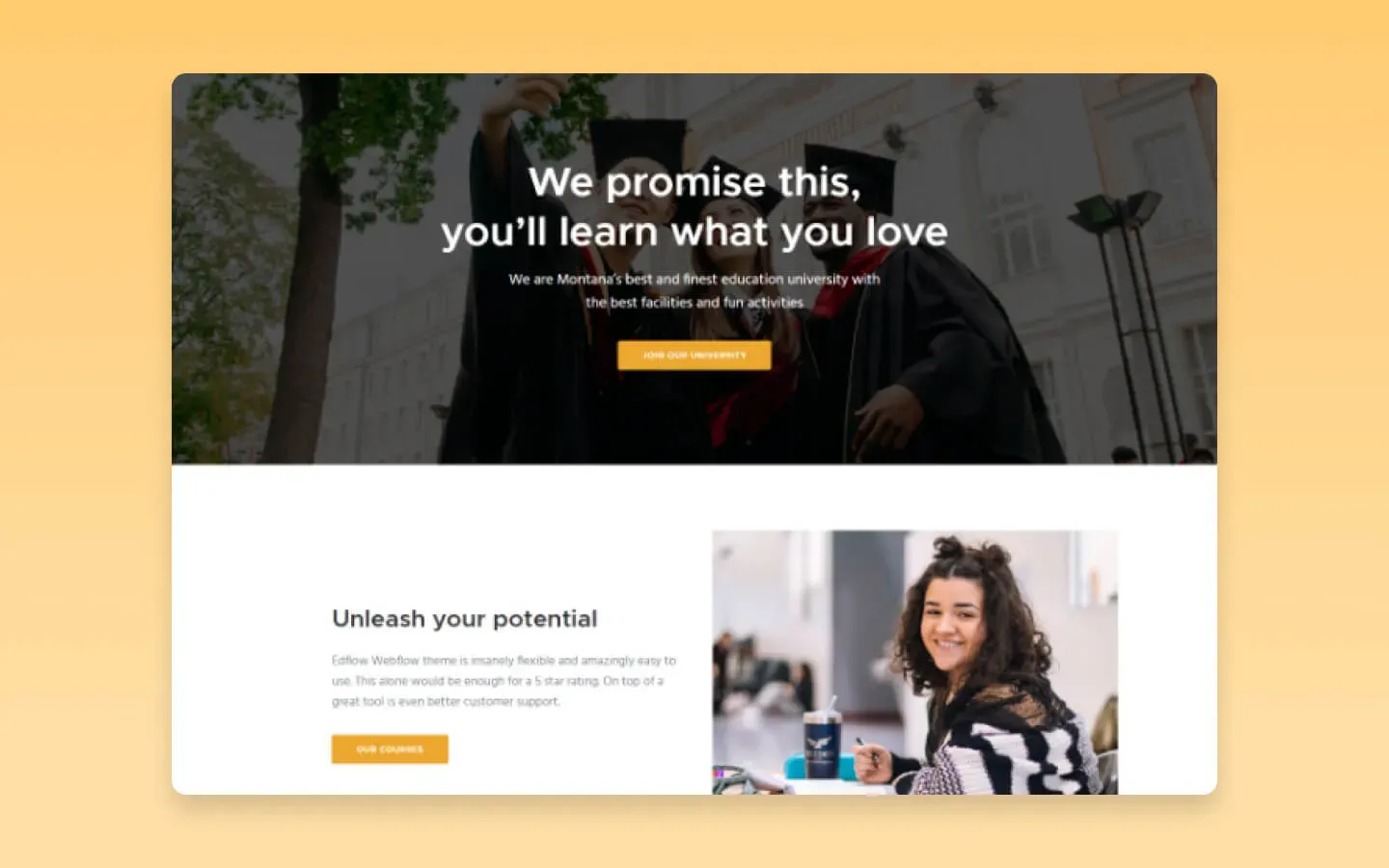
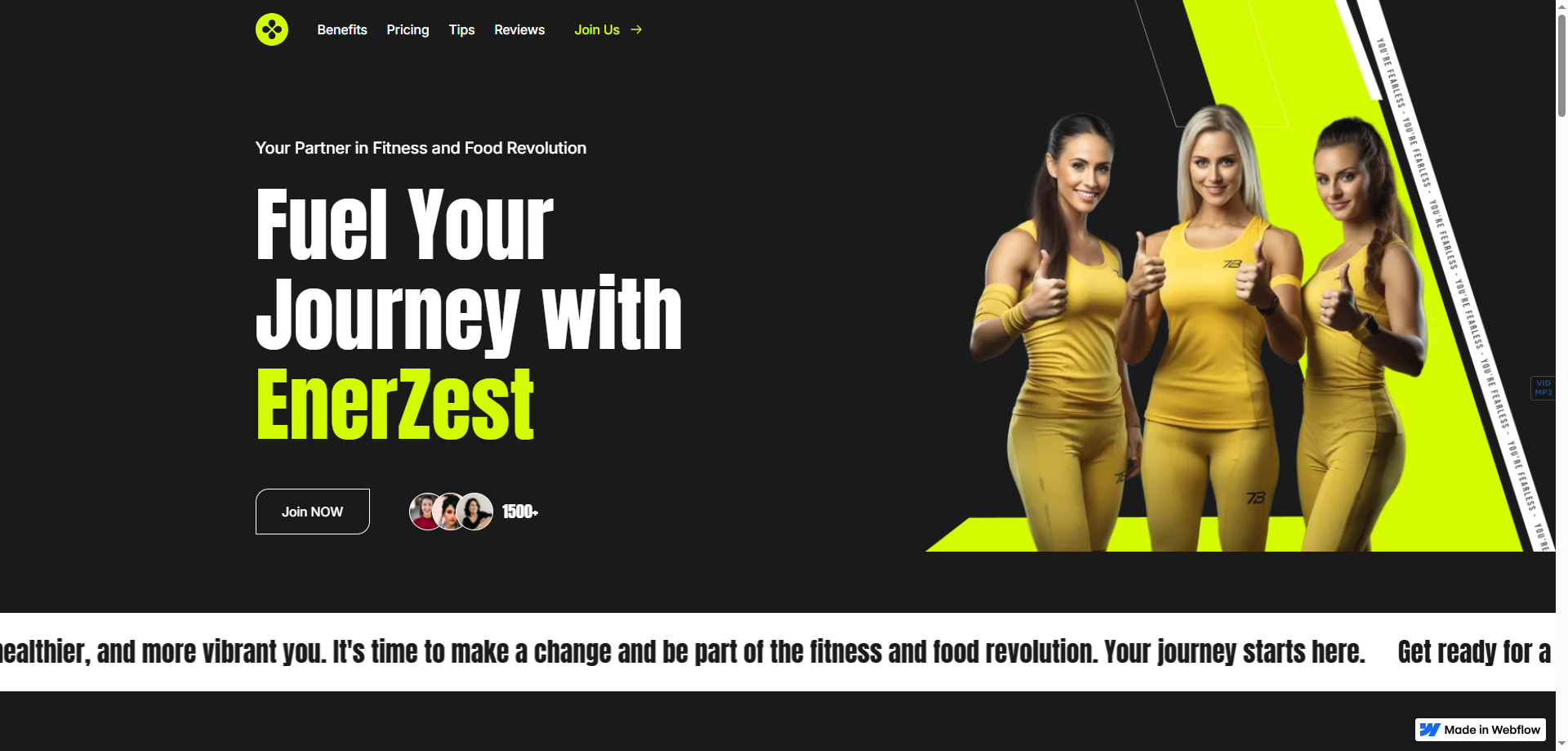
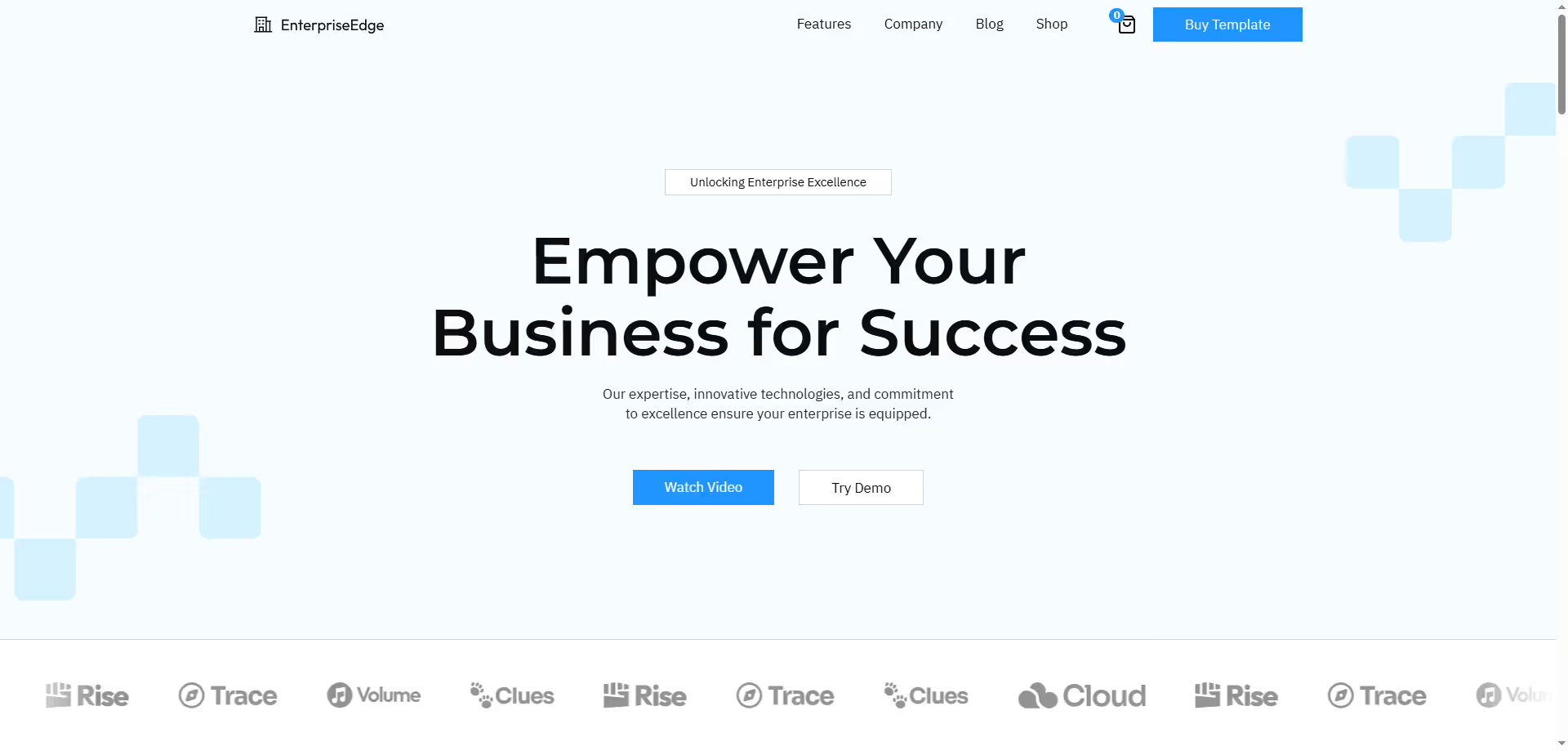
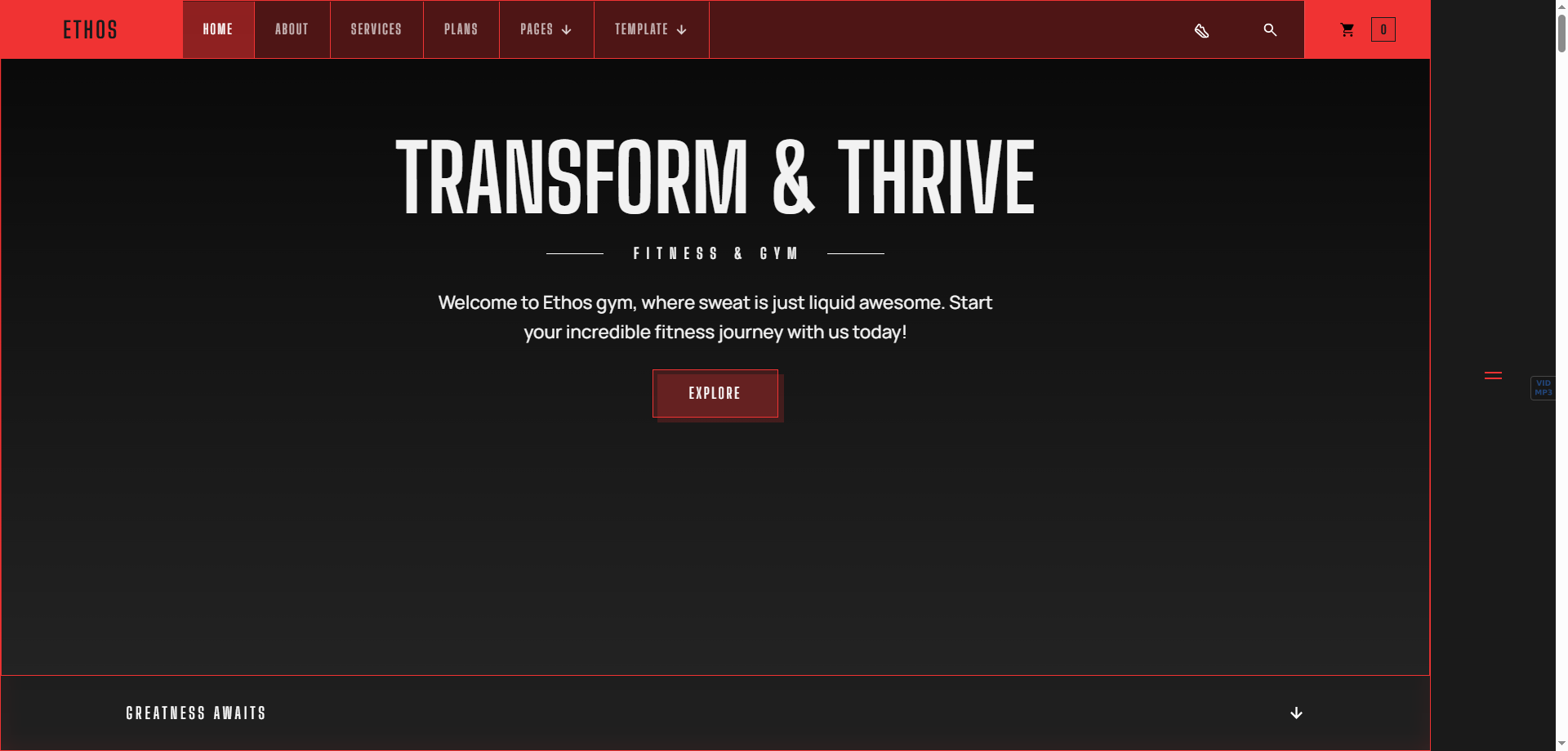
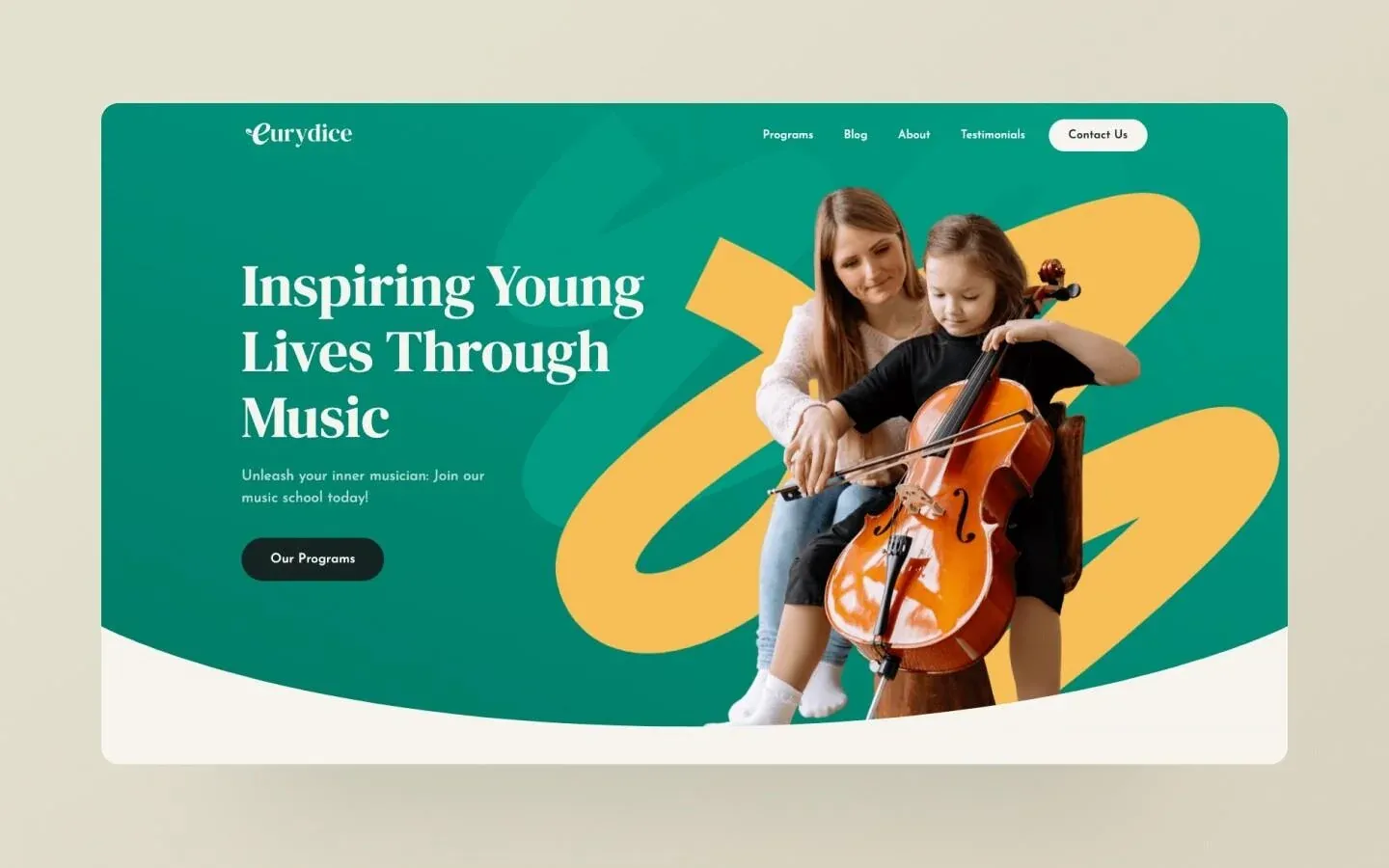
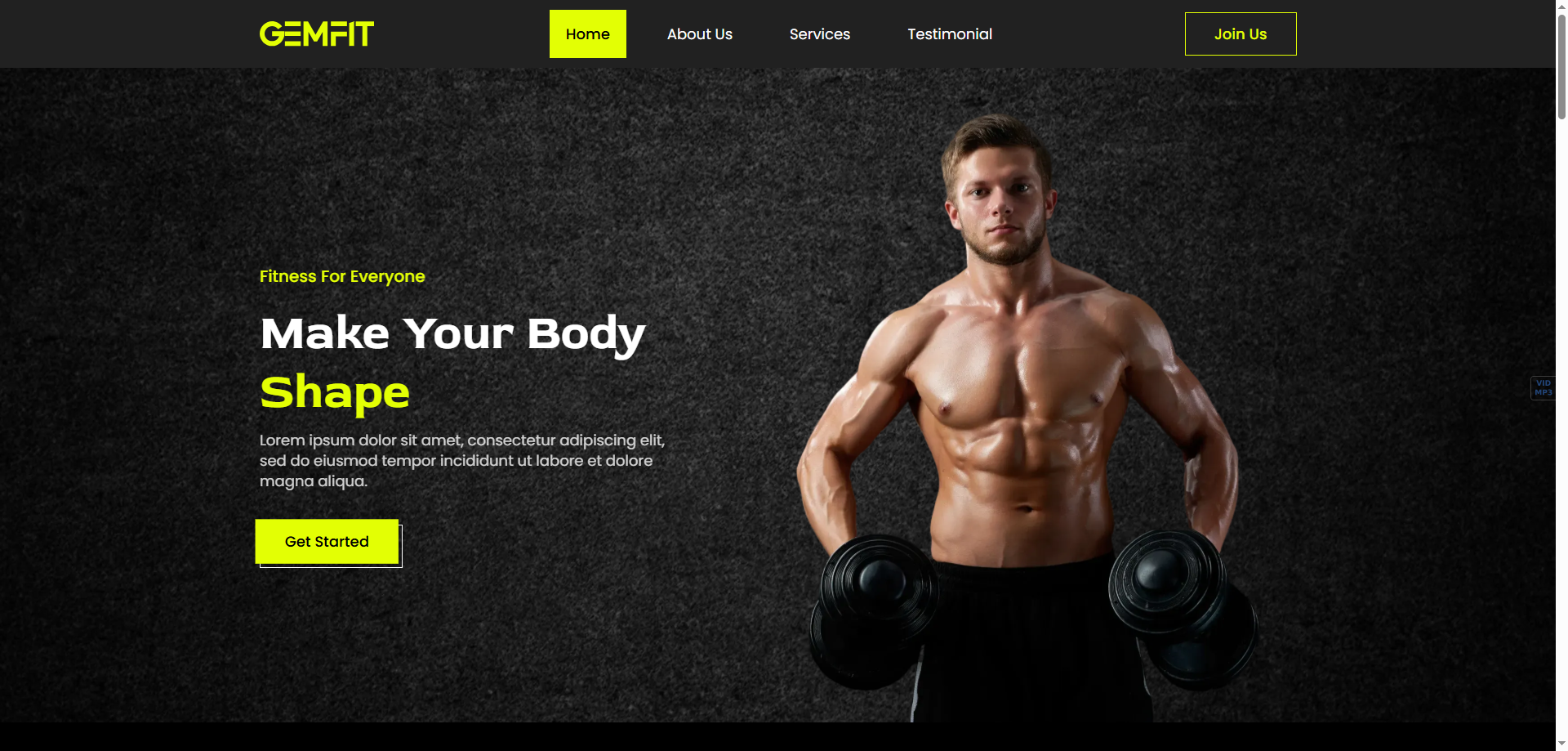
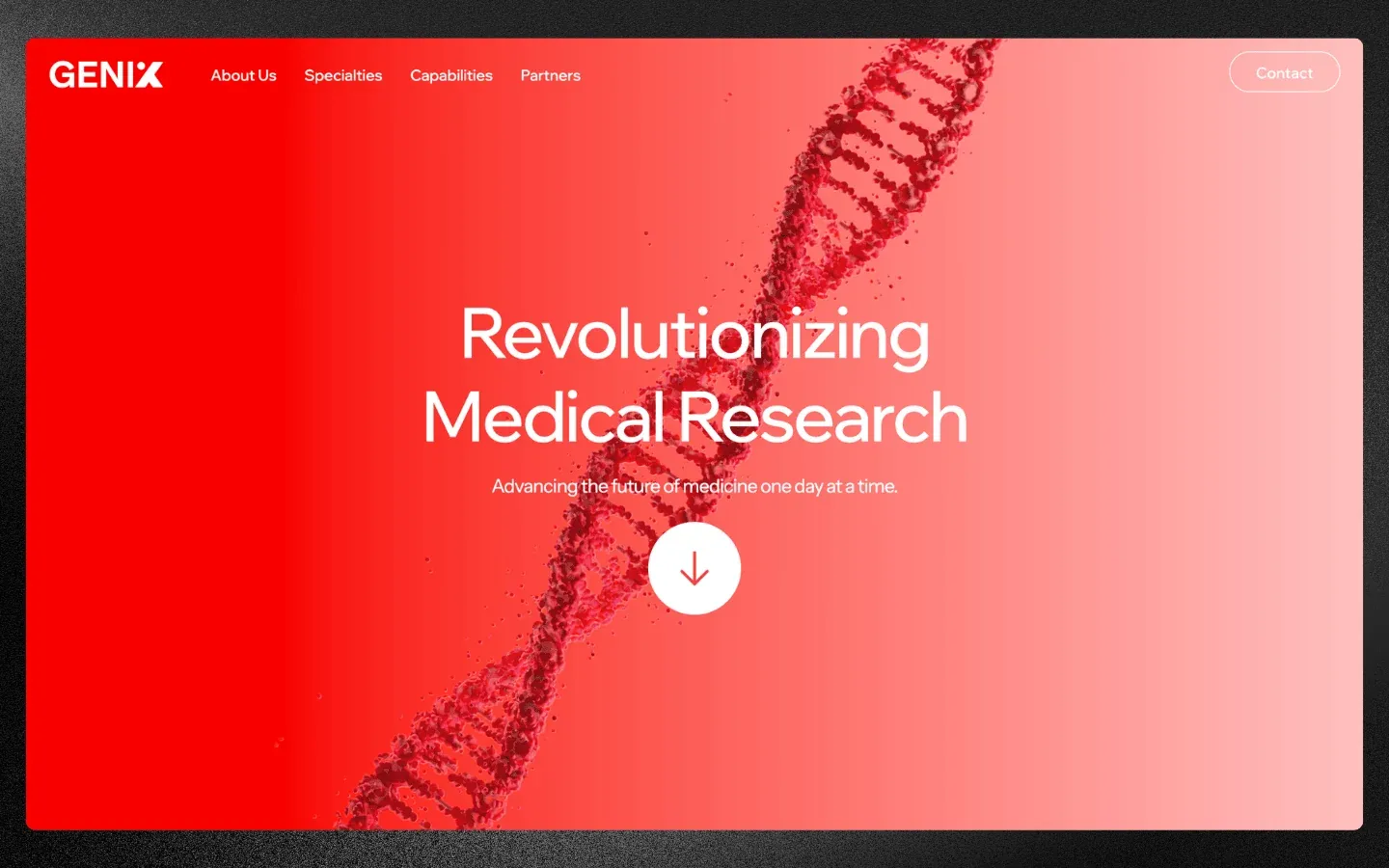
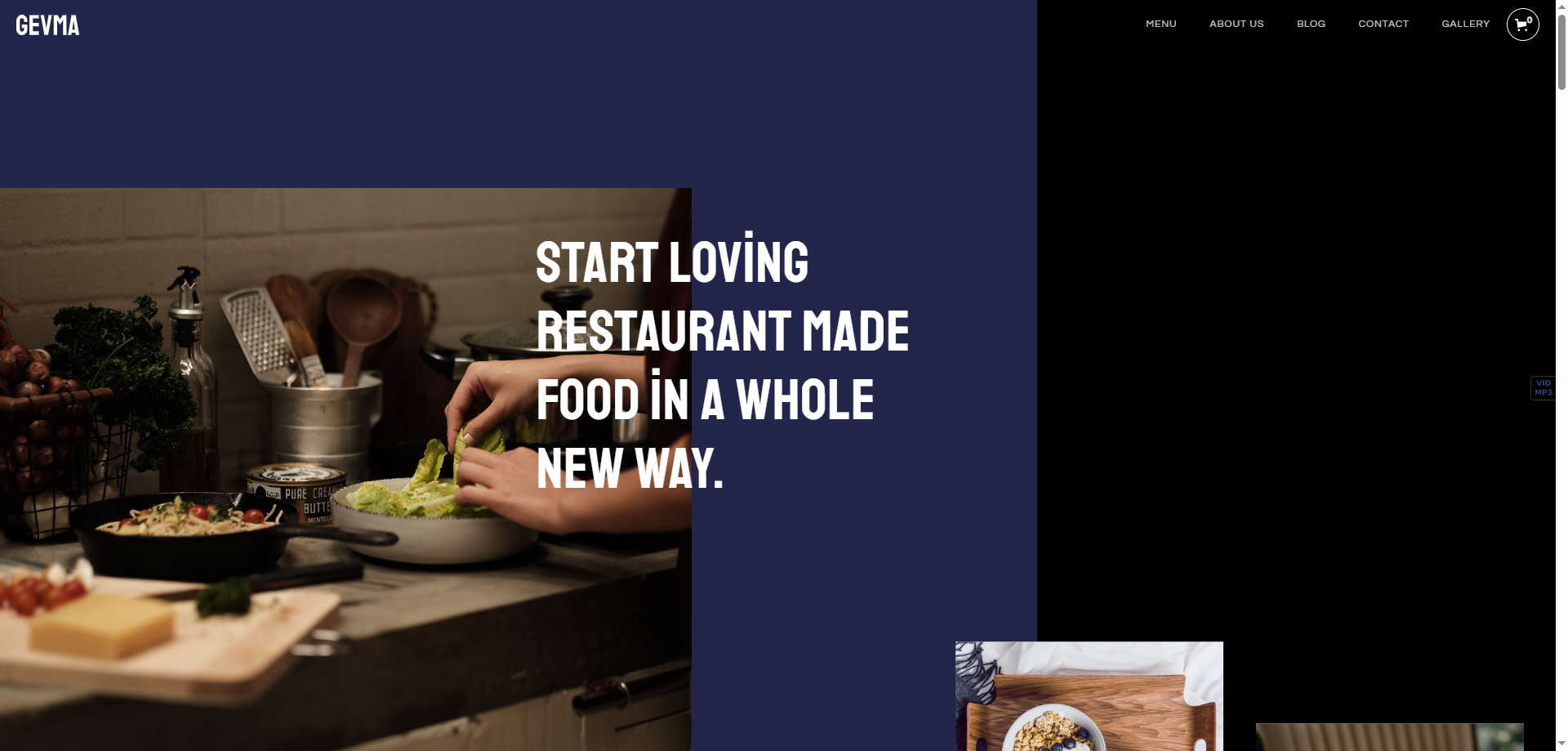
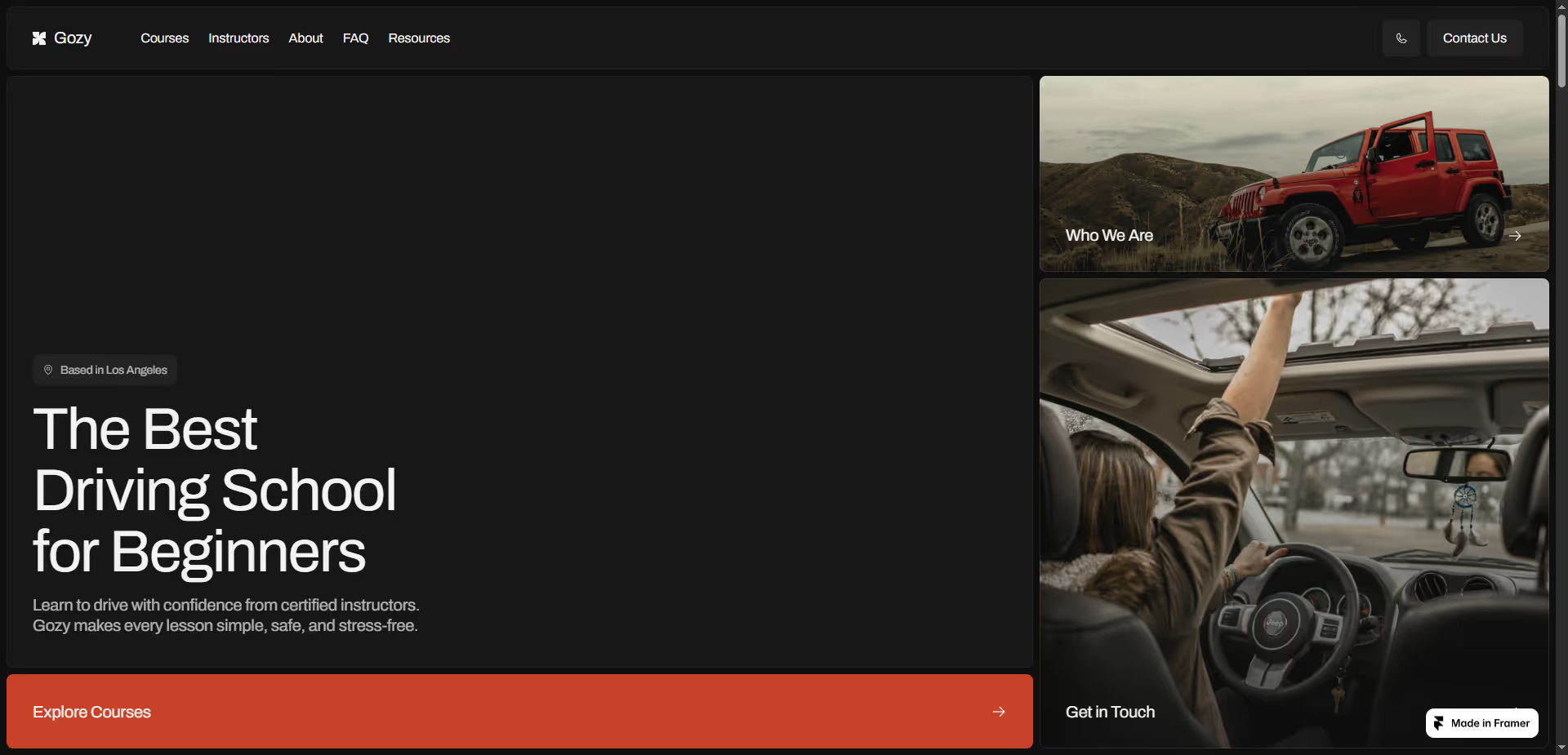
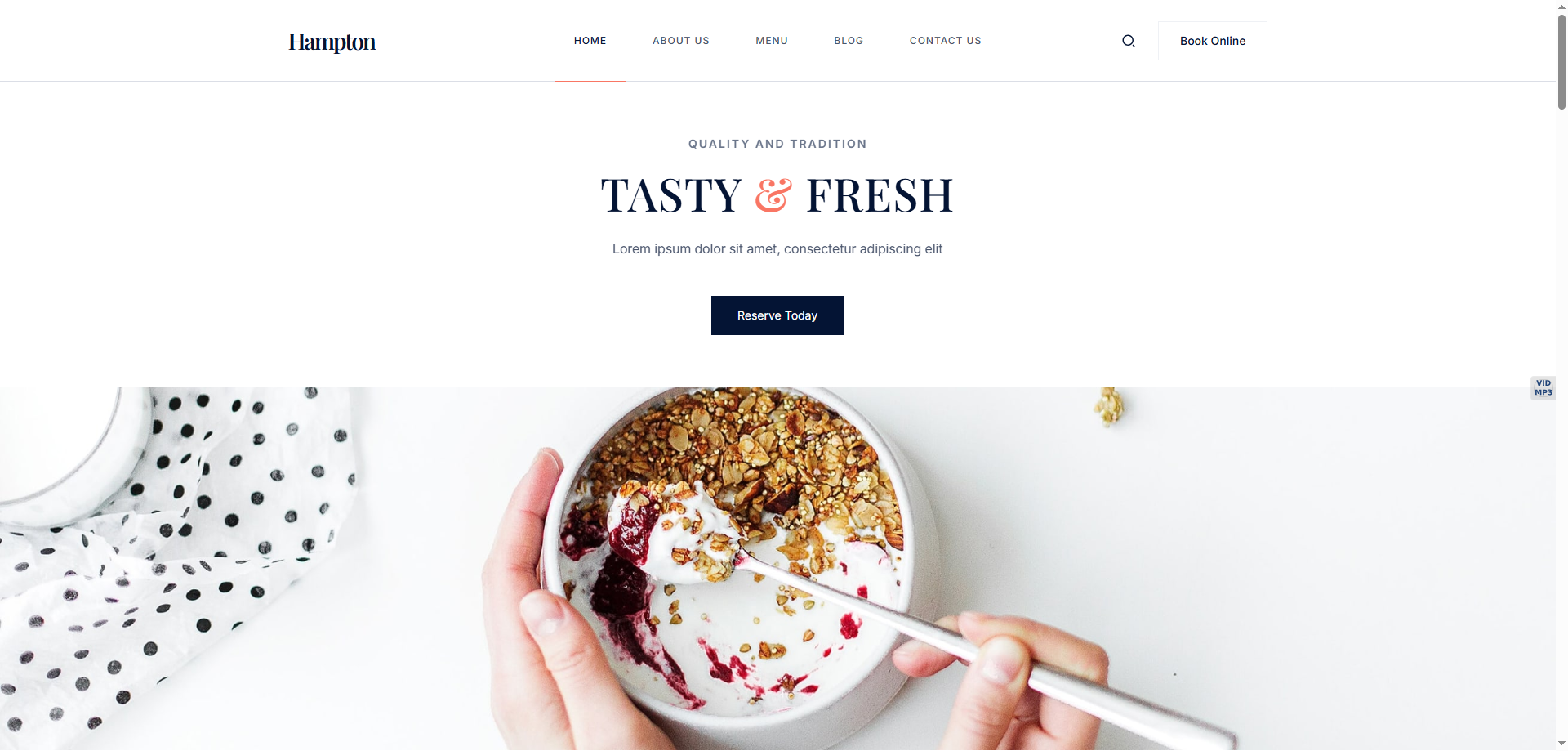
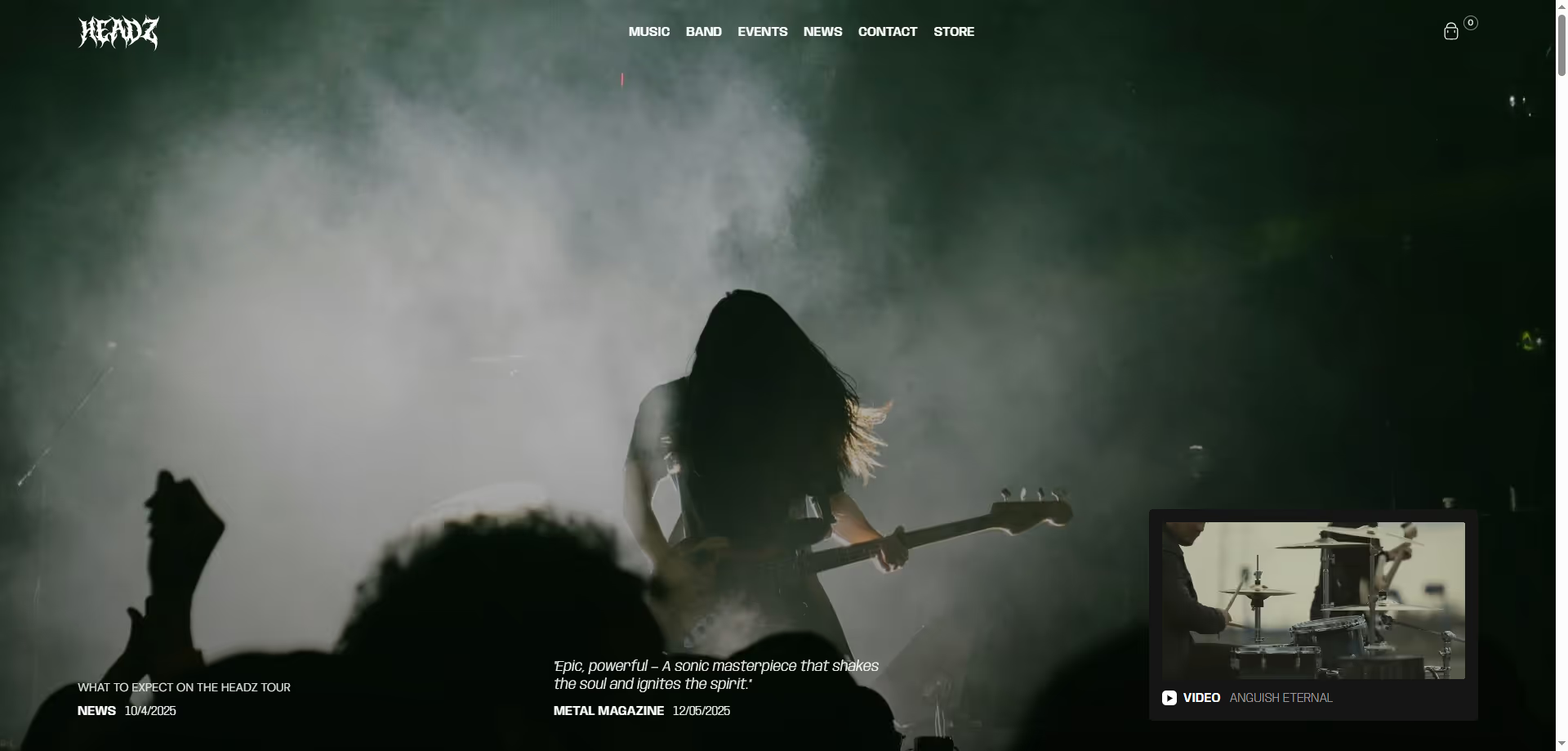
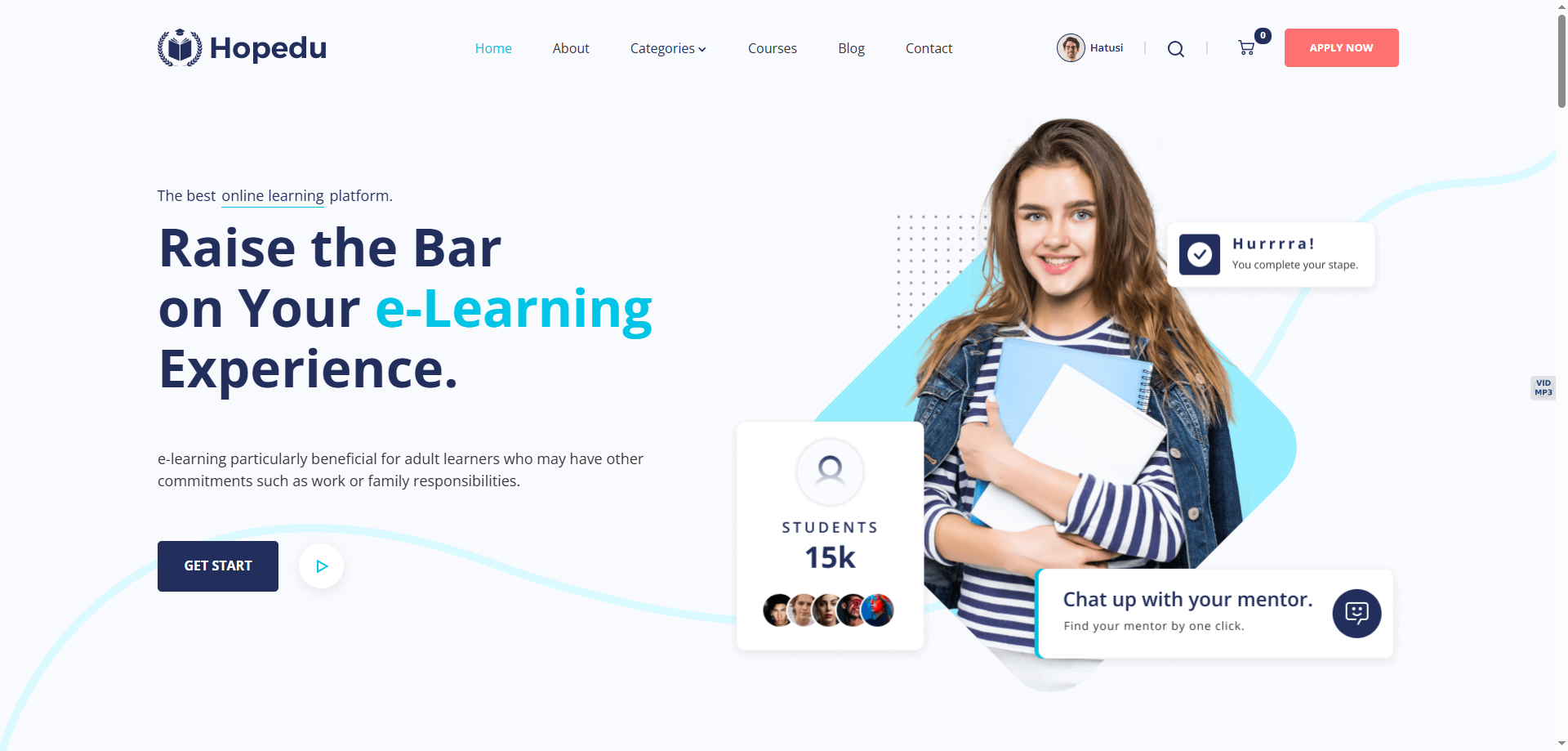
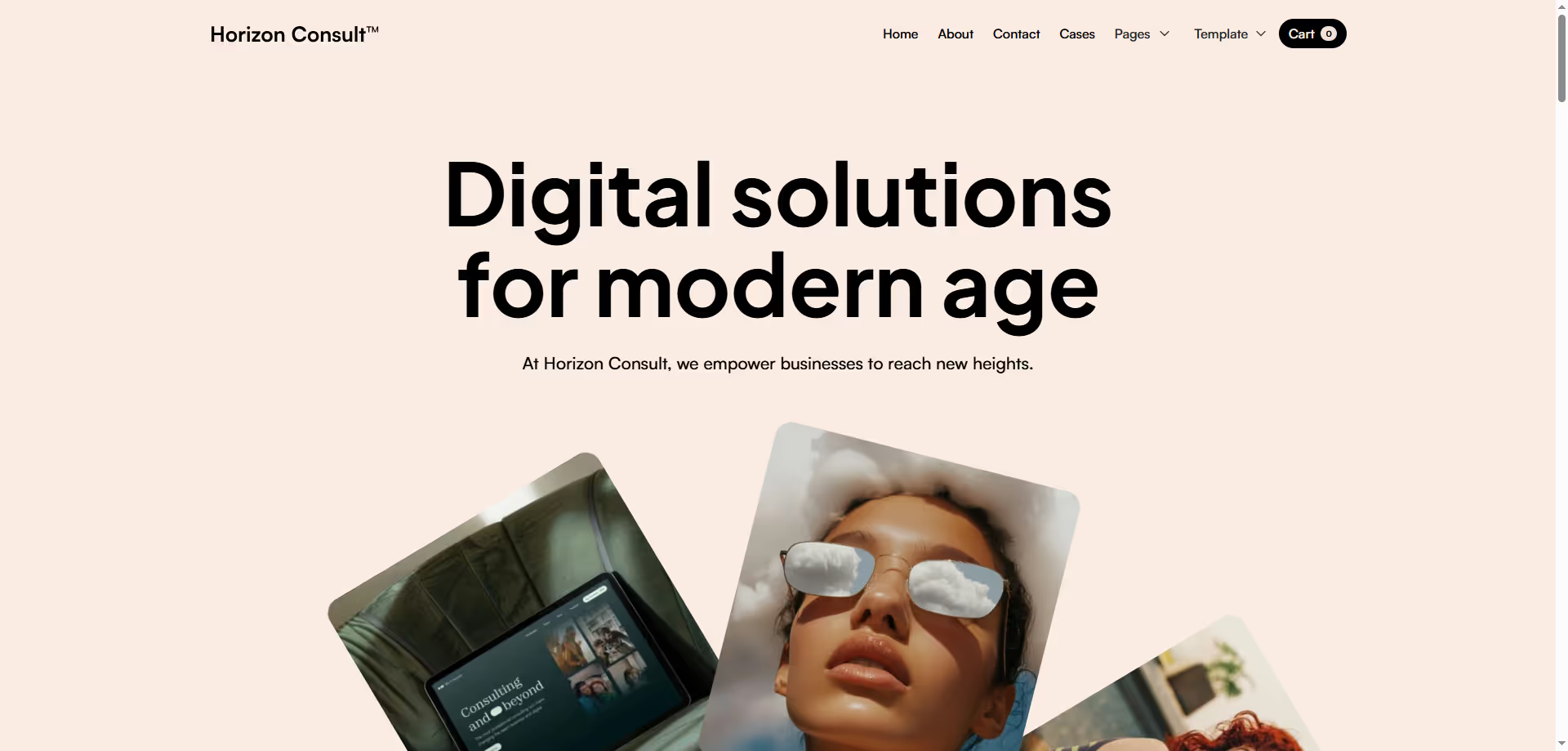
The website theme catalogue offers verified starting layouts. For implementation, describe the visitor's first question and intended action as well. Calling, inspecting a project and choosing a product create different needs. Narrow cards by industry and platform, but avoid matching only the photographs in the demo. A layout's capacity to accommodate your actual information can be a more useful criterion than an impressive homepage. A finished design reference still requires a review of how it will become your usable site.
You can shortlist a few options and record specific reasons for each. Consider navigation, service explanations, image areas and the contact path separately. One layout may approach your brand through ordinary adaptation, while another may need substantial work for an essential function. This is more than an aesthetic decision. The local preview is a design capture, so live purchases, membership and submissions may be disabled. Keep design selection and functional delivery validation separate; observing an interface is not proof that the business process behind it has been completed.
↗
Visual fit
Assess brand tone, typography and image areas against the content the business intends to publish.
↗
Content fit
Define where services, products or projects will appear and which details a visitor needs to decide.
↗
Implementation fit
Add platform, account, licensing and specialised-function requirements to the shortlist assessment.
FROM READING TO A NEXT STEP
Adapt the selected design to your project
Share the design and your content needs. We can separate licensing from implementation and define a delivery plan.
A ready-made personal website needs biography and project materials, while a corporate site prioritises business and service information. Prepare approved branding, copy, images and contact details in a starting folder. Review rights and accuracy for each item. Leaving demonstration content in place can make the site misleading or unrecognisable as your business. In particular, sample testimonials or demonstration projects must not be published as genuine evidence of your own work or customer experience.
For a bilingual site, translation, local expression and route planning belong in scope. A shared image can be appropriate while its description and alternative text need the correct page language. The business approves service and product claims. Assign an owner to the content on each page so decisions do not become scattered requests. Identify areas that need ongoing updates: staff, news, products and projects create different management requirements. Assuming all content is permanent can turn ordinary future changes into avoidable support dependencies after launch.
04
What makes the site ready for publication?
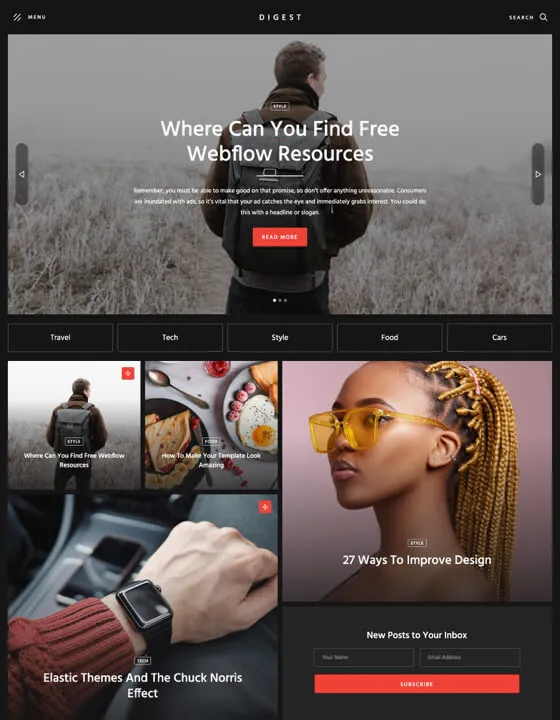
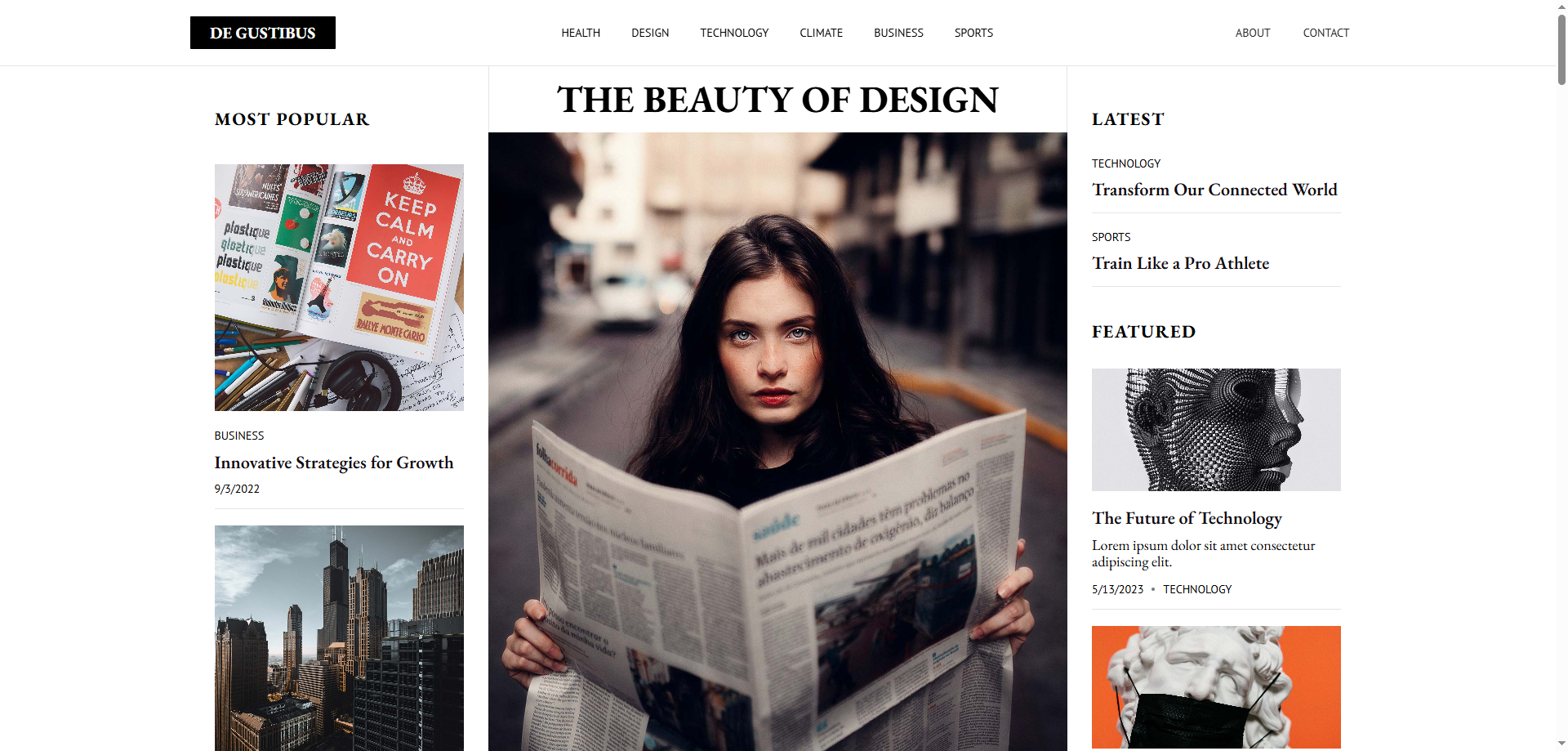
A ready-made news website illustrates why content management and publishing arrangements require their own planning. In a general handover, inspect the domain, secure access, mobile experience, titles, descriptions and links. Where there is a form, make the required information and the next step clear. Consider consent alongside measurement events. A button click should not be reported as a completed enquiry. The plan needs to distinguish an observed action from a confirmed business outcome, rather than treating every interaction as a lead.
When replacing an existing website, review valuable addresses and redirects separately. Preview or testing routes should not compete with public pages. Plan reciprocal language alternatives, appropriate canonicals and sitemap inclusion for the new content. These checks support a coherent publication; they do not promise rankings. Instead of handing over a statement that the site opens, keep a concise record of verified flows and unresolved work. That record helps the business understand what has actually been delivered and what remains a separate requirement.
01
Approve information
Complete page copy, real business details and asset permissions before publication.
02
Validate the path
Check navigation, forms, mobile layouts and required functions in the actual implementation.
03
Complete handover
Explain accounts, ordinary updates and support responsibilities to the people who will operate the site.
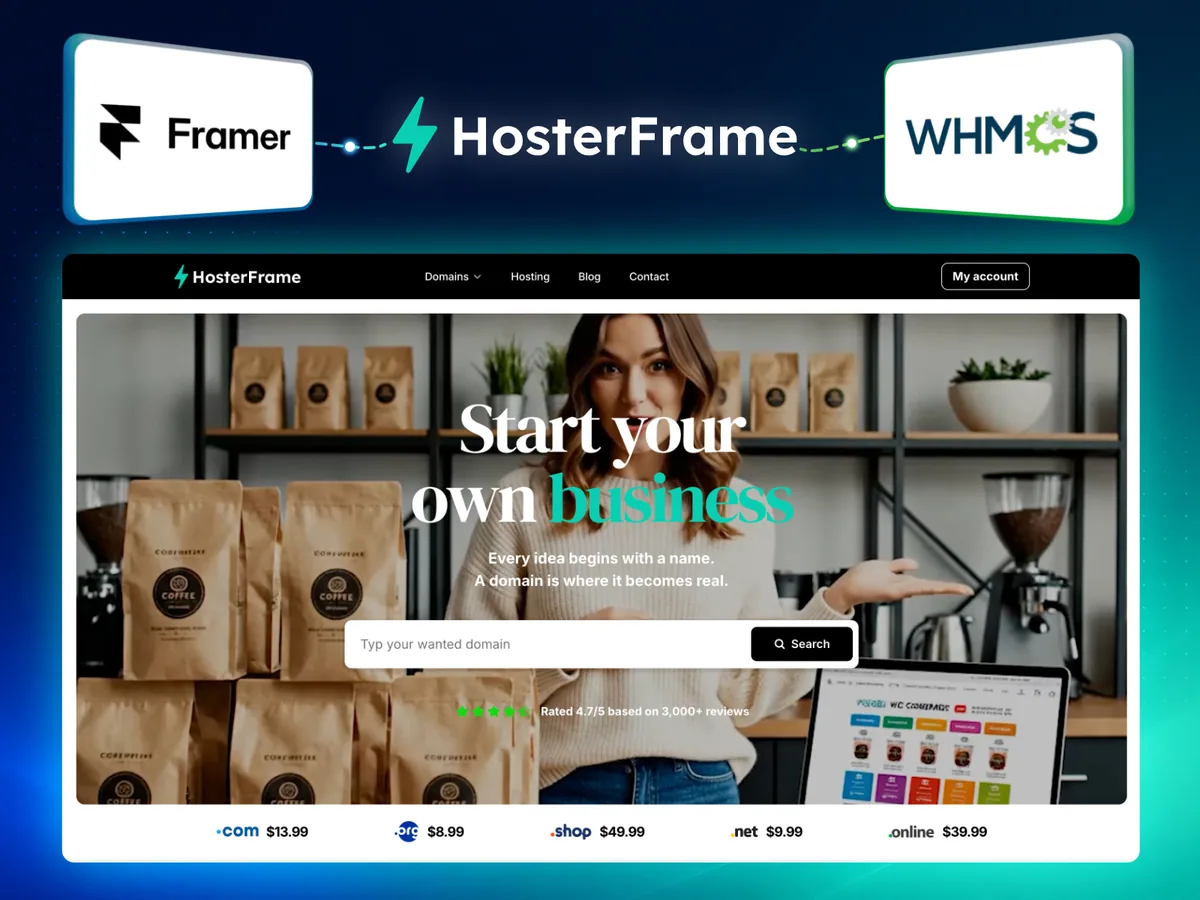
Cotexlab · A reference from our website portfolio Selected work ↗
05
Who updates the site after delivery?
The personal website setup guide includes an example of planning ownership and future updates. For any project, establish what the business can edit directly. New pages, products or special functions may be outside the initial delivery agreement. Name the people responsible for platform, hosting and theme renewals. If ongoing support is needed, document included requests and how additional work is assessed. Maintenance is a separate responsibility decision and should not be assumed simply because the starting design was described as ready-made.
In a discussion with Prix Studio, share the shortlisted card, current website and first-launch needs. The team can examine which areas are straightforward to adapt and which require further implementation. The outcome is a reviewable delivery plan, not a universal price or deadline. A focused initial launch with later stages may be appropriate. The priority is a website the business can use and take ownership of; a long feature list does not, on its own, establish that the required information, accounts and operating processes are ready.
BEFORE YOU DECIDE
Frequently asked questions
Is a ready-made website the same as buying a theme?+
A theme supplies a design starting point. The service addresses implementation and handover. Check who provides licensing, content and setup in the offer. A preview does not mean that a configured, functioning website has already been purchased or is ready for your business.
Does every design take the same time to launch?+
Content preparation, platform, languages and functions affect delivery. A small service site and a substantial catalogue migration involve different work. Define timing after reviewing requirements and dependencies rather than inferring a completion date from a design card or another project's schedule.
Are hosting and a domain automatically included?+
That depends on the agreed delivery proposal. Ask for costs, account ownership and renewal responsibility as separate items. The description ready-made does not establish that all provider expenses are free, permanently included or managed under accounts the business controls.
Can the website be bilingual?+
It can be planned within an appropriate scope. Both languages need actual content, routes, metadata and language alternatives. Translating navigation alone is insufficient. The delivery record should also identify who approves translations and local wording so the two versions remain coherent after launch.
Can new pages be added afterward?+
Choose a platform and content structure that suit anticipated updates. Ordinary editing and additional development can be different tasks. Handover should explain the management method; new functions or expanded scope are reviewed separately rather than assumed to be included indefinitely.
LET’S DEFINE THE SCOPE
Adapt the selected design to your project
Share the design and your content needs. We can separate licensing from implementation and define a delivery plan.















































































































































































































.png)






























.webp)