
PRIX STUDIO / STRATEGY, DESIGN & TECHNOLOGY
ikas Themes: Selection and Mobile Store Review
Selecting an ikas theme requires more than an attractive first screen. Product cards, collections, variants and the mobile cart need to accommodate your catalogue. This guide separates the official theme store from published ikas website references. A local store preview is a design reference, not permission to copy another merchant's theme or purchase its files. Confirm current theme availability and licensing with the relevant provider, and assess implementation using your actual products rather than only the demonstration's content.
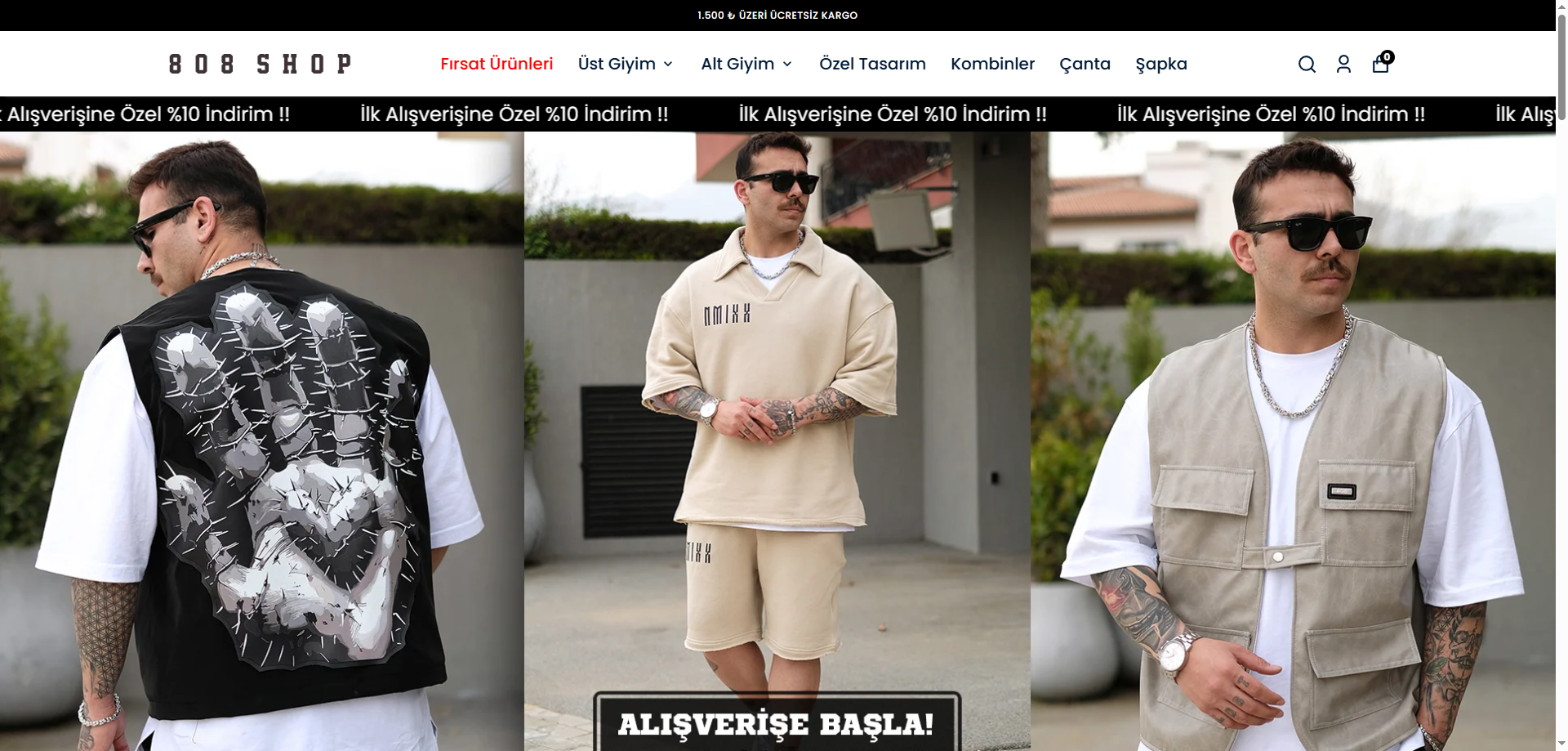
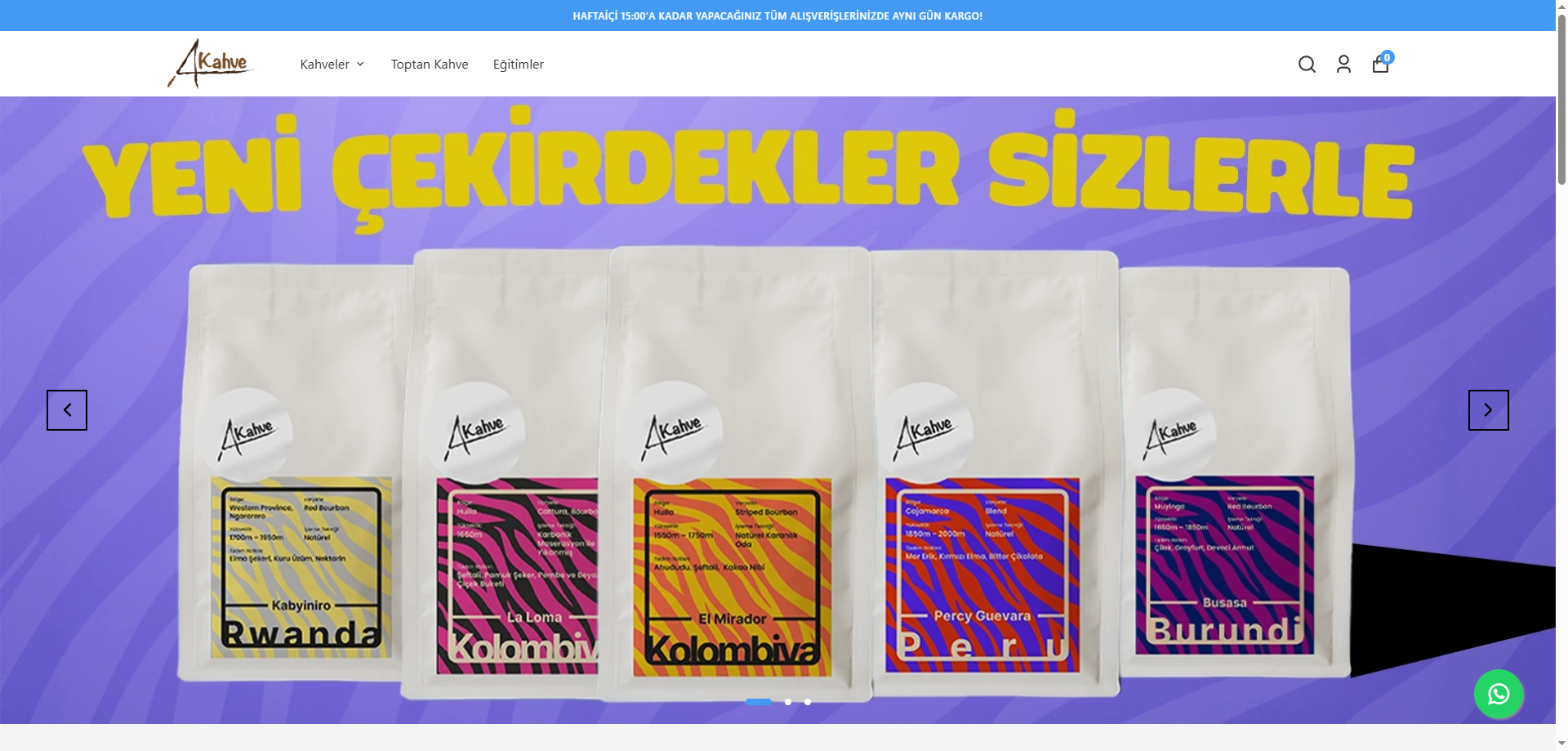
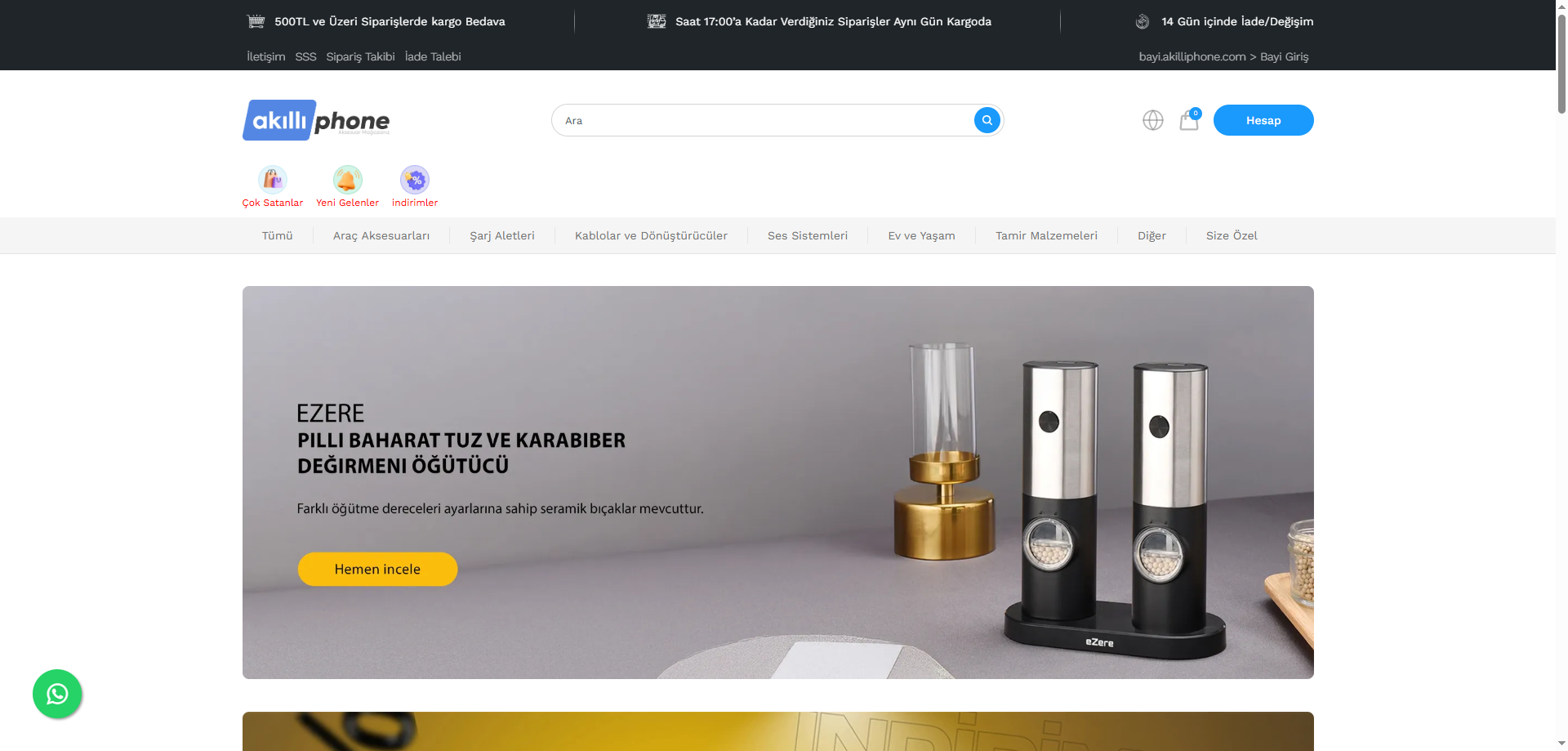
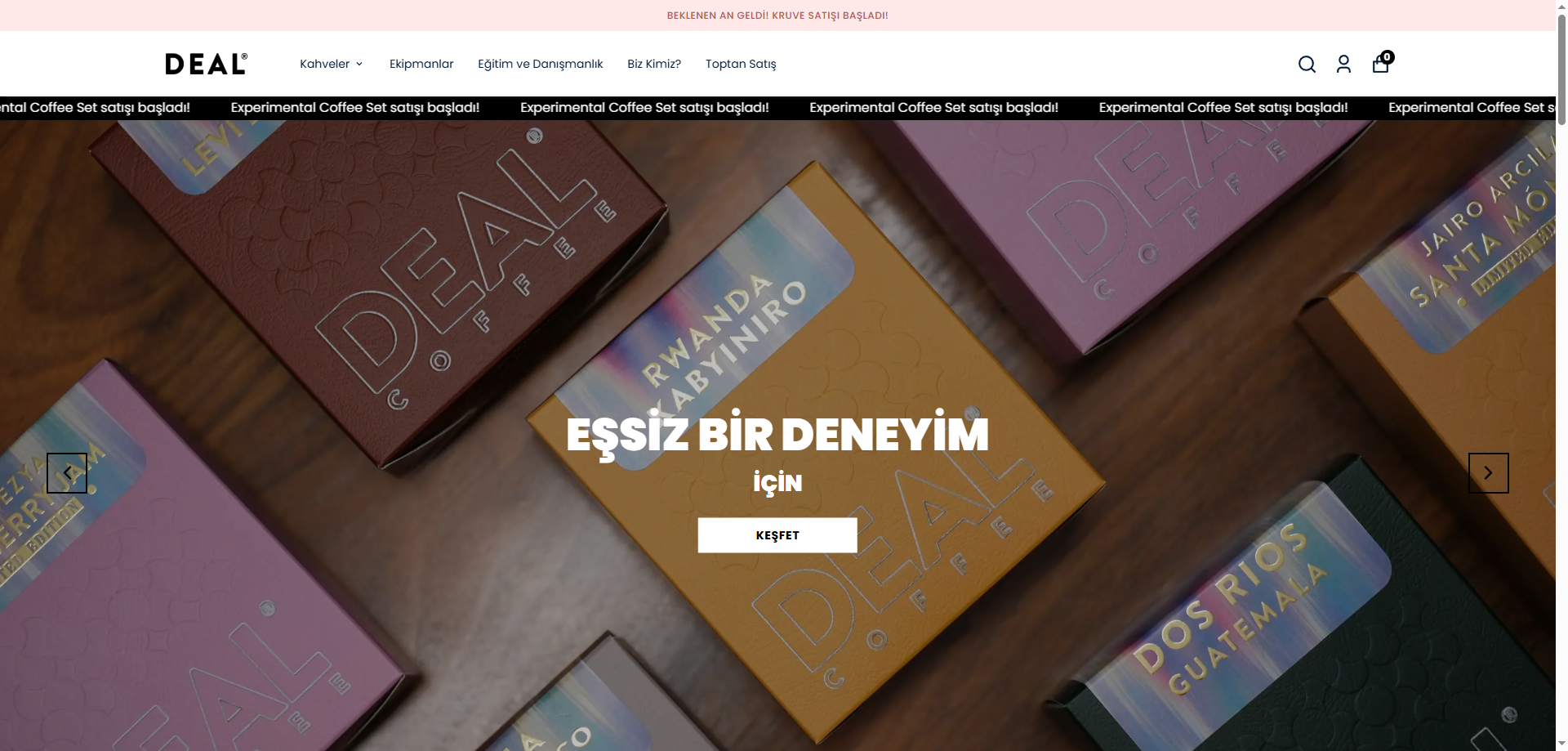
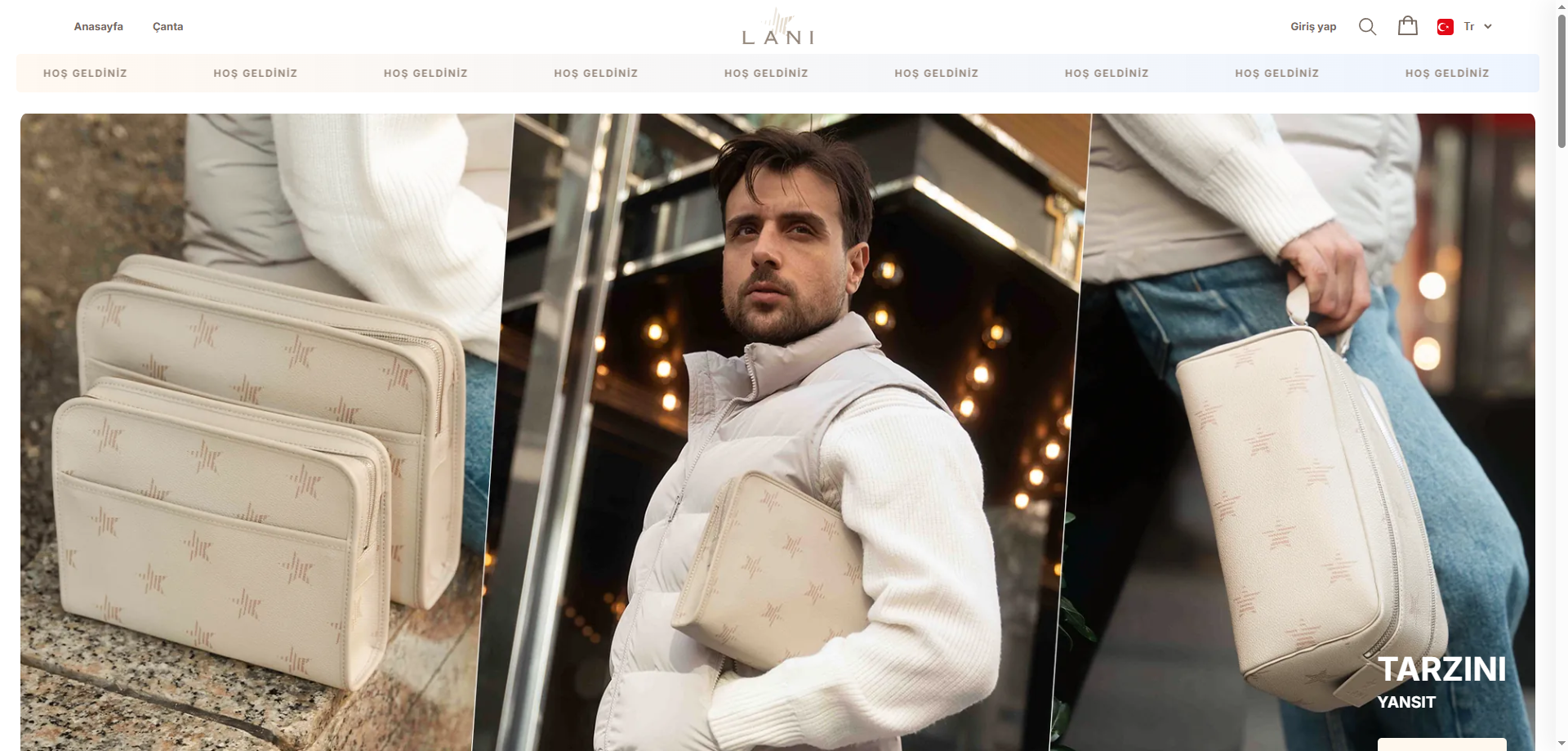
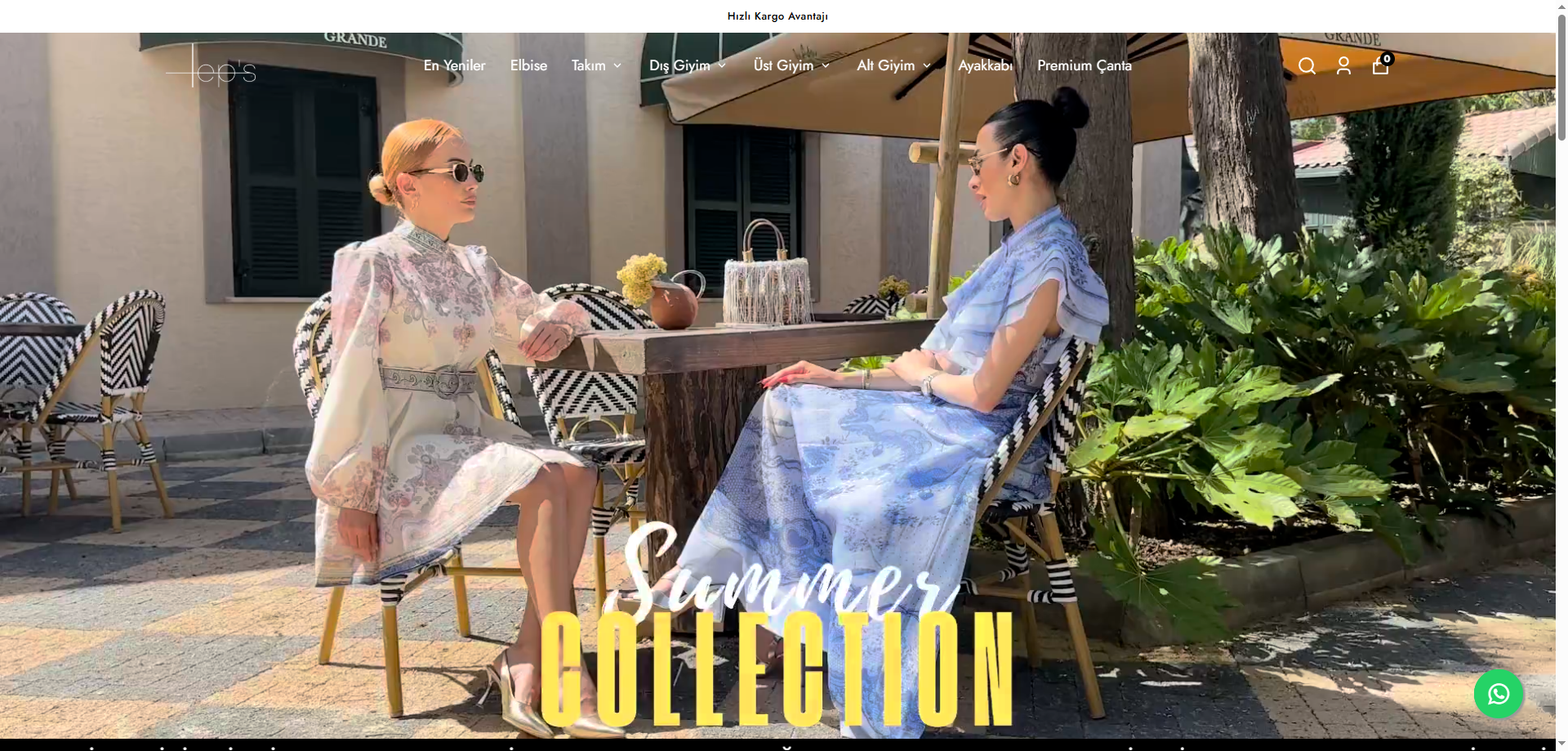
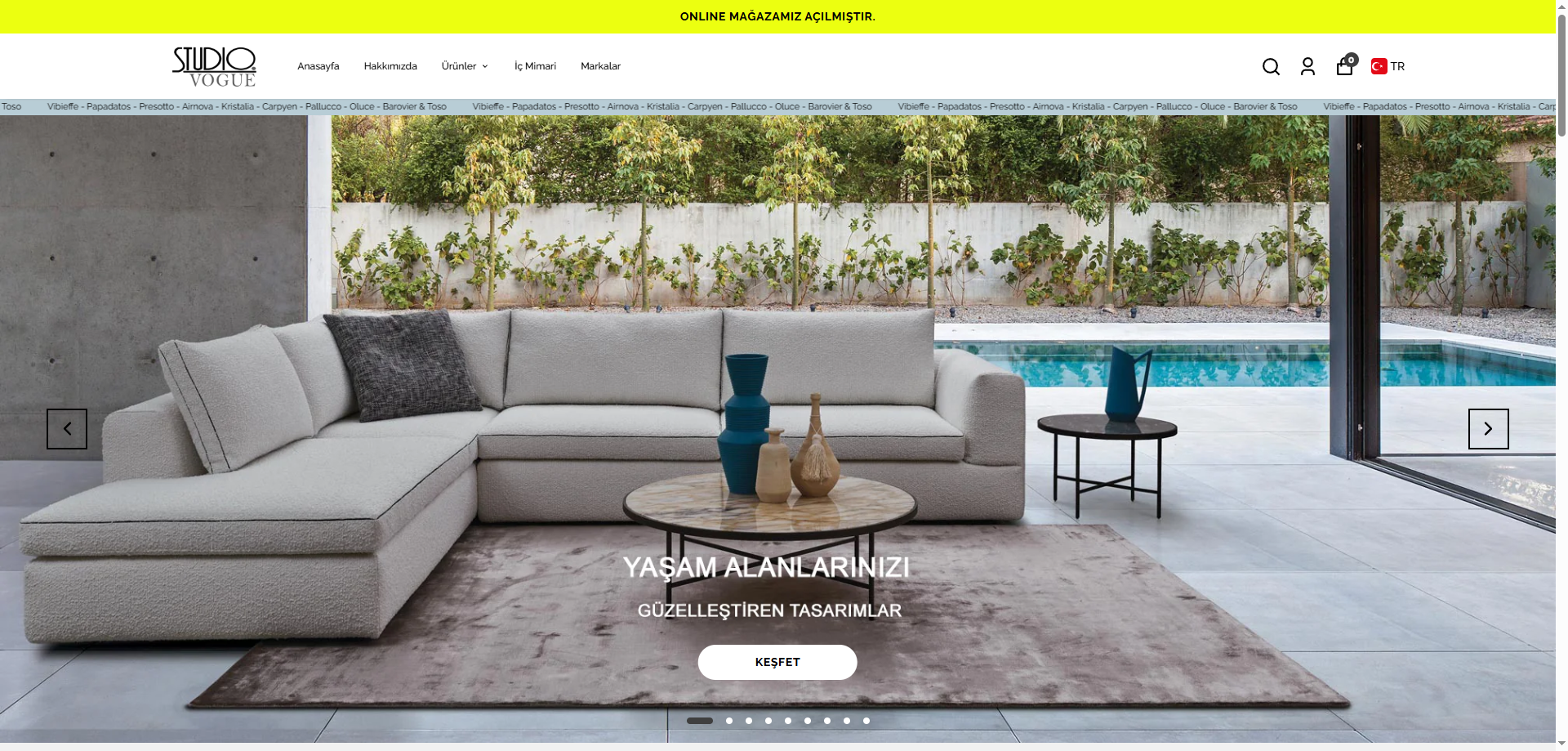
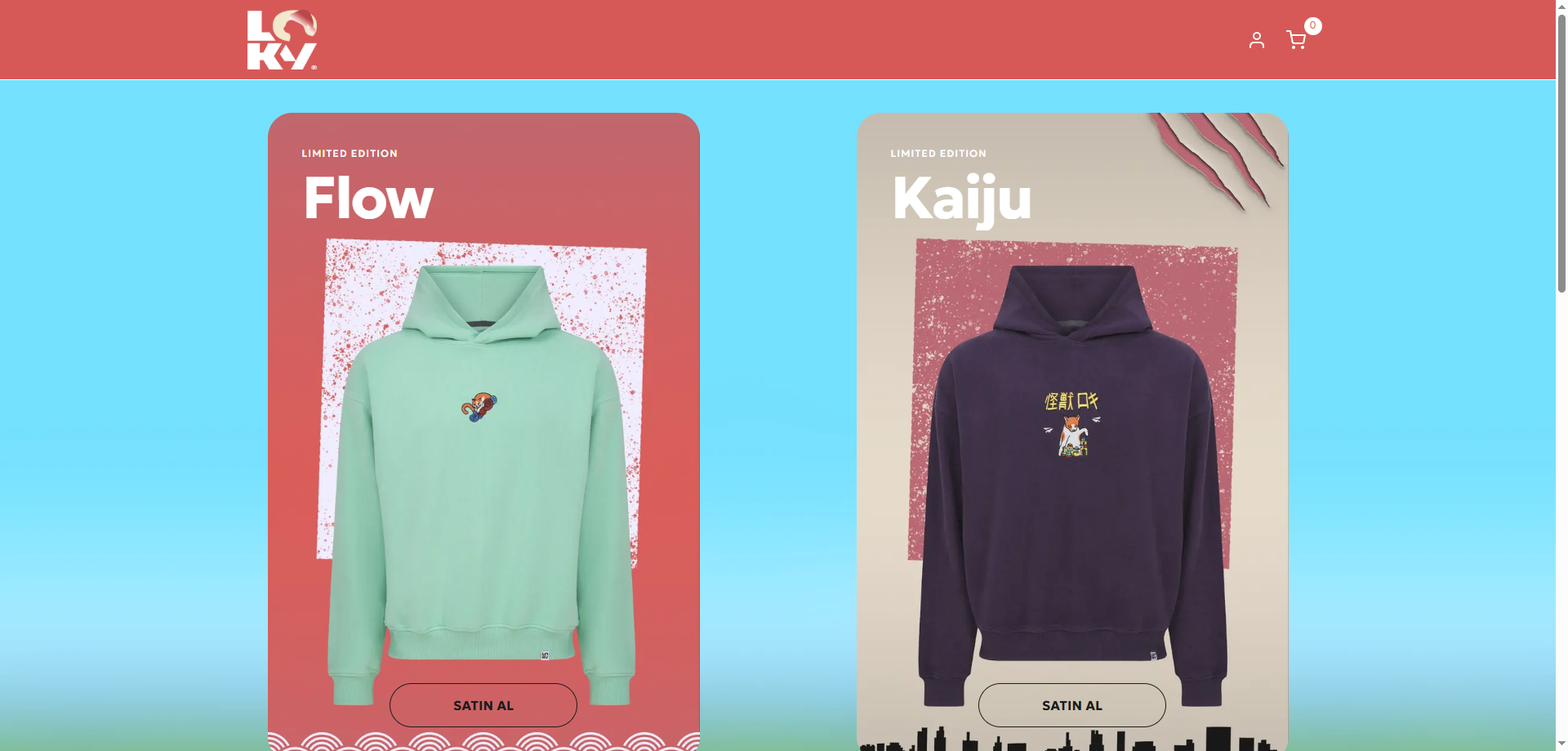
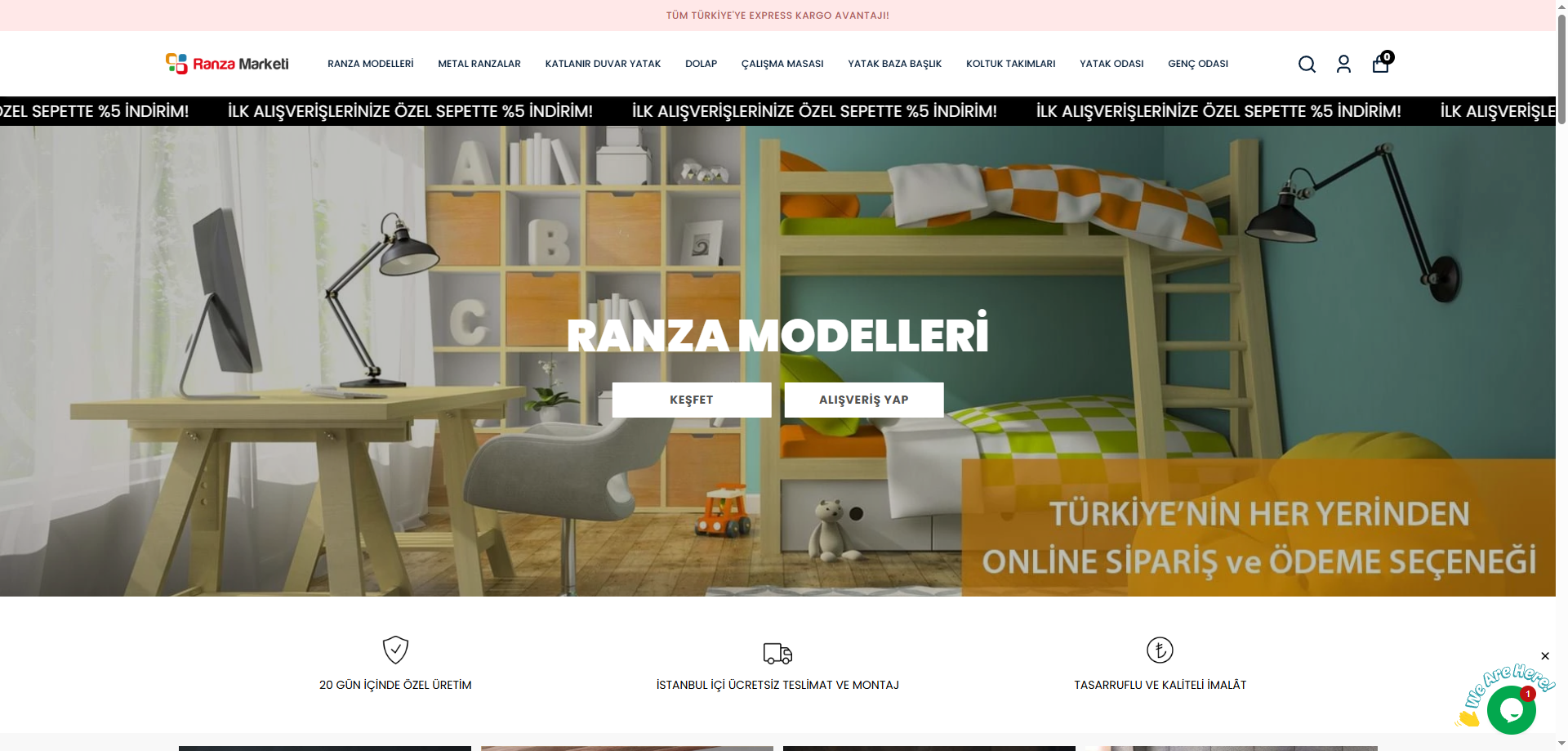
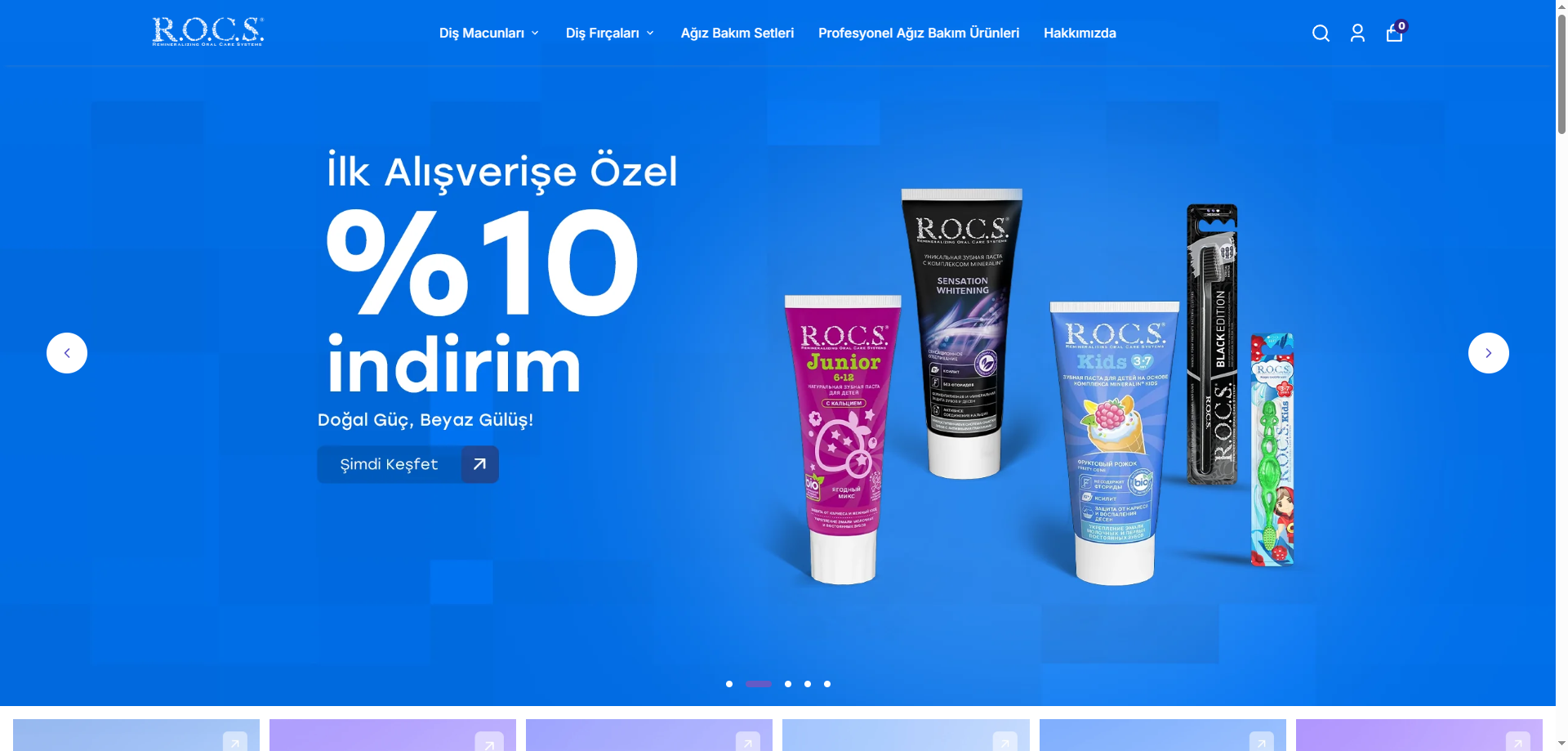
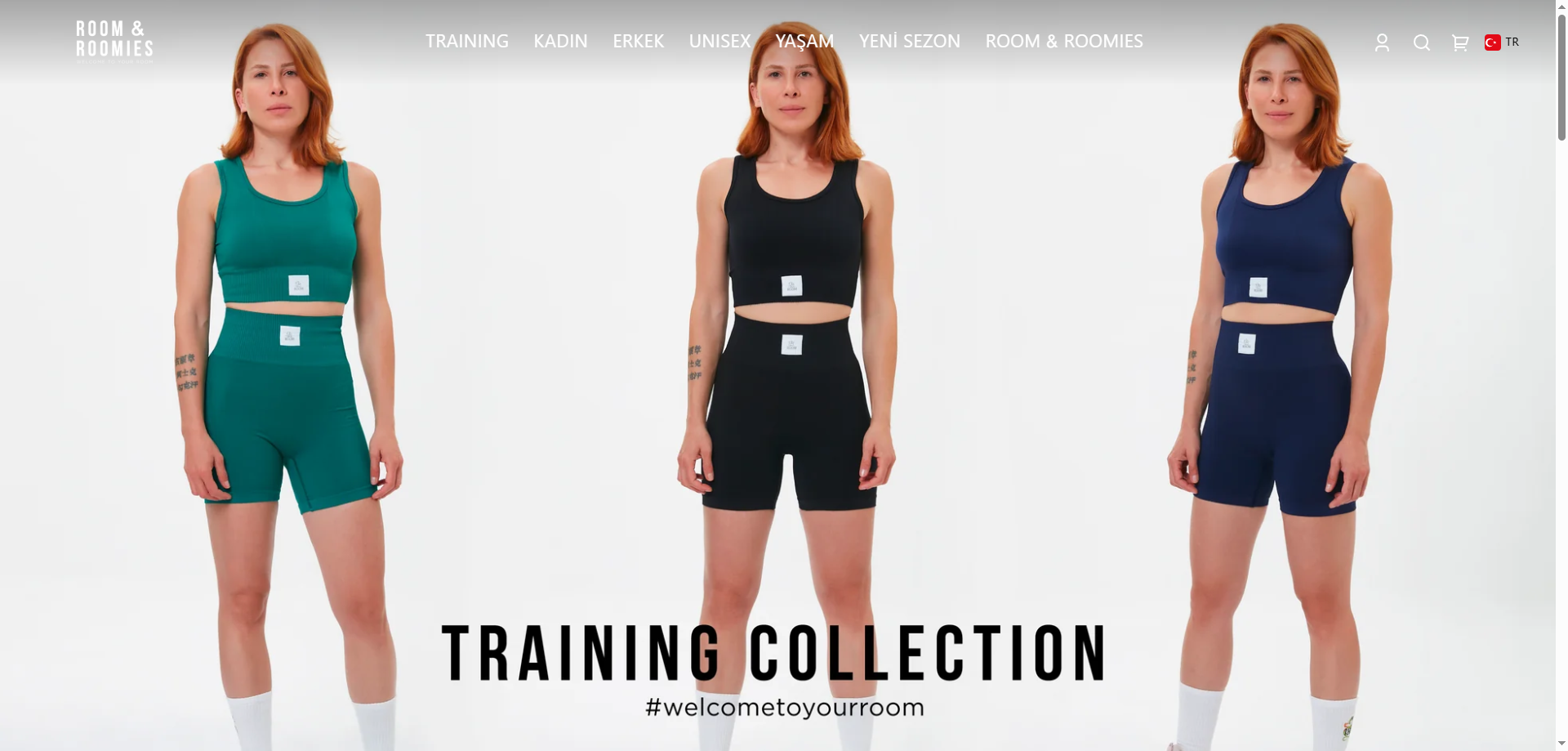
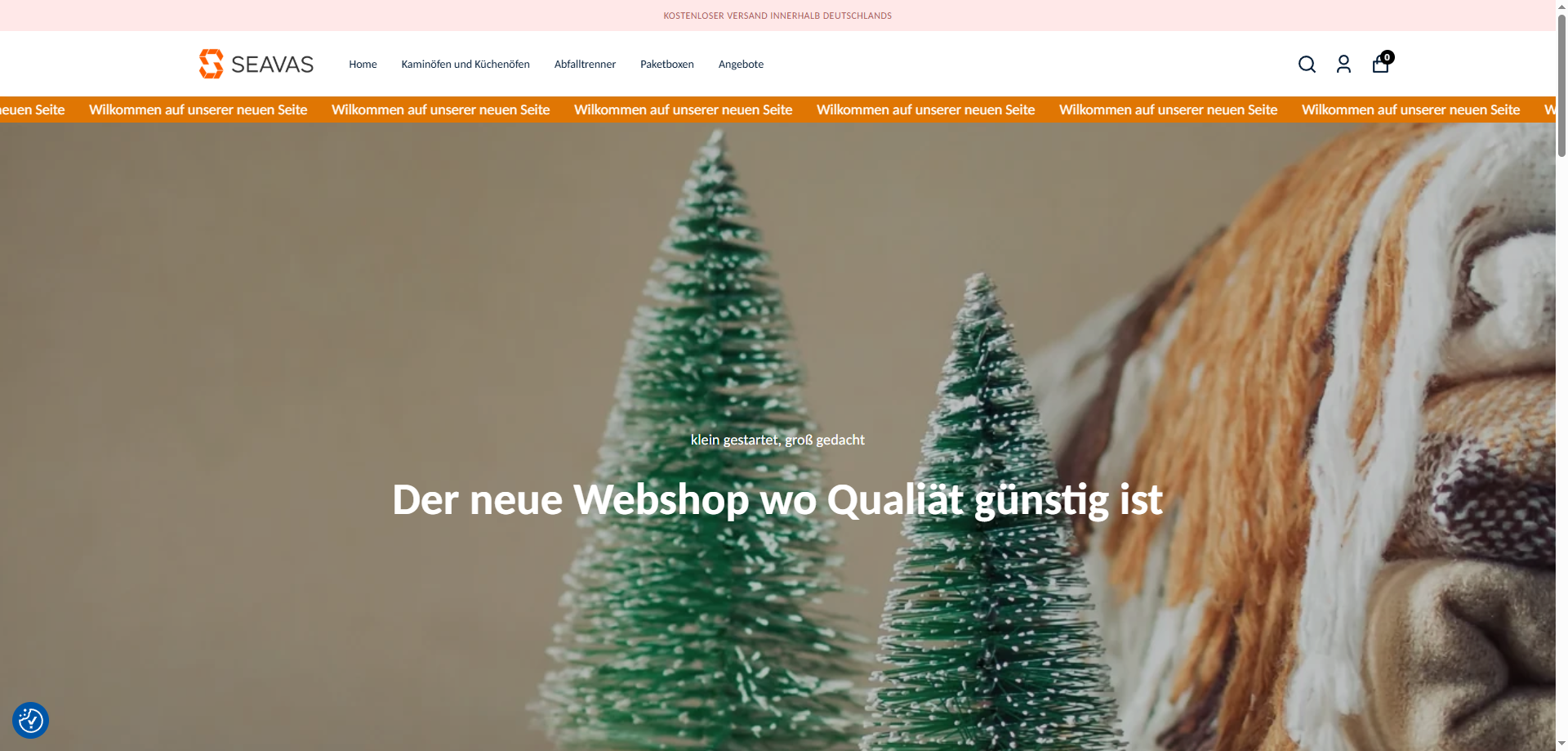
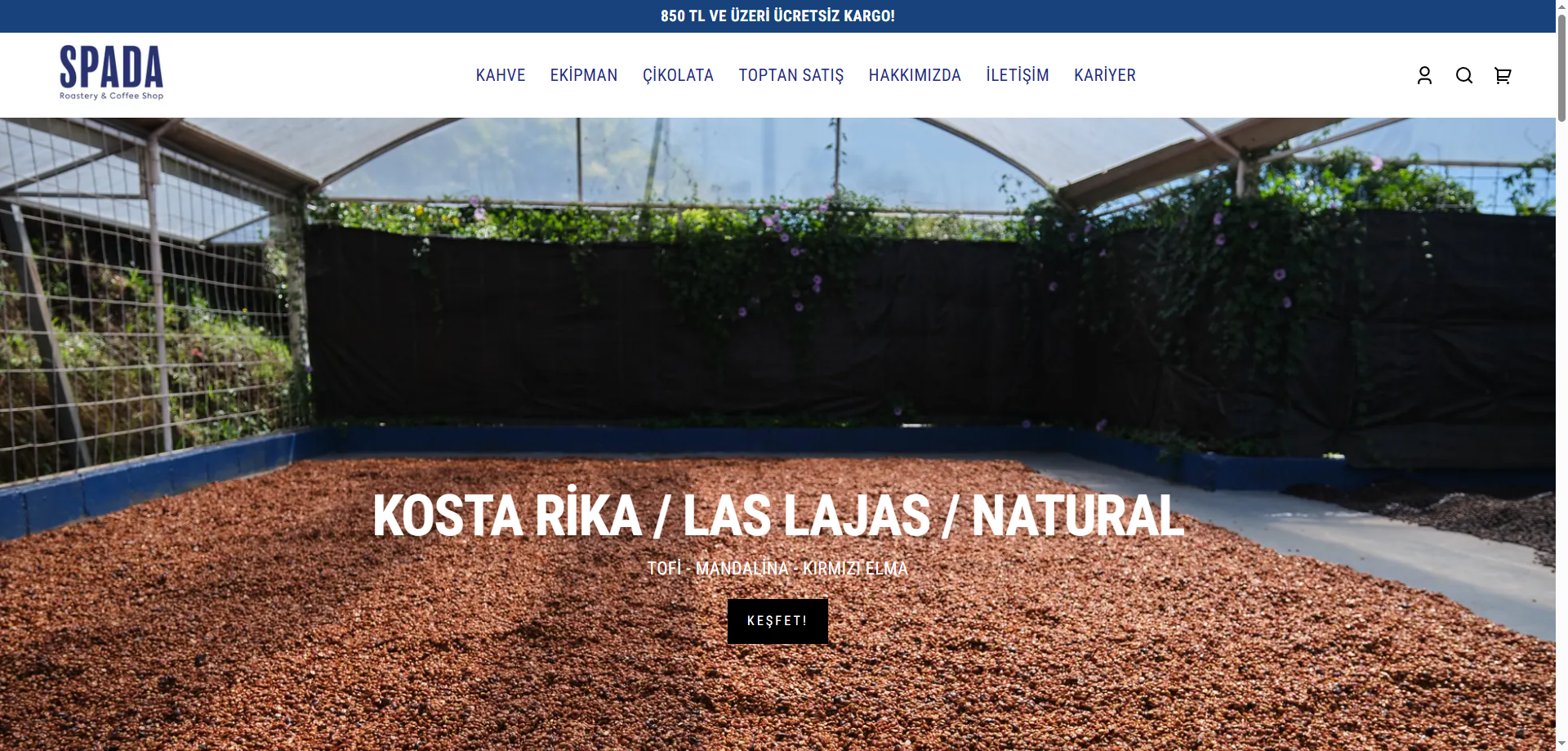
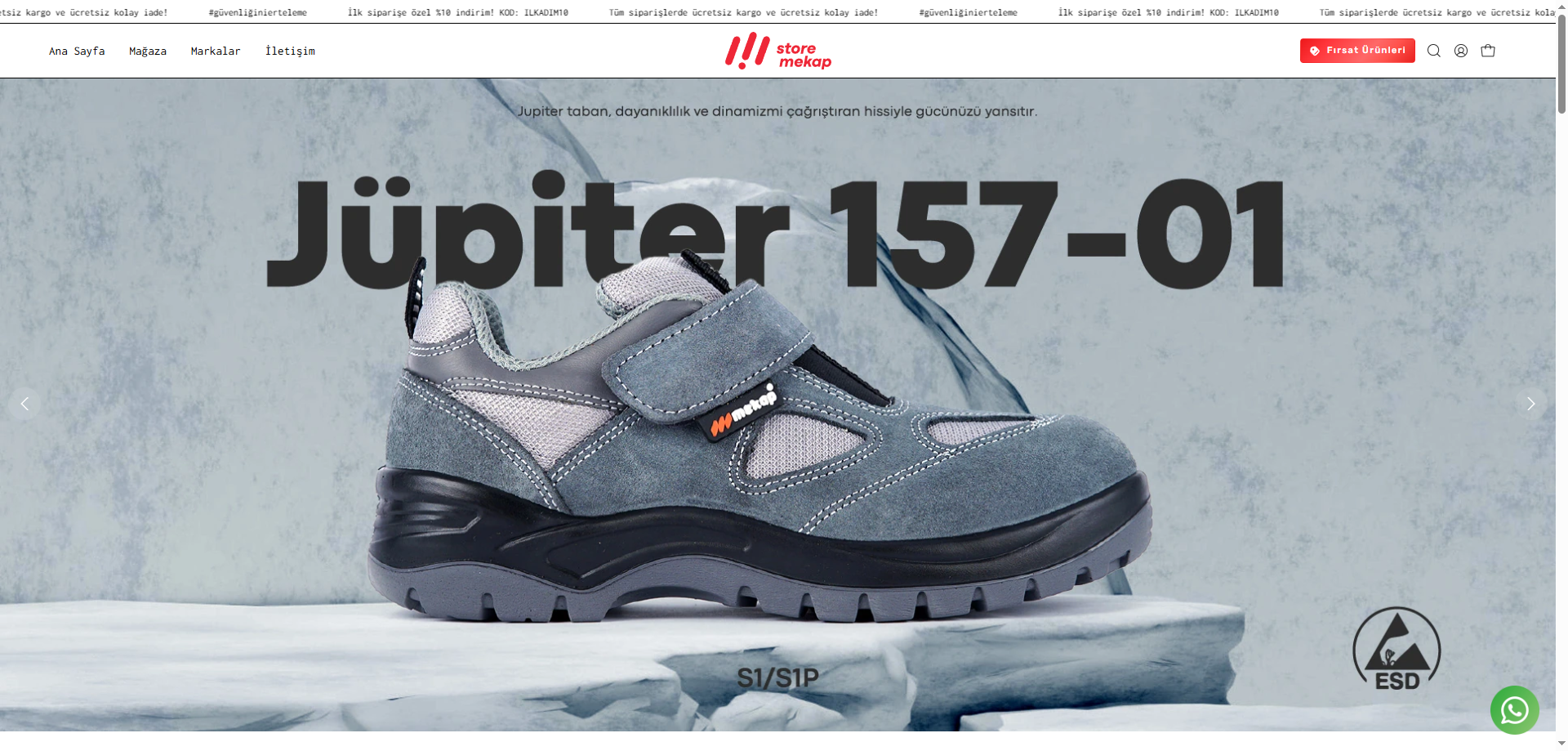
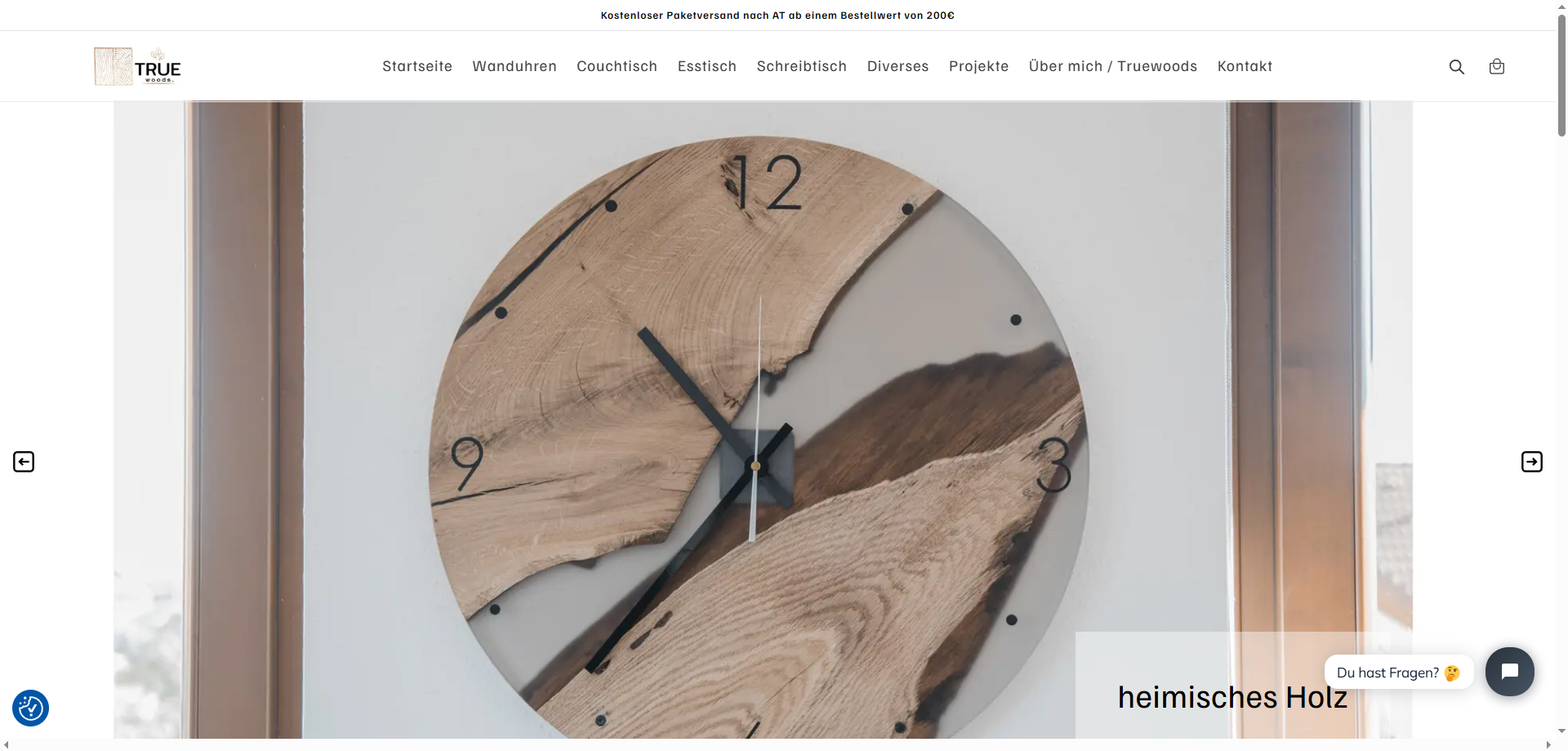
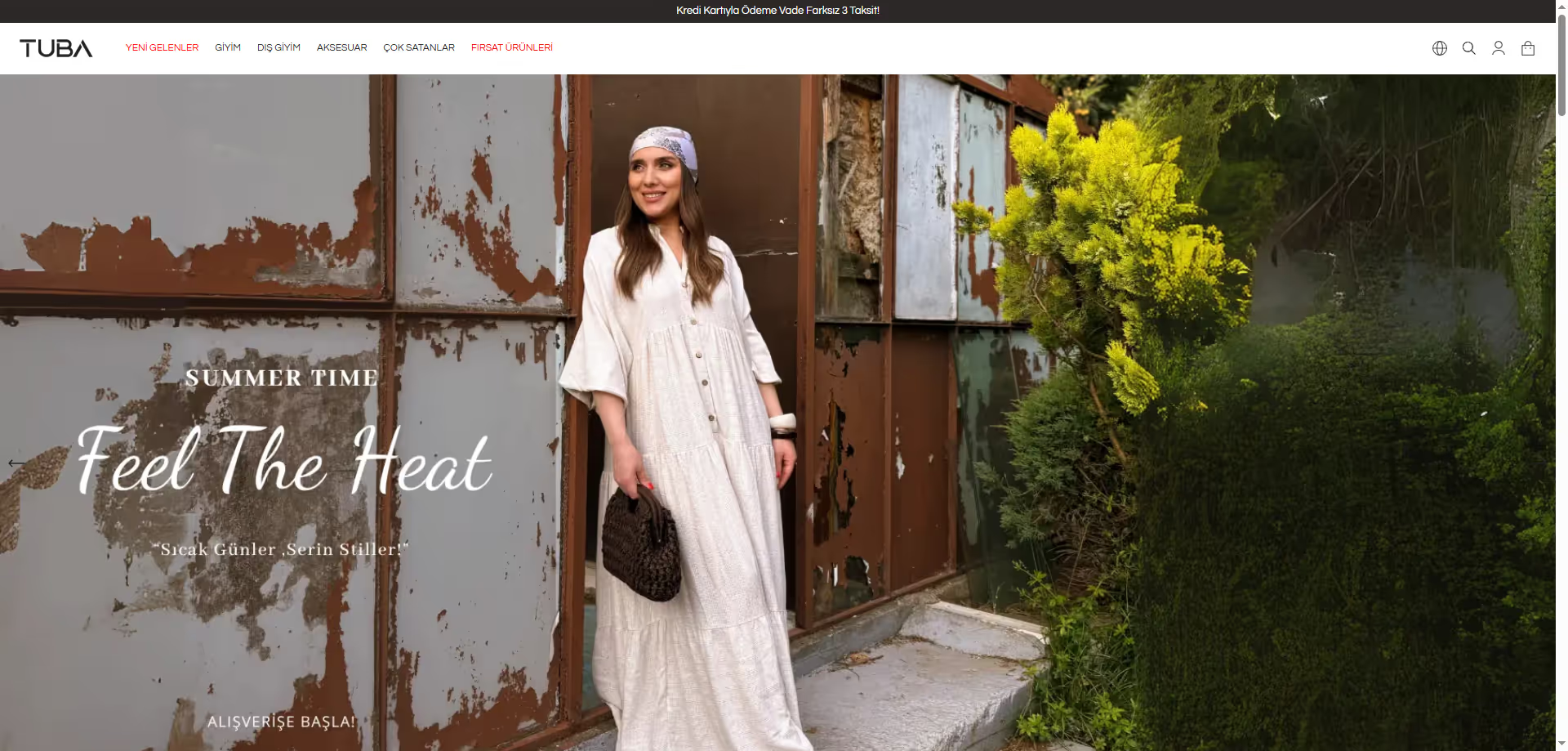
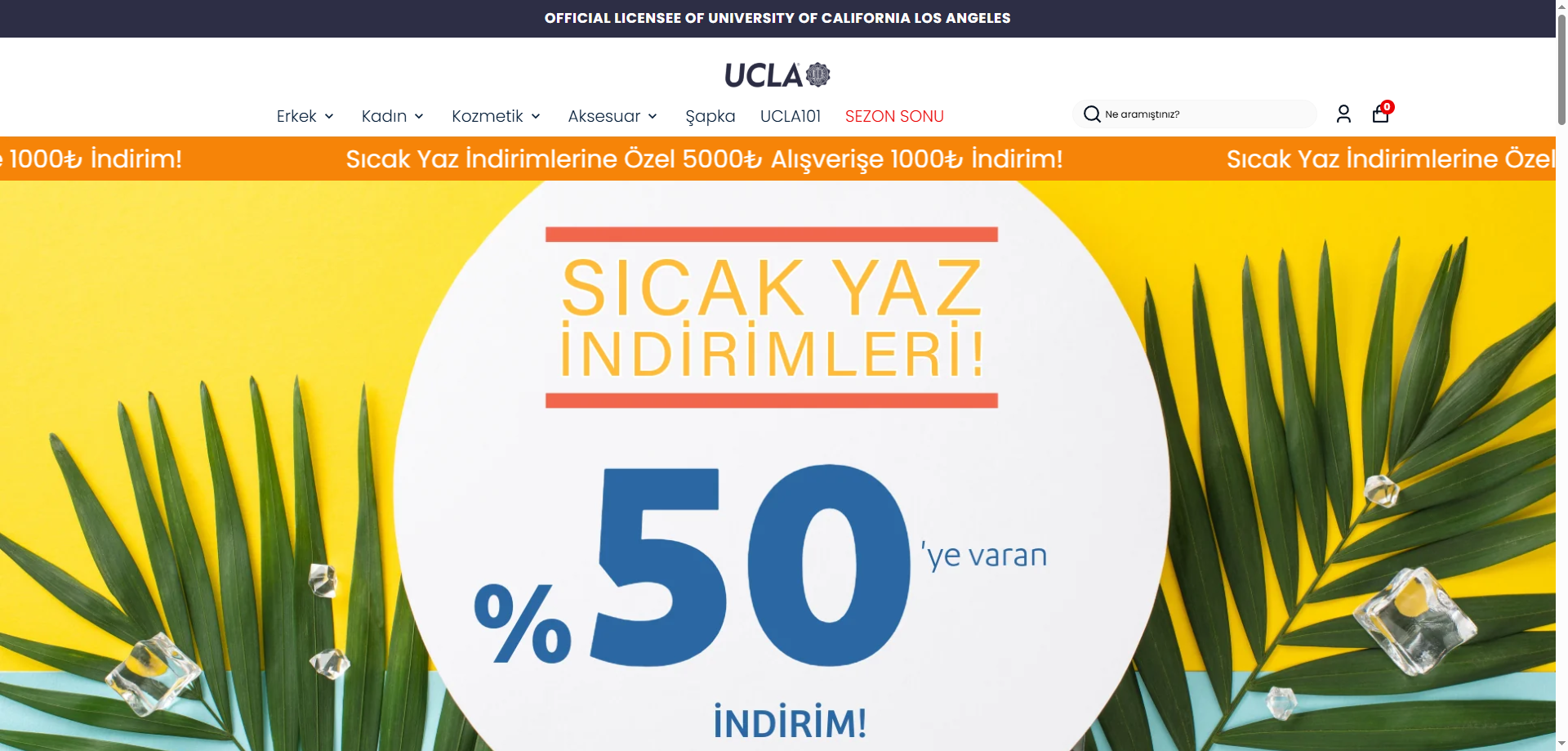
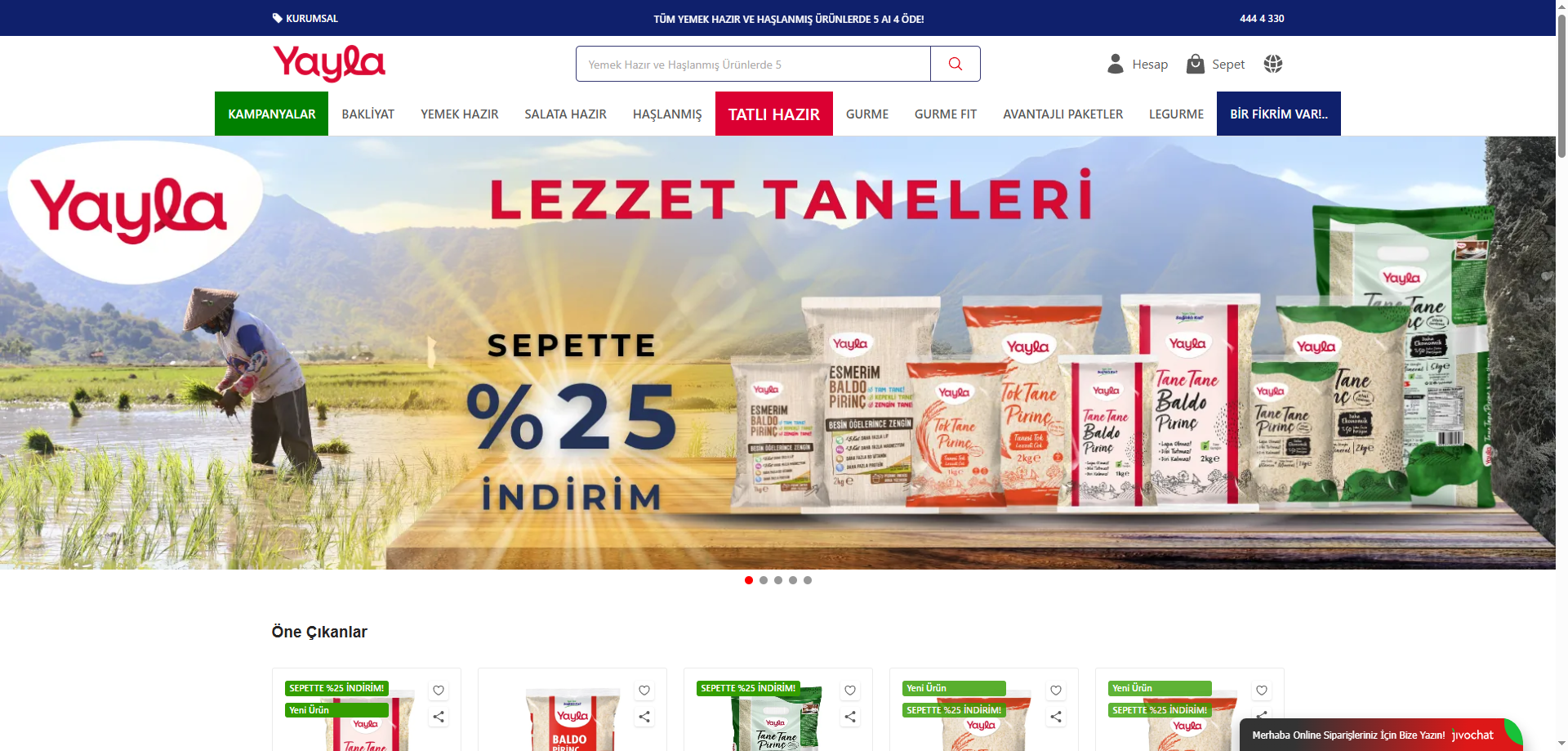
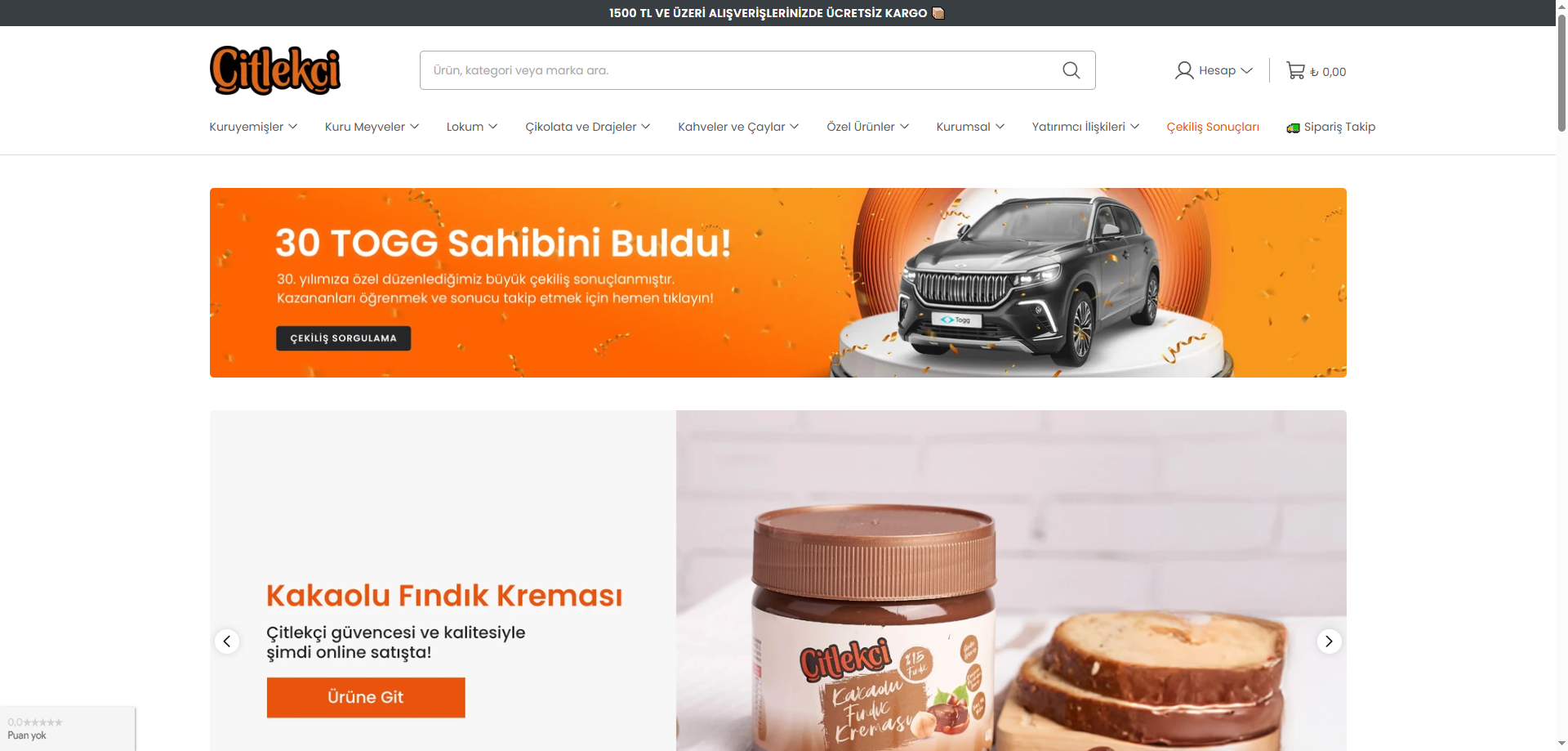
Published ikas store references
These are real store references, not purchasable themes. Use the official provider to choose an installable ikas theme. Review website setup.
Official ikas theme store ↗
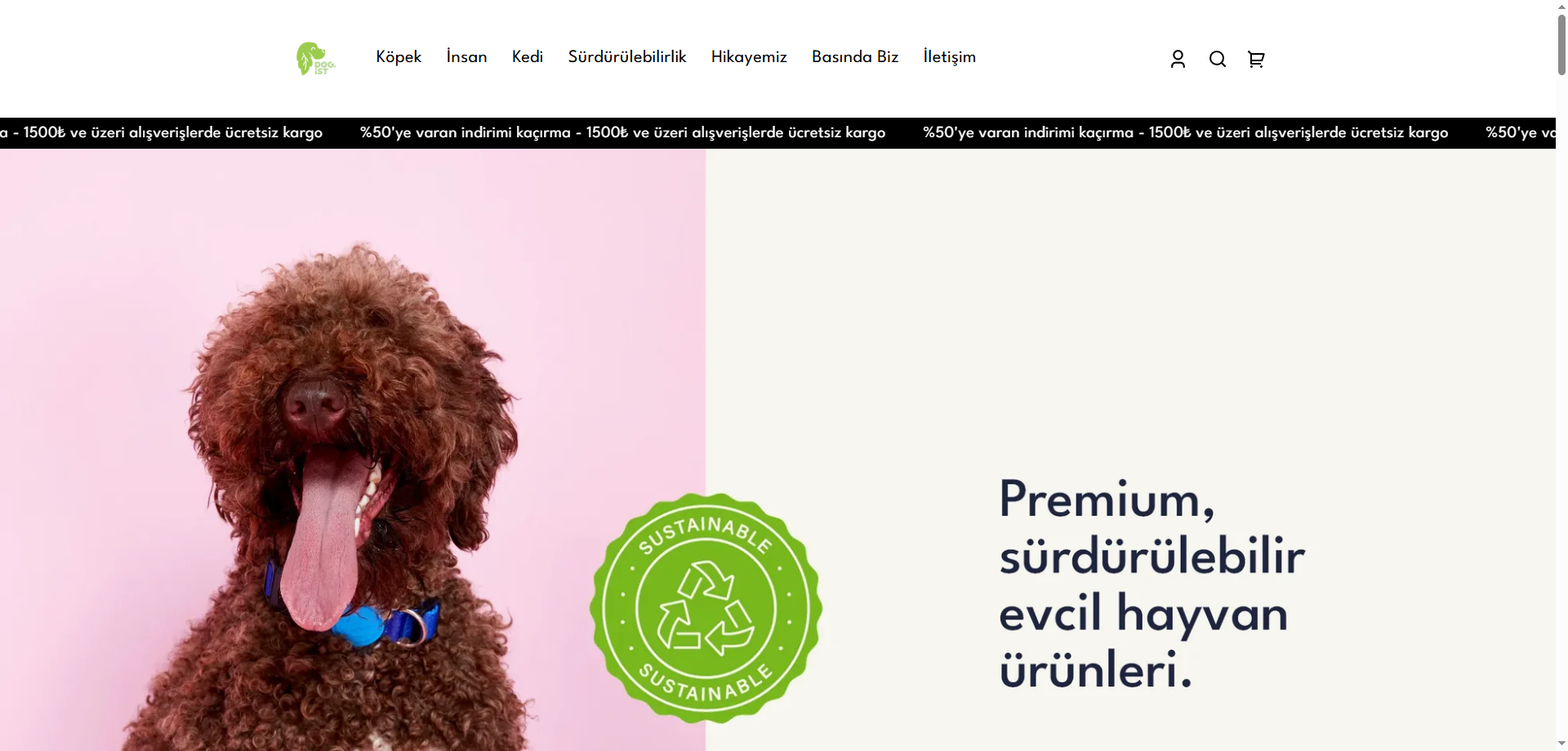
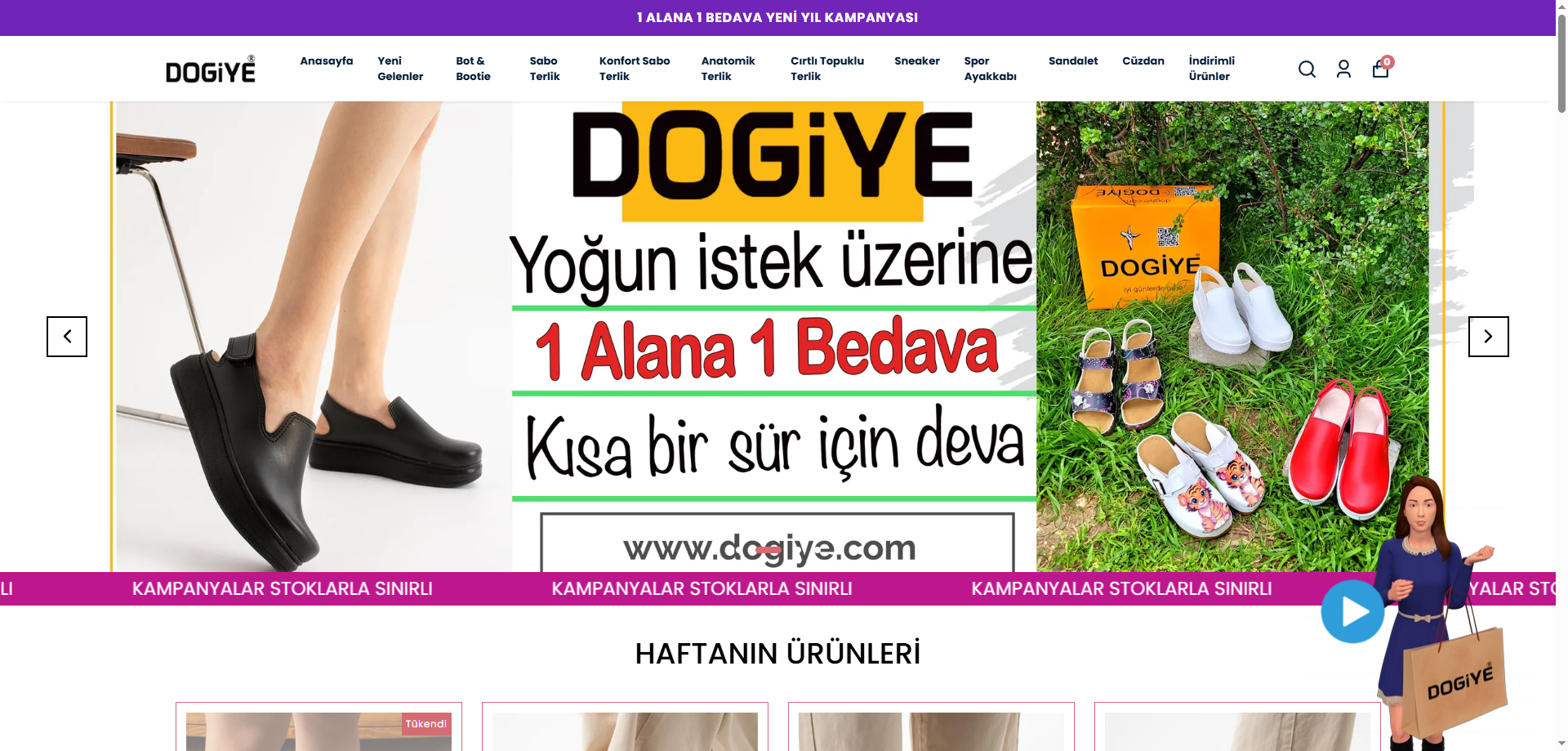
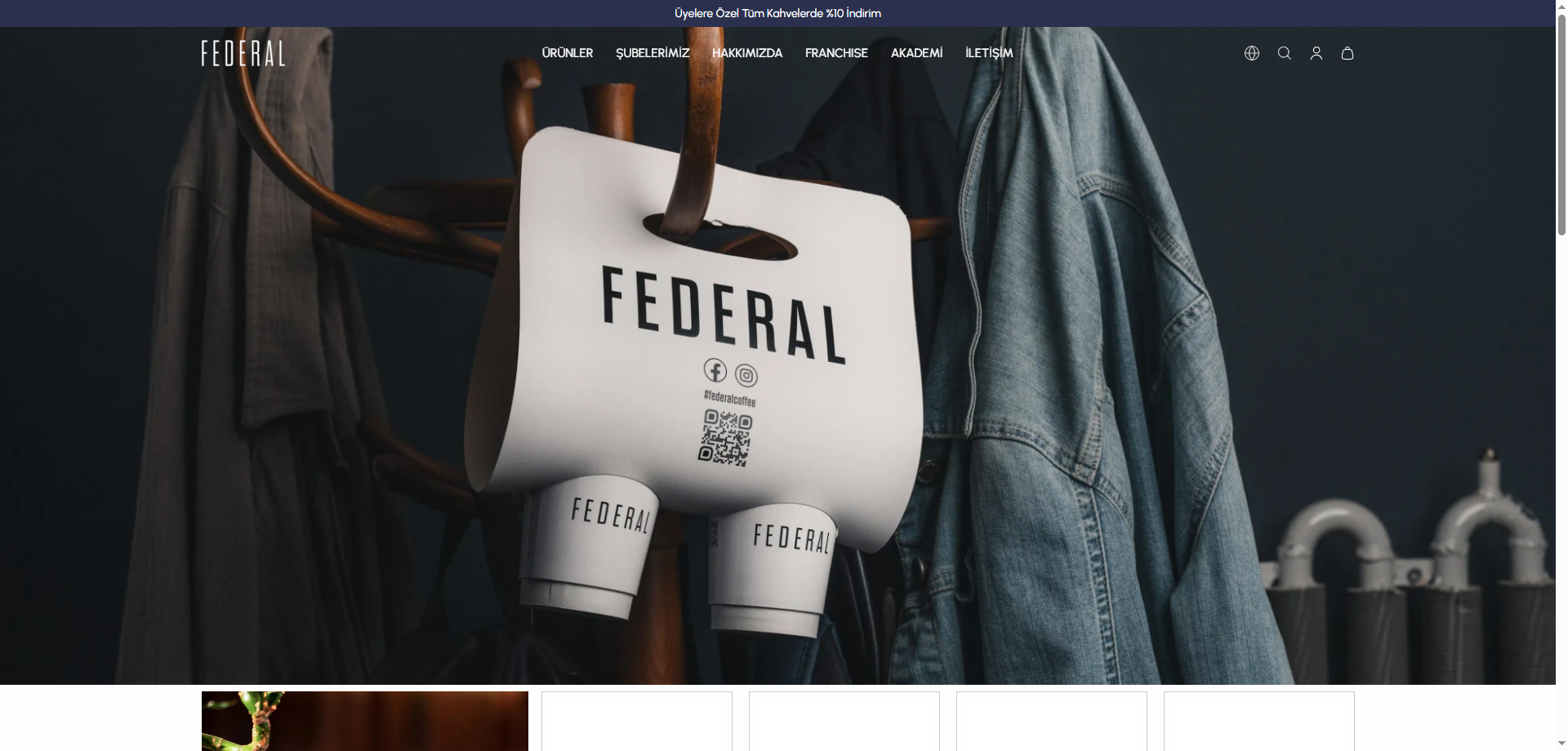
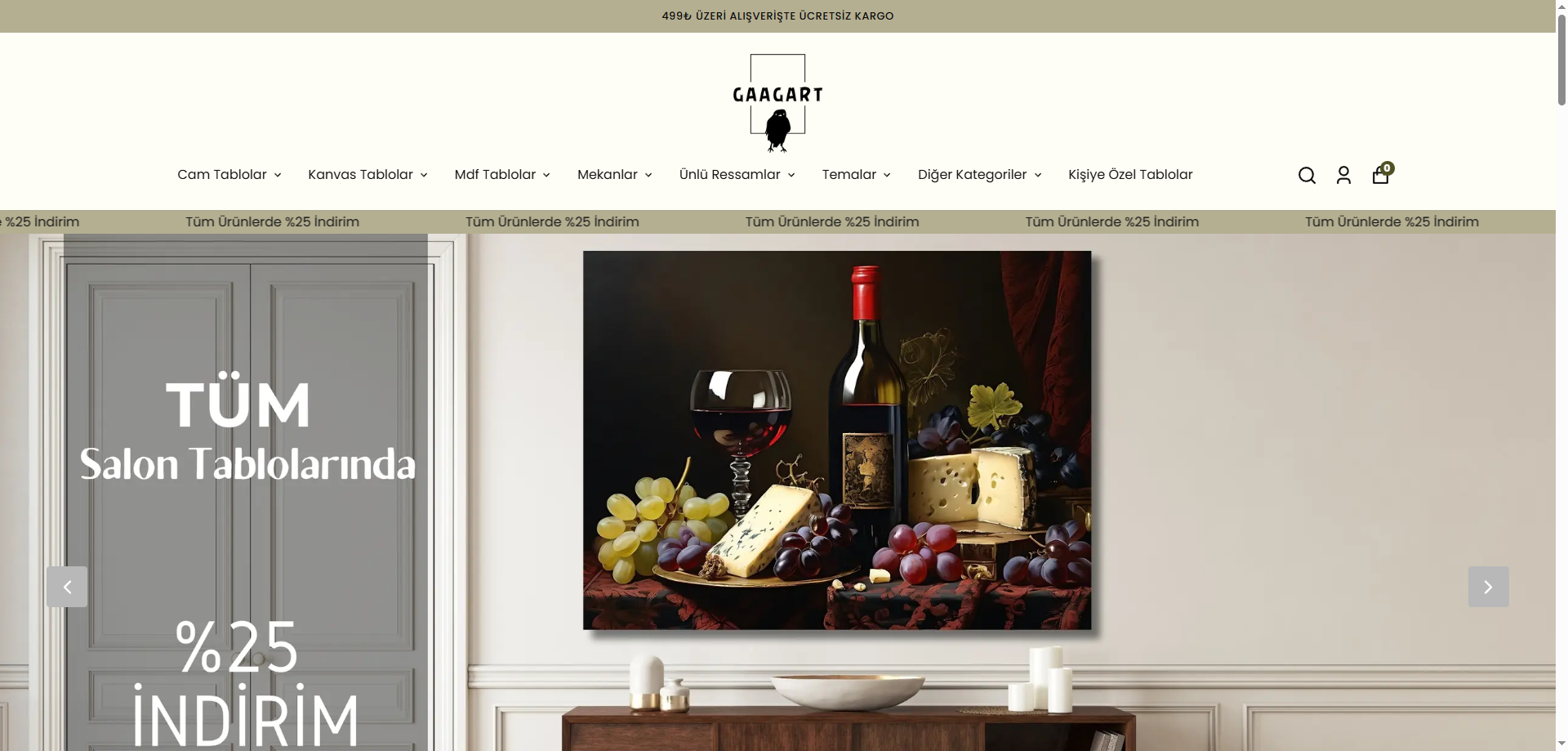
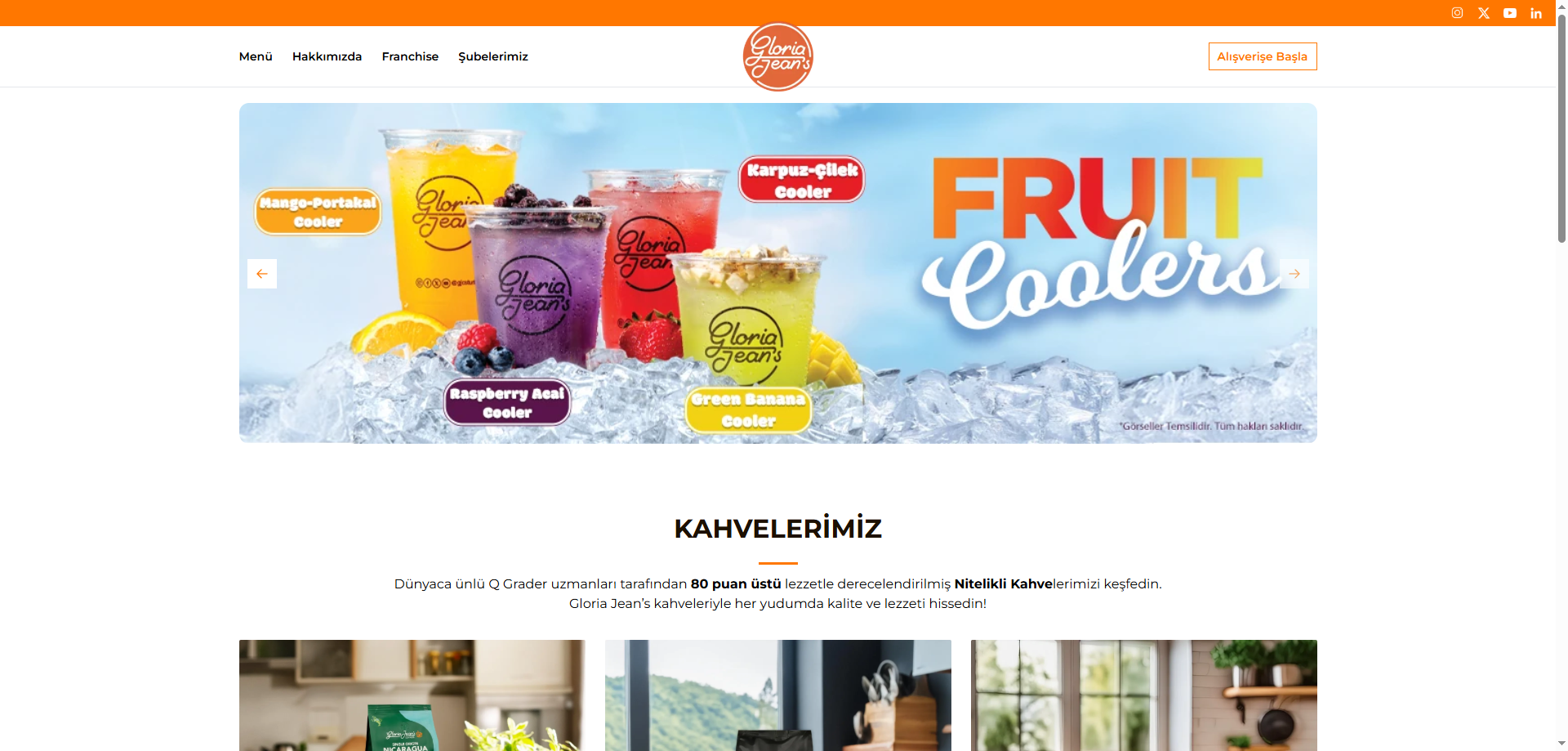

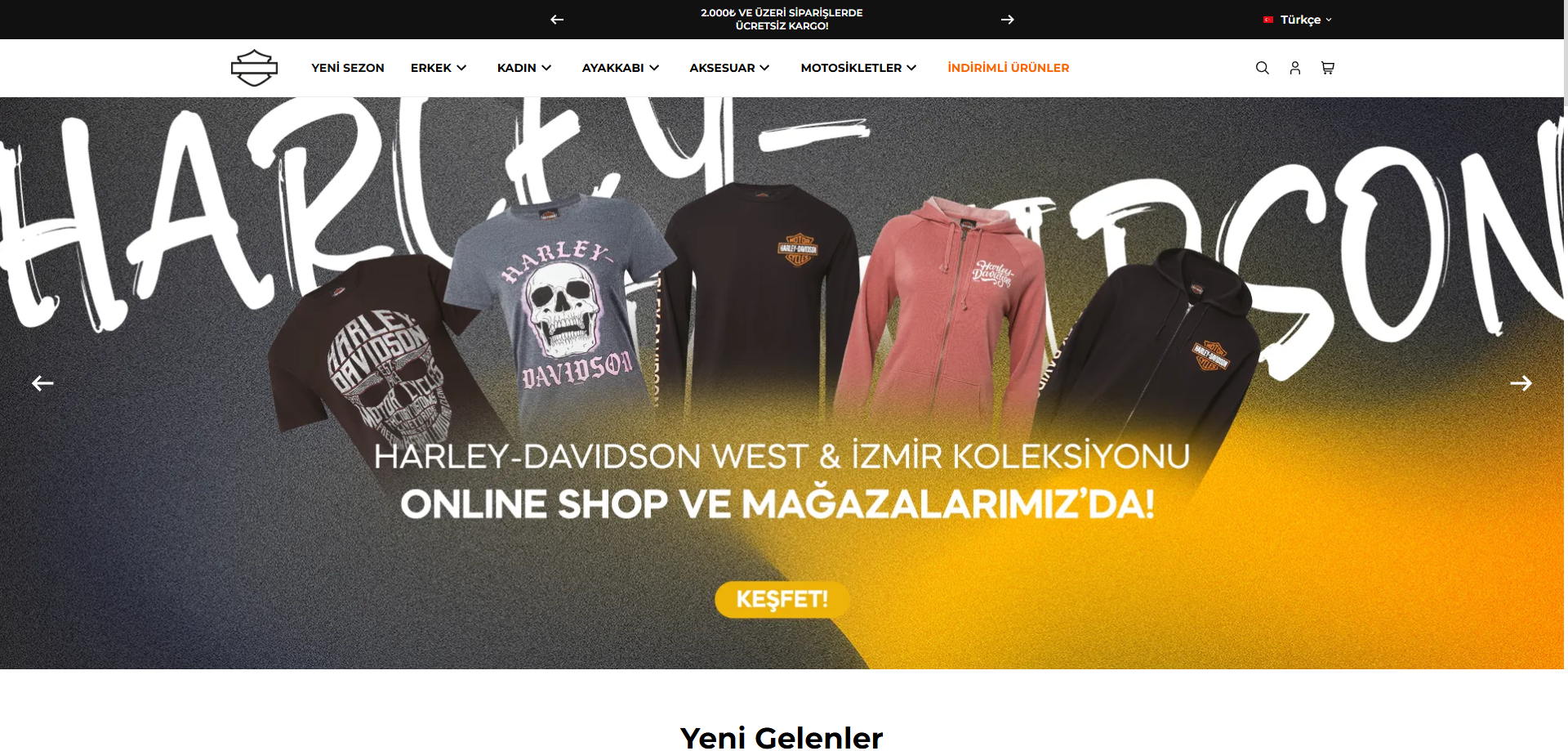
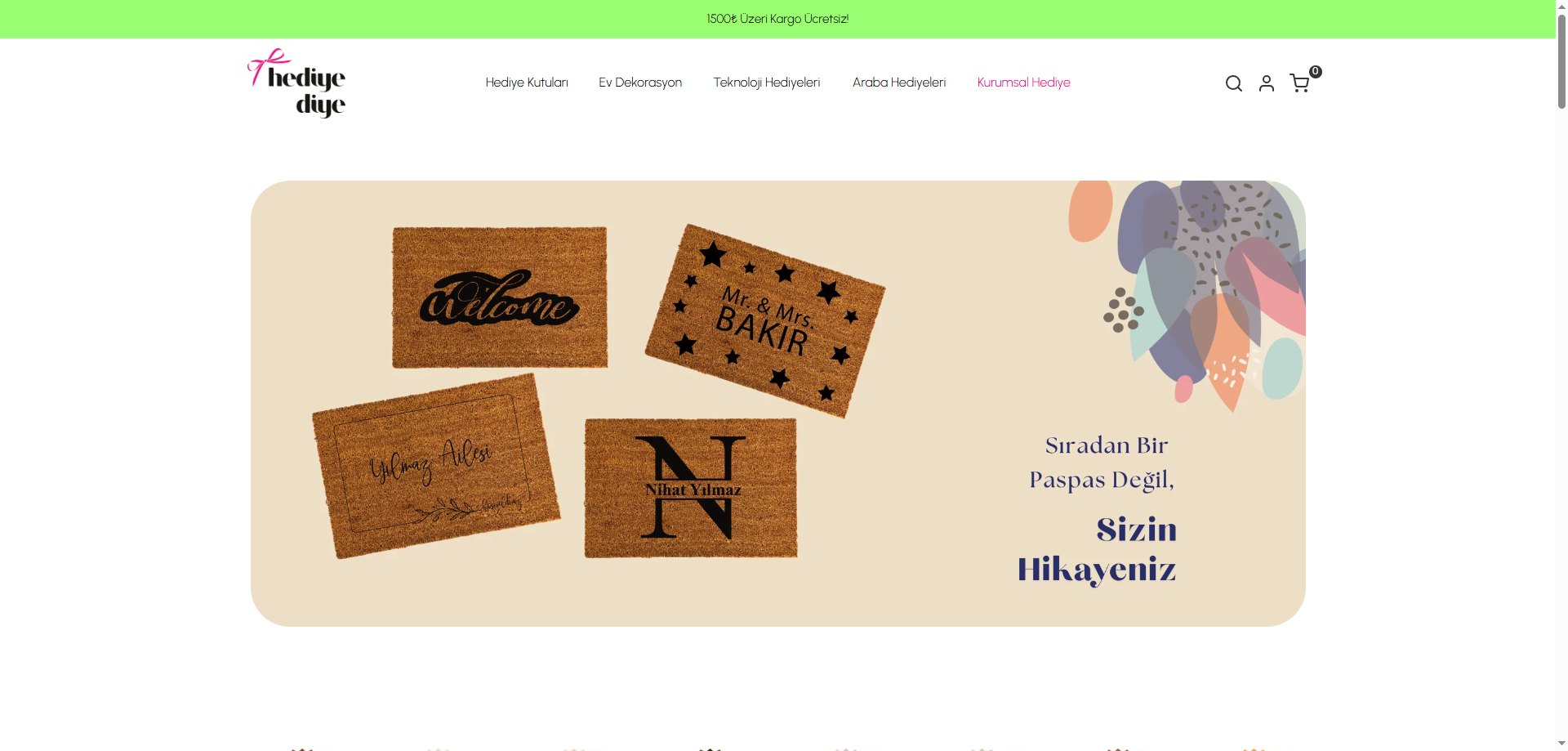
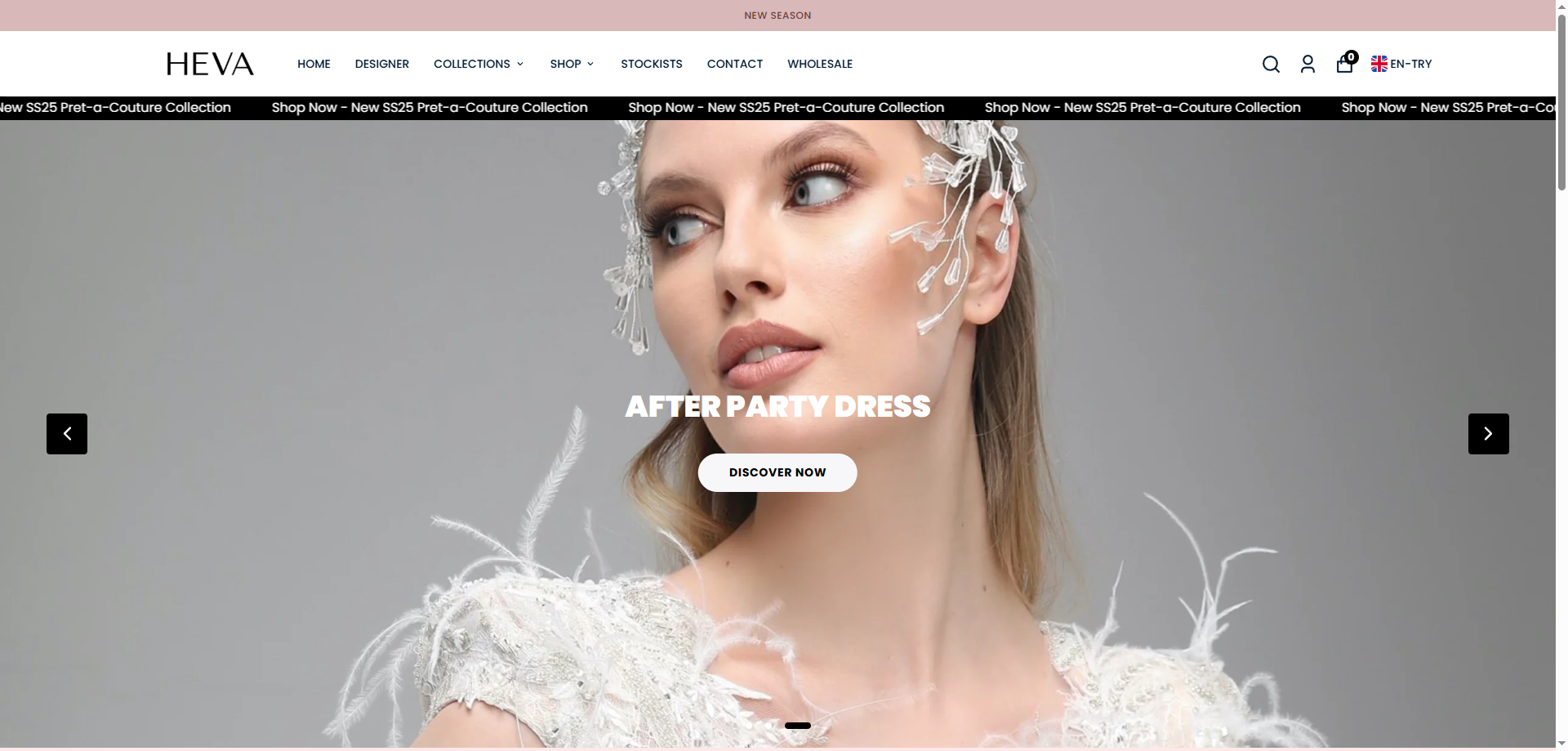
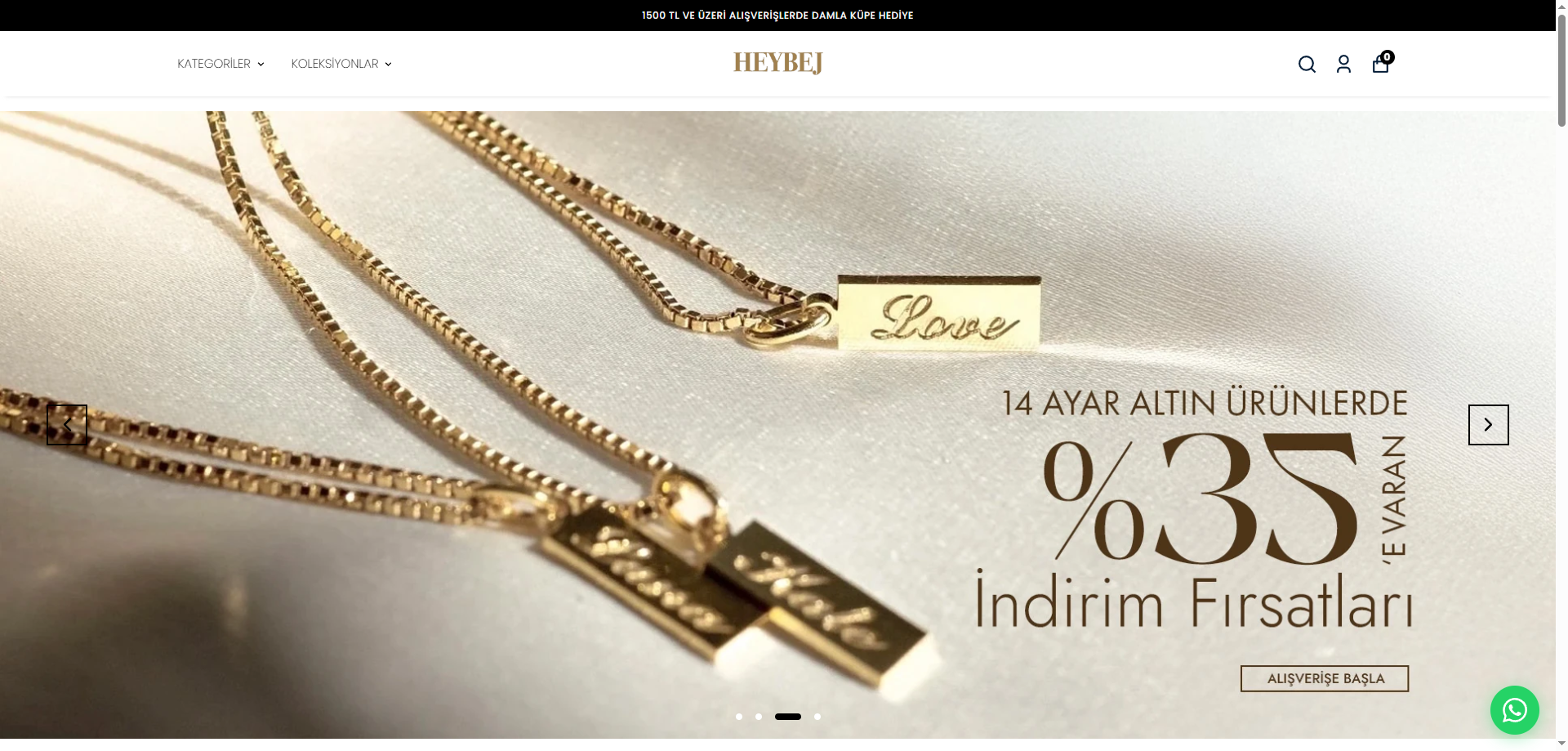
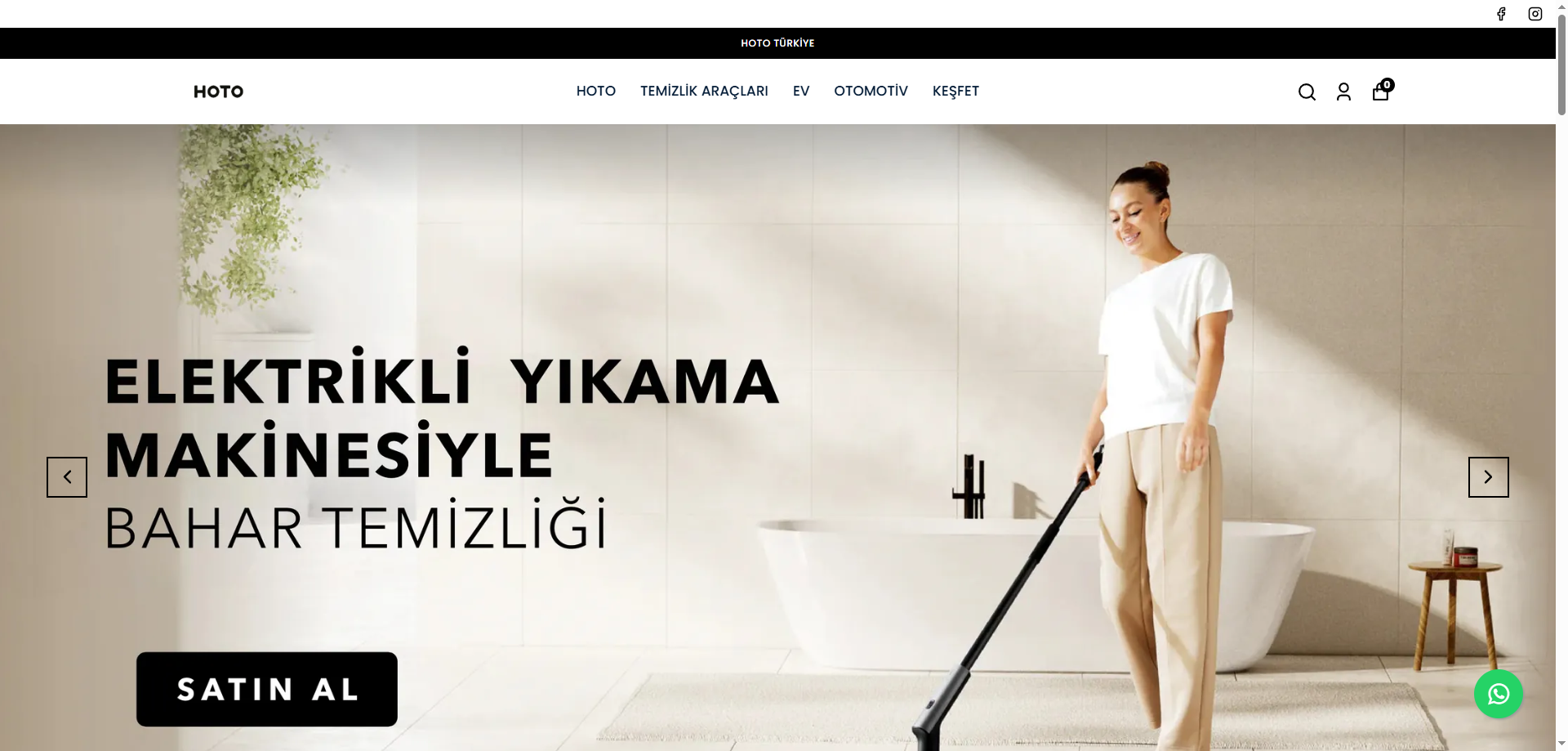
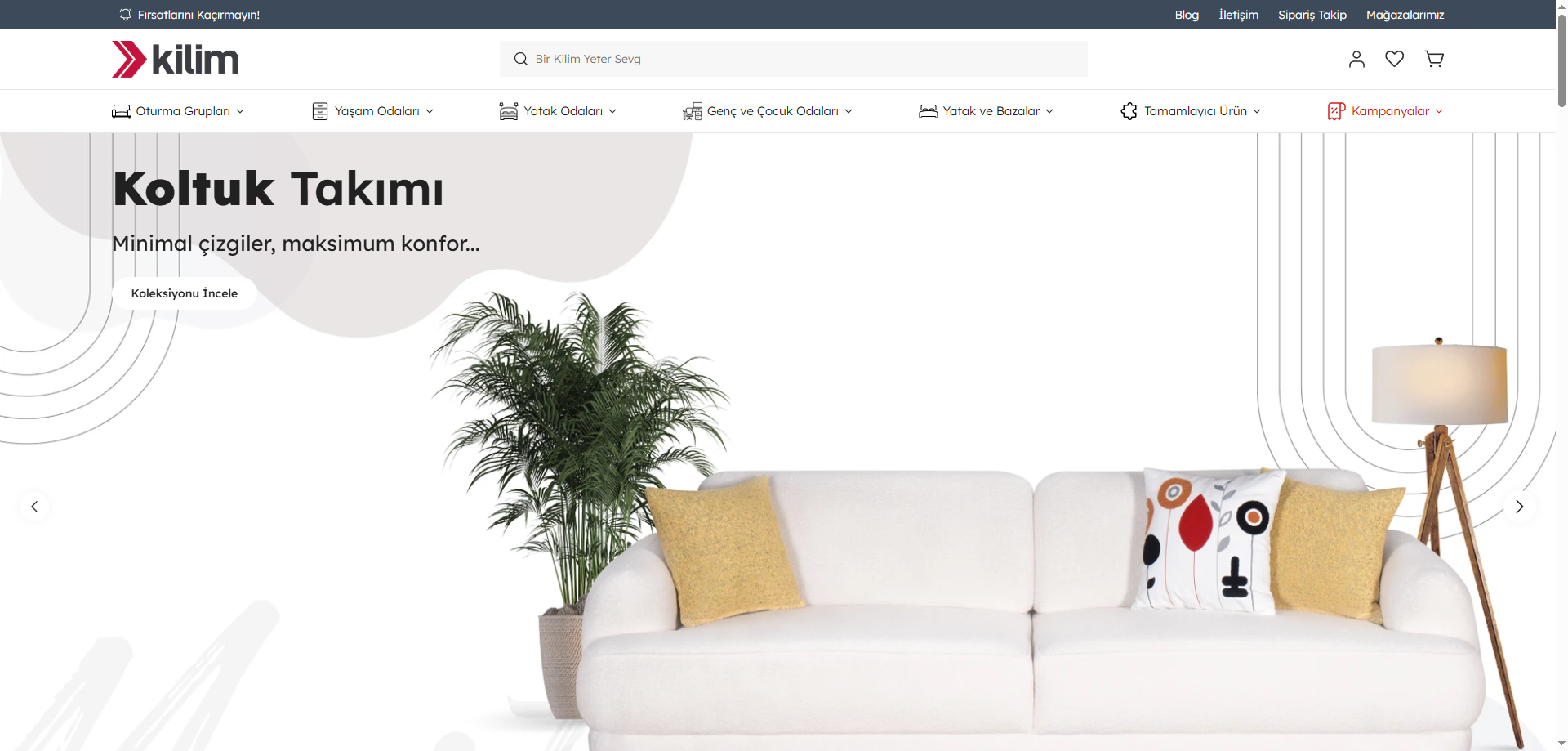
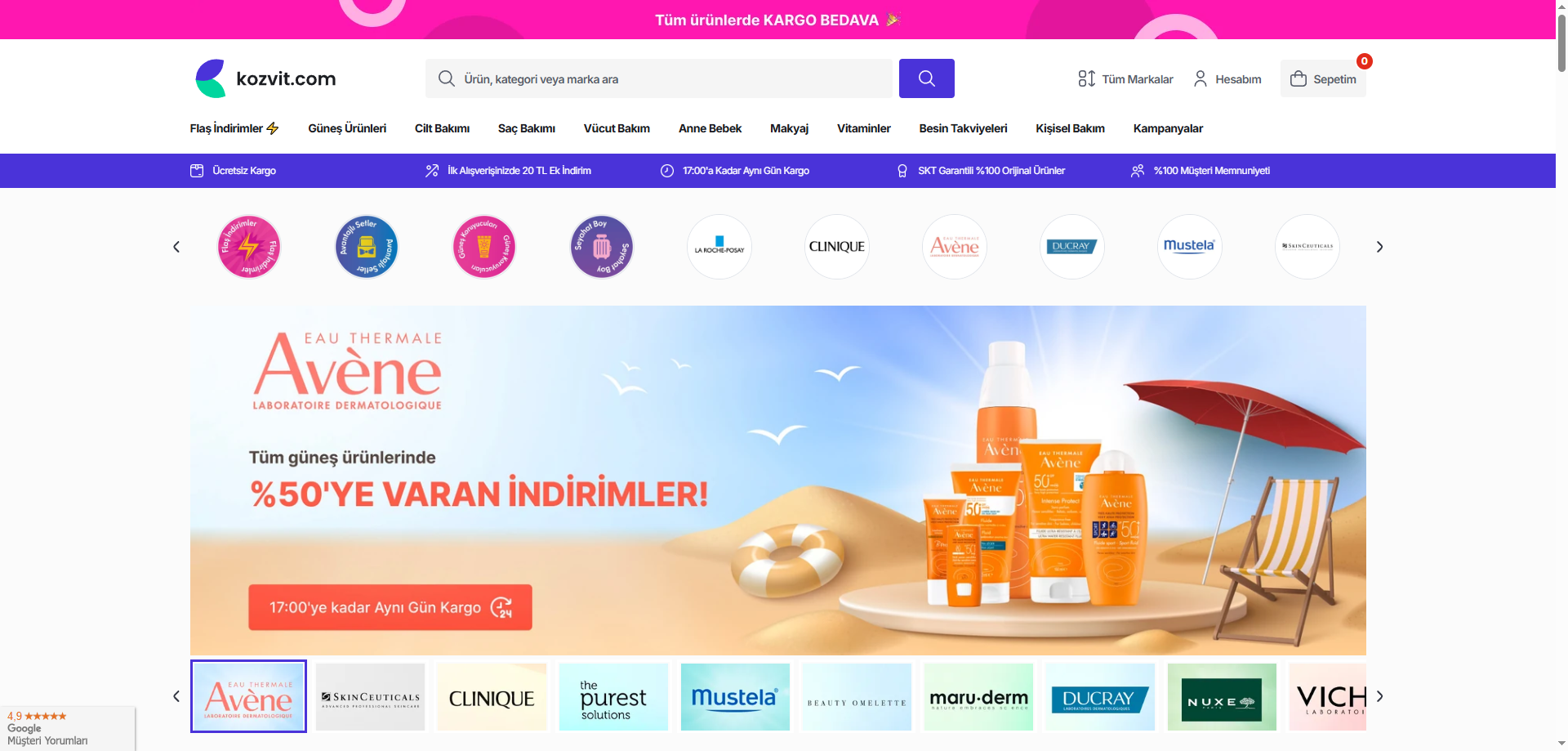


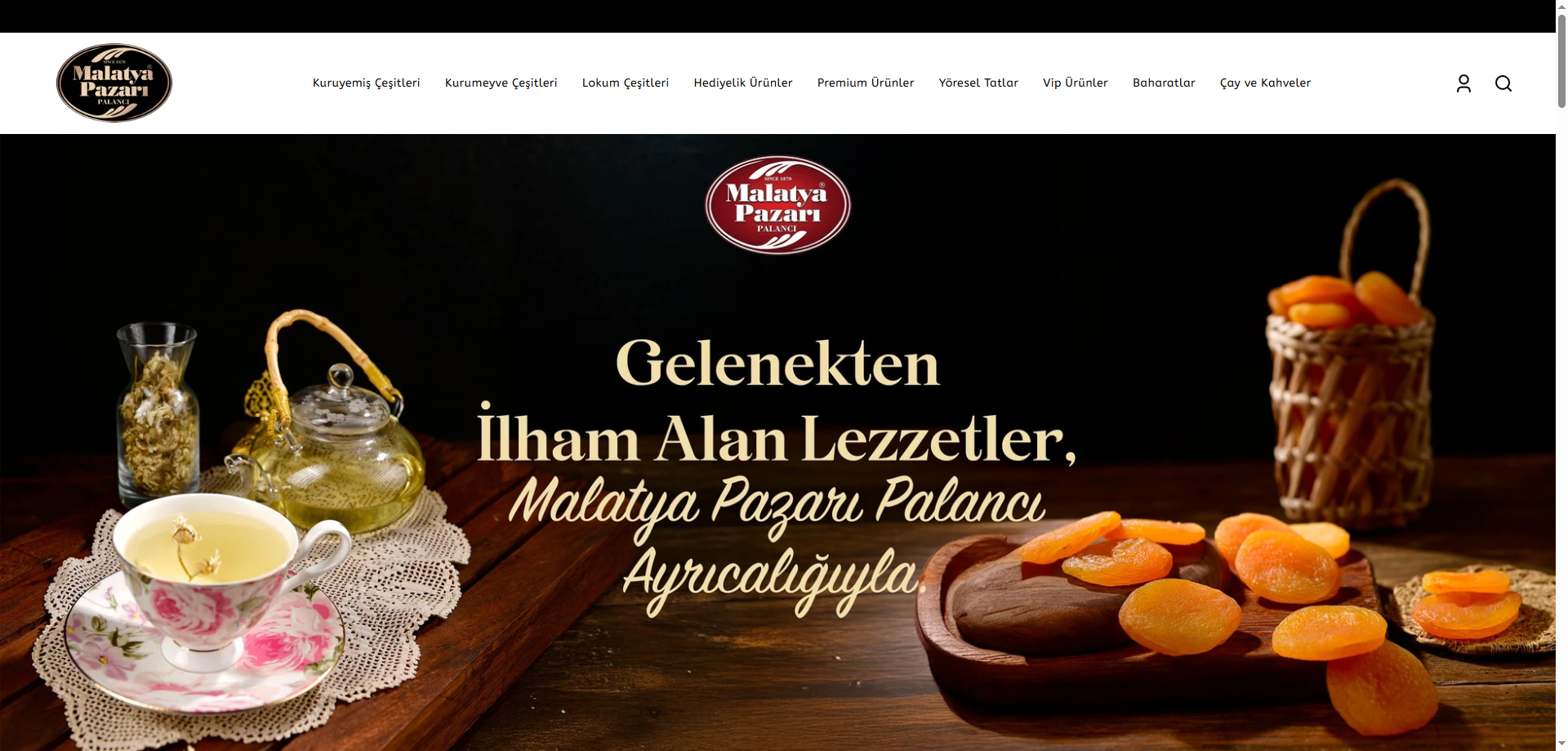
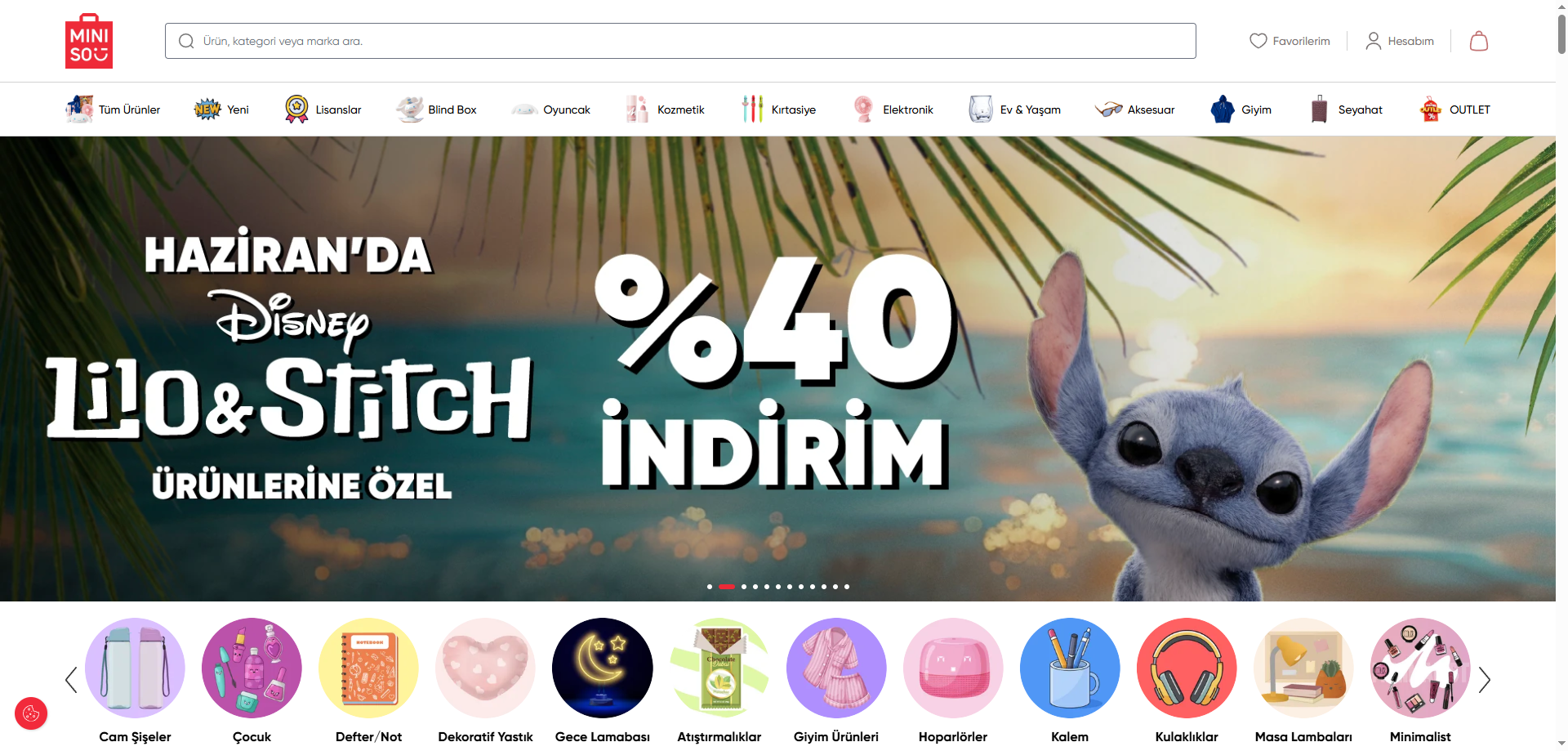
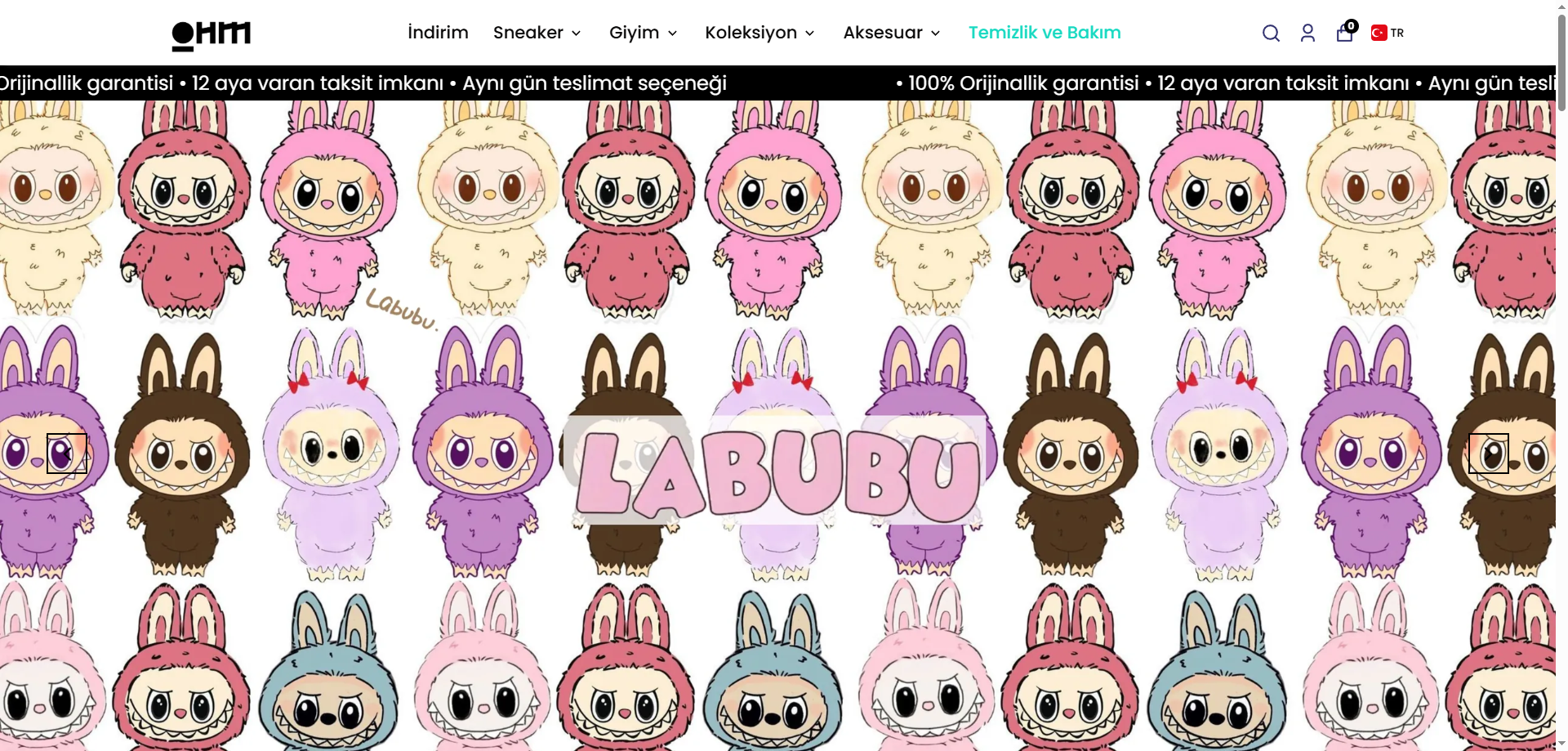
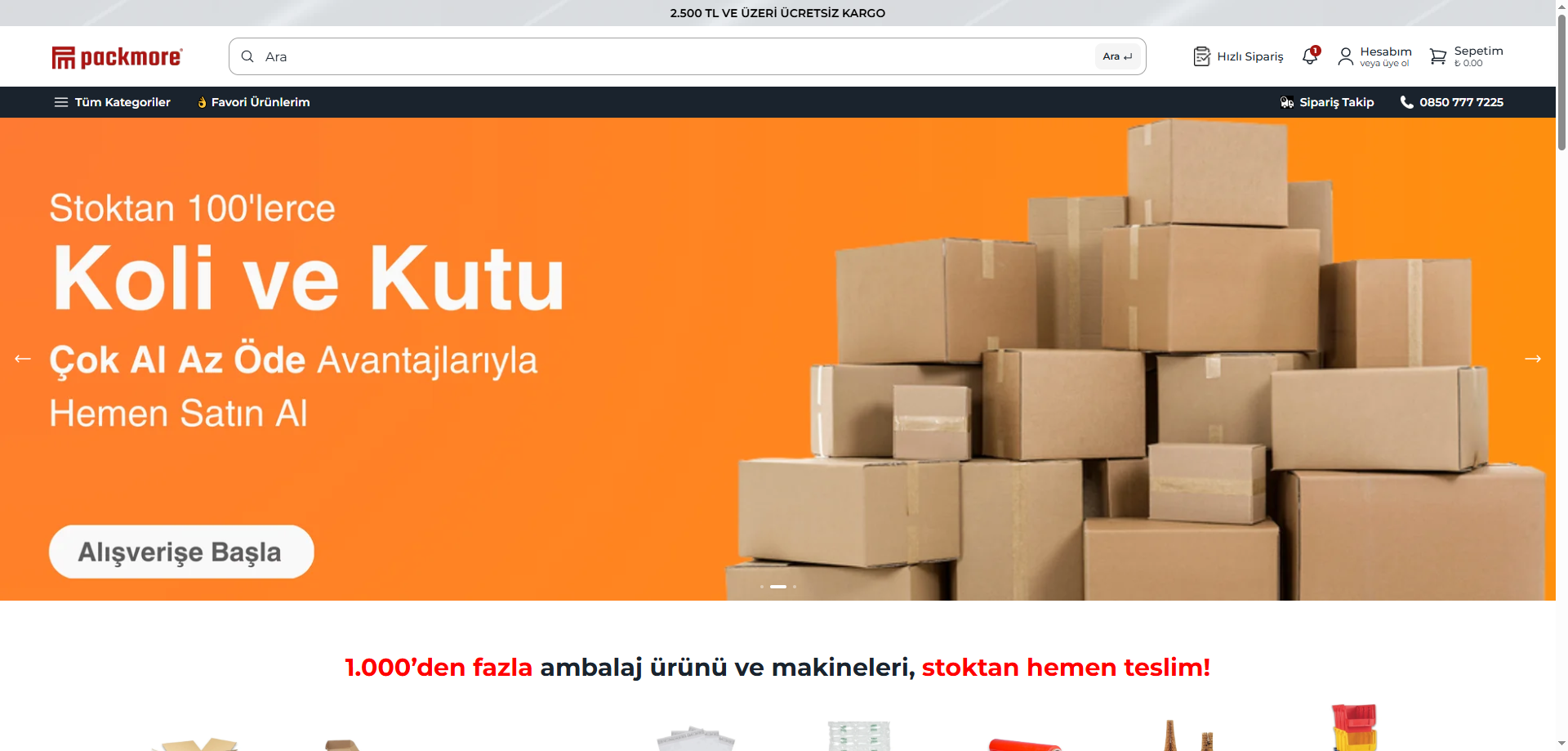
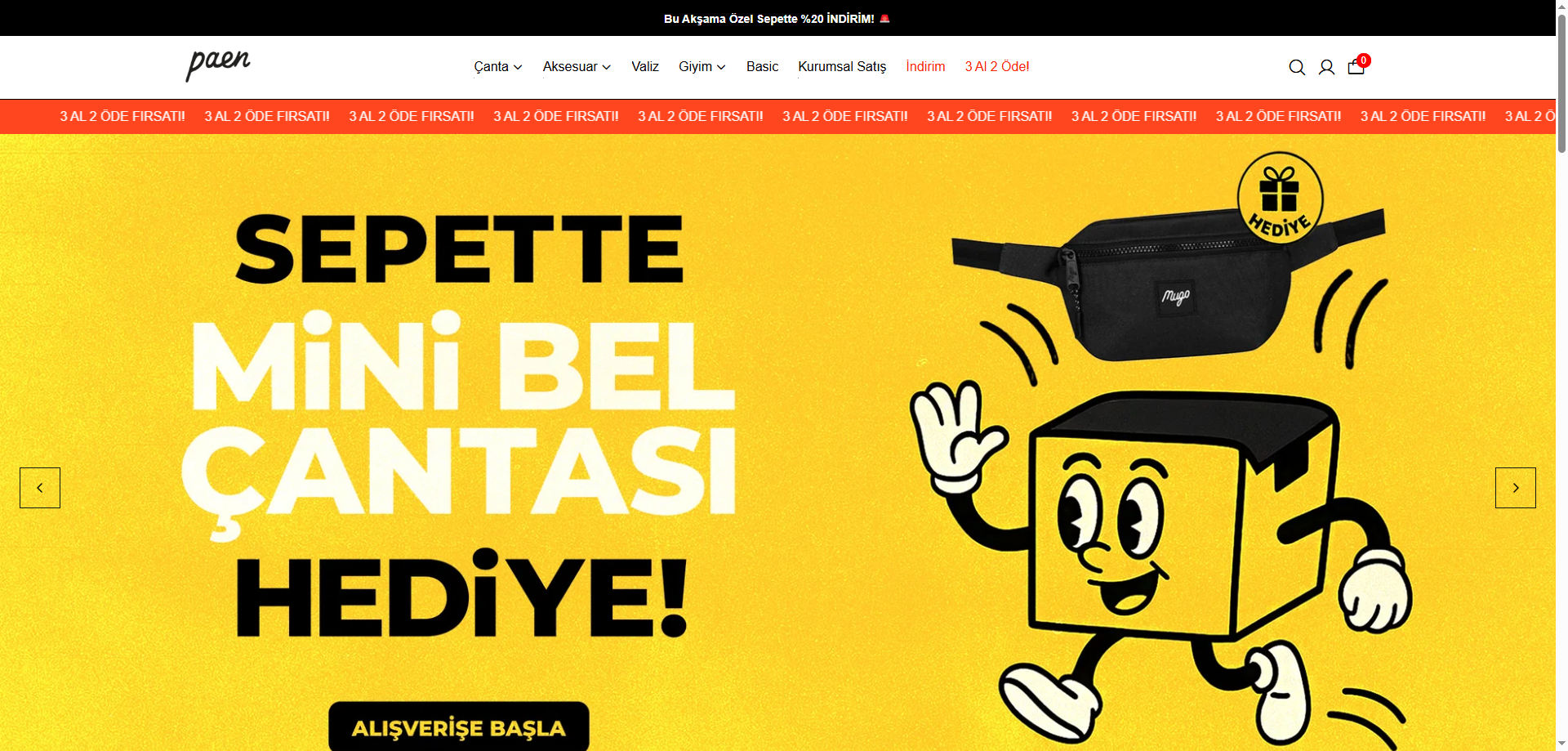
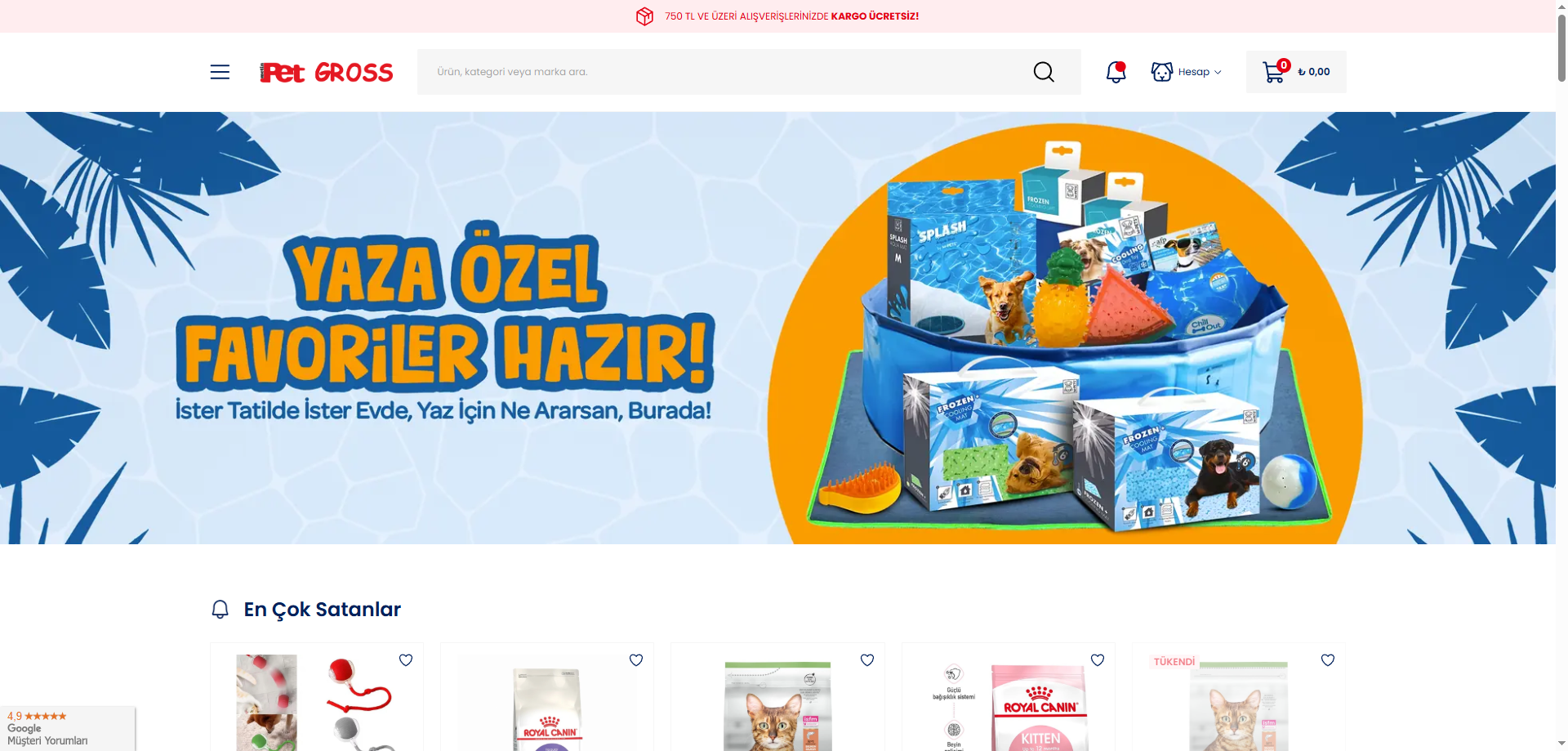
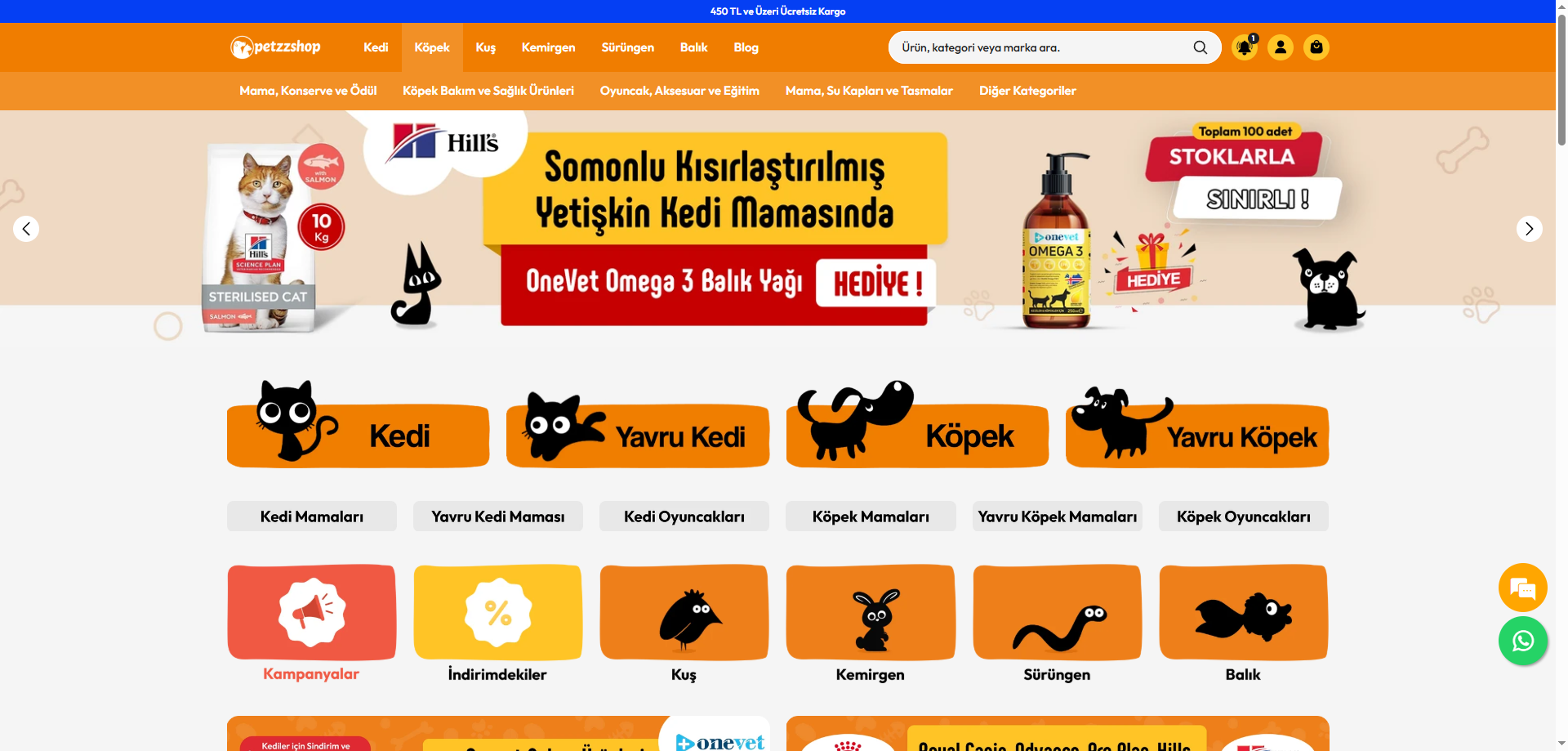
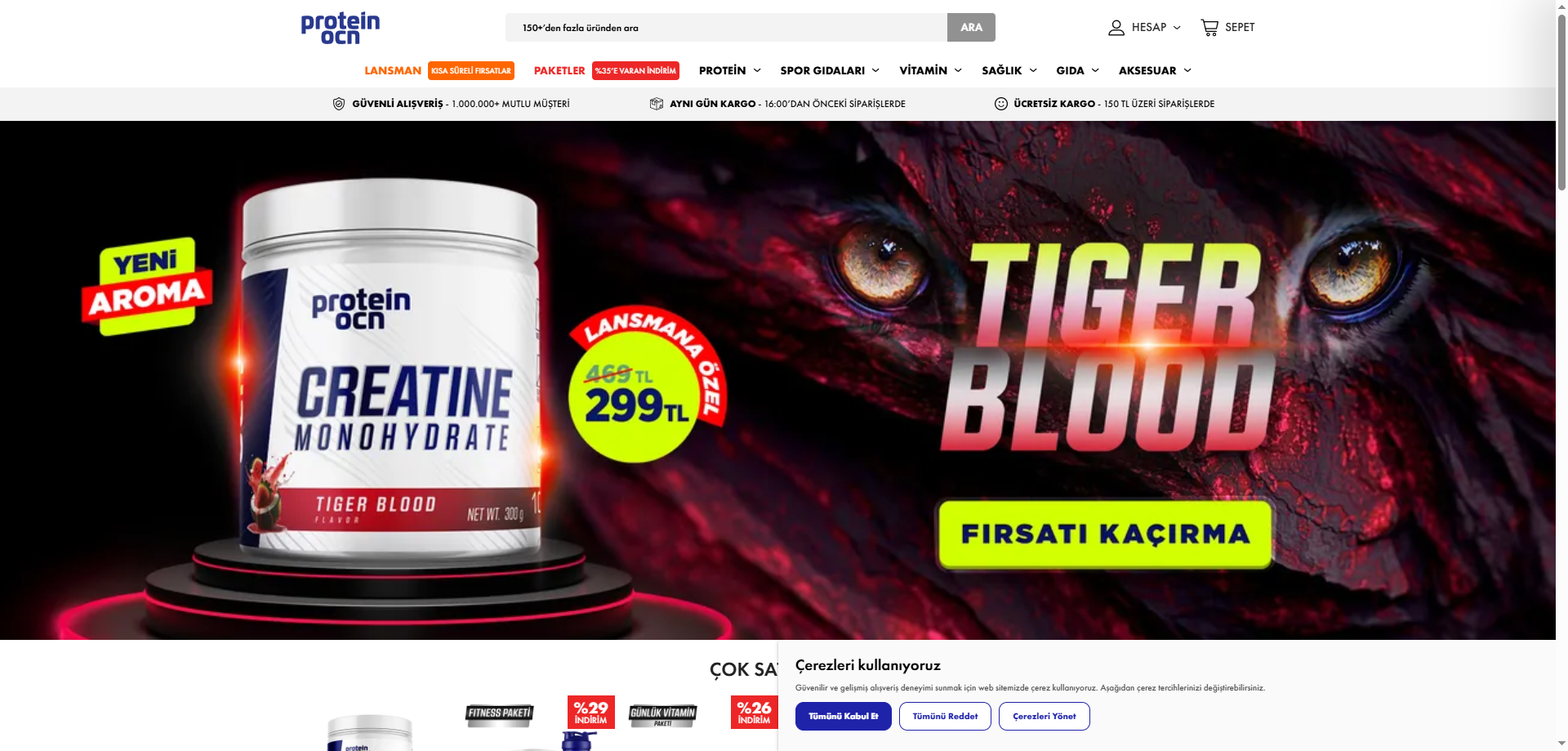


No designs match these filters. Try another category or reset the selection.
01
Where are ikas themes selected, and is a store example a theme?
The guide to ikas provides platform context. A finished merchant website can illustrate an approach without being available as a standard theme product. The official theme store lists provider options with their own product information. These sources serve different purposes. Published store references here should not be treated as copyable templates or products owned and sold by Prix Studio. Visual inspiration does not establish implementation rights, and an attractive store does not prove which licensed components produced its appearance.
Start the selection record with the product name, provider address and review date. Lists change, so an old best-themes article may not represent all current choices. Distinguish designs available within your package from separately purchased products. Use examples for visual ideas and provider documentation for purchase scope. Recording the source of each observation prevents a design preference from being confused with a licence condition. A local capture also does not verify the provider's present pricing or support, which must be reviewed at the time of purchase.
02
How should you evaluate a theme against your products?
The ikas setup mistakes guide places catalogue preparation among operational decisions. Use actual product types in theme review: simple products, numerous variants, long descriptions and different image shapes can use the same layout differently. Check whether a card exposes the information that affects selection. The collection arrangement needs to suit your catalogue size and grouping. A small, carefully prepared demo catalogue cannot validate how the design handles the range of information your store will publish.
A clothing range may need clear option information, furniture may need dimensions and materials, and beauty products may require usage details. These are review scenarios, not a universal ranking of themes by industry. Prepare a sample including long names, missing imagery and availability changes. A good-looking layout does not repair incorrect product data. Treat catalogue readiness as a visible task within selection. That lets the design decision reflect the information a shopper needs instead of becoming a discussion focused only on colours, spacing and the demonstration's product photography.
Product card
Test image proportions, names and price areas with representative products rather than assuming the demonstration covers your data.
Collection
Assess categories and filtering together with the actual catalogue structure and the route to finding a relevant item.
Product detail
Review space for variants, explanations and related items against the questions shoppers need answered before deciding.
FROM READING TO A NEXT STEP
Adapt the selected design to your project
Share the design and your content needs. We can separate licensing from implementation and define a delivery plan.
03
What should be checked in the mobile store and cart?
The ikas setup checklist helps track launch tasks. Review navigation, search, filtering and product selection together on a phone. An elaborate homepage animation cannot compensate for a difficult path to a category. Test control explanations and button positions with real text. A small heading in the demo can become substantially longer with your own product name, moving useful information out of the first screen. Inspect that behaviour instead of assuming the mobile preview alone proves the content will fit.
Cart behaviour, payment configuration and delivery settings need checks separate from a visual reference. A disabled transaction in a local capture proves neither that the function is absent nor that it is ready for your account. Record the tests required in the actual environment. Also consider reserved image space, keyboard use and reduced-motion preference. This page does not guarantee every theme's performance or accessibility. The meaningful check is the store built with your products, configuration and permissions, with observed results distinguished from tasks that still need implementation evidence.
04
Where is the boundary between brand adaptation and custom work?
The ready-made website guide distinguishes delivery work from selecting a design. Logo, colour, copy and image changes may use ordinary configuration. A different product flow, new module or specialised integration may need additional implementation. Do not assume all themes permit identical changes. Describe the desired difference by screen and visitor need instead of requesting an undefined premium appearance. Explaining the problem first makes it easier to evaluate whether a standard setting or a separate development task can address it.
Include existing platform accounts and staff access in the discussion. Establish how changes are maintained after updates and who supports them. Provider licence conditions and agency acceptance criteria can exist in different documents; both need review. Confirm rights for any demonstration assets intended for the brand. Rather than copying a merchant's appearance without permission, describe the principle that suits your information. The purpose is a clear presentation of your own products, not a claim that the selected reference can be recreated unchanged with every visual and functional detail included.
Prepare representative data
Select products with variants, long names and different media to make the review relevant to your catalogue.
Inspect the journey
Examine product, collection and mobile arrangements, separating visual observations from required functional tests.
Define responsibilities
Record licensing, normal adaptation, special work and support ownership in the delivery proposal.
05
How do theme, subscription and implementation expenses differ?
The ikas cost guide explains which items should remain separate. A theme, the platform package and delivery work are not one interchangeable charge. Review current provider amounts and conditions on the purchase date. An outdated list cannot serve as a permanent offer. Product preparation, integrations and content migration introduce additional scope where required. A theme price label does not automatically include them, and a reference shown in this collection is not a quotation for your complete store implementation.
For a Prix Studio discussion, share the selected source record, sample catalogue and required differences. The team can separate straightforward configuration from additional work in an implementation plan. The design decision should remain clear enough to support later updates. Identifying editable areas early can reduce repeated scope discussions for every campaign. No single theme or setup price is recommended for every merchant. Suitability is assessed through the store's verified requirements, the current provider terms and the operating arrangement agreed by the people who will maintain the result.
BEFORE YOU DECIDE
Frequently asked questions
Are ikas themes the same as finished store examples?
A theme can be an installable provider product, while a finished store is a design reference. Their appearance may overlap, but purchase and reuse rights differ. An examples gallery does not mean that every merchant's design can be licensed or copied.
Are current ikas theme prices listed here?
This page does not publish a fixed price table. Check current amounts, licensing and support at the official product source. Platform subscriptions and implementation work are different expenses, so a complete budget requires separate scopes rather than one theme price alone.
Should industry or platform come first?
Platform compatibility is a basic requirement; industry context is then reviewed through catalogue and content needs. A theme demonstrated in another sector can still contain a useful structure. Actual product testing is more informative than matching only the demonstration photographs to your business.
Does every visible preview function count as implemented?
No. A preview supports design inspection and live transactions may be disabled. Payment, cart and integrations need validation in the actual implementation. A visible module does not prove that the same function is included or configured for your particular account and package.
Can the selected theme be changed?
The scope depends on platform, product and provider conditions. Separate ordinary editing from custom implementation. Consider existing content, updates and verification needs; do not assume every requested change is simply an available setting or is covered by the initial licence and setup offer.
LET’S DEFINE THE SCOPE
Adapt the selected design to your project
Share the design and your content needs. We can separate licensing from implementation and define a delivery plan.
Discuss the design