
Razor Real Estate
User Guide.
Table of Contents
Start HereLayoutsLayout Customization Updating the main layout hero background image Rearranging & editing template sections. Customizing homepage property listings. Editing the areas carousel slider. Editing the homepage testimonials. Updating the parallax layout hero background image. Editing the animated layout interactions. Updating the background video header layout.Style GuideStyles Customization Customizing heading and text styles. Customizing button styles.The Mega MenuMenu Customization Editing the mega menu. Editing the mobile menu.Start Here
Start with the Style Guide and Variables panel to update your brand colors, fonts, and core spacing. Then open CMS Collections to replace Listings, Areas, Team Members, Testimonials, and Blog Posts with your own content. Replace all images in Assets and CMS items, including alt text. Update shared Navbar and Footer components so navigation, contact details, and social links stay consistent across the site. Before launch, review SEO settings, forms, favicon and webclip, responsive breakpoints, links, and the Licenses page; then publish from Webflow.
Layouts
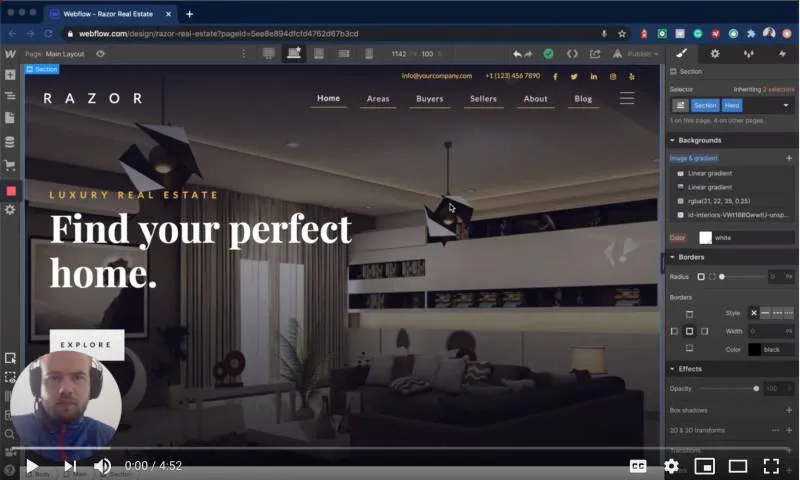
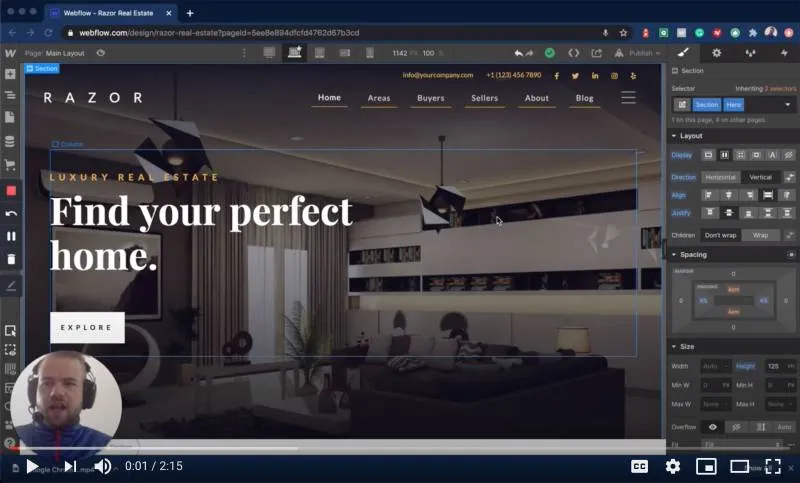
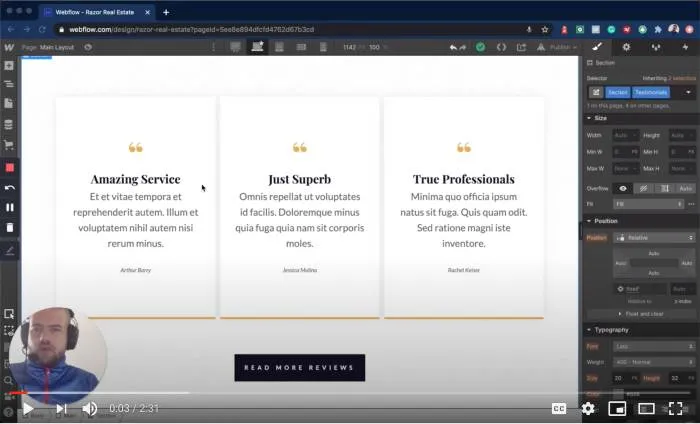
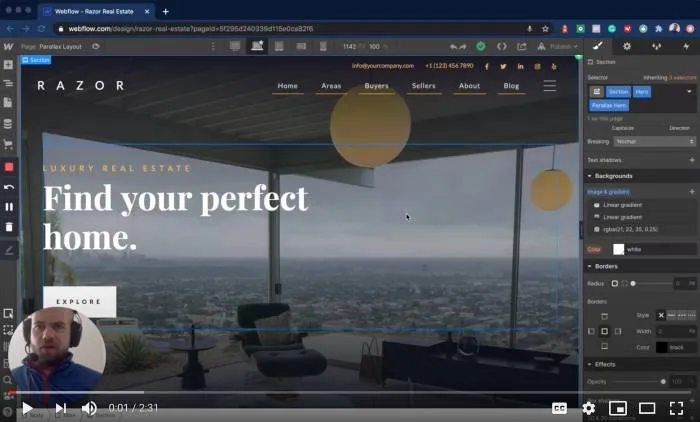
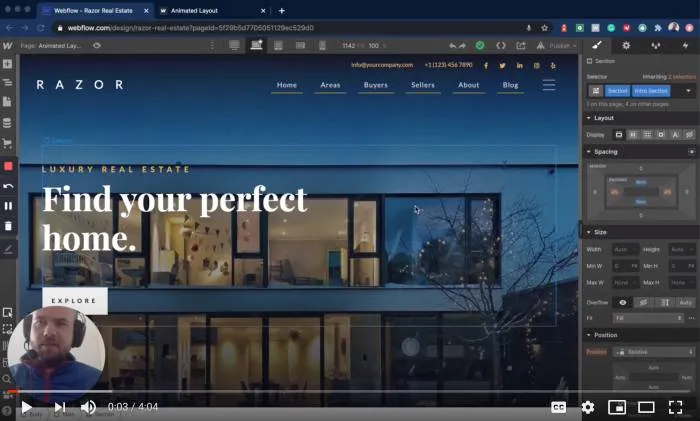
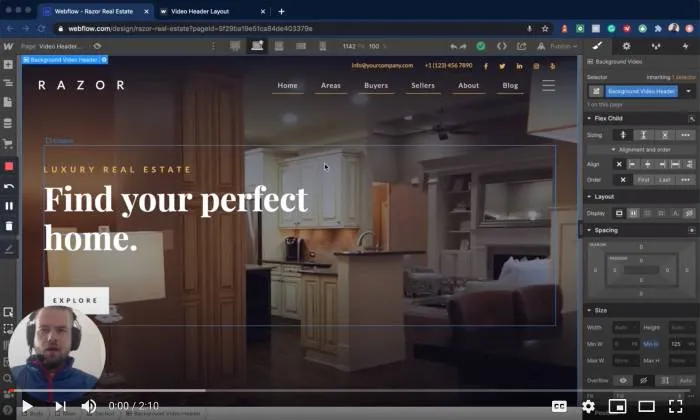
Razor Real Estate has four main homepage layouts that all follow the same beautiful visual style geared towards the high-end luxury real estate market.
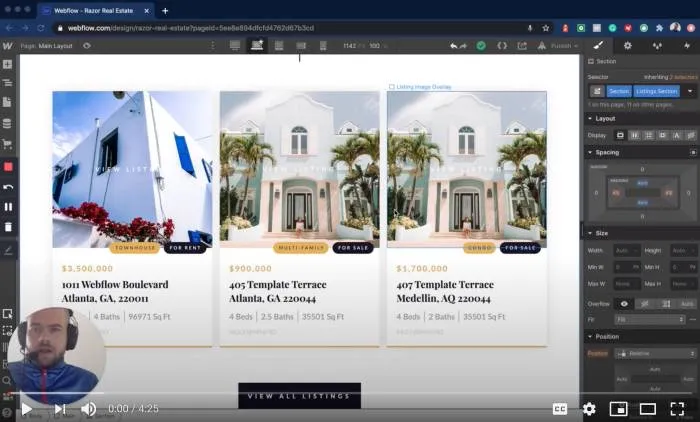
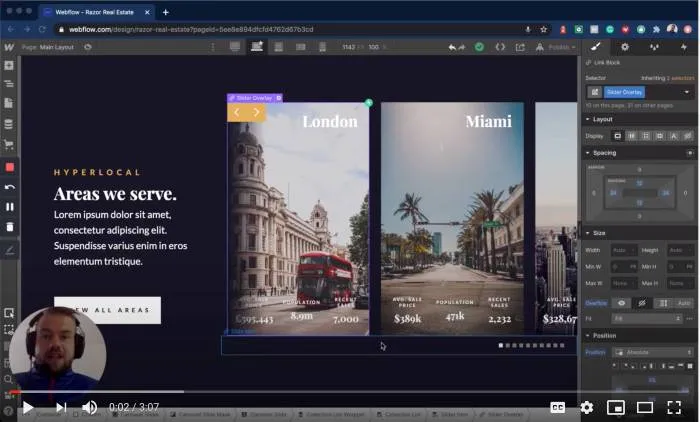
Each layout comes with unique characteristics and sections that you can copy, mix up, re-arrange and edit to create your own unique and custom homepage.
Main Layout - This is the principal homepage layout designed to give you a beautiful and highly functional homepage that is optimized for page speed, SEO and can be fully customized and edited to your needs within Webflow.
Parallax Layout - This layout is similar to the Main Layout however it features smooth Parallax animation effect on all of the background images used in the layout. This layout also features a fixed navbar that stays visible as the user scrolls down the page.
Animated Layout - This layout is designed to give you the option to have elements and sections on the page animate into view as the user scrolls the page. Each interaction is created with the Webflow interactions panel and can be customized and edited as you wish!
Video Header Layout - The video header layout is designed for businesses that wish to use a video in their header section to captivate audiences. The background video header section can be easily edited with a few clicks and without writing any code!
Style Guide
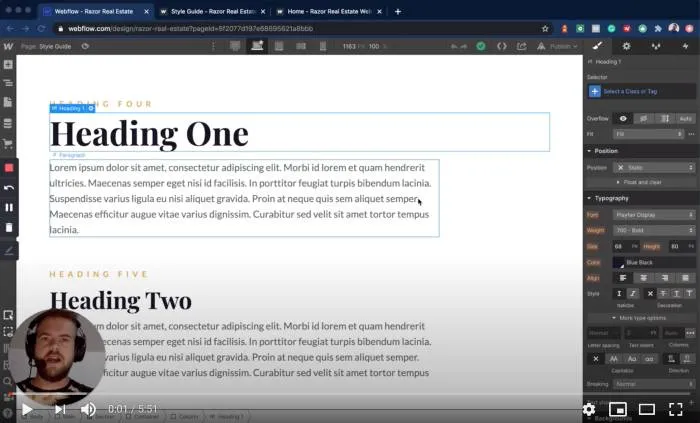
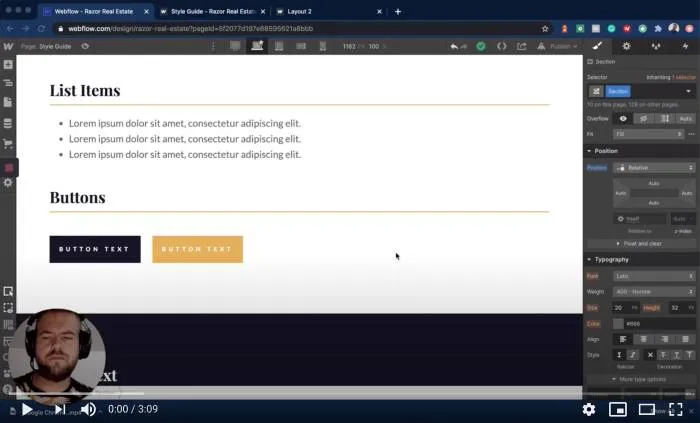
The Razor Real Estate website template for Webflow includes a Style Guide which defines the styling for Colors, Headings, Subheadings, Text, Links, Buttons, Lists and Block Quotes.
You can use the style guide to view and understand the styling of the template and to easily update styles globally across your website to suit your brand.
The Mega Menu
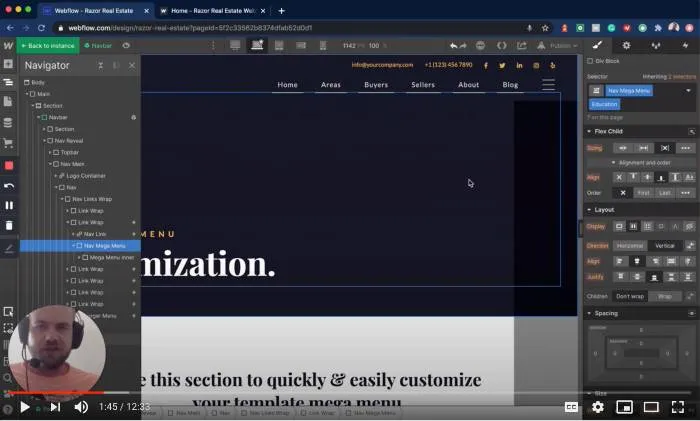
The Razor Real Estate website template for Webflow features a beautiful animated mega menu.
The mega menu is one of the more complicated elements in the template, and customizing it may be difficult for some users. For this reason, the mega menu element has it's own dedicated Menu Customization page to help you to quickly and easily edit and update this element.
.webp)